Table of Contents
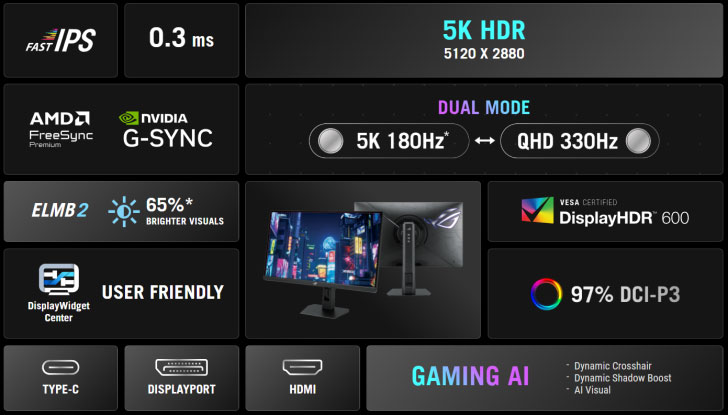
The ASUS ROG Strix XG27JCG is a 27-inch Fast IPS monitor with two headline modes: 5K at up to 180Hz and QHD at up to 330Hz. ASUS identifies the 180Hz figure as an overclocked setting. Its main appeal is switching between a sharp desktop or game image and a lower-resolution mode with a higher refresh ceiling.
What 5K adds at 27 inches
The native 5120 × 2880 resolution produces about 218 pixels per inch. Compared with 3840 × 2160 4K, it contains roughly 78% more pixels, calculated from the two resolutions. That can make fine text and detailed images look clearer at a close viewing distance, though you may need operating-system scaling to keep text comfortable to read.
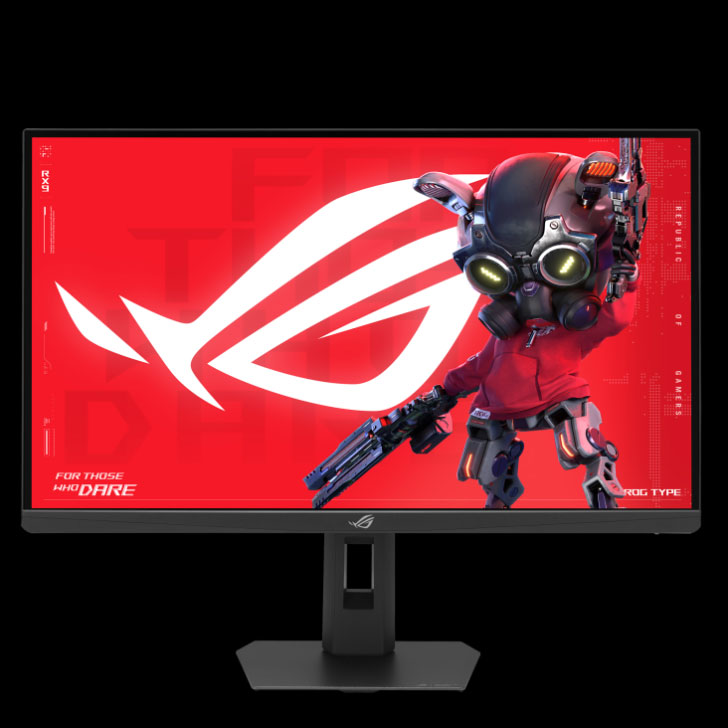
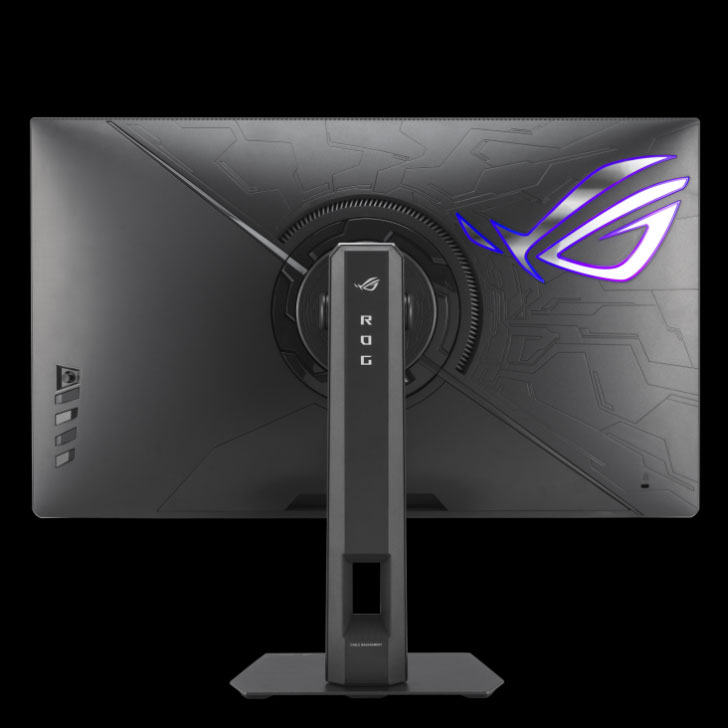
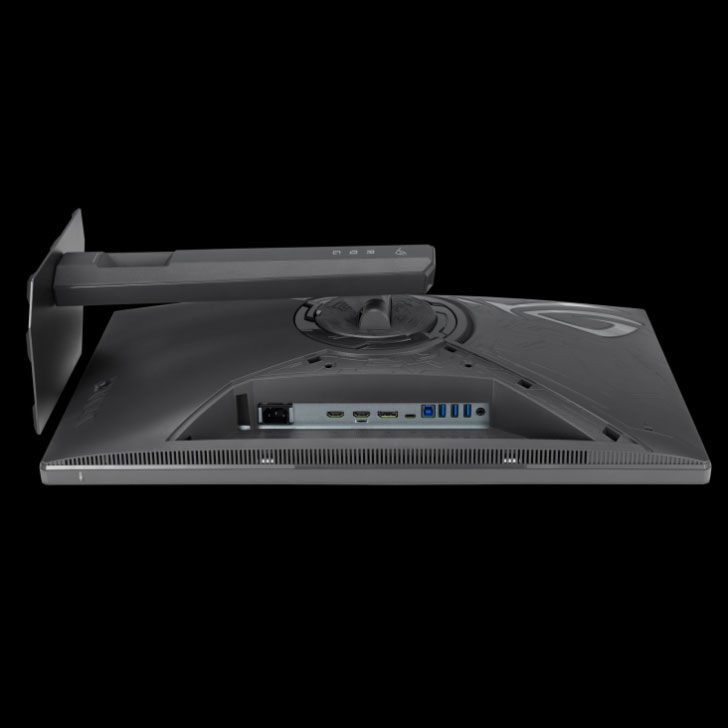
More pixels also mean more rendering work in games. A monitor accepting a 180Hz signal does not mean a GPU will generate 180 frames per second at native 5K in every title. Consider the games, visual settings and upscaling options you actually use.
When QHD 330Hz is useful
The alternative 2560 × 1440 mode trades image detail for a higher refresh rate. It can suit competitive games when the PC can produce sufficiently high frame rates. It is a different operating mode, so you cannot have native 5K detail and the 330Hz ceiling simultaneously.
For the distinction between display refresh and game frame rate, see how refresh rates affect gaming.
Read the panel specifications carefully
ASUS lists a 1500:1 typical contrast ratio, 97% DCI-P3 coverage, 350-nit typical brightness and a 600-nit HDR peak. It also specifies FreeSync Premium Pro and G-SYNC Compatible support. These are manufacturer specifications, not independent measurements of every operating mode.
The advertised 0.3ms gray-to-gray response time describes pixel transitions under specified conditions; it is not a measurement of total input lag. Wide color coverage and HDR brightness alone do not establish HDR quality. Look for testing of overdrive, motion clarity and dark scenes before judging the display against an OLED alternative.
Check your GPU before expecting 5K 180Hz
Older graphics cards are not necessarily incompatible with the monitor. ASUS's supported refresh-rate table lists the RTX 4070 and RTX 3070 at 5K 120Hz, while several tested RTX 50-series and Radeon models reach 180Hz. Supported rates depend on the GPU and connection, with separate entries for Macs.
Consult the official specifications and compatibility table for your exact setup. DisplayPort version alone is insufficient to predict every supported resolution and refresh combination. Adapters, docks, cables, drivers and the monitor's overclock setting can also affect the available modes.
After connection, use Windows 11 Advanced display settings to confirm the selected resolution and refresh rate rather than assuming Windows chose the maximum.
Who should consider it?
The XG27JCG is most relevant if you want high-density text and images alongside fast gaming on one screen. Compare current local pricing, return terms and measured performance with 4K IPS and OLED options. An earlier regional price is not a reliable current worldwide price, and a different panel type is not automatically better for every workload.
Related Articles
 ASUS ROG Strix SCAR 17 SE: Intel Alder Lake HX chip, 3080 Ti GPU, vapor chamber heatsink
 Asus launched Strix SCAR 17, a giant gaming laptop
 Experience a laptop running ASUS RTX 3080 graphics card
 6 best gaming motherboards in 2019
 Strix Scar III - laptop running Asus' first generation 9 Core i9 chip, highly configurable, has' lock 'to personalize the computer
 LG 27GP850 monitor review: 2K 180Hz resolution, harmonizing gaming and creative work
Reader Comments 0
Sign in with email or Google to join the discussion.