Table of Contents
5 Wear OS Smartwatch Features to Learn from Apple Watch brings together practical options worth considering. Below, you'll find clear explanations, useful context, and tips for deciding which choices best match your needs.
Key Takeaways
- Review unified health application.
- Explore adjust your training goals dynamically.
- Understand walkie talkie features.
5. Unified Health Application
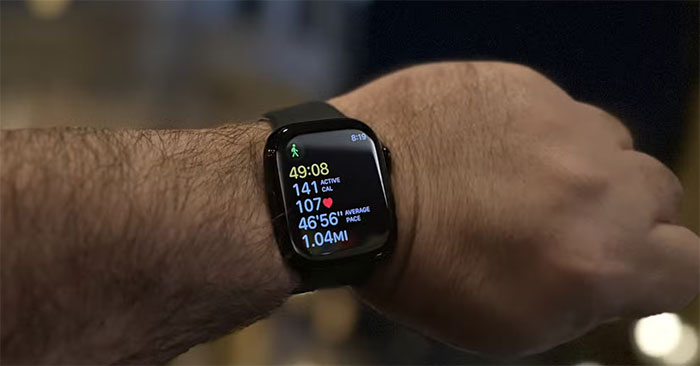
One of the main issues that still exists with Wear OS smartwatches, like the Google Pixel Watch 3 and Samsung Galaxy Watch Ultra, is that each manufacturer uses its own app to collect and display health data.
For instance, despite being a great smartwatch, Google's smartwatch still relies on the Fitbit app, while the Samsung Galaxy Watch uses Samsung Health. There's no unified health-tracking app that works across all Wear OS devices.
Apple, on the other hand, uses a single Fitness app to display all the data collected from the Apple Watch. You just open the app and see everything from steps taken, calories burned, distance traveled, and even the quality of your sleep — right from the home screen. With Wear OS, you have to install the brand's companion app to access your health data, as Google doesn't offer a universal solution.
4. Adjust Your Training Goals Dynamically
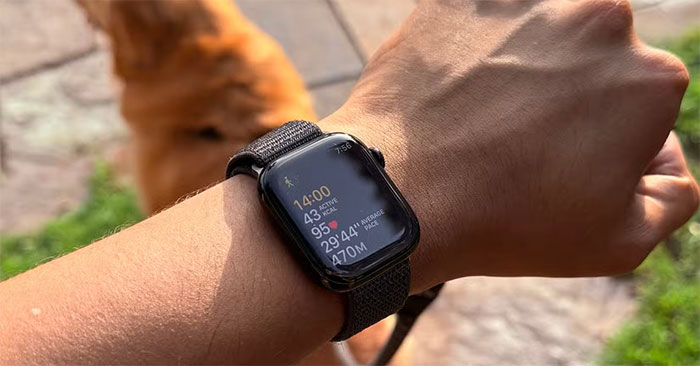
Most Wear OS smartwatches offer excellent activity tracking, with support for a wide range of workouts and a wealth of detailed data. However, once set, they are static goals. You can set goals like calories burned, daily steps, and standing hours during setup. You can't adjust them for a specific day, and if you miss a goal once, you lose your streak.
Let's be honest, you don't want to work out every day. There are times when you can miss a workout due to work or recovery, but still feel pressured to hit that goal. Many people would love to see Wear OS watches adopt customizable daily goals.
Apple introduced custom goals in watchOS 11, allowing you to adjust your goals (or pause them if you can't complete them for whatever reason) so you don't lose your streak.
3. Walkie Talkie Features
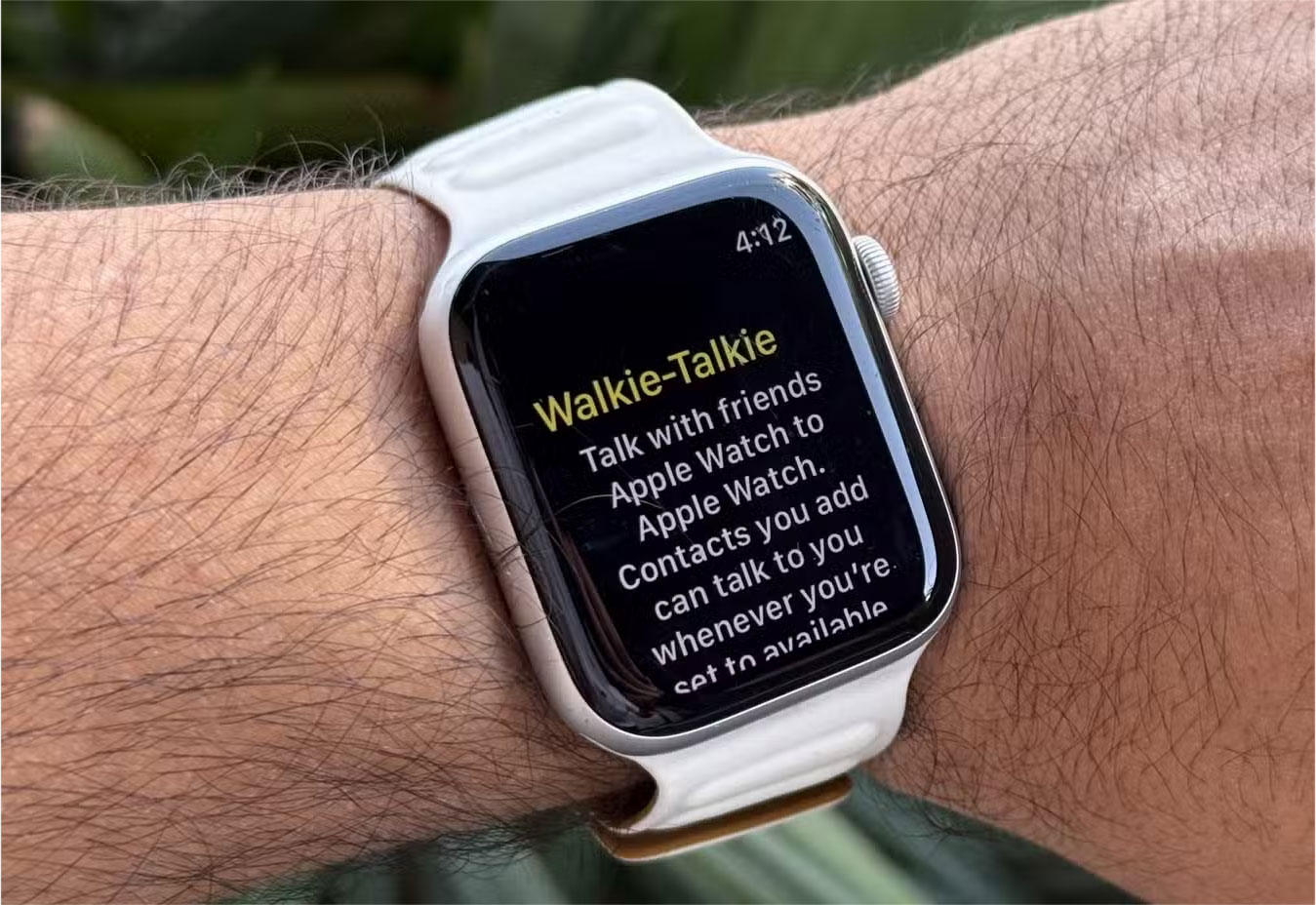
It's time to introduce some interesting elements while Wear OS watches have caught up to Apple in terms of health tracking and core features. One feature that many people would love to see on Wear OS is Apple's version of walkie-talkie functionality.
This feature, as the name suggests, allows you to send instant voice messages, just like a traditional walkie-talkie. It works over the internet, so you can talk to any of your Apple Watch-wielding friends no matter where they are. It may not be the most essential tool, but it's a fun and surprisingly handy feature in a crowded environment.
2. More Reasonable Device Pairing
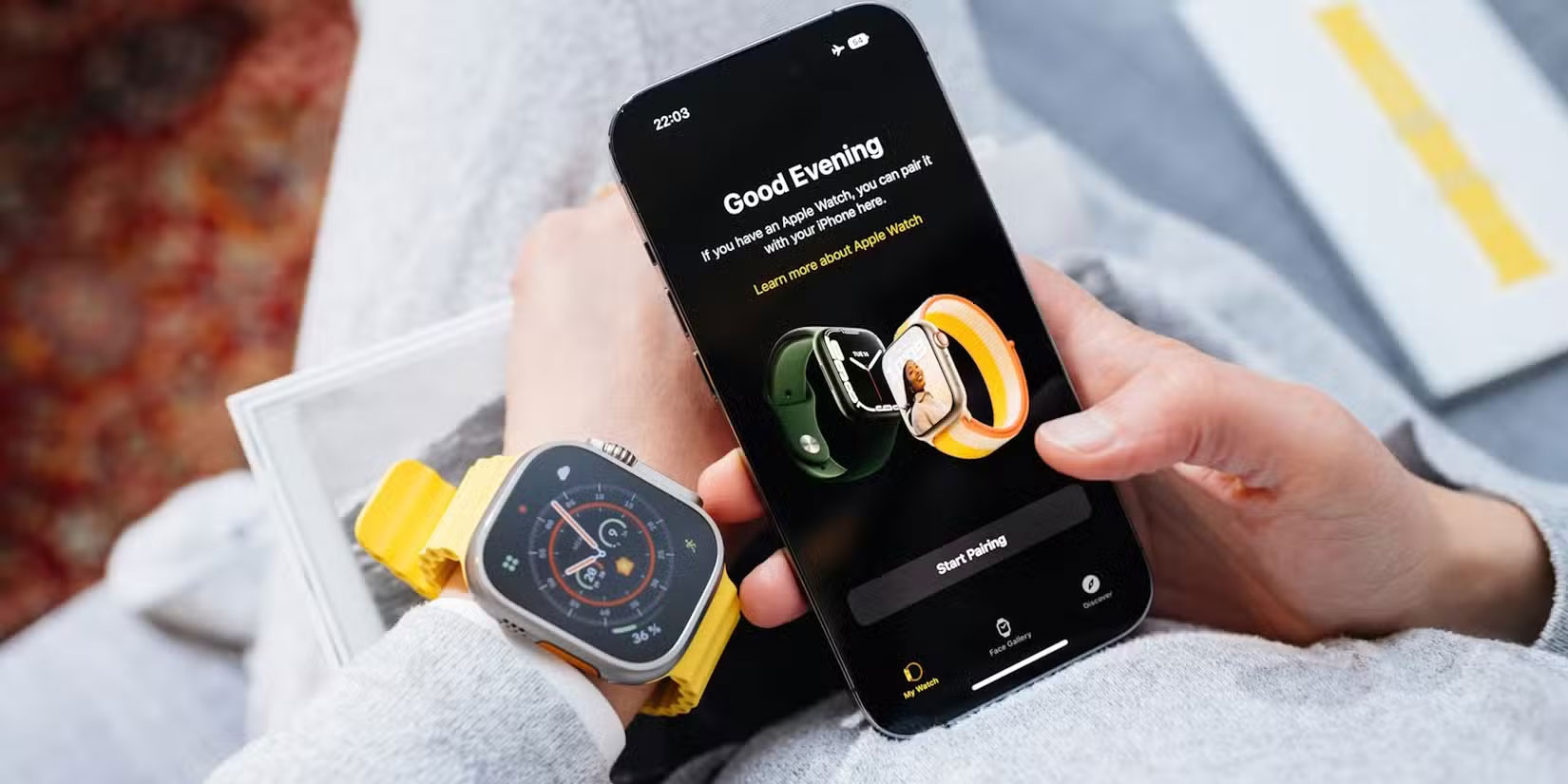
Pairing a Wear OS smartwatch to your phone is still a bit of a chore. Yes, most newer models support Google Fast Pair, which will pop up a window when the watch is nearby, but you still have to go through a full setup process. You also usually have to download a brand-specific app.
This is where Google should follow Apple's lead. Apple offers a single Watch app that handles everything. Google should offer a unified Wear OS companion app that works with all devices for basic setup and syncing, regardless of brand. Brand-specific apps can still provide additional features, but a basic app would simplify things a lot.
1. Software Updates Need to Be More Seamless
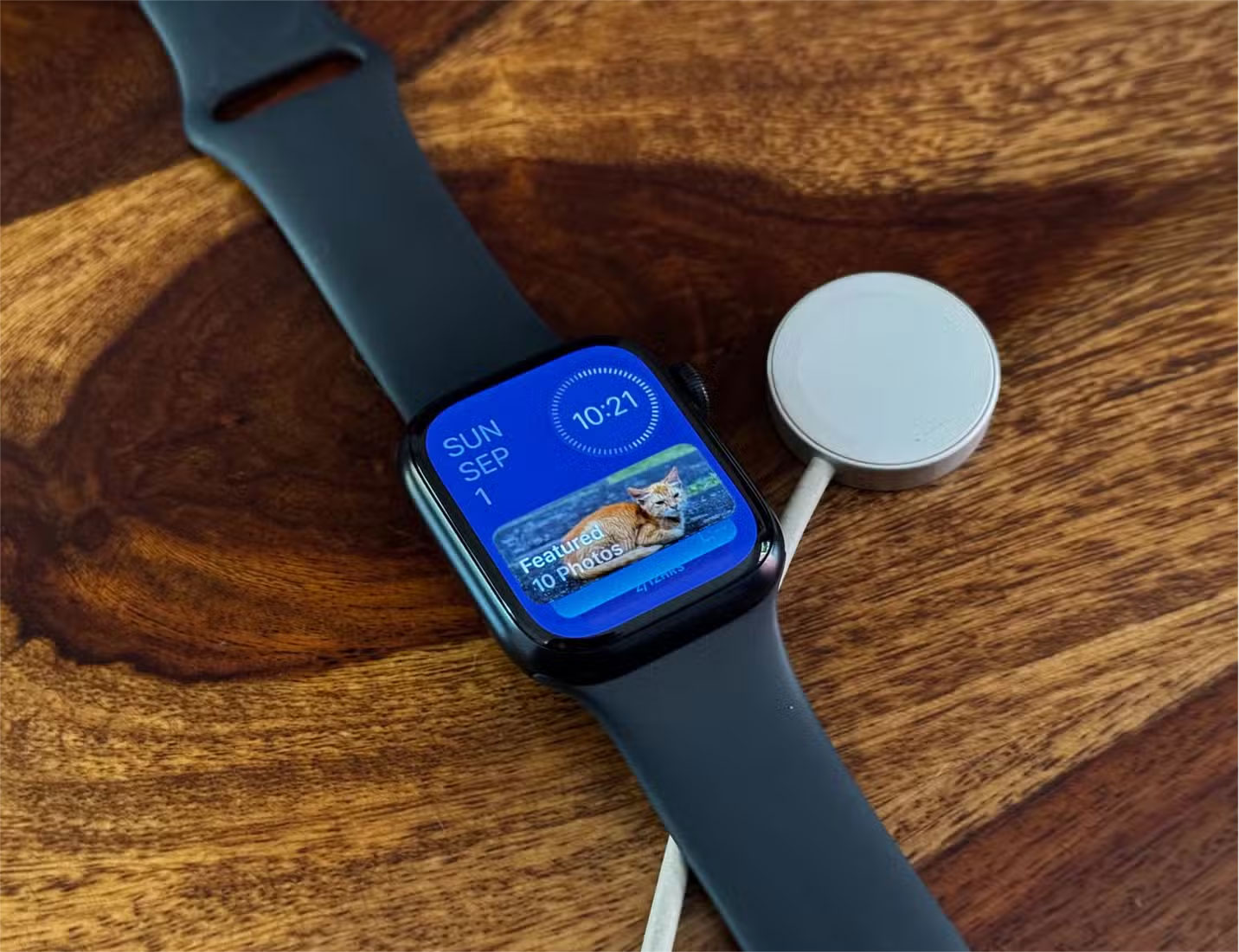
One big problem that Google needs to fix in Wear OS – and that Apple has already fixed – is software updates. You never have to wait. Apple releases updates for the Apple Watch pretty regularly, and all compatible models get the update at the same time. This is a great part of Apple's unified approach to software, and one area where Android fragmentation is a real problem.
This is completely different from the Wear OS ecosystem, where Samsung and Google smartwatches typically get the latest version of Wear OS first, and from there, updates are rolled out in batches to other Wear OS devices.
Some devices can even take months to update. With brands now rolling out updates faster than ever, it's still an issue on Wear OS watches while Google has largely addressed the issue of update fragmentation on Android smartphones.
Overall, Google has improved Wear OS to a level that's pretty comparable to the Apple Watch, but there are still a few things that the Android smartwatch ecosystem lacks.
These features aren't huge issues, but there are a few that many people won't buy a smartwatch without. The Apple Watch remains a timeless classic while Wear OS has evolved rapidly.
Final Thoughts
The most reliable way to handle wear OS smartwatch features to learn from Apple watch is to follow the process in order, verify each important setting, and test the result before moving on. Use the guidance above as a practical reference, then adjust the details for your device, software version, or specific goal.
FAQ
What should I know first about Wear OS Smartwatch Features to Learn from Apple Watch?
Wear OS smartwatches have come a long way, but there are a few key areas where the Apple Watch still has the lead.
How do I get the best results with Wear OS Smartwatch Features to Learn from Apple Watch?
Use current software or equipment, follow the steps in order, review the recommended settings, and test one change at a time so you can identify what improves the result.
What should I do if Wear OS Smartwatch Features to Learn from Apple Watch doesn't work as expected?
Check compatibility, permissions, connectivity, and version-specific settings. Restart the relevant device or app, then repeat the process carefully before trying a more advanced fix.
Related Articles
 6 Best Features of Samsung Galaxy Watch 66 minutes read
 Google Unveiled Some New Features of Android Lollipop Wear for6 minutes read
 How to Screenshot of Android Wear Smart Watch4 minutes read
 11 New Features of Android Wear 2. 0 Version of Android Smart Watch9 minutes read
 Smartwatch Smart Watch: Learn About Smartwatch Smartwatch10 minutes read
 Xiaomi Mi Watch Design Leak, Like Apple Watch, Many Advanced2 minutes read
Reader Comments 0
Sign in with email or Google to join the discussion.