Table of Contents
Learn how to fix christmas tree lights with clear steps, practical tips, and troubleshooting guidance for a reliable result.
Step 1: Check the basics
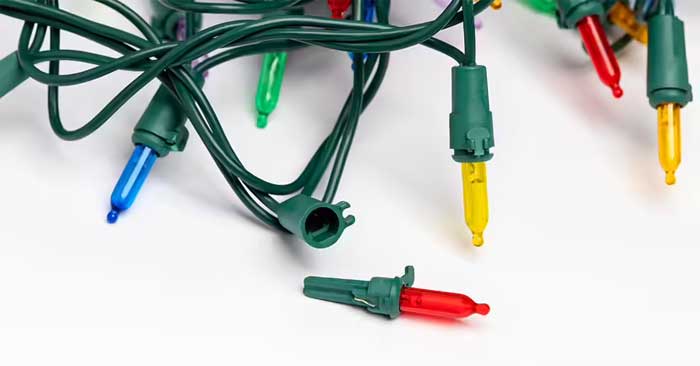
Make sure the light strip is plugged in and has power. Try plugging it into a different outlet or testing a live light strip in the same outlet to confirm.
Check the plug and male end for damage. Some Christmas light strings also have a small fuse in the plug that may need to be replaced.
Step 2: Check for a blown fuse
Use a flathead screwdriver or small tool to open the fuse compartment in the plug. Most light strings have two small fuses.
If a fuse blows, replace it with one of the same type and voltage. This simple fix can often restore power to the entire string of lights.
Step 3: Find the broken bulb
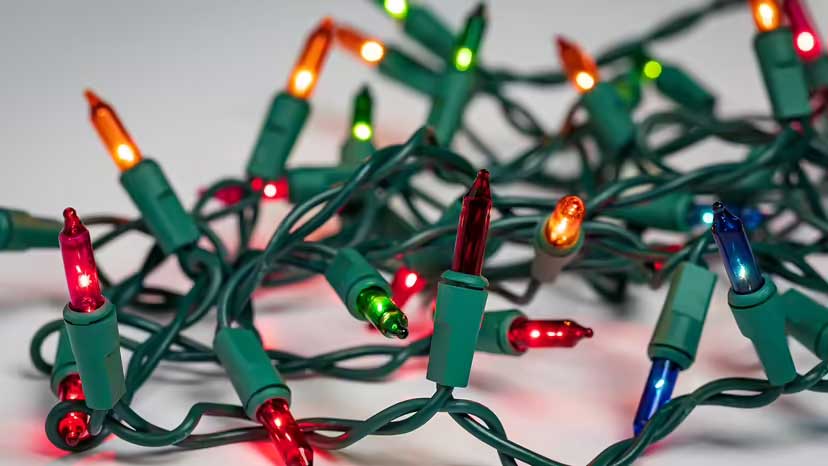
A blown or defective bulb can break the circuit in old incandescent bulbs. Start at one end and test each bulb. Look for dark or broken filaments. Unplug and replace any suspicious bulbs with identical replacement bulbs.
If one light bulb fails, all the lights in that circuit may go out.
For LED strips, a single LED bulb failure may not affect the entire strip, but it may cause a section of the strip to fail. These lights typically have multiple sections of wire connected in parallel, so only one section of the strip will be out if one LED bulb fails.
Step 4: Shake and tighten the loose bulb
Loose light bulbs are a common problem. Gently press each bulb into the socket to ensure it is securely seated.
If the bulb pops out easily or feels loose, replace it. A faulty bulb or even one that is out of place can disrupt the flow of electricity.
Step 5: Use a Light Tester or Voltage Detector
A light tester can help you find a broken bulb, especially in a string of lights where half the lights work and the other half don't. The device will sense the current and help you determine where the circuit is broken.
Once you have identified the faulty bulb, replace it.
Step 6: Replace the damaged wire or use electrical tape
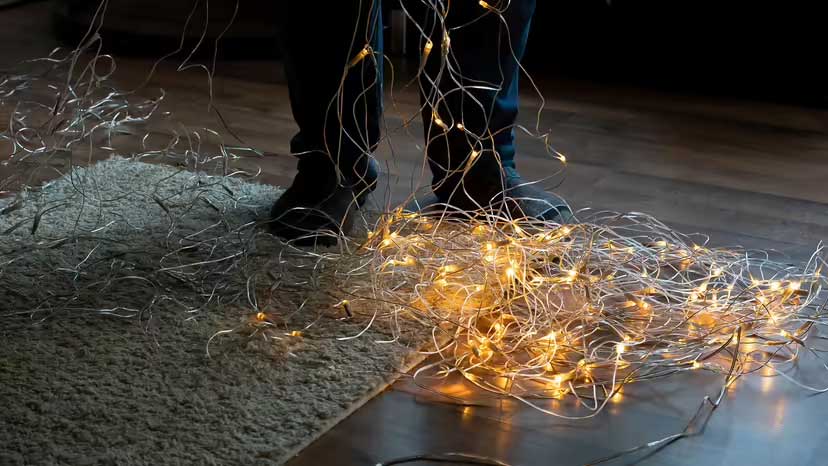
If the wire is damaged and you cannot repair the Christmas lights by changing the bulb or fuse, you may need to isolate the damaged section of wire. Do not cut the damaged section of wire to re-wire it, as changing the number of bulbs can increase the voltage on the remaining bulbs and may burn them out.
If you can't fix a section of wire by changing the bulb or fuse, it's best to replace the entire wire. While that may seem risky, it's the safest option.
Step 7: Check before hanging the lights
It can be a pain, but testing your lights before hanging them can save you a lot of trouble down the road. Before you hang them on your Christmas tree or along your walls, plug in the wiring and make sure all the lights are working. There's nothing worse than finishing your decorations and finding a broken wire.
And that's it! Just follow these simple steps and your Christmas tree will be sparkling and shining all holiday season.
Final Thoughts
Use this guide as a practical checklist for how to fix christmas tree lights. Work through the steps in order, verify each result, and adjust the options to match your needs.
FAQ
What do you need before following this How to Fix Christmas Tree Lights guide?
Review the required tools, accounts, settings, or materials mentioned in the article. Learn how to fix christmas tree lights with clear steps, practical tips, and troubleshooting guidance for a reliable result.
What are the main steps for how to fix christmas tree lights?
Follow the sections in order, especially Step 1: Check the basics, Step 2: Check for a blown fuse, Step 3: Find the broken bulb. Complete each step before continuing and verify the result as you go.
What should you do if the process does not work as expected?
Recheck the prerequisites, update the relevant app or service, review the settings, and repeat the step that caused the issue. Use any troubleshooting notes included in the guide.
Related Articles
 Should Christmas Tree Lights Be Left on All Night: Explained6 minutes read
 Ideas to Decorate a Unique Christmas Tree8 minutes read
 6 Ways to Fold Origami Paper Christmas Trees for Decoration3 minutes read
 Why Is There a Christmas? (part 2)6 minutes read
 15 Ways to Make Extremely Cute and Super Impressive Christmas6 minutes read
 Guide 10 Ways to Make Christmas Tree Unique from Any Material11 minutes read
Reader Comments 0
Sign in with email or Google to join the discussion.