Table of Contents
Experience the convenience of tablets with detailed instructions on how to use them simply and effectively. Discover fascinating features, a wide range of applications, and how to optimize your device to meet all your personal and work needs.
If you've just bought a new tablet or want to get the most out of this lovely device, let's explore how to use your tablet in the simplest and most effective way.

How to use a tablet most effectively and efficiently
Step 1: Update the Operating System
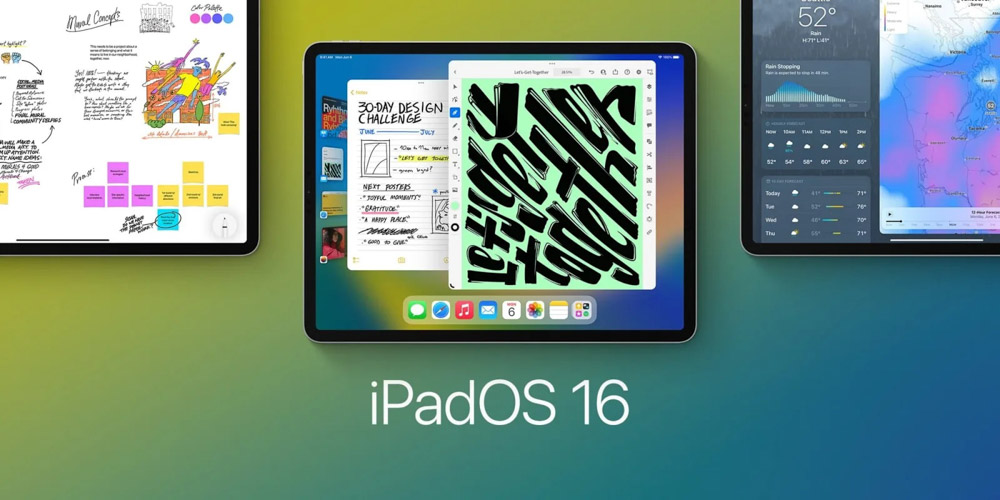
To begin, make sure your tablet is updated to the latest operating system version. This will allow you to experience the newest features and bug fixes to improve performance. To check for and update your operating system, you can follow these steps:
- Open the 'Settings' app on your tablet.
- Scroll down and select 'Device Information' or 'About Tablet'.
- Click on 'System Update' and follow the instructions to download and install the latest update.
Step 2: Customize the Interface
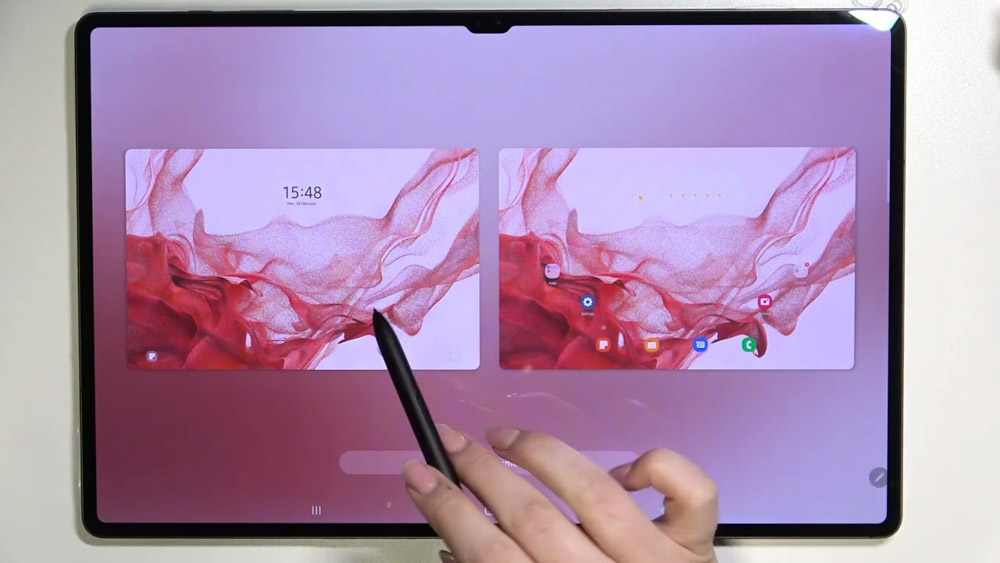
Tablets typically have a default interface, but you can customize it to suit your personal preferences. Change the wallpaper, choose your favorite colors, and organize app icons as you wish. To customize your tablet's interface, you can do the following:
- Press and hold on the tablet's home screen to access editing mode.
- Select 'Wallpapers' to change the wallpaper.
- To customize an app icon, press and hold the icon you want to edit, then select 'Edit'.
- Customize the position and grouping of app icons as you wish.
Step 3: Optimize Battery
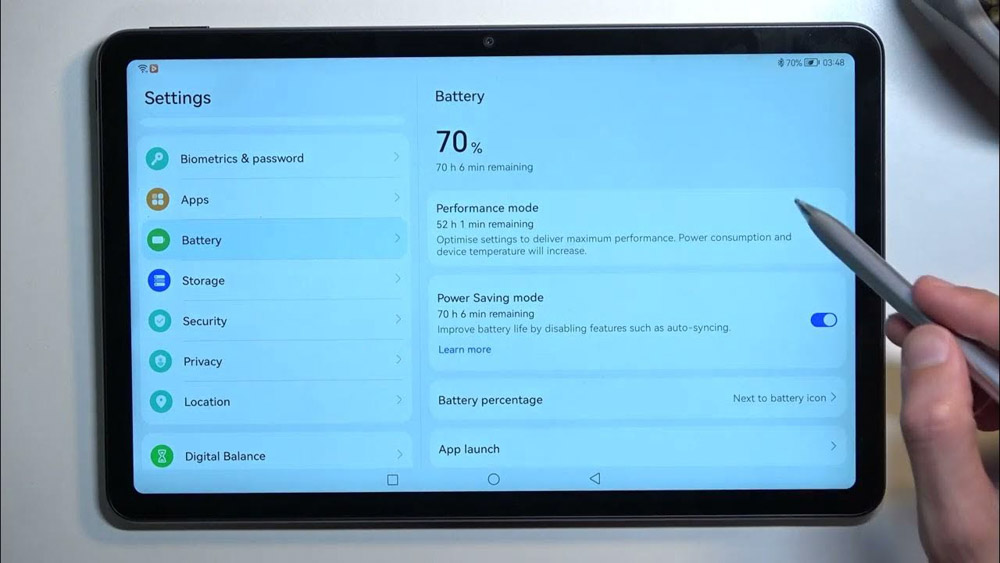
To ensure your tablet runs continuously and reliably, optimize its battery life. Turn off unnecessary features like Bluetooth, Wi-Fi, and GPS when not in use to save energy. Adjust screen brightness to suit ambient light conditions and use power saving mode when necessary.
- Open the 'Settings' app on your tablet.
- Find and select 'Pin' or 'Battery'.
- Turn off unnecessary features like Wi-Fi, Bluetooth, and GPS when not in use.
- Adjust the screen brightness to optimal levels and activate battery saver mode when needed.
Step 4: Master touch screen operations
Touch interaction is a key feature on tablets. Familiarize yourself with gestures like swiping, double-tapping, and press-and-hold to get the most out of the user interface. Additionally, explore shortcuts and quick actions to easily switch between apps and tasks conveniently.
- Discover swipe gestures from top to bottom, bottom to top, left to right, and vice versa to navigate between screens and apps.
- Use double-tap gestures to zoom in or out of apps, images, and websites.
- Press and hold an icon or area on the screen to open related options or switch between applications.
Step 5: Using the Basic Application
Leverage the power of your tablet by using basic applications such as browsing the web, checking email, writing documents, and watching videos. Learn the basic features of these applications to use your tablet effectively in your daily work.
- Use the email application to view and send emails, manage your inbox, and create folders to organize your emails.
- Use a text editor to write, edit, and save text documents, presentations, or notes.
- Enjoy watching videos and streaming entertainment content through movie and video streaming apps and online TV services.
Note: Always keep your basic applications updated to ensure they function smoothly and to take advantage of the latest features provided by the developers.
Step 6: Explore Diverse Applications
Your lovely tablet has many other fascinating and useful applications to explore. Depending on your personal preferences and needs, you can download applications from the app store (App Store or Google Play) to expand the tablet's capabilities. Below are some diverse application areas you should consider:
- Games: Enjoy a fun and relaxing time with a variety of games, from lighthearted puzzle games to popular action and adventure games.
- Learning apps: Download apps to learn foreign languages, new skills, or improve your academic knowledge.
- E-books: Discover e-book, magazine, and newspaper reading apps for convenient reading anytime, anywhere.
- Photography and Design: Find photo editing and graphic design apps to get creative and make your photos unique and impressive.
Step 7: Protect Your Personal Information
When using a tablet, protecting your personal information is extremely important. Make sure you have set up basic security measures such as:
- Screen password: Set a screen password or use other security methods such as facial recognition or fingerprint to unlock your tablet.
- Software updates: Always update your operating system and applications to the latest versions to avoid security vulnerabilities.
- Download apps from trusted sources: Avoid downloading apps from unknown sources to prevent malware infections.
In conclusion:
Through this article, you've gained an overview of how to use tablets intelligently and effectively. From updating the operating system and customizing the interface to utilizing basic features, hopefully you've mastered the necessary skills to enjoy the convenience and creativity that tablets offer. Explore further and apply these skills in your daily life, from work to entertainment, to make the most of this modern mobile technology.
Related Articles
 Simple Guide to Fix Tablet That Won't Turn on at Home11 minutes read
 4 Ways to Use Your Android Tablet Even When the Battery Is Completely Dead8 minutes read
 10 Effective Ways to Use Your Old iPad and Android Tablets Should Not9 minutes read
 Experience the Amazing Ways to Connect Your Tablet to Your TV5 minutes read
 Tablet Screen Won't Turn On?12 minutes read
 Top 9 Best Tablets 20198 minutes read
Reader Comments 0
Sign in with email or Google to join the discussion.