Table of Contents
In today's technological age, tablets have become an indispensable device in our lives. However, tablet screens are smaller than TV screens , making it difficult to watch movies, play games, or enjoy content on a tablet. Therefore, connecting a tablet to a TV is becoming a topic of great interest to many people in order to fully utilize the features of their tablets.
Let's explore ways to connect your tablet to your TV to elevate your entertainment experience!
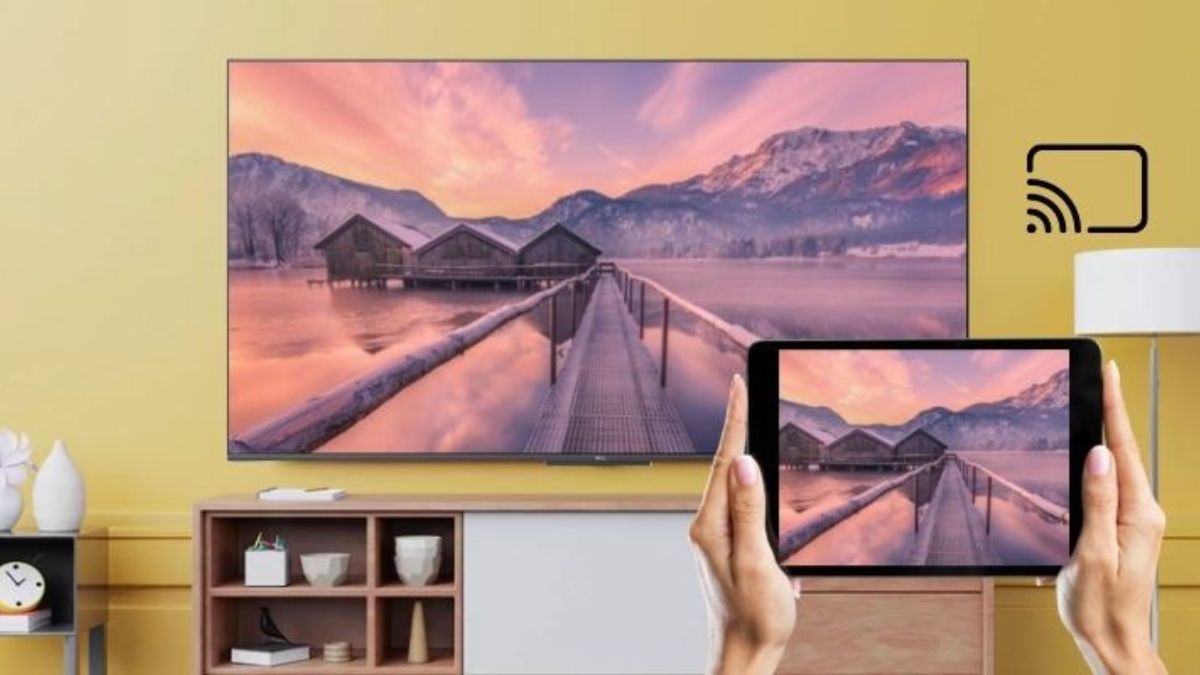
Ways to connect a tablet to a TV
Google Chromecast
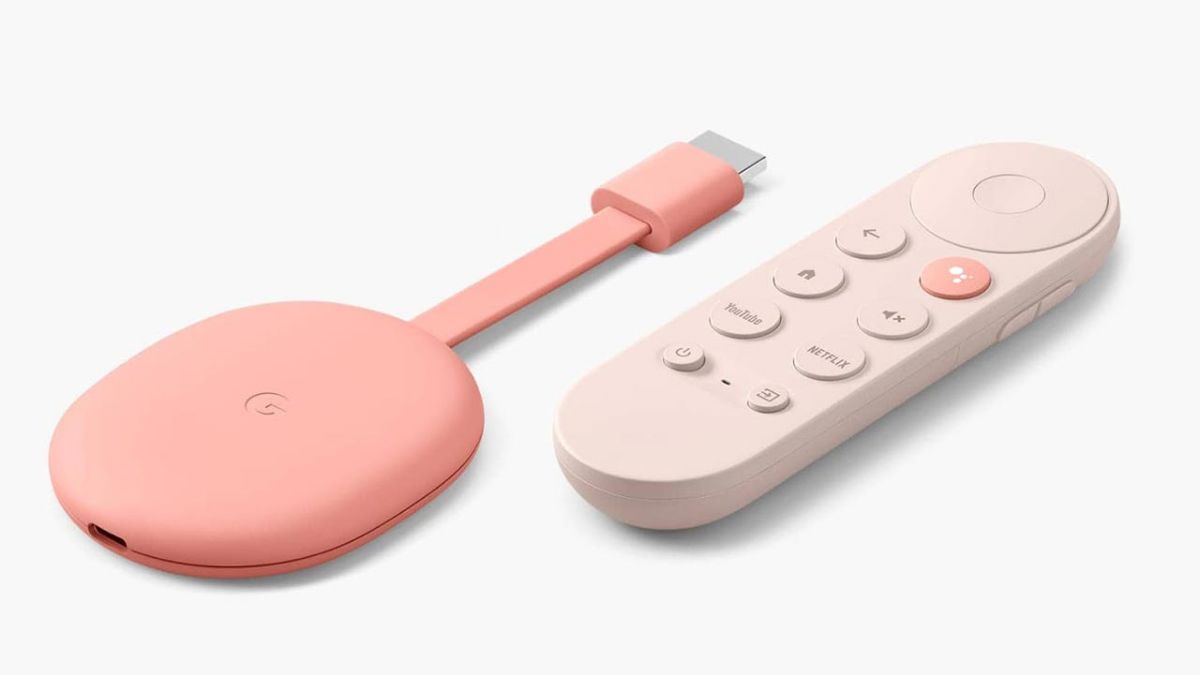
You can easily connect your tablet to your TV via Google Chromecast. However, to use this feature, both devices need to be compatible and connected to the same Wi-Fi network. You can refer to the guide on how to mirror your phone or tablet screen to your TV using Google Chromecast for more details.
However, to use the built-in Chromecast feature, your Android device needs to be running Android 2.3 or later, and your Apple iOS device needs to be running iOS 7.0 or later. For TVs, you need a TV with built-in Chromecast. If your TV doesn't have this feature, you can buy a Chromecast adapter and connect it to your TV.
Additionally, Chromecast functionality is only available with certain applications. You can refer to the list of Chromecast-supported applications for more details. However, streaming from the Google Chrome internet browser on mobile devices is not supported.
AirPlay
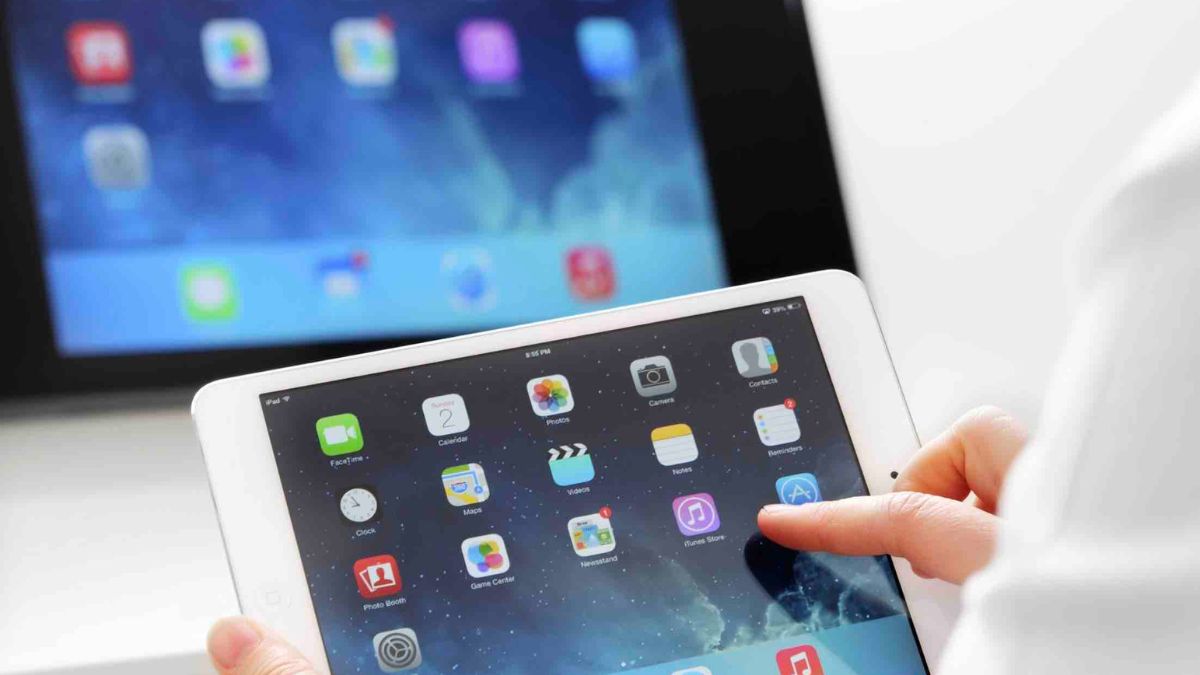
AirPlay is a wireless transmission standard that allows you to stream content (music, photos, videos, games) between Apple devices on the same local network or with other AirPlay-compatible devices. To connect your iPad to your TV via AirPlay, you need to ensure that both your iPad and TV are connected to the same Wi-Fi network. Then, you can select the screen mirroring feature and enter the connection password (if required) to connect.
If your TV doesn't support built-in AirPlay, you'll need to use Apple TV. Apple TV is a streaming media device developed by Apple that connects to your TV via HDMI. The connection method is similar to that on an iPhone .
Miracast
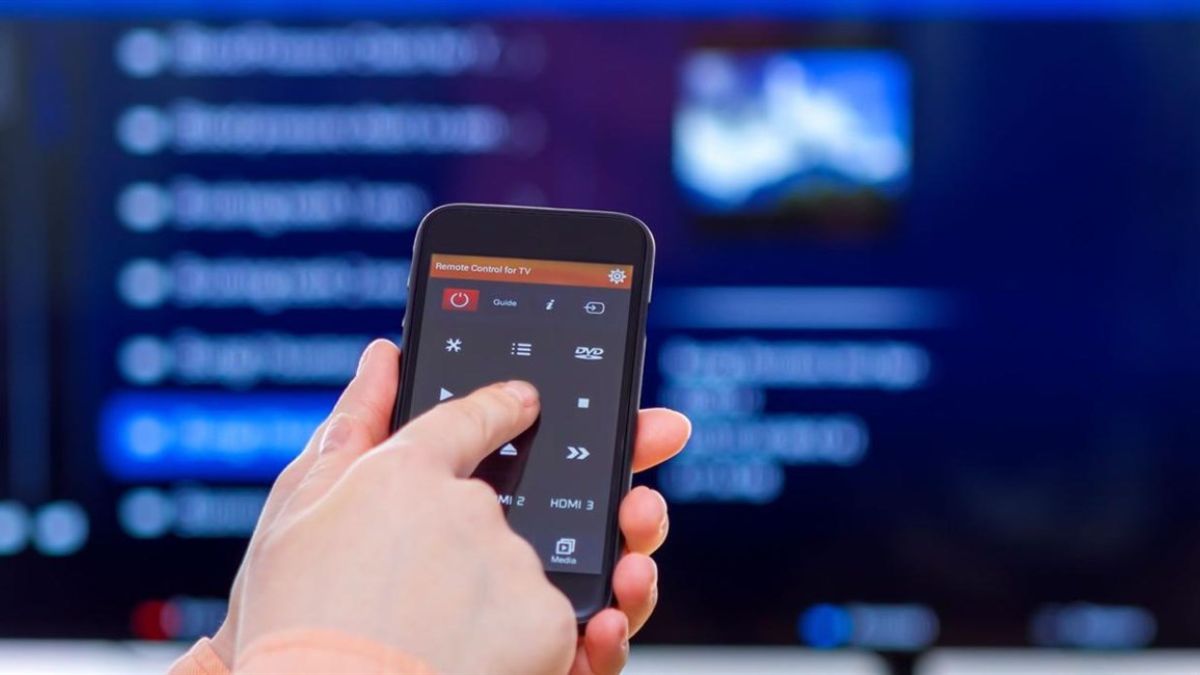
Miracast is a wireless content transmission protocol that allows you to stream content from your tablet to your TV, especially images and audio. Miracast technology is built on the Wi-Fi Direct protocol, making connections between devices easier than ever. A key feature of Miracast is that it doesn't require a password, resulting in faster connection times. However, to use this feature, both your mobile device and your TV must support the Miracast protocol.
Depending on the manufacturer, this function may have different names such as Screen Mirroring, My Screen Projection, Screen Cast, Image Mirroring, Screen Projection, and more.
In conclusion:
In summary, we've explored how to connect a tablet to a TV, a simple and effective solution to maximize the tablet's features. This allows you to enjoy your favorite entertainment or work on a larger screen and experience the exciting possibilities that tablets and TVs offer.
Related Articles
 5 Simple Ways to Connect Your Phone to a Samsung Tablet8 minutes read
 How to Connect Surface Tablet Wirelessly to a TV3 minutes read
 9 Experiences for New Android Tablet Users7 minutes read
 Top Most Popular Ways to Connect Laptop to TV8 minutes read
 How to Connect a Tablet to a Projector6 minutes read
 How to Connect Tablet to Computer: Practical Guide9 minutes read
Reader Comments 0
Sign in with email or Google to join the discussion.