Desktop vs. NAS Hard Drives: What to Check Before You Buy
Compare desktop and NAS hard drives by compatibility, CMR or SMR recording, workload ratings, and warranty terms before choosing storage for your NAS.
Fix Windows problems, troubleshoot devices, understand AI, secure your accounts and get more from your technology with tested step-by-step guides.
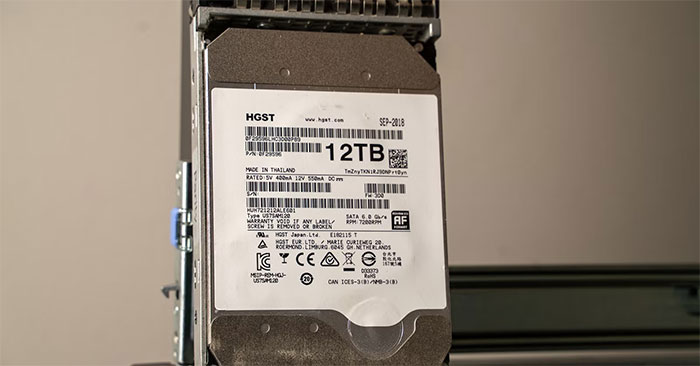
Compare desktop and NAS hard drives by compatibility, CMR or SMR recording, workload ratings, and warranty terms before choosing storage for your NAS.
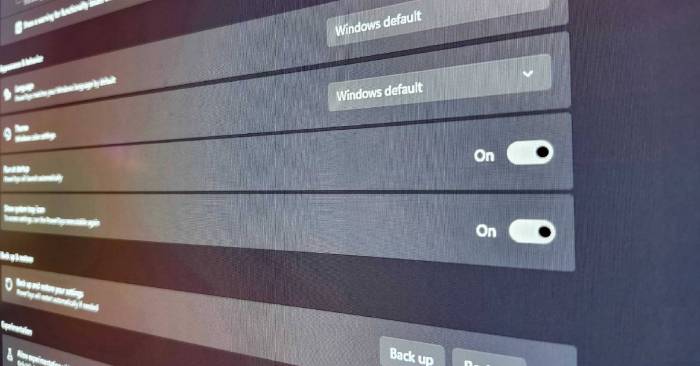
Check your second monitor's refresh rate and cable, simplify the taskbar, and arrange windows with PowerToys or other monitor utilities.
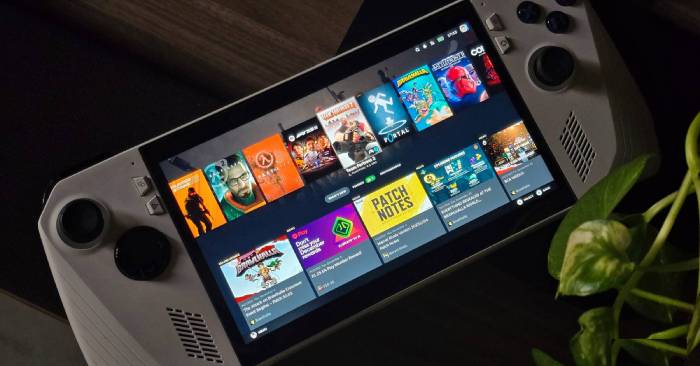
Assess CachyOS for desktop or handheld gaming by its interface, customization, hardware support, and game-specific performance rather than universal FPS claims.
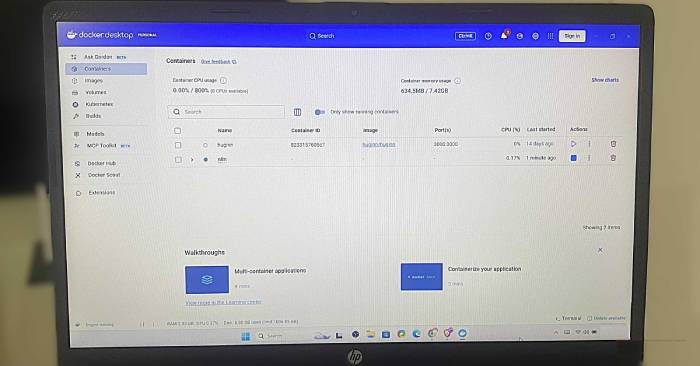
Use Compose, exec, logs, build, ps, inspect, and prune with practical examples and checks that help prevent accidental container or data removal.
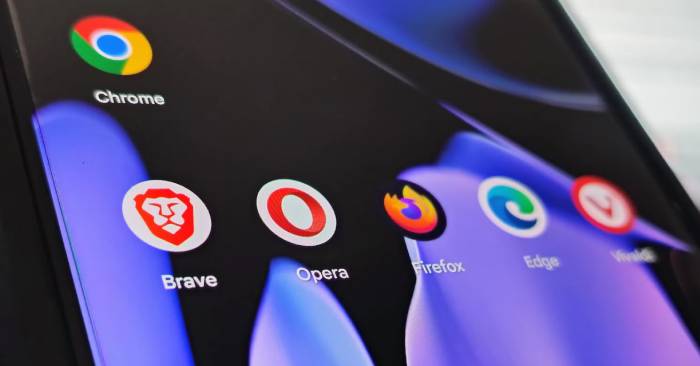
Compare Vivaldi, Opera, Edge, Firefox, and Brave by tab management, browser VPN, reading tools, extensions, and privacy controls.
Add another Google account, select the right account in Google apps, and remove an account from your Android phone without deleting it permanently.
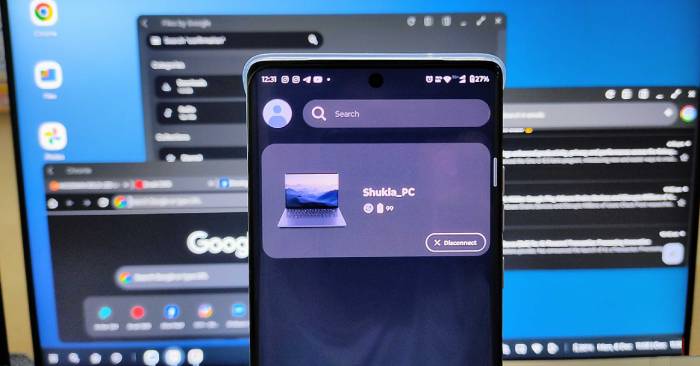
Check Smart Connect compatibility and use shared input, app streaming, file transfers, desktop mode, and webcam features on supported devices.
What happened to Android Beam, Now on Tap, Daydream VR, Trusted Face, and Miracast—and what to check before following older Android tutorials.
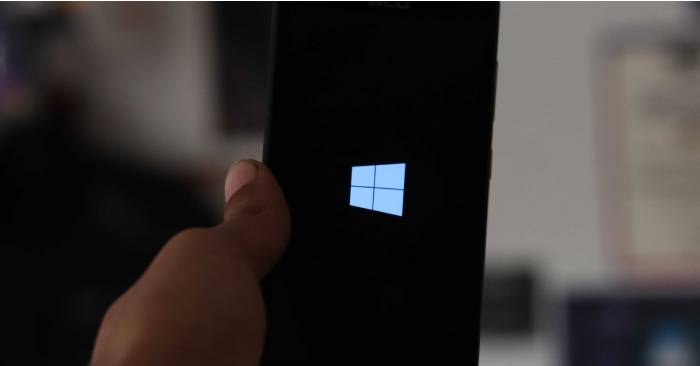
How People Hub combined contacts, social updates, Live Tiles, and supported messaging services—and why its integration depended on more than the phone.
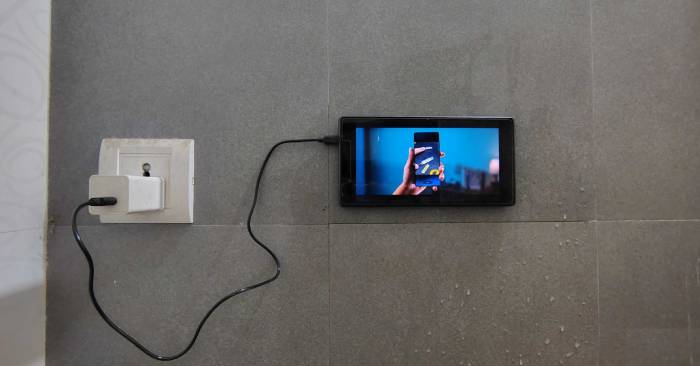
Reuse a safe, working Android tablet for music, parked travel reference, audio streaming, or a photo slideshow, with battery and setup checks first.
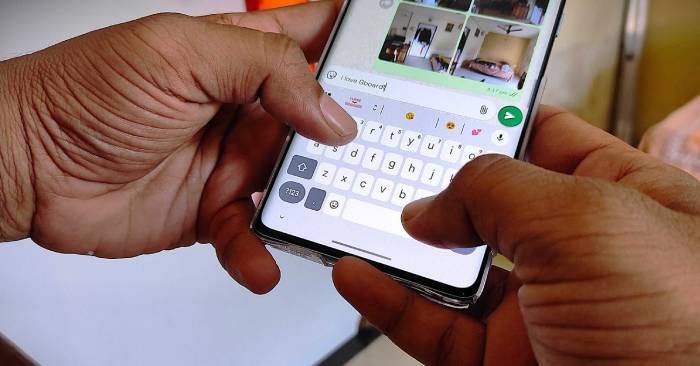
Set up text shortcuts, pin clipboard items, move the cursor with the spacebar, and delete multiple words with Gboard gestures.
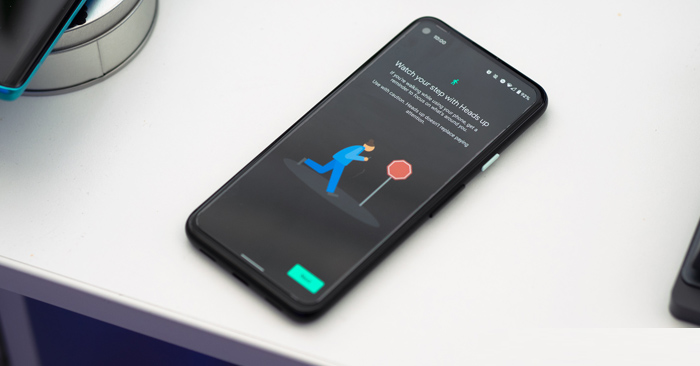
Turn on Heads Up in Digital Wellbeing, review its permissions, and understand why its walking reminders are not collision detection.
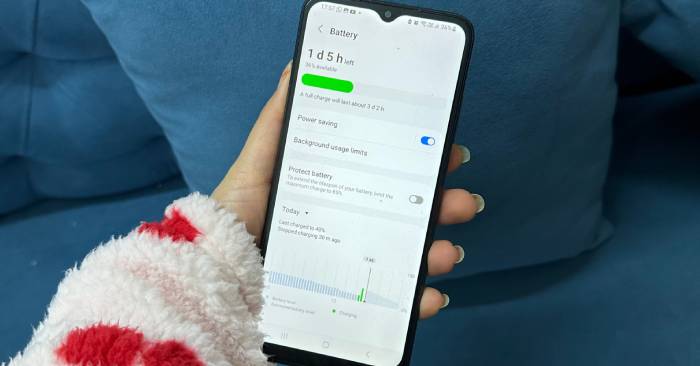
Review background activity, location, and nearby-device access using battery usage as a starting point, while keeping essential notifications and syncing working.
Copy contacts from a compatible SIM card to your iPhone, choose their destination, and check missing entries and account-sync settings.
Invite friends to share Fitness activity, view accepted connections, and use mute, hide, or remove controls to manage sharing.
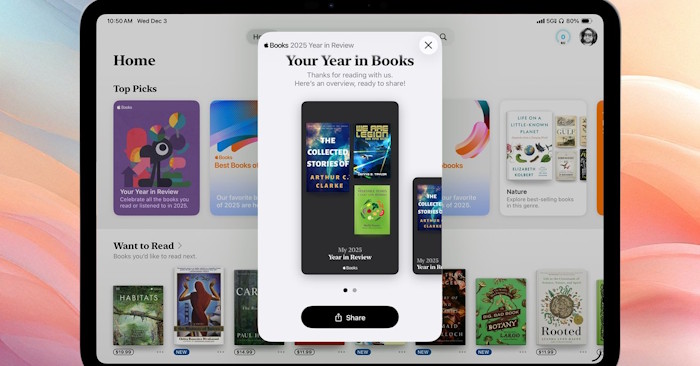
Find your personal reading recap in Apple Books, check finished titles, and distinguish Year in Review from editorial Best Books collections.
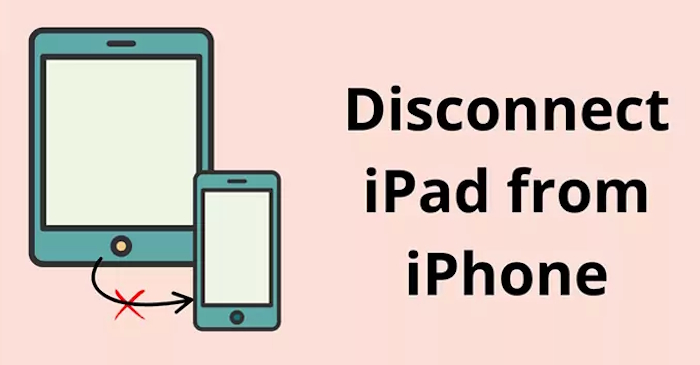
Choose the right way to separate your iPad from your iPhone: turn off selected iCloud sync, disable Handoff, or sign out after protecting your data.
Hide apps from your App Store purchase list on iPhone, iPad, or Mac, restore them later, and understand what remains visible in your account history.
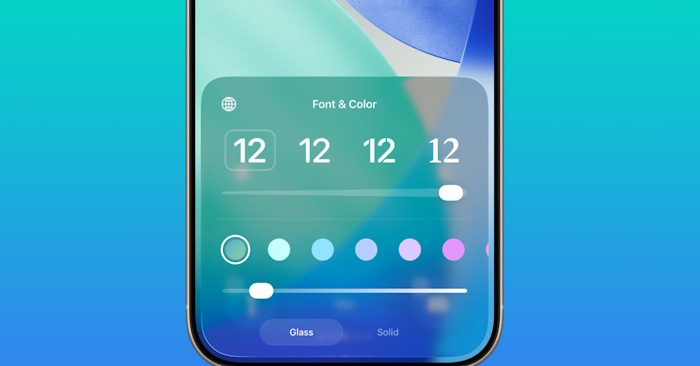
Change the Lock Screen clock's glass opacity, preview it against your wallpaper, and save a setting that keeps the time readable.
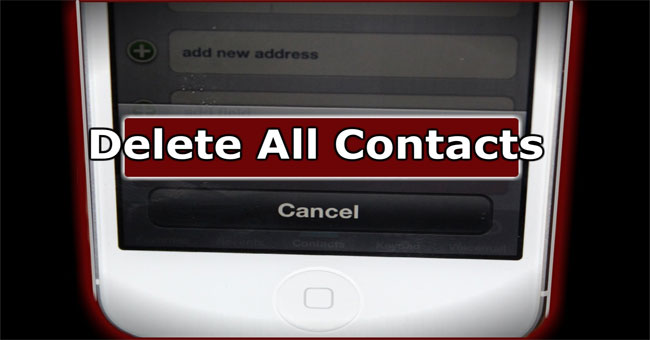
Select and delete several iPhone contacts, use iCloud for bulk cleanup, or remove an account's contacts from the phone without deleting them online.