Table of Contents
Explore 4 ways to use your Android tablet even when the battery is completely dead.
If your tablet is too old to replace the battery or give away, you can use it as a "plug and play" smart display. This way, you can recycle a tablet with a dead battery that's been sitting there for years and is just waiting to be thrown into an electronic waste dump.
Bathroom entertainment center
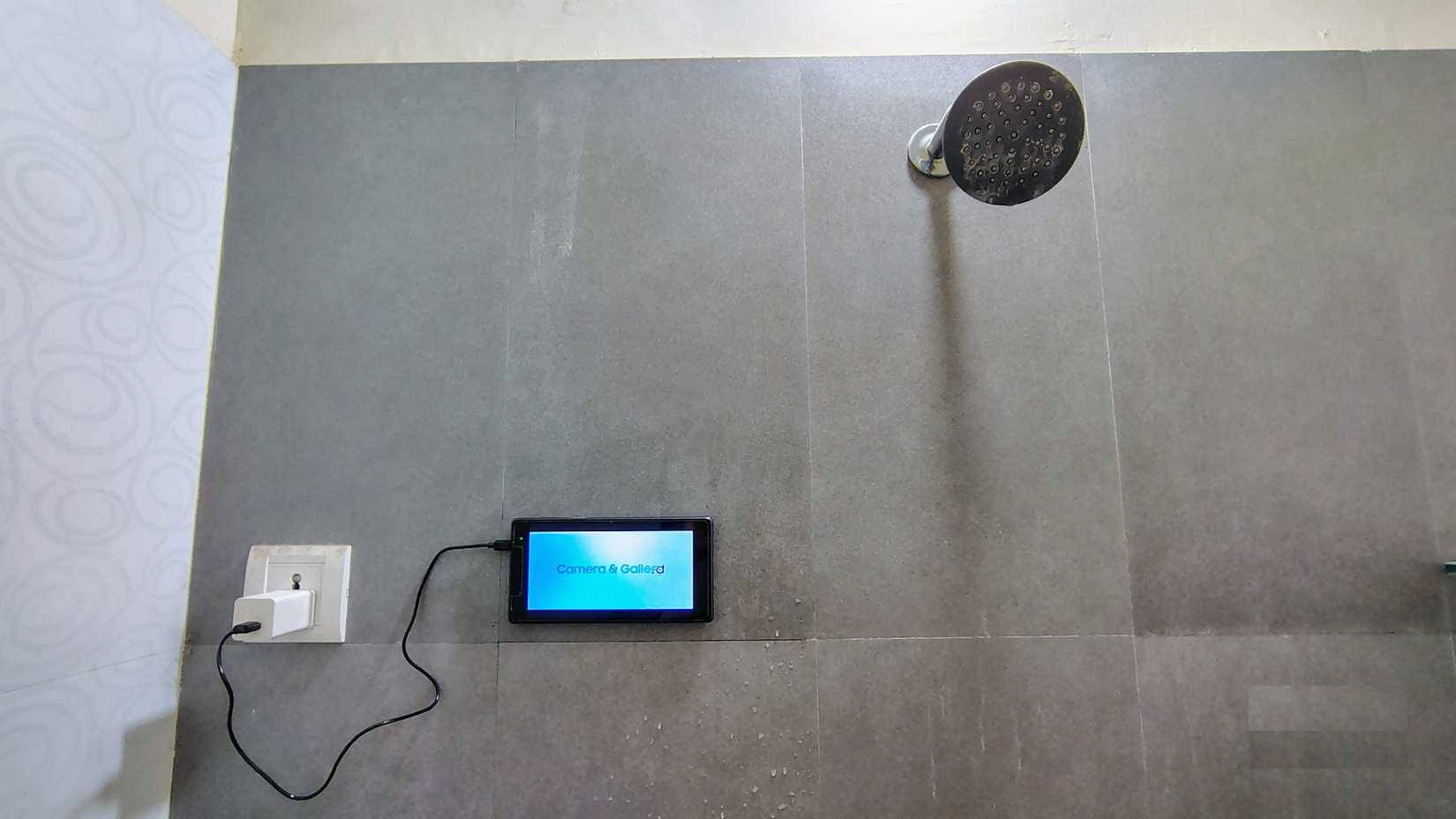
People often avoid using their main phone while showering because steam, splashes, and slippery hands can easily damage it. Even with an IP water resistance rating, phones still contain important data that no one wants to risk. Instead, people might use their old tablet with a dead battery as a dedicated music streaming device, plugging it into a power outlet in the bathroom.
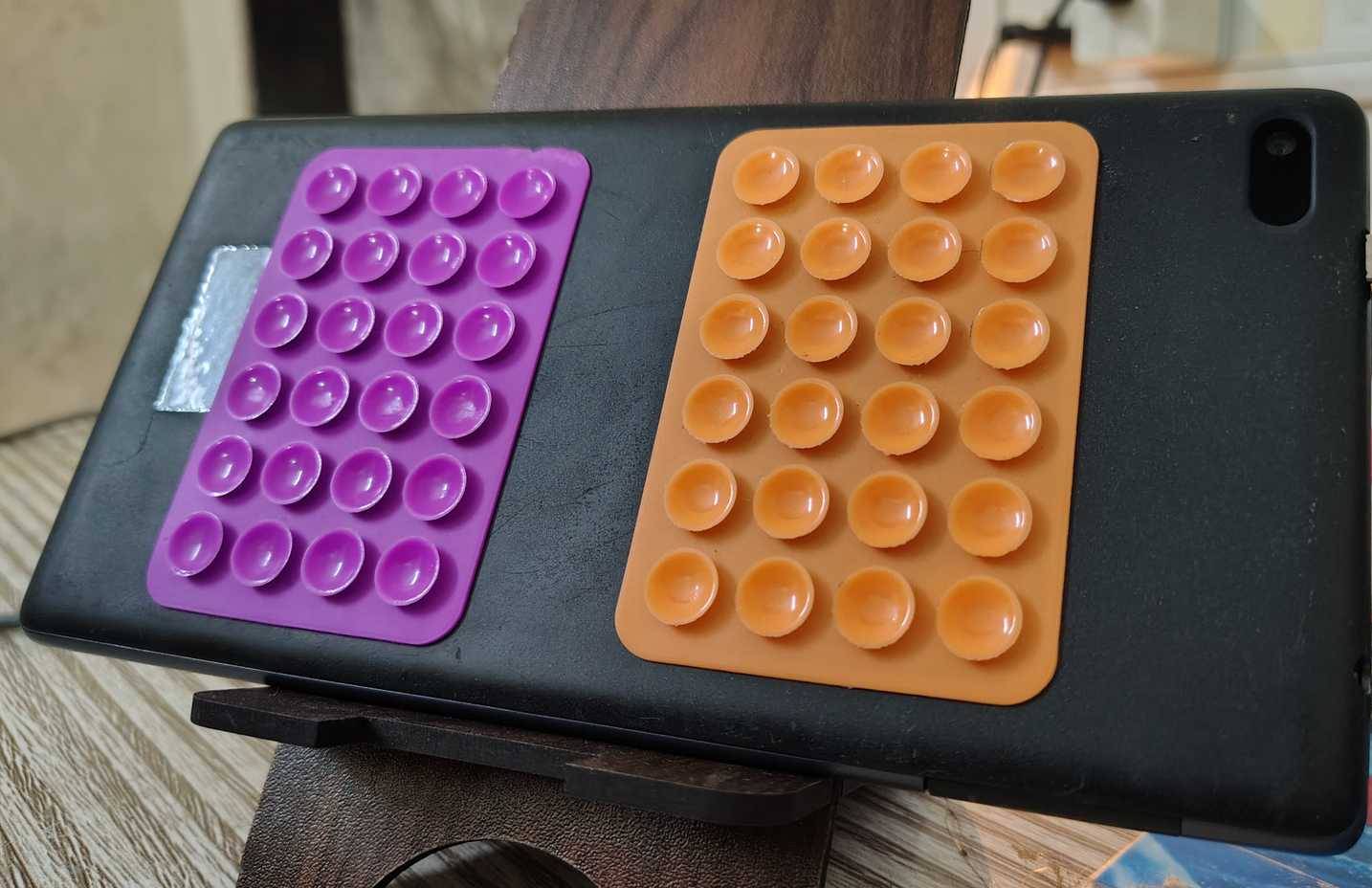
This setup relies on phone screen protectors, which are quite inexpensive on e-commerce platforms. They stick to your tablet and have suction cups for glossy surfaces. For proper use, moisten the area before applying the protector to the tablet. You'll be surprised at how strong the adhesive is.
Because the tablet is old, the sound quality is limited, but the small bathroom makes this acceptable. However, if you want better sound quality, consider using an affordable Bluetooth speaker with a waterproof IP rating.
Head-Up Display (HUD) for cars
Even old cars now have modern features
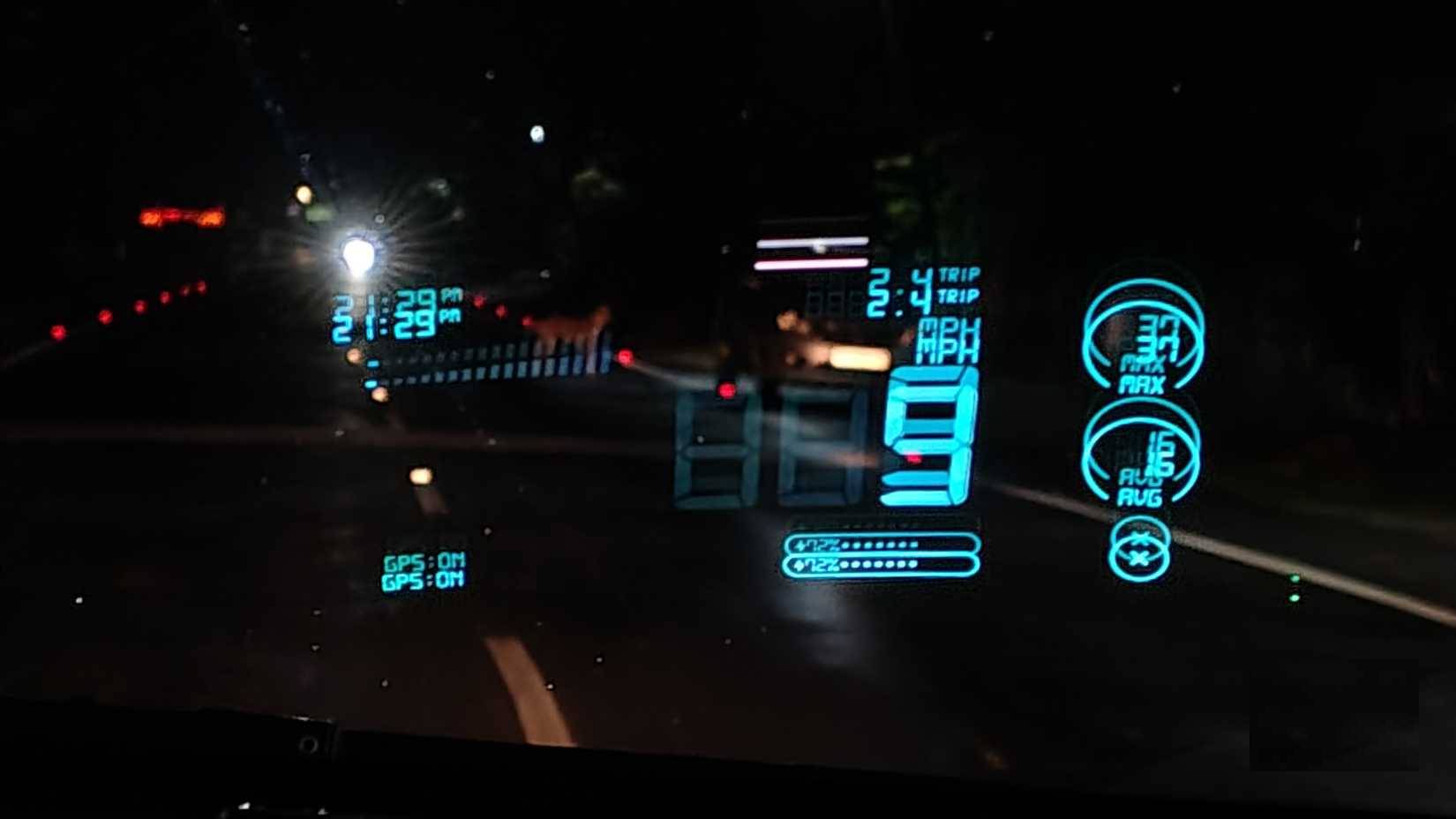
Your car might be older than your tablet and lack features like a head-up display or Android Auto. Upgrading would be very expensive, not to mention the installation costs. Instead, you could use your old tablet, plugged into your car's 12V charger (since the battery is dead), to provide this functionality.
If your tablet is lightweight, use suction cups like the ones shown. For heavier tablets, consider using a vent mount or a magnetic mount with 3M VHB adhesive. These options will securely hold your tablet even on rough roads.
You can use your device as a head-up display to get information like speed and navigation, keeping essential data on display without distracting you from the road.
Digital receiver for analog speakers
No more need for cables running throughout the rooms
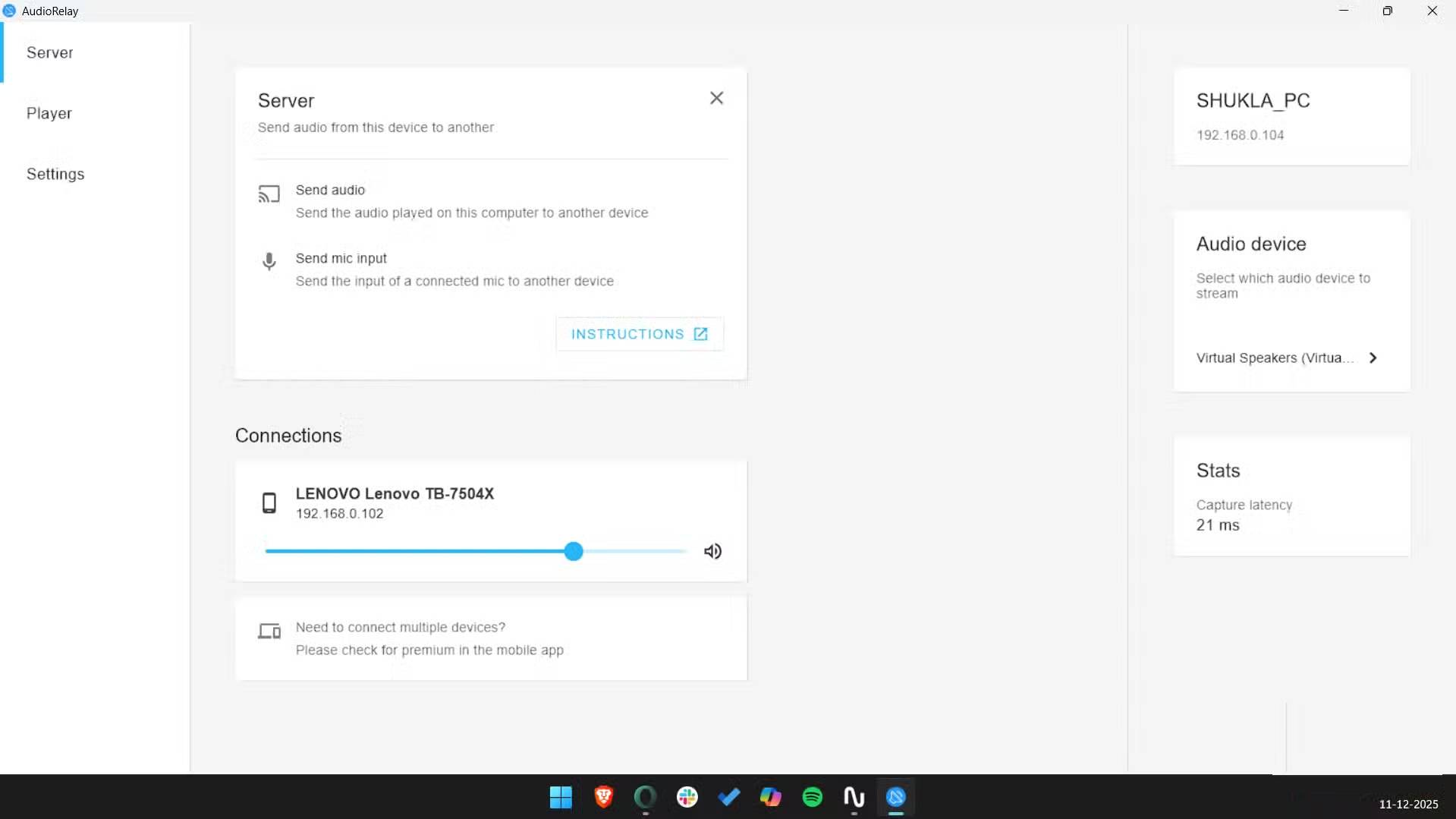
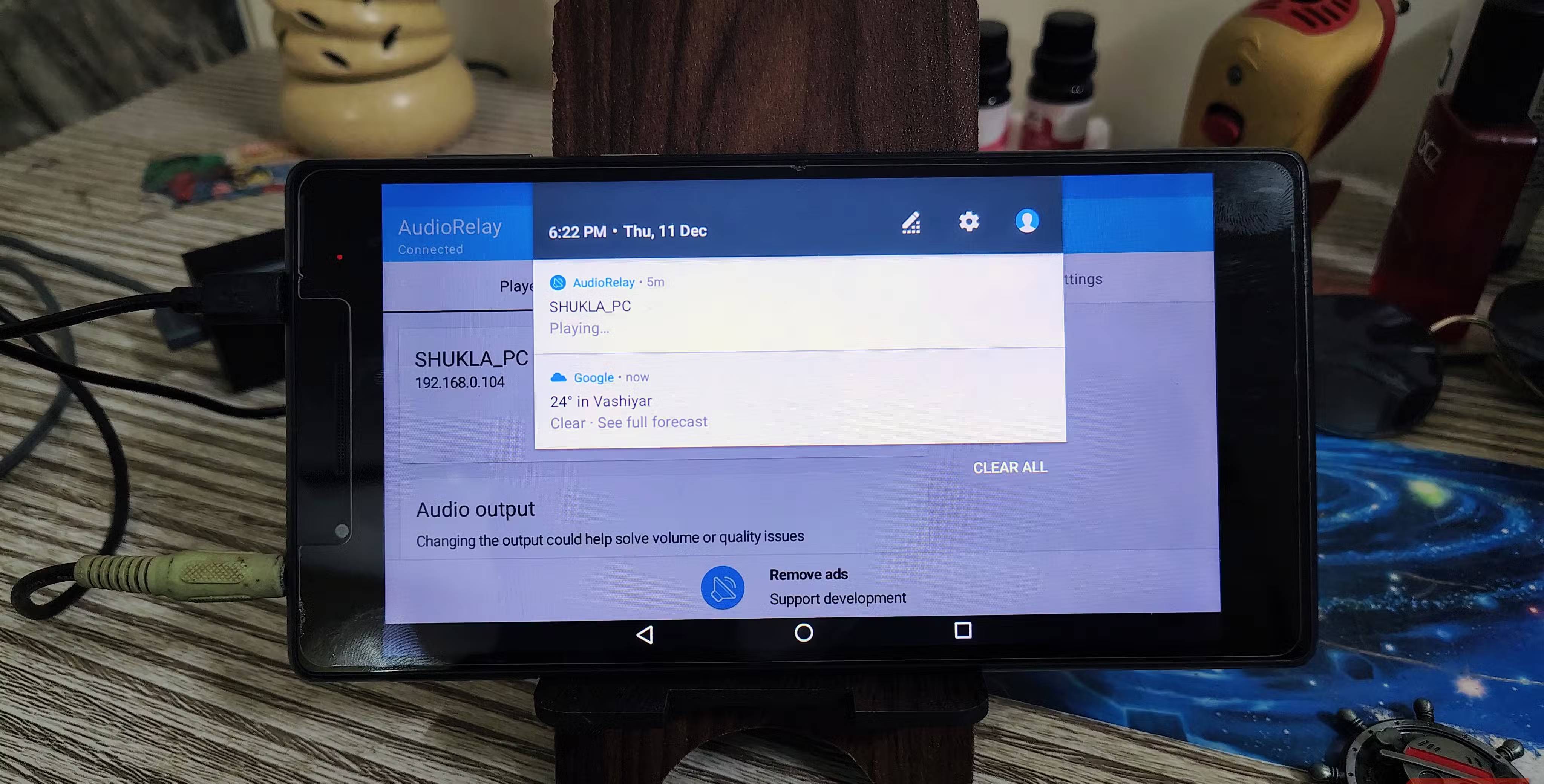
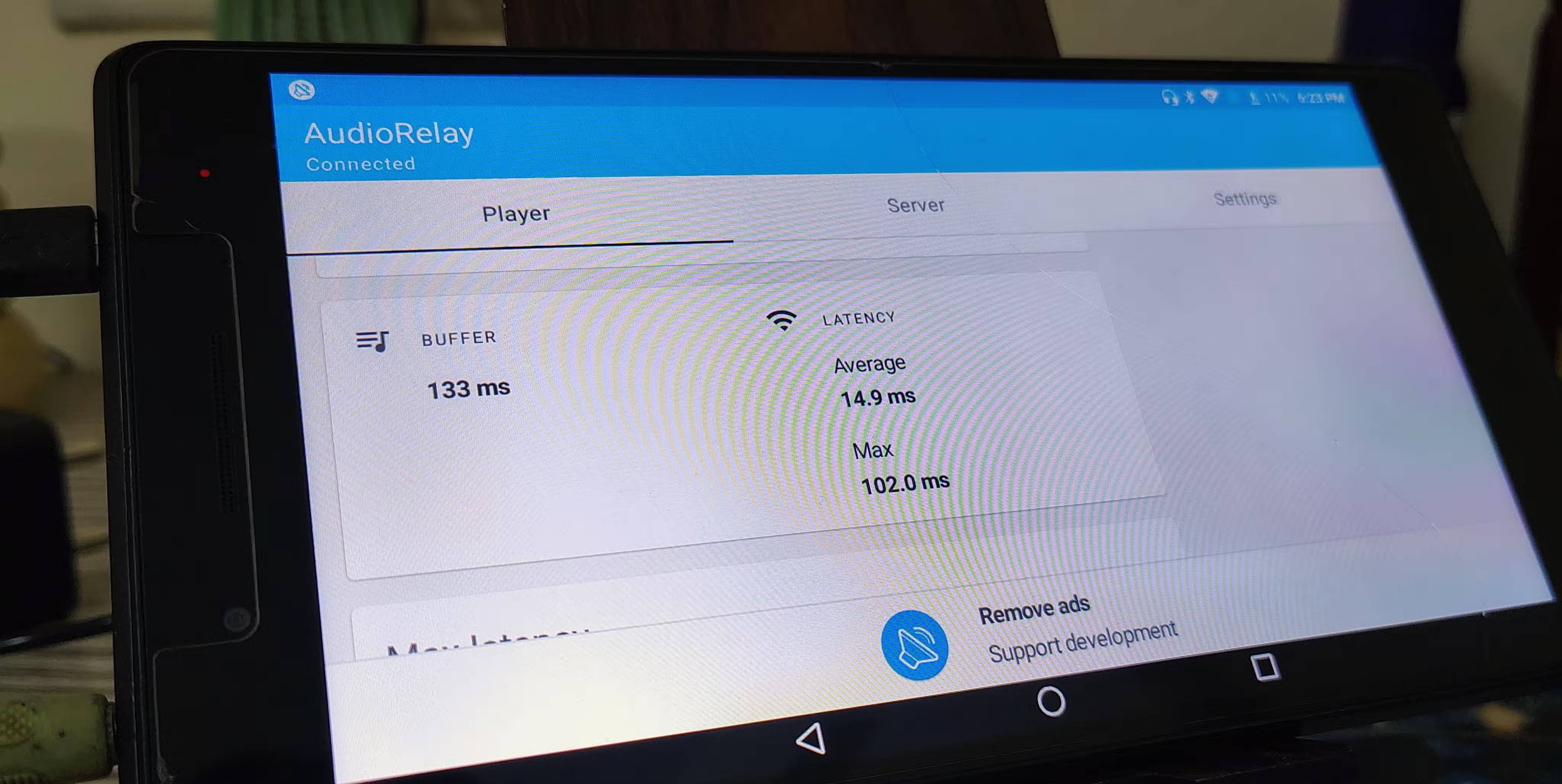
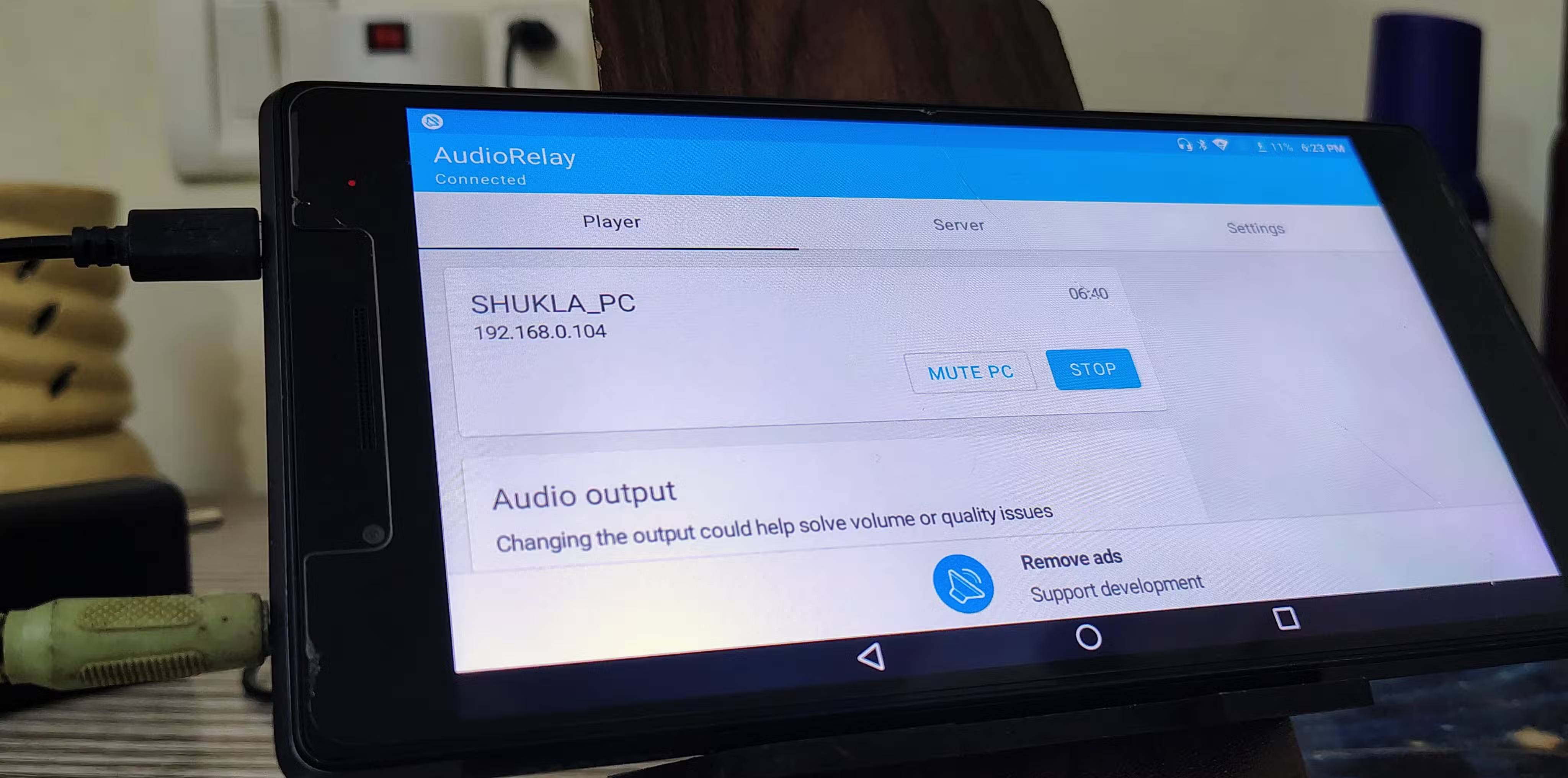
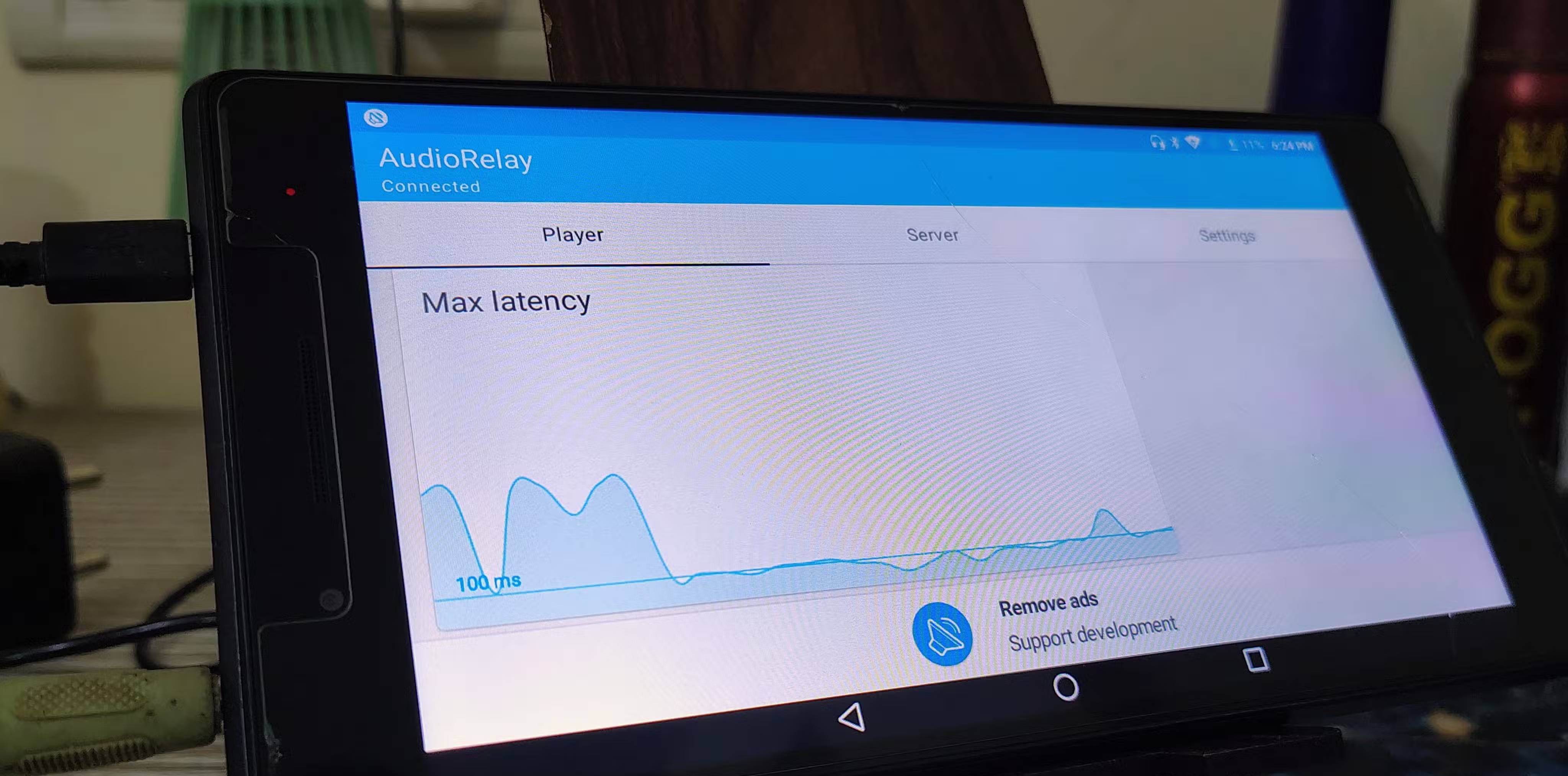
Many people own a high-quality, old set of speakers that they really like, but they lack Bluetooth or Wi-Fi connectivity. If they're located in a different room than your desk, running a long extra cable is impractical. And while dedicated Wi-Fi music players can be expensive, old tablets offer a free solution.
To do this, use AudioRelay ( SoundWire is a great alternative). The process is simple: Install the server client on your Windows or Linux computer and the Android app on your tablet. Once both devices are connected to the same Wi-Fi network, open the app on your tablet and select the server name from the list.
This method is superior to standard Bluetooth in both range and quality. Wi-Fi offers greater bandwidth and coverage, so you won't experience audio interruptions when moving between devices.
Digital photo frame for your desk
Your memories will always remain
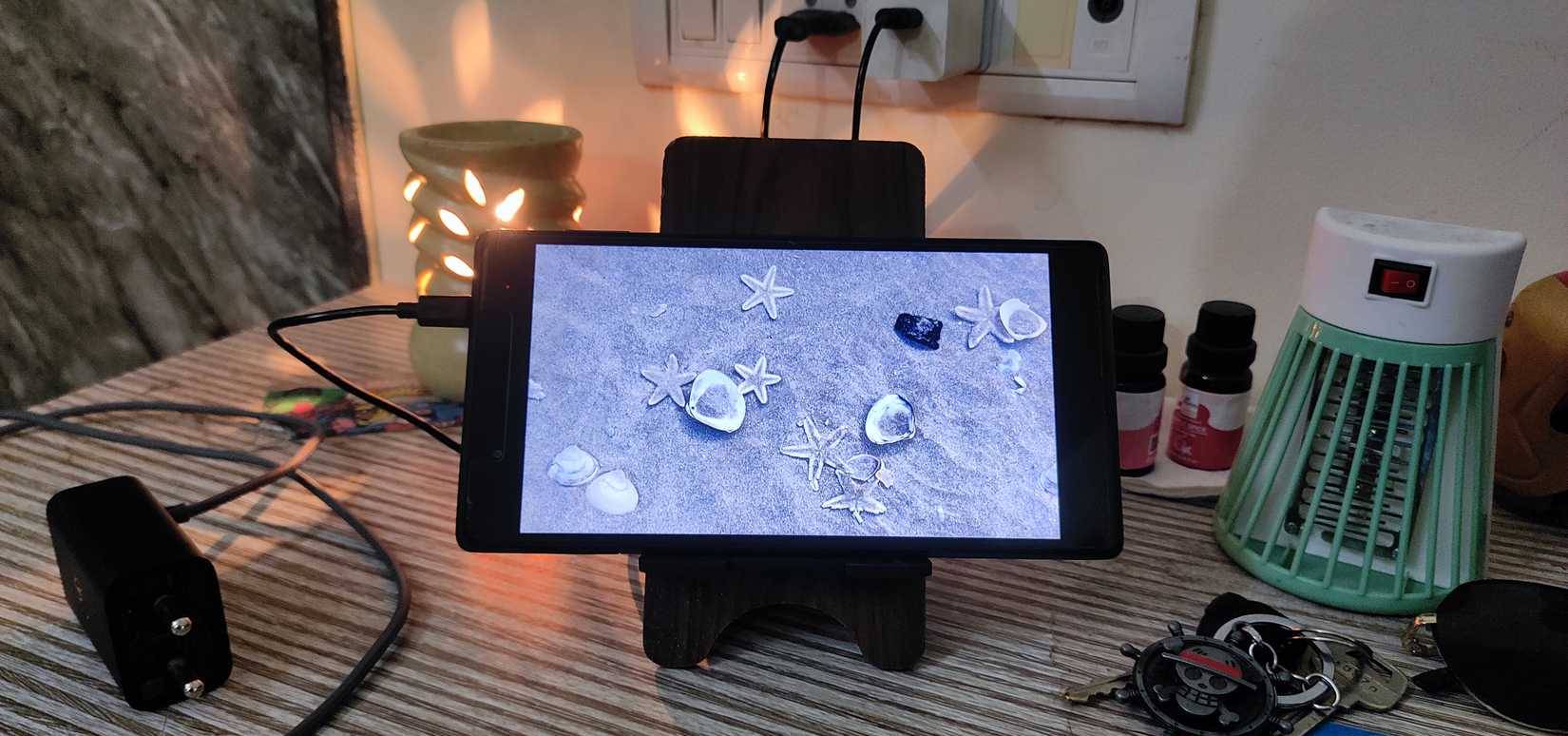
Many people have repurposed their old Android tablets as digital photo frames on their desks when not using them as bathroom music players or car displays. Of course, you could buy a digital photo frame, but it's not recommended, as most are either too expensive or have low resolution.
That's why many people are starting to use older tablets with high-quality screens as always-on digital photo frames. In terms of software, use an app called Fotoo instead of Android's default screen saver. It connects directly to Google Photos, Dropbox, or a local server.
The standout feature here is the ability to manage schedules. For example, you can set the app to turn the screen on at 7:00 AM and off at 10:00 PM. This is important for two reasons: saving power and, more importantly, preventing screen burn-in – a common problem with older monitors when displaying static images. You'll have a high-resolution display, cloud connectivity, and self-management.
Final Thoughts
Use this guide as a practical checklist for 4 ways to use your android tablet even when the battery is completely dead. Work through the steps in order, verify each result, and adjust the options to match your needs.
FAQ
What do you need before following this 4 Ways to Use Your Android Tablet Even When the Battery Is Completely Dead guide?
Review the required tools, accounts, settings, or materials mentioned in the article. Explore 4 ways to use your Android tablet even when the battery is completely dead.
What are the main steps for 4 ways to use your android tablet even when the battery is completely dead?
Follow the sections in order, especially Bathroom entertainment center, Head-Up Display (HUD) for cars, Even old cars now have modern features. Complete each step before continuing and verify the result as you go.
What should you do if the process does not work as expected?
Recheck the prerequisites, update the relevant app or service, review the settings, and repeat the step that caused the issue. Use any troubleshooting notes included in the guide.
Related Articles
 Battery: 3 Ways to Fix Dead Laptop Batteries Fastest in 20217 minutes read
 How to Charge, Battery Car Questions When the Car Is Dead11 minutes read
 Remove Dead Files of Deleted Applications to Free up Memory on6 minutes read
 Why Are Android Tablet Apps So Bad: Key Facts7 minutes read
 How to Restore Your Phone's Battery: Step-by-Step Guide11 minutes read
 How to Build an Android Tablet with a Raspberry Pi8 minutes read
Reader Comments 0
Sign in with email or Google to join the discussion.