Table of Contents
Explore smart connect: an incredibly seamless integration of the Android and Windows.
But quietly, amidst the fierce competition among high-end phones, Motorola polished a hidden gem to solve this problem. Formerly known as Ready For , now renamed and upgraded to Motorola Smart Connect , this application solved the fragmentation issue between Windows and phones.
Download Smart Connect for Android Download Smart Connect for iPhone
Cross Control
One keyboard for all
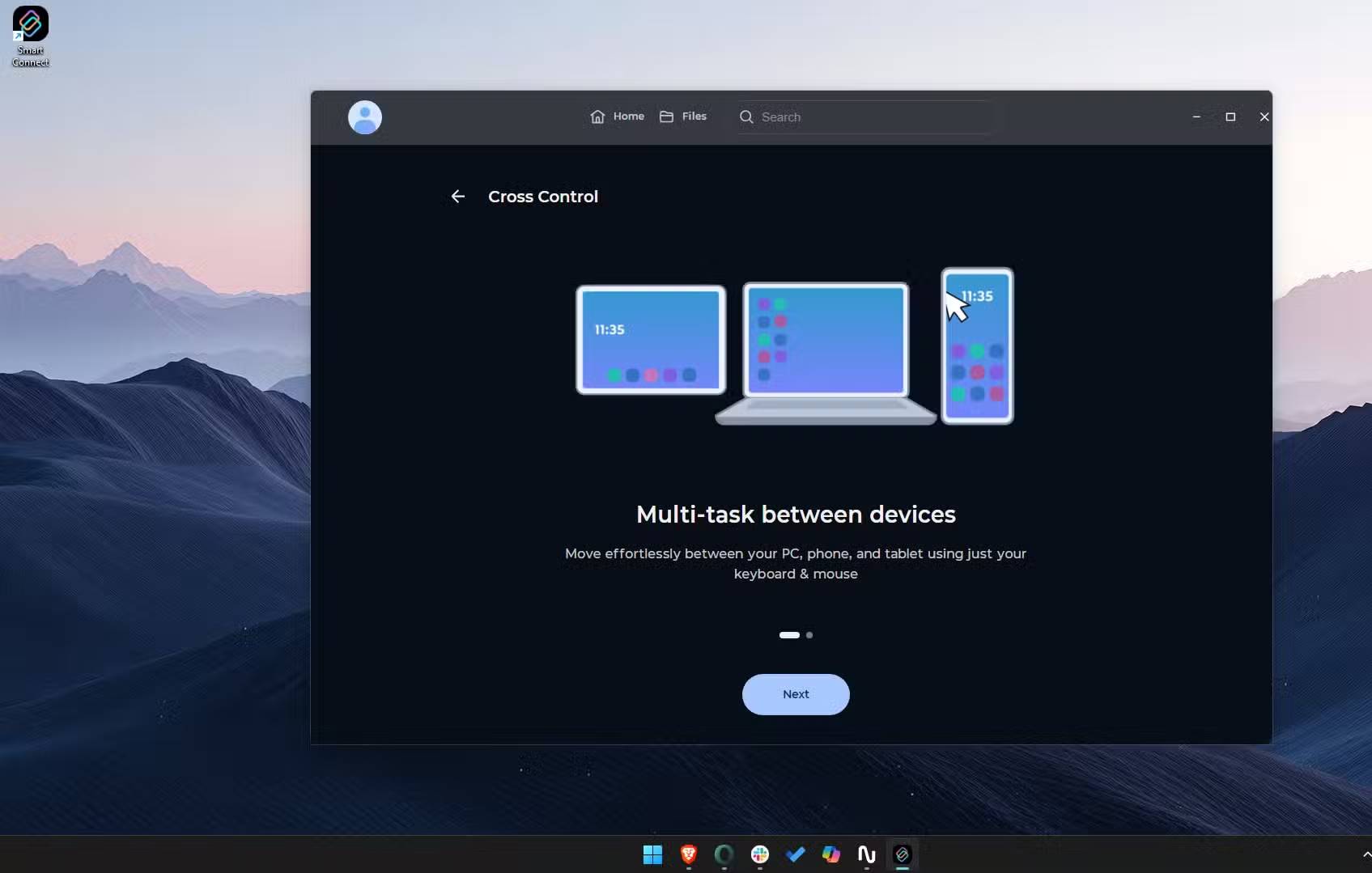
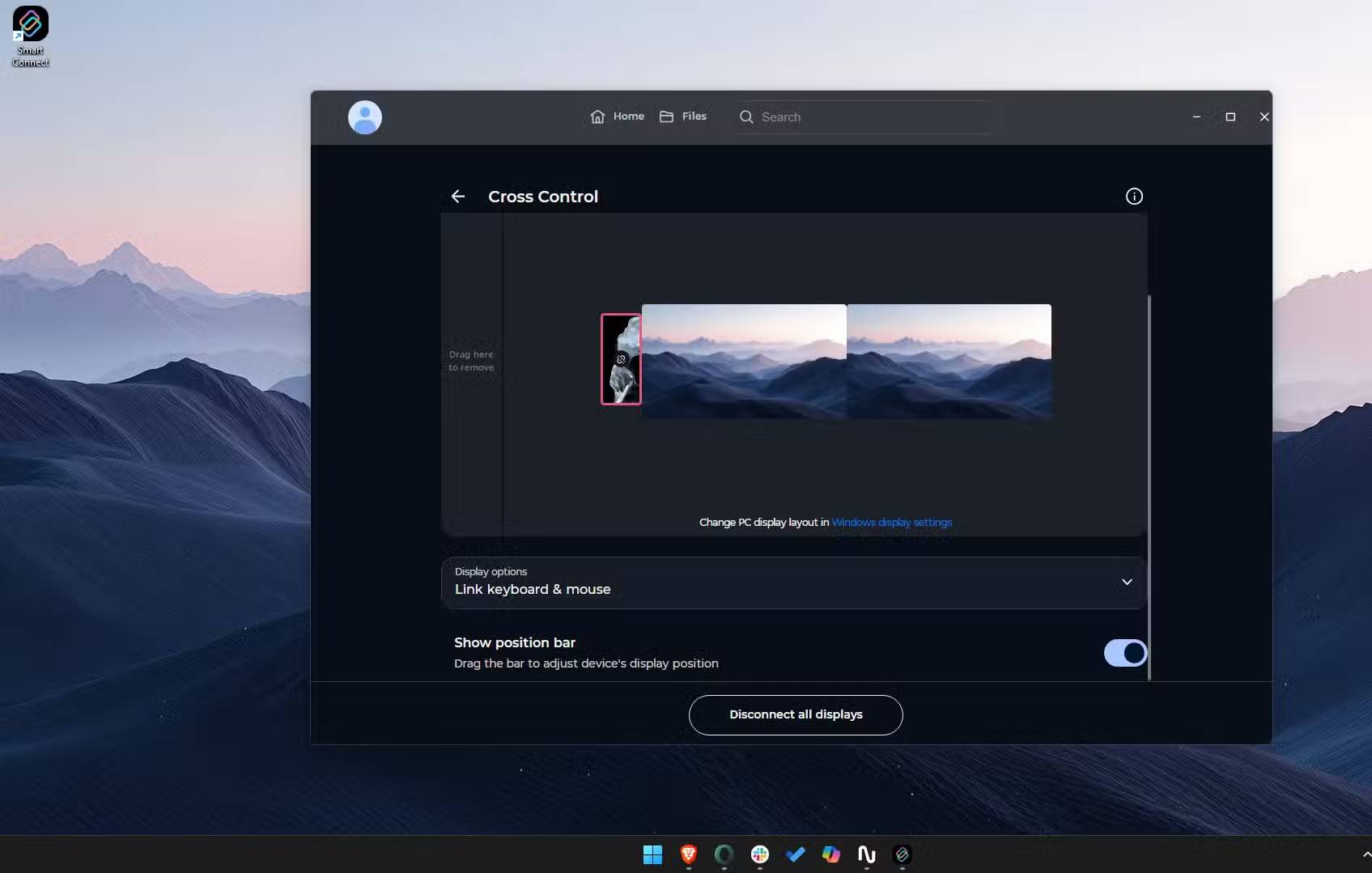
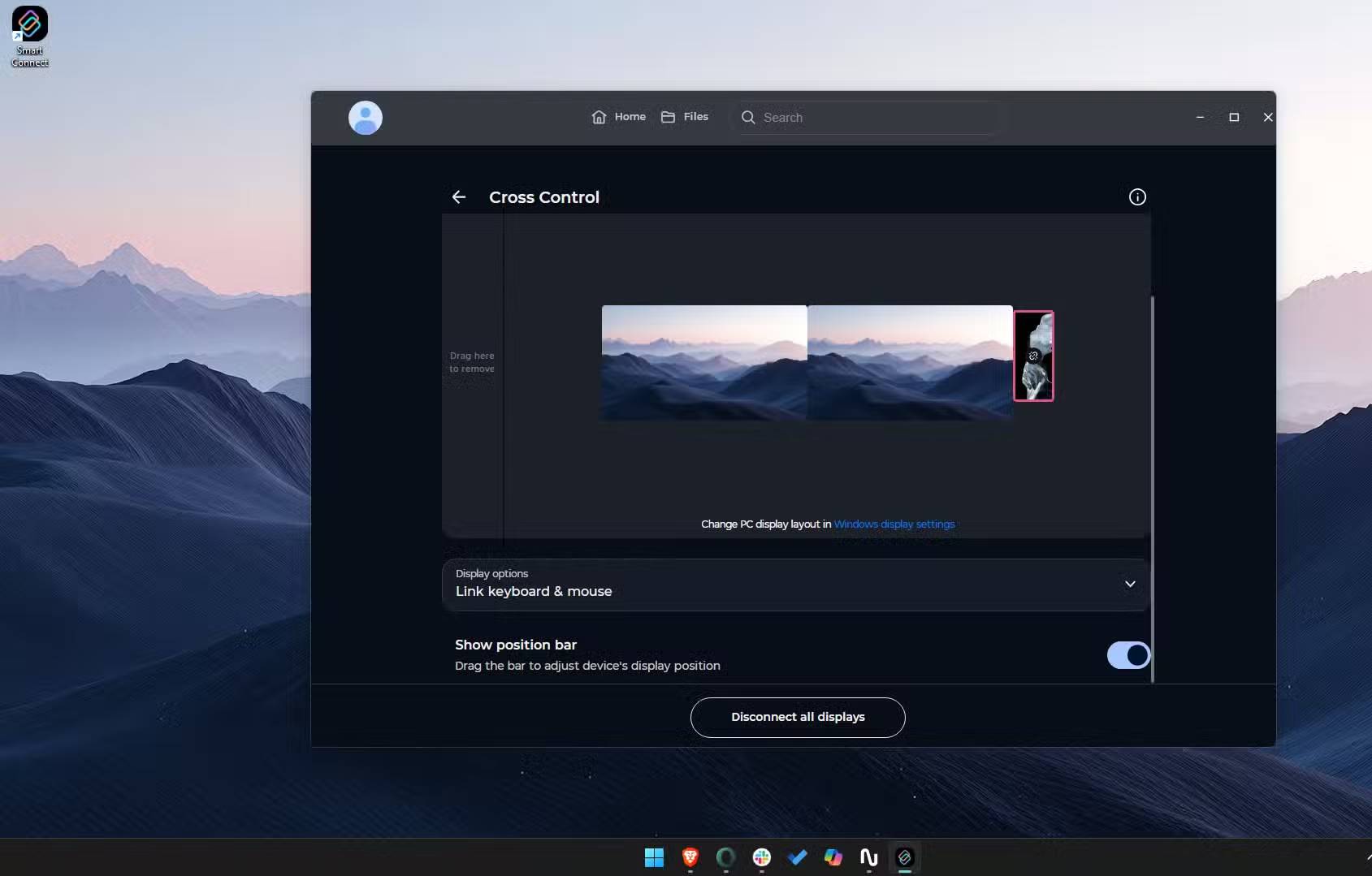
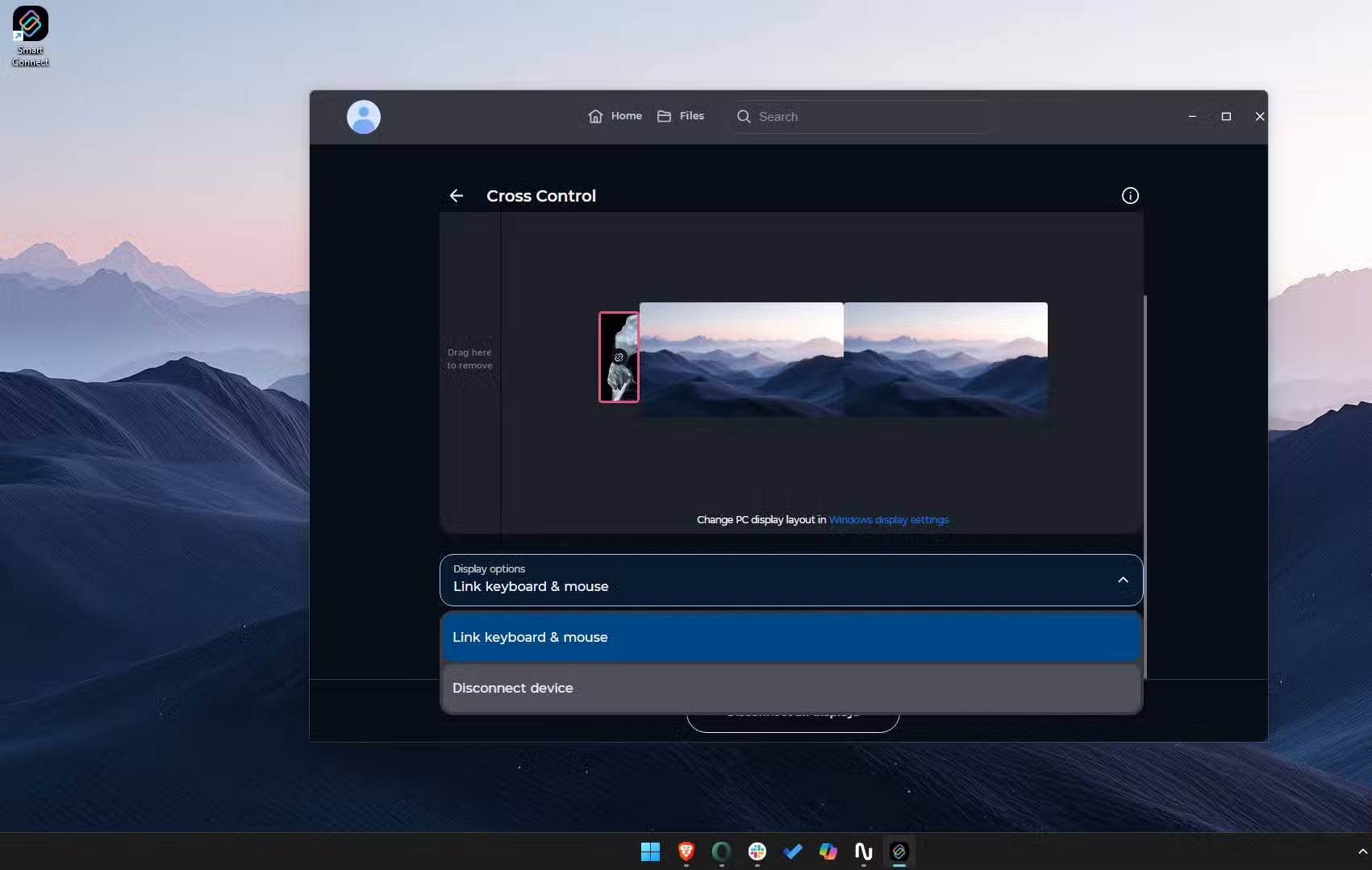
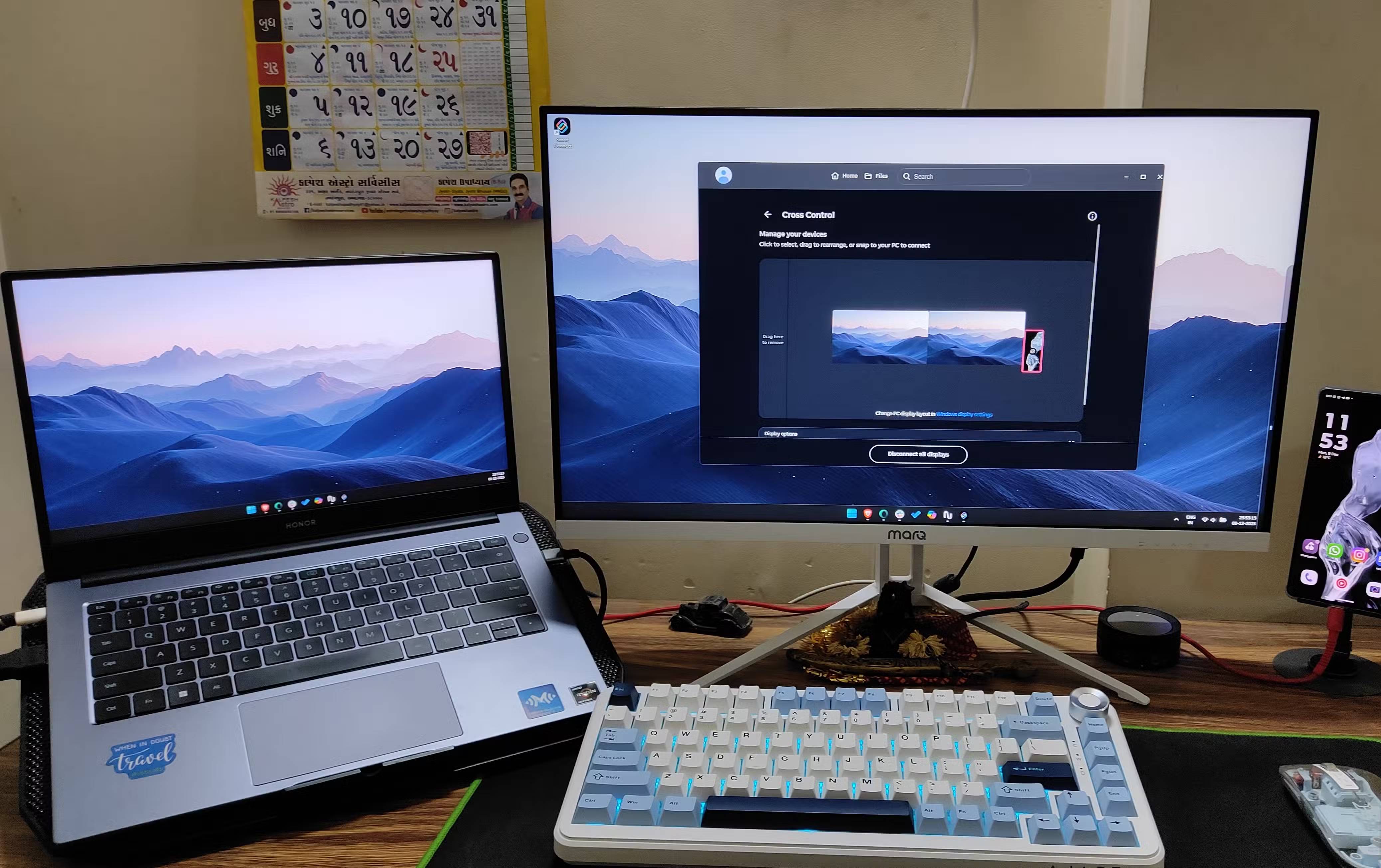
The impact of Smart Connect is felt within the first 5 minutes. As soon as you enable Cross Control, you unlock a whole new level of connectivity between your phone and your Windows computer. After arranging the virtual screens (just like you do on Windows with multiple monitors), set up your phone in the same layout you used in Smart Connect.
Once complete, your mouse cursor will no longer be stuck. Instead, it will fly off the edge of the screen and land seamlessly on your Android device. It feels like magic: no lag, no switch required, and no need to pair a multi-device Bluetooth mouse. It works smoothly. But the real productivity trick is the keyboard pass-through feature.
If you're working on your PC and a message pops up on your phone, you can click on it with your mouse and continue typing on your computer keyboard—no need to pick up your phone and distract yourself while working.
Streaming applications are really effective
You deserve a better experience than just mirroring your phone screen to your computer
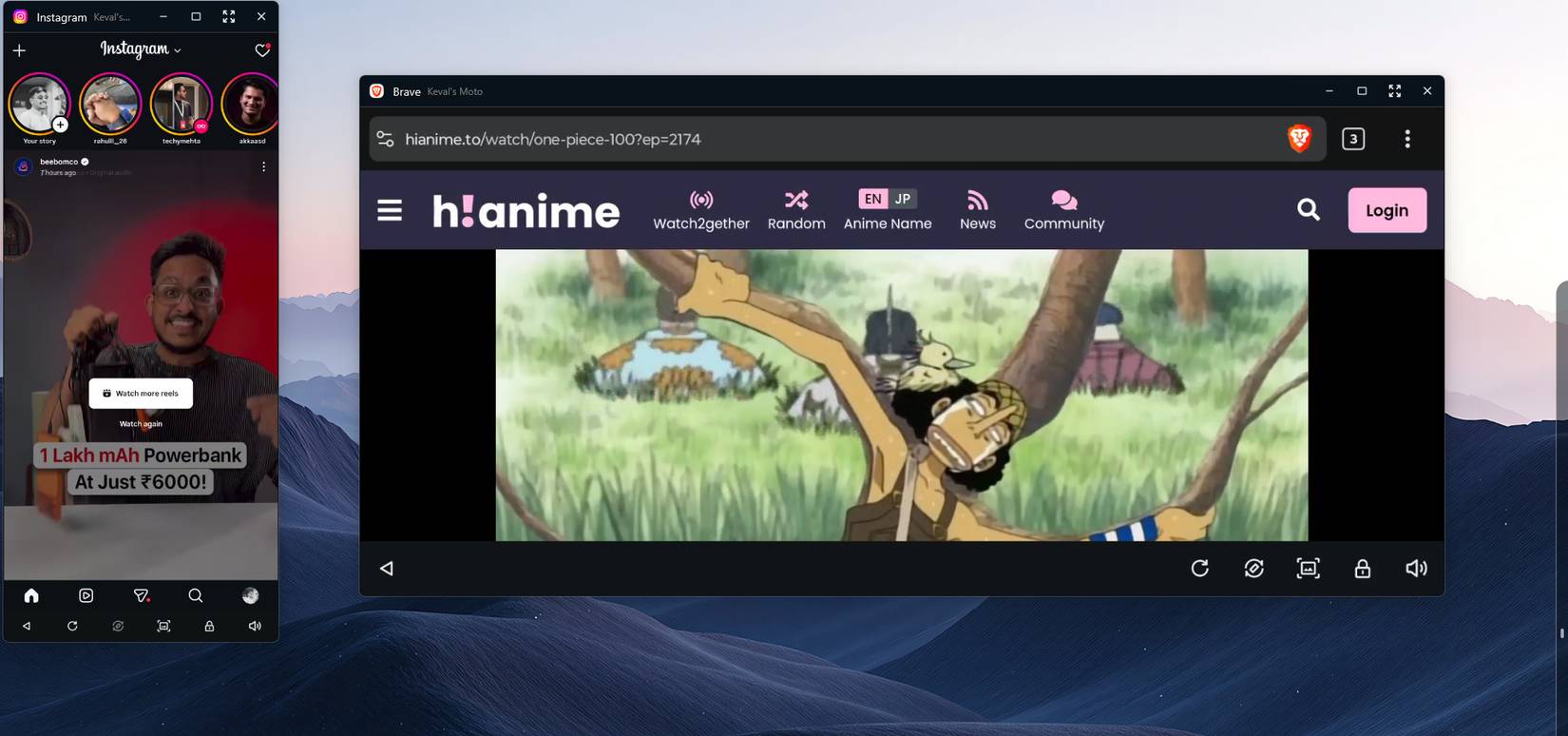
Many tools claim to connect your phone to your computer, but ultimately only mirror your phone's screen to your PC. These apps do nothing more than project a simple, often non-interactive, video stream from your phone onto your computer.
Smart Connect excels with its App Streaming feature. Instead of taking up the entire screen, Smart Connect allows you to stream specific Android applications as separate, interactive windows on your desktop.
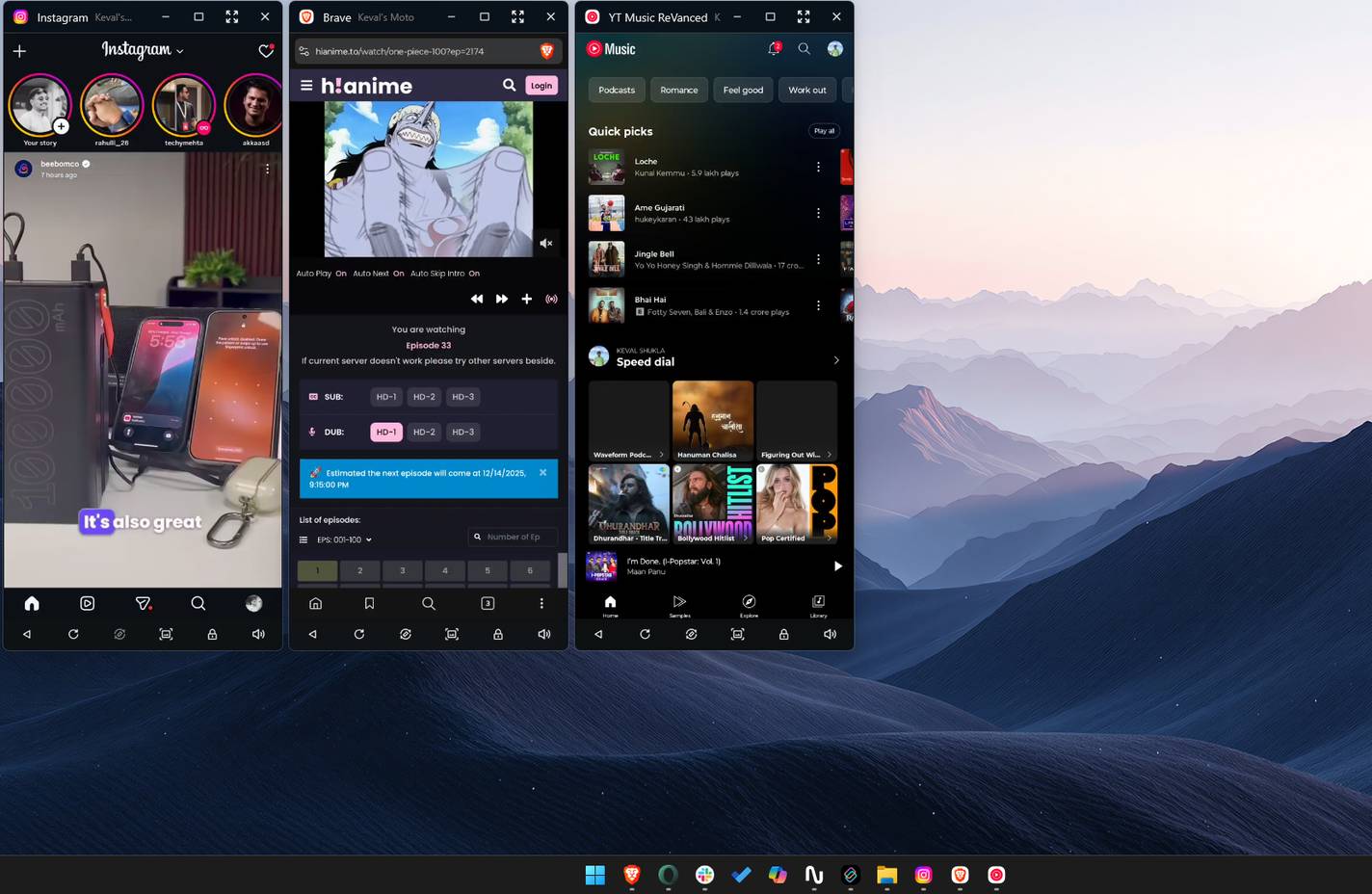
This is a small but significant difference. You can run any app installed on your phone, such as X, WhatsApp, or Instagram, in a desktop window alongside Excel spreadsheets or other work-related applications you use. You can even pin these apps to the Windows taskbar or Start menu, just like other desktop applications.
Small but useful features
It's not all about outstanding features
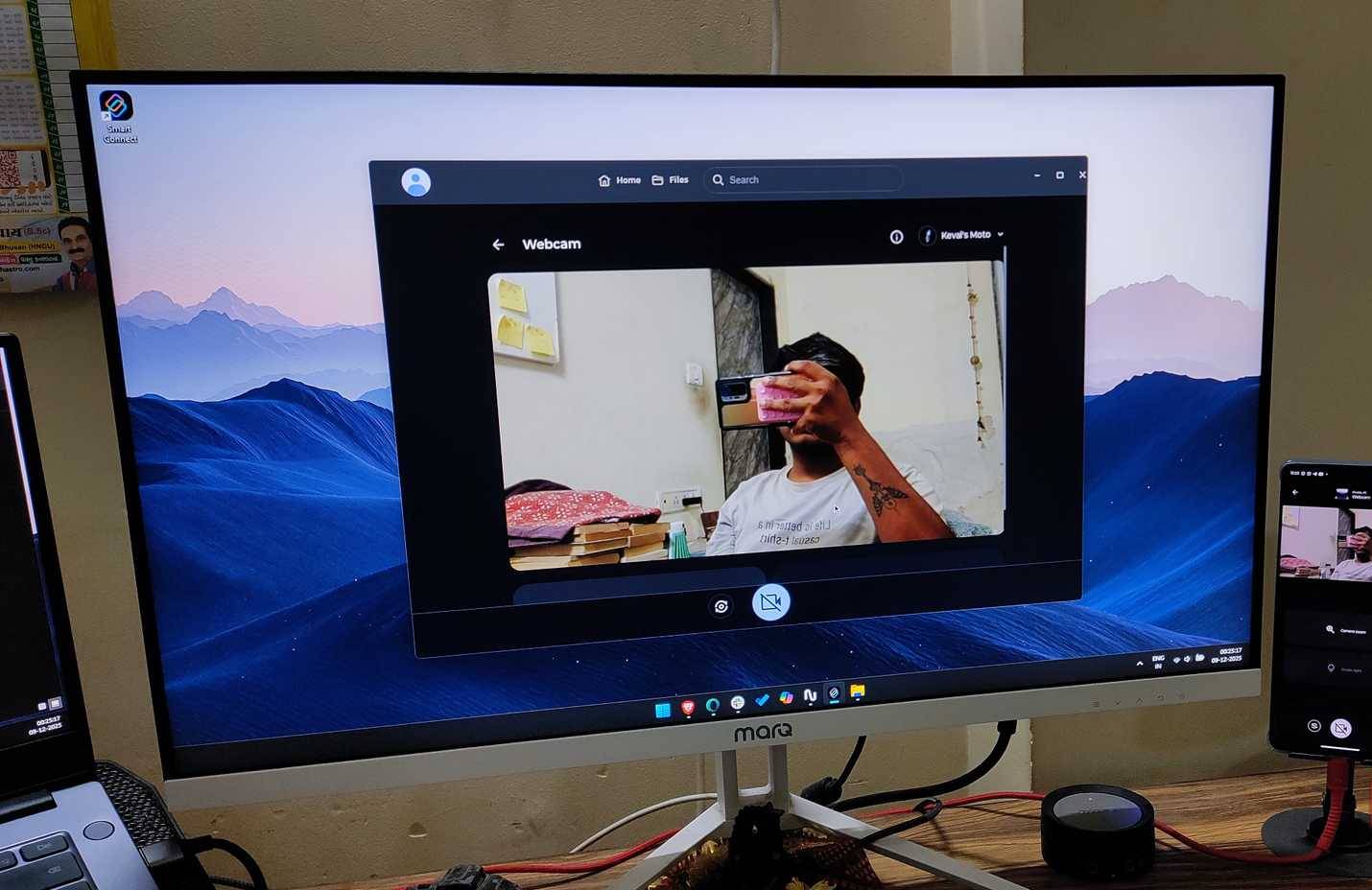
While features like Cross Control and App Streaming are eye-catching, Smart Connect offers much more. Features like Share Hub, Universal Clipboard, Desktop Mode , and Webcam Utility serve you well and don't need much explanation.
Thanks to its deep integration, the Share Hub feature makes sharing files between your desktop and phone easy. All you need to do is drag and drop. Then, in Windows File Explorer, select the file and drag it into the Share Hub pane; the transfer is complete.
Universal Clipboard is even more convenient. Just press Ctrl + C on your PC, then press and hold on the text field on your phone and paste. It's that easy; no need to manually text or mess with complicated syncing operations.
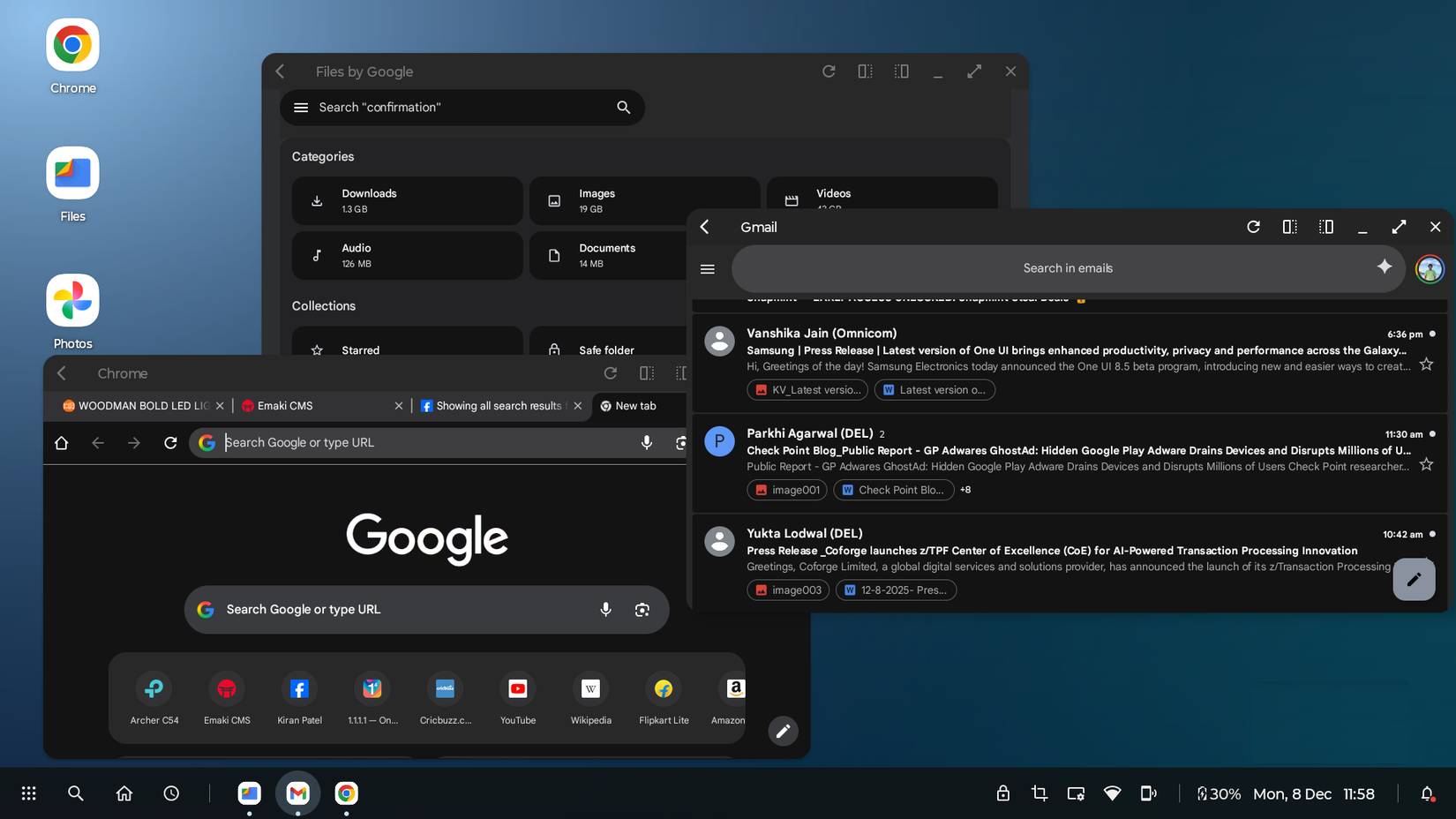
Smart Connect isn't limited to PCs. If you connect your phone to a TV or external monitor, Smart Connect creates a desktop environment. This is similar to Samsung's DeX mode, which turns your Samsung phone into a PC so you can work entirely from your phone. It creates a desktop environment, complete with multiple windows and good multitasking capabilities.
Finally, there's the Webcam Utility. As you may have noticed, most Windows laptops have low-quality webcams. That's why people use their phone cameras as webcams for their laptops. Smart Connect's webcam utility allows you to use both the front and rear cameras of your phone (with the rear camera usually having higher quality than the front camera) as webcams for your laptop. This will completely change the way you use your computer, especially if you frequently participate in Google Meet and Zoom calls on your laptop.
Smart Connect reveals a unified future
Apple has long been praised for its "closed garden"—a fantastic ecosystem that works perfectly as long as you never step outside the gate. Motorola and Windows, through Smart Connect, are offering something arguably better: A closed garden with an open gate.
You get seamless drag-and-drop functionality, a versatile clipboard, and peripheral sharing that Apple users are proud of, all on the world's most flexible operating system. If you're a Windows user looking for a mobile partner that not only accepts your PC but also actively collaborates with it, Motorola currently offers the best integration on the market.
Final Thoughts
Understanding smart connect makes it easier to evaluate the information and apply the most relevant recommendations. Focus on the key points above and verify details that may change over time.
FAQ
What is smart connect?
Explore smart connect: an incredibly seamless integration of the Android and Windows.
What key points does this article cover?
The article focuses on Cross Control, One keyboard for all, Streaming applications are really effective, with practical explanations and examples.
How can you use this information in practice?
Use the explanations to compare options, verify important details, and make a more informed decision. Apply the recommendations that best match your goals and situation.
Related Articles
 The Difference Between Smart TV and Internet TV7 minutes read
 How to Connect Your Phone to a Samsung TV: Practical Guide8 minutes read
 Nio Phone 2: Flagship Smartphone Model with Absolutely No5 minutes read
 Ways to Connect Android Phones to Samsung Tvs6 minutes read
 How to Connect Smart TV to the Internet: Practical Guide5 minutes read
 How to Connect a Smart TV with Cable (Smart TV Setup): Clear Instructions10 minutes read
Reader Comments 0
Sign in with email or Google to join the discussion.