5 practical ways to automate everyday Windows tasks
Set up sign-in apps, reusable window layouts, careful folder cleanup, keyboard shortcuts, and update schedules with Windows and Microsoft tools.
Fix Windows problems, troubleshoot devices, understand AI, secure your accounts and get more from your technology with tested step-by-step guides.

Set up sign-in apps, reusable window layouts, careful folder cleanup, keyboard shortcuts, and update schedules with Windows and Microsoft tools.
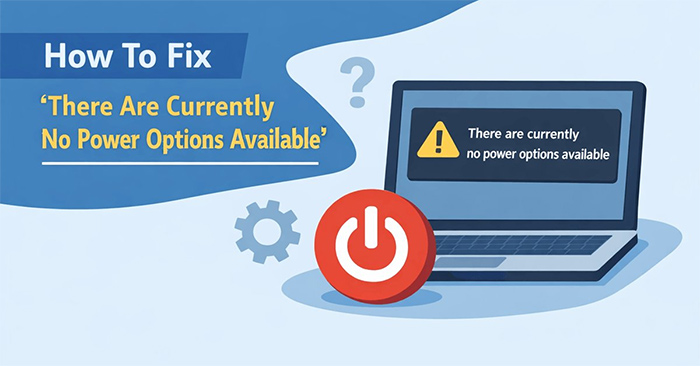
Check software and policy restrictions, correct the NoClose setting on a personal PC, and avoid obsolete troubleshooting commands.
Change the account used to sign in to Windows while keeping the existing profile, then check separate Microsoft app and OneDrive sign-ins.
Test where the delay occurs, isolate third-party context-menu extensions, restart Explorer, and adjust menu animations without assuming one fix fits every PC.

Try a reversible Registry workaround for Bing results in Start menu search, understand its Windows version limits, and restore the original setting if needed.

Index more folders with Windows 11 Enhanced search, exclude locations you do not need, and rebuild the index only when results remain incomplete.
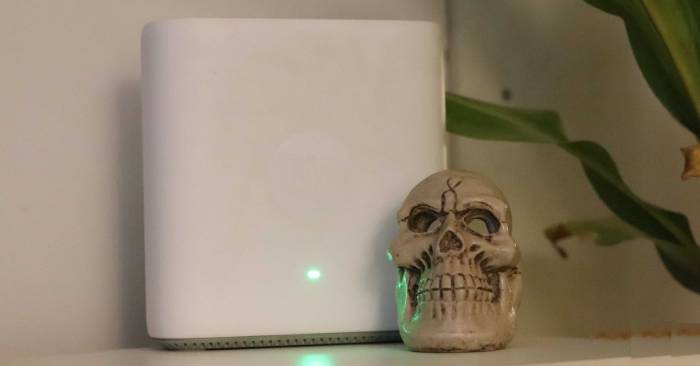
A Wi-Fi name can expose personal details and help identify a network. Choose a neutral SSID, understand hidden-network limits, and avoid misleading public hotspots.

Correct inconsistent text, review duplicates, split columns, and set validation rules in Excel while keeping a backup and checking the cleaned results.

Understand how Microsoft Purview combines data governance, security, and compliance, with practical use cases and the licensing and coverage checks needed before deployment.

Install a font in Windows, select it with Paint's Text tool, fix a missing font, and uninstall a downloaded font through Windows Settings.

January 2026 reports raised concerns about exposed app data. Check the incident date and publisher response, limit sensitive submissions, and secure affected accounts.
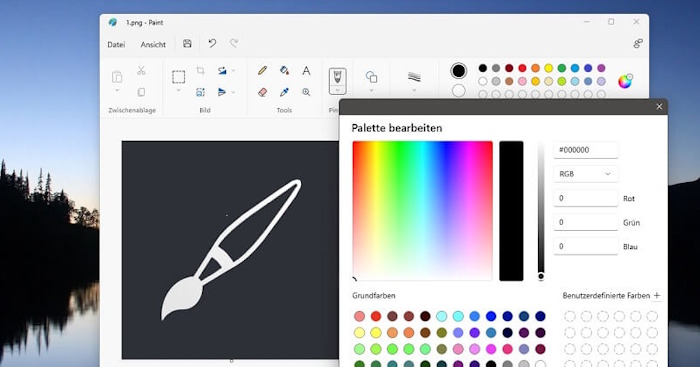
Use Paint's Background tile to choose a canvas color, remove an opaque photo background when needed, and save a copy with the result you want.
Open protected Word, Excel, and PowerPoint files in Drive with the correct password, understand why Edit removes protection, and check sharing before making changes.
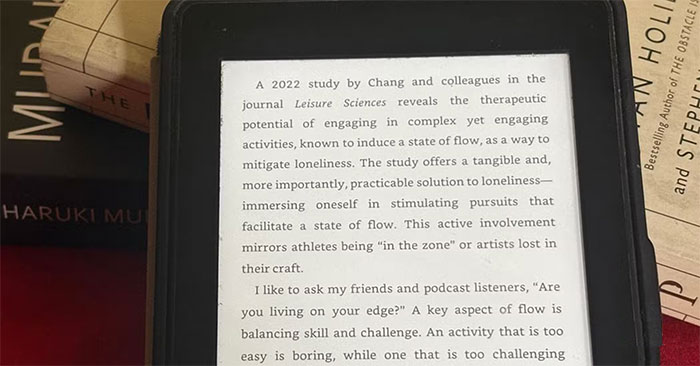
Send documents, organize ebooks, borrow eligible library titles, and track reading with seven Kindle companion tools, including important format and subscription limits.
Choose Day or Night colors for navigation, set miles or kilometers, and use the separate app-theme setting for browsing Google Maps.

Keep reminder alerts now come from Tasks or Calendar. Find migrated reminders, check notification settings, and understand the loss of location-based reminders.
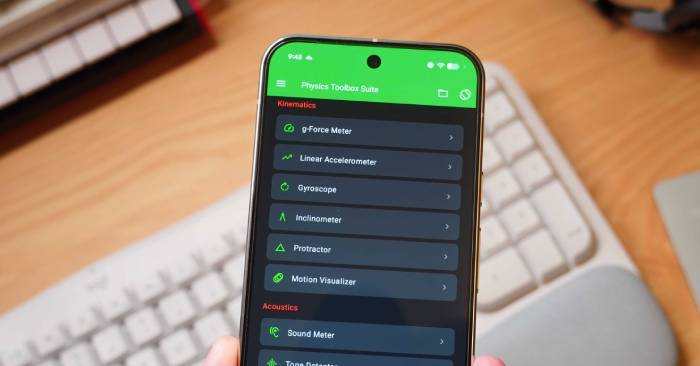
Try sound, proximity, battery-temperature, and magnetic-field measurements, with simple experiments and the hardware and accuracy limits to watch for.

Block Netflix app alerts on Android, iPhone, and Windows, check TV-specific controls, and manage promotional email separately from essential account messages.
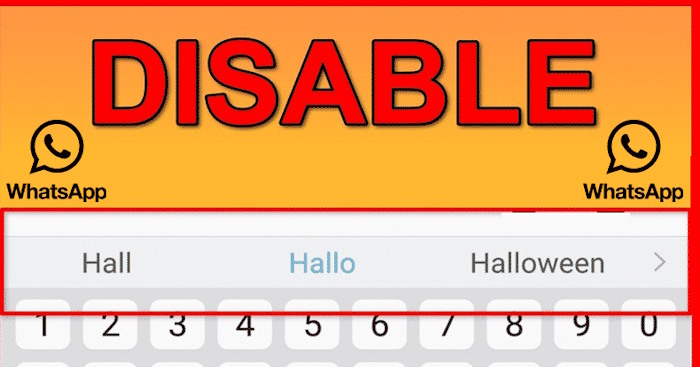
Disable automatic word replacement on the iPhone keyboard or Android Gboard, keep suggestions if you want them, and check which keyboard WhatsApp is using.
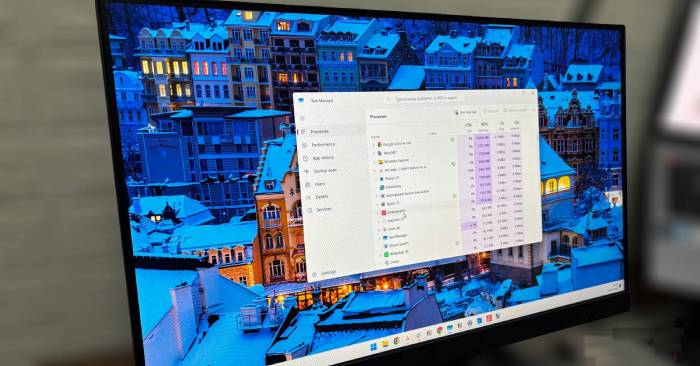
Compare Windows and browser resource usage, isolate heavy tabs or extensions, and reduce memory pressure without assuming every slowdown is the browser's fault.