Table of Contents
Explore reasons to try the bodhi Linux distribution, including the key concepts, practical examples, important considerations, and useful guidance.
Therefore, many people tried a distribution they had never used before: Bodhi Linux. This distribution was typical of being lightweight and completely different from any popular distribution before it. It was the perfect distribution for a certain group of people.
Moksha: A distinctive, efficient, and elegant desktop environment
Why is it different from anything you've used before?
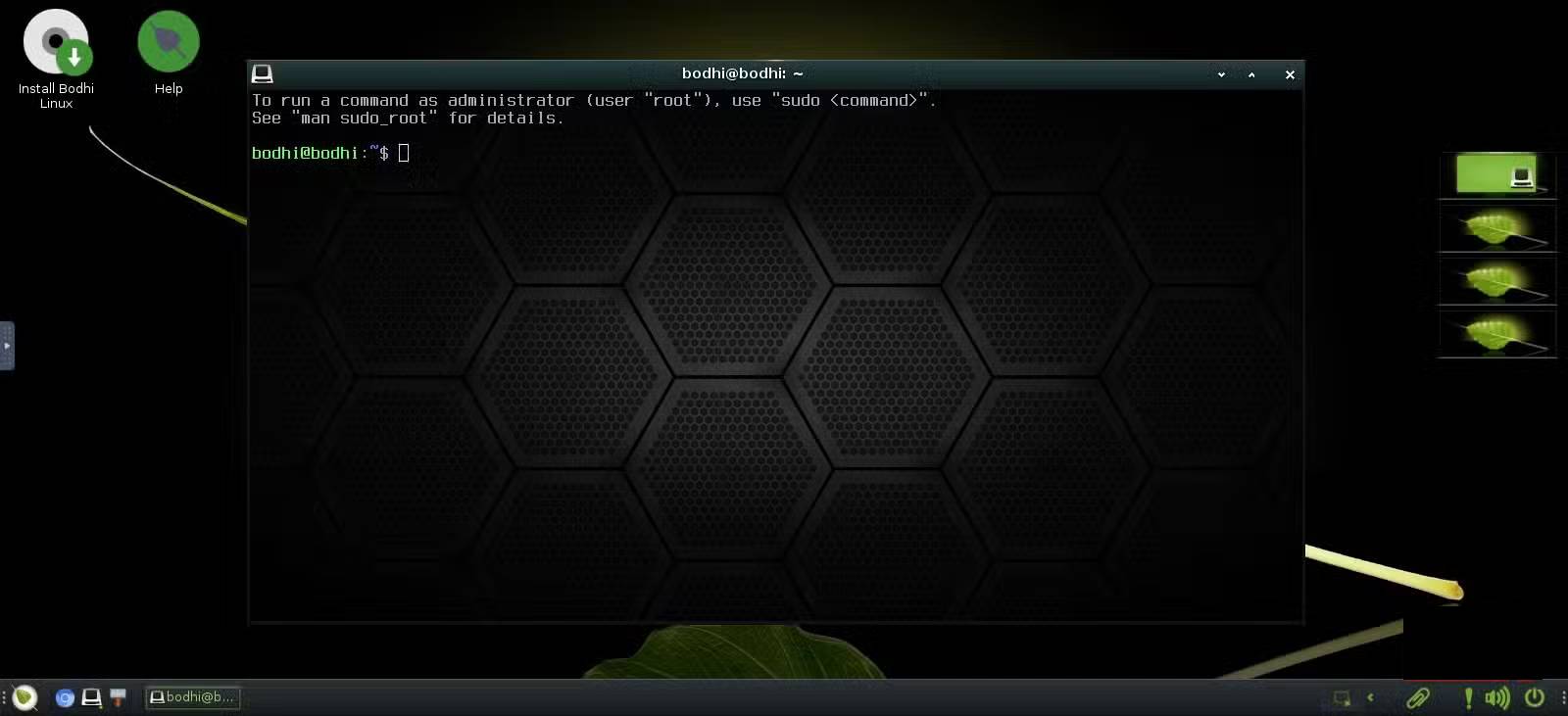
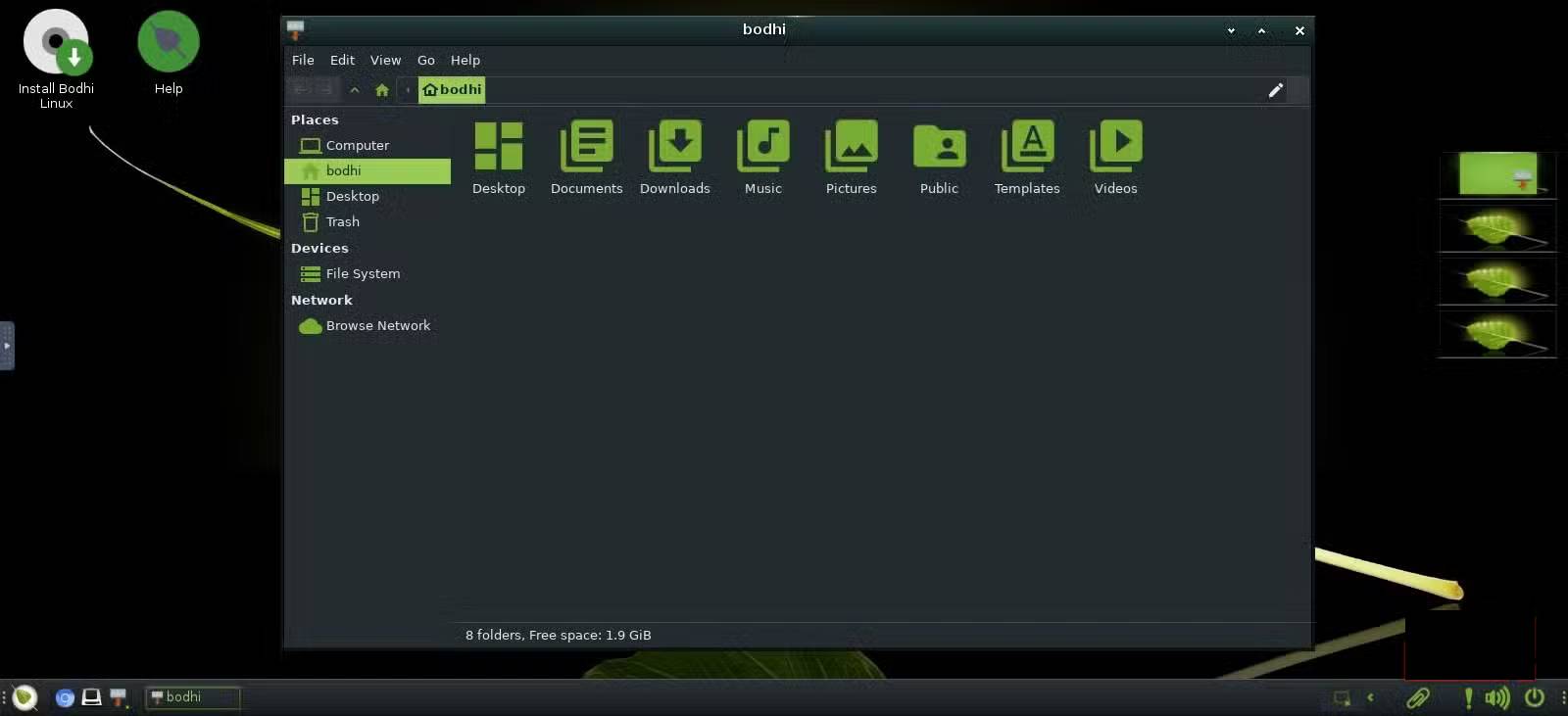
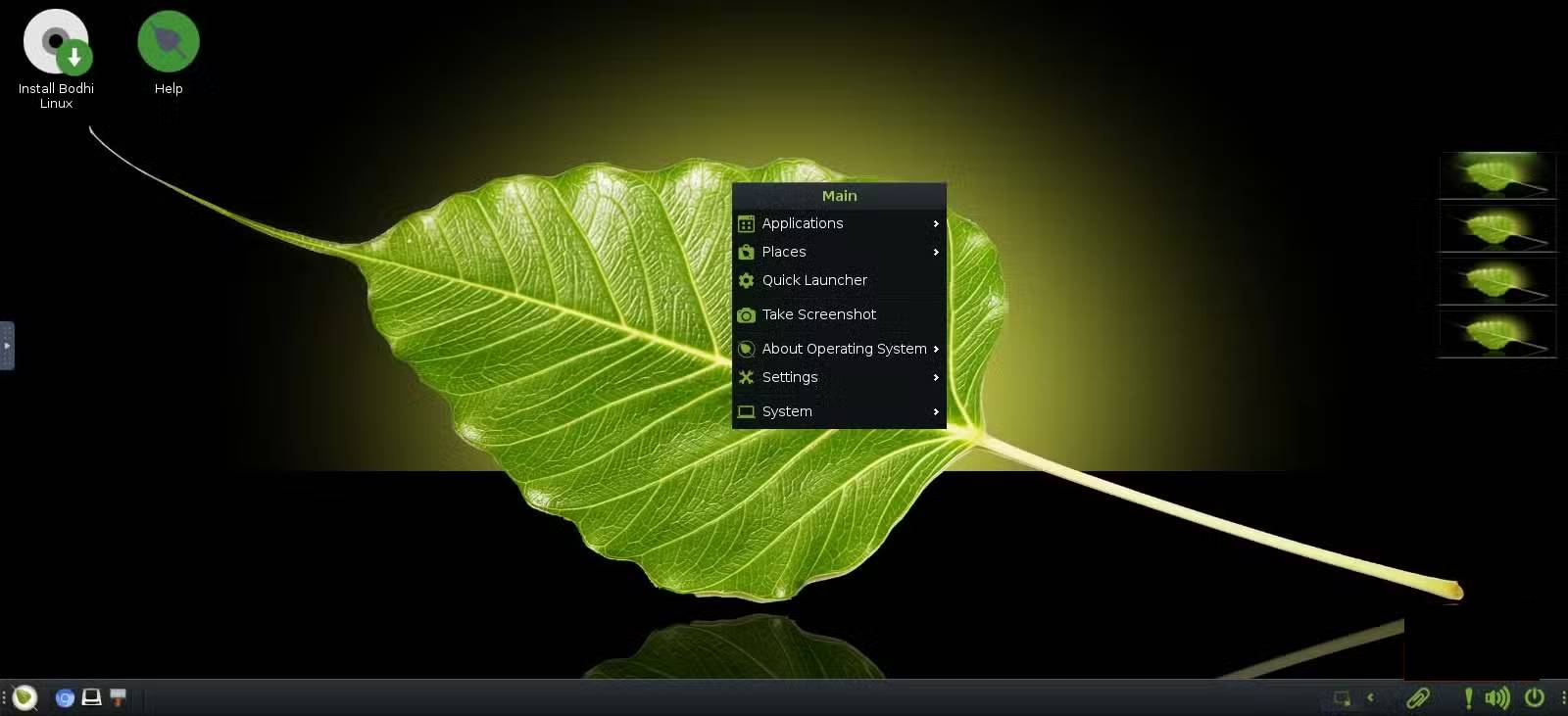
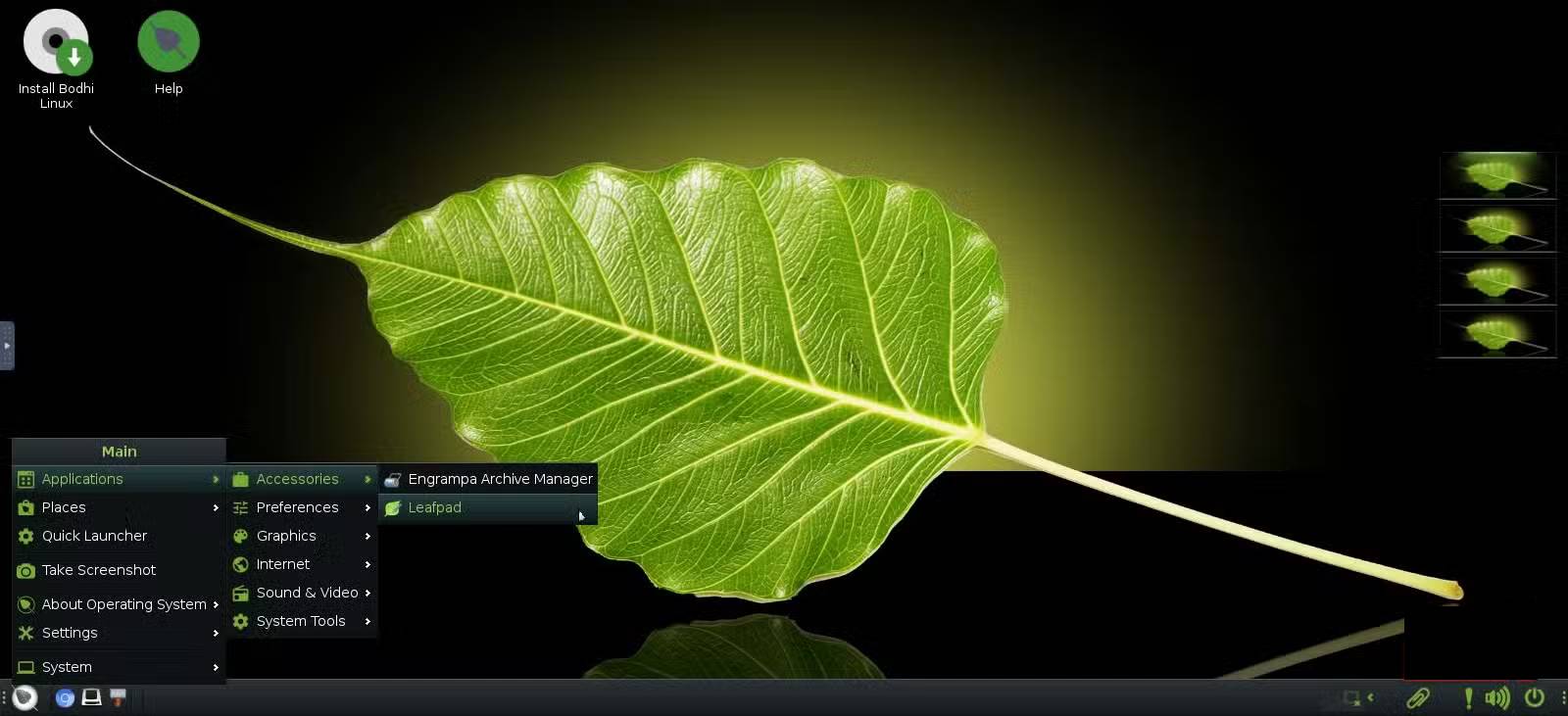
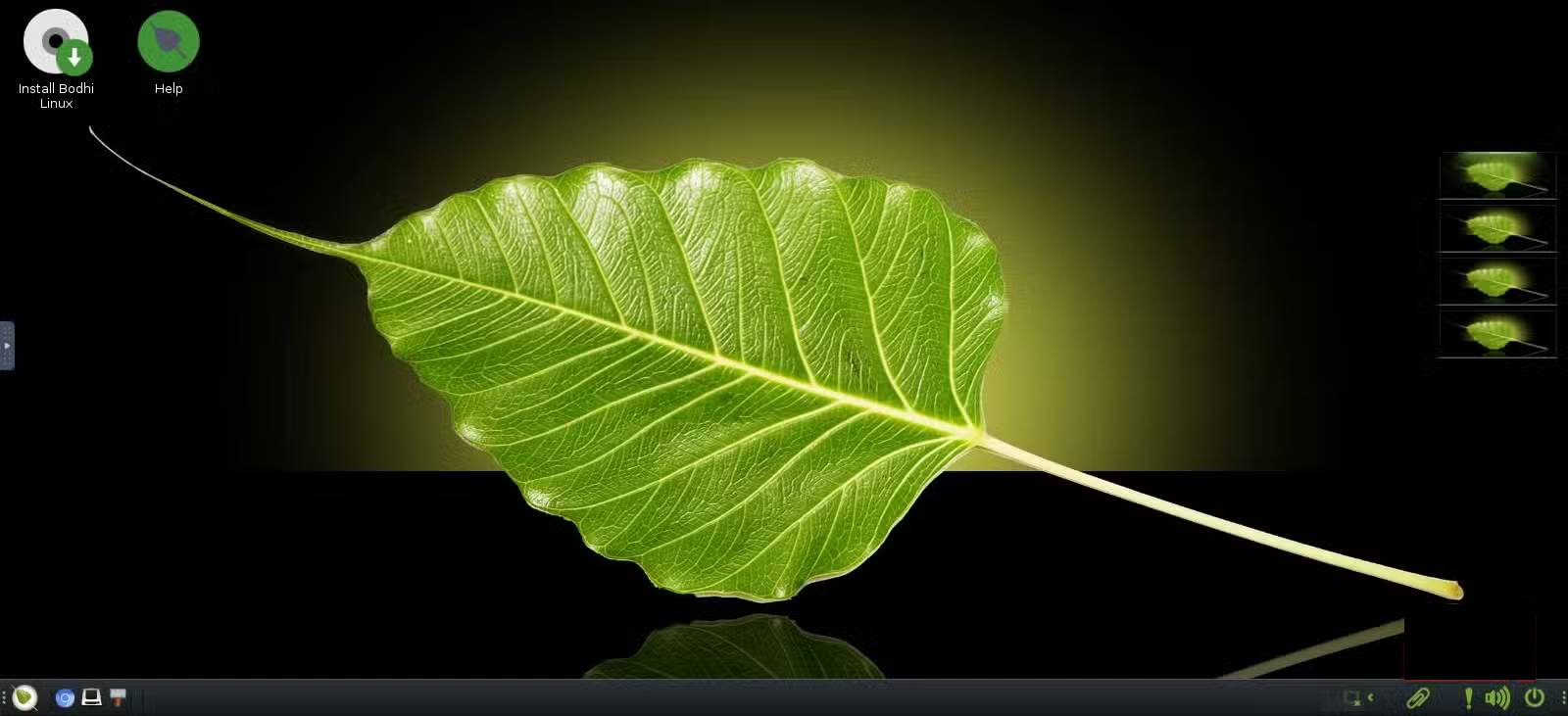
Most previous Linux distributions had a similar design, making them look like Windows or macOS. They typically included a toolbar and a menu button in the corner. Bodhi Linux uses the Moksha desktop environment. Moksha is based on Enlightenment 17, a lightweight, clean, dark, and streamlined desktop environment.
This desktop environment lacks the pop-up windows you typically see on modern computers. It also eliminates side panel controls and relies on lightweight visual effects. The Moksha desktop environment has had a significant impact on older HP computers. Removing many desktop effects has made older laptops run more smoothly and easily.
Although Moksha lacks some elements of modern desktop environments, it remains very practical. You have a toolbar at the bottom that includes open applications and basic system information. The power button is located in the bottom right corner of the screen, not hidden in any menu. You can left-click anywhere on the desktop, and the entire menu will appear right below the cursor. This is the quickest way to access menu options on any Linux distribution you've ever used.
Minimalist design: 200MB and everything you need
How Bodhi helps bring old hardware back into use
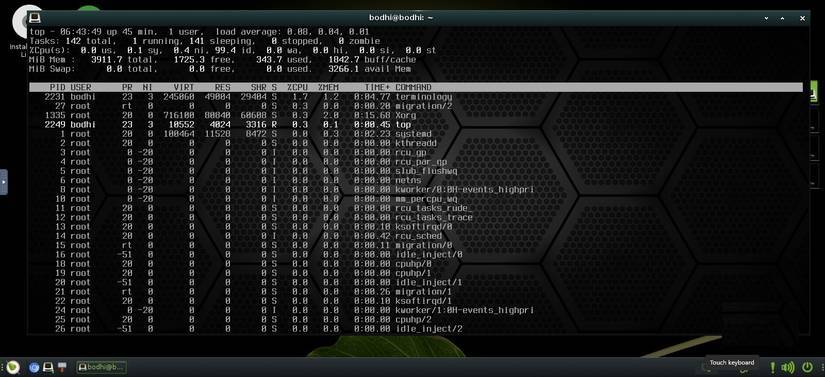
Memory usage is the most important factor in keeping Bodhi Linux running fast on a 17-year-old laptop. On modern systems like Windows and some other Linux distributions, you might see RAM usage of over 1GB before opening any application. Bodhi Linux installations only use between 180 and 200MB when idle, making it one of the most memory-efficient and lightweight distributions available.
However, this low memory usage is no accident. Bodhi Linux limits the number of background services installed and pre-loaded applications. This is in stark contrast to many mainstream operating systems that typically include background applications and services just in case you need them. Bodhi comes with a compact suite of tools, including a web browser, a basic text editor, a file manager, and a terminal. This minimalist approach ensures short boot times.
Bodhi Legacy Edition is built for 32-bit processors, common in laptops from the early 2000s – a sign of its deliberate support for older hardware. This is quite rare in most mainstream Linux distributions. It's the most suitable option for a laptop that feels too old to run any other operating system, but not yet at the point of being discarded.
Features you didn't know you needed
Small ideas can quietly change the way you work
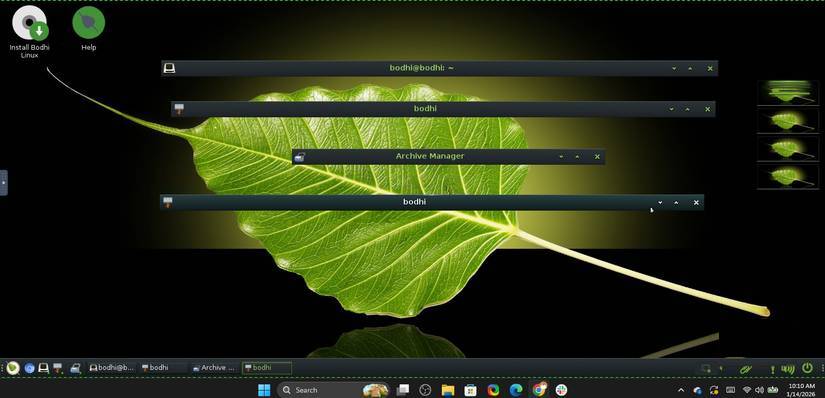
Bodhi has some features that might seem strange at first, but you'll get used to them. For example, the window shadow effect allows you to scroll your mouse wheel over the window's title bar instead of minimizing it to the toolbar. This feature will neatly scroll the window, leaving only the title visible. It's a great way to save space without actually moving your work.
Bodhi also has an interesting approach to workspaces. On the right side of the computer screen, four tiles are displayed, which are previews of your open workspaces. By right-clicking on any tile, you can access its settings. This preview ensures you know the contents of each workspace even before clicking on it. It's an effective way to organize work on older or slower computers.
Bodhi Linux adds these small details to enhance practicality. It's a responsive Linux distribution. You won't experience lag or sluggishness because it doesn't include heavy animations that can cause stuttering. The right-click menu is simple and eliminates all unnecessary steps.
From passive user to desktop expert
Why is the learning process a valuable part of our system?
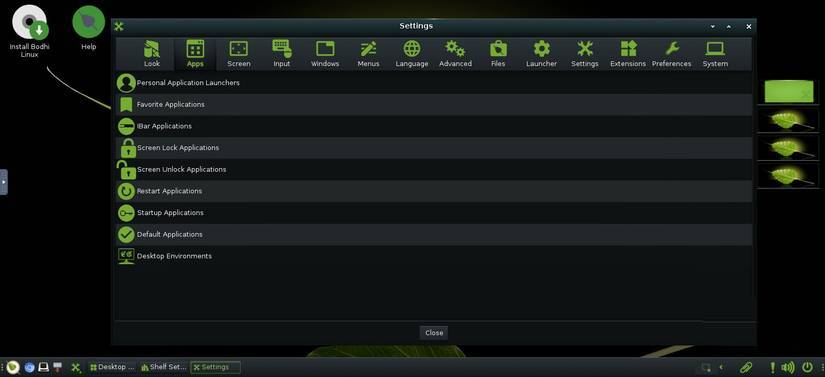
After installing Bodhi Linux, you'll notice a few things are missing. For example, the clock isn't displayed clearly. Nor is the battery indicator. While this feels a bit strange, it gives the desktop a minimalist look. More importantly, Bodhi gives you the freedom to decide which elements are included on your computer screen.
The distribution starts to feel more flexible as you continue exploring the settings. You can add, remove, and resize toolbars. You have control over app launchers and have created personalized launchers for your most frequently used apps, assigning them to specific keys. On a slow computer, these shortcuts eliminate unnecessary clicks and reduce the risk of lag when opening menus.
You'll learn a few lessons along the way. For example, every time you unplug your laptop, the display settings will be corrupted. To fix this, you have to click Save to Moksha Startup . But this will help you understand Bodhi's philosophy. It doesn't assume anything; you have to explicitly configure a behavior if you want it to be saved. This also makes Bodhi predictable, because it does exactly what you ask.
Final Thoughts
Understanding reasons to try the bodhi linux distribution makes it easier to evaluate the information and apply the most relevant recommendations. Focus on the key points above and verify details that may change over time.
FAQ
What is reasons to try the bodhi linux distribution?
Explore reasons to try the bodhi Linux distribution, including the key concepts, practical examples, important considerations, and useful guidance.
What key points does this article cover?
The article focuses on Moksha: A distinctive, efficient, and elegant desktop environment, Why is it different from anything you've used before?, Minimalist design: 200MB and everything you need, with practical explanations and examples.
How can you use this information in practice?
Use the explanations to compare options, verify important details, and make a more informed decision. Apply the recommendations that best match your goals and situation.
Related Articles
 7 Lightweight Linux Distros, Ideal for PCs with Intel Atom Processors6 minutes read
 Create Your Own Linux Distribution with Ubuntu Imager7 minutes read
 These 4 Linux Distributions Are a Bad Idea: Avoid Them at All Costs7 minutes read
 Slax: How to Build Your Own Linux Distribution9 minutes read
 7 Best Linux Distributions Based on Red Hat7 minutes read
 8 Easy Tools to Create Your Own Linux Distro6 minutes read
Reader Comments 0
Sign in with email or Google to join the discussion.