Table of Contents
Explore 5 essential extensions for browsing the web on Android.
To get a similar experience on Android phones, many people use Firefox. It's one of the best Chrome alternatives that supports extensions. These extensions make browsing on small screens much more convenient than the default browser.
uBlock Origin
Browsing the web without distractions
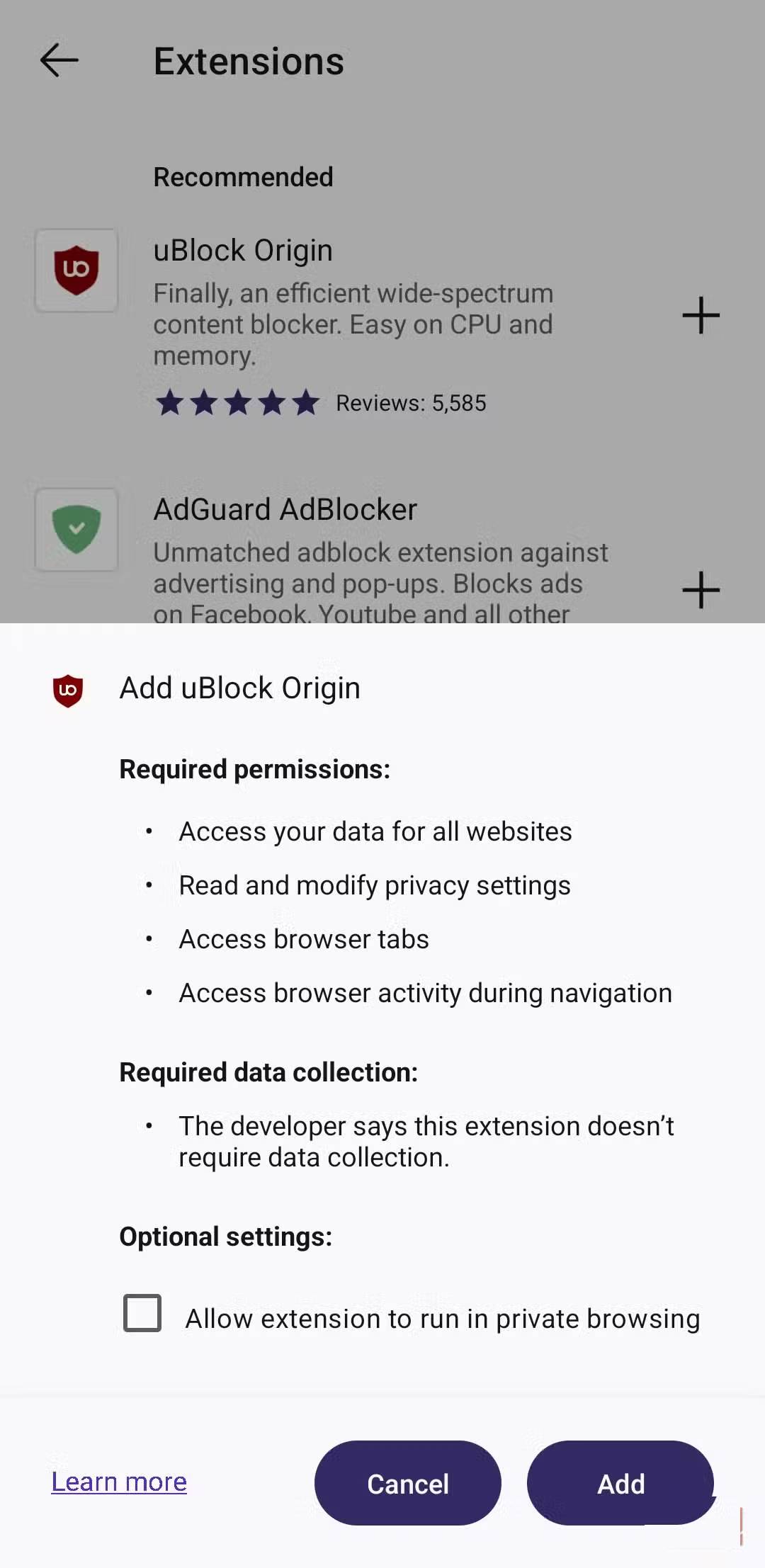
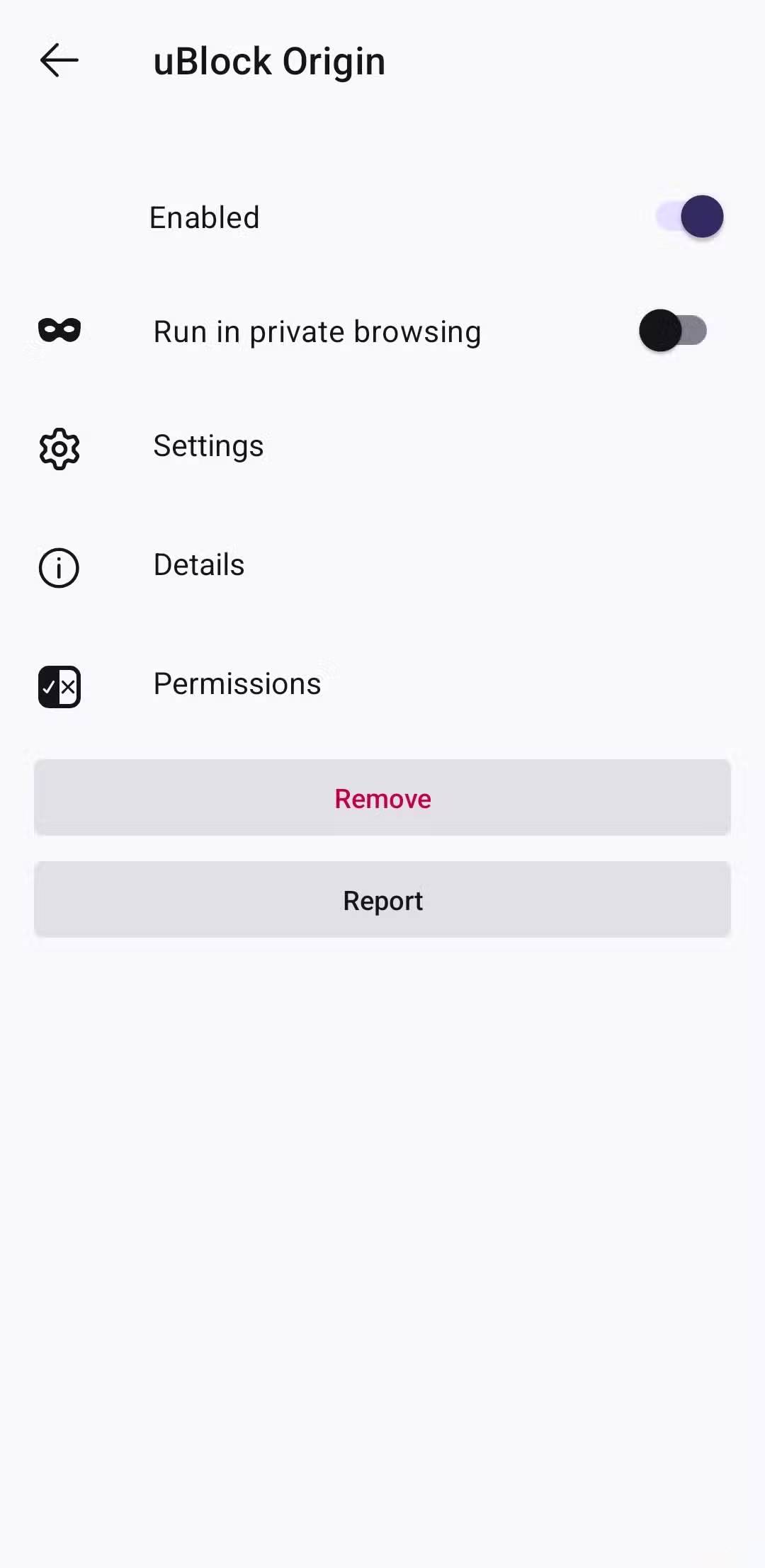
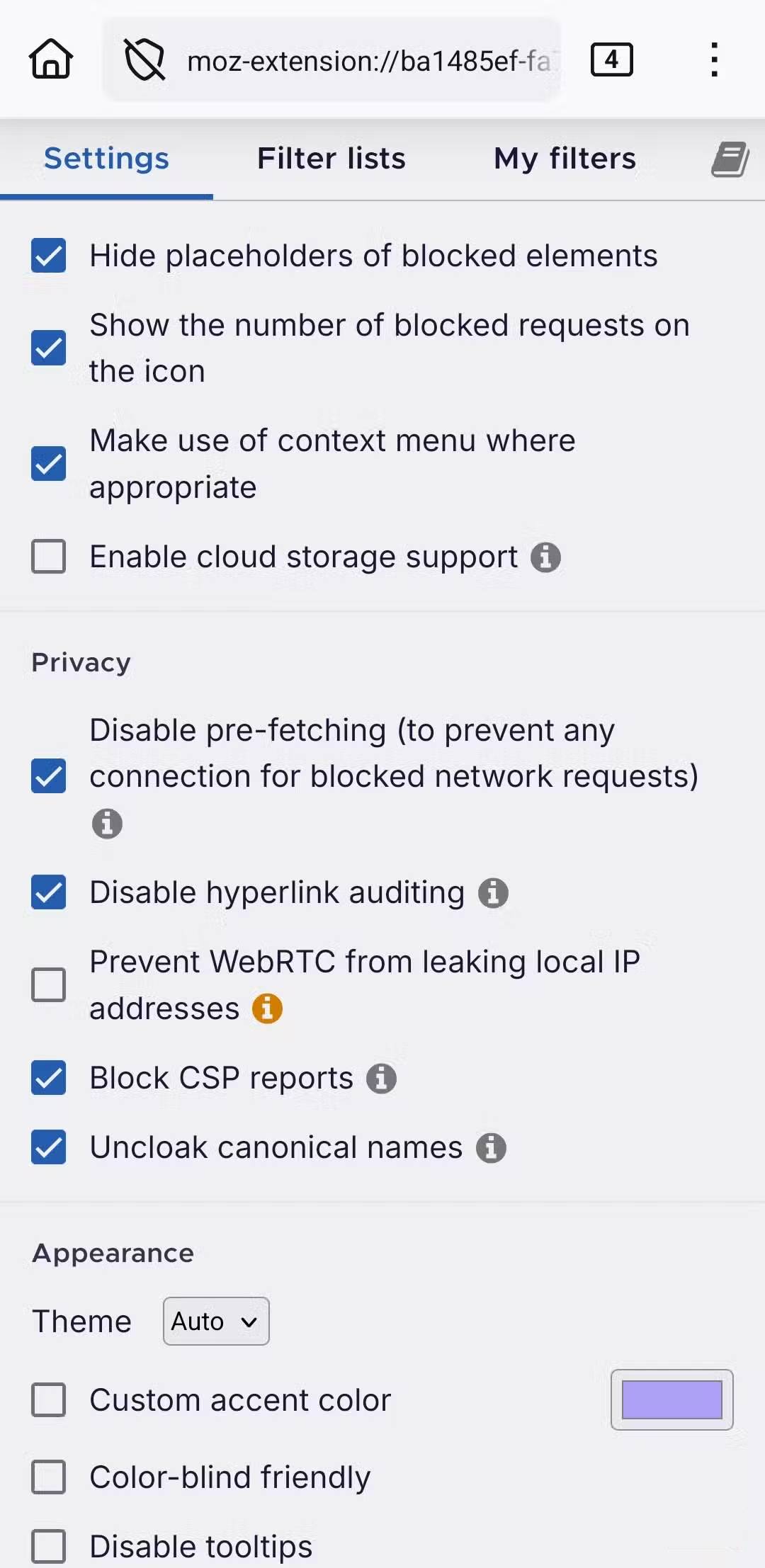
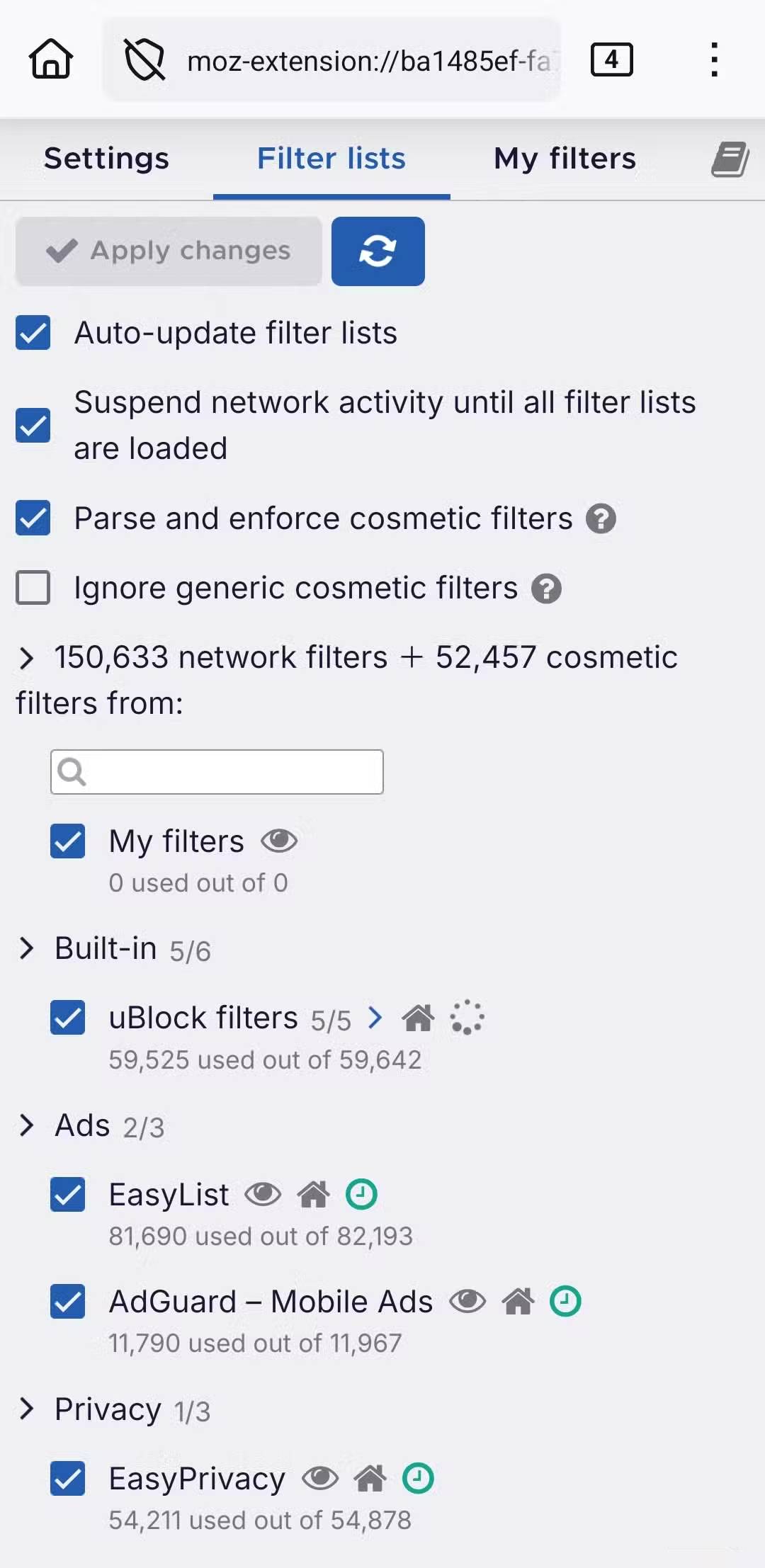
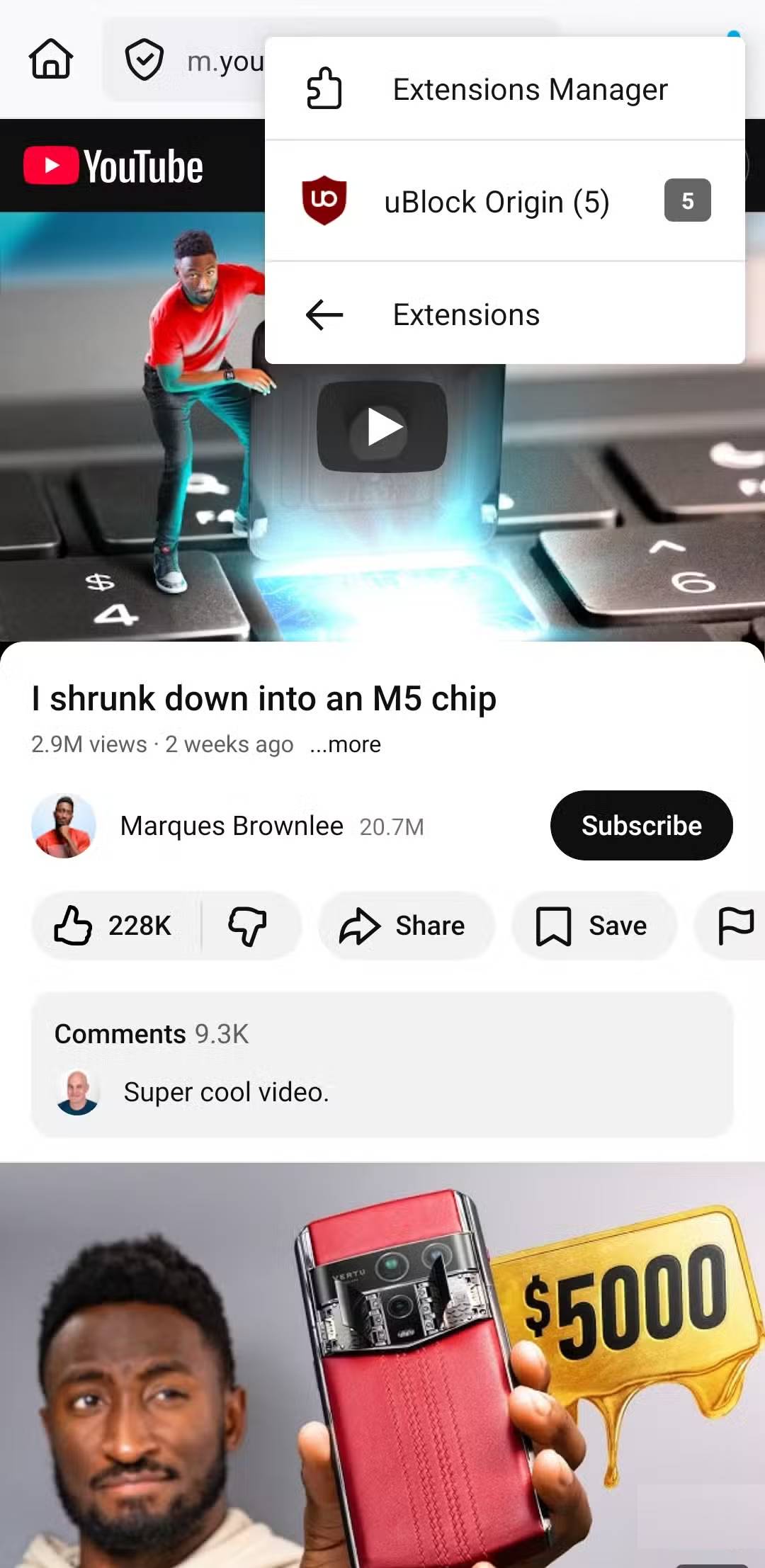
Many people don't mind seeing ads while browsing, but some websites overuse them. You know, websites that display auto-playing videos, pop-up windows that appear when scrolling, and banners that reload every two seconds. Dealing with this on mobile browsers is much more difficult than on computers.
uBlock Origin is a free, open-source extension that hides ads on all websites. Additionally, it blocks trackers, pop-ups, and malicious URLs. This not only makes browsing more peaceful but also speeds up page loading.
uBlock Origin also supports community-maintained and continuously updated filter lists. And if you want even more control, you can also add your own rules to block specific elements or entire domains.
Bitwarden Password Manager
Stop using it, start protecting it
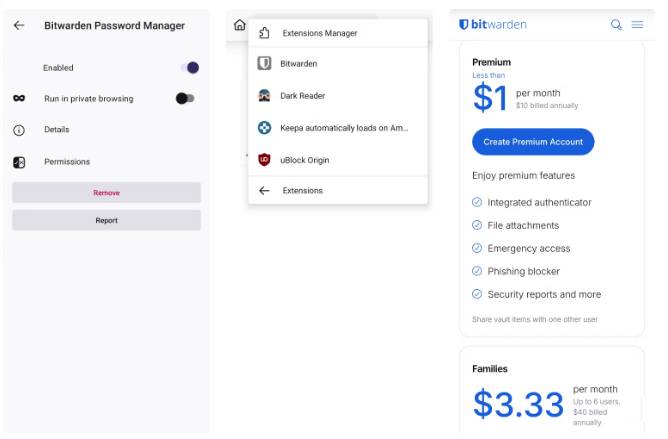
Most modern browsers offer built-in password managers, but there are reasons to avoid using them. Furthermore, if you frequently switch browsers, using a dedicated password manager is far more convenient.
Bitwarden is an open-source password manager available as an Android extension. It can securely store all your login information in an encrypted archive, and you can access it on any device. Besides storing passwords, Bitwarden is also great for generating passwords and storing two-factor authentication codes.
The best part is that it's completely free and ad-free. It also has a paid plan that offers additional features like phishing blocking and secure file attachments, at $10 per year. This is one of the most affordable password managers you can find.
Video Background Play Fix
Turn any video into a podcast
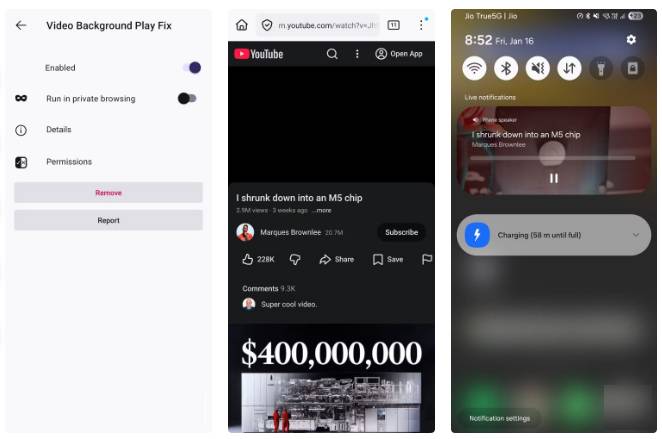
Browsing the web isn't always just about reading. Sometimes, you might also come across videos you want to listen to. These could be interviews, podcasts, lectures, music, or even lengthy tutorials. The problem is that on most mobile browsers, the video pauses as soon as you switch apps or lock your phone.
Video Background Play Fix is a simple extension that fixes this problem. It forces videos to continue playing even when you minimize the browser or lock your phone. This is great for listening to long content without having to keep the screen on all the time or use split-screen mode. It even works on YouTube, meaning you can listen to videos without YouTube Premium.
Nowa
Not every 'sale' is a bargain
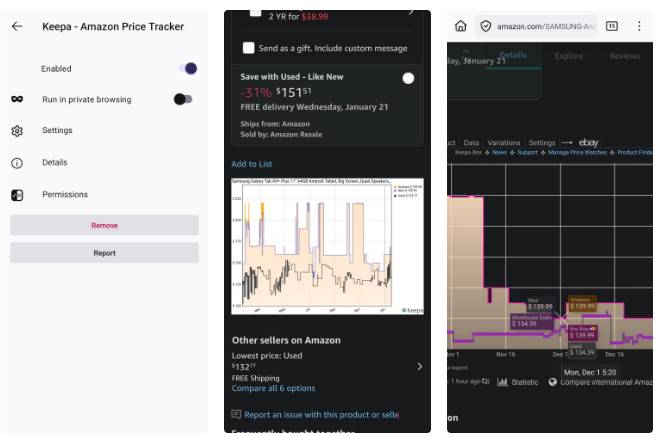
If you shop online frequently, you'll know how misleading 'discount' prices can be. You'll see an item discounted by 50 to 80%, only to realize it was even cheaper last week, or that the 'discount' was never actually in effect. While websites like Amazon now offer price tracking features, they aren't available for every product and don't provide any additional functionality.
Keepa is a popular price-tracking extension that displays Amazon price history. The best part is that it shows price charts directly on the product page, so you don't need to open the product page. It even has an option to compare prices internationally.
What makes Keepa even better is its alert system. You can set a target price for any product and receive notifications when the price drops to that level. This is the biggest reason people use Keepa.
Dark Reader
Goodbye to those flashy websites
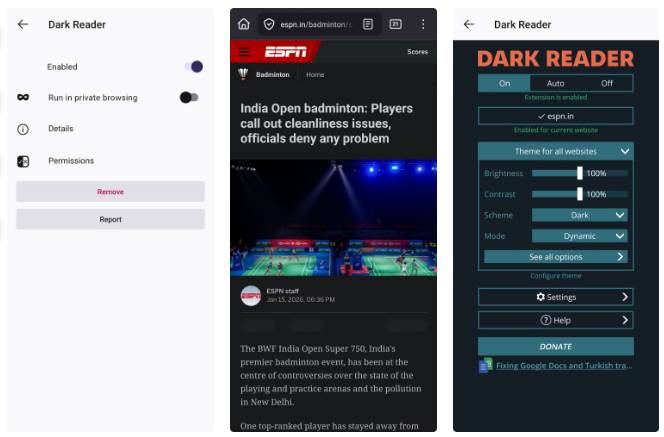
Many people frequently browse the web on their phones at night. Unfortunately, not all websites have a dark mode by default, and staring at bright white pages in a dark room can cause immediate eye strain. Even when a website has a dark theme, the results are often inconsistent.
Dark Reader is an extension that focuses on dark mode for almost every website you visit. Instead of relying on any theme provided by a website, Dark Reader gives you a consistent browsing experience across the entire web.
What people like most about it is the customization options it offers. You can fine-tune the brightness, contrast, and color to your liking. Those who prefer using dark mode will find this very important.
Final Thoughts
Understanding 5 essential extensions for browsing the web on android makes it easier to evaluate the information and apply the most relevant recommendations. Focus on the key points above and verify details that may change over time.
FAQ
What is 5 essential extensions for browsing the web on android?
Explore 5 essential extensions for browsing the web on Android.
What key points does this article cover?
The article focuses on uBlock Origin, Browsing the web without distractions, Bitwarden Password Manager, with practical explanations and examples.
How can you use this information in practice?
Use the explanations to compare options, verify important details, and make a more informed decision. Apply the recommendations that best match your goals and situation.
Related Articles
 9 Extensions That Help Optimize the Browsing Experience on Chrome8 minutes read
 4 Chrome Extensions to Help You Surf the Web Faster5 minutes read
 6 Browser Extensions That Change the Way You Use the Web6 minutes read
 5 Chrome Extensions to Stay Safe Online6 minutes read
 Uninstalling Extensions Can Improve Chrome Performance4 minutes read
 9 Chrome Extensions Are Most Useful5 minutes read
Reader Comments 0
Sign in with email or Google to join the discussion.