Table of Contents
The Black Market in Roblox's Devil Hunter sells Devil Flesh, body parts, weapons, and reset items. Access is associated with Dorian Graves' quest progression, including a delivery to the Broker in Chinatown. After unlocking it, use the in-game phone and shop interface to check its location and stock.
The Broker who receives the quest package and the Black Market vendor are different NPCs. Finding one does not mean you have found the other.
Unlock the Black Market
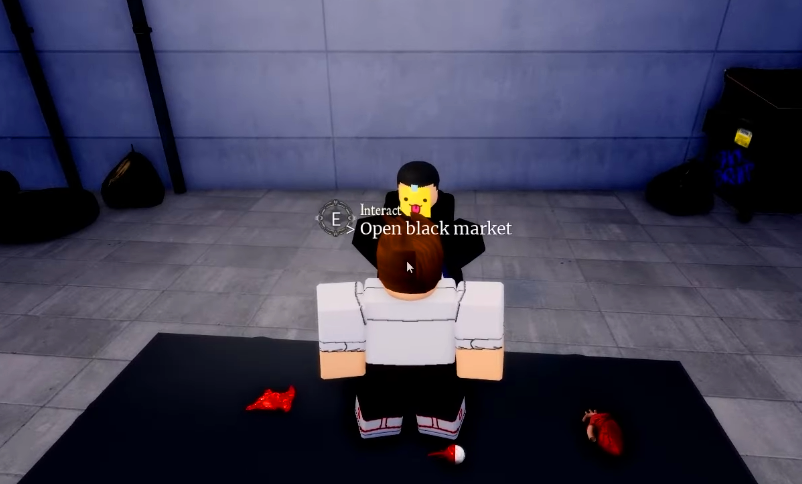
- Find Dorian Graves outside Public Safety Headquarters. Look near the bench; his nameplate may initially show Senior Devil Hunter.
- Follow his available quests. The documented chain includes Gravekeeper's Request, Unfinished Business, and The Black Market Connection. Complete any earlier objective required before the delivery becomes available.
- Accept The Black Market Connection. Read the objective and take the package supplied for the Broker.
- Go to Chinatown. Search the back alleys for the Broker in an open garage and hand over the requested package.
- Return to Dorian. Finish the report or turn-in and check that Black Market access is unlocked.
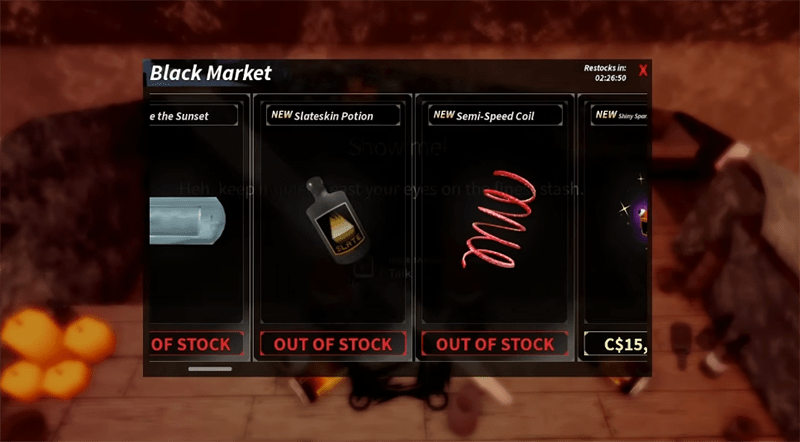
If the quest is unavailable, inspect your active objectives and level requirements. Do not skip directly to a later step or assume that possessing a Spirit's Locket automatically completes the chain.
Find the vendor after unlocking access
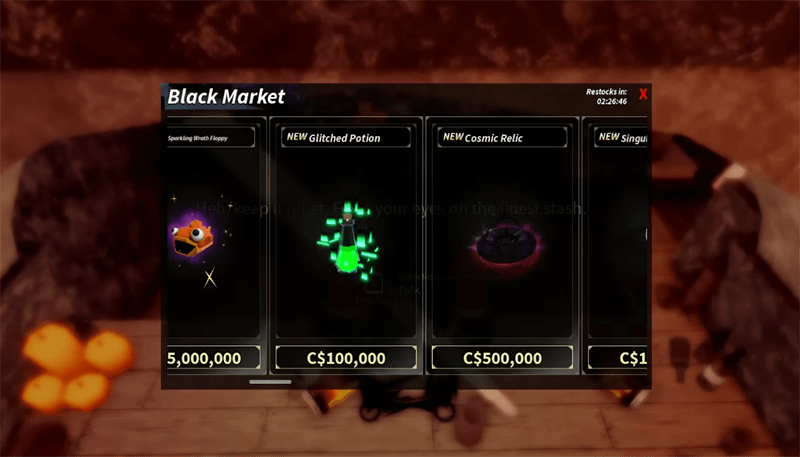
On the standard keyboard layout, N opens the in-game phone. Use its Black Market location icon or navigation option. If you use another input method or customized controls, follow the current interface prompts.
The documented vendor location is in the Shopping Street area, near an overbridge and a partly open shutter or garage stall. Use that landmark and the phone's guidance rather than assuming the vendor randomly relocates every time the stock changes.
Open the shop and read the New Shipment or stock timer. The displayed timer is more reliable than a fixed refresh interval quoted in an old guide. A refresh changes stock; it does not guarantee that the item you want will appear.
Black Market reference prices
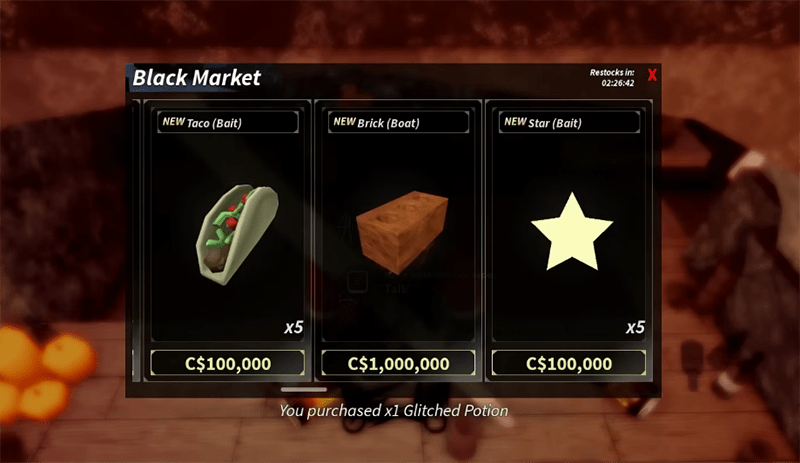
These are documented prices for the items below. Confirm the current shop price, available payment options, and stock before buying; game updates can change them.
| Item | Yen price | Robux price | Purpose to check |
|---|---|---|---|
| Gun Devil Flesh | 500,000 | 200 | High-rarity Devil Flesh; read its progression requirements |
| Eraser Devil | 300,000 | 1,000 | Stat reallocation |
| Wipe Token | 400,000 | 220 | A broader character wipe |
| AK-47 | 200,000 | 400 | A firearm; check your build's requirements |
| Epic Devil Flesh | 200,000 | 80 | Devil Flesh progression material |
| Rare Devil Flesh | 50,000 | 20 | Devil Flesh progression material |
| Uncommon Devil Flesh | 35,000 | 15 | Devil Flesh progression material |
| Common Devil Flesh | 20,000 | 10 | Devil Flesh progression material |
| Arm or leg | 8,000 each | 10 each | Body-part material; inspect the item description |
| Eye | 4,000 | 10 | Body-part material; inspect the item description |
Choose the right reset item
Eraser Devil and Wipe Token are not interchangeable. A stat reset is intended for reallocating a build, while a wipe can remove much more character progress. Read the current item's description and confirmation screen before using it, including what is retained and what is lost.
If your goal is only to change assigned stats, do not select a full wipe by mistake. The community Black Market reference also distinguishes these reset items, but the live game's wording should determine your decision.
Buy progression materials for an actual requirement, rather than spending on every rare item in stock. Keep enough Yen for the next step in your build, and compare the displayed cost before using Robux.
Related Articles
 How to Fix a Black Screen in OBS Studio
 Instructions to download and install Cyber Hunter on computers, laptops
 Monster Hunter Rise tips for new gamers
 Black web users suspect that Dream Market is controlled by police
 A very large black web market has just been destroyed
 Download the malware removal tool and clean up Malware Hunter PRO computer for $ 49.95 for free
Reader Comments 0
Sign in with email or Google to join the discussion.