6 Types of Physical Vehicles That Are Far Better Than Their Digital Versions
Explore 6 types of physical vehicles that are far better than their digital versions.
Fix Windows problems, troubleshoot devices, understand AI, secure your accounts and get more from your technology with tested step-by-step guides.

Explore 6 types of physical vehicles that are far better than their digital versions.
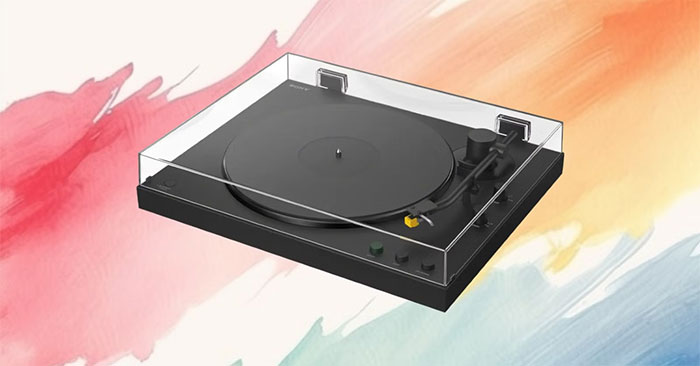
Compare Sony's automatic PS-LX3BT and PS-LX5BT turntables, including Bluetooth codecs, wired connections, cartridge differences, and USB recording limits.
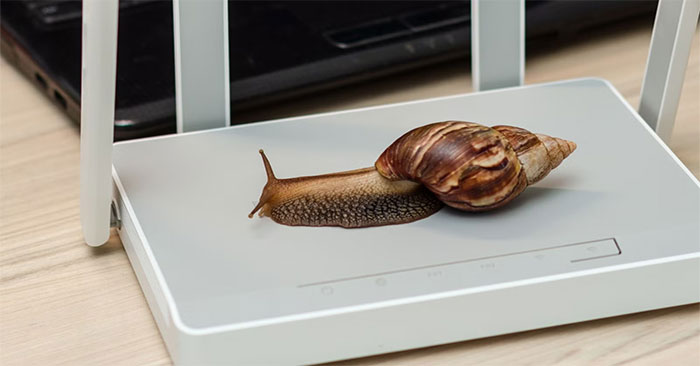
Find out when gigabit networking is sufficient, how to identify a local network bottleneck, and what to check before upgrading to 2.5GbE or 10GbE.
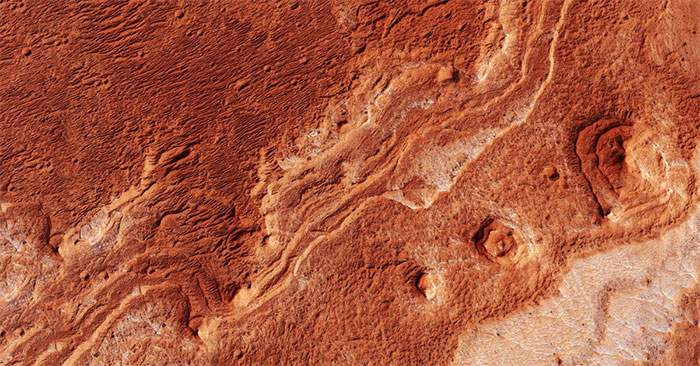
A yeast experiment links RNA–protein condensates to survival after shock waves and perchlorate exposure. The results do not establish that life exists on Mars.

Use the area and perimeter formulas for an isosceles trapezoid, identify its equal legs and base angles, and solve five step-by-step examples.
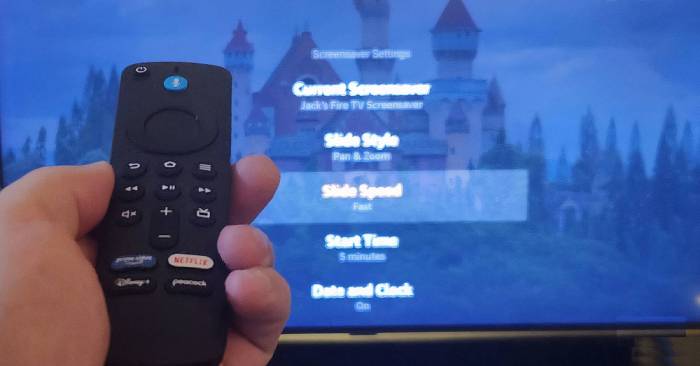
Use Fire TV for screen mirroring, cloud gaming, photos and widgets, or Bluetooth accessories, with the model and app requirements to check first.
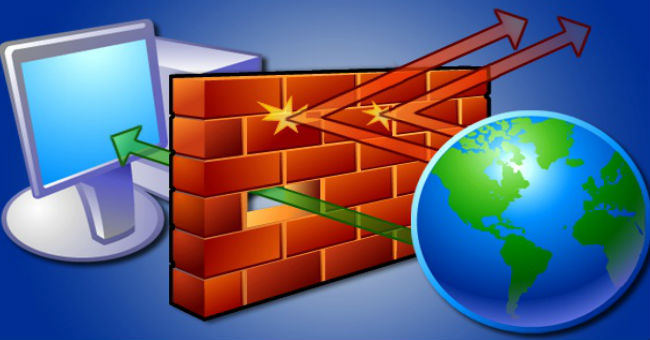
Add a Windows 11 firewall exception through Windows Security or PowerShell, choose the right network profile, and remove the rule when you no longer need it.
Practice slide timings, record narration in PowerPoint 2019, replay the result, and clear or re-record individual slides before sharing.
Review a PowerPoint 2019 deck with comments, reply to feedback, and compare a revised copy so you can choose which changes to keep.
Run PowerPoint's spell checker, handle names and technical terms, set the proofing language, and restore missing spelling underlines in PowerPoint 2019.
Create slide navigation buttons in PowerPoint 2019, reuse them through a slide master, change their appearance, and test destinations before presenting.
Create and test PowerPoint hyperlinks, use pictures or shapes as links, edit destinations, and avoid broken file links when presenting on another computer.
Choose a SmartArt layout, enter labels, promote or demote items, add or delete shapes, and check that layout changes still display all your information.
Create a PowerPoint chart, replace sample data, switch series, change layouts and styles, and understand the difference between embedded and linked Excel charts.
Add a PowerPoint table, resize it, manage rows and columns, apply styles and borders, and keep figures readable without confusing formatting with calculations.
Add audio files or microphone recordings to PowerPoint, trim and fade clips, choose playback settings, and play background music across slides.
Insert a local or online video in PowerPoint, set playback behavior, trim supported clips, add a poster frame, and check media before presenting.
Apply and copy PowerPoint animations, use the Animation Pane to reorder effects, and choose click, duration, and delay settings that match your presentation.
Align objects with each other or the slide, space them evenly, group related items, and control overlapping layers in PowerPoint 2019.
Draw and label shapes, adjust their size and rotation, and change fills, outlines, styles, and effects in PowerPoint 2019.