Table of Contents
Your digital footprint is often larger than you think. It includes every email you've sent, subdomain you've created, and service you've logged into, not to mention the alarming amount of information Google knows about you.
Your digital footprint is often larger than you think. It includes every email you've sent, every subdomain you've created, every service you've logged into, not to mention the alarming amount of information Google knows about you. In many cases, this data is visible, and mapping it out takes just minutes. Some data collection tools are public, revealing exactly what anyone can see about you online. This is called Open Source Intelligence (OSINT). The problem is, if you can do it, anyone can.
Setting up theHarvester
Install, configure, and get ready to explore your footprint
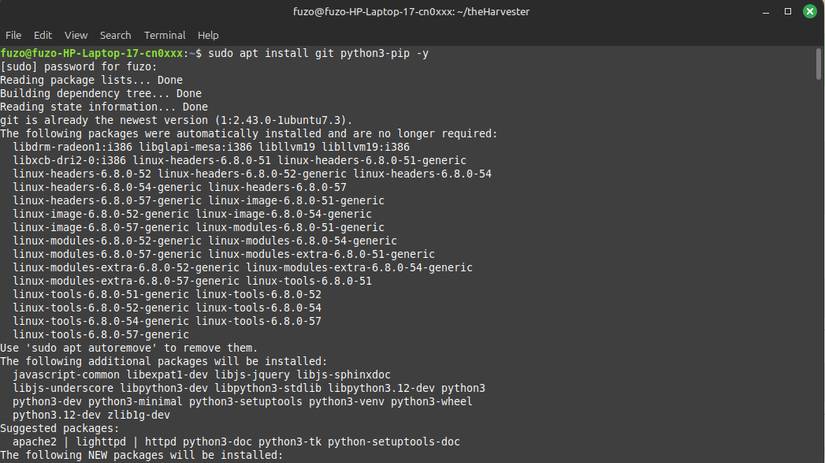
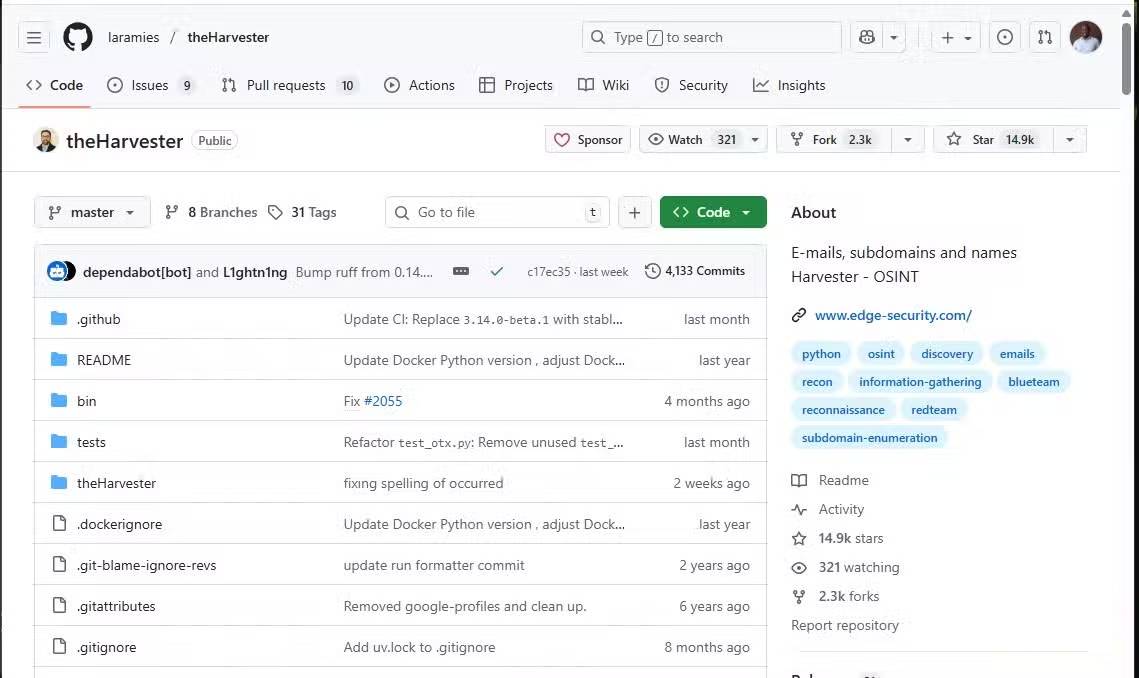
While theHarvester may sound like a dedicated cybersecurity tool (it comes pre-installed on the penetration testing-focused distribution Kali Linux ), installing it on Linux Mint is pretty straightforward. Just clone theHarvester from the GitHub repository to ensure you have the latest version with all the current APIs and modules.
1. Launch terminal and run the commands below:
Sudo apt install git python3-venv -y git clone https://github.com/laramies/theHarvester.git cd theHarvester python3 -m venv venv source venv/bin/activate pip install .2. Once the installation is complete, run the command below to confirm that it worked:
TheHarvester -hYou should see theHarvester menu confirming that it was installed correctly.
TheHarvester crawls public information using DuckDuckGo, CRT.sh, CertSpotter, DNSDumpster, VirusTotal, and other certificate and threat feeds. You can integrate free API keys for Shodan or Hunter.io by adding them directly to theHarvester's Api-keys.yaml File. This will improve results, although the tool still works very well without upgrading.
Run the first scan
Mapping What the Internet Knows About You
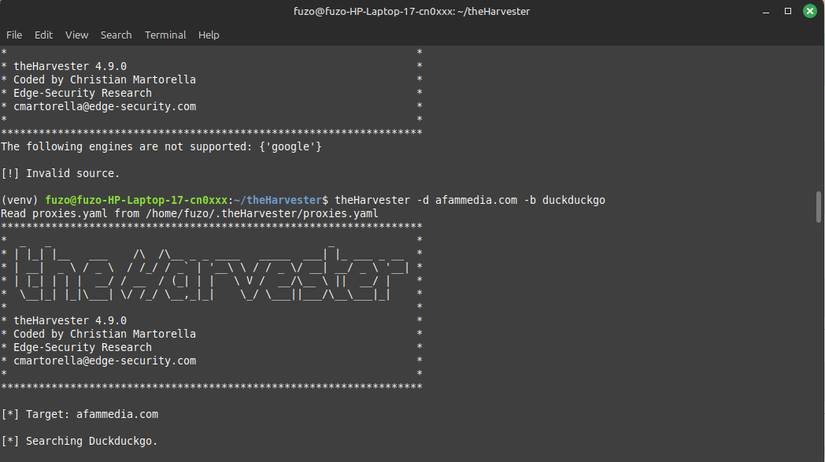
Now that you're set up, it's time to explore what your online footprint looks like. To get started, launch a terminal in theHarvester directory and run the command below, replacing Example.com With your test or actual domain.
TheHarvester.py -d example.com -b all -l 100You can also run the command below from a common terminal to launch theHarvester.
Using the -b all Flag in the above command allows Harvester to search through all available data sources, and -l 100 Will limit the results for readability.
The results will then appear in the terminal. They usually include email, subdomain, hostname, IP address, and source. When running this search on a personal domain, many people are surprised to see how much personal information about themselves is floating around the internet – information that anyone can find from public sources.
Running this search on domains you manage can reveal old emails connected to accounts you forgot about and subdomains for test environments you no longer use. It does all this without compromising privacy or bypassing security.
Understand the results
Understanding email, subdomains, and digital exposure
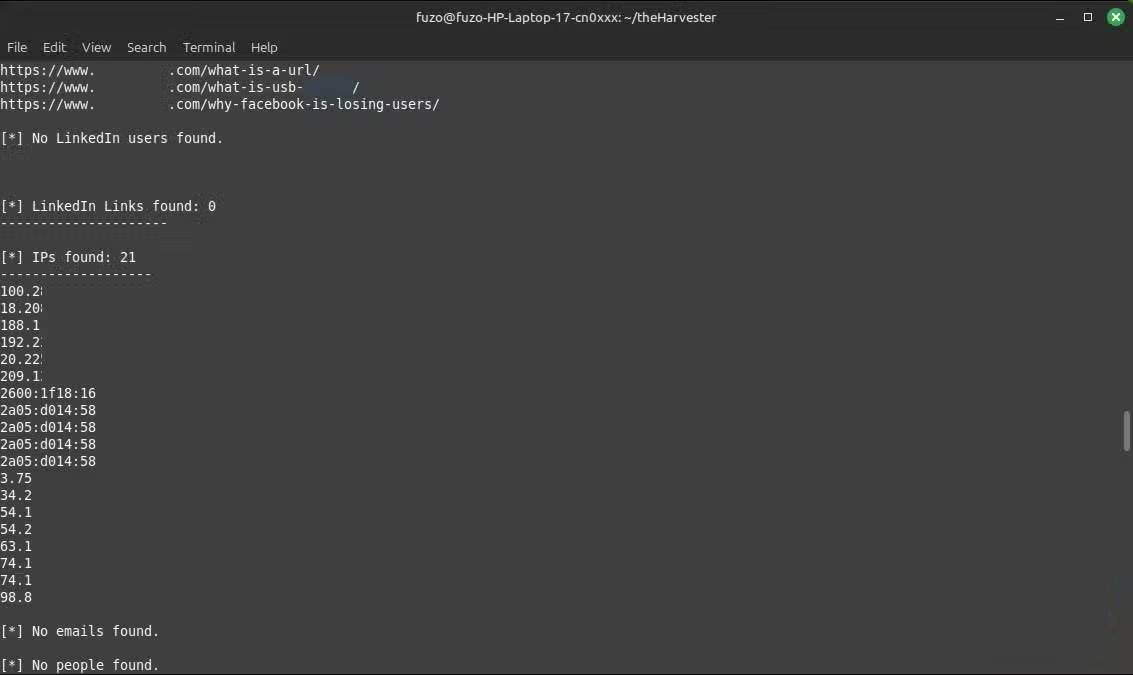
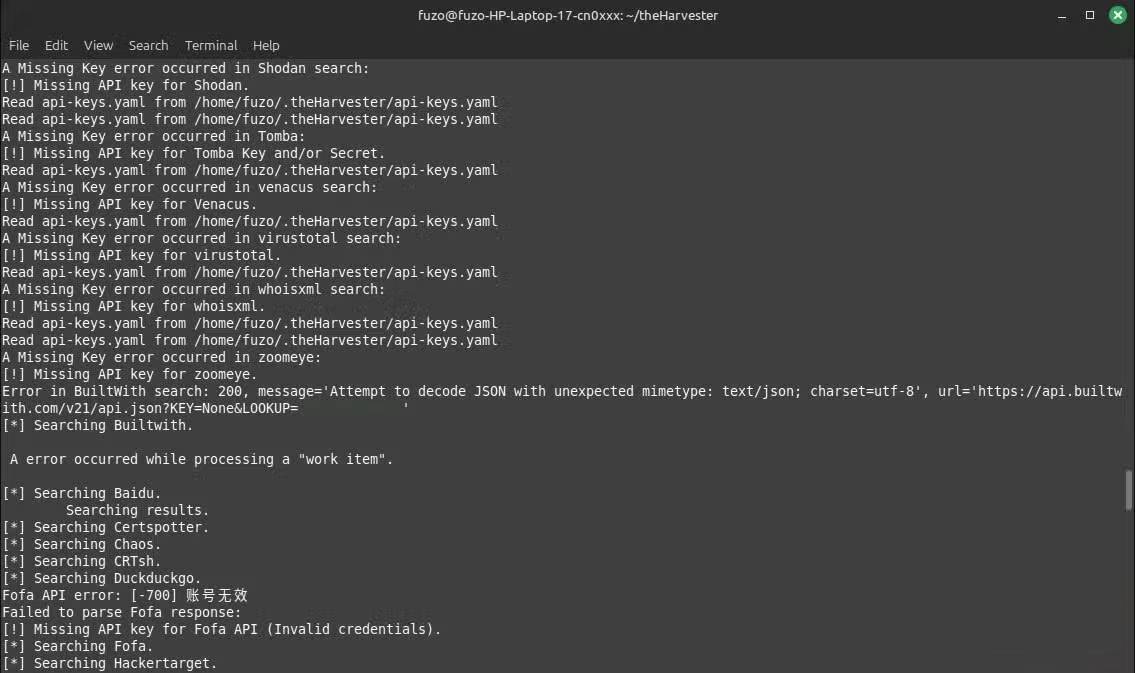
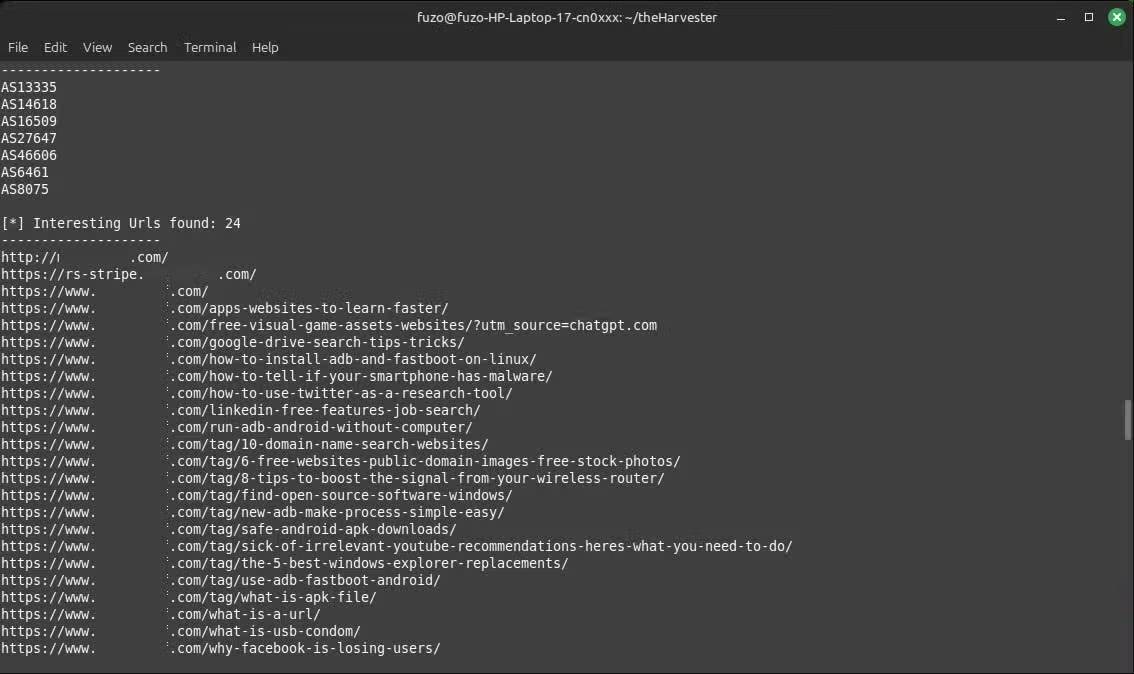
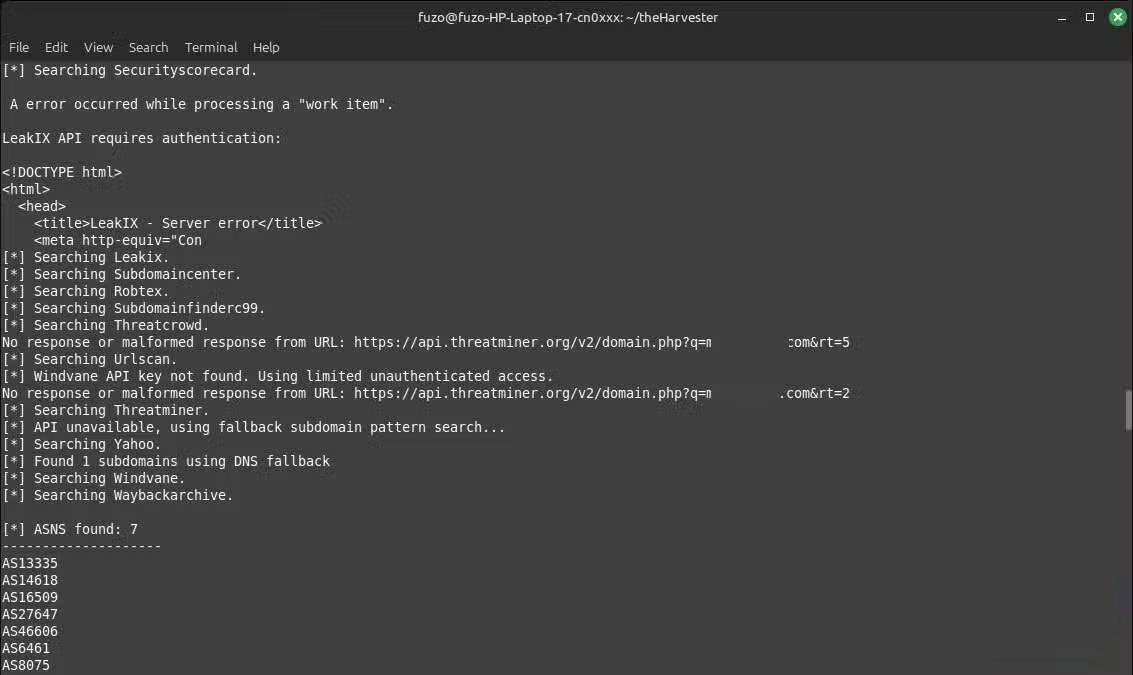
The amount of information in the results can be intimidating; once you know what to look for, interpreting it is simple. They are different sections of your digital map. The Emails Section appears first, showing publicly exposed points of contact. For a company, you might see addresses like Support@domain.com, info@domain.com , or individual employee names. This information can be used by attackers to send phishing emails or determine hierarchy within an organization. For an individual, if the results show old emails, this should be seen as a wake-up call to close those accounts or take steps to limit their online visibility.
Subdomains Are another factor to watch out for. If results return entries like Test.example.com Or Oldblog.example.com, They may indicate abandoned servers or outdated sites. Unmonitored subdomains run on separate endpoints and can serve as entry points for attackers. You should clean them up or redirect them to minimize the risk of exposure.
The Hosts and IP Addresses Section lists IP addresses and servers. They can reveal outdated infrastructure and show where domains are hosted. However, in all of this, the big picture is that what you think is hidden is actually publicly available and not difficult to access.
Minimize your online footprint
Simple ways to boost digital security right now
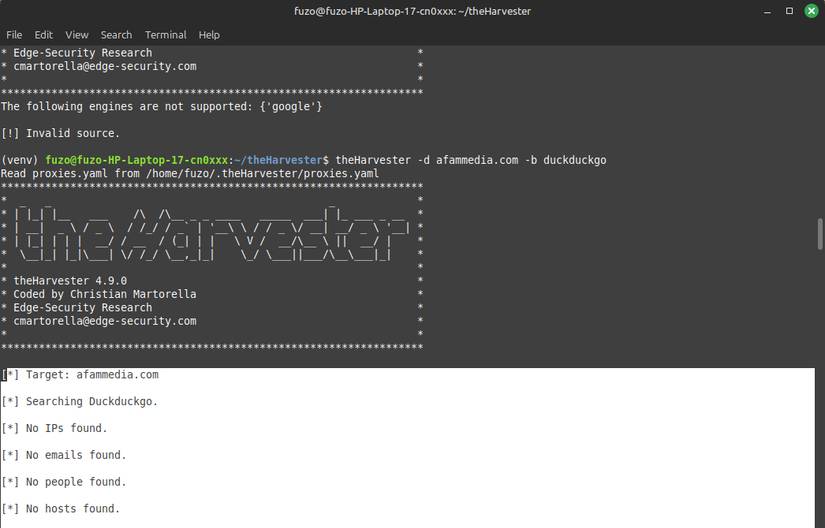
It's unsettling to see your digital footprint show up in theHarvester's results, but it's good to be aware of it. It helps you know what actions to take to narrow your footprint. A more drastic approach might be to remove yourself from the internet entirely.
A less drastic starting point, however, is subdomain cleanup. Disable or delete unused accounts, and deactivate or secure unused subdomains/staging environments. Each disabled subdomain is one less risk.
Also, address email leaks. Use email aliases for searchable addresses. Many people use aliases for just about everything, especially online shopping. So instead of Afam@yourdomain.com, Use Newsletter@yourdomain.com. This will keep your primary inbox from being listed in public databases.
Last but not least, hide your domain registration details. A WHOIS lookup service can tell you if your personal information is publicly visible; if so, enable domain privacy protection through your domain registrar.
FAQ
How do you use theharvester to map your online footprint in just minutes: how-to guide?
In practical terms, your digital footprint is often larger than you think. It includes every email you've sent, subdomain you've created, and service you've logged into, not to mention the alarming amount of information Google knows about you.
What should you check before getting started?
Review the requirements, compatible device or software version, and any warnings described in the guide before making changes.
What should you do if the steps do not work?
Repeat the steps in order, confirm that your app or system is up to date, and review the troubleshooting details provided above.
Related Articles
 What Is Digital Footprint: Key Facts and Practical Tips7 minutes read
 How to Maintain Your Privacy Online: Step-by-Step Guide16 minutes read
 How Can Dead Cells Create 'Footprints of Death', Helping Viruses: Key Facts8 minutes read
 Visit the Net Shop in Africa, Open the Web for 5 Minutes, the3 minutes read
 How to Apply Call Minutes on Network, Off-net When the Money Runs Out5 minutes read
 How to Convert Hours to Minutes in Excel3 minutes read
Reader Comments 0
Sign in with email or Google to join the discussion.