Table of Contents
To earn XP efficiently in Battlefield 6, play objectives, help your squad, complete relevant challenges, and finish matches. If your goal is a weapon attachment, focus on that weapon’s Hardware XP rather than assuming every score event levels it equally.
Choose the progression you want
| Track | What it advances | What to focus on |
|---|---|---|
| Career XP | Account rank and its unlocks | Objectives, teamwork, challenges, and completed matches |
| Hardware XP | The weapon or vehicle you use | Use the specific item you want to develop |
| Battle Pass XP | Seasonal rewards | Eligible match activity and the current season’s challenges |
EA’s progression guide separates these tracks. Check the unlock screen for your target before starting a session; a missing attachment and a missing Career unlock can require different progress.
Earn consistently through your class role
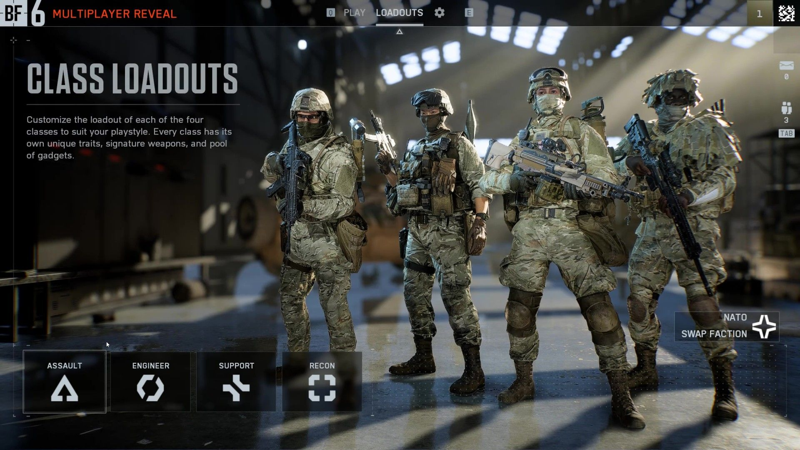
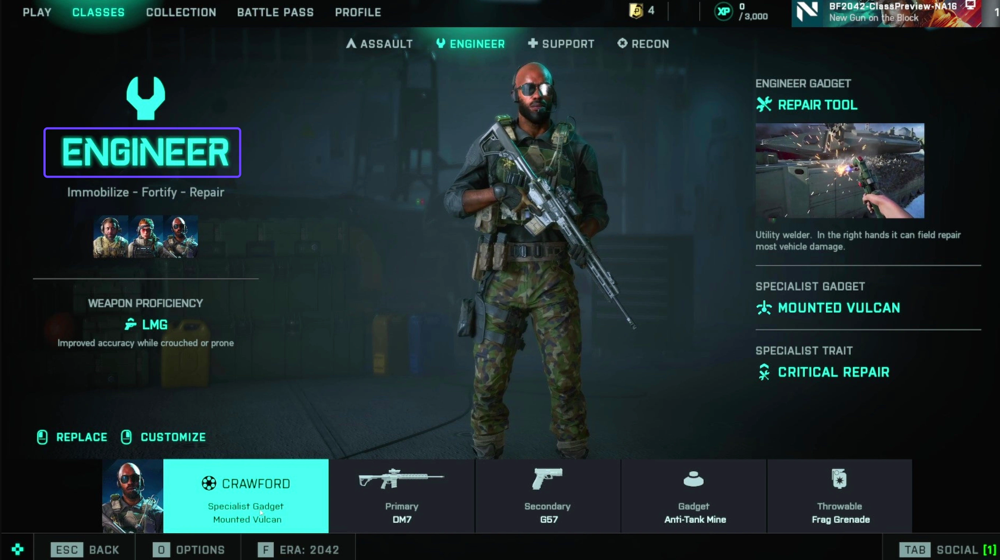
Choose a class whose tools you will actually use. Working near your squad creates more opportunities to contribute than repeatedly running alone into fights.
- Assault: help your squad reach and contest objectives.
- Engineer: support allied vehicles and deal with vehicle threats.
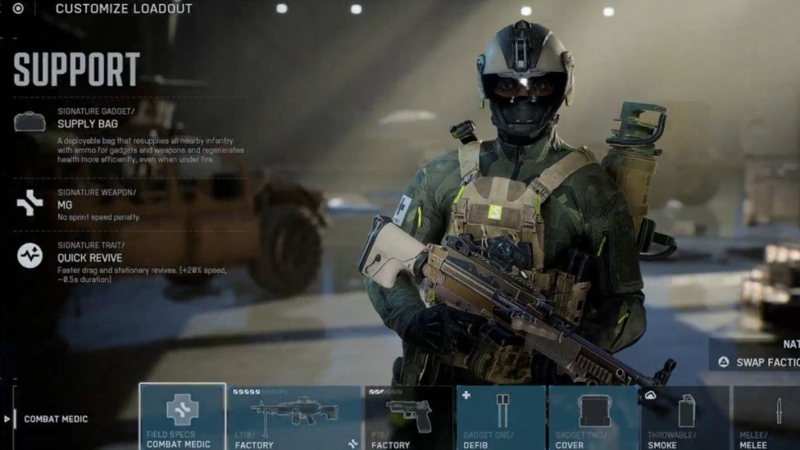
- Support: resupply and revive teammates when it is practical to reach them.
- Recon: spot threats and use reconnaissance tools to help the team.
Avoid reviving into exposed fire or repairing a vehicle you cannot safely reach simply to chase score. Staying alive and keeping your squad in the fight is a more repeatable approach.
Pair challenges with your normal play
Before queuing, inspect the available challenges and pick one that fits your chosen mode, class, and weapon. Recheck its wording: a weapon category, gadget action, or mode requirement may prevent apparently similar actions from counting.
For attachment progress, keep using the gun you want to improve instead of switching after every death. Our Battlefield 6 weapon overview can help you compare weapon roles before choosing a target.

Use XP boosts when you are ready to play
Read the boost label and duration before activating it. Select the type that matches your goal, such as Career or Hardware, and prepare your loadout first.
Boost timers run in real time, so time spent away from play can consume their duration. Do not activate a short boost just before browsing menus or taking a break. Check the active boost indicator rather than assuming a token improves every progression category.
Watch official announcements for Double XP events, but do not plan around an event that has not been announced or assume its stacking rules.
Check Portal rewards before joining
Portal experiences do not all offer identical progression. EA’s FAQ says each experience’s menu description communicates the available progression rewards. Read that information before spending a session on a custom server.
A server name containing “XP Farm” or “Bot Only” does not prove that it grants full weapon, challenge, or Career progress. Use the displayed progression rules rather than promises in the server title. The earlier guide’s claim that all custom-server XP matches official modes was too broad.
Finish the match when possible and inspect the end-of-round progress for the item you are targeting. If the expected bar is not advancing, review the experience’s rules and the requirement instead of repeating the same activity.
Game updates can change these systems. Our Battlefield 6 update 1.0.1.0 overview provides launch-era context; use EA’s current patch notes for later progression changes.
Related Articles
 Battlefield 6 Open Beta Could Be Coming Soon
 Battlefield 1 and Battlefield 4 are available for free to download Premium Pass FPS games
 Invite to download the Battlefield 1 expansion pack: Apocalypse costs $ 15, is free on all platforms
 How to get Battlefield 6 Early Access code and redeem code
 Battlefield 5 Battle Tips
 Invite the download of Battlefield 1: In The Name of The Tsar for $ 15, free of charge
Reader Comments 0
Sign in with email or Google to join the discussion.