Table of Contents
Battlefield 6's PC requirements include more than a CPU and graphics card. Check memory, storage and EA's security requirements before buying an upgrade. Use the current requirements for the released game rather than mixing them with the 2025 open-beta specification.
Minimum and recommended PC requirements
The table below follows EA's dedicated system-requirements page. Installation size can change with updates, so verify the launcher's current download and free-space requirements too.
| Component | Minimum | Recommended |
|---|---|---|
| Operating system | Windows 10 | Windows 11 |
| Intel CPU | Core i5-8400 | Core i7-10700 |
| AMD CPU | Ryzen 5 2600 | Ryzen 7 3700X |
| Memory | 16GB | 16GB |
| NVIDIA GPU | RTX 2060 | RTX 3060 Ti |
| AMD GPU | Radeon RX 5600 XT 6GB | Radeon RX 6700 XT |
| Intel GPU | Arc A380 | Arc B580 |
| VRAM | 6GB | 8GB |
| DirectX | 12 | 12 |
| Storage listed on dedicated page | 55GiB HDD | 80GiB SSD |
| Online connection | Required | Required |
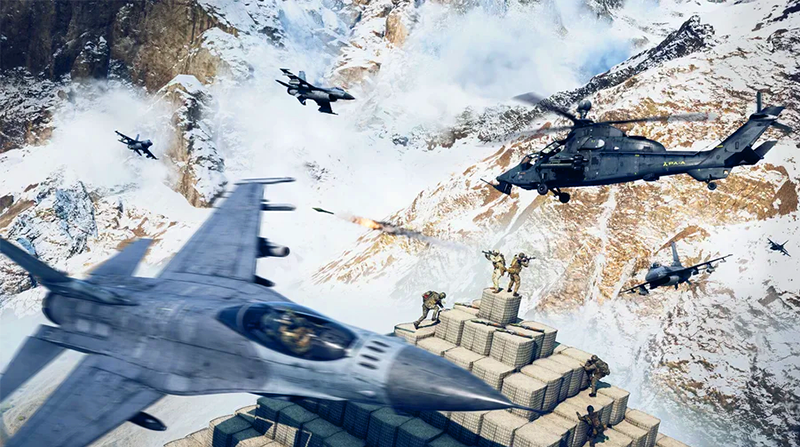
EA's separate FAQ and launch guidance have listed different storage figures. Do not infer that the difference proves an optional texture pack exists. Check the actual install selection and leave room for patching rather than treating an old number as a permanent maximum.
Security requirements
EA lists TPM 2.0 enabled, UEFI Secure Boot enabled, and a system capable of HVCI and VBS. “Capable” is not the same wording as a blanket requirement that every setting be enabled in every configuration.
To inspect the current state without changing firmware:
- Run
tpm.mscand check TPM readiness and Specification Version 2.0. - Run
msinfo32and check BIOS Mode and Secure Boot State.
Use EA's access guide and Secure Boot instructions alongside your motherboard documentation. A Legacy-to-UEFI change is not a universal one-switch fix. Back up files and retain any device-encryption recovery key before firmware or boot-configuration changes. Do not clear the TPM to satisfy a game prompt.
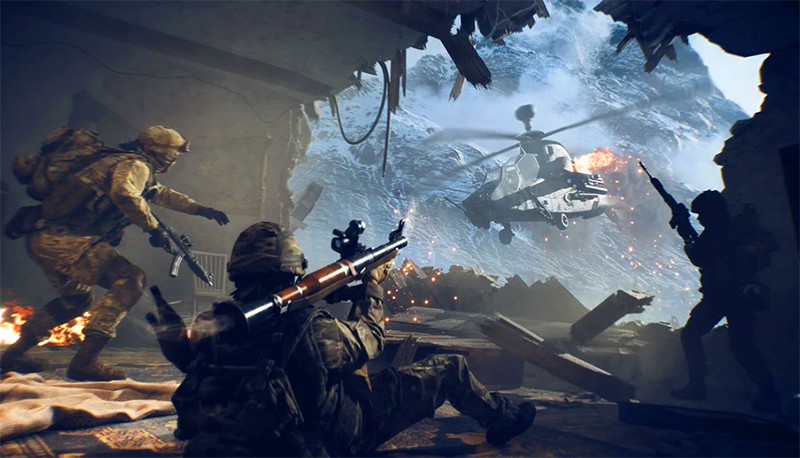
What performance should you expect?
EA's launch guidance described minimum hardware around 1080p, Low settings and 30 FPS, with the recommended tier targeting 1440p High at 60 FPS or 1080p Low above 80 FPS under its stated conditions. These are targets, not guaranteed results for every map, patch or PC.
Compare your actual resolution and settings before judging a benchmark. Background tasks, cooling, driver versions and memory configuration can affect results. A GPU with more VRAM is not automatically faster in every situation.
Upgrade the bottleneck you can measure
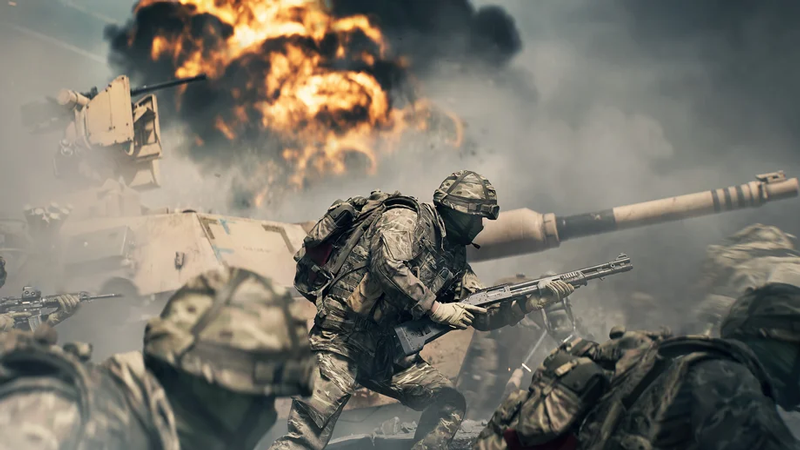
Start by recording your exact CPU, GPU, RAM layout and storage. Use Windows version checks and a PC troubleshooting checklist if launch failures or instability need investigation.
Do not buy branded RAM or a 360mm liquid cooler merely because an article names them. A memory upgrade must match the platform; a cooler upgrade is justified by temperature and noise evidence, not the game's title.
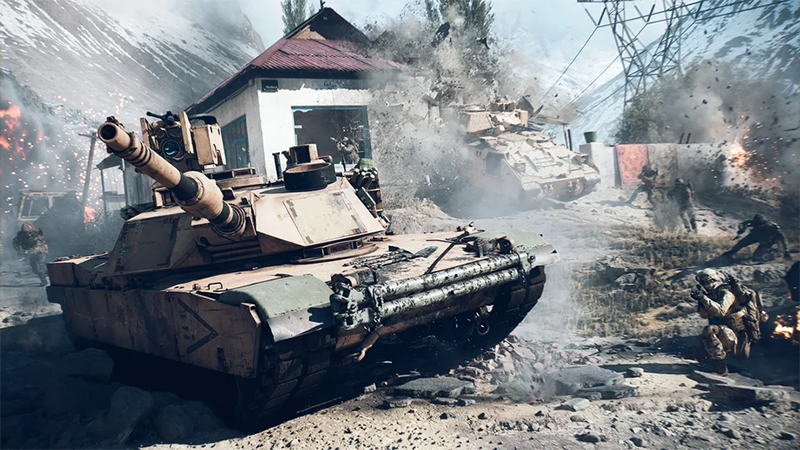
Update through supported official driver channels and test a repeatable game scene. Lower demanding settings first to see whether performance becomes acceptable. If buying hardware, check power, case clearance and CPU/motherboard compatibility as well as frame-rate comparisons.
Keep beta and release information separate
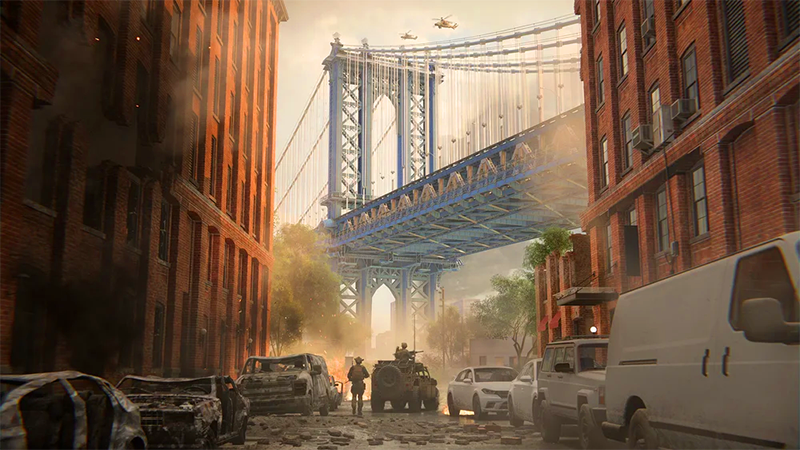
Old open-beta screenshots can explain why earlier articles show different storage or settings. They should not override current release requirements. The game's campaign and large-scale vehicle combat describe its content, but they do not establish that every player needs a flagship GPU or an entirely new PC.
Related Articles
 Battlefield 6 Open Beta Could Be Coming Soon
 Battlefield 1 and Battlefield 4 are available for free to download Premium Pass FPS games
 Invite to download the Battlefield 1 expansion pack: Apocalypse costs $ 15, is free on all platforms
 How to get Battlefield 6 Early Access code and redeem code
 Battlefield 5 Battle Tips
 Invite the download of Battlefield 1: In The Name of The Tsar for $ 15, free of charge
Reader Comments 0
Sign in with email or Google to join the discussion.