Table of Contents
Battlefield 6 Update 1.0.1.0 is the launch-era patch, not the latest update. EA published its notes on October 9, 2025, describing changes made since the Open Beta. The main themes were movement and weapon balance, vehicle handling, map layouts, clearer feedback and network fixes.
Use this page as a version-specific reference. Later updates may have changed the same systems again. The notes describe intended changes, not a guarantee that every player-side issue was resolved.
Changes most likely to affect play
- Movement: less slide-to-jump momentum and greater penalties for repeated jumping and firing while airborne.
- Combat: recoil and dispersion adjustments, gadget balance changes and clearer sights.
- Vehicles: more responsive helicopters, faster tank turrets and stronger smoke countermeasures.
- Maps: revised Rush and Breakthrough layouts, with traversal and lighting fixes.
- Usability: HUD, audio, camera-motion and control-setting improvements.
The grouped notes below retain the equipment-specific details. For EA’s authoritative wording, see the original 1.0.1.0 release notes.
Movement and player handling
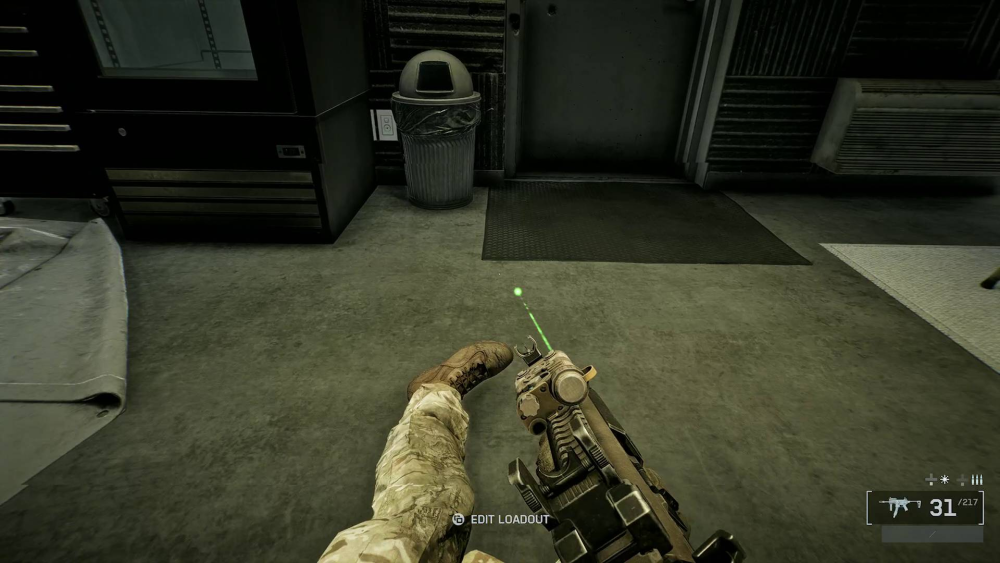
- Reduces momentum from slide to jump, especially horizontal momentum.
- Increased penalty for continuous jumps and slightly reduced jump height.
- Increased weapon inaccuracy when firing while jumping or sliding.
- Parachute physics tweaks: reduced initial acceleration when deploying parachute.
- Fixed a bug that caused weapon dispersion to increase abnormally.
- Fixed a bug that caused victims to be thrown into the air when taken down.
- Fixed a bug where players could switch to third person view while alive.
- Fixed a bug that caused players to get stuck in a downed state after being revived with a defib following a headshot.
- Smoother transition from hip-fire to aiming down sights for better target acquisition.
- Fixed a bug that caused landing animations to appear after short jumps or when climbing objects.
- Updated landing animation when jumping to feel smoother and stabilize faster.
- Animation transition between crouch and stand is now faster and more stable.
- Fixed excessive momentum loss when cutting a parachute.
- Drag & Revive can now be canceled faster for more responsiveness.
- Updated skydiving and skydiving animations and physics for smoother movement.
- Fixed a bug that caused fall/landing speed penalties to trigger after short jumps or climbs.
- Fixed a bug that prevented shooting for too long after becoming prone from running or combat dive.
- Fixed a bug that caused weapon sights to become misaligned after sprinting.
- Updated climbing animations for medium and high obstacles.
- Improved first person swimming animation.
- Reduced camera movement when exiting slide state.
- Reduced camera shake when starting and stopping continuous sprints.
- Various improvements and fixes to melee attack and takedown animations.
- Various improvements and fixes to Drag & Revive animations.
- Improved climb detection for more reliable obstacle traversal.
Vehicles
- Helicopter: Increased power and sensitivity, allowing for easier control, in-flight adjustments, and increased survivability when attacked, including better ability to dodge RPG missiles.
- Tank: Increased turret traverse speed.
- Smoke countermeasures: More effective in disrupting detection signals and target lock-on.
- Improved camera view when vehicles are destroyed (especially with flying vehicles).
- Adjusted damage indicator and updated explosion indicator feedback when killing infantry.
- Vehicle aiming behavior (mouse and controller) is now more consistent with soldier aiming.
- Vehicle sensitivity and aiming options now use the same default values as soldier controls for consistency.
- Enable Terrain Avoidance for surface-to-air missiles.
- Fixed a bug that caused vehicles to display a target lock warning for too long after being hit by an MBT-LAW.
- Added boost bar display for ground vehicles that can accelerate.
- Fixed collision with Leopard tank wrecks so players can climb from behind.
- Improved interaction between tank tracks, vehicle wheels and destructible objects for more realistic collisions.
- Reduced bloom effect on Apache weapon effects for clarity.
General gadget changes
- Fixed a bug that caused some devices to automatically be deselected when jumping.
- Fixed a bug where rocket launcher backblast damage was dealing too much damage to infantry.
- Reduced rocket launcher blast damage against infantry to limit firing rockets at the ground near infantry.
- Rocket launcher explosions now check walls and cover before dealing damage.
- Removed rocket arming time, allowing firing into indoor floors/ceilings for destructive effect.
- Reduced thermobaric grenade stun duration from 2.5 seconds to 1 second.
- Improved thermal scope: soldiers appear colder when prone/dead and hotter when sprinting.
- Fixed a bug where rocket launcher collisions would deal double damage to vehicles.
- Fixed a bug that caused smoke grenades to not explode in some cases.
- Fixed visual issues when firing some rocket launchers and scopes.
- Tracer Dart's hip-fire crosshair no longer appears when aiming down sights (ADS).
- Fixed missing crosshair textures on Tracer Dart and Drill Charge GL.
- Improved sound and damping of EOD robot CSB IV.
- Remote controlled devices (XFGM-6D, CSB IV Bot, LTLM II) cannot be equipped if out of ammo and no device is active.
- Repair Tool: Now heats up a bit faster to prevent the vehicles from becoming too durable.
- Repair Tool and Defibrillator: Can now damage enemy equipment.
- Reduced Defibrillator damage in both rapid shock and charged shock modes.
- M320 grenade launcher: Now displays ammo type and ammo count on screen.
- Adjusted M320A1 HE vehicle damage.
- Assault Ladder deployment angle increased from 45° to 54°.
- Improved AT-Mine flight path, now inherits the speed of the soldier throwing it and has better surface adhesion.
- Updated deployment blocking interaction between ladder and wiring materials; only Assault Ladder is blocked from deployment, other devices can still be placed.
- Fixed an exploit where deployable shields could be used to climb outside the play area.
- Fixed a bug that caused the VFX effect on the AJ-03 COAG Med Pen's screen to end too early.
- AT4 now uses aim-guided missiles.
Weapons and equipment
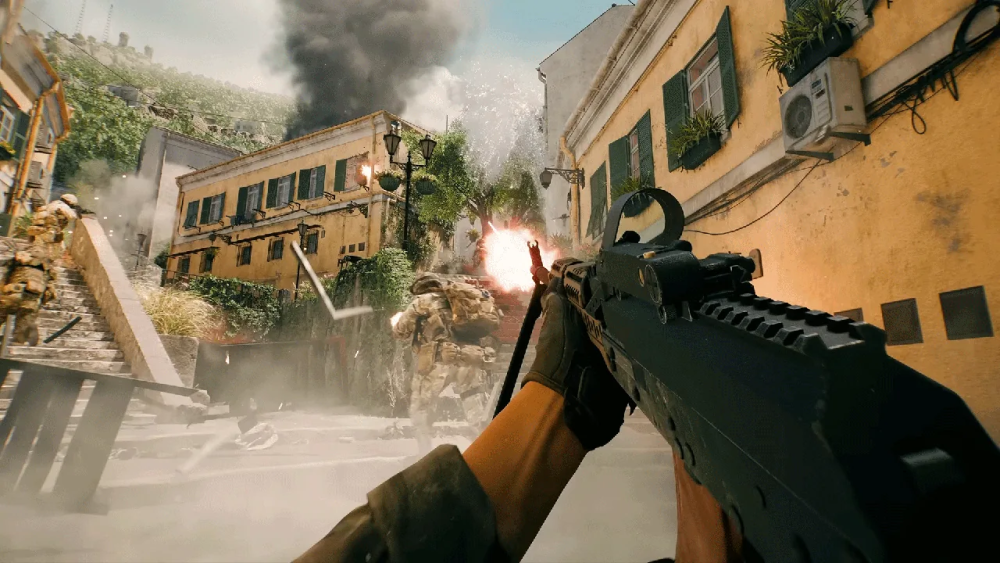
RPG-7V2
- Adjust the scope and crosshair to improve aiming accuracy.
- Increased aim dispersion (ADS) to reduce quick-scoping.
- Fixed a bug that caused bullets to hit nearby cover when aiming directly above an object.
MBT-LAW
- MBT-LAW is now the default rocket launcher for the Engineer class.
- Missiles now have more precise trajectories.
- Use auto-guided missiles.
- No longer possible to hip-fire.
- Updated scope and crosshair for clearer aiming experience.
- Explosion area damage now applies correctly to vehicles.
MAS 148 Glaive
- Updated missile trajectory to reflect more realistic behavior.
- Add two zoom levels.
- Can lock targets on stationary weapons and vehicles (anti-aircraft AA, TOW, heavy machine guns).
- Change target lock distance, cannot lock target closer than 40m.
- Fixed clipping and crosshair issues in scope.
- Free crosshairs no longer appear when aiming down sights (ADS).
- LEDs now accurately display target lock progress, heat mode and zoom level.
- Field of View (FOV) now transitions more smoothly when zooming.
SLM-93A Spire
- The device no longer locks onto targets flying below radar level.
- Fixed a bug where missiles sometimes did no damage.
Airburst Incendiary
- Bullets now explode on impact.
- Bullets now properly credit the damage dealer in kill feeds and kill cards.
- Reduced damage to structures (more shots needed to destroy facades).
- Cannot aim (ADS) while reloading.
- Explosion radius and shockwave now sync with destruction value.
- Incendiary Airburst smoke now blocks detection and target lock for both soldiers and vehicles.
Bravo3
- The viewfinder size is no longer distorted by the angle of view (FOV).
SS26
- Fire damage now only applies once to soldiers.
- Adjusts damage reduction based on distance.
- Unlock requirement reduced from Rank 1 to Rank 0.
LTLM II portable laser designator
- The maximum detection angle and distance in binocular mode are loosened.
- It is no longer possible to mark the environment with lasers.
- Erase laser marking when vehicle enters thermal smoke.
- Proper vehicle detection when laser marking.
- Heat mode switching now updates the interface correctly.
- Zoom now activates instantly and returns to the previous zoom level.
- Deployment animation now works properly.
- Now rotates properly for other players when deployed.
- Improved game hints, showing RMB (Zoom) instead of E/R (Interact/Reload).
Deploy Beacon
- A Deploy Beacon now allows one spawn per player, four per squad in total, before self-destructing.
- Enemy spawn points now display an icon on the minimap when pinged.
- Can be deployed directly under soldiers if the initial position is blocked.
T-UGS
- No longer destroyed when owner dies.
XFGM-6D Recon Drone
- Fly faster when carrying C4, but battery drains faster to balance.
- No more unwanted force when carrying C4, allowing for smoother flight.
- Improved movement for more realistic feel.
- Drone self-destructs after 3 seconds when flying out of boundary.
Supply Pouch
- Cannot be picked up again after deployment.
- No longer heals vehicles.
- No longer pushes players into map terrain.
- Follow ping rules like repair station (sound, ping log, icon).
- Now resupplies correctly and grants one additional C4 as overstock.
General weapon adjustments
- Adjusted general recoil for many weapons.
- Weapon accuracy is more stable when aiming (ADS) while moving, but reduces accuracy when firing mid-air.
- Updated many weapon attachments to display properly.
- Increased bullet dispersion when firing automatically while aiming (ADS).
- The M87A1 shotgun now requires more pellets to kill, encouraging accurate shooting.
- Fixed a bug that caused the reticle to be larger than the actual bullet dispersion when using a shotgun with slug ammo.
- Bolt-action rifles: First shot power boost now applies to all shots.
- Added glow effect to multiple crosshairs and improved crosshair clarity.
Maps and game modes
- Updated all Rush mode layouts based on feedback from Open Beta.
- Updated some Breakthrough mode layouts based on feedback from Open Beta.
- Fixed a bug where you could get shot down immediately upon respawning on the Siege of Cairo map.
- Fixed multiple exploits on Siege of Cairo and Iberian Offensive that allowed players to reach unwanted areas.
- Improved Anti-Air balance on Liberation Peak.
- Improved overall performance for Operation Firestorm.
- Improved player movement on Operation Firestorm.
- Adjusted the lighting on Operation Firestorm to brighten indoor areas and some objects that were previously too dark.
- Improved respawn animation on Operation Firestorm in many modes and areas, removing bounce effects.
- Respawning in Squad Death Match now requires just one button, a simplification from the two-step process in Beta.
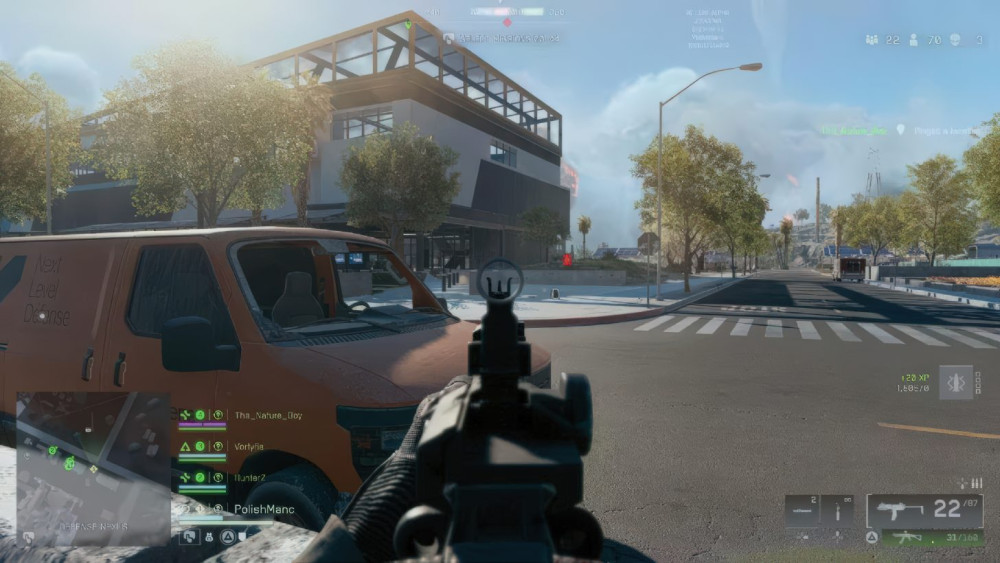
User Interface (UI) and HUD
- Updated the text and names of some weapons and equipment for more clarity.
- Fixed the issue where the lock reason was not displayed on the equipment screen.
- Fixed character skin names not displaying correctly in the customization menu.
- Fixed locked weapon packs not showing correct attachments.
- Fixed character class name being displayed incorrectly on insert screen after changing class.
- Fixed the icon under the player name not matching the class type in the pre-match lobby.
- Adjust the background color for Takeover column cells.
- Fixed a bug where the buttons in the options menu focused the wrong element after selection, improved smoothness when navigating.
- Fixed interaction options and reload being cut off vertically.
- Fix auto-scrolling credits and adjust scroll speed.
- Updated credits section with new text document, BF6 logo and centered layout.
- Added popup warning about losing XP progress when leaving a match via the pause menu.
- Support supply interactions now only appear when health or ammo are actually needed.
- Improved navigation controls on the deployment screen and large map.
- Mouse navigation in Commorose is now smoother and more responsive.
- Commorose supports left-handed control layout.
- Updated look and animation for the training route widget.
- Updated soldier and vehicle overlays with improved visuals.
- Team and ally nameplates now clearly display when you are healed, resupplied, or revived.
- Fixed a bug where spotting would sometimes ping the location instead of marking the enemy.
- Fixed a bug that caused the inventory UI to still show after dying outside the boundary.
- Updated vehicle damage indicator for more clarity.
- Updated visuals for vehicles involved in capturing objectives on the deployment screen.
- Fixed minimap displaying incorrect terrain on other terrains.
- Fixed a bug that caused battle zone images to not display properly on loading screens.
- Location and danger pings now have animations for increased awareness.
- Fixed a bug where equipping or picking up equipment would not trigger the correct animation.
- Fixed a bug where enemies pinged through smoke would not properly display as dangerous pings.
- Updated Rank images and icons.
- Improved character class recognition interface (featured equipment, weapon proficiencies, traits, etc.).
- The C4 interface now displays the number of explosives placed and the distance to the three nearest explosives.
- Aircraft resupply stations now have clear icons in the game world.
- Fixed a bug where enemy-placed neutral devices could see through terrain.
- The explosive countermeasures UI now displays enemy explosives that will be blocked on the minimap.
- The "sticky edges" icon now has a directional arrow.
- Non-lethal grenades now have a distinct reddish brown color for easy identification.
- Fixed a bug that caused weapons to not rotate properly when previewing.
- Fixed weapon zoom level issue when previewing in menu.
- Players can now rotate weapons in the menu.
- Players can now preview accessories even from locked accessory slots.
- Fixed camera flipping when previewing flashlight or laser accessories.
- Improved controller equipment menu navigation (default focus tweaked for smoother performance).
- Fixed a bug where cosmetics could be accessed by removing and re-adding favorites.
- Fixed Class Badge progress tracking.
- Add categories to your equipment deep links for easier organization.
- Enables statistical delta change when selecting an empty accessory slot in weapon properties.
Settings and accessibility
- Hide Inspect Weapon option on PC.
- Voice chat is now off by default.
- Adjust graphics quality options: turning off "Auto" now properly sets Performance mode to Custom on PC.
- Separate PC and console settings.
- Added Flick Look Threshold for keyboard and mouse.
- Switch V-Sync back to Display settings.
- Added "Hold on Screen" function when equipping weapons, packs and equipment in customization.
- Added Replace & Customize Surface button on PC.
- Auto-hide HUD is now default.
- Fixed an issue on PlayStation 5 that caused Auto settings to not select the correct channel configuration when connected to a TV, soundbar, or controller.
- Add voiceover volume (VO) slider.
- Add speaker detection feedback on startup.
- Tweak the default master mix settings.
- Adjust reverb for non-HD audio setups.
- Added motion sickness assistance option: combat roll no longer causes the camera to roll.
- Added option to reduce camera shake when sprinting.
- Added option to adjust minimap size (small, medium, large).
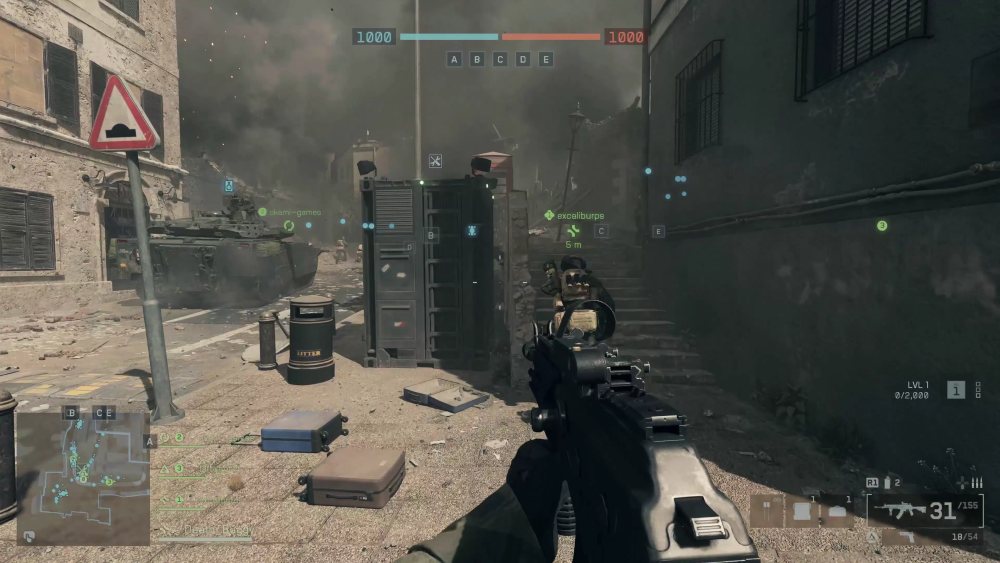
Portal
- Remove Crossplay option from server storage.
- Fixed a bug that prevented AI soldiers in Portal from being affected by weapon/equipment restrictions.
Sound
- Adjust the clarity of directional pings.
- Decreases the volume of the Commorose opening/closing sound.
- Tweaked parachute landing sound and low health breathing sound.
- Adjusted sound mix for grenades burning and moving.
- Fine tune the mix for instant kill.
- Adjust equipment equip/deployment sound globally.
- Allied troop and vehicle overlays are now less visually distracting.
- Updated indoor firing sounds for heavy machine guns, coaxial machine guns and helicopter autocannons.
- Added suppression sound effects for many weapons.
- Tweaked firing sound mix for multiple weapons.
- Adjusted sound configuration for weapons in urban and open environments in open areas.
- Tweaked reloading and firing sounds for many weapons for greater realism.
- Fine tune the shotgun sound (amplitude, delay, pitch).
- Updated shotgun sounds in different environments (fields, canyons, urban).
- Improved the audibility of automatic gadget replenishment when reloading a shotgun in the Assault class’s secondary primary slot.
- Fixed a bug that caused flare sounds to not play in the UH-79 gunner's seat.
- Add separate low-health fire sounds for different vehicle types.
- Fixed a bug that caused low-health aircraft fire sounds to continue playing after repair.
- Fixed a bug where MBT driver exhaust sound would not play.
- Fixed a bug that caused the MBT Active Protection System sound to feel delayed.
- Fixed a bug that caused medium damage audio to play when a vehicle only took light damage.
- Fixed a bug where soldiers in open vehicle seats would not display team overlays properly.
- Fixed camera shake when firing helicopter RWS autocannon from pilot seat.
- Reduces loudness and adjusts low-mid frequencies for off-screen aircraft, improving audio clarity.
- Reduce early reflection sound for helicopters.
- Adjusted Wartapes VAL chord behavior for weapons.
- Adjusted Wartapes VAL first person weapon noise amplitude
- Adjusted Wartapes VAL third person noise increase, decreased volume compared to first person.
- Adjusted Wartapes VAL behavior for vehicle weapons.
- Adjusted Wartapes VAL behavior for minigun weapons.
- Improved M240L reload sound.
Network (Netcode)
- Improved netcode to reduce cases where time-to-death feels too fast.
- Fixed a bug that caused players to take damage without being visibly shot.
- Fixed a bug that caused health values to not update properly.
- Improved netcode to reduce deaths after entering cover.
- Fixed a netcode bug that caused damage feedback to be delayed or only appear after respawning.
Using these notes for troubleshooting
Check your installed version before assuming a launch-patch fix applies to a current problem. EA also published known issues for version 1.0.1.0; that historical list should be read alongside current support notices.
If the problem is low local frame rate rather than online synchronization, these Windows gaming FPS checks can help distinguish a rendering bottleneck from a network symptom. Change one setting at a time and record the result.
Related Articles
 How to get Battlefield 6 Early Access code and redeem code
 Battlefield 6 Open Beta Could Be Coming Soon
 Battlefield 1 and Battlefield 4 are available for free to download Premium Pass FPS games
 Invite to download the Battlefield 1 expansion pack: Apocalypse costs $ 15, is free on all platforms
 Battlefield 5 Battle Tips
 Invite the download of Battlefield 1: In The Name of The Tsar for $ 15, free of charge
Reader Comments 0
Sign in with email or Google to join the discussion.