Table of Contents
Self-hosting puts you in control of your data, allowing you to store personal files, projects, websites, or other services on your own hardware, eliminating the need to rely on third-party services.
Self-hosting puts you in control of your data, allowing you to host your personal files, projects, websites, or other services on your own hardware, eliminating the need to rely on third-party services. Unfortunately, most people are hesitant.
Before I repurposed my old, broken laptop into a home server and started self-hosting, I thought the same thing – even though I was well versed in Linux and networking concepts. I wasn't sure if it was worth the effort, and thought that quality hardware was key to the best experience. However, this little setup proves otherwise.
What makes people afraid of self-hosting?
It's not as difficult as most people think.
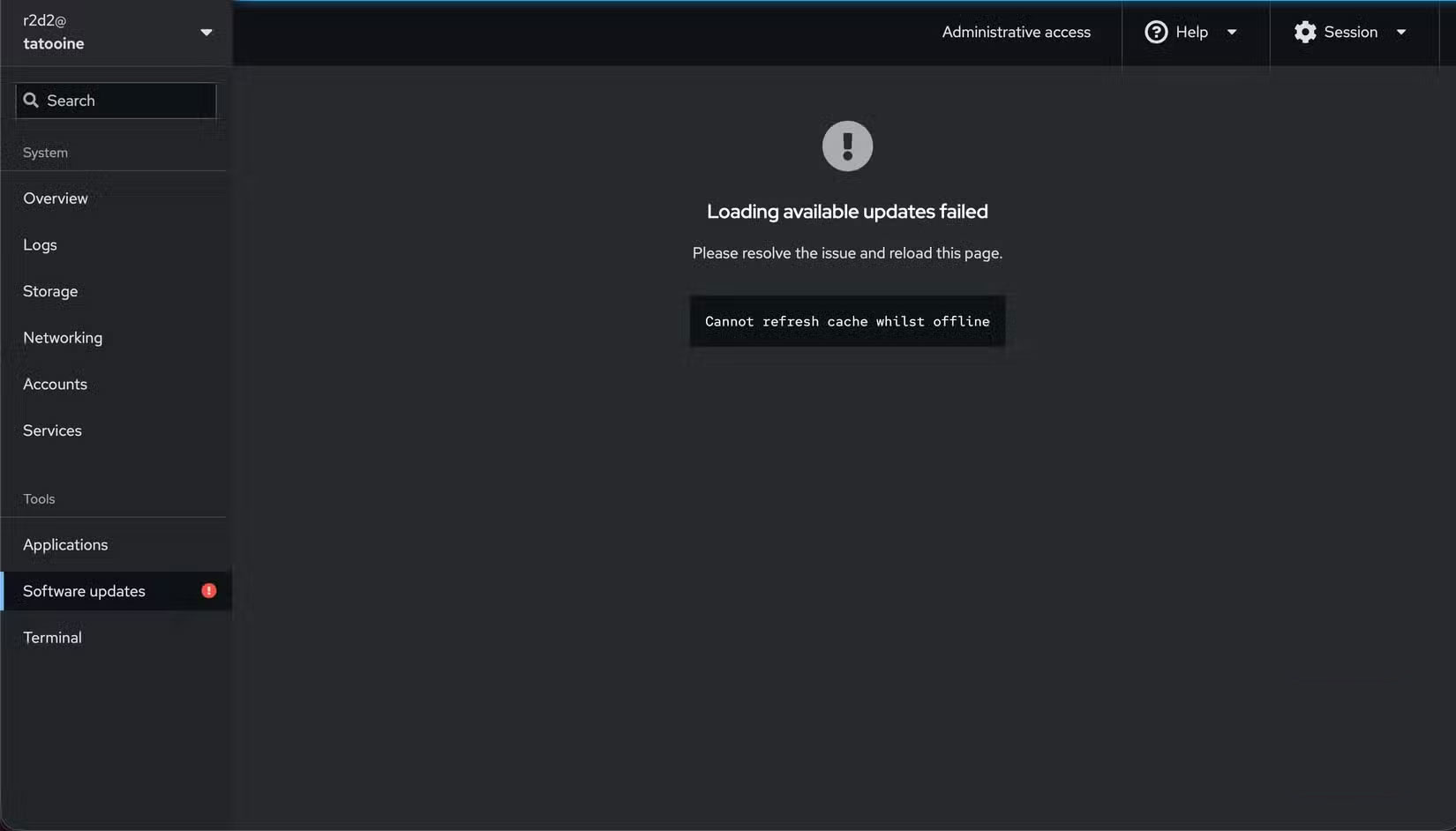
There's no denying that self-hosting an app or service can be technically complex. While you don't necessarily need a dedicated server, high-end workstation, or network attached storage (NAS), you can get started with an old computer or Raspberry Pi. However, getting the hardware ready to host apps and services remains a challenge for many individuals.
Self-hosting often comes with a maintenance burden. It often requires updating systems, backing up to ensure data is not lost or corrupted, and troubleshooting issues that arise over time. This also comes with the worry of downtime and losing access to important data. Needless to say, you also need to constantly learn and invest time. Combined, this makes self-hosting seem difficult for non-technical users, leading many to think it is for those with technical expertise.
Certainly, having a good understanding of operating systems, networking, security configurations, and troubleshooting will make setting up and maintaining a self-hosted system easier. However, you don't need to know everything from the start; you can take baby steps and learn gradually with the help of various online communities.
Compact setup lets you experience self-hosting
It serves you better than expected.
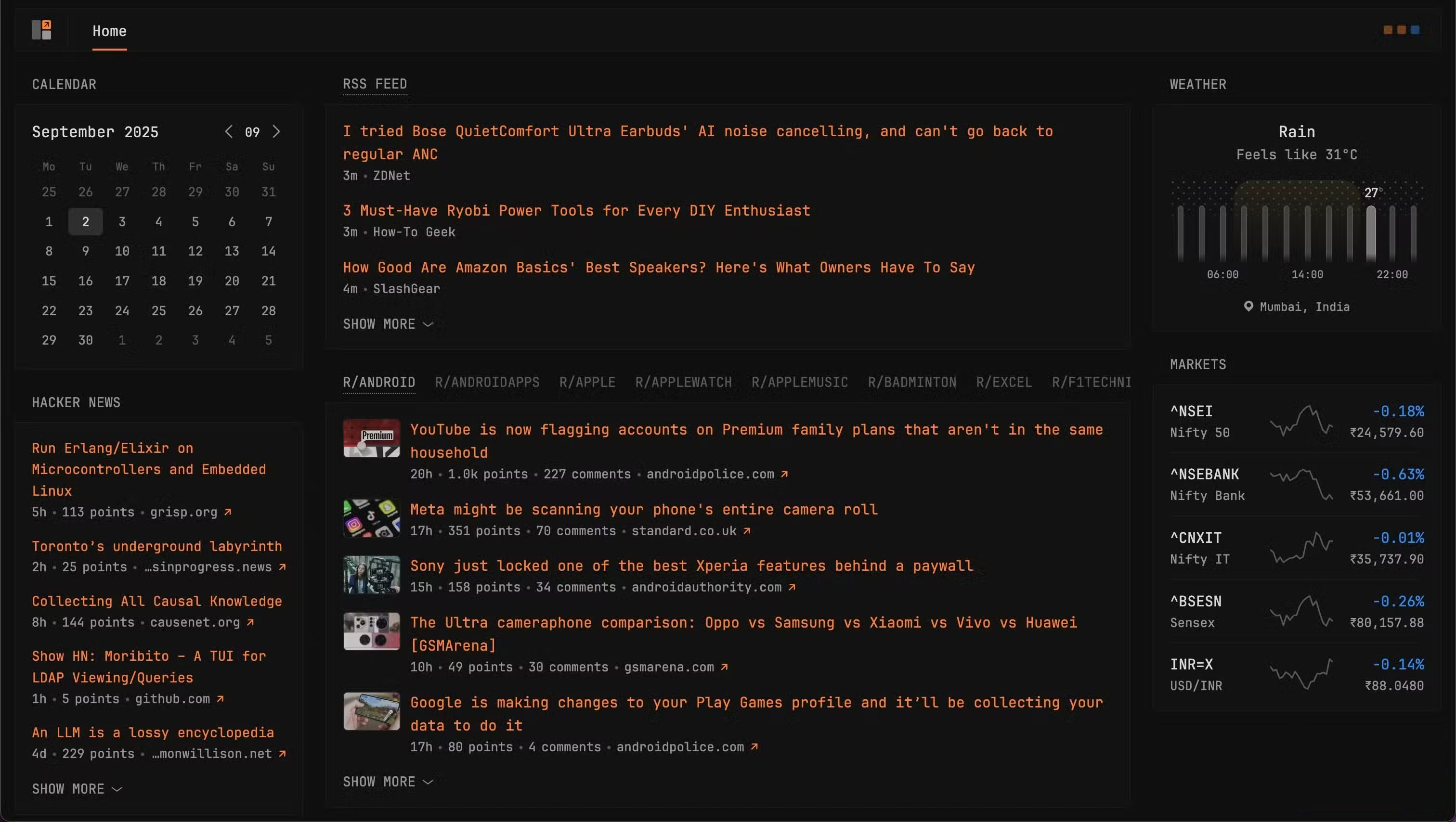
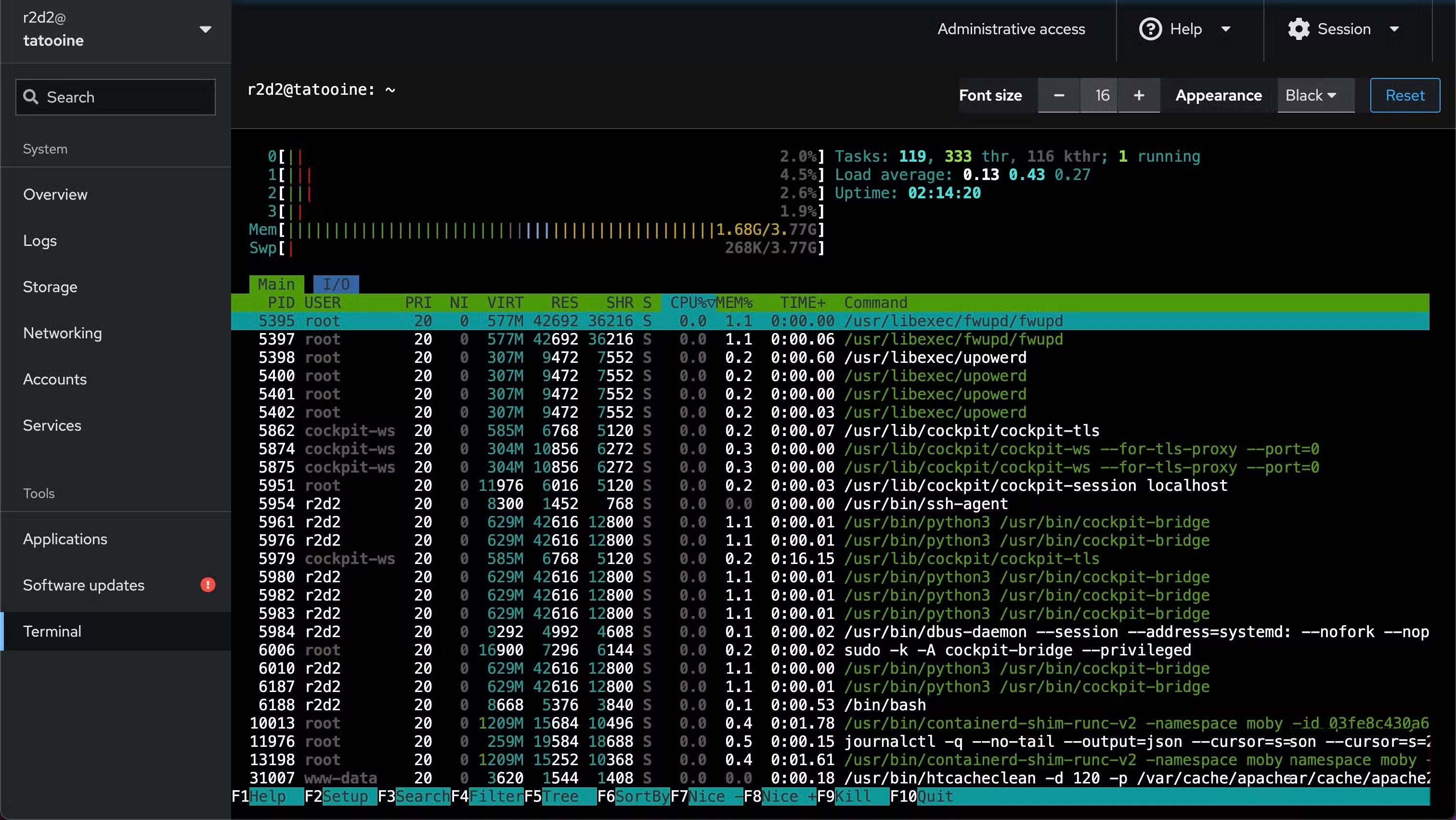
The author is using his old laptop to host various applications and services. It is equipped with a 3rd generation Intel Core i3 processor, 4GB RAM and a 512GB HDD. For software, the author will use Ubuntu Server because it is easy to install and use, efficient, has regular security updates and is supported by a large community.
If your laptop has many issues, like faulty display cables and broken keys, set it up in monitor-free mode. There are a few settings you might want to consider adjusting if you plan on using your laptop as a home server. These include setting a charge limit to avoid overcharging and overheating the battery, and configuring the laptop to run with the lid closed to reduce power consumption.
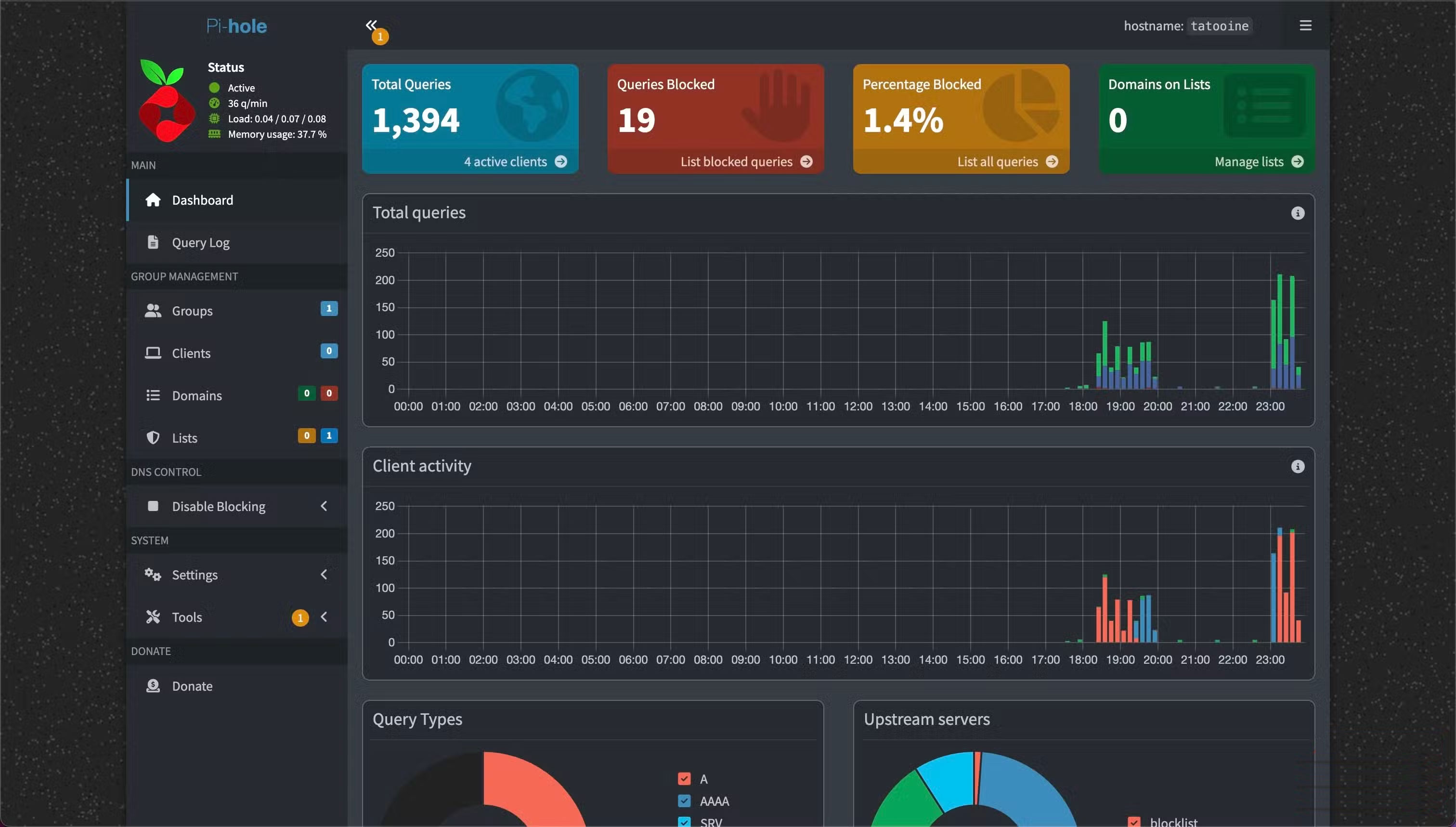
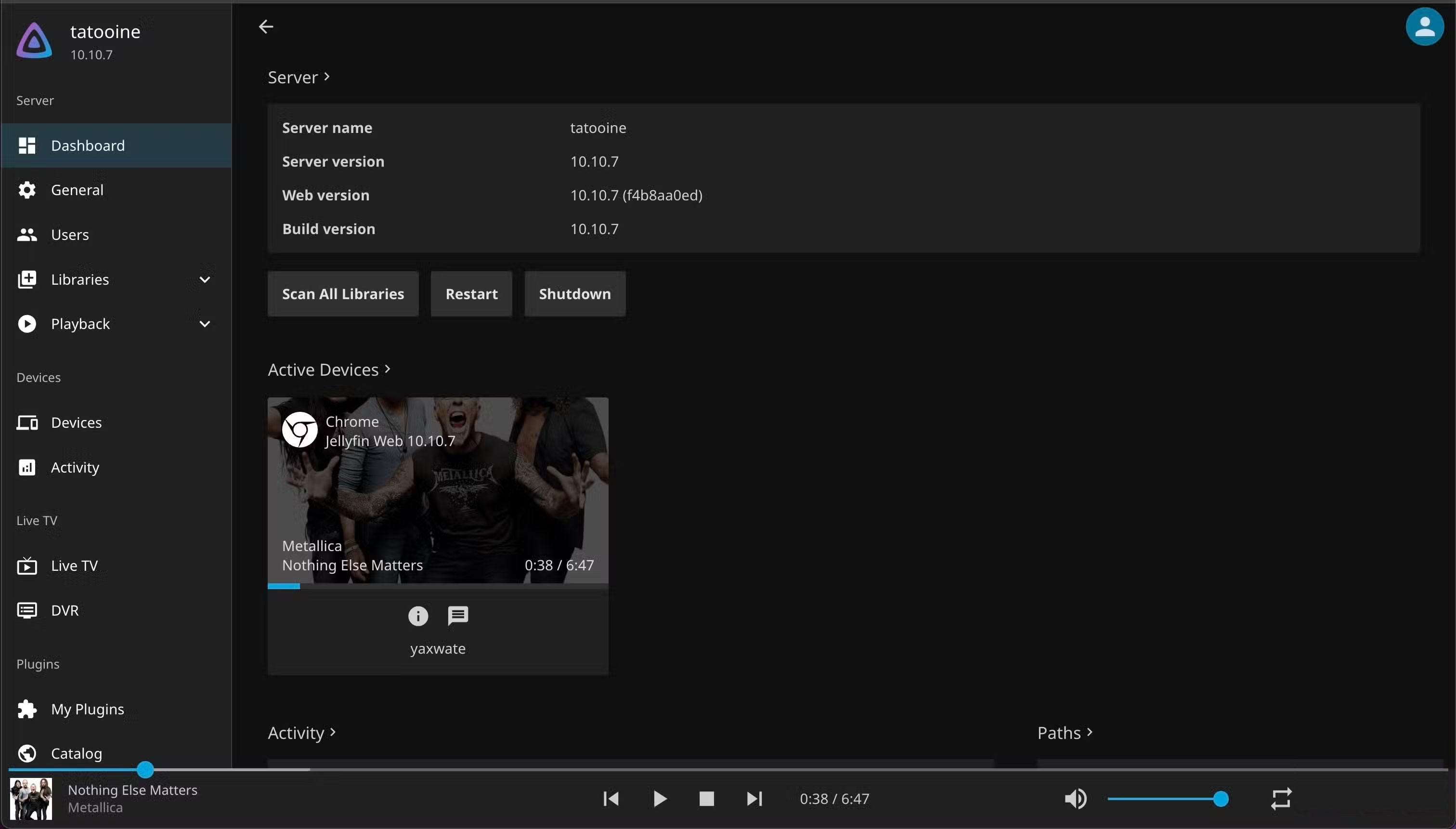
Self-hosting wasn't the initial motivation for setting up a home server, but the decent selection of apps running on it. First, self-host Pi-hole, a service that provides full network protection from annoying ads and trackers on all your devices. Then, move your entire media library to Jellyfin. This not only makes it easier to organize and manage all the music, shows, and movies in your library, but also allows anyone in the house to stream them.
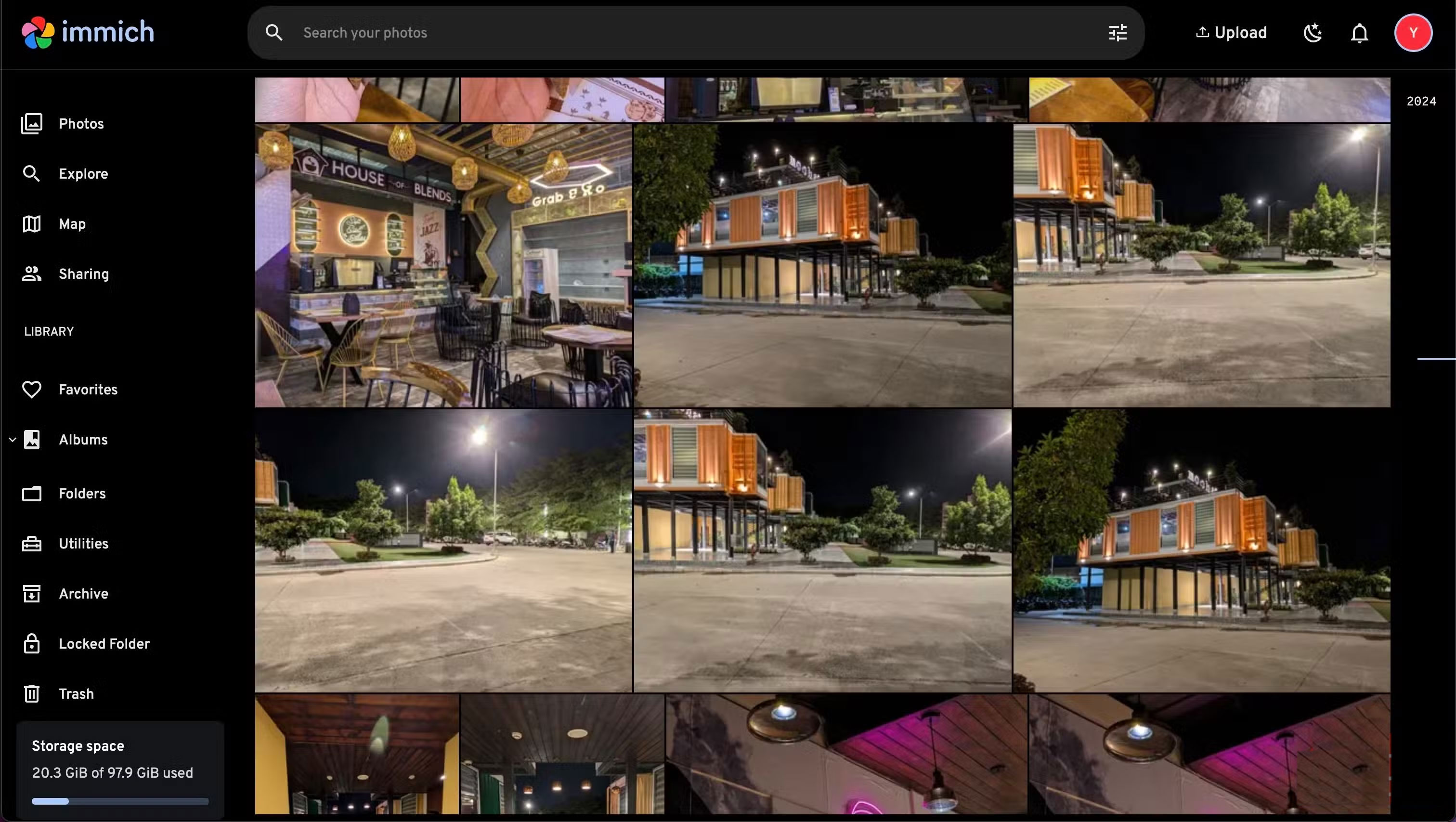
Next, host yourself with Immich, a great alternative to Google Photos that lets you manage your entire photo and video library over the years. Similarly, replace Google Drive with Nextcloud to store your important files and documents.
Additionally, you can host a number of other apps and services yourself, including Homebox for managing your home inventory, Home Assistant for controlling and automating smart home devices, Proxmox for creating virtual machines to test different operating systems, and Glance for aggregating feeds from multiple websites, Reddit, YouTube, and more.
When it comes to self-hosting an application on an old laptop, it's not as difficult as it sounds. Many apps and services are easy to install and set up. And for those that require a little more configuration, like Pi-hole and Proxmox, community support is very helpful. You can even use AI chatbots like ChatGPT, Perplexity, or Gemini to get help; they've been very helpful in troubleshooting nginx in many cases. They do a great job of identifying issues through logs and suggesting appropriate troubleshooting solutions.
There haven't been any noticeable performance issues with this setup, although it may be necessary to expand the RAM soon given the increased resource demands on a home server. It's also worth investing in an external hard drive for backup.
Compact setup is the best choice for beginners
Start simple and expand gradually as your needs grow!
Starting with a minimalist self-hosted setup is ideal for beginners. By keeping things simple, reducing complexity, and requiring minimal hardware investment, this setup significantly lowers the barrier to entry, encouraging more people to join the self-hosted world and take back ownership of their data.
FAQ
What should you know about self-hosting may sound scary, but it's not!?
In practical terms, self-hosting puts you in control of your data, allowing you to store personal files, projects, websites, or other services on your own hardware, eliminating the need to rely on third-party services.
Why does self-hosting may sound scary, but it's not! matter?
The article highlights that before I repurposed my old, broken laptop into a home server and started self-hosting, I thought the same thing – even though I was well versed in Linux and networking concepts.
What is the main takeaway?
The main takeaway is that when it comes to self-hosting an application on an old laptop, it's not as difficult as it sounds.
Related Articles
 What Is Hosting? Hosting Used to Do? Features, Uses, and Key6 minutes read
 Best Web Hosting Providers: 8 Options Compared17 minutes read
 Top 12 Best Web Hosting Services in 202317 minutes read
 The Difference Between Linux Hosting and Windows Hosting7 minutes read
 Top 12 Best Web Hosting Services of 202618 minutes read
 What Is Linux Hosting?5 minutes read
Reader Comments 0
Sign in with email or Google to join the discussion.