DeepSeek Harness vs Claude Code: Which Coding Agent Fits Your Workflow?
Compare DeepSeek Harness and Claude Code by product type, extensibility, setup, model flexibility, interfaces, maturity, and the development teams each one suits.
Fix Windows problems, troubleshoot devices, understand AI, secure your accounts and get more from your technology with tested step-by-step guides.
Compare DeepSeek Harness and Claude Code by product type, extensibility, setup, model flexibility, interfaces, maturity, and the development teams each one suits.
Transfer useful preferences and project context from ChatGPT to Claude with Claude's memory import flow, while reviewing sensitive details and understanding what does not migrate.
Compare Gemini 3.5 Flash and Claude Opus 4.7 by workload, latency, multimodal input, coding depth, agent use, context, and total operating cost.
Compare GPT-4, GPT-4o, and GPT-4o Mini by capability, speed, cost, context, vision support, structured output, and suitability for new API projects.

Compare ChatGPT and Gemini by research, files, connected apps, content creation, coding, memory, voice, privacy, and the workflows each assistant handles best.
Share a Gamma document with the right view, comment, or edit access; manage workspace permissions; add password protection; and troubleshoot access problems.
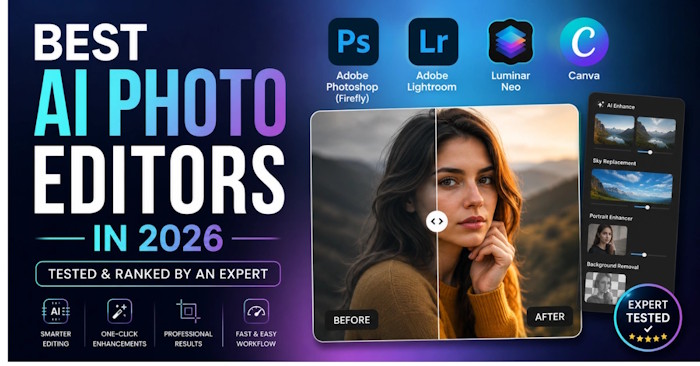
Compare AI photo editors for layered work, RAW catalogs, product photos, social graphics, and quick browser edits, with a practical test for choosing the right tool.
Compare browser races, structured touch-typing tutors, story-driven PC games, and classic typing games, then follow a practice routine that improves accuracy and speed.

Compare five Android and iOS games that arrived around August 2026, including idle RPG, 3v3 PvP, open-world MMORPG, anime survival RPG, and college football options.
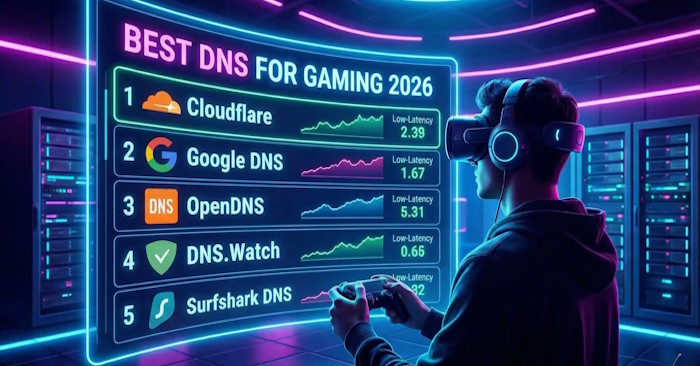
Compare reliable public DNS resolvers, test which one is fastest on your connection, change DNS on Windows, macOS, Linux, or a router, and understand why DNS rarely lowers in-game ping.
Compare NordVPN, Proton VPN, Surfshark, TunnelBear, ExpressVPN, and IPVanish by protocol, devices, ease of use, and privacy features, then test speed on your own connection.
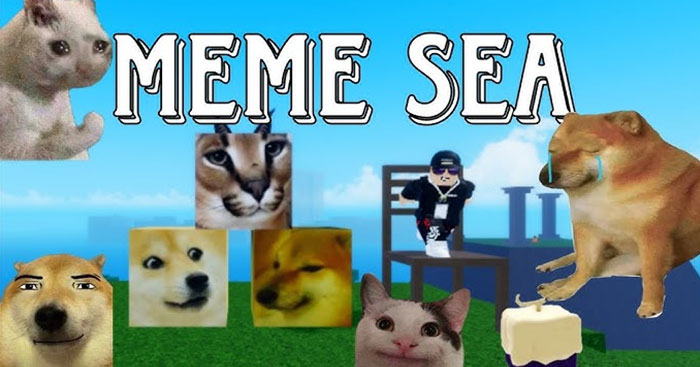
Compare every Meme Sea race and its V2 benefits, choose the best option for PvP, bosses, mobility, or leveling, and learn when a 250-Gem reroll is worth it.

Understand what replaced the old ChatGPT plugin system and choose between built-in data analysis, image generation, web search, apps such as Canva, and custom GPTs.
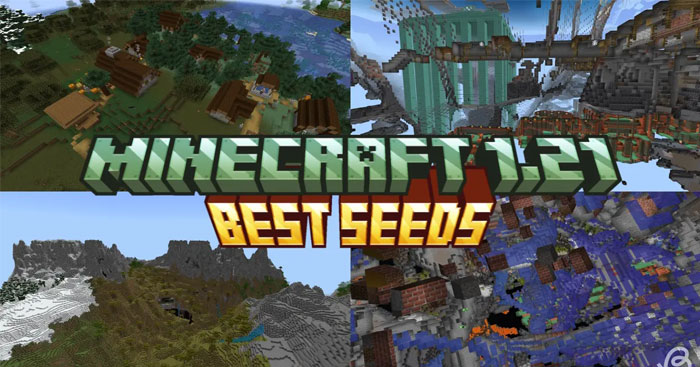
Try Minecraft 1.21 Bedrock seeds for villages, Trial Chambers, Cherry Groves, Pale Gardens, Ancient Cities, and Nether survival, with coordinates and setup notes.
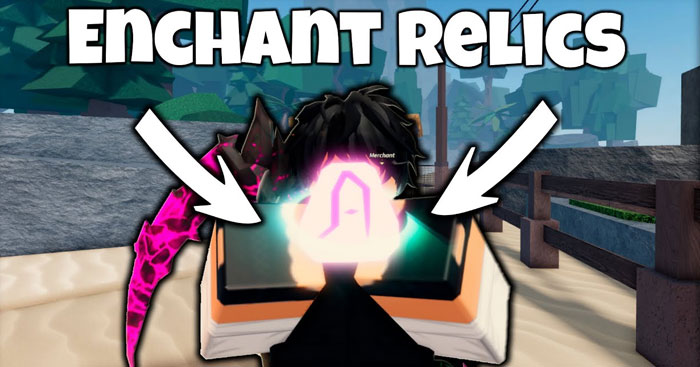
Learn the reliable ways to obtain Enchant Relics in Fisch, why The Depths is useful, where to find Merlin and the Keepers Altar, and how to avoid wasting a relic.
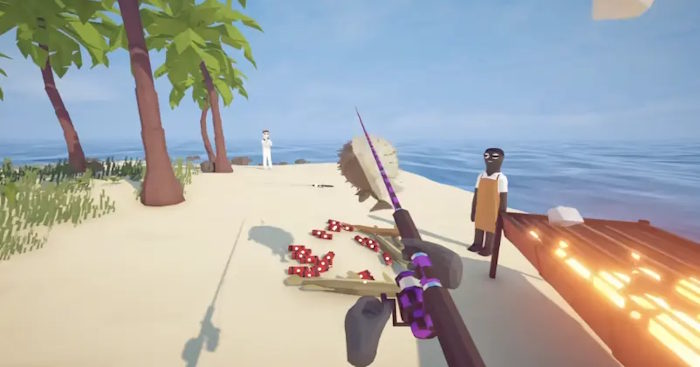
Follow the How to Fish boss route from Spider Crab to the Magma Whale, including summon items, quest trophies, positioning tips, and progression fixes.

Unlock the Sakura Incubator with a Crane, farm Sakura Crystals during Great Bloom, and apply Bloom or Spirit Bloom mutations without wasting rare eggs.

Use this Runaways item value list to prioritize profitable valuables, electronics, cash, and bank loot while avoiding low-value items that waste inventory space.
Fix How to Fish connection failures and black-screen lobbies by checking server status, matching game versions, restarting Steam, testing a new host, and verifying files.
Learn what Impaling does on a trident, how its effect differs between Java and Bedrock, the damage added at levels I–V, and how to obtain and apply it.