Table of Contents
QuillBot offers separate tools for paraphrasing, grammar checking, summarizing, and translating. Start by choosing the task you need, then review the output against your source. A fluent rewrite can still change a claim, lose an important qualification, or introduce an error.
Open the official QuillBot site and check the limits shown for your account. Available modes, language support, and paid features can change.
Paraphrase a passage without changing its meaning
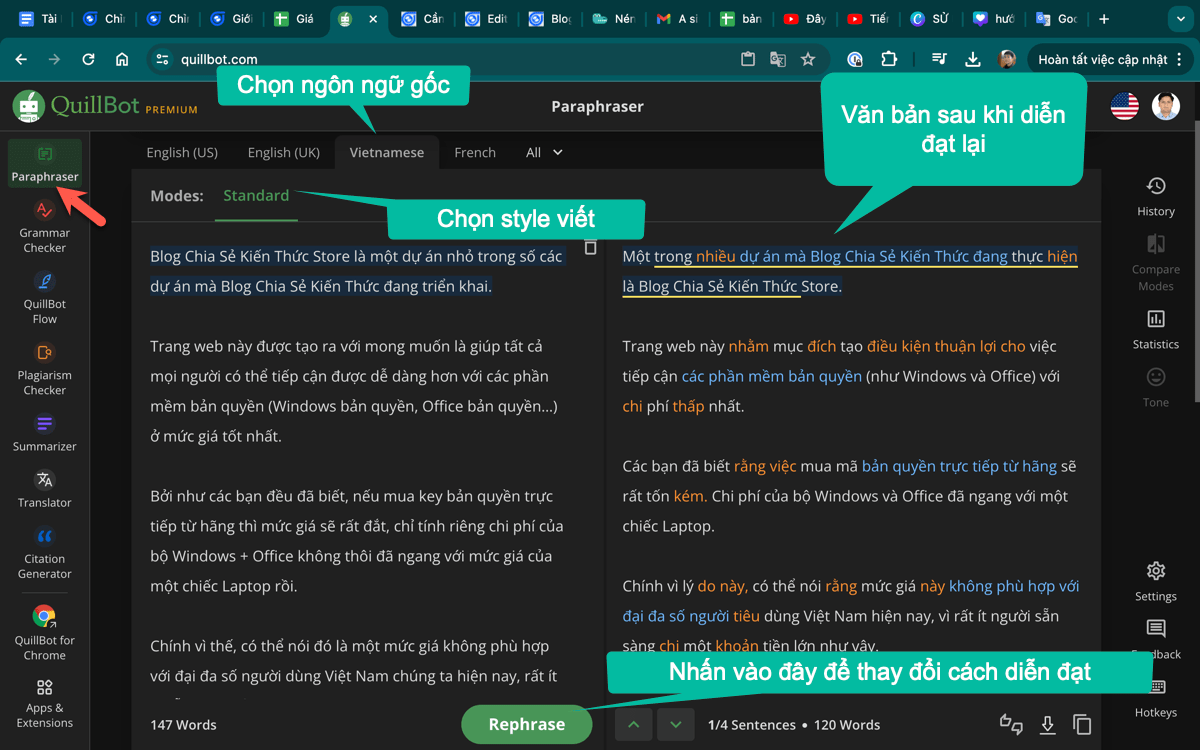
- Choose the Paraphraser and paste a short passage you are entitled to edit.
- Select an available mode suited to the intended tone.
- Generate a revision and compare it sentence by sentence with the original.
- Keep correct technical terms, names, numbers, and qualifications. Reject synonyms that make a precise statement vague or inaccurate.
- Read the complete paragraph again after accepting individual changes.
Paraphrasing does not replace attribution. If the ideas come from another author, retain the appropriate citation even when the wording changes. Use writing assistance in line with your school or workplace rules, rather than as a way to disguise authorship or evade a detector.
Review grammar suggestions
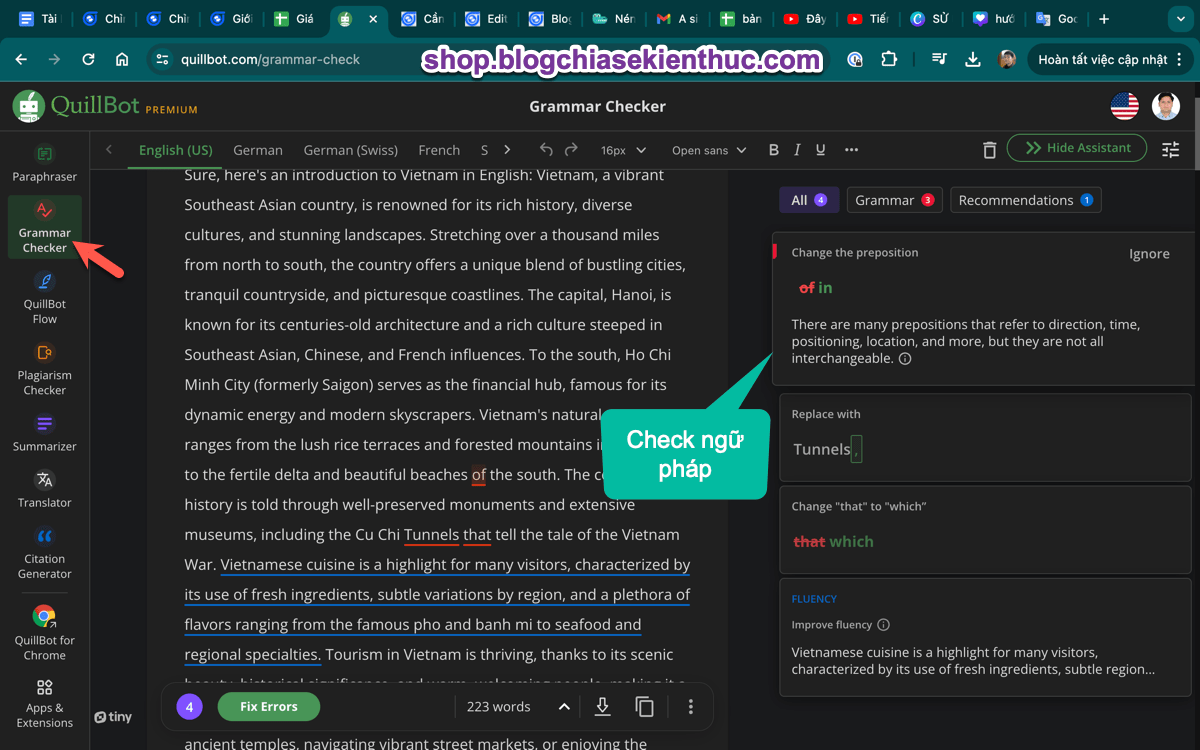
Open the Grammar Checker and enter your text. Inspect each suggested correction for agreement, punctuation, spelling, and intended meaning. A product name, specialist term, or deliberate stylistic choice may be flagged incorrectly.
There is no single grammar checker that is best for every document. For work inside Word, compare the integration and review controls in AI writing tools for Microsoft Word.
Summarize before returning to the source
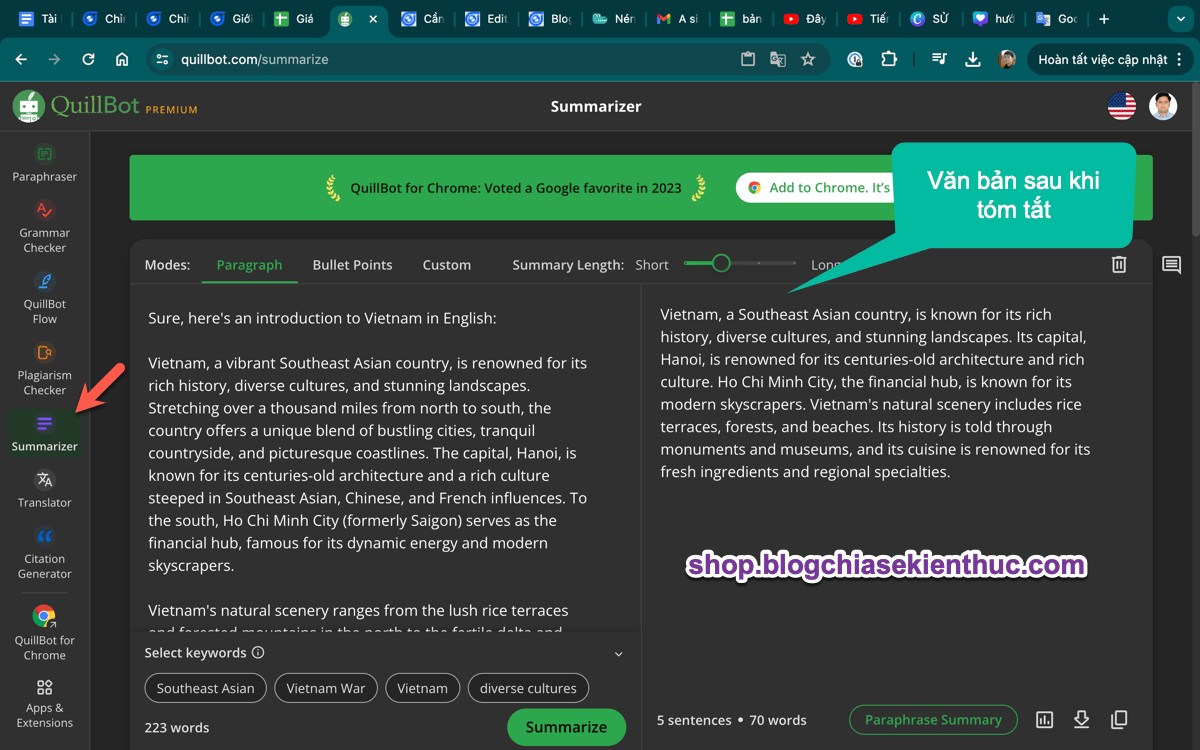
Use the Summarizer to create a shorter overview of a longer passage. If length or format controls are available, choose one that fits your purpose, then check whether the output preserves the main conclusion and supporting context.
- Compare names, dates, quantities, and the direction of any claim with the original.
- Check that a cautious finding has not become a definite statement.
- Return to the source for details before quoting or relying on the summary.
A summary is useful for orientation, but it is not a substitute for reading material that determines an important decision.
Translate with context
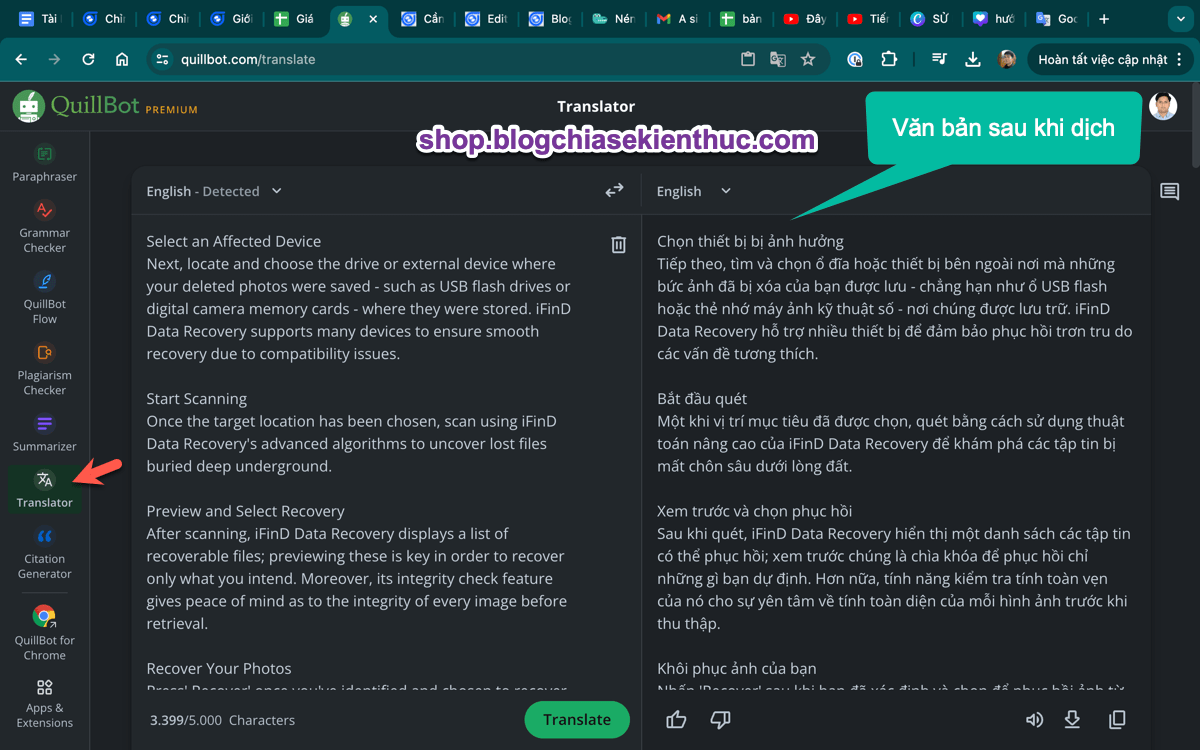
Select the source and target languages, paste the text, and review the translation. Short ambiguous phrases may need surrounding sentences to produce the intended meaning. Keep terminology consistent across the document.
Do not assume one service is always more accurate than another. For technical or consequential documents, have someone competent in both languages review the result.
Other tools and account settings
QuillBot also provides citation and originality-related tools. Check their current availability and allowances rather than relying on an old description of the Premium package.
A citation generator can help format a reference, but you must verify the author, title, publication details, and source. A similarity or AI-detection score does not establish whether work is accurate, original, or properly attributed.
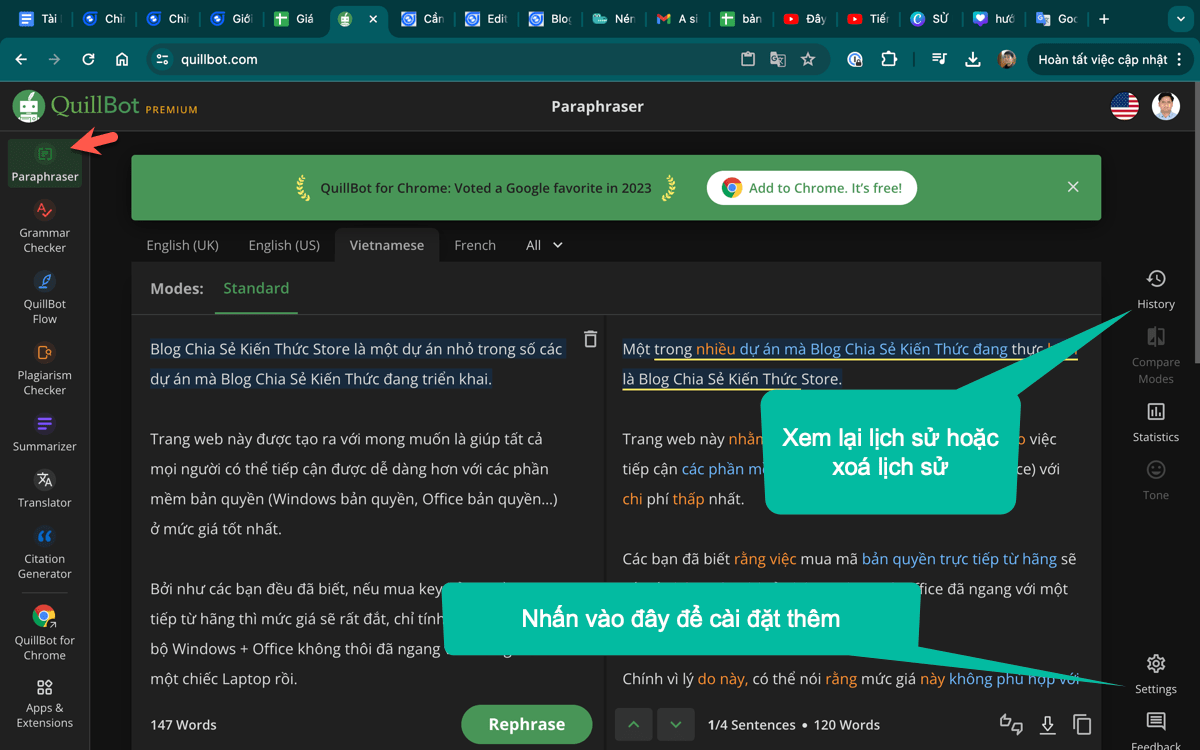
Settings shown in an older QuillBot interface; controls may differ in your version.
Before uploading confidential documents, review your organization's policy and the service's data-handling terms. Test with non-sensitive text when evaluating a new tool.
Video walkthrough
The original tutorial below provides an additional demonstration. Its interface and plan details may reflect an earlier version.
If you want to use the service from a document editor, see installing QuillBot in Microsoft Word. After any edit, read the final document as a whole and retain a copy of your original draft.
Related Articles
 Instructions for installing QuillBot in Microsoft Word
 How to use Google Translate to translate languages on the phone
 Can QuillBot Reduce Plagiarism? What Paraphrasing Tools Can and Cannot Do
 How to use AZ Translate screen, voice, photo
 How to translate the example of the original word on Google Translate
 Google Translate is about to have a 'language learning' feature to compete with Duolingo?
Reader Comments 0
Sign in with email or Google to join the discussion.