How to make a photo collage for WhatsApp Status
Combine up to six photos using WhatsApp's Layout tool, adjust the collage, and check your Status audience before sharing.
Fix Windows problems, troubleshoot devices, understand AI, secure your accounts and get more from your technology with tested step-by-step guides.
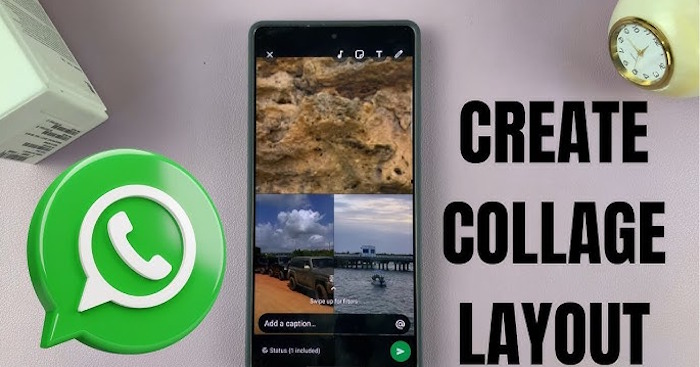
Combine up to six photos using WhatsApp's Layout tool, adjust the collage, and check your Status audience before sharing.

Generate an image with Meta AI in WhatsApp, refine the prompt, animate it where available, and review the result before sending.
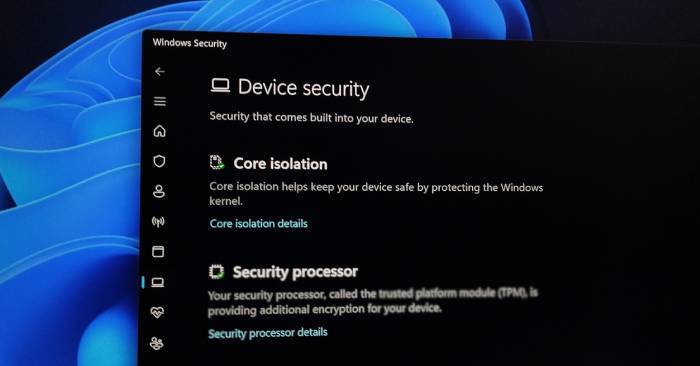
Understand what Windows Security protects, when a third-party suite adds value, and how to check protection before switching antivirus software.
Use microphone and location indicators to identify app activity, review Windows privacy settings, and manage browser permissions when access is unexpected.
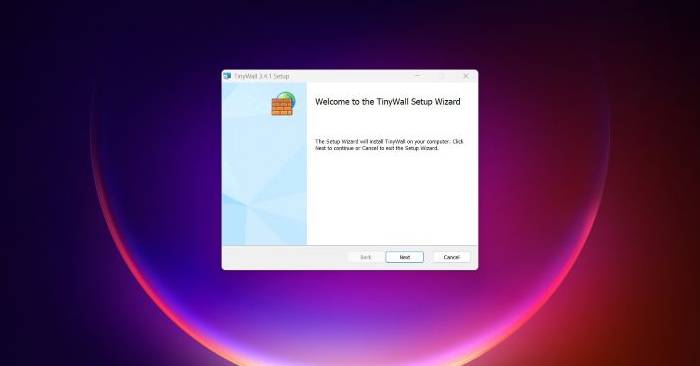
See how TinyWall blocks unapproved app connections, how its operating modes work, and what to check before using it on a Windows PC.
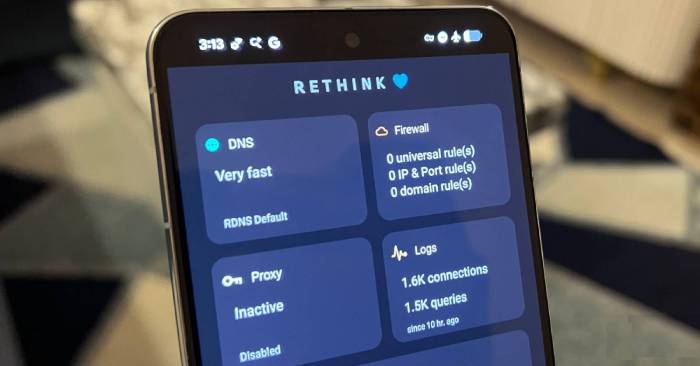
Use Rethink to filter domains and control app network access, with a clear explanation of DNS privacy, VPN integration and connection troubleshooting.

Reduce thumbnail and preview work, restart Explorer safely, and isolate folder-specific problems without deleting your files.

Restore the correct display resolution, check monitor scaling, and troubleshoot driver or cable problems when the desktop looks distorted.
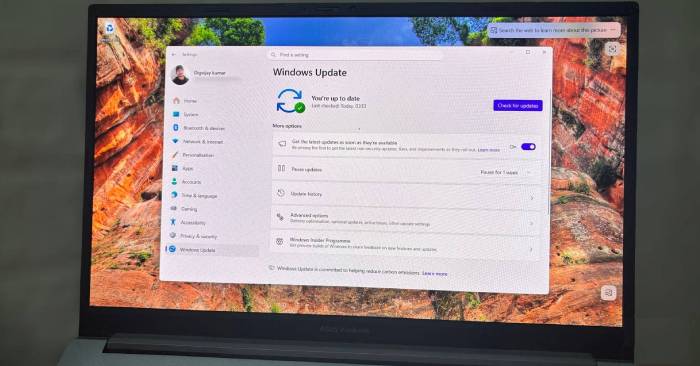
Discover why do your Windows updates keep failing (it's not the internet) and explore the main causes, risks, practical effects, and recommended actions.
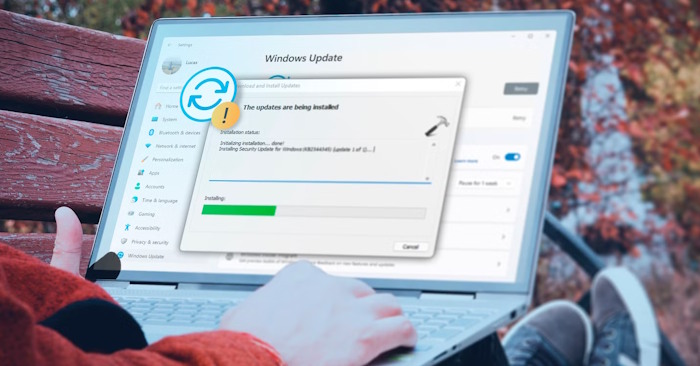
Find the failed update and error code, check storage and known issues, repair Windows files, and isolate software conflicts when Windows keeps undoing updates.

Check whether lingering taskmgr.exe processes match the resolved Windows 11 update bug, install the fix, and close leftover instances without registry edits.
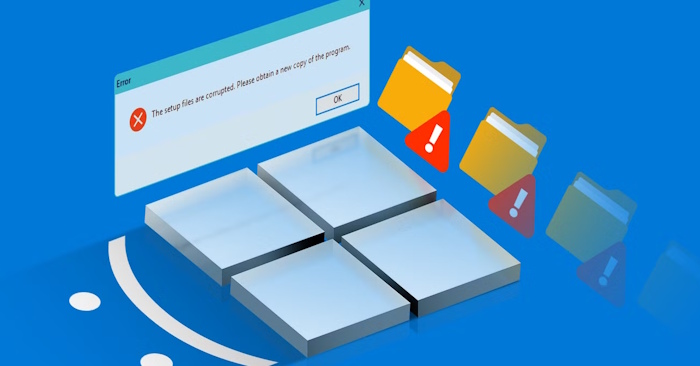
Choose the right Windows repair tool for damaged system files, component-store errors, or startup failures, with commands and clear limits for each.
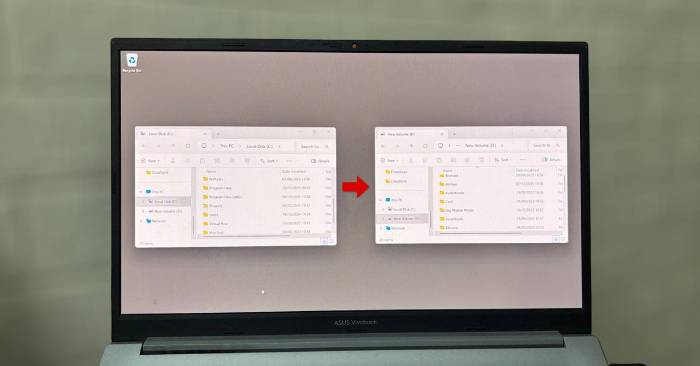
Free space on your Windows drive while keeping an existing folder path, using mklink with correct paths, backup checks, and a reversible setup.
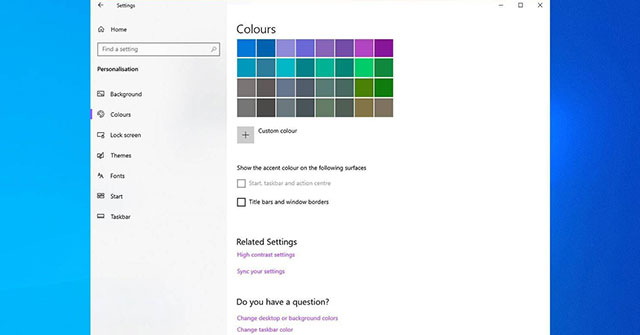
Choose an accent color for the Windows 11 Start menu and taskbar, keep apps in light mode if preferred, and fix a grayed-out color switch.

Use Device Manager carefully for devices you no longer need, then recover disk space with Disk Cleanup and Storage Sense without deleting important files.
Restore an app's passkey permission in Windows 11, distinguish access settings from saved passkeys, and check why the option may be missing.
Turn on Windows point-in-time restore where available, check its short-lived snapshots, and understand which files and changes a restoration can undo.
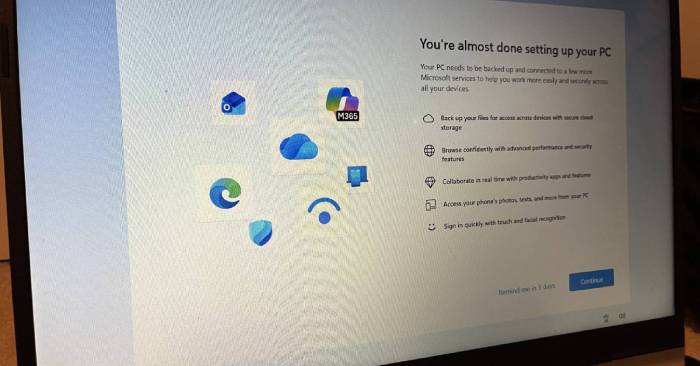
Adjust Start and taskbar behavior, enable system restore points, show file extensions, and decide whether Developer Mode is relevant to your work.
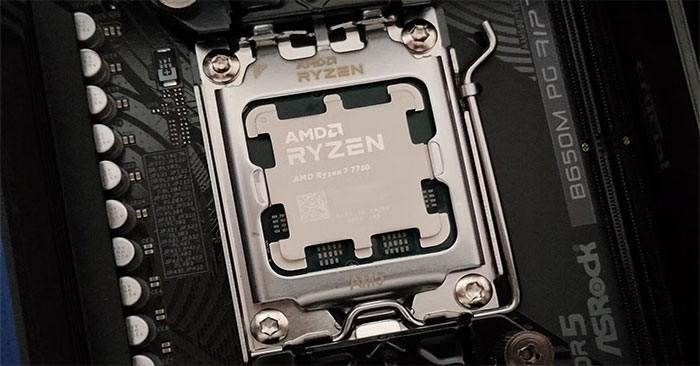
Identify the process behind sustained CPU usage, reduce unnecessary startup work, choose a suitable power mode, and check whether a change actually helps.
Find Smart App Control, understand On, Evaluation, and Off modes, and check updated re-enable behavior before changing protection for blocked apps.