Table of Contents
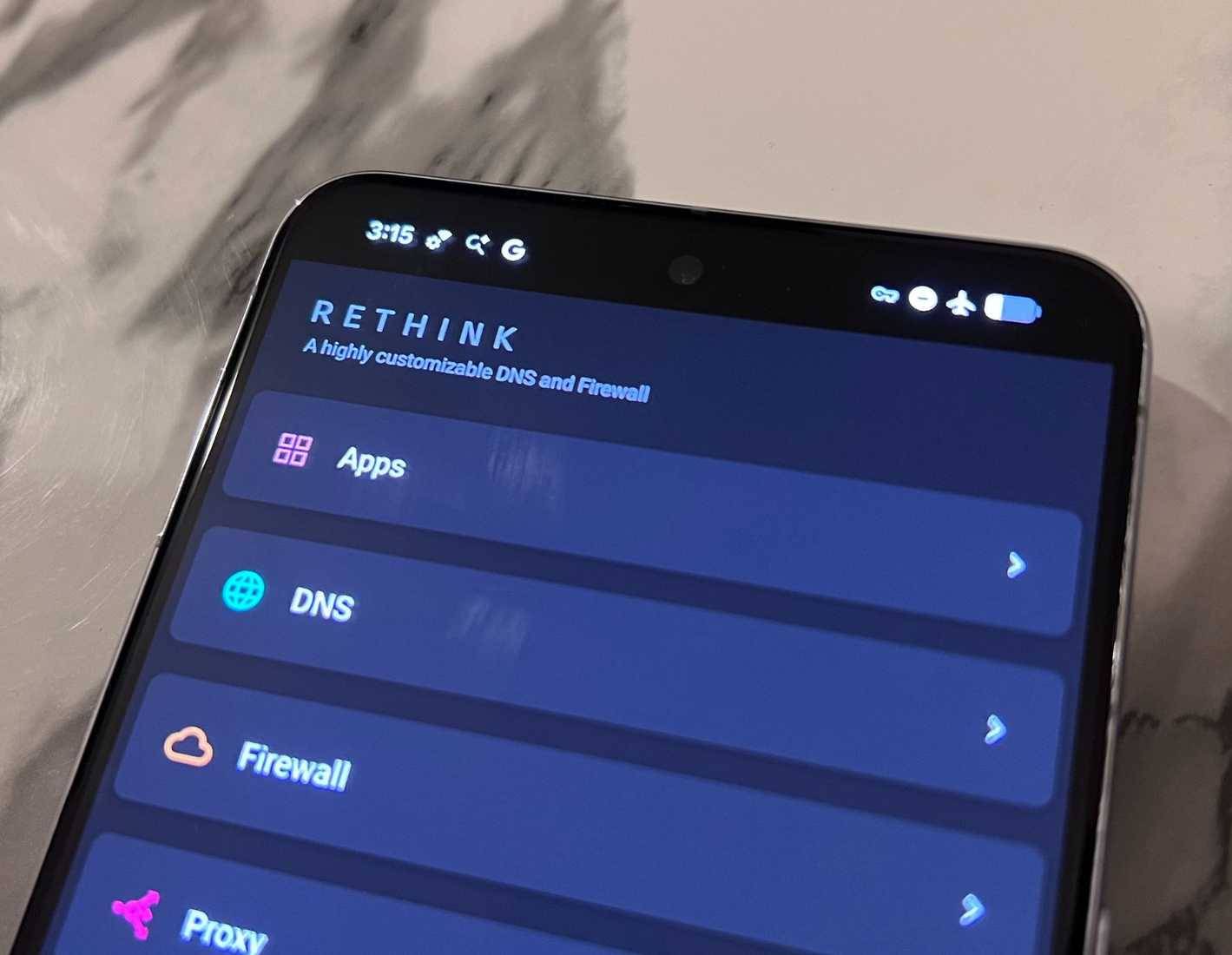
Rethink DNS + Firewall gives Android users two useful controls: choosing how domain names are resolved and deciding which apps can access the network. It can filter known unwanted domains and show connection activity, but it does not guarantee faster internet or complete protection from tracking and malware.
DNS service and Android app are different
DNS translates a name such as tipsmake.com into the network address a device needs to connect. A different resolver can change lookup speed, filtering and who handles those queries. It does not increase your broadband or mobile-data bandwidth.
Rethink offers a configurable DNS service and a free, open-source Android companion app. The app adds firewall rules and local monitoring. Cloud services can have separate paid options, so distinguish the app’s cost from any service you enable.
If you only want to choose an encrypted resolver, Android’s Private DNS setting may be enough. The Rethink app is more useful when you also want app-level control.
Filter domains with DNS blocklists
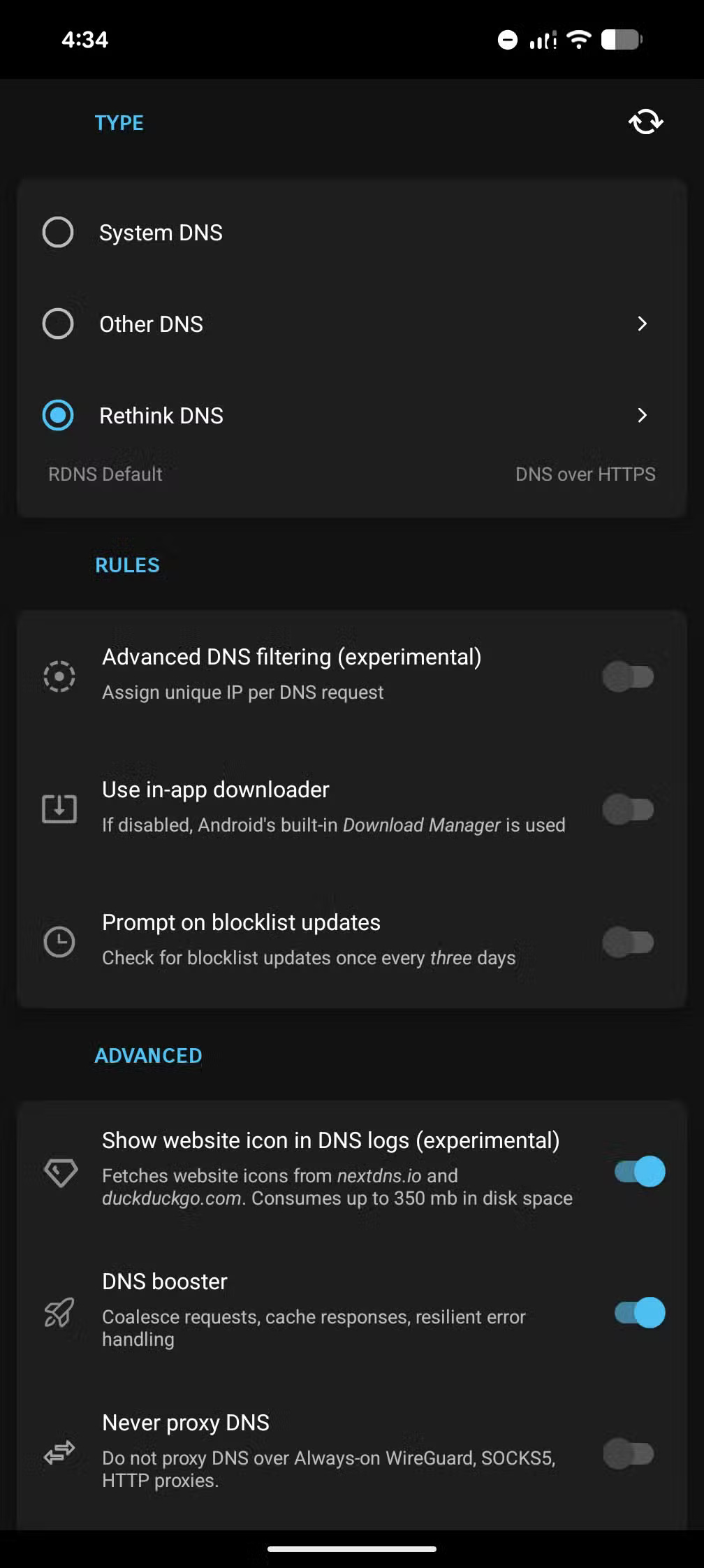
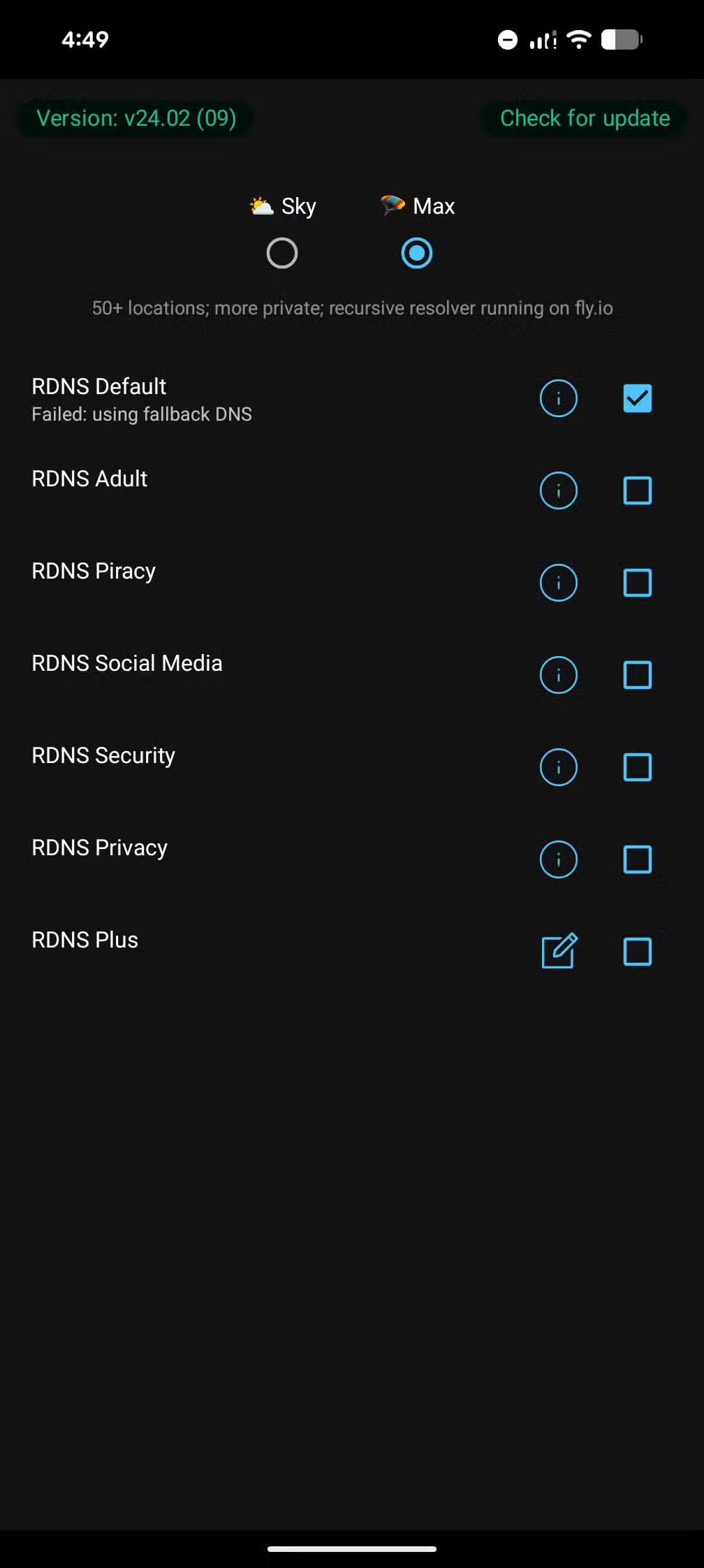
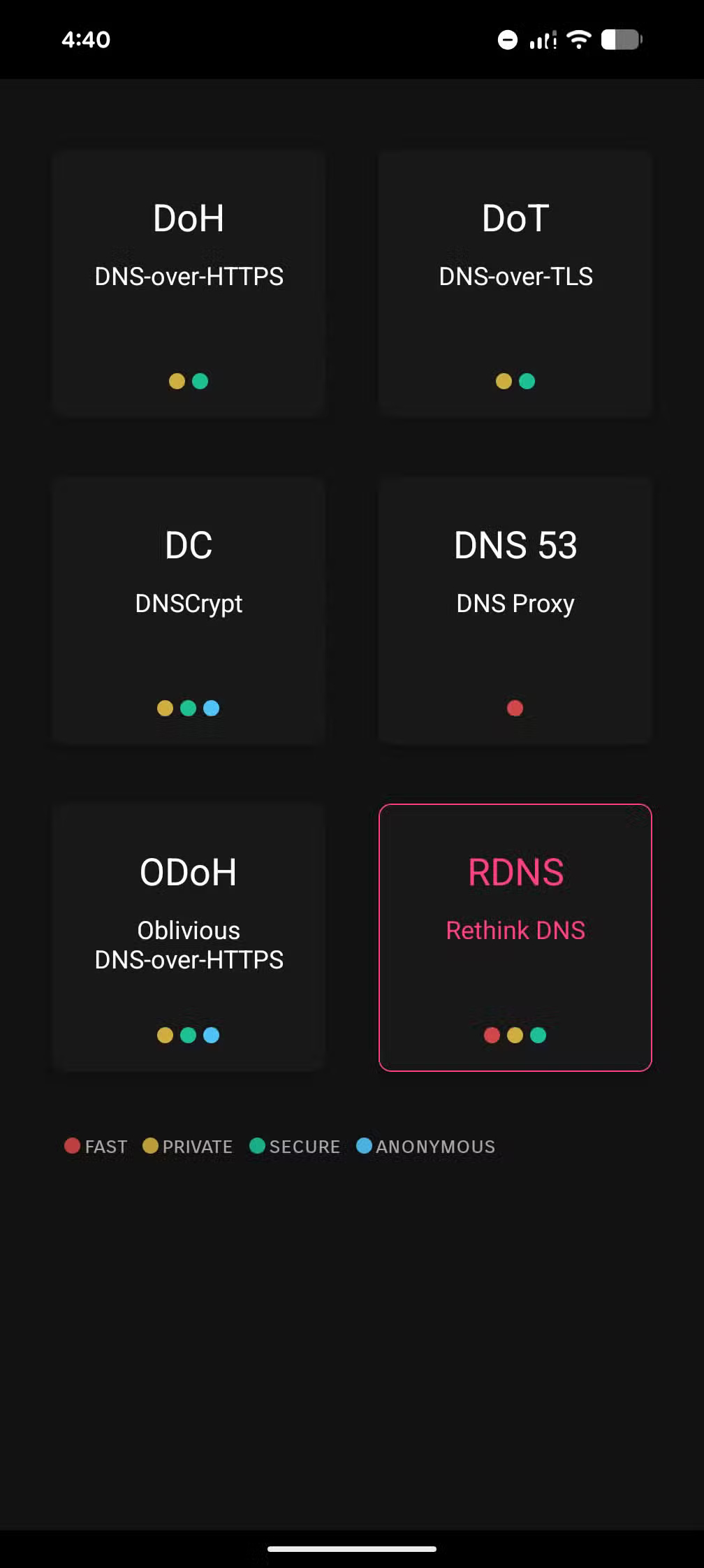
Select a DNS provider or Rethink configuration in the app’s DNS controls. Depending on the selected resolver and lists, requests for known advertising, tracking or malicious domains can be blocked. Review the current categories rather than relying on a fixed number of lists or server locations.
Filtering is selective: an app can continue working while a listed tracker domain fails to resolve. It can also break a legitimate login, video or payment feature if a required domain is on a list.
Start with a limited selection and test the apps you use. If a feature breaks, examine the blocked request and change only the relevant rule. A DNS filter cannot reliably remove every ad, including advertising delivered through the same domain as the content. See the limits of blocking ads in mobile apps.
Control individual apps with the firewall
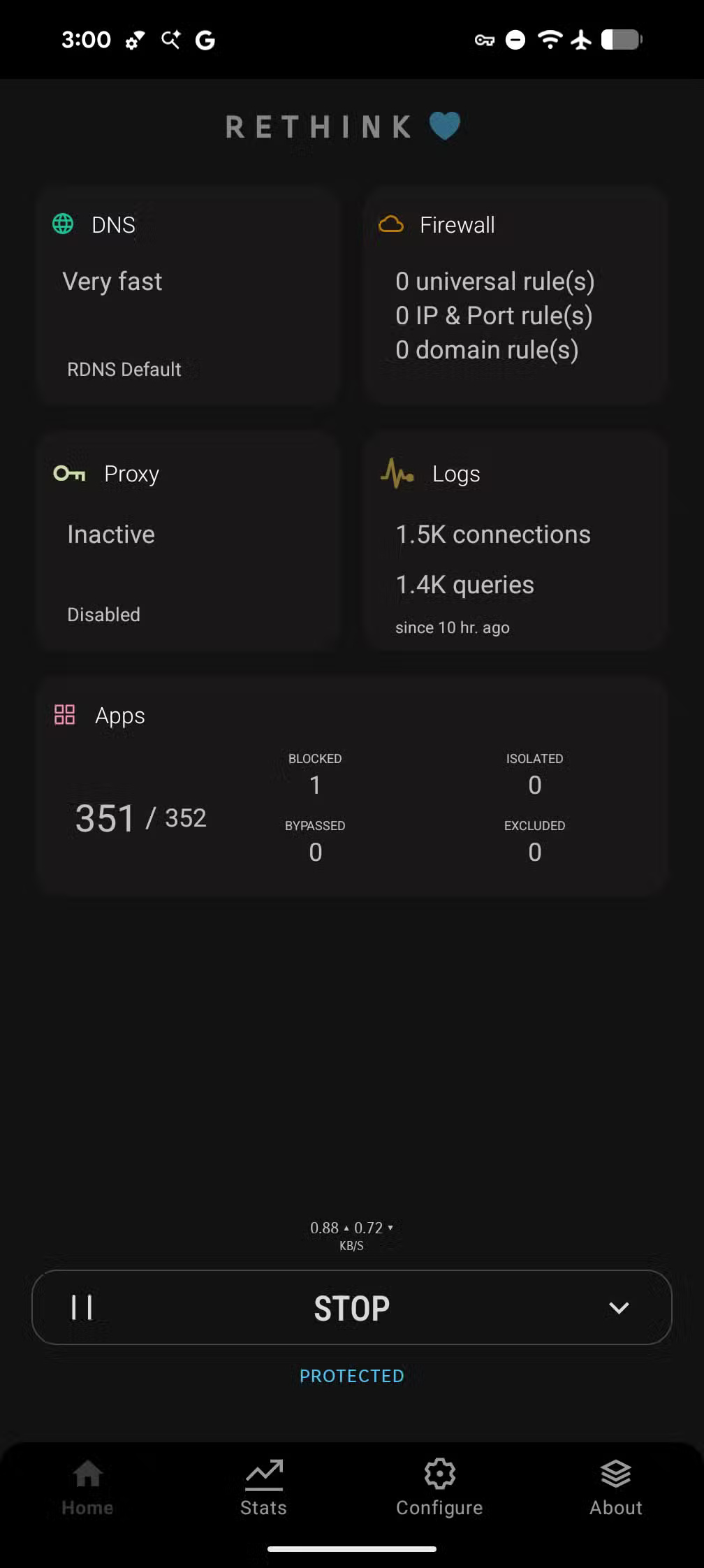
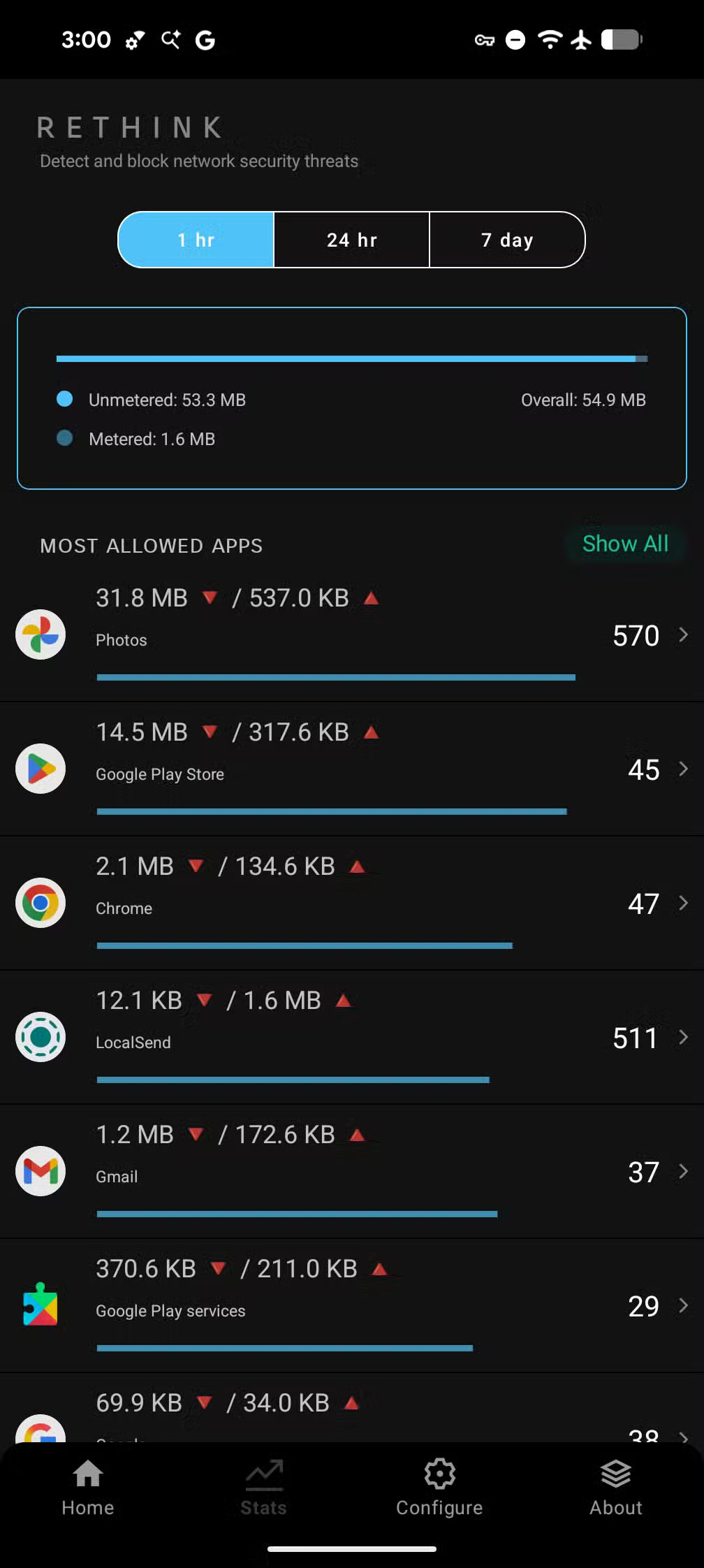
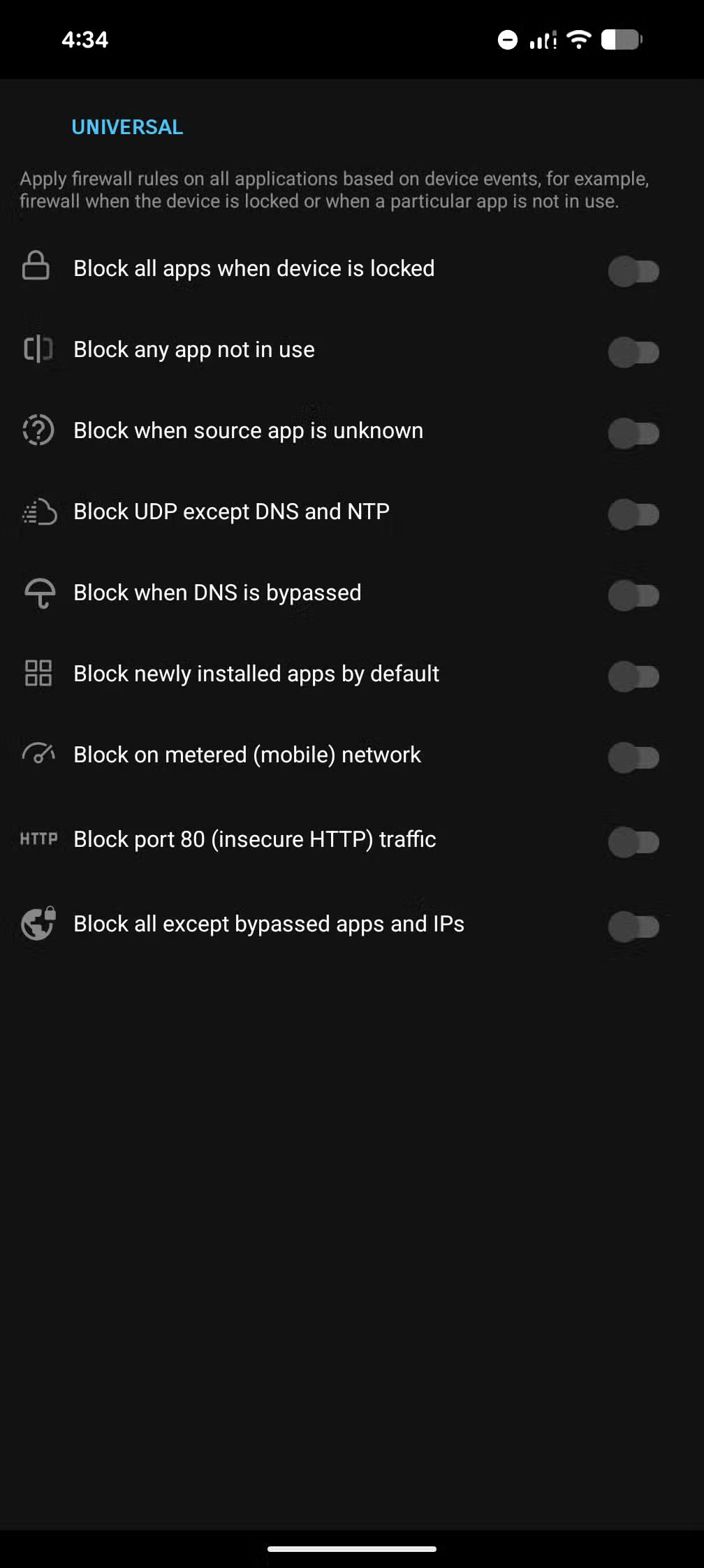
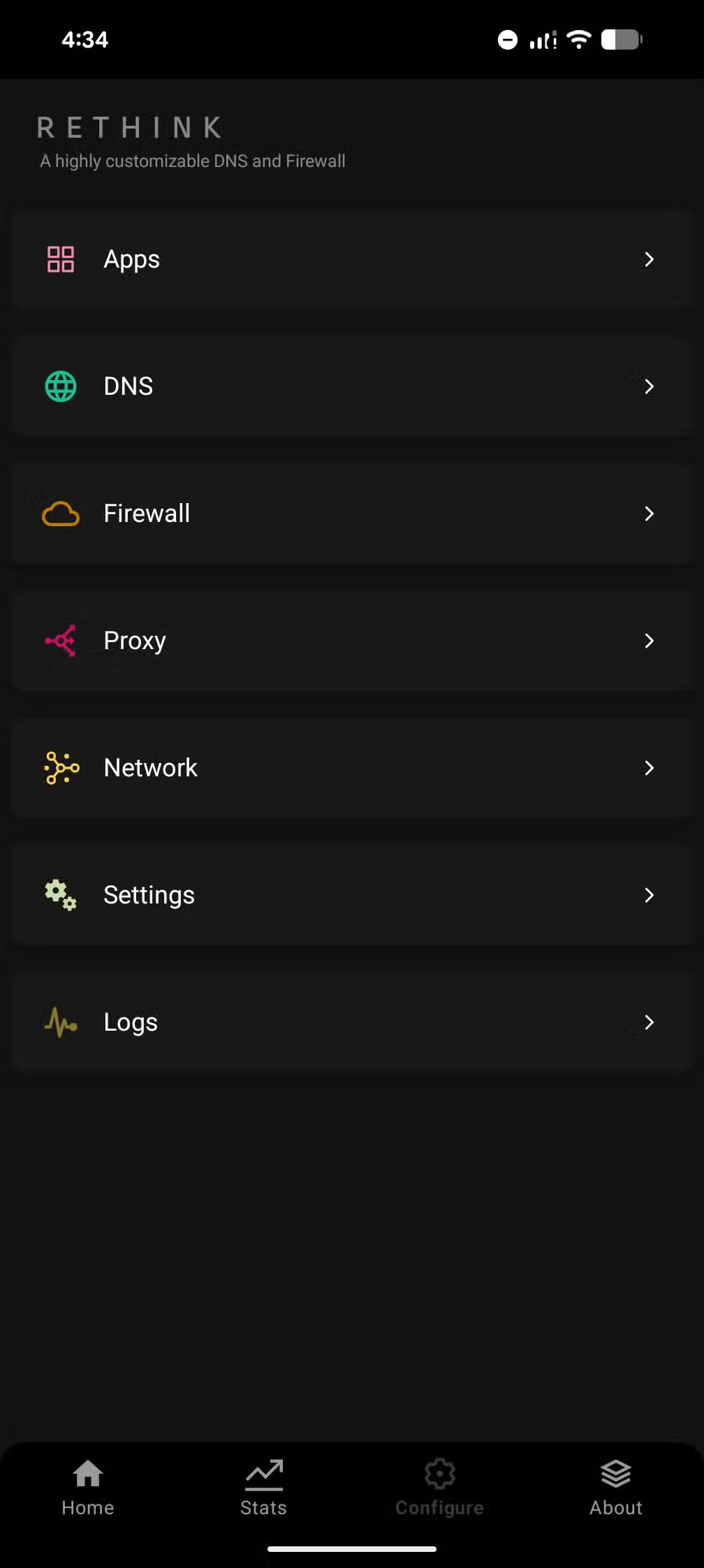
Use the firewall’s app list to restrict network access for programs that do not need it. You can review connections and, where supported, apply different rules for mobile data, Wi-Fi, background activity or a locked device.
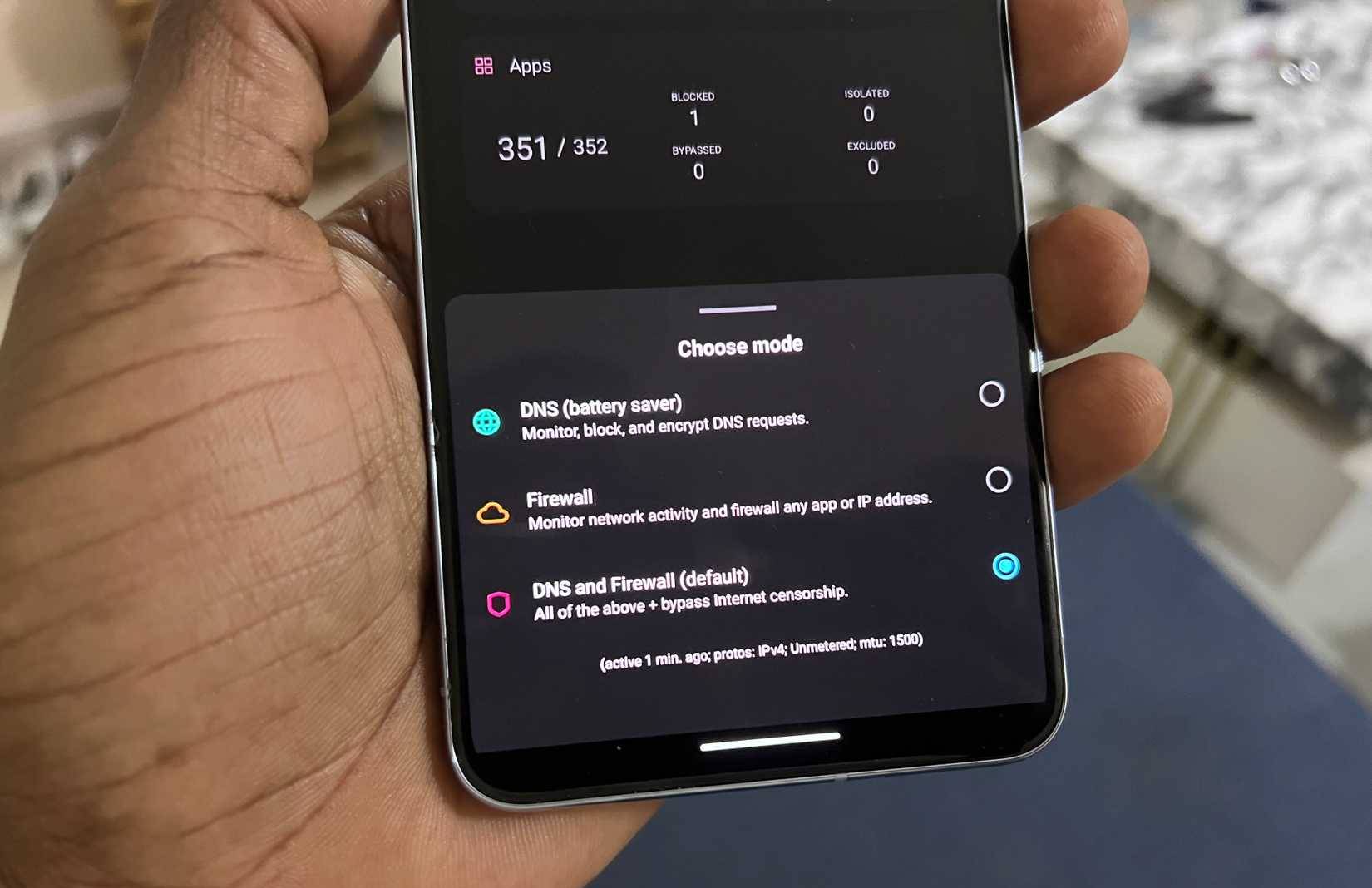
Choose the operating mode intentionally: DNS filtering alone, firewall alone, or both. Labels and screen layouts change between releases. Confirm the app is running and that your selected rules apply before relying on them.
Blocking an app can prevent notifications, cloud backup or account synchronization. Test an important app after changing its rule. Do not interpret every background connection as malicious; a log identifies network activity, not its complete purpose.
A local VPN interface is not a remote VPN service
The app uses Android’s VPN interface to intercept traffic for its firewall and DNS functions. Seeing a VPN indicator does not, by itself, mean all traffic is encrypted through a remote server or that your public IP address has changed.
Android allows only one active VPN service per user or profile. Starting Rethink can therefore replace another VPN app’s connection. If you need both firewall control and a remote tunnel, use a supported integration rather than assuming two separate VPN apps can run together.
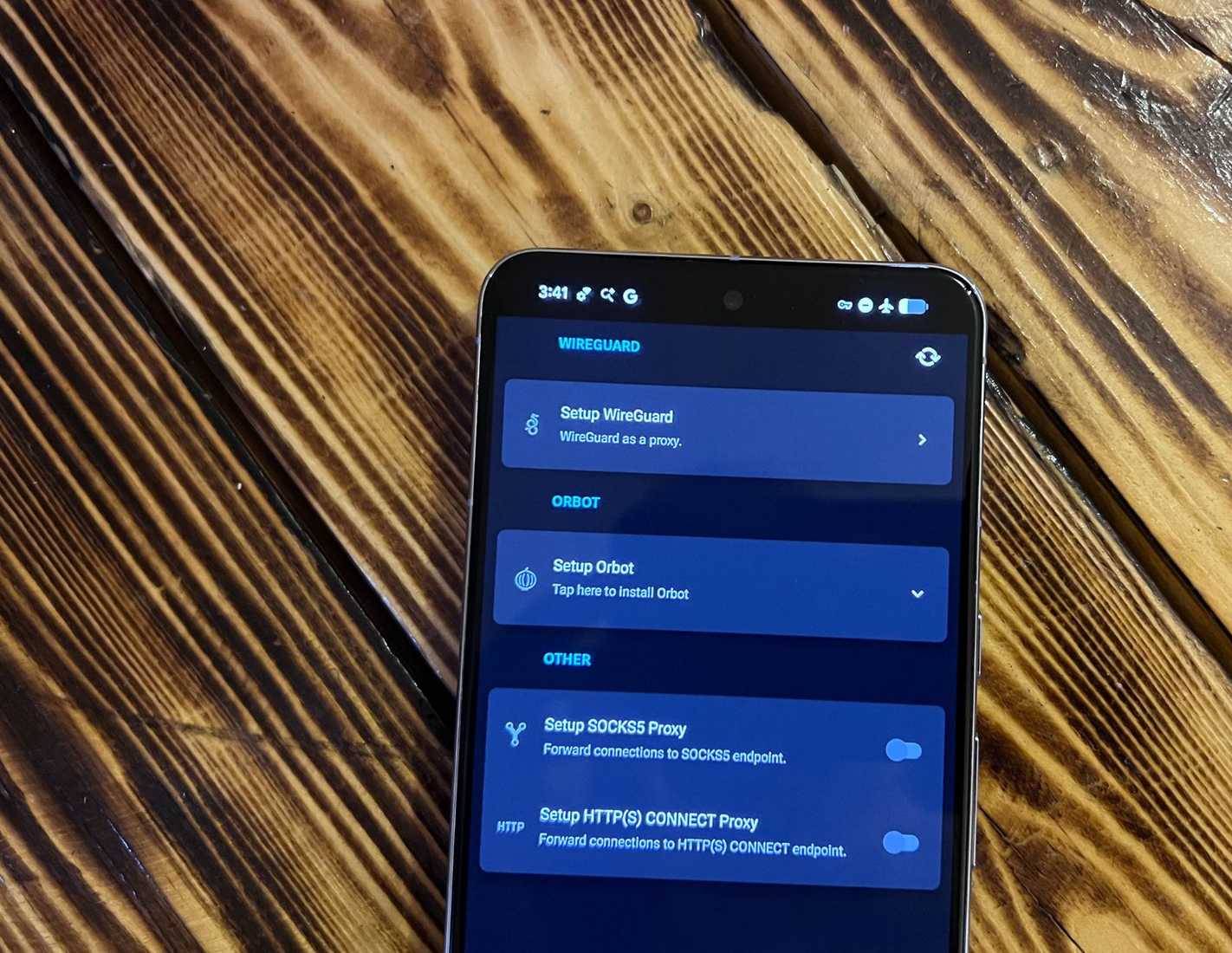
Rethink supports importing compatible WireGuard configurations; see its official WireGuard instructions. A VPN brand’s use of WireGuard does not guarantee it supplies a configuration you can import. Current versions also offer the optional paid Rethink Proxy Network. Check the selected routing and service terms before using either option.
Decide whether it fits your needs
Rethink is worth considering if you want to investigate app connections, restrict unnecessary access or customize DNS filtering. It is less compelling if your only goal is a guaranteed speed boost: resolver performance depends on the network and destination, and many slowdowns have other causes.
Encrypted DNS protects queries on their journey to the resolver; it does not conceal everything from the resolver or encrypt all application traffic. Keep Android and apps updated, and review the provider’s privacy policy. If connectivity changes after a new rule, inspect Rethink’s logs and undo that specific change before making broader network changes.




Reader Comments 0
Sign in with email or Google to join the discussion.