How to post and manage a status on Zalo
Add an emotion or activity status in Zalo, choose who can see it, and edit or remove it from your profile.
Fix Windows problems, troubleshoot devices, understand AI, secure your accounts and get more from your technology with tested step-by-step guides.

Add an emotion or activity status in Zalo, choose who can see it, and edit or remove it from your profile.

Understand WinRAR's archive-extraction vulnerability, check your installed version, update from the official source, and avoid misleading claims about alternatives.
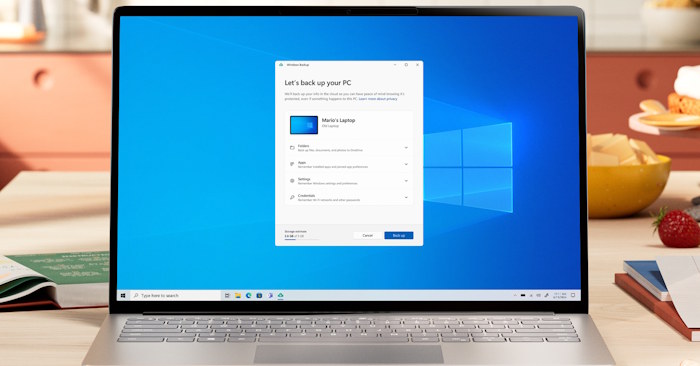
Check administrator access, reopen Disk Management through Computer Management, and diagnose service or system-file problems without changing your partitions.
Control Windows Toggle Keys in Settings or Control Panel, and disable the Num Lock shortcut if it keeps turning alerts back on.
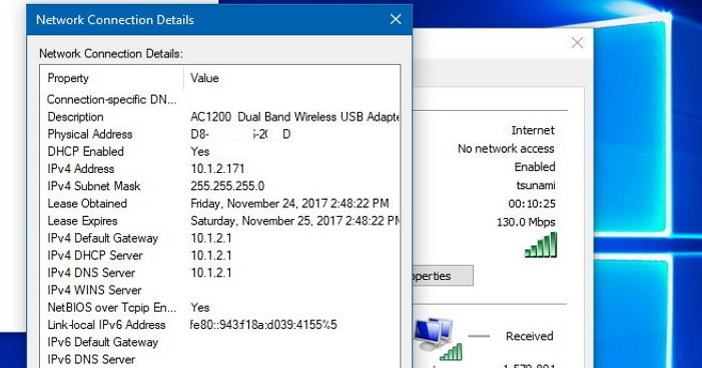
Set a manual IPv4 address or restore DHCP through Settings, Control Panel, or netsh, with the network details and checks needed to avoid conflicts.
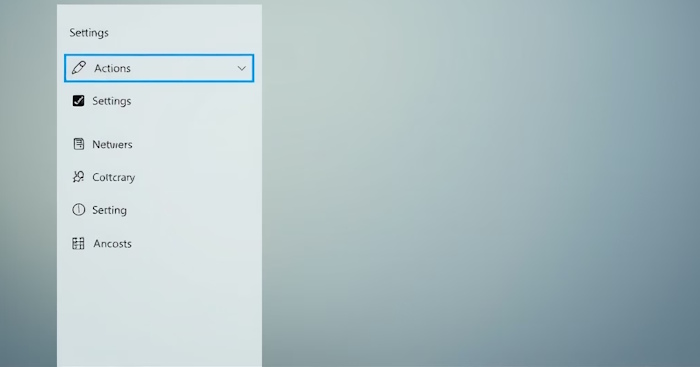
Find the Copilot Actions permission, check the Windows agent-workspace requirement, and understand why the option may be missing during preview rollouts.
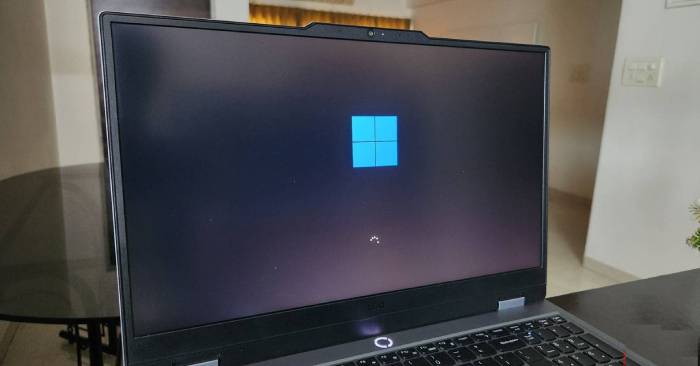
Combine Snap Layouts, Clock focus sessions, clipboard history, and Microsoft To Do into a practical routine for planning and completing daily work.

Manage Network Discovery through Windows sharing settings, Control Panel, or firewall commands, and check the profile and permissions that affect visibility.
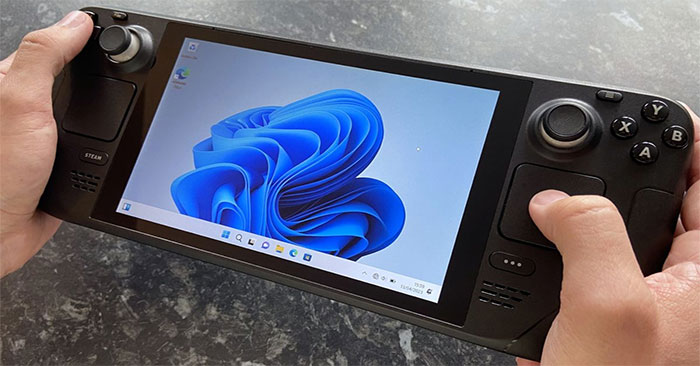
See how Microsoft's gaming updates affect the Windows interface, first-run shader processing, and AI upscaling, with the hardware and rollout limits that matter.
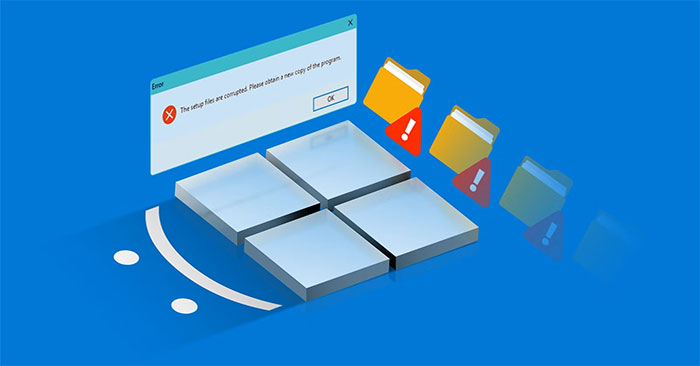
Use DISM, SFC, Startup Repair, or a repair reinstall for the right Windows problem, with checks to protect files and avoid confusing recovery options.
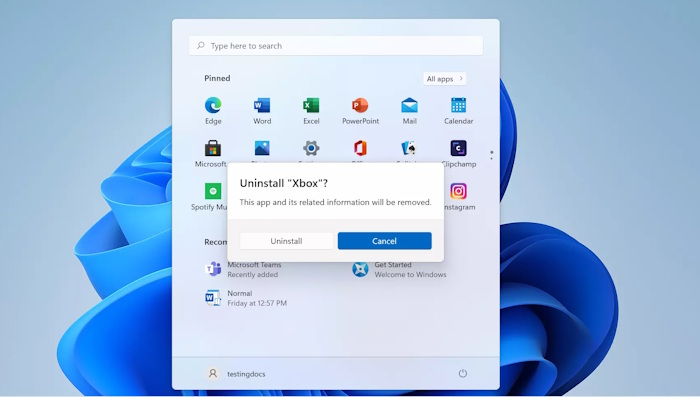
Use the Start-menu Group Policy setting to hide Uninstall, understand which users it affects, and restore the command when needed.
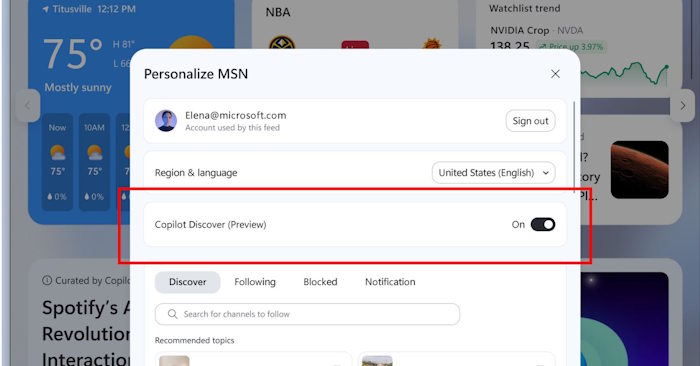
Switch off the Copilot Discover preview in Widgets, find the setting when it is available, and choose whether to hide the news feed or taskbar shortcut.
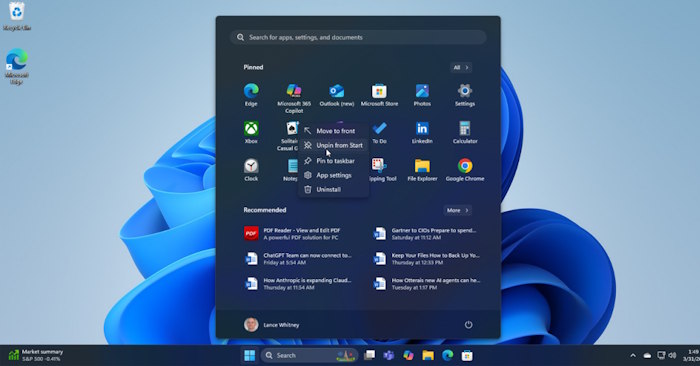
Remove the mobile device panel from Start with the Show mobile device in Start setting, without disconnecting your phone from Phone Link.
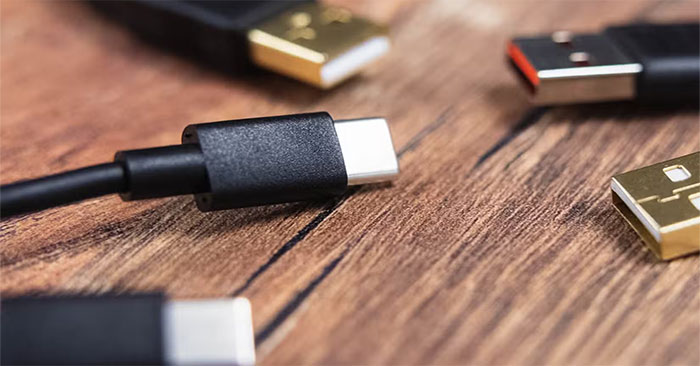
USB-C can simplify charging, displays and accessories, but the connector alone does not guarantee speed or compatibility. Here is what matters when choosing PC ports.

Google plans audio glasses first, with display glasses to follow. See how both differ from XREAL AURA and what the announced launch windows actually mean.
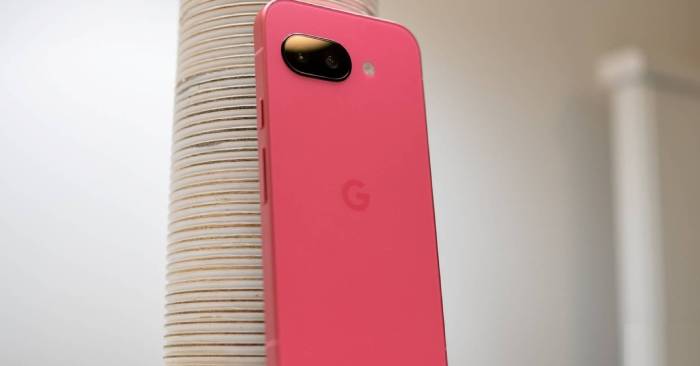
The Pixel 10a keeps Tensor G4 and a familiar design, but adds display, charging and durability improvements. Compare its confirmed specs with Pixel 10 and Pixel 10 Pro.
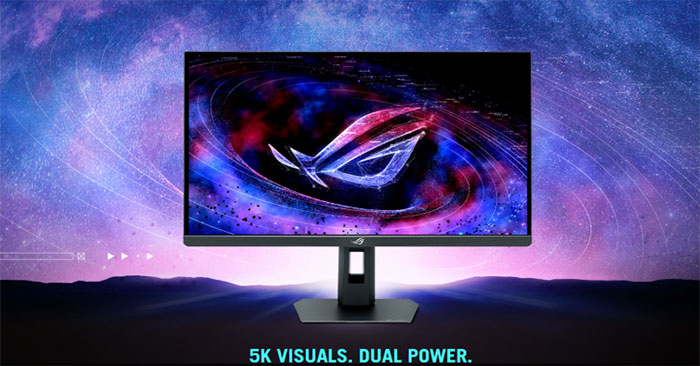
The 27-inch XG27JCG combines a high-resolution IPS display with a faster QHD mode. Check its overclocked refresh rate, GPU compatibility and practical tradeoffs.
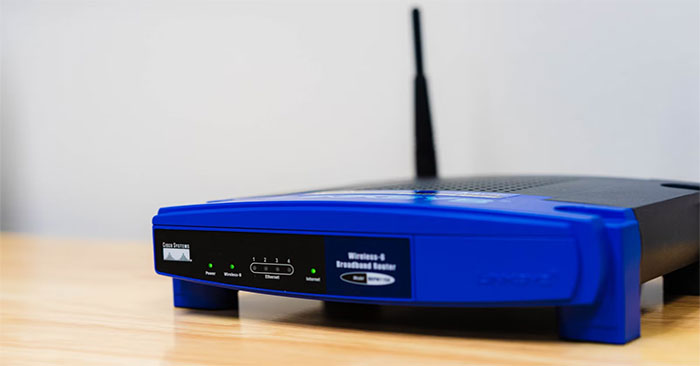
2.4GHz is still useful, but a single-band router can limit a busy home network. Check speed, coverage and update support before choosing Wi-Fi 6, 6E or 7.
Memory cost pressure can change phone configurations and pricing, but it does not mean every new model has less RAM. Check physical memory, storage and real performance.
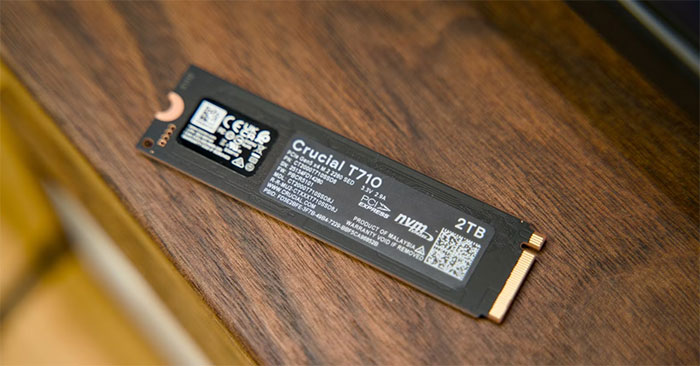
Keep an SSD performing well with sensible free space, model-specific cooling and reliable backups. Learn why normal pagefile use and a single-drive PC are not automatically harmful.