Table of Contents
One of the best solutions for maintaining stable connections to social media platforms and international services when experiencing routing issues is to set up a virtual private network (VPN) or change the intermediate connection server. Switching routing points enhances security and helps users maintain maximum privacy throughout their browsing session. When the internal network connection is interrupted or access is limited, connection redirection tools and data encryption will help ensure a more seamless internet experience.
This article will summarize the best software currently available for network routing, online identity protection, and internet connection optimization.
1. Hotspot Shield
Hotspot Shield is one of the leading and most widely trusted virtual private network (VPN) solutions available today. When activated, Hotspot Shield establishes a secure encrypted connection, protecting real-world network routing information and preventing the risk of personal data or online account information leaks.
In addition, the tool optimizes connection speeds, helping to maintain a seamless and uninterrupted experience across global digital platforms. Thanks to its multi-layered security mechanism, users can browse the web with peace of mind, without worrying about the leakage of their digital identity information or being tracked online.
In particular, Hotspot Shield features protection against hacker attacks, providing maximum security for your computer.
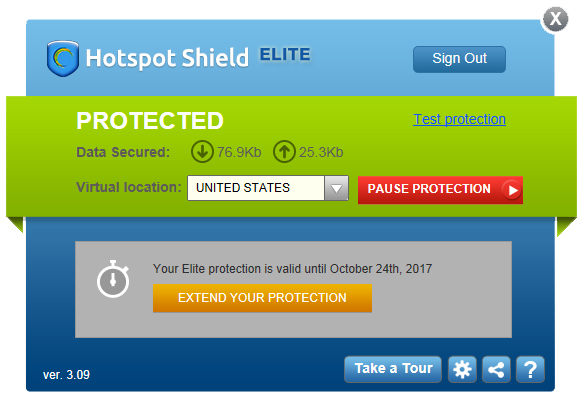
VPNs keep your connection secure with strong encryption, leak protection, and malware protection. If you're using the native Windows app, you're also protected by an automatic kill switch, keeping your data safe even if the VPN connection is suddenly interrupted. Unfortunately, the kill switch is only available for Windows.
2. Ultrasurf
Ultrasurf is one of the most popular solutions for maintaining stable and secure network connections. The software operates with high reliability and adapts flexibly to various network infrastructures thanks to its mechanism of routing data through an intermediary server and changing displayed routing information. In addition, Ultrasurf fully supports HTTP and HTTPS connection protocols, providing comprehensive encryption of data transmitted in both directions during use.
Thus, users' personal and private information will be securely protected when accessing the Internet.
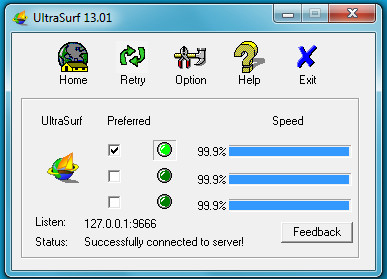
Ultrasurf doesn't restrict access to popular on-demand video services like Netflix. However, some of those services may block Ultrasurf's server IP addresses.
Encryption takes place between your device and the Ultrasurf server. While regular web traffic (HTTP) is not encrypted between the Ultrasurf server and the web server, secure web traffic (HTTPS) is encrypted end-to-end, from the user's browser to the web server. In general terms, this means that only HTTPS traffic is routed and encrypted, while HTTP traffic is bypassed and goes through your ISP normally.
Third parties might suspect you're using the Ultrasurf platform, but they won't be able to decrypt your data or view your browsing activity.
3. Freegate
- Download Freegate
Essentially, Freegate automatically changes IP addresses, hiding your real IP for security. Additionally, the software bypasses firewalls to access any website. The proxy switching process is automatic and fast, deletes browsing history, and supports HTTP, HTTPS, and other protocols.
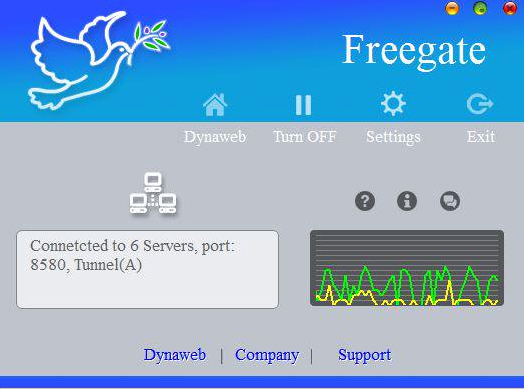
Freegate is software used to connect to the Internet securely and quickly. Freegate uses P2P, similar to a proxy network called DynaWeb. It is very easy to install. As soon as the software is installed, Internet Explorer will open with a secure connection through which you can access blocked websites! If you want to use any other browser, you will have to configure the settings.
Immediately after installation, Freegate connects to its directory server and downloads a list of proxy servers that will ensure you establish a secure connection.
Freegate features include:
- Freegate is a standalone file that can be executed on the Windows platform without requiring installation.
- The intuitive interface can scan multiple proxy servers and connect to the fastest one.
- Freegate offers two security modes, Proxy mode and Classic mode, which is a notable feature that allows you to better deal with connection blocking.
- It allows you to access foreign websites as quickly as domestic websites.
- Its configuration features are very handy, and you can delete your browsing history.
- If you download the latest version of Freegate for PC, you'll get enhanced censorship resistance because it uses a new, special compression and encryption algorithm.
4. DNS Jumper
- Download DNS Jumper
With DNS Jumper, you can switch between multiple DNS addresses quickly and easily without needing to know your Windows connection settings.
In addition to the DNS addresses you provide to your Internet provider, there are other DNS addresses (Google Public DNS, OpenDNS, etc.) that are assumed to be faster and more secure.
This is a tool that can change DNS names. You will get a list of free DNS servers, including popular domain name systems worldwide such as Google DNS, Open DNS, Ultra DNS, or DNS Advantage. The software works by automatically connecting to your computer every time the system starts up.
DNS Jumper will speed up your web browsing or improve your security by easily replacing your ISP's provided DNS.
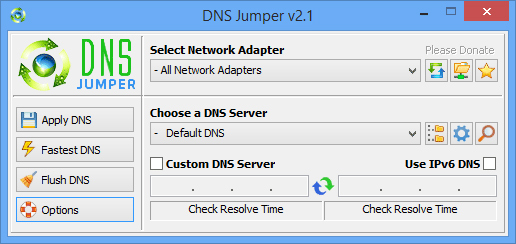
DNS Jumper requires no installation and its interface is as simple as a list of predefined DNS addresses. To select one, simply click the corresponding button. The default DNS address can be changed from the text file included with the program. One of the most notable aspects of DNS Jumper is its ability to include up to 20 providers without having to memorize them.
5. VPN Gate
VPN Gate software allows users to join a private network as if they were using a local computer on the network. When using VPN Gate, internet access speeds will always be stable, avoiding slow or disconnected connections. Readers can refer to the article "How to use VPN Gate to fake IP for stable internet" for instructions on how to use VPN Gate to change their IP address .
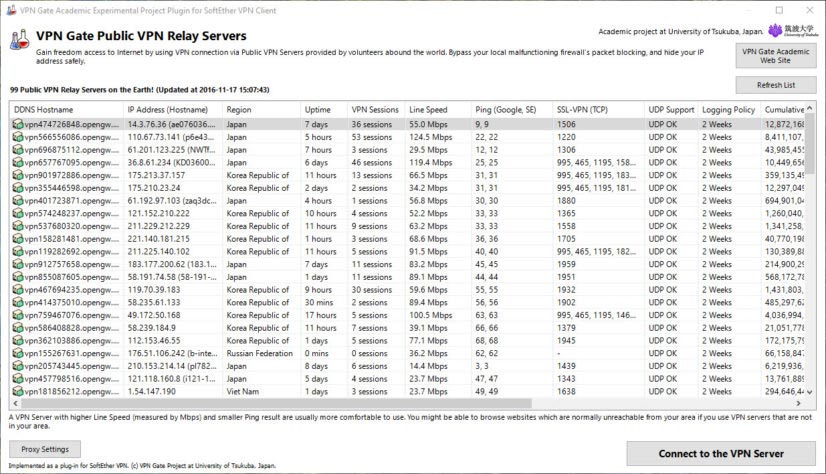
Created at Tsukuba University in Japan, VPN Gate is an open-source VPN project that provides secure VPN networks for internet users worldwide. VPN Gate maintains anonymity and privacy. Users do not need to register to use the service, and anonymous connections are accepted. This can appeal to internet users who want increased anonymity while browsing but still want a free and open-source VPN solution.
VPN Gate's network infrastructure is entirely provided by volunteers who allow their VPN servers to be part of this global experiment. Without the volunteers, VPN Gate would cease to exist. VPN Gate works with several VPN protocols including SSL-VPN, L2TP/IPsec, OpenVPN, and Microsoft SSTP.
6. SafeIP
- Download SafeIP
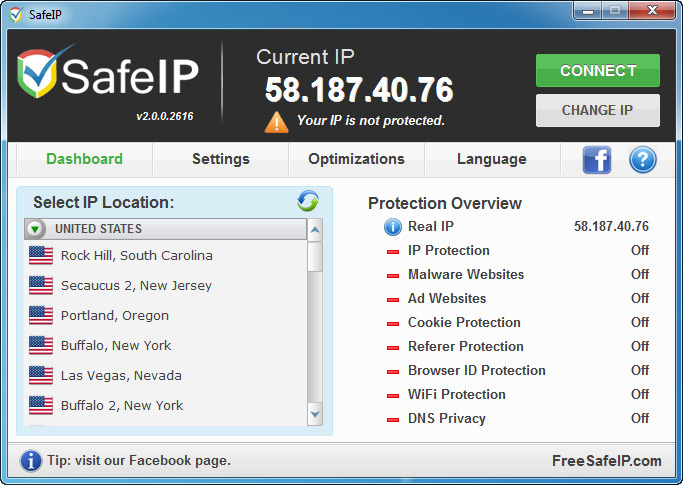
SafeIP's purpose is to hide your real IP address when accessing the internet. This ensures that users' personal and private information is not exposed. Using SafeIP also blocks ads and malware. The software notifies users when it detects threats such as malicious websites, blocks user-tracking cookies, and protects WiFi connections.
7. Mask Surf Pro
- Download Mask Surf Pro
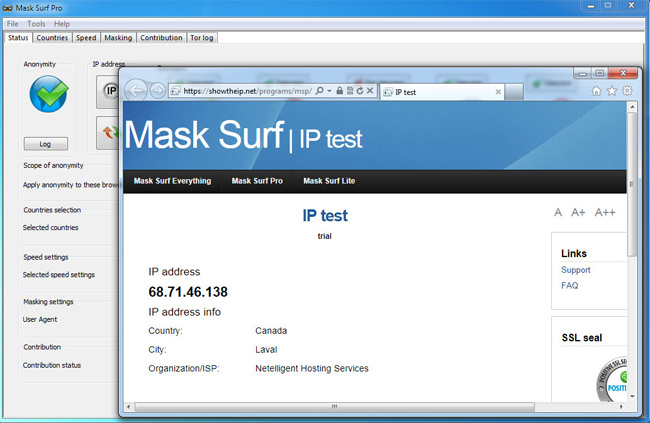
If your device frequently experiences routing interruptions when accessing popular platforms like Facebook, YouTube, or Twitter, Mask Surf Pro will automatically redirect data streams and establish a secure intermediate connection point to ensure a seamless online experience. In addition, the software integrates advanced digital identity protection layers, limiting unauthorized data collection from intermediate network gateways and minimizing the risk of receiving malicious spam.
Related Articles
 Anonymous Browsing Has More Uses Than You Think5 minutes read
 Anonymous Browsing: Can Protect Your Privacy6 minutes read
 How to Delete Browsing Traces on Mac5 minutes read
 Is the Anonymous Browsing Mode Really Safe?6 minutes read
 Anonymous Browsing: How to Browse Anonymously with Garlic Routing6 minutes read
 How to Make the Browser Always Start in Incognito Mode14 minutes read
Reader Comments 0
Sign in with email or Google to join the discussion.