How to Create a Talking Character in Canva
Create a talking character with Canva's AI avatar tools or build a simple animated-mouth character, add an AI voice, sync the timeline, and export the video.
Fix Windows problems, troubleshoot devices, understand AI, secure your accounts and get more from your technology with tested step-by-step guides.

Create a talking character with Canva's AI avatar tools or build a simple animated-mouth character, add an AI voice, sync the timeline, and export the video.
Build a Canva video scene, add a character, draw a custom motion path, control its speed and orientation, refine the timeline, and export the animation.
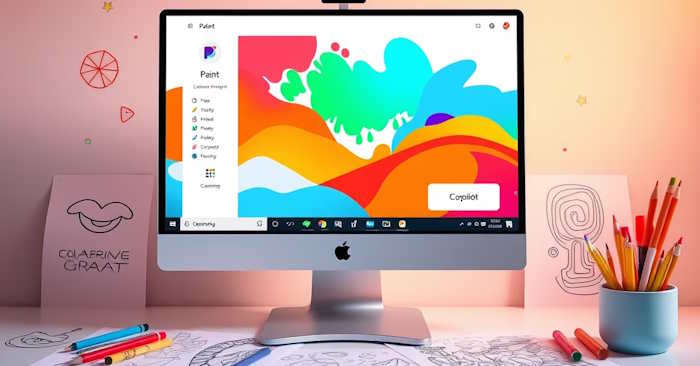
Use the Coloring Book feature in Windows 11 Paint to generate printable line art from a prompt, choose a result, color it, save it, and fix missing-menu issues.
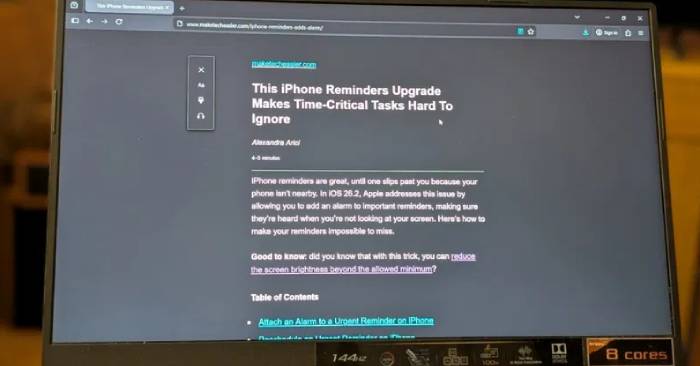
Set Safari or Brave to open supported articles in Reader Mode automatically, and use the safest current alternatives in Chrome, Firefox, and Android.

Use Firefox AI Controls to block current and future generative AI features, turn off individual tools, remove local models, and understand what remains unaffected.
See how Strawberry's AI Companion automates browser tasks, where it can save time, and what its privacy policy means before you connect business accounts.
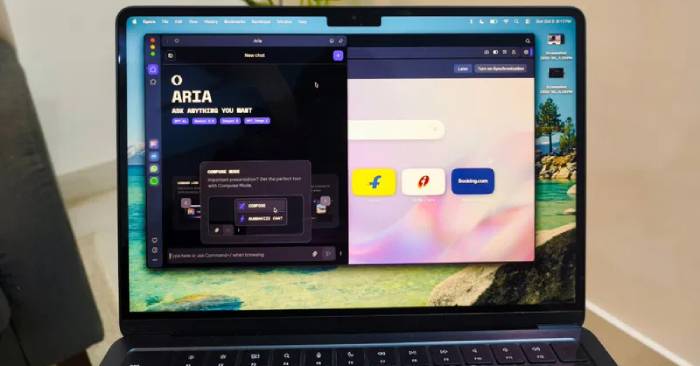
Compare Comet, Opera, Dia, Chrome, Brave, and Edge by AI features, automation, privacy approach, availability, and the tasks each browser handles best.

Understand prompt injection, excessive permissions, data leakage, and mistaken actions in AI browsers, then reduce risk with isolation and human review.
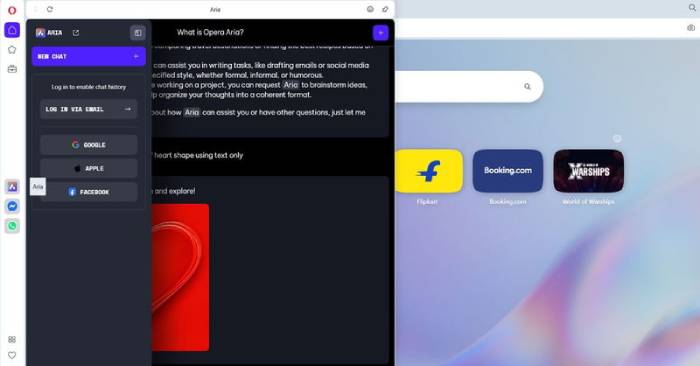
Learn how Opera AI summarizes pages, works with tabs, creates content, and handles chat data, with practical setup and privacy guidance for Windows users.

Follow the current Netflix steps to cancel or pause a membership, handle partner billing, extend a pause, restart service, and understand when charges stop.
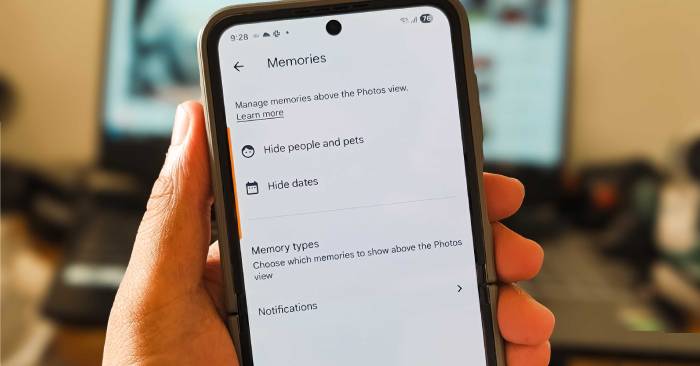
Clean up the Google Photos grid, stop autoplay, control sensitive Memories, mute print promotions, and disable Quick Edit before sharing.
Use the right recovery path for a deleted, unsaved, overwritten, or cloud-stored Word document, from Recycle Bin and AutoRecover to version history.

Recover an Excel workbook from Recycle Bin, AutoRecover, OneDrive version history, or a Windows backup, and know when Ctrl+Z can undo a deletion.

Review what the current Nimbly Clean listing claims, why All files access matters, how to verify the developer, and safer ways to free Android storage.
Select adjacent, nonadjacent, or all Outlook messages on Windows, Mac, the web, Android, and iPhone, then apply bulk actions safely.

A just-for-fun 2026 zodiac happiness ranking with a constructive theme and practical reflection prompt for every sign—without invented percentages.

Compare AI tools by task, source quality, editing control, privacy, integrations, and cost, then use a simple test to choose the best fit for your workflow.
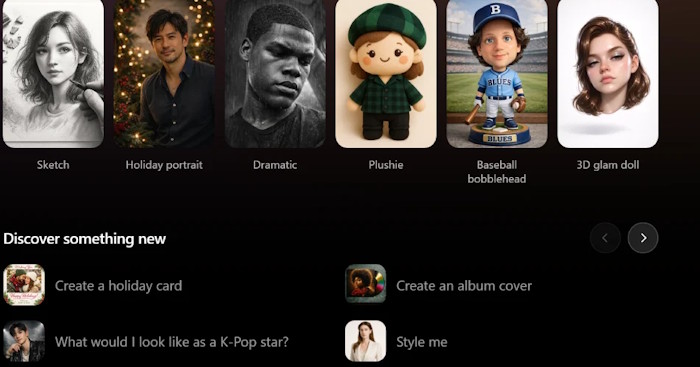
Upload a photo to ChatGPT, describe the object and the background that should replace it, then refine and inspect the result before downloading.

See the Google Messages interface, photo, group-chat, spam, and RCS security changes appearing in 2026, with rollout caveats and ways to check your phone.
A laboratory study used a protein–cellulose foam to preserve ion channels in compressed sulfur cathodes, improving their volumetric capacity and high-rate performance.