Table of Contents
AI browsers fall into two broad groups: products designed around an agent that can act across websites, and familiar browsers that add an assistant for summaries, research, writing, and occasional automation. Neither approach is automatically better. The useful choice depends on whether you want an AI to complete multi-step tasks, how much page and account data you are willing to share, and which operating systems you use.
This comparison covers Perplexity Comet, Opera, Dia, Google Chrome, Brave, and Microsoft Edge. Features and eligibility change frequently, so treat platform and plan details as a starting point and confirm them on each browser’s official page before switching.
| Browser | AI focus | Good fit for | Check before choosing |
|---|---|---|---|
| Comet | Research plus agentic browsing | Multi-source research and delegated web tasks | Account access, action review, and current platform availability |
| Opera | Contextual assistant inside a feature-rich browser | Summaries, questions about pages, content creation, and tab help | Which AI tools are available on your edition and device |
| Dia | Chat with tabs and reusable AI workflows | Knowledge work built around open pages and browser history | Windows rollout, account requirements, and AI plan limits |
| Chrome | Gemini connected to browsing and Google services | People already using Chrome, Gmail, Calendar, Maps, and YouTube | Region, language, device, subscription, and Workspace controls |
| Brave | Privacy-focused AI assistance | Page summaries, document analysis, search, and local chat history | Page context still has to be sent for server-based answers |
| Edge | Copilot integrated with Microsoft’s browser | Summaries, writing, tab comparison, and Microsoft workflows | Experimental features, permissions, and account eligibility |
1. Perplexity Comet: research and task automation
Comet is Perplexity’s browser with an assistant built into the browsing experience. It can answer questions using the page you are viewing, work across tabs, summarize material, and help carry out web tasks. That makes it most interesting when the job involves both finding information and doing something with it.
For example, you might ask Comet to compare several products already open in tabs, pull key points from a long page, or organize sources for a research brief. Any task that touches email, calendars, shopping, or logged-in services deserves close review before the agent takes action. See the official Comet page for current downloads, or read TipsMake’s introduction to Perplexity Comet for more context.
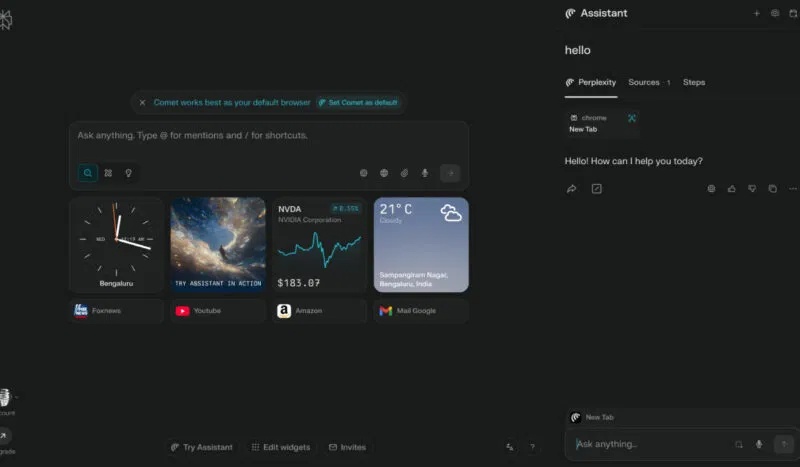
Choose Comet if: you want an AI-first research workflow and are comfortable supervising an agent. Look elsewhere if: you mainly need conventional browsing with occasional AI help.
2. Opera: an accessible contextual assistant
Opera’s built-in assistant is now presented as Opera AI; older articles and interfaces may call it Aria. It can use the context of the current page or a group of tabs to answer questions, summarize information, create text, and generate images. Opera also places ChatGPT and Gemini in its sidebar, giving users several AI entry points without installing separate extensions.
Opera is a practical option for people who want AI alongside established browser features such as workspaces, tab organization, an ad blocker, and sidebar apps. Its AI can also manage some tab actions through natural-language commands. The official Opera AI page explains the current interface and availability.
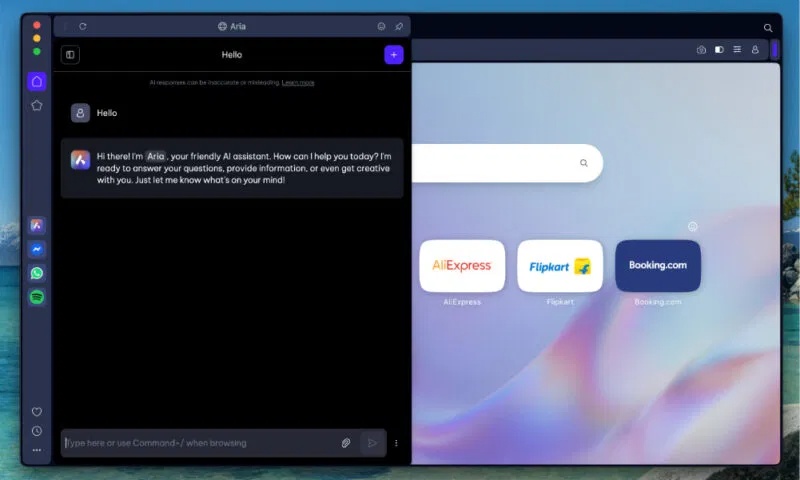
Choose Opera if: you want summaries and creative help in a customizable general-purpose browser. Check first: Opera has several editions, and a feature shown on desktop may not work identically on mobile.
3. Dia: chat with tabs and reusable skills
Dia was designed around conversations with the pages you already have open. You can ask about the current tab, selected text, other tabs, and—in supported settings—browser history. Reusable Skills turn a prompt or workflow into a command you can call again, which is useful for recurring tasks such as reformatting notes or extracting the same fields from different pages.
Dia is available on macOS, while Windows access has been rolling out and may not match the Mac release in every respect. Its AI usage also depends on the active plan. Consult the Dia getting-started page and current plan page instead of relying on an old platform label.
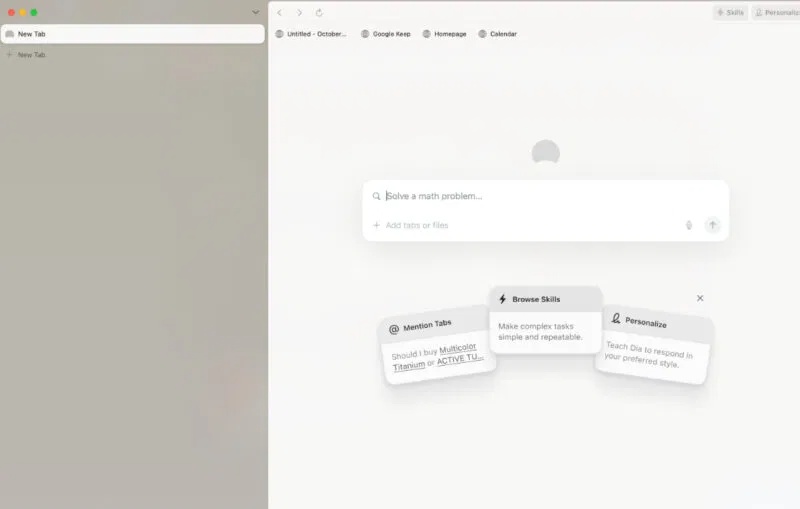
Choose Dia if: your work begins with a collection of tabs and you want a clean AI-centric interface. Check first: confirm support for your operating system and how much AI use the free or paid plan includes.
4. Google Chrome: Gemini within the Google ecosystem
Gemini in Chrome can summarize pages, compare information across tabs, and interact with Google services such as Gmail, Calendar, Maps, and YouTube. Google has also introduced more agentic features that can complete multi-step browsing tasks, with confirmations intended for sensitive actions.
The biggest advantage is continuity: Chrome users can add AI without learning an entirely new browser. The main complication is availability. Gemini features vary by country, language, device, Google account, subscription, and administrator policy. Google’s official Chrome updates page is the safest place to check the current rollout.
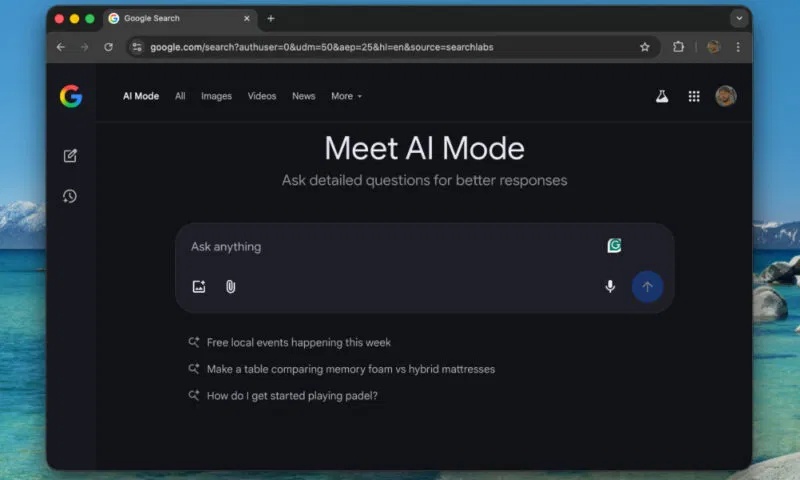
Choose Chrome if: you already rely on Google services and the Gemini features you need are available to your account. Check first: review connected-app access and Workspace data controls before using company information.
5. Brave: AI assistance with stronger privacy defaults
Brave Leo can summarize and translate pages, generate or analyze text, work with documents, and use several tabs as context. Brave says server-based Leo requests do not include identifiers that can be linked to a user and that chats are not retained on its servers or used for additional model training. Chat history can be saved locally, and temporary chats can be discarded when closed.
Privacy claims still need precise interpretation. When a task requires it, the browser sends the prompt, conversation context, and necessary page content to the servers that power Leo. Brave’s Leo product page describes what is transmitted and also documents support for local or user-supplied models.
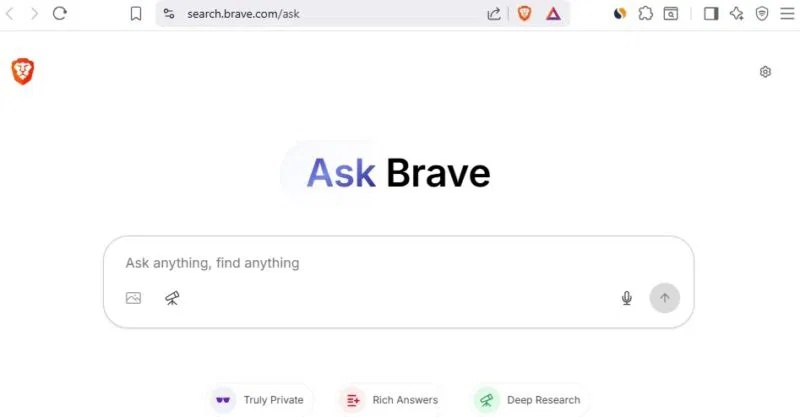
Brave Search also offers AI answers through Ask Brave, but that search feature is separate from the Leo assistant inside the browser. Choose Brave if: you value tracker blocking and want AI help without signing in for basic use. Check first: decide whether a task should use a remote model, a local model, or no AI at all.
6. Microsoft Edge: Copilot beside your tabs
Copilot in Edge can answer questions, summarize pages, help write text, and use context from open tabs for comparisons. Microsoft has also offered Copilot Mode, an evolving experience that places AI more prominently in new tabs and supports browsing assistance. Some functions may be experimental, limited by region or account, or require permission before Copilot can use browser data.
Edge is a natural fit for Windows users and organizations centered on Microsoft services, but workplace policies may disable or limit AI features. Review the official Copilot in Edge page and your organization’s settings before assuming a feature is available.
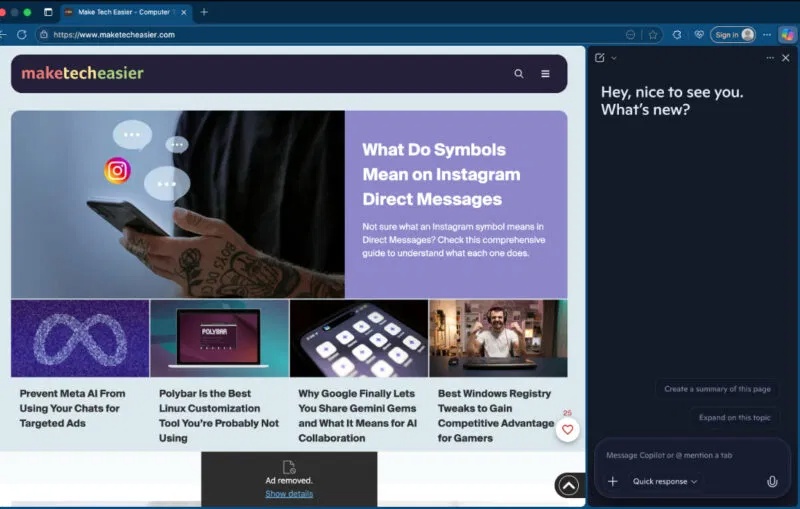
Choose Edge if: you already use Windows, Edge, or Microsoft services and want an integrated assistant. Check first: inspect which tabs, history, or account data Copilot can access for the task.
How to choose an AI browser
- Name one real task. “Summarize the five tabs in this research folder” is easier to test than a vague goal such as “be more productive.”
- Check data flow. Find out whether page text, files, browsing history, prompts, and connected-account data leave the device, how long they are retained, and whether administrators can control them.
- Test accuracy with sources. Ask the browser to cite the pages it used, then open those pages and verify the important claims.
- Limit permissions. Do not connect email, storage, or business systems until the browser proves useful with public or low-sensitivity data.
- Review every consequential action. Check recipients, forms, purchases, bookings, and account changes before approval.
- Keep an exit route. Confirm that bookmarks, passwords, and essential data can be exported or remain available in your previous browser.
Comet and Dia make the most sense for users who want AI to shape the whole browsing workflow. Opera, Chrome, Brave, and Edge offer easier transitions for people who prefer a familiar browser with an assistant added. For a wider set of choices, see TipsMake’s guide to AI and privacy-focused browsers. Whichever product you test, begin with one low-risk task and judge it by the time saved, the accuracy of the output, and the amount of data access it requires.
Related Articles
 3 Apple Apps to Boost Productivity6 minutes read
 How to Enable/disable Turbo Boost on Mac5 minutes read
 What Is Intel Turbo Boost? How Does Intel Turbo Boost Work?6 minutes read
 Turbo Boost Technology Explained7 minutes read
 Your Company Requires You to Use AI?6 minutes read
 Boost Mobile Prepaid SIM Plans9 minutes read
Reader Comments 0
Sign in with email or Google to join the discussion.