How to Organize Reusable AI Prompts with MyPrompts.io
Save prompts with clear titles and categories in MyPrompts.io, then adapt them for each task and keep backup copies of your best templates.
Fix Windows problems, troubleshoot devices, understand AI, secure your accounts and get more from your technology with tested step-by-step guides.
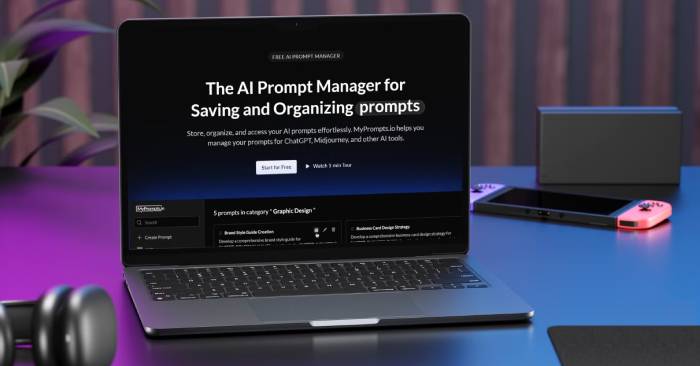
Save prompts with clear titles and categories in MyPrompts.io, then adapt them for each task and keep backup copies of your best templates.

Use YouCam Perfect for retouching, object removal, backgrounds, and creative edits. Check official downloads, paid features, and image quality before saving.

Check Edupia AI Class lessons, speaking practice, course access, and device requirements, then use a supervised routine to assess your child's progress.
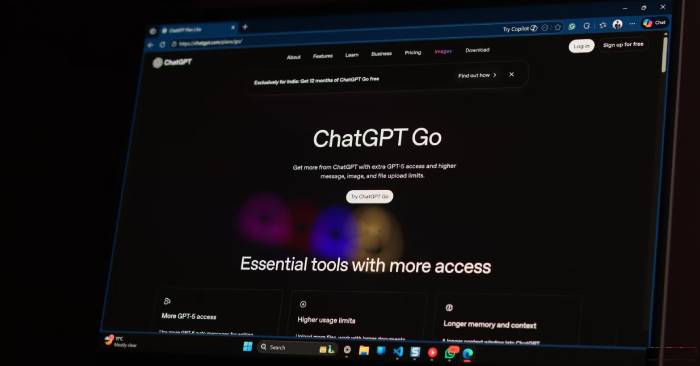
Compare ChatGPT Go with your actual workload, current feature access, and usage limits before subscribing or moving from Plus.
Upload source material to Kimi, specify the audience and slide structure, then review the outline, edit the deck, and check the downloaded file.
Keep important Chrome tabs within reach using the Pin tab command, and find out what to check if the option is missing on Android.
Use representative input-output examples to clarify labels, formats, and tone, then test the prompt on new cases and revise weak examples.

Choose higher reasoning effort for complex, multi-step work, and use a faster mode for simple requests. Test both against clear acceptance criteria.
Learn what Perplexity Computer can research and create, how connectors and scheduled tasks work, and which outputs and actions you should review.
Use AI to visualize ideas, summarize sources, organize notes, translate text, transcribe meetings, and draft documents—with checks for accuracy and privacy.
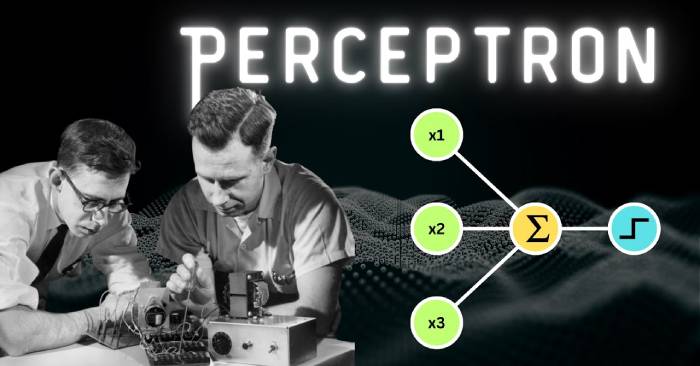
Understand how a perceptron combines inputs, weights, and a bias to make a binary prediction, then see its learning rule and linear limitations.
Ask for assumptions, calculations, evidence, and a concise rationale so you can inspect a complex AI answer without relying on a hidden reasoning transcript.
Create a Gemini quiz from a topic or uploaded study material, specify question quality and feedback, then verify every answer before using it.
Use Notion AI Meeting Notes to transcribe a meeting, add agenda context, generate a summary, and verify decisions and action items before sharing.
Upload a PDF, paste selected text, use OCR for scans, or add page images for charts—then verify summaries with page and section references.
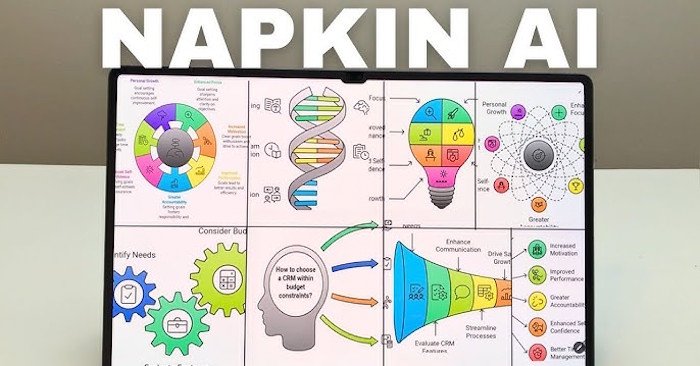
Import or paste lesson content in Napkin AI, generate a suitable mind map, correct its structure and labels, and export it for slides or handouts.

Find a missing Steam game by clearing Library filters, restoring hidden titles, checking the owning account, reconnecting storage, and verifying its files.
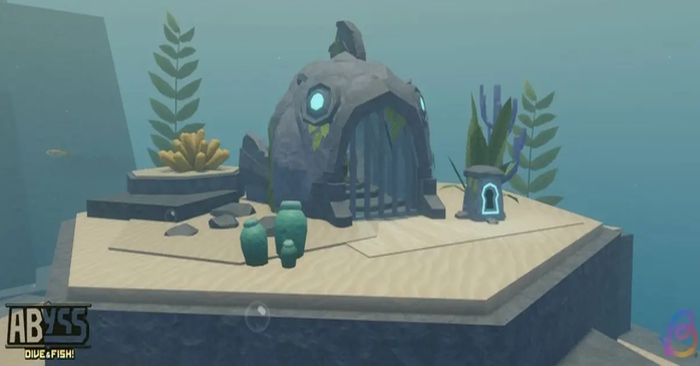
Find the seven original Fish Ruins in Roblox Abyss and match each Ocean, Ancient Sands, and Spirit Roots ruin with the NPC quest that awards its key.
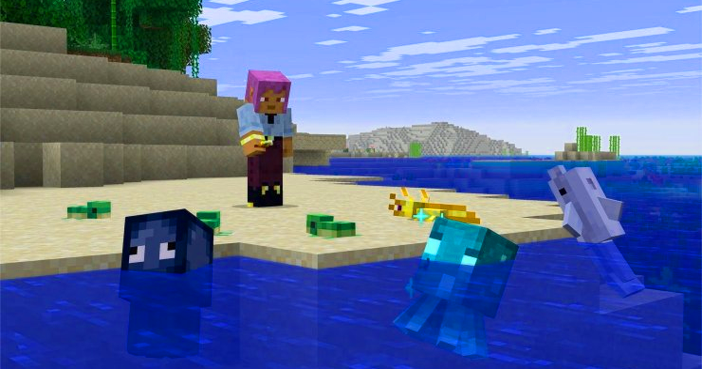
Minecraft Java Snapshot 5 adds the Golden Dandelion aging toggle, new aquatic baby mob models, baby chicken sounds, technical changes, and bug fixes.
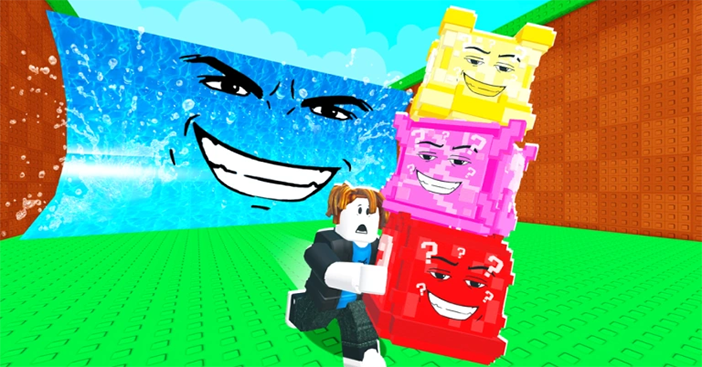
Increase your Carry slots at the Upgrades Shop, decide when an extra slot will improve a run, and verify the current cap, price, and Rebirth behavior in game.