Table of Contents
ChatGPT Go is a lower-priced subscription option than Plus, but choosing it requires more than comparing the monthly fee. Check the models, tools, and limits available in your account against the tasks you actually perform.
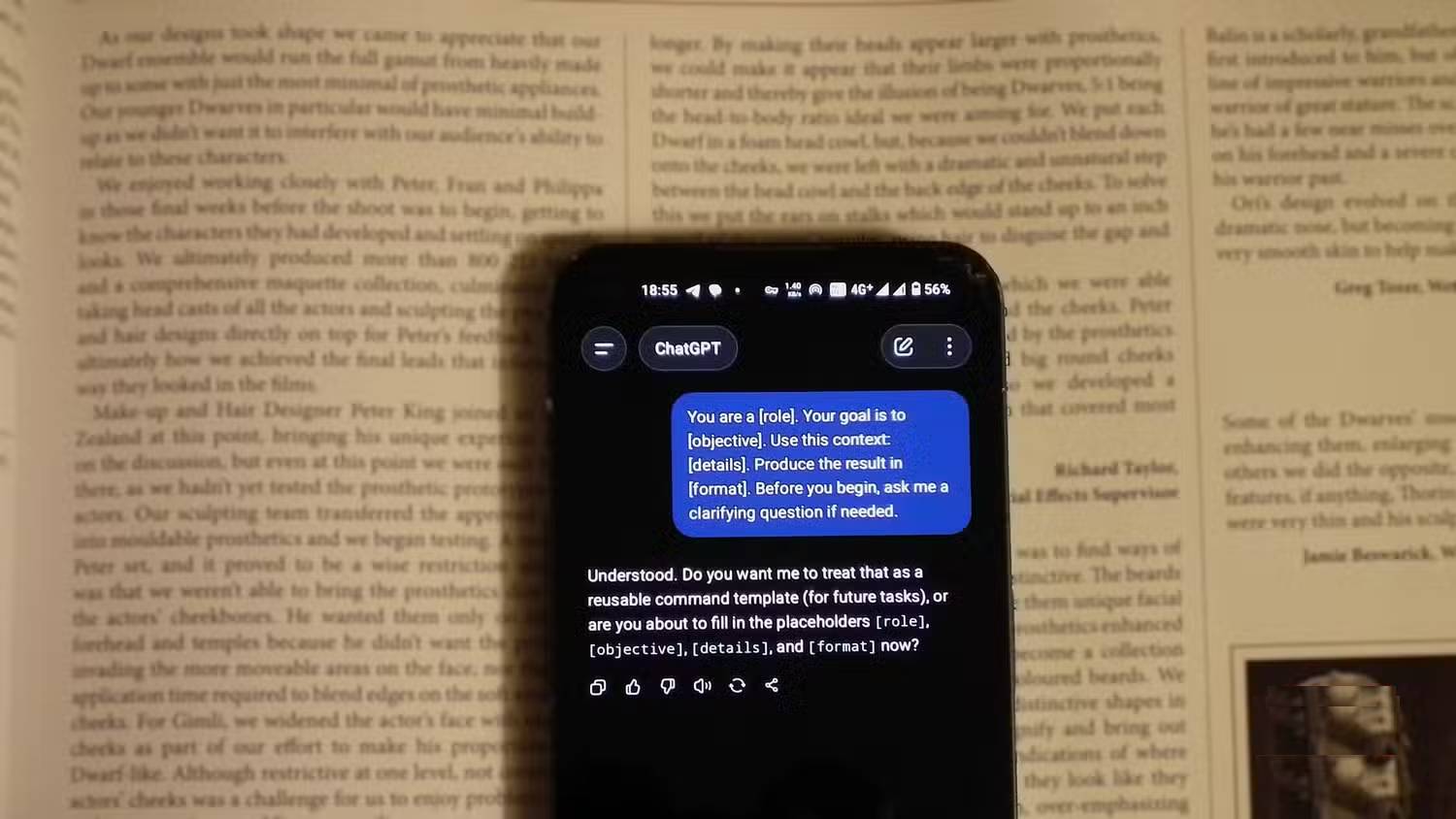
The source screenshots below show an earlier interface. Do not use their model names, prices, or promotions as a current plan specification. Consult the official pricing guidance and the plan comparison shown in your account before paying or switching.
Start with your workload
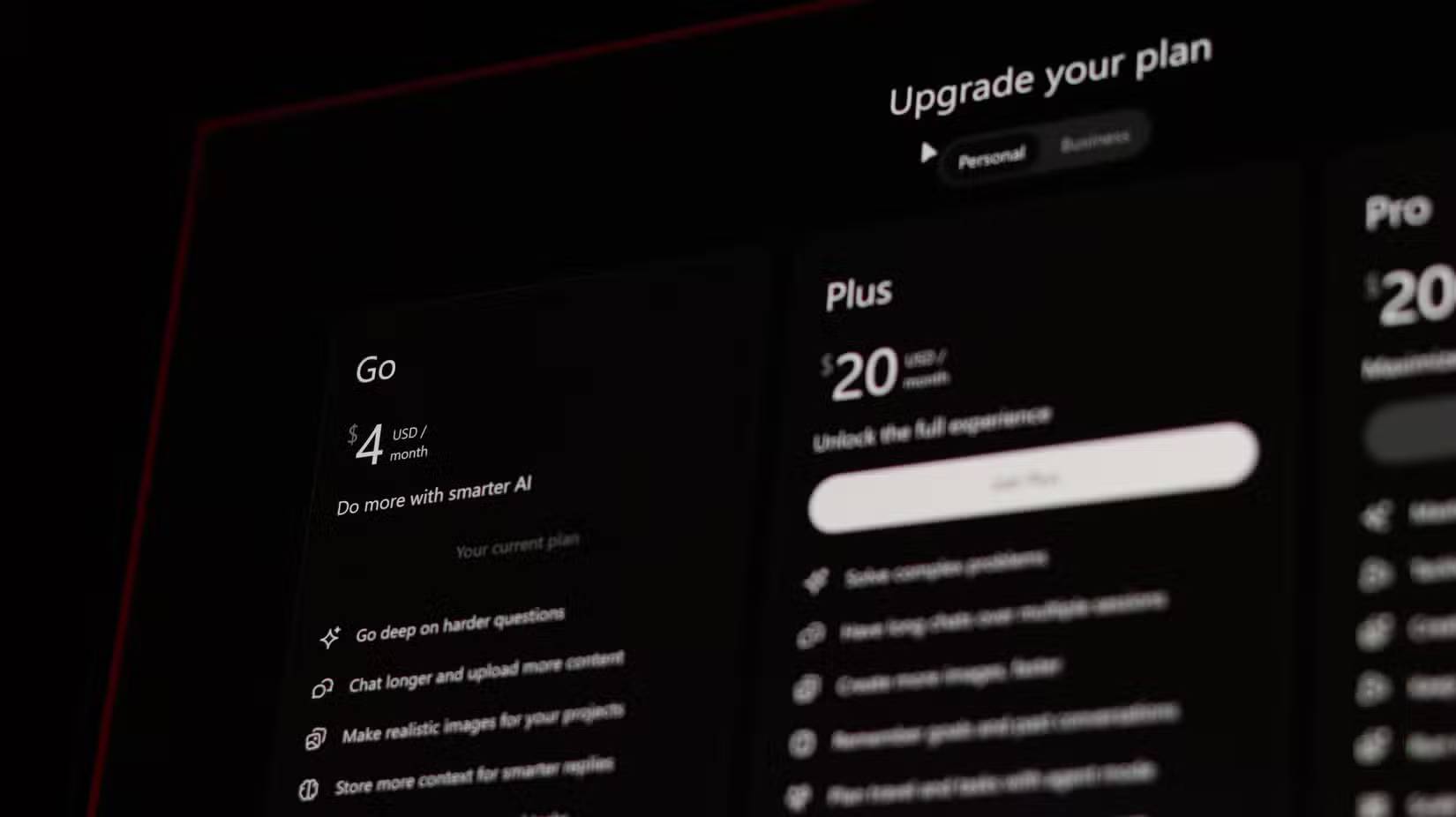
List the tasks you use ChatGPT for in a normal week: short writing requests, web research, file analysis, image work, coding, or extended projects. Note how often you reach a limit and which specific tool you cannot do without.
A lower-priced plan is useful if it handles those tasks within its allowance. It is poor value if a missing feature forces you to buy another service or interrupts important work. A higher price alone also does not guarantee that every task will succeed.
Check features instead of assuming Go matches Plus
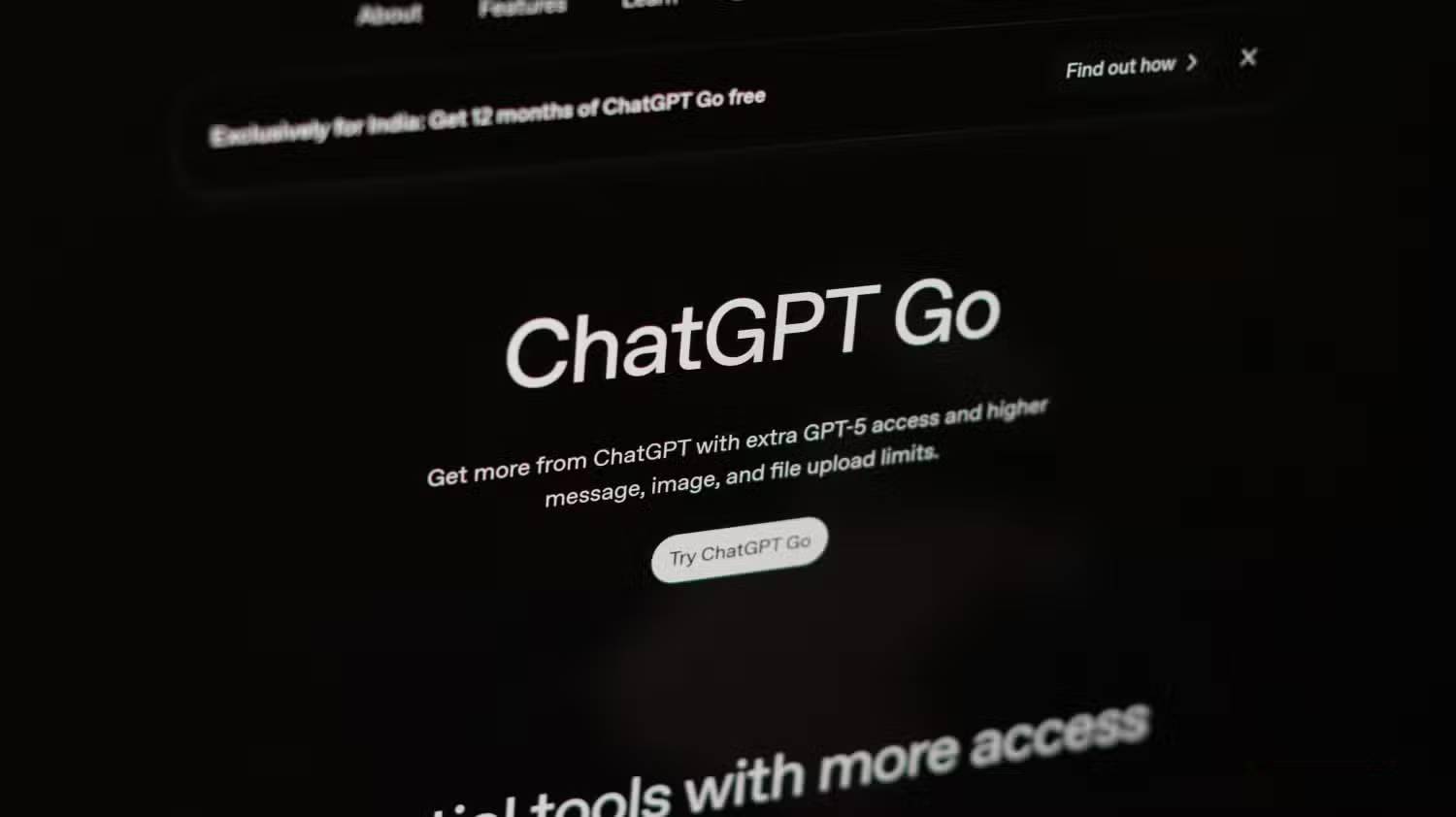
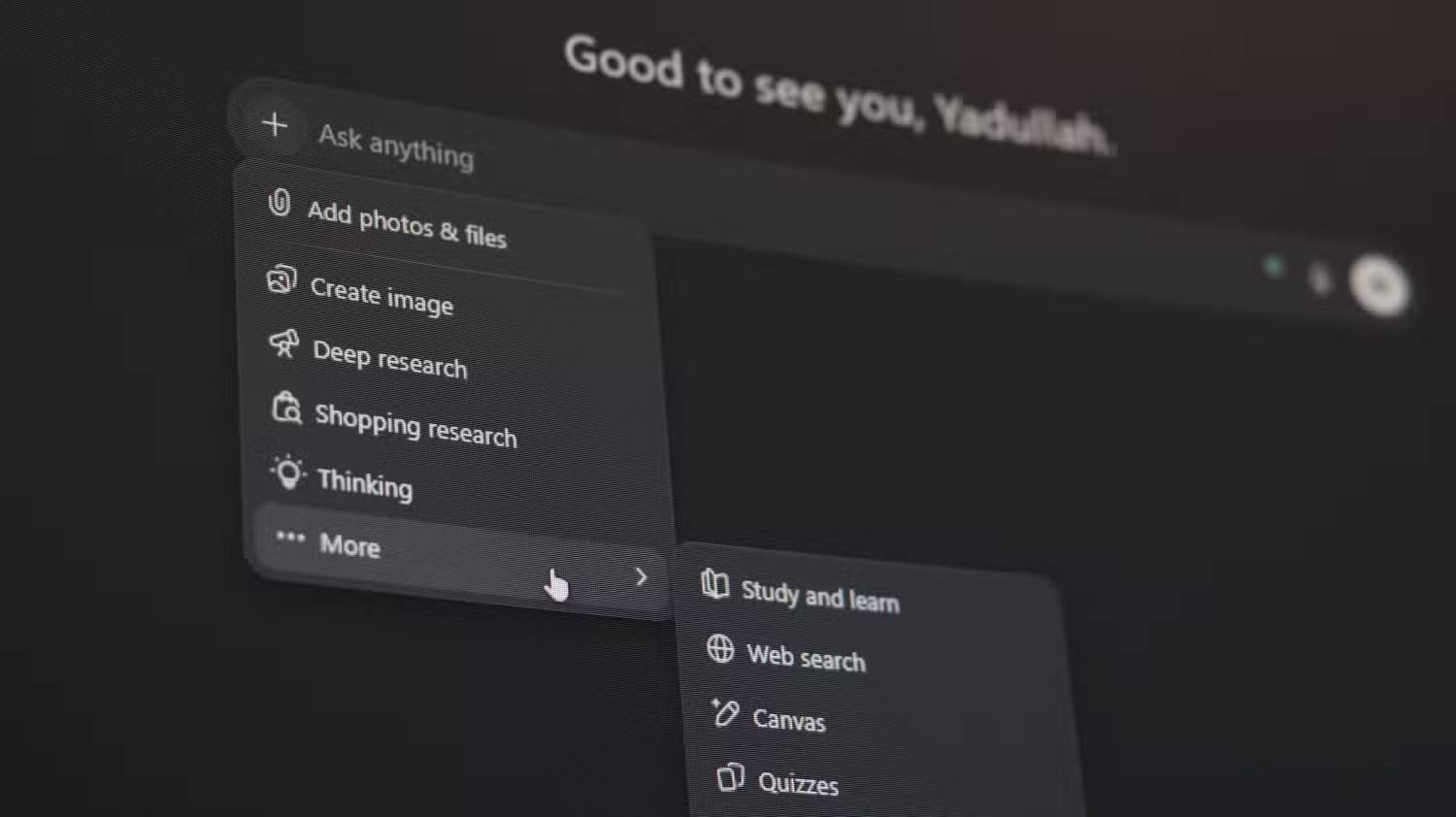
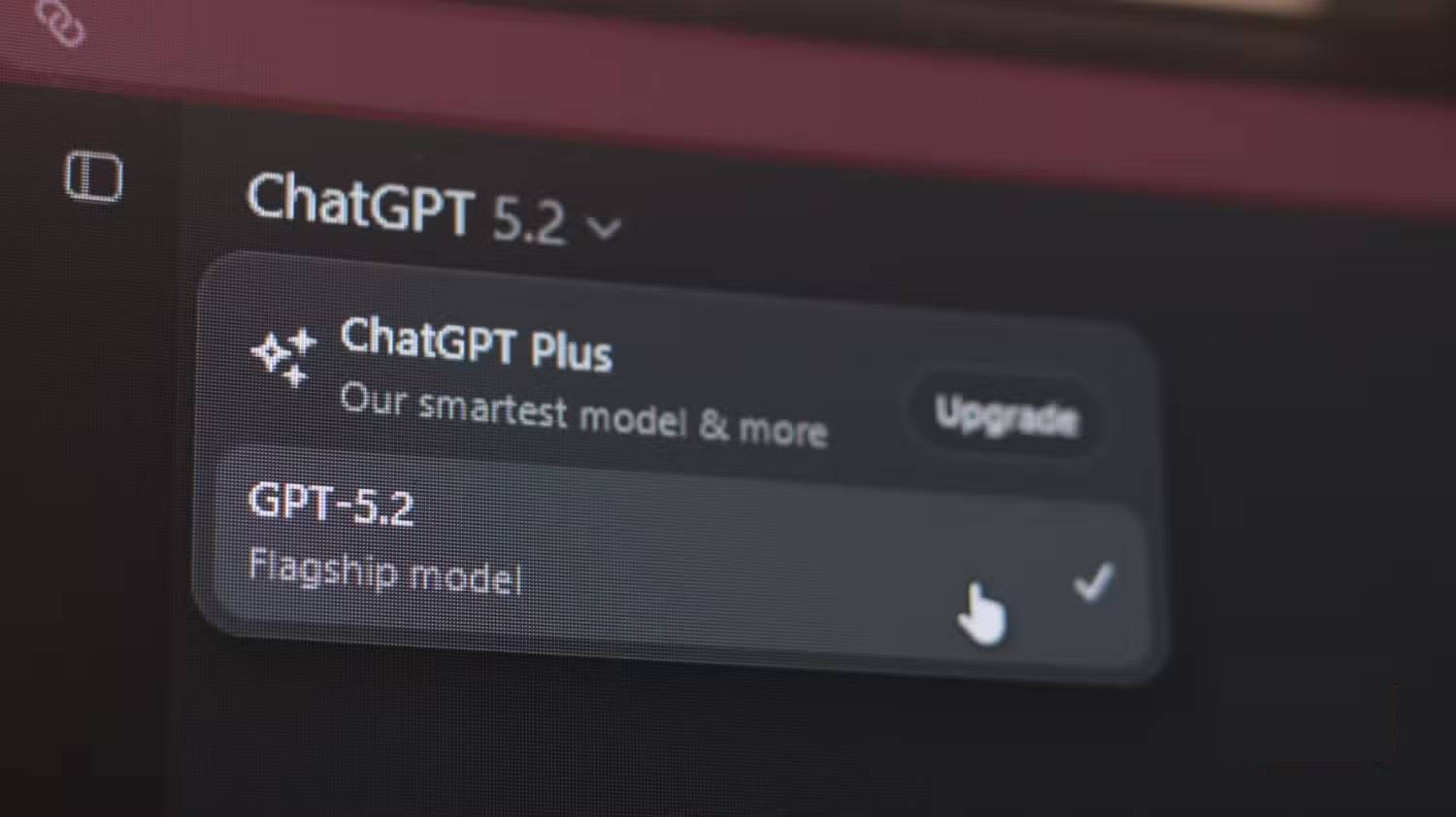
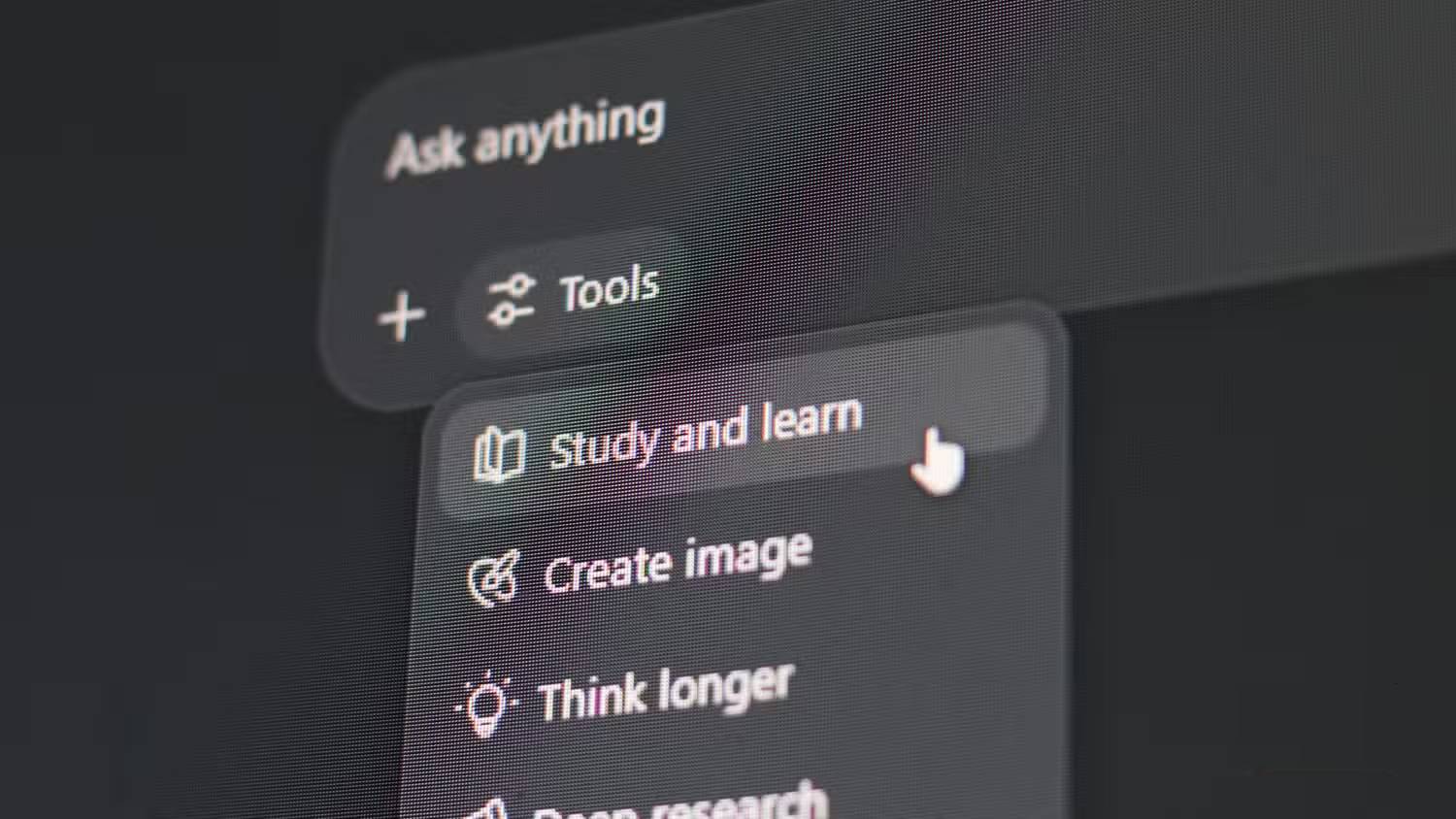
Open the current comparison for your account and check the following:
- Models: which models and reasoning options are available, and whether your preferred option has a separate limit.
- Files and analysis: supported uploads and the allowance needed for your documents or spreadsheets.
- Images: generation and editing access, plus the limits relevant to your workflow.
- Research and automation: whether the exact tool you use is included. Do not assume every research, browser, or scheduled-task feature is part of Go.
- Projects and customization: the controls available for organizing recurring work and reusing instructions.
Model names change over time. A claim that Go is limited to an older GPT version or that Plus includes a retired model can quickly become misleading. Check the current model guidance rather than relying on an old comparison.
Understand limits and memory
Do not budget around an unsupported estimate such as “10–15 messages every three hours.” Different tools can have different allowances, and the applicable limit or reset time should be checked in the product when shown.
Keep a record of which tasks encounter limits and how often. If file analysis is your main use, test a representative workbook with the questions you normally ask; a small CSV does not reveal whether a complex workflow will suit you.
Memory and conversation context are also different from guaranteed recall. Keep important requirements in a saved brief and repeat them when needed. Verify calculations, references, and factual claims regardless of your plan. See how AI memory works for context, and use the structure of a clear prompt to supply task details.
Review billing before switching from Plus

- Identify required features. Check whether they remain available on Go in your account.
- Read the local checkout price. Confirm the currency, taxes, billing period, and any store-specific terms.
- Check the change date. Read when the new plan takes effect and how the existing subscription is handled.
- Keep copies of important work. Save essential briefs and outputs independently before changing your workflow.
- Review promotions carefully. Confirm eligibility, end date, renewal price, and cancellation conditions. Do not assume that a historical regional offer is still active.
Choose Go when its current access and allowance meet your everyday needs at a price you consider worthwhile. Keep or choose Plus when a specific additional capability matters enough to justify the difference. Make the decision using current plan details and your own workload rather than claims that one option is perfect for everyone.
Related Articles
 What Is ChatGPT Go? Is It Worth It?10 minutes read
 Openai Announces ChatGPT Pro Plan for a Whopping 200 per Month4 minutes read
 minutes read
 Learn About ChatGPT-4o: Features, Benefits and How to Use It: Complete Guide7 minutes read
 What Is ChatGPT Pro? Is It Worth It in 2026?8 minutes read
 How to Get the Most Out of Your New Perplexity Pro Subscription6 minutes read
Reader Comments 0
Sign in with email or Google to join the discussion.