Table of Contents
Edupia AI Class is an online English-learning platform for children developed by Educa's technology team. Its listed features include interactive classes, simulated speaking practice through AI Talk and AI Speak, and learning reports for parents.
Before enrolling, check whether the course fits your child's age, current level, and learning goals. AI practice can support regular study, but the presence of AI does not guarantee a particular school grade or native-like pronunciation.
What the platform offers
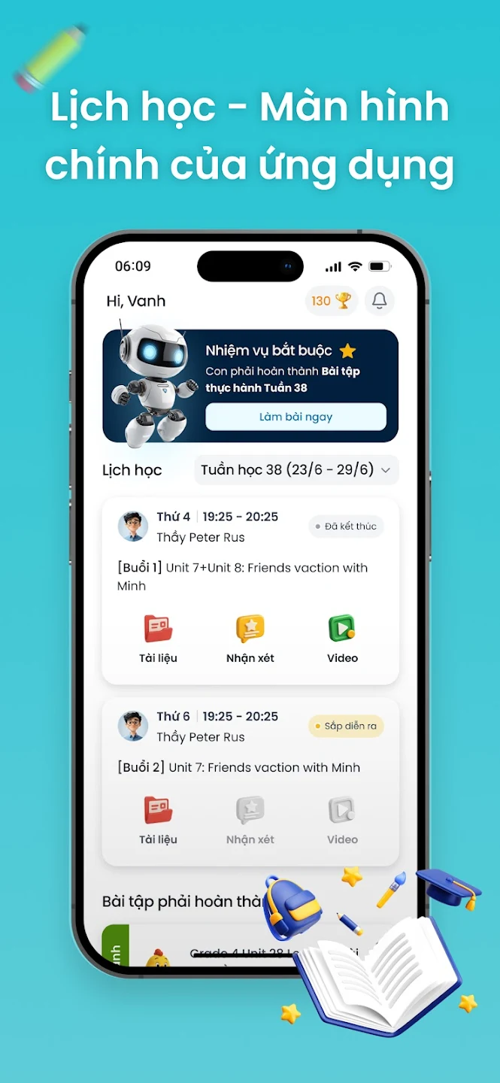
The official Android listing describes livestream classes with teachers and teaching assistants, classroom interactions, speaking activities, and progress reports. Confirm which of these are included in the package you are considering.
AI Talk uses simulated situations for conversation practice. Treat automated feedback as a practice aid: if a score or correction seems inconsistent, compare the recording with the lesson audio and ask a teacher for clarification.
The app's description references a European proficiency framework. The standard abbreviation is CEFR, the Common European Framework of Reference for Languages. A course's reference to that framework is not the same as an independently assessed proficiency certificate.
Choose the correct course and access route
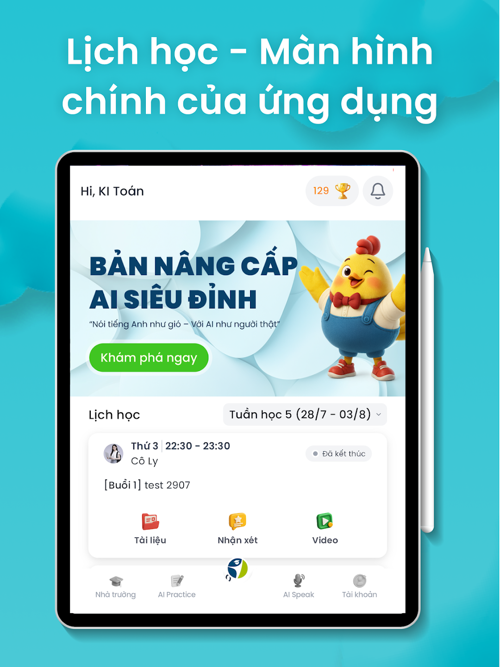
The official Edupia course-access page distinguishes AI Class and other offerings, including Kid and Teen courses. Select the product you registered for; similar names do not necessarily mean identical lessons, access, or support.
| Check before starting | Questions to ask |
|---|---|
| Course level | Which age group and starting level does this course serve? Is there a placement or trial lesson? |
| Included teaching | Are live classes included? What is the timetable, and how can a child ask questions? |
| Device support | Does the current app or web course work on your device? Is a microphone required? |
| Access and cost | What does the fee cover, how long does access last, and what are the renewal or cancellation terms? |
| Progress reporting | Which skills are measured, and how can parents review errors and teacher feedback? |
| Privacy | What information or recordings are collected, and what parental controls are available? |
Use links from Edupia's official website or the verified store listing. Check current device requirements instead of relying on old Android or iOS version numbers. Downloading an app is separate from purchasing or activating a course.
Set up a manageable study routine
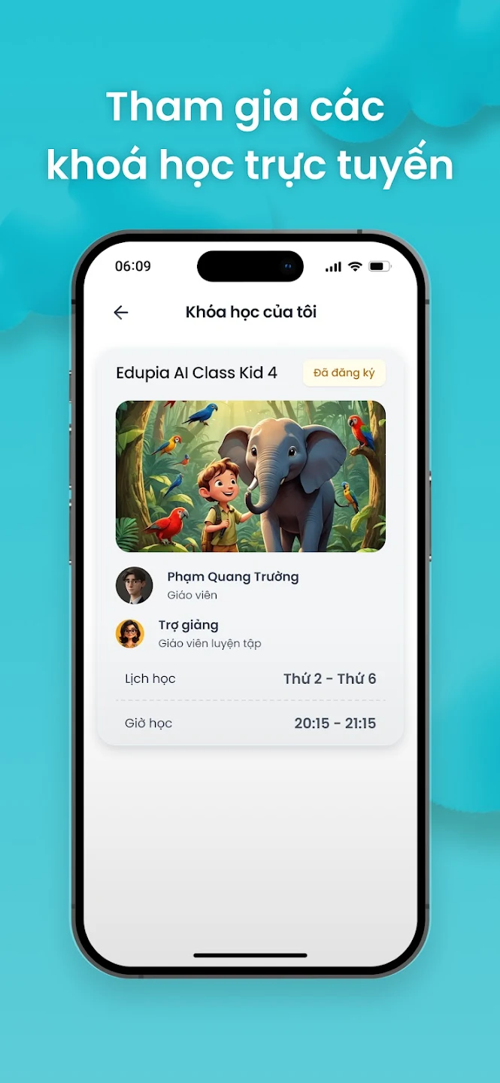
- Try a lesson together. Check whether the child understands the instructions and whether the difficulty is appropriate.
- Test sound and recording. Use a quiet room and confirm that the microphone works before starting speaking activities.
- Set a short, consistent practice period. Adjust its length to the child's attention and school workload rather than forcing a long session.
- Practice beyond the app. Ask the child to use new words in a simple sentence or describe an object nearby.
- Review progress weekly. Look at recurring mistakes and what the child can do independently, not only points or badges.
If an activity is frustrating, reduce the difficulty or ask the provider or teacher about a better starting point. If lessons are too easy, request appropriate next steps rather than simply increasing screen time.
For additional practice material, see these English-learning YouTube channels for children and early English sight-word activities. Preview resources yourself and choose material that supports the child's current lessons.
Related Articles
 Can Pokemon Go be played on a computer? The answer is yes!
 Summary - How to play Pokemon GO, virtual reality game catch Pokemon on smartphone
 Poké Ball Types Explained: Generations III–V (Part 2)
 How to Earn and Use Stardust in Pokémon GO
 How to Hatch Eggs in Pokémon GO
 Poké Ball Types Explained: Generations I–II (Part 1)
Reader Comments 0
Sign in with email or Google to join the discussion.