Table of Contents
Generative AI can speed up a first draft, organize supplied information, or help you visualize an idea. The result still needs human review, and “free” access often comes with usage, export, or feature limits. These ten workflows explain what AI can contribute and what you should check.
1. Visualize a home-renovation idea
Tools such as Remodel AI can apply styles, flooring, wall treatments, or landscaping concepts to a photo.
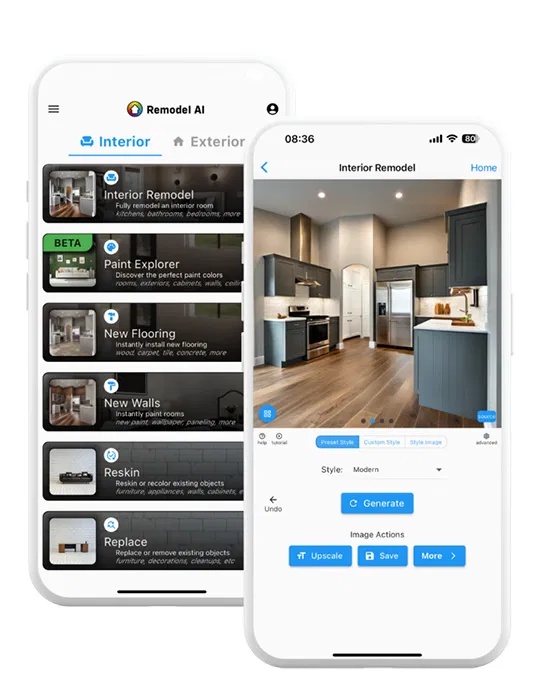
Use the image to compare directions, then measure the actual space and consult qualified trades for structure, wiring, plumbing, ventilation, and code requirements. Generated furniture sizes, materials, and construction details may be impossible or inaccurate. Do not order products from appearance alone.
2. Summarize a long article or document
Provide the text or an accessible link and specify what the summary must retain: main claim, evidence, qualifications, dates, and unresolved questions.
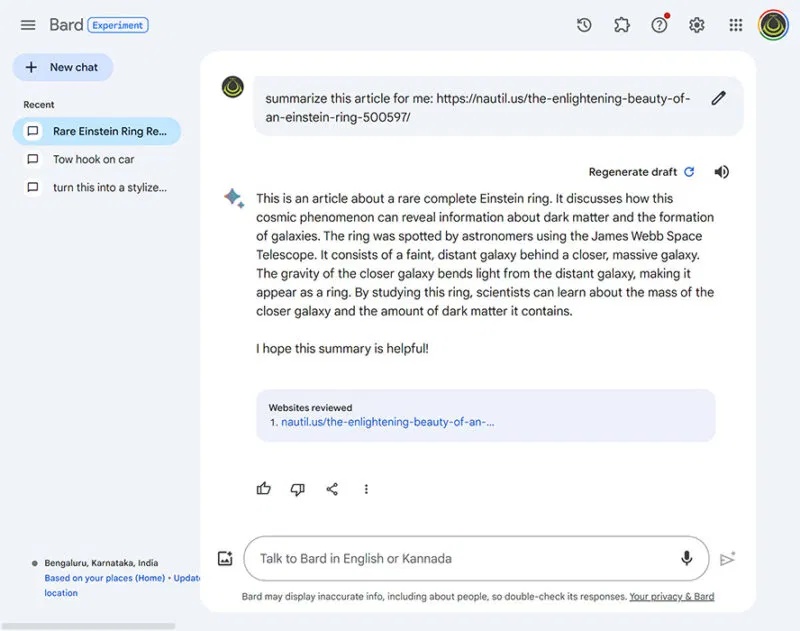
Summarize this article in six bullets. Separate the author's claims from quoted evidence. Preserve dates and numerical qualifications, and list any point that cannot be verified from the supplied text.
Open the source and compare the summary before citing or acting on it. A confident paragraph may omit a caveat or combine separate claims. See how to verify factual claims for a repeatable check.
3. Draft a workout plan around clear constraints
A fitness app can organize exercises around goals, available equipment, training history, and logged performance.
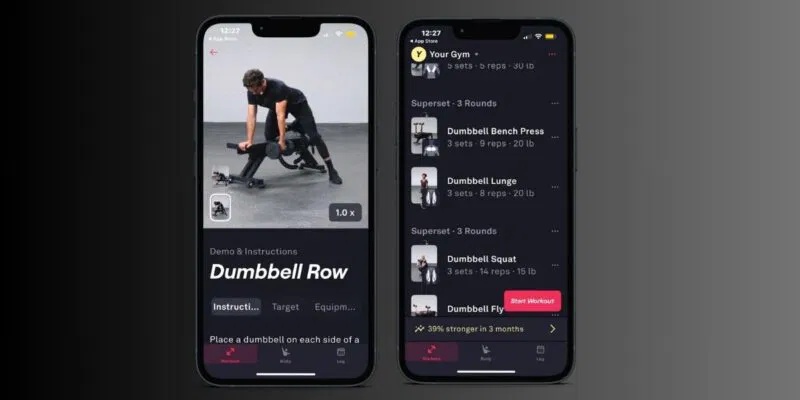
Start conservatively, record discomfort and recovery, and check exercise form using qualified guidance. An app cannot diagnose pain or assess every medical factor. If you have an injury, health condition, pregnancy, new or severe symptoms, or uncertainty about safe exercise, consult an appropriate healthcare professional before following a generated program.
4. Use wellbeing tools for low-intensity support
An app such as Wysa offers conversations and self-help exercises for stress or low mood. It can provide a structured prompt for breathing, grounding, reflection, or journaling.
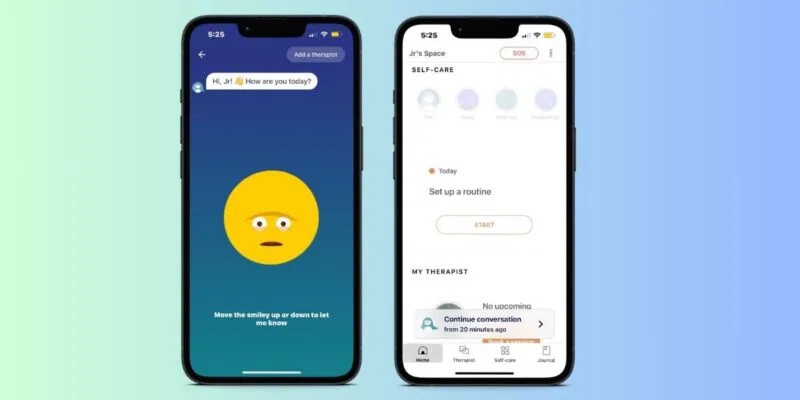
It is not a therapist, diagnosis, or emergency service. Wysa's own FAQ says it is not recommended for crisis situations or severe and enduring mental-health problems. If you or someone else may be in immediate danger, contact local emergency services or a local crisis service now. For ongoing or worsening symptoms, seek help from a qualified professional.
5. Turn spoken thoughts into organized notes
Voice-to-text tools such as AudioPen can transcribe a recording and turn it into a cleaner note or summary.
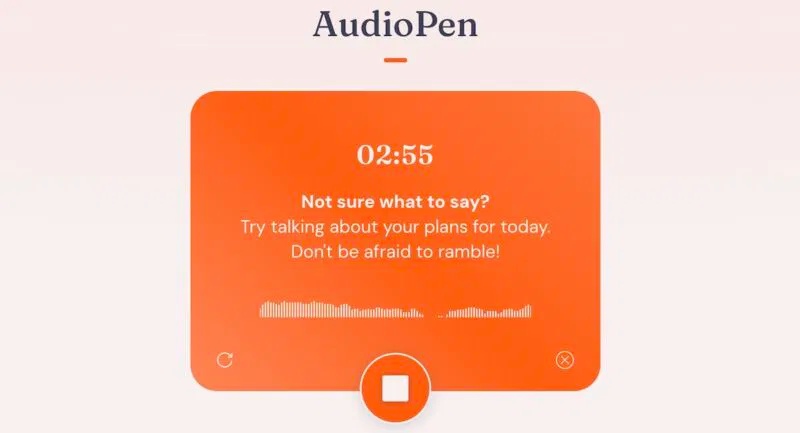
Speak one topic at a time and name the required structure: decisions, questions, outline, or next actions. Compare the cleaned version with the transcript because rewriting can alter meaning. Check how audio and notes are uploaded, retained, and shared before recording personal or workplace information.
6. Translate text with context
AI translation tools can produce a quick draft while considering surrounding sentences and tone.
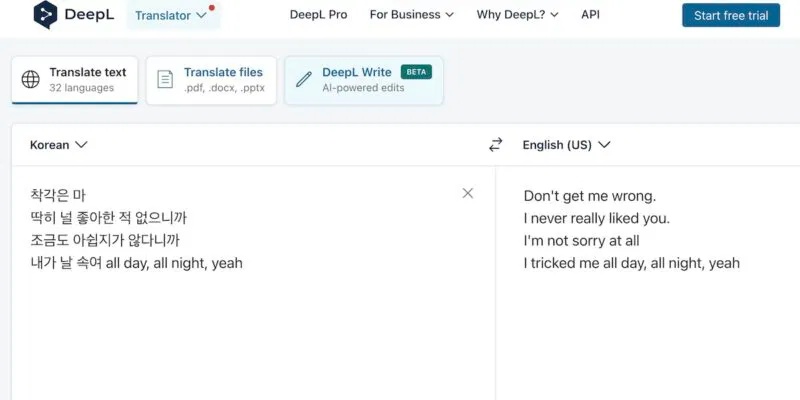
Supply the audience and purpose, and preserve product names, legal terms, or technical terminology in a glossary. Back-translate important passages or ask a qualified translator to review medical, legal, safety, immigration, or contractual material. Do not assume fluent wording is accurate.
7. Create concept art and visual drafts
Image generators can explore composition, lighting, color, characters, or product concepts from a written brief.
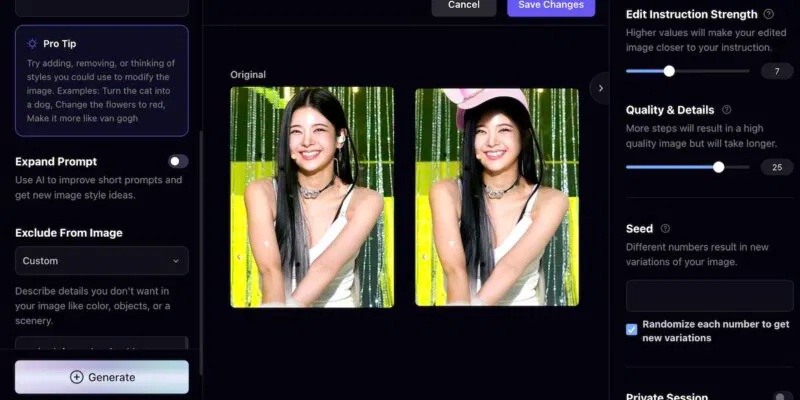
Describe the subject, setting, viewpoint, visual style, and intended format. Inspect hands, lettering, logos, cultural details, and physical plausibility. Check the service's commercial-use terms and keep a record of source assets and permissions. The comparison of text-to-image tools offers additional starting points.
8. Transcribe a meeting
Transcription services such as Notta can convert live or uploaded audio into searchable text and summaries.
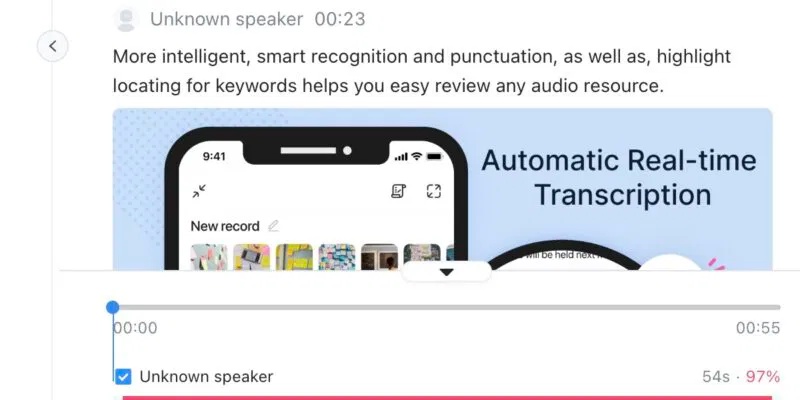
Tell participants what is being recorded and obtain any consent required by the meeting, organization, and applicable law. Confirm speaker names, technical terms, decisions, owners, and deadlines against the recording or approved notes. Avoid treating an automated summary as the official record without participant review.
9. Structure and tailor a resume
Builders such as OpenResume or Teal can help arrange sections, compare wording with a job description, and produce job-specific versions.
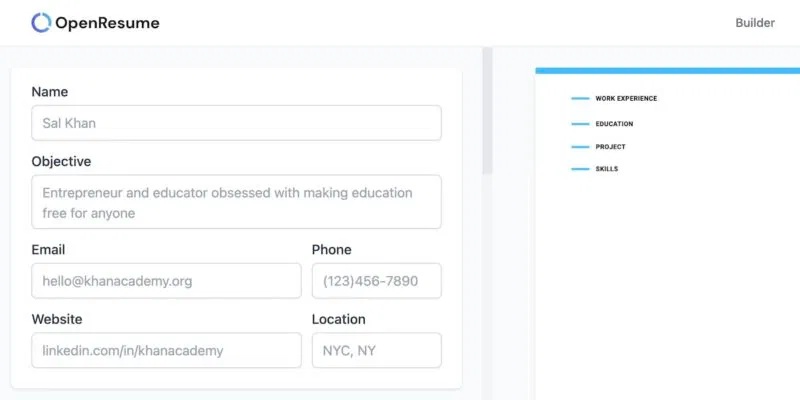
Give the tool verified roles, dates, responsibilities, and outcomes. Ask it to improve clarity without inventing metrics, skills, employers, or qualifications. Use plain headings, check that the PDF text can be selected, and proofread every line. A polished template cannot compensate for unsupported claims.
10. Draft a difficult email
AI can turn bullet points into a clear email when you specify the recipient, purpose, confirmed facts, tone, and desired next step.
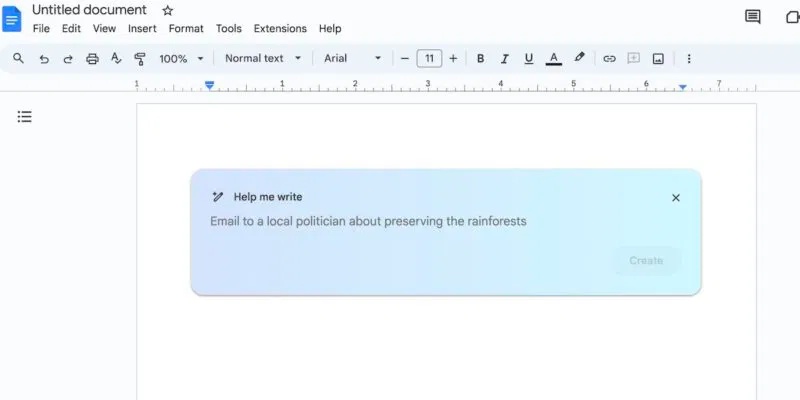
Draft a concise email to [recipient] about [purpose]. Use only these confirmed facts: [facts]. End by requesting [next step]. Do not invent dates, commitments, attachments, or prior discussions. Mark missing details in brackets.
Review names, recipients, amounts, deadlines, links, and attachments before sending. For a fuller workflow, use these AI prompts for business writing.
Choose a tool by the real task
Before creating an account or uploading material, check current pricing, export limits, data handling, and whether the tool works with the file type you have. Use a small representative test and inspect the actual output. Keep source files and final decisions outside the AI service so your workflow does not depend on one product remaining free or unchanged.
Related Articles
 What Is Generative AI?9 minutes read
 Why Google AI Studio's Generative Media Is a Game-changer for Marketers by 20257 minutes read
 TOP Generative AI Tools and Applications by Field10 minutes read
 Download for $ 59.99 On1 Effects 2018 Photo Editing Software, Free4 minutes read
 5 Ways Generative AI Is Ruining Social Networks: What You Need to Know8 minutes read
 We Have Been Charging the Wrong Way for a Long Time5 minutes read
Reader Comments 0
Sign in with email or Google to join the discussion.