Table of Contents
Explore 4 ways to use ChatGPT to read PDF files, including the key concepts, practical examples, important considerations, and useful guidance.
Using ChatGPT 4.0 to read PDF files
The easiest way to read PDFs is to upload them directly to ChatGPT. However, it's important to note that ChatGPT's file import function only works on ChatGPT version 4.0 or later, or the latest version of this AI tool.
We can upload PDF files directly to ChatGPT or through a number of supported hosting services.
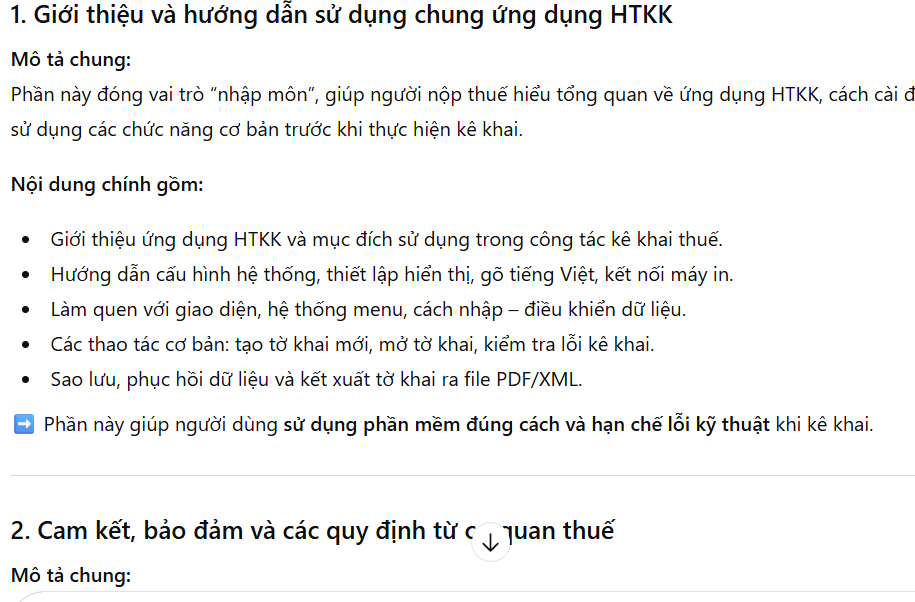
Enter a command to have ChatGPT read your PDF document and summarize its contents. For example, the command below.
Read the PDF file and summarize the main content into three main sections, each section needing a general description.
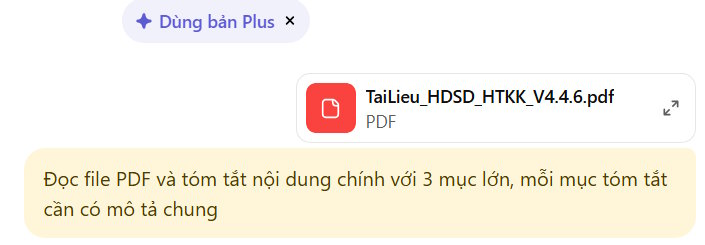
As a result, we obtain a PDF summary of the content from ChatGPT.
Copy and paste the text into ChatGPT
If you don't have ChatGPT 4.0 or ChatGPT can't read PDF files directly, simply copy and paste the text into the tool.
Convert PDF documents to Word
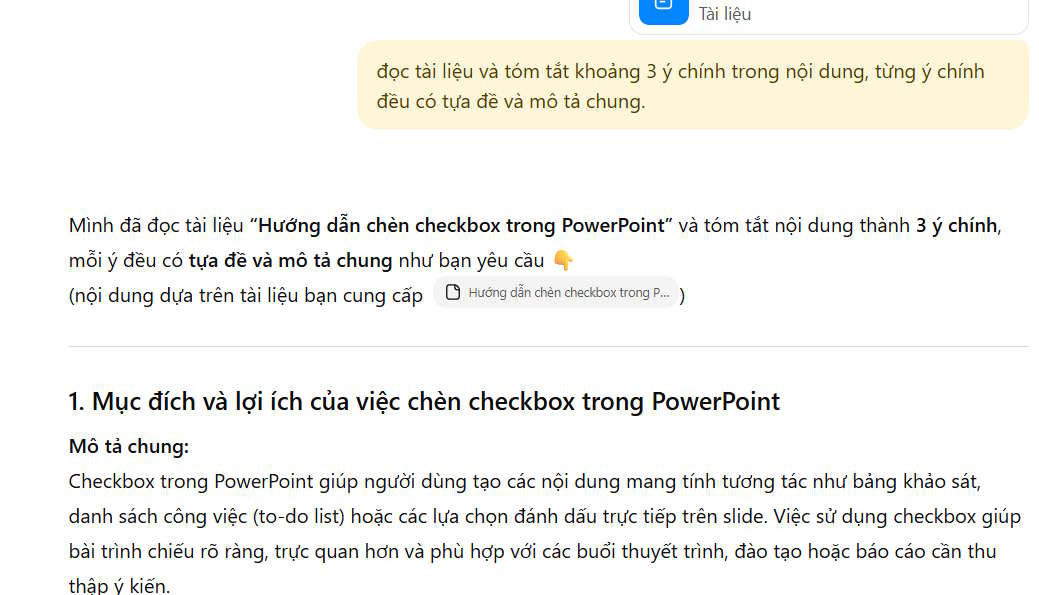
Another way for ChatGPT to read PDF documents is to convert the PDF to Word. This is very useful when the PDF may contain content that hasn't been scanned for AI analysis.
After you have obtained the Word file converted from PDF, upload it to ChatGPT and enter the command to read the file as above.
Use the PDF reader tool on ChatGPT
For online PDF files, you'll need some supporting tools to read PDFs on ChatGPT. There are several Chrome extensions that support this feature.
Chrome Sider Extensions
- Download the Sider extension for Chrome.
After installation and registration, Sider will appear next to the screen, allowing you to select the tool and enter the command you need.
- How to use AI anywhere on iPhone via Sider
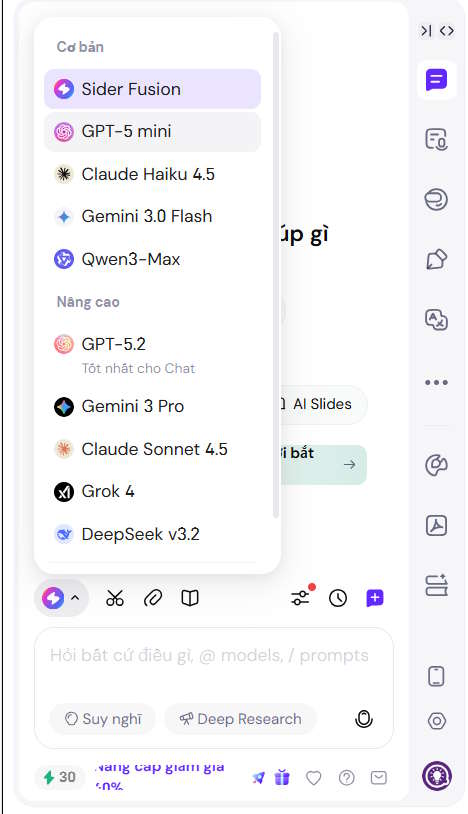
To read PDF files online, click on the Sider icon and select the summary tool . However, Sider locks many features, so you are required to subscribe for a fee.
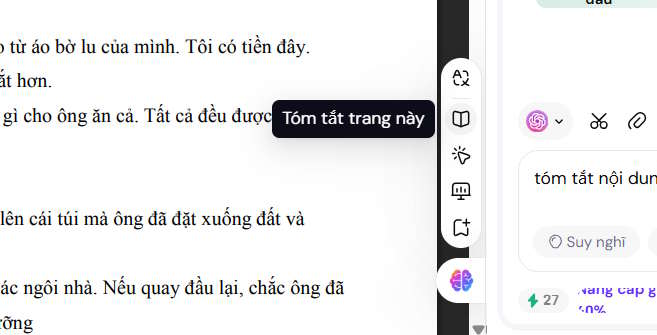
Chat with all AI models utility
We could use the Chat with all AI models utility, but it doesn't support direct translation; you'll have to extract the content yourself.
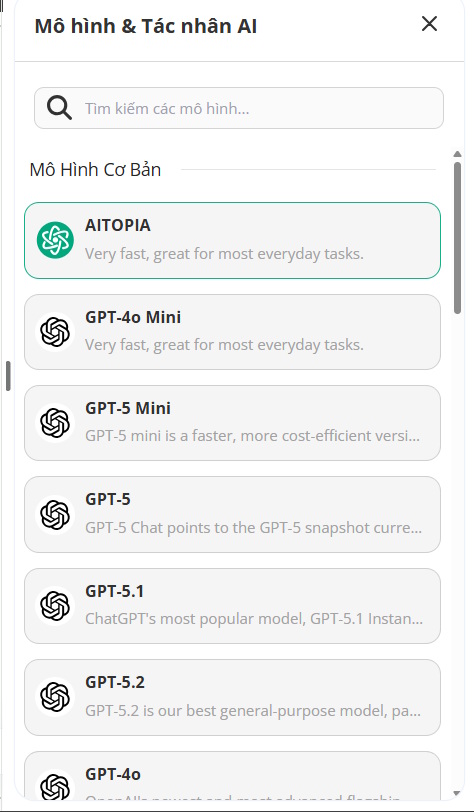
- Download Chat with all AI models
We also see existing versions of ChatGPT from the Chat with all AI models tool.
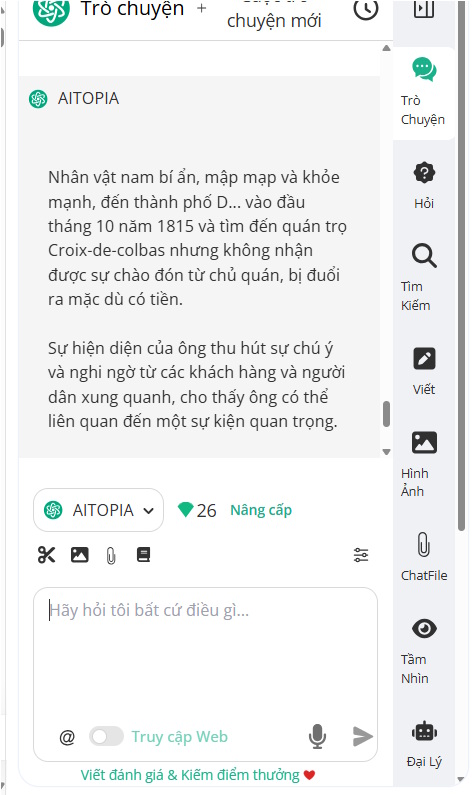
After pasting the content into the utility and entering the summary command you want, the utility will also return the content to you.
Final Thoughts
Use this guide as a practical checklist for 4 ways to use chatgpt to read pdf files. Work through the steps in order, verify each result, and adjust the options to match your needs.
FAQ
What do you need before following this 4 Ways to Use ChatGPT to Read PDF Files guide?
Review the required tools, accounts, settings, or materials mentioned in the article. Explore 4 ways to use ChatGPT to read PDF files, including the key concepts, practical examples, important considerations, and useful guidance.
What are the main steps for 4 ways to use chatgpt to read pdf files?
Follow the sections in order, especially Using ChatGPT 4.0 to read PDF files, Copy and paste the text into ChatGPT, Convert PDF documents to Word. Complete each step before continuing and verify the result as you go.
What should you do if the process does not work as expected?
Recheck the prerequisites, update the relevant app or service, review the settings, and repeat the step that caused the issue. Use any troubleshooting notes included in the guide.
Related Articles
 Learn About ChatGPT-4o: Features, Benefits and How to Use It: Complete Guide7 minutes read
 9 Ways to Leverage ChatGPT to Help You Work Faster and More Efficiently Every7 minutes read
 ChatGPT and Its Excel File Analysis Capabilities8 minutes read
 What Is ChatGPT Pro? Is It Worth It in 2026?8 minutes read
 How to Delete Read-Only Files on Linux9 minutes read
 How to Convert ChatGPT-5 to ChatGPT-4o3 minutes read
Reader Comments 0
Sign in with email or Google to join the discussion.