Table of Contents
MyPrompts.io is a web-based library for storing and organizing AI prompts. It provides titles, prompt types, categories, search, and a copy-to-clipboard control so you can reuse a template in another AI tool.
It stores the instructions you write; it does not make every prompt perfect or guarantee the output of ChatGPT, Midjourney, or another service. You still need to adapt the prompt to the task and review the response.
Set up a prompt library
Visit MyPrompts.io and follow its registration process. The service currently describes its core prompt-management features as free. Check its current terms and feature availability before relying on it for long-term storage.
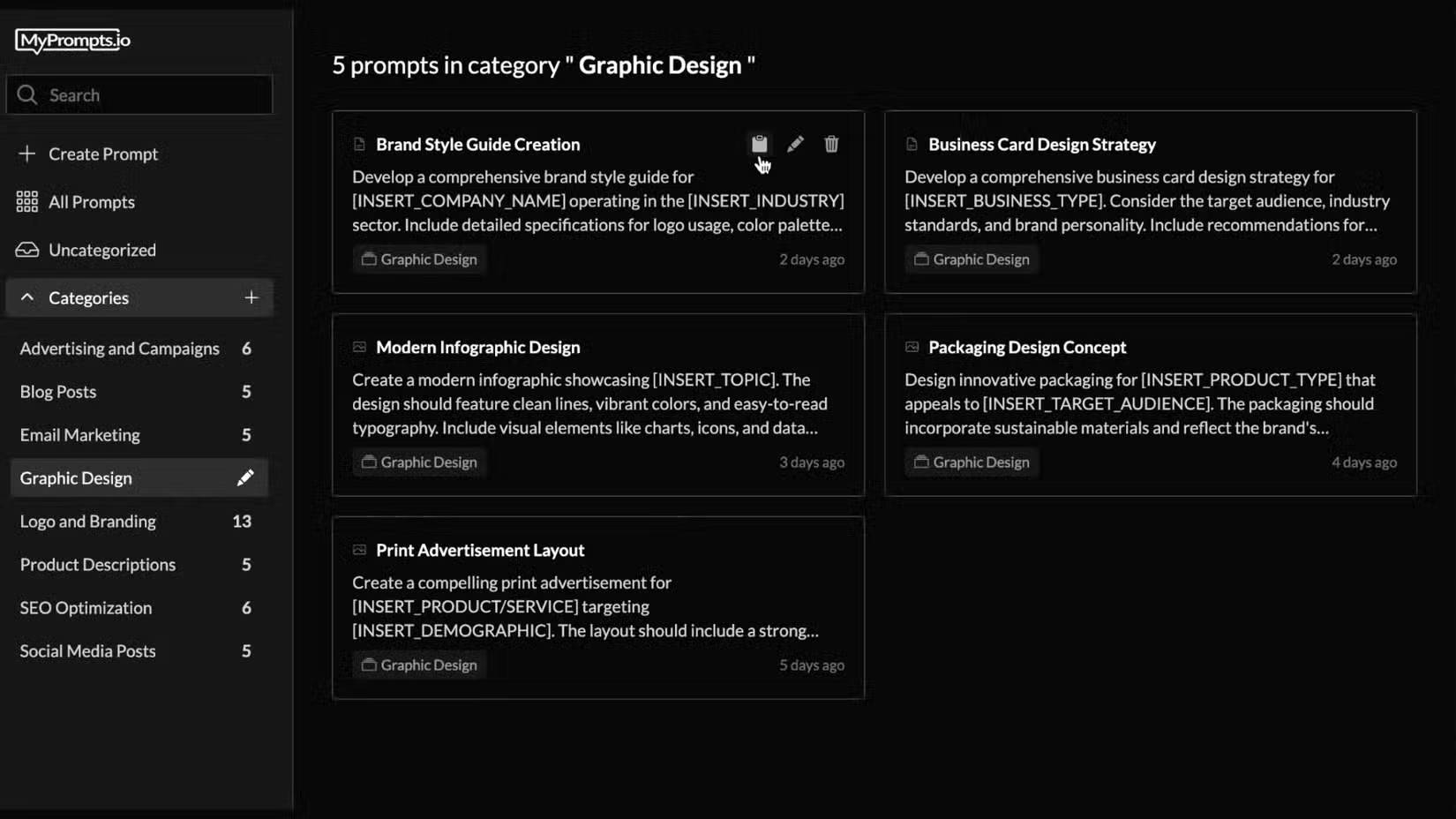
Begin with a few categories based on work you actually repeat, such as writing, coding, image briefs, or document summaries. A small, consistent set is easier to browse than dozens of overlapping labels.
Save a reusable prompt
- Select Create a prompt.
- Give it a title that describes the outcome, such as “Summarize a meeting into decisions and actions.”
- Choose a prompt type and an appropriate category.
- Enter the prompt text, using clear placeholders for details that change.
- Save it, then confirm that it appears in your library.
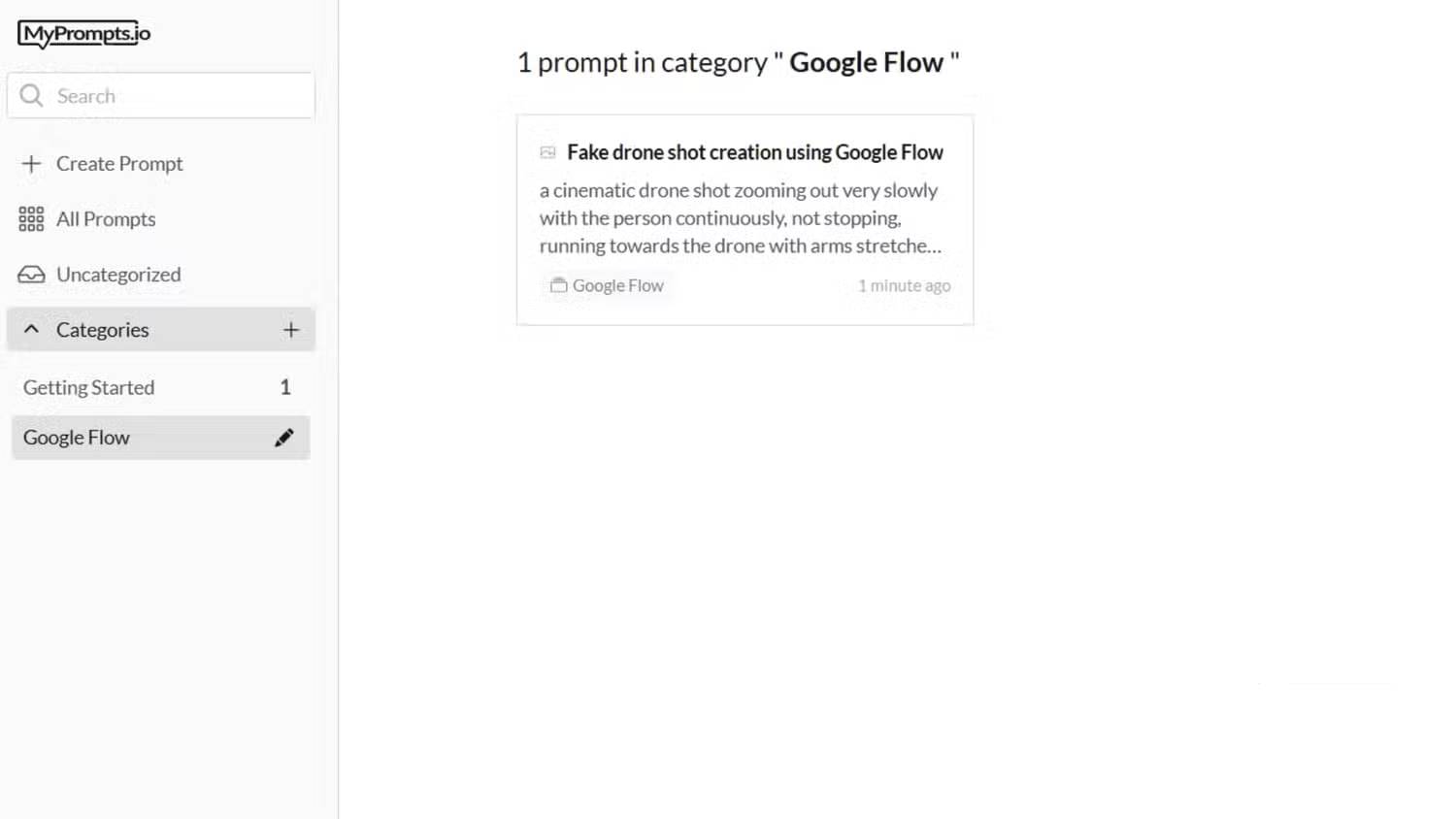
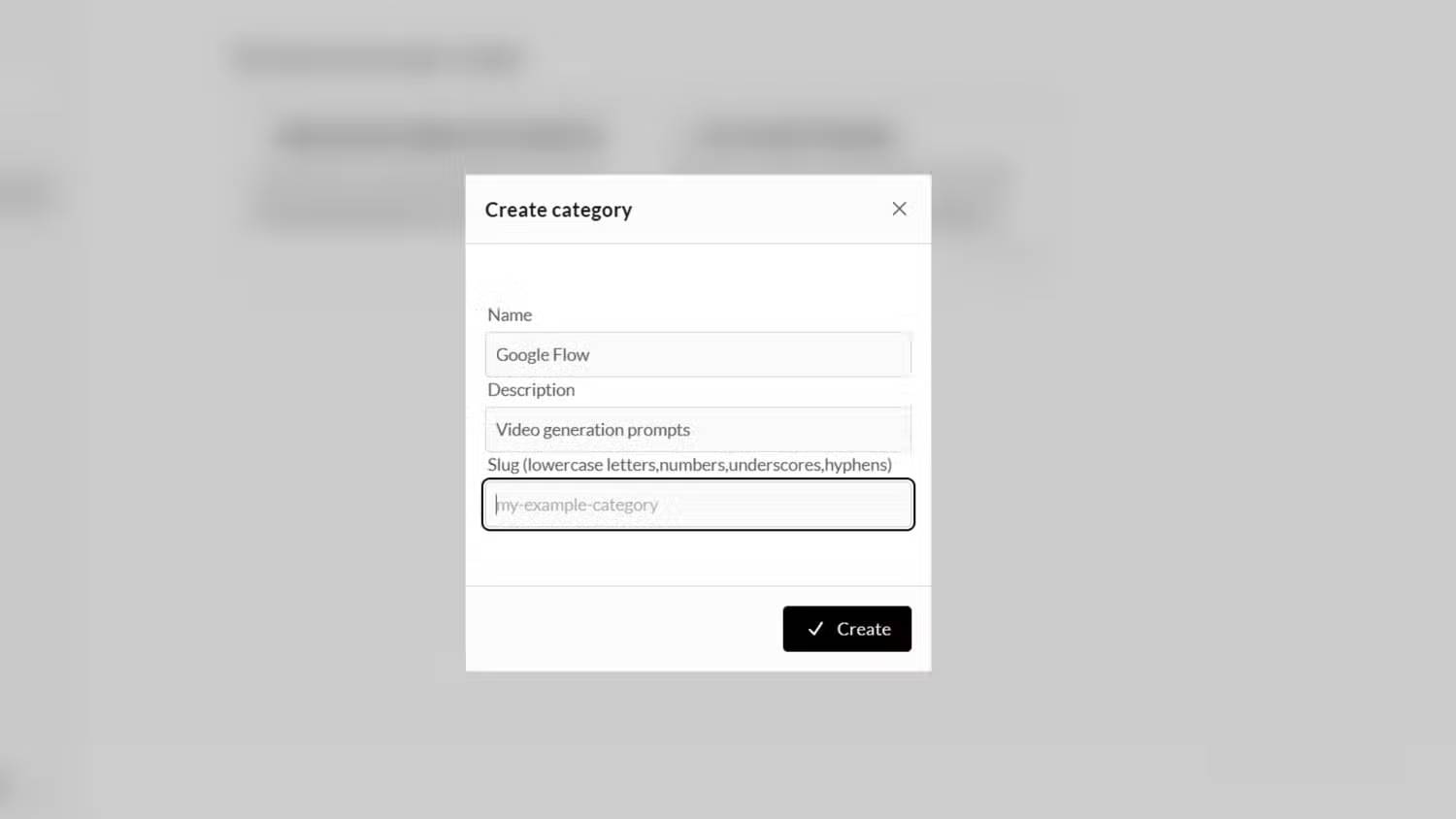
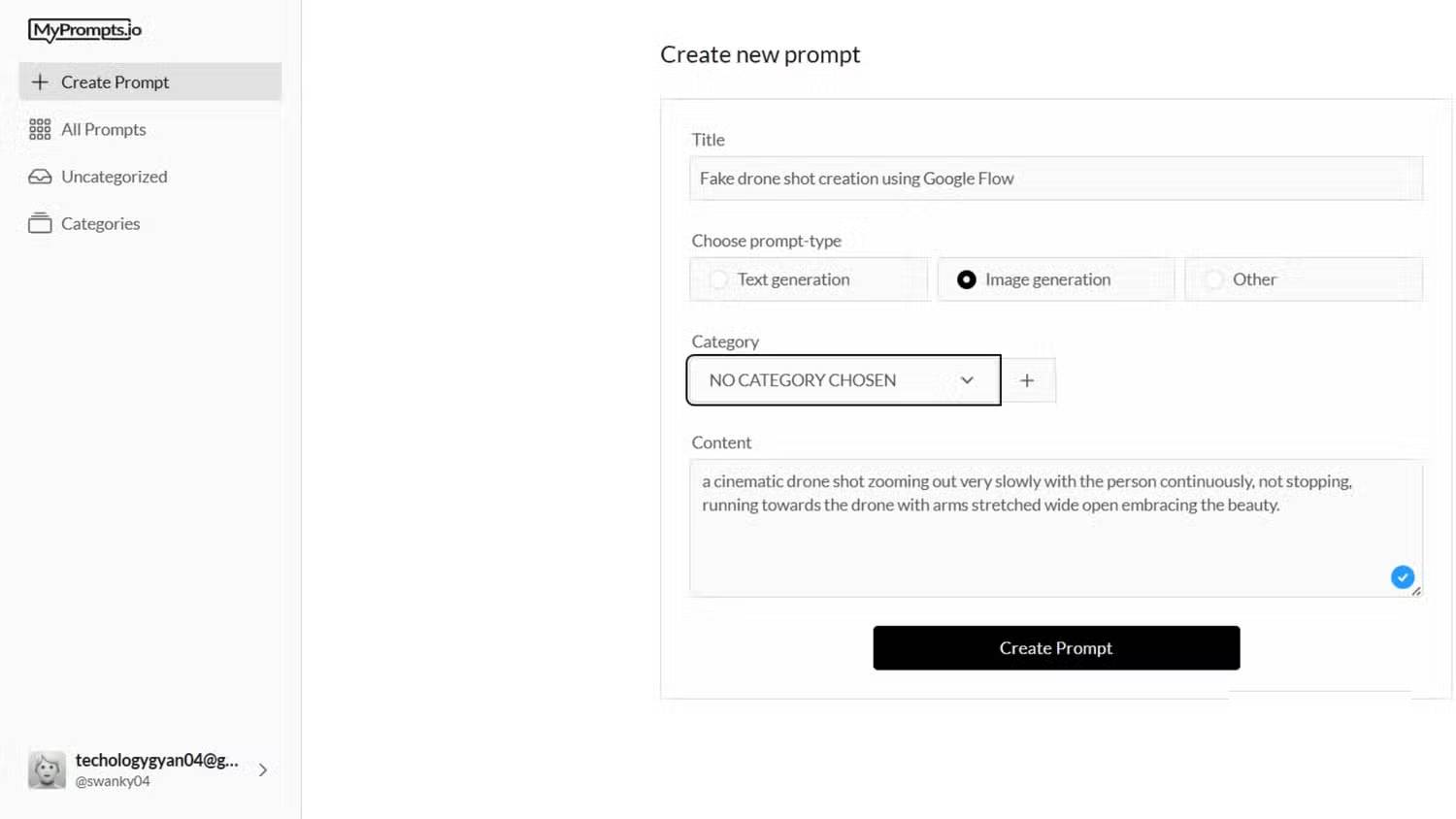
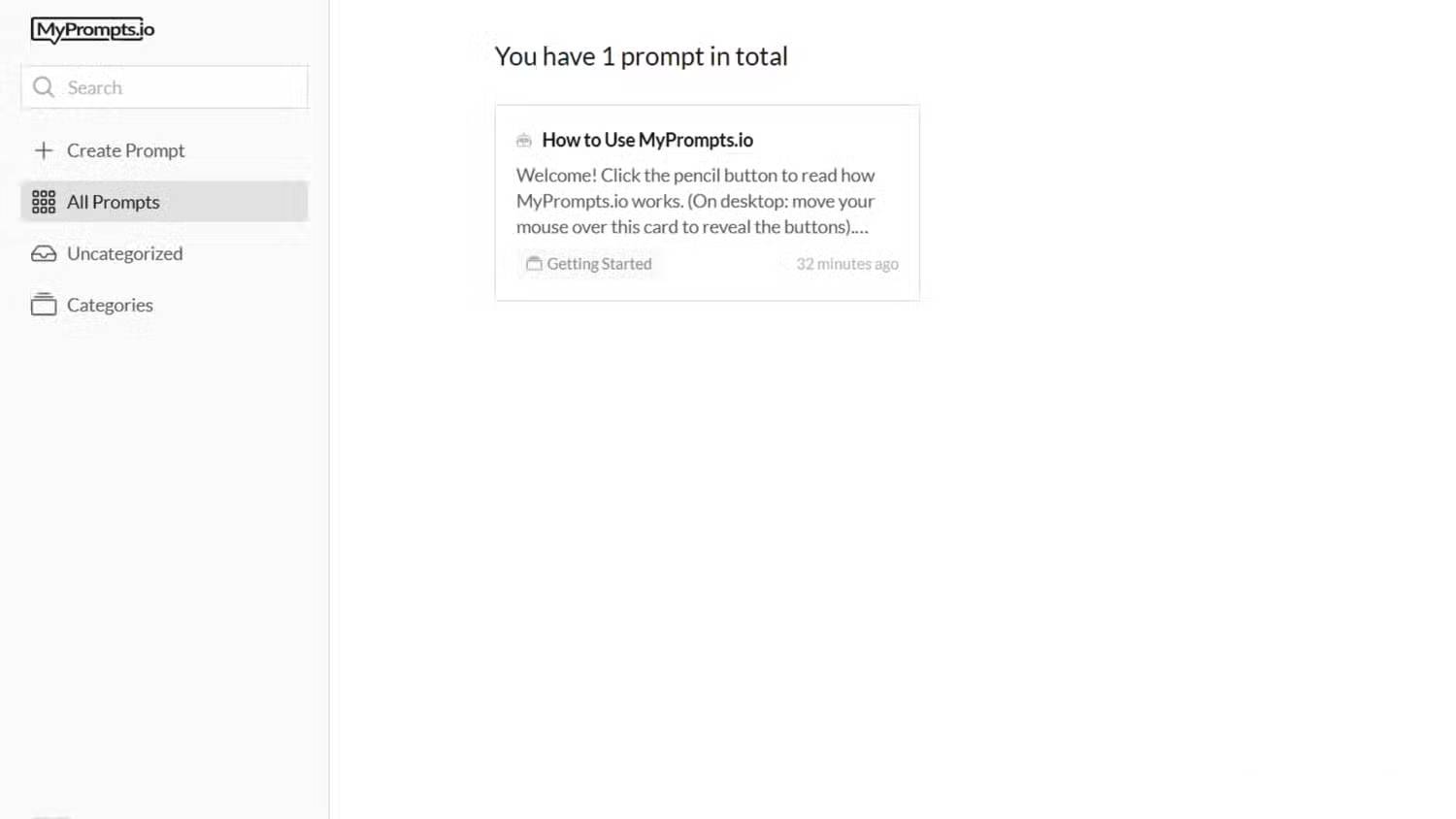
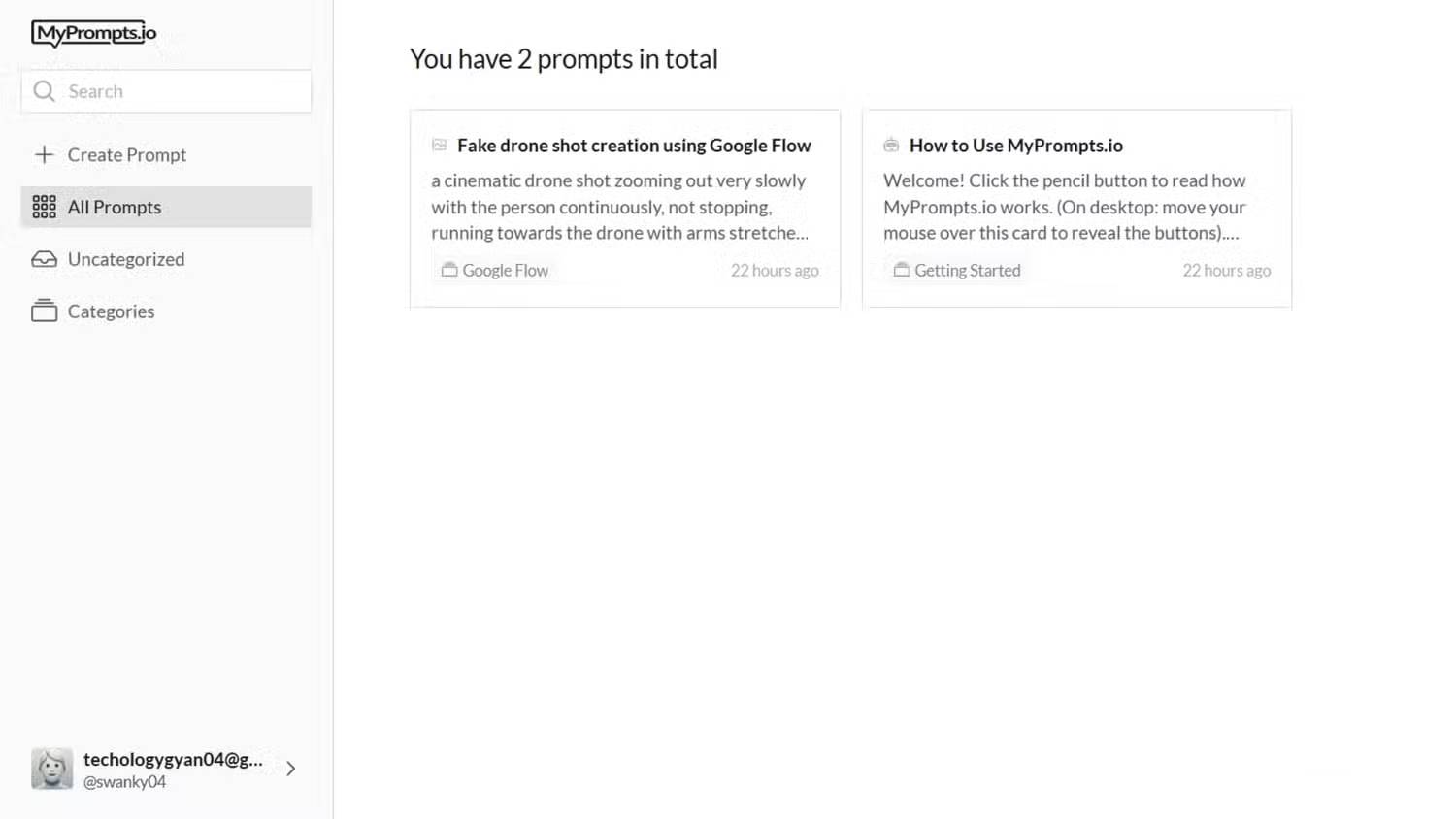
The screenshots show the creation and category controls. Use the current labels in your account if the interface differs.
Summarize the meeting notes below. Return decisions, action items with owners and due dates, and unresolved questions. Mark missing owners or dates as “not specified.” Do not invent commitments. Notes: [MEETING NOTES]
Keep live customer data or confidential project details out of reusable templates. Use placeholders such as [AUDIENCE], [SOURCE TEXT], and [WORD LIMIT], then fill them in only when you use the prompt in an approved tool.
Copy, adapt, and test the prompt
Find the saved prompt by title, category, or search, then use the copy control and paste it into the AI tool you intend to use. Replace every placeholder and check whether the requested format and length suit the current task.
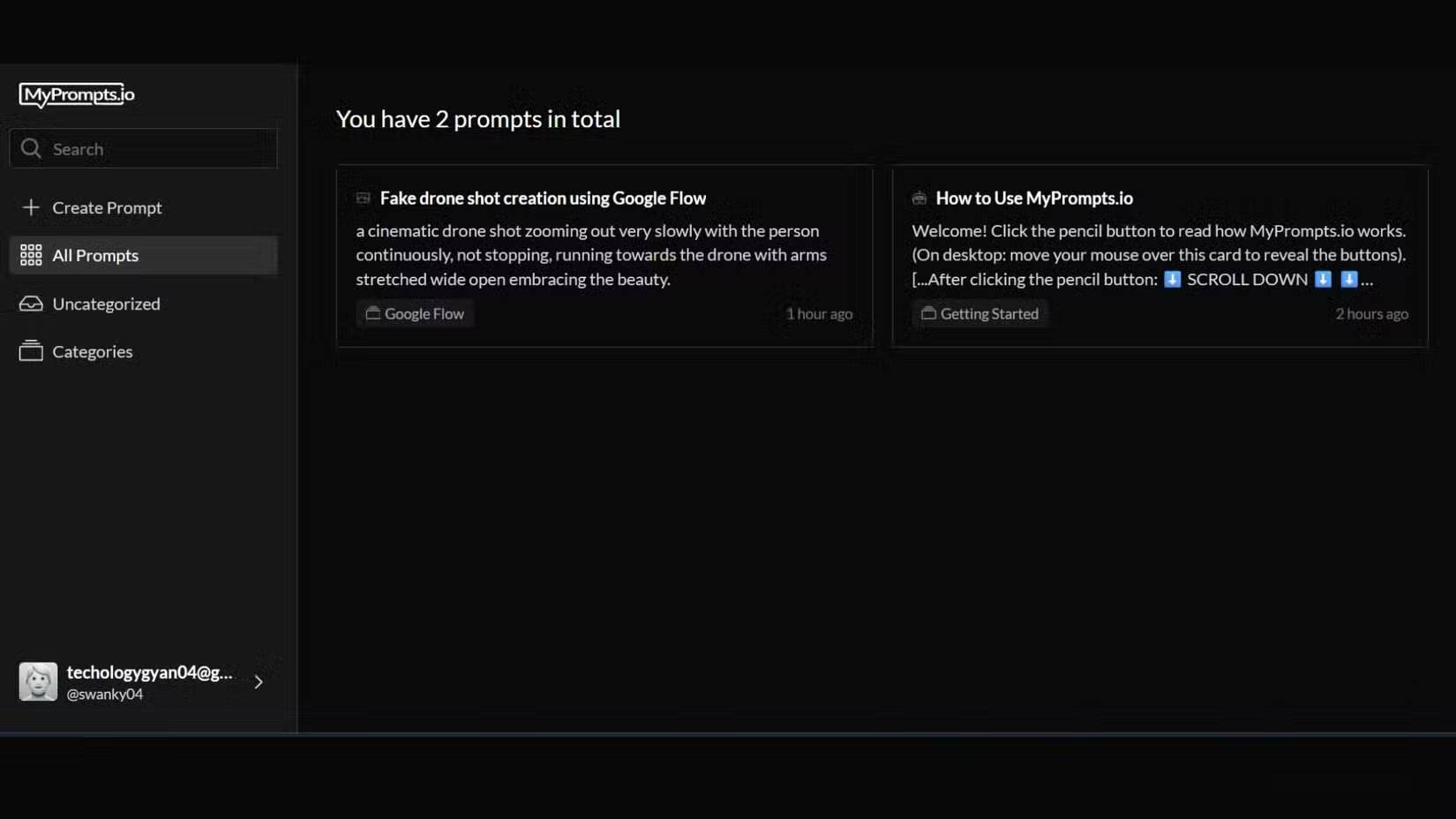
Test a template with a small sample before treating it as reusable. If a summary omits decisions or a draft adds unsupported claims, revise the instructions and test again. A prompt that works well for one model or type of document may need changes elsewhere.
For building a stronger template, see the structure of an AI prompt and how to build a complete prompt.
Keep the library useful over time
- Use descriptive names: include the output and purpose, rather than vague titles such as “best prompt.”
- Record the context: note the tool and task for which a prompt was tested, and any important limitations.
- Remove duplicates: keep one current template rather than several nearly identical versions.
- Keep backups: maintain independent copies of important prompts. A plain-text document or spreadsheet can be sufficient.
- Review privacy: check the service's policy and your organization's rules before storing work material.
A dedicated manager is useful when finding and copying prompts has become cumbersome. A notes app can also handle titles, folders, tags, and templates; choose the workflow you can maintain consistently rather than assuming one tool is best for everyone.
Related Articles
 How to Play Pokémon GO on a Computer6 minutes read
 How to Play Pokémon GO on a Smartphone6 minutes read
 26 Types of Poké Balls Explained: Part 25 minutes read
 How to Earn and Use Stardust in Pokémon GO5 minutes read
 Pokémon GO Eggs: Incubation and Hatching Guide4 minutes read
 26 Types of Poké Balls Explained: Part 18 minutes read
Reader Comments 0
Sign in with email or Google to join the discussion.