Table of Contents
Mailspring actually evolved from Nylas Mail. Nylas was released in 2015, but by 2017 the team had stopped maintaining it.
On iPhones, people use Apple Mail. On Nothing Phones, they use Gmail. On MacBooks, they use Apple Mail. It works well. But most emailing happens on Windows computers — and that's where it gets frustrating.
Many people really don't like Outlook. Windows Mail is fine, but it's now on the long list of apps that Microsoft has killed off. Outlook is clunky, slow, constantly prompts you to re-authenticate, and worst of all, it fills your inbox with ads. It's annoying!
Thunderbird is fast and ad-free, but it feels dated and over-featured. The free version of Mailbird only supports a single account, which completely defeats the purpose of having an email client in the first place. Many people have abandoned the app and gone back to the web version, but it's a mess overall.
What users really want is simple: A clean, modern, lightweight, fast, and free Windows email client. In other words, one that's free and open source.
And finally there is an app that meets all the criteria.
Get to Know Mailspring
Open source is always the answer
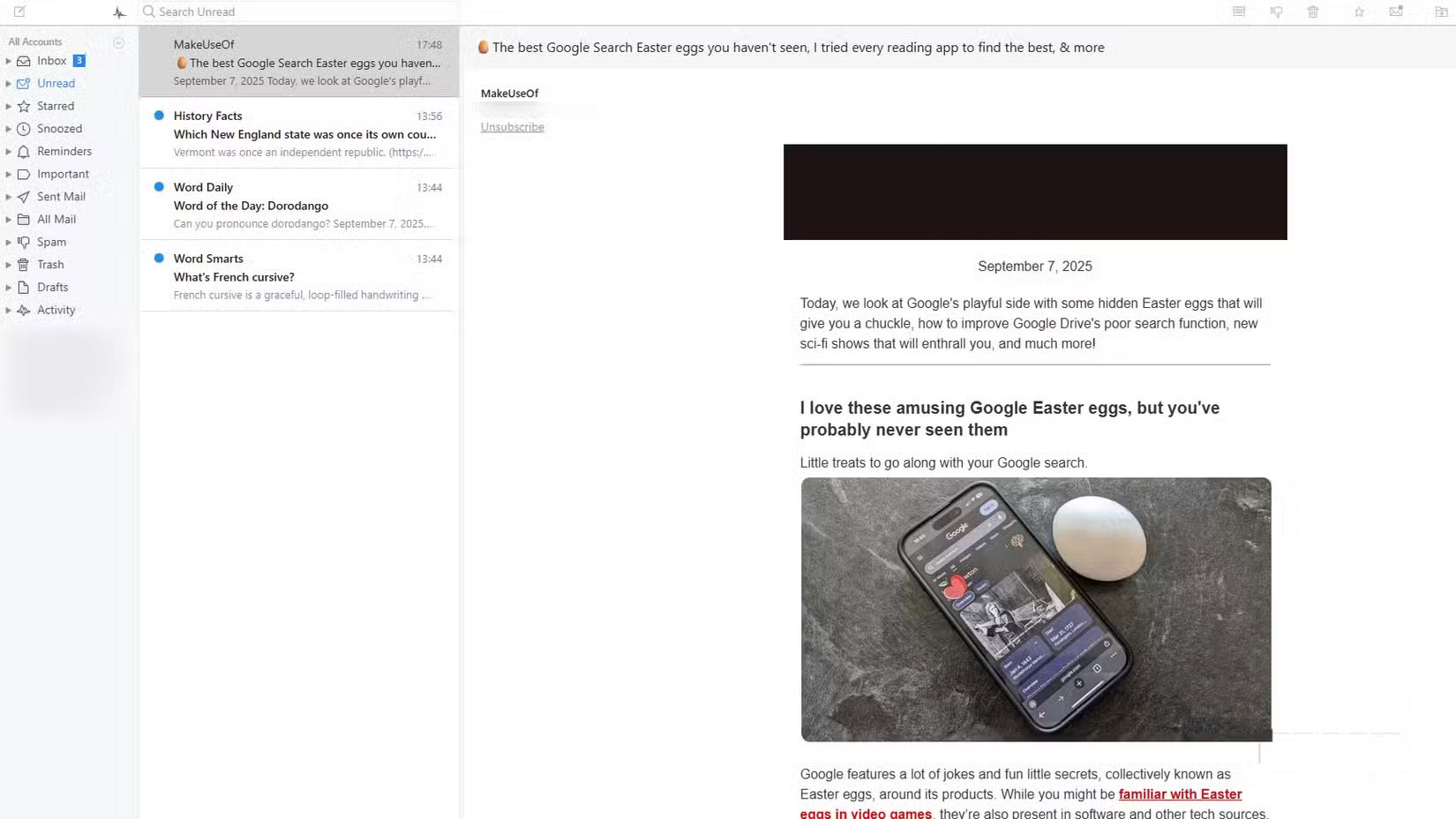
When you visit the Mailspring website and see the GitHub link, many people take it as a guarantee. The GitHub link on the home page usually means two things: The project is open source and worth taking seriously.
Mailspring actually evolved from Nylas Mail. Nylas was released in 2015, but by 2017 the team had stopped maintaining it. One of the original developers forked the project, maintained it, and that's what became Mailspring.
This is what an email app should be!
Mailspring is easier to set up than Outlook
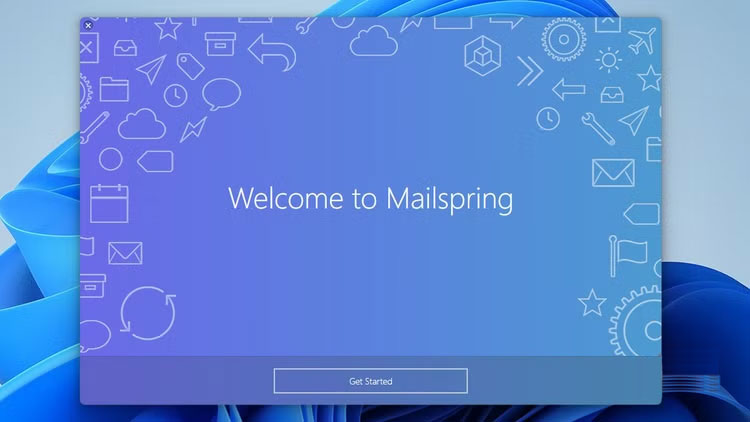
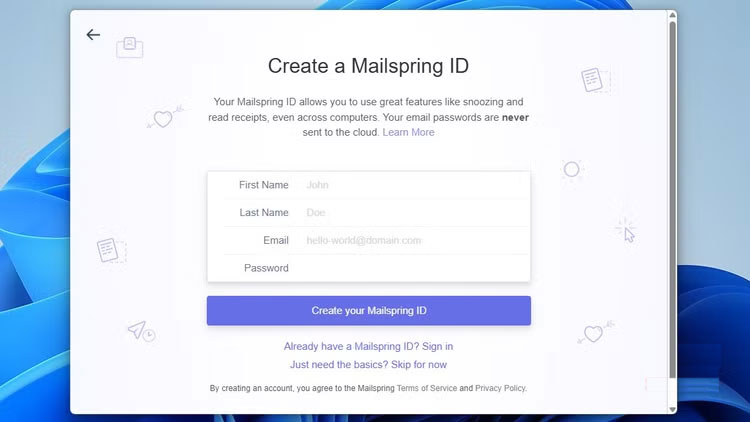
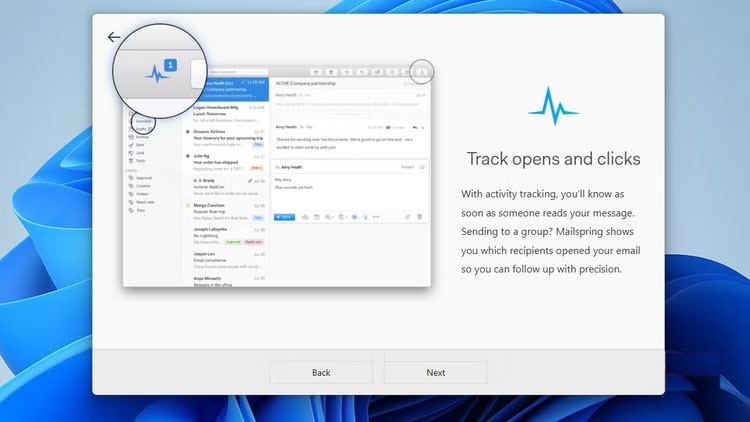
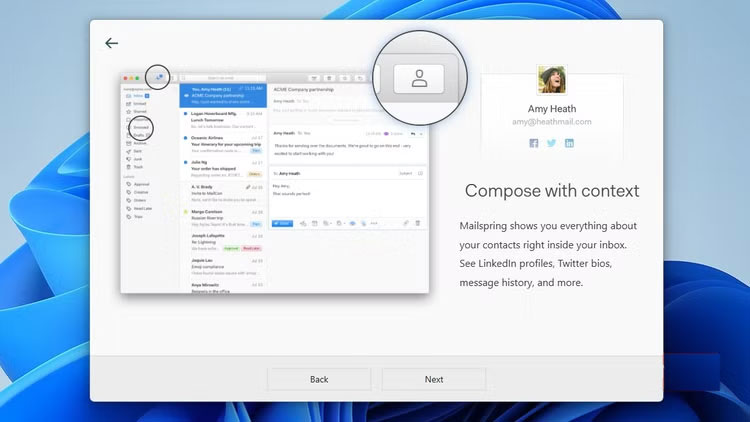
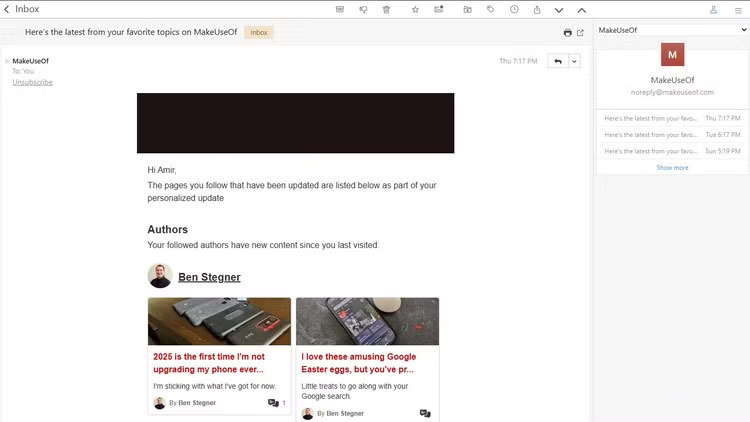
When you first install Mailspring, you'll be asked if you want to create a Mailspring ID. This ID is optional and enables additional features like link tracking.
Once you've done that, you'll be adding your inbox. Adding Outlook emails to Mailspring is actually much easier than adding them to the Outlook app itself. Mailspring will open a tab in your default browser and, if it fails, provide a verification link for you to paste in manually.
Outlook, on the other hand, uses a built-in mini-browser. Your passwords aren't saved, so you'll likely be prompted for two-factor authentication ( 2FA ) every time you log in. Mailspring handles this much better.
Mailspring is as clean as it gets
The design has been completed.
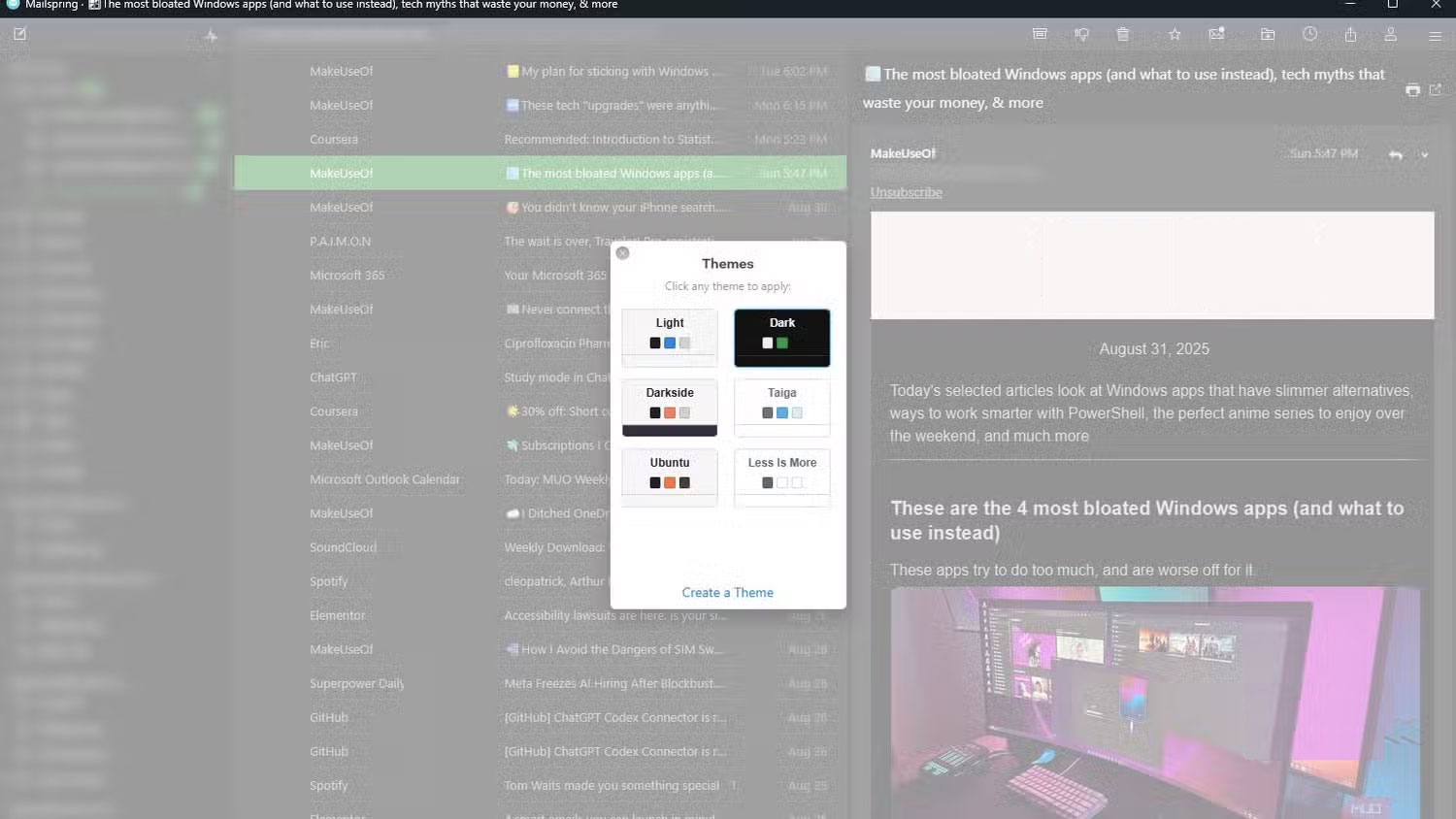
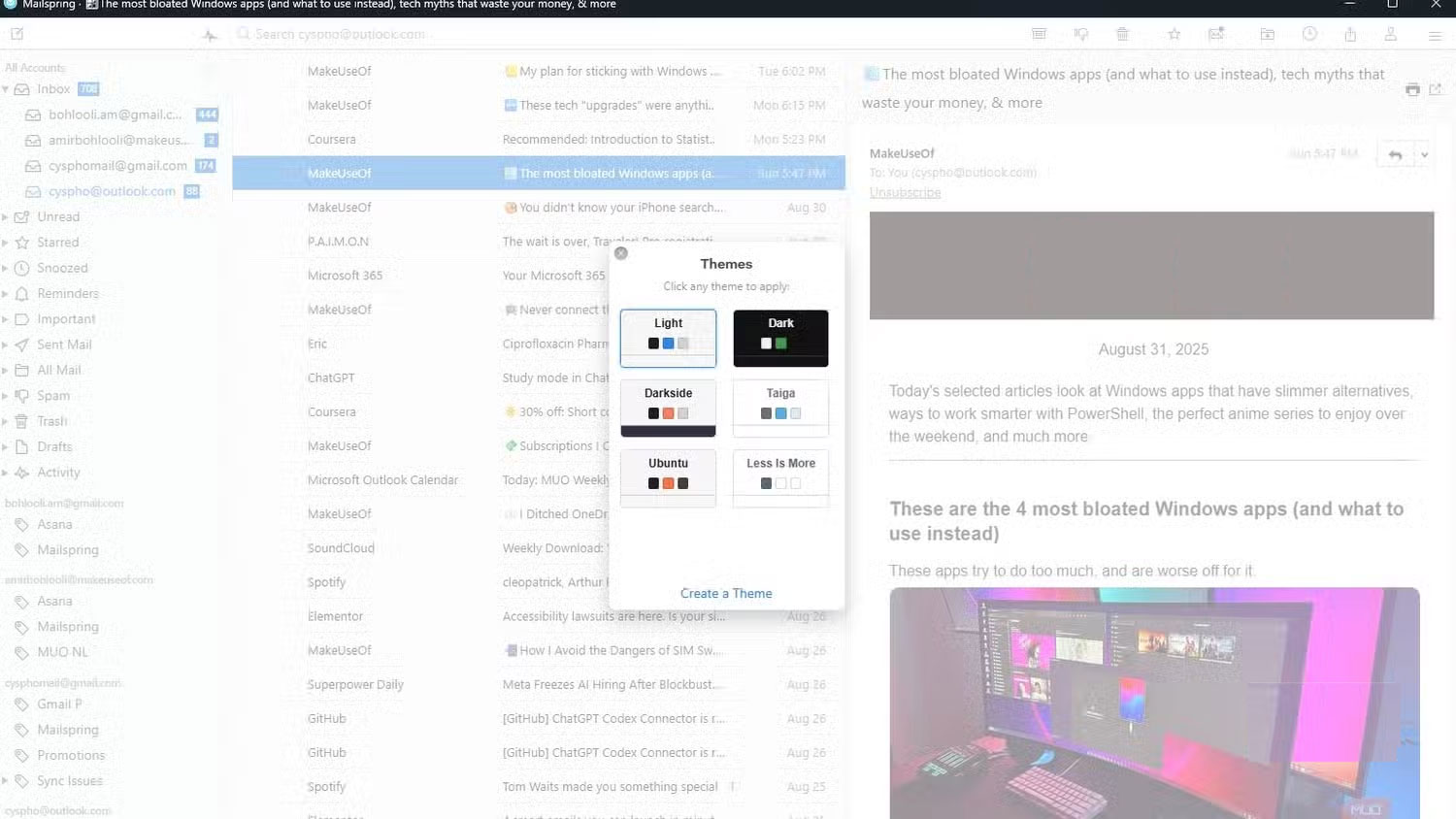
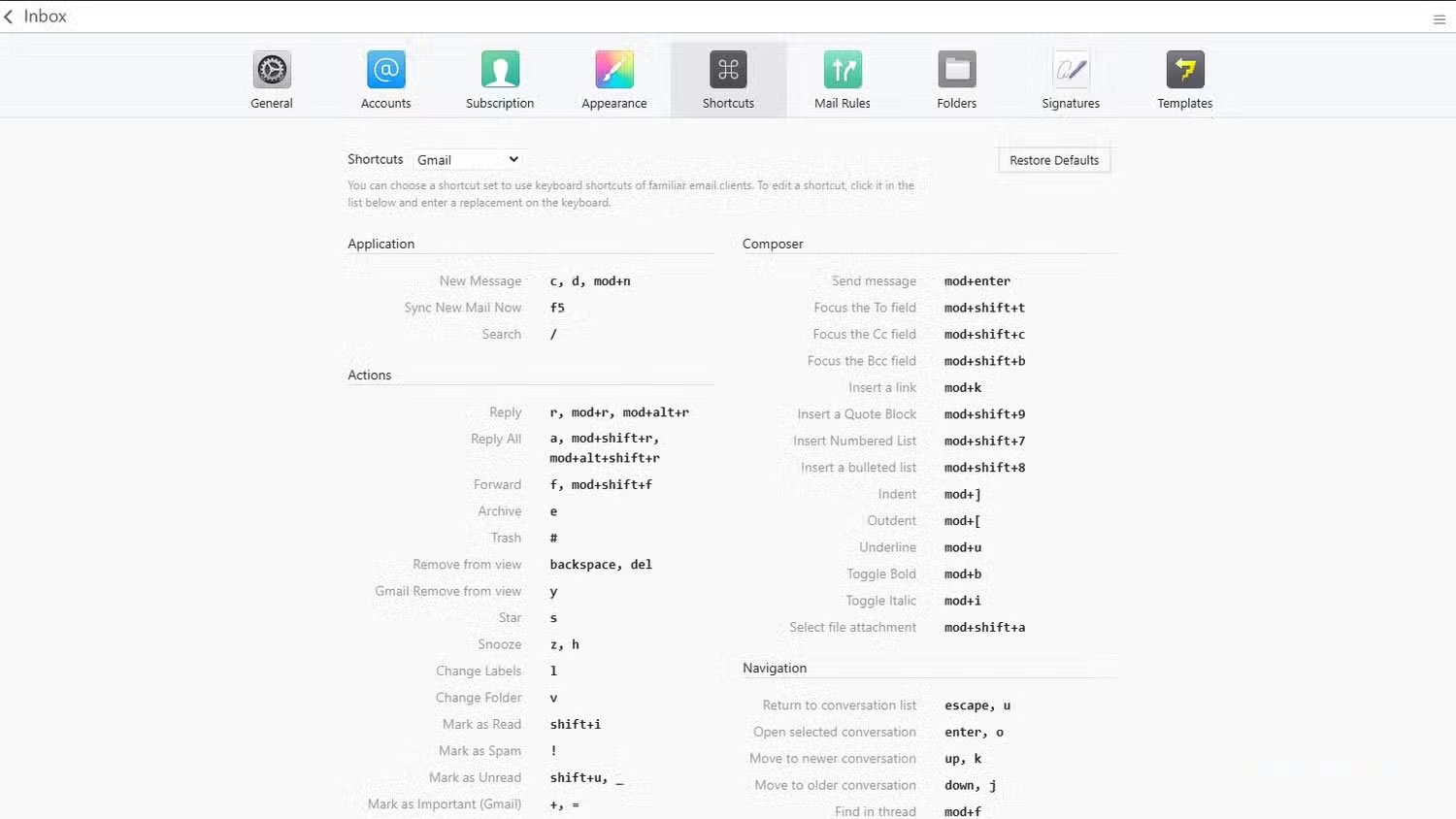
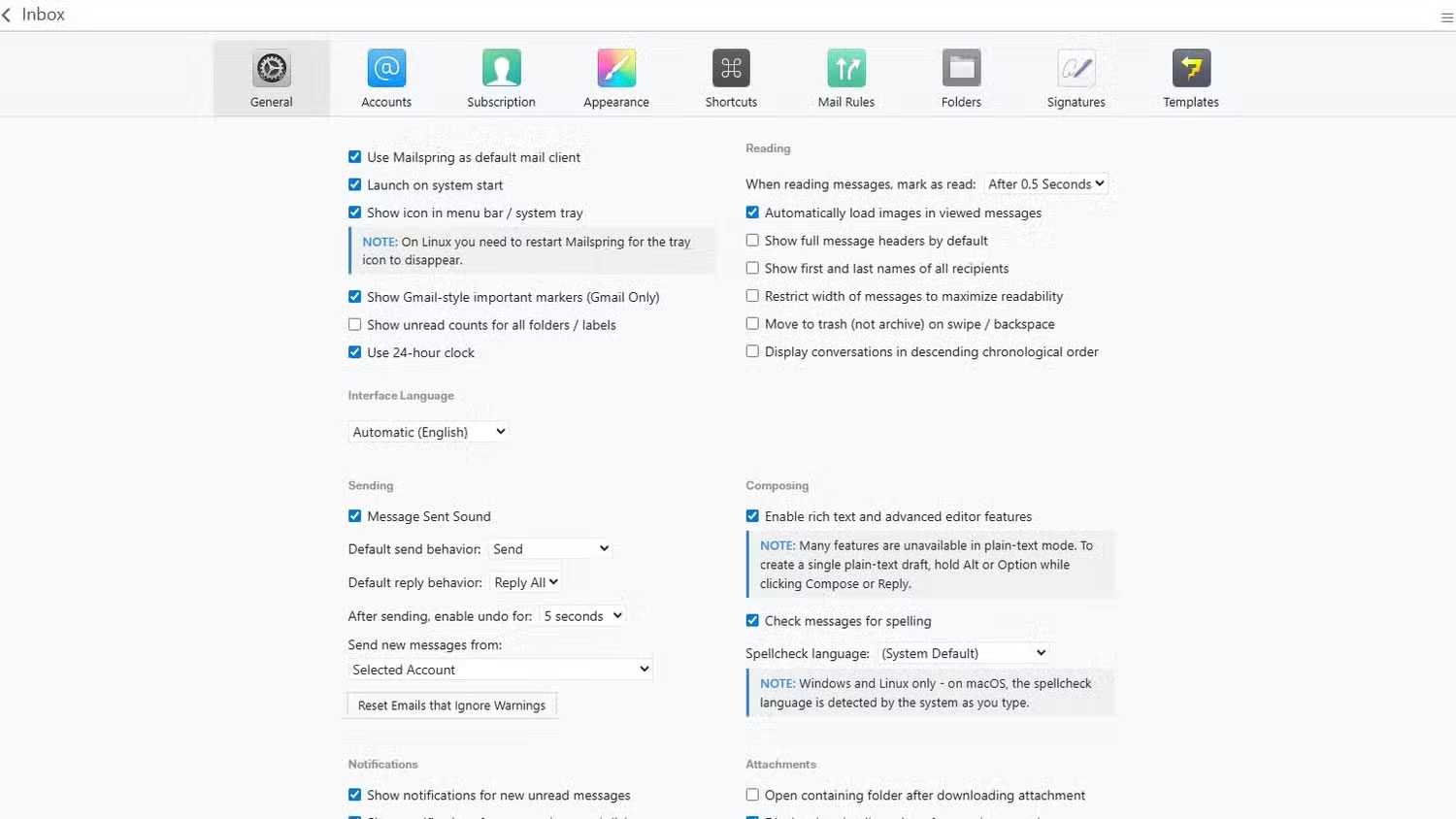
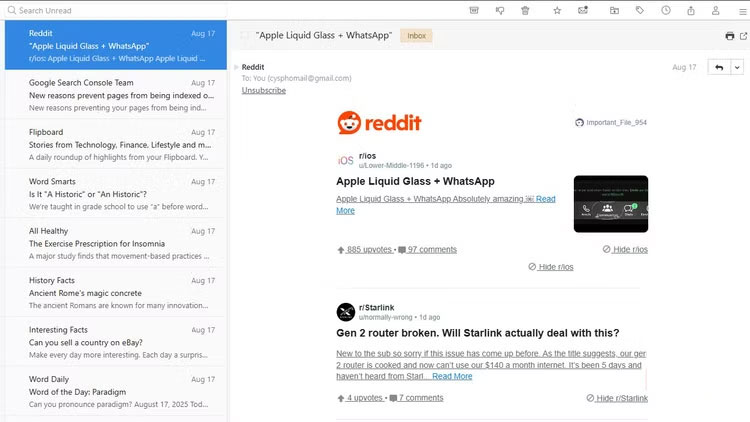
Mailspring strikes a rare balance between form and function. It looks sharp and is lightning fast. That's important because one of the biggest complaints people have about Windows apps—especially the Settings app—is that they look modern but feel slow as hell. Outlook has the same problem. Mailspring doesn't. It feels snappy and responsive, like Thunderbird, but with a sleek, modern design. It's a perfect blend of both.
Mailspring also comes with profile shortcuts. If you're used to Gmail shortcuts, you can switch to them right away, or create your own custom shortcuts. The views are flexible, too. There's a dark mode, a true dark mode. Even emails with bright white backgrounds are inverted, so you're not stuck with a glowing rectangle in the middle of the screen.
Mailspring has all the essential features
.and some other essential extras
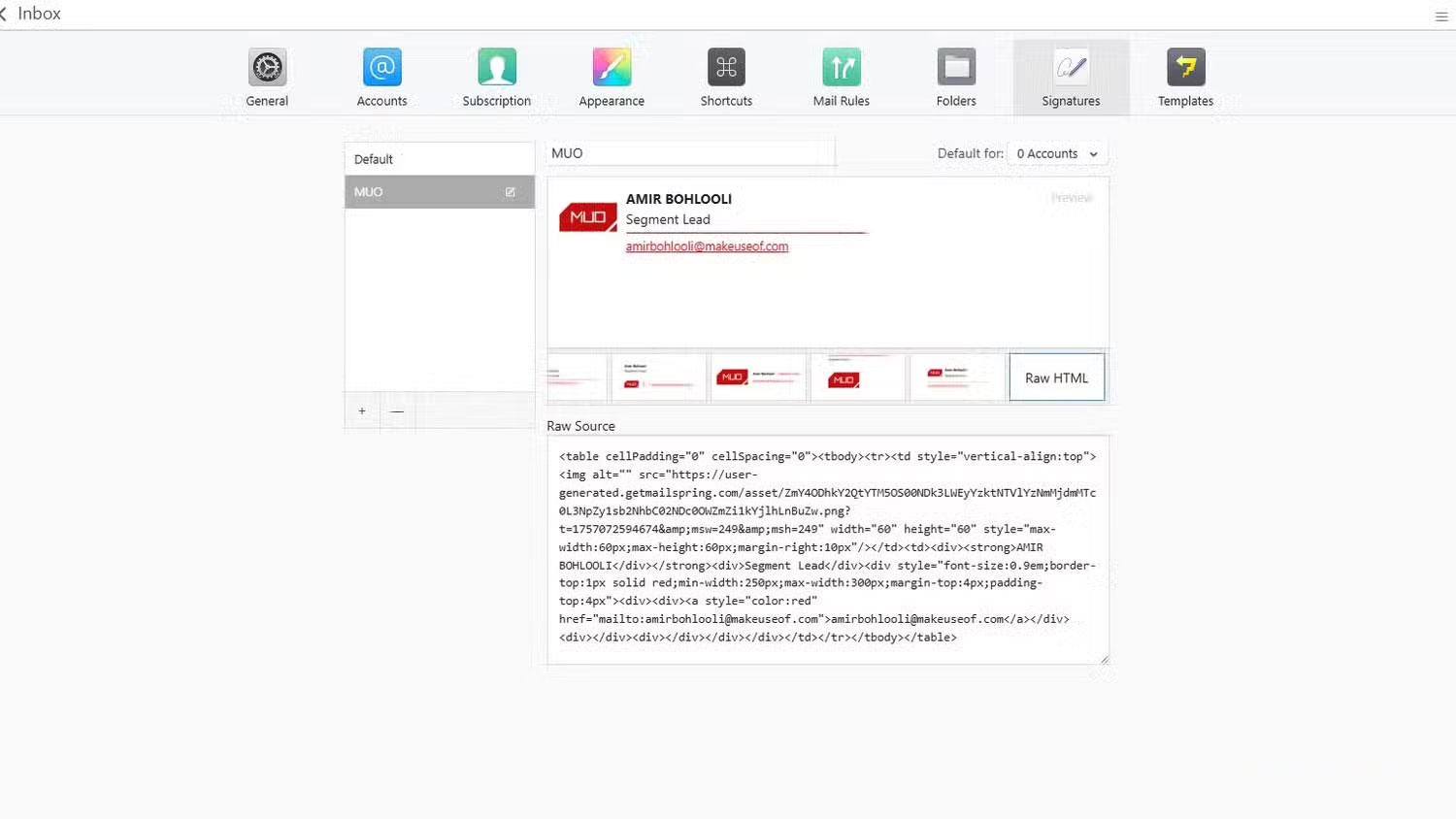
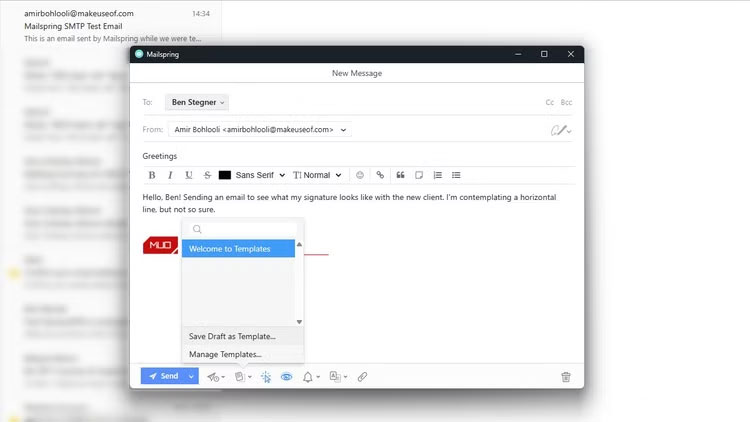
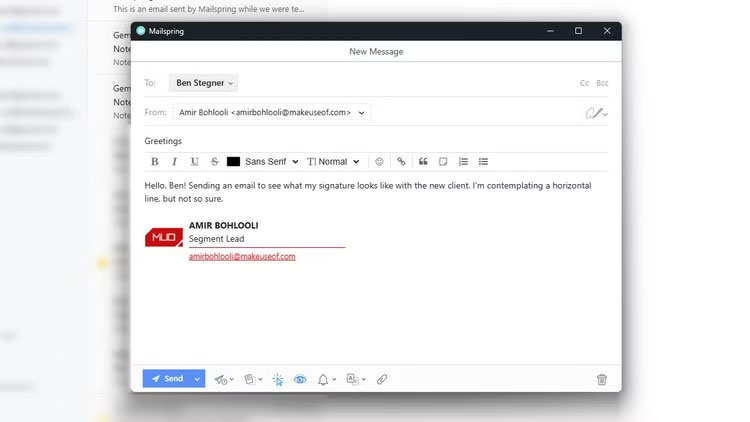
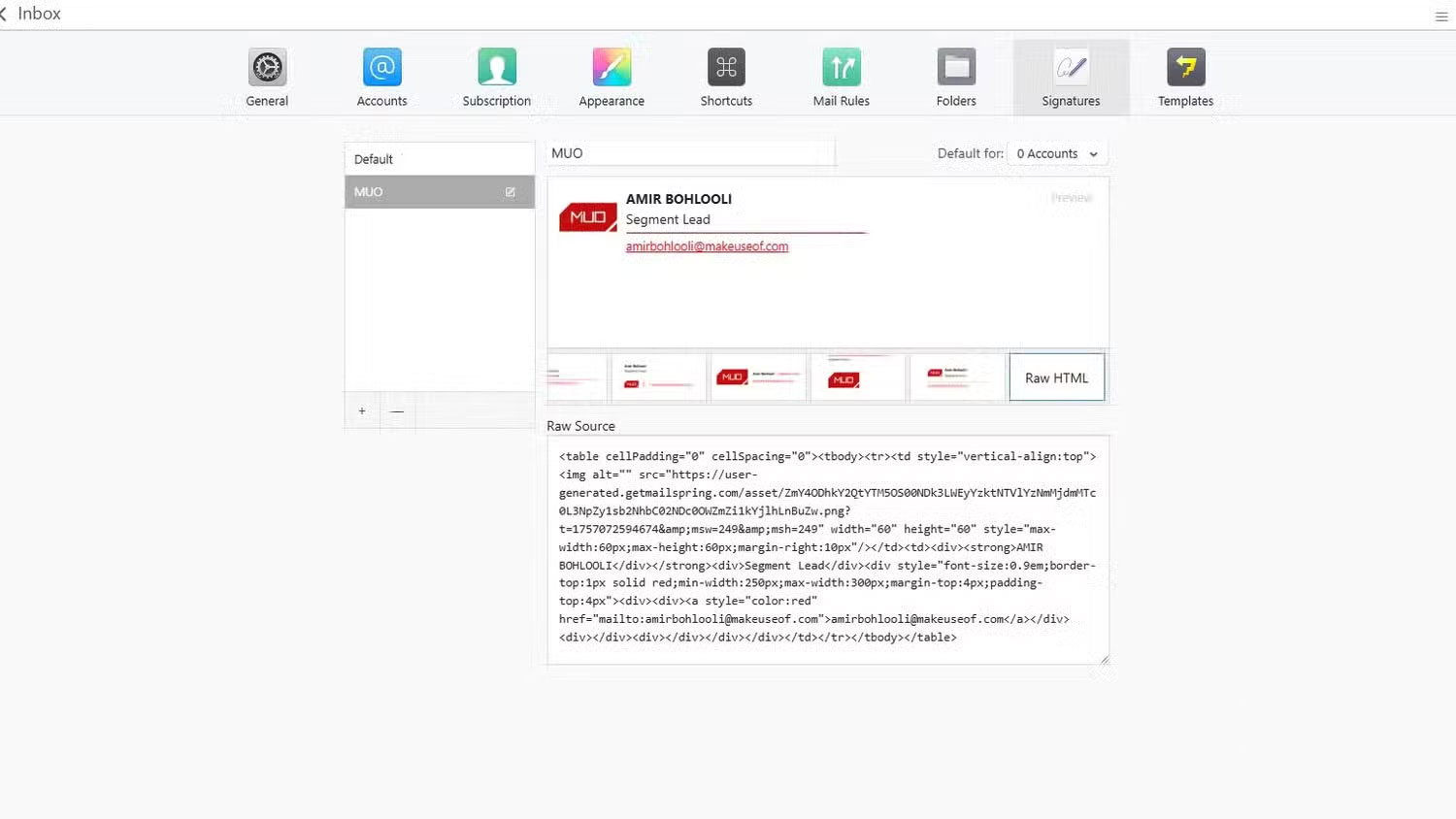
Everything you need from an email app is here. Scheduled sending, folders, labels, rules, etc. It even has a signature designer. You can set a signature for each address, and it looks really neat.
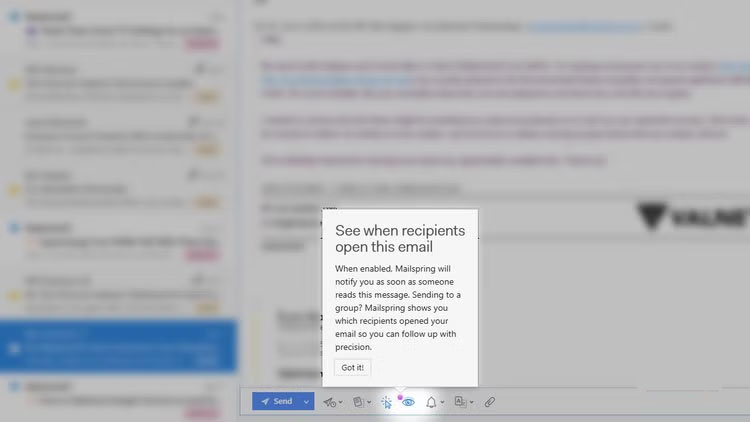
In addition to the basics, Mailspring adds some really useful extras like read receipts and link tracking. One of the worst things about email tracking is not knowing if someone has read your message and ignored it, or if it's just been hidden. Here's the solution. With just one click, you can toggle tracking on/off. It's on by default.
Mailspring has a paid subscription plan
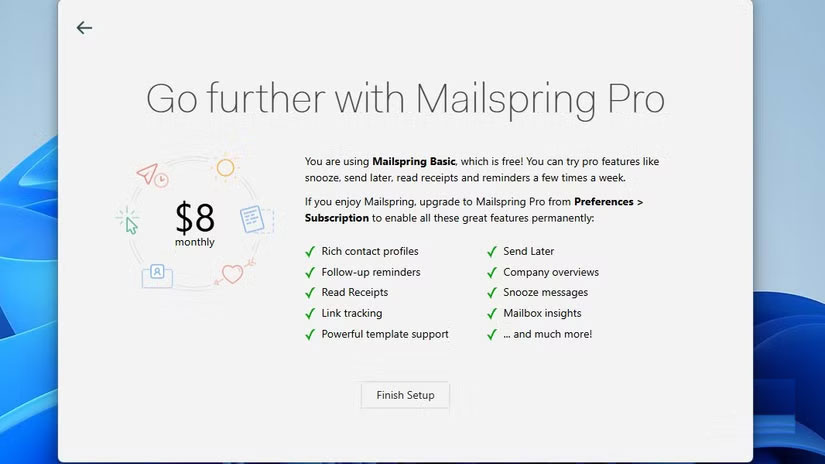
Many people were surprised to see the prompt to sign up for Mailspring Pro, which costs $8/month. But after a week of using it, they were never urged to upgrade. There were no locked buttons or gray menus that made you feel like you were 'missing out' without Pro.
Note : Even though there is a Pro plan, Mailspring is still free. You don't need to sign up for Pro unless you really want to, and you won't be prompted to do so.
So what does Pro actually offer? Mostly 'extras' that most people don't care about. Things like AI-based send time optimization, inbox insights, and a more advanced template system.
Mailspring runs on Windows, macOS, and Linux. It has you covered no matter what platform you're on — but I'm especially glad it's on Windows, because Outlook sucks. Hopefully people will stick around and develop it so you can see more plugins and themes from the community.
FAQ
What should you know about mailspring?
In practical terms, mailspring actually evolved from Nylas Mail. Nylas was released in 2015, but by 2017 the team had stopped maintaining it.
Why does mailspring matter?
The article highlights that mailspring actually evolved from Nylas Mail.
What is the main takeaway?
The main takeaway is that mailspring is easier to set up than Outlook When you first install Mailspring, you'll be asked if you want to create a Mailspring ID.
Related Articles
 Free Apps Can Replace Microsoft 365 Subscription Plans6 minutes read
 Top 5 Best Free Email Clients Applications for Desktop10 minutes read
 How to Play Pokémon GO on a Computer6 minutes read
 How to Play Pokémon GO on a Smartphone6 minutes read
 26 Types of Poké Balls Explained: Part 25 minutes read
 How to Earn and Use Stardust in Pokémon GO5 minutes read
Reader Comments 0
Sign in with email or Google to join the discussion.