Table of Contents
Explore i3wm -- a tiled window manager designed for x11, including the key concepts, practical examples, important considerations, and useful guidance.
Tile-based window managers are reshaping how professional users think about desktop productivity, and for those who spend all day in front of a screen, the efficiency benefits are undeniable. That's exactly what many people have done and can no longer go back to the conventional Linux interface.
What is i3wm?
i3wm is a lightweight, keyboard-controlled tile-based window manager that automatically arranges windows to maximize screen space and speed.
Why do traditional Linux desktop environments waste so much space?
Floating windows, constantly resizing, and excessive mouse clicks
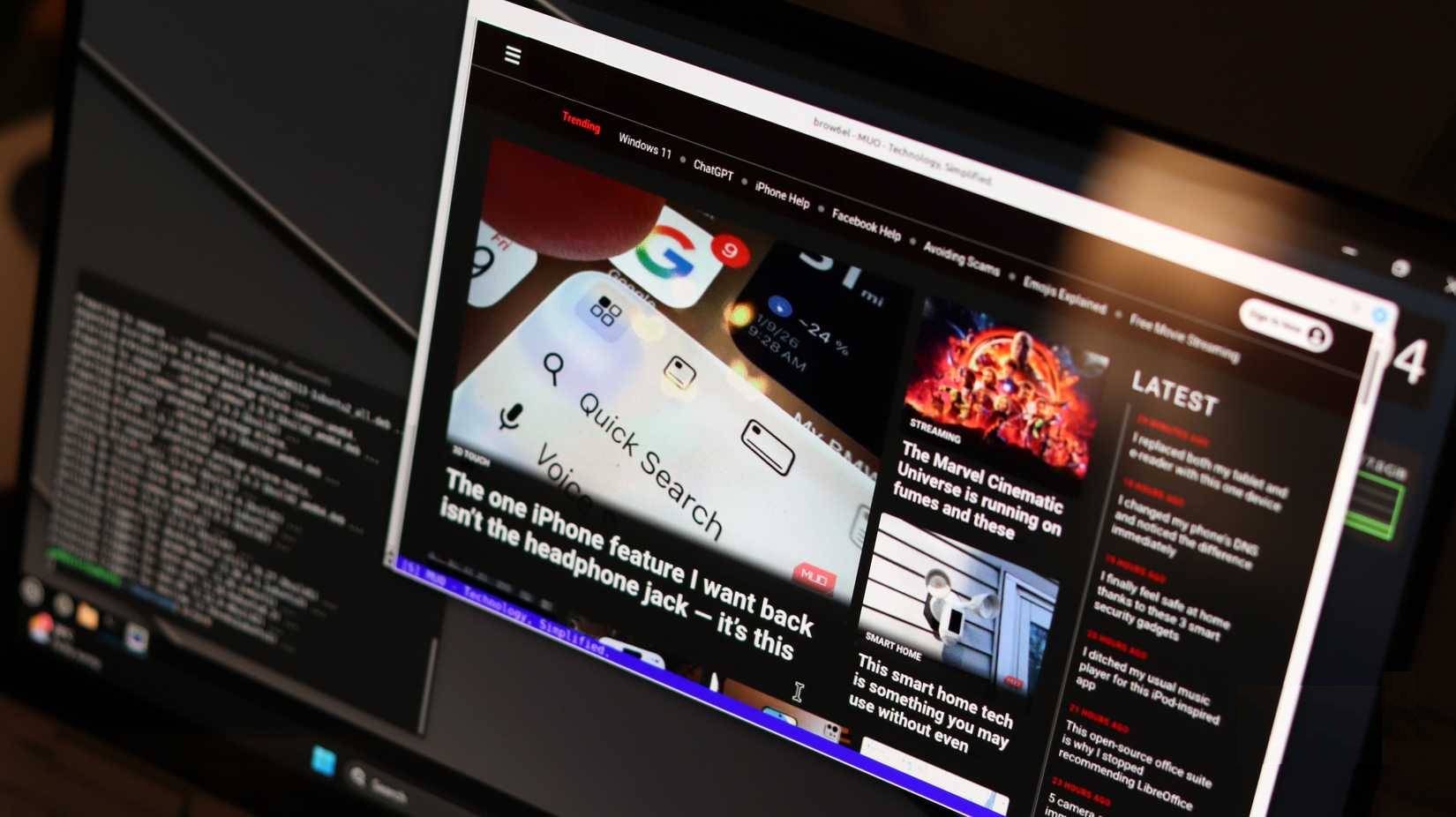
You know that annoying thing we do with floating windows? Opening an IDE, a terminal window, some documents, and then spending hours moving the windows around to see what's underneath. Or worse, minimizing and maximizing windows like a digital whack-a-mole game. That's the kind of window we're used to, and frankly, it's absurd when you think about it.
A tiled window manager completely eliminates this. Each window you open automatically arranges itself on the screen in a mathematically logical layout. No overlaps, no hidden content, no hassle. Your code editor takes up half the screen, the terminal window takes up a quarter, and your document fills the rest. Everything is visible and accessible without extra action. This is one of the best tools you can use to improve multitasking on Linux.
That's why i3wm was created. It's a free, open-source tile window manager that strikes a good balance between functionality and ease of use. It's lightweight, well-designed, and uses Vim-style keyboard shortcuts, making it instantly familiar.
Unlike some other minimalist window managers that require users to learn source code, i3 has simple configuration files and excellent community support on forums and Reddit. The default shortcut scheme follows Vim's conventions, but if you don't like it, you can simply edit a single configuration file and reassign all shortcuts to your liking.
Installing i3wm on Linux Mint is quite easy
If you know how to install packages and edit configuration files, that's great
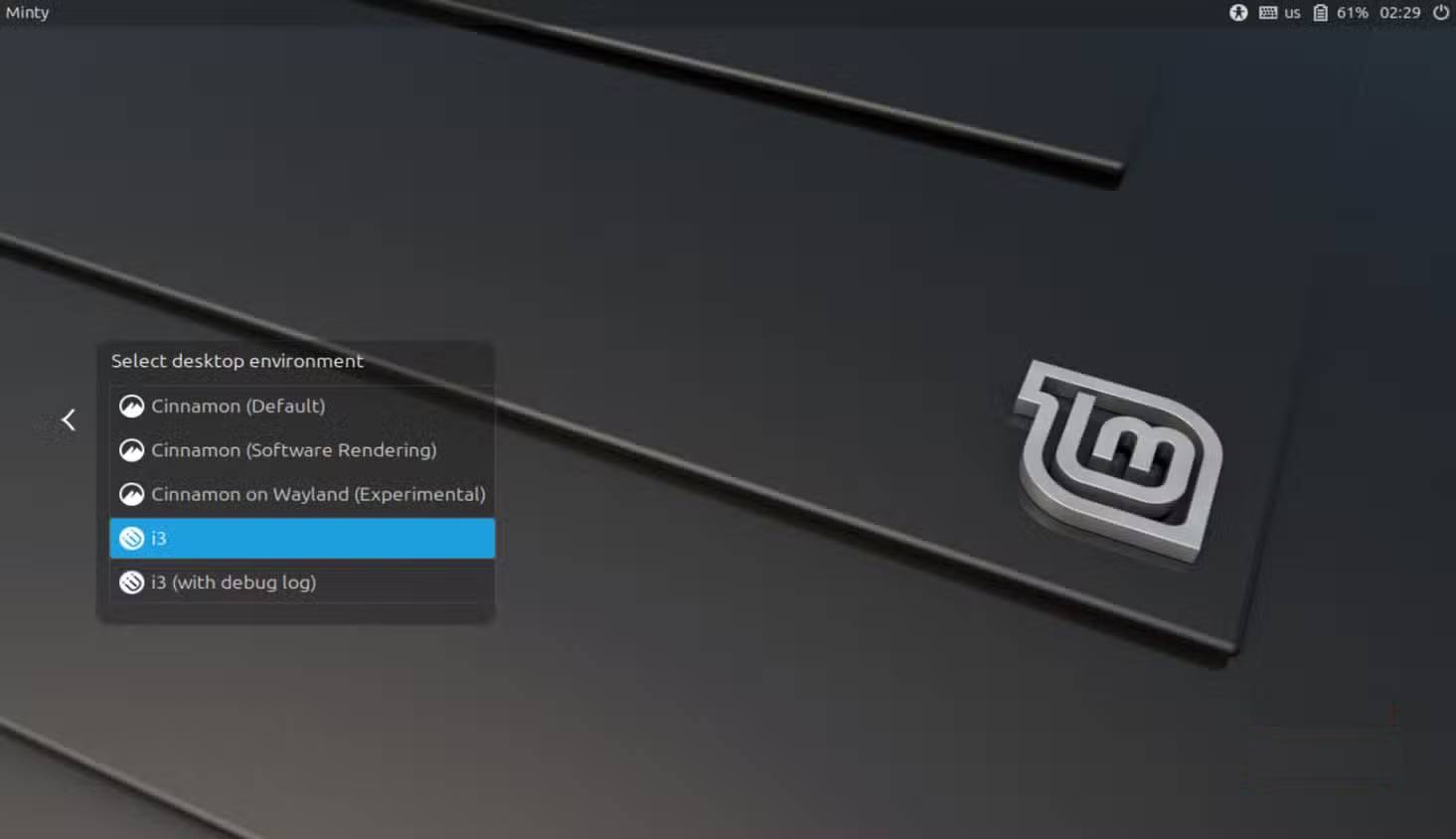
Many people use Linux Mint as their primary Linux operating system, and installing and setting up i3wm is quite simple. Just run the following commands in sequence:
sudo apt update sudo apt install i3During installation, you will be asked to choose a display manager. If you are unsure, choose LightDM (Mint's default). The installation will download i3, i3status, and i3lock—everything you need for the window manager to work.
After installation is complete, log out of your current session. On the login screen, click the session selector, usually a small icon near the password field, and select i3 from the list. Log in with your password and you're ready to go.
You'll be asked if you want to create a configuration file the first time you use i3. This allows you to choose a modifier key, which is how you control most of the window manager's functions. You should choose the Super key (the Windows key on most keyboards) because the Alt key often conflicts with many applications.
The grid layout ensures that every pixel is utilized to its fullest potential
No overlap, no clutter, just a neat, predictable layout
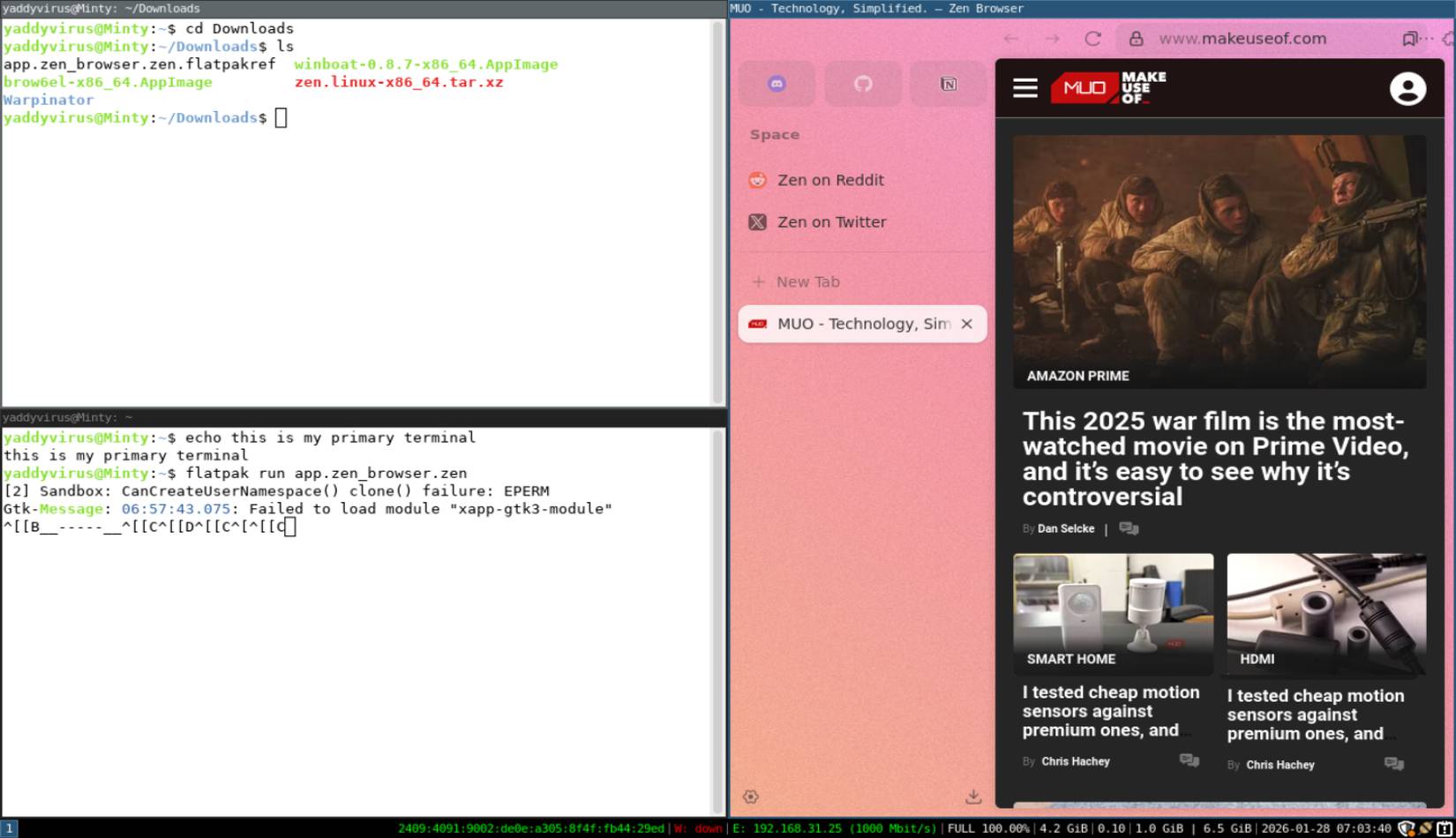
On Cinnamon, the workflow largely involves switching between multiple windows as needed. With i3wm, each window you open automatically adjusts its size to fit the available space. It continues to split as you open new programs. There's no need to manually arrange windows because every window is always visible.
On a dual-monitor setup, this is even better. Each screen has its own independent grid layout, and the additional workspace adds another layer of organization. You can set up different workspaces for tasks such as programming, document creation, communication, editing, etc. Switching between them is just a single keystroke, without having to search through the task switcher.
By the way, once you get used to the i3 keyboard shortcuts, the whole workflow will be faster because your hands will never leave the keyboard. You can focus on windows, move them, split containers, and change the layout without using the mouse. These operations are neither complicated nor arbitrary. In fact, they are very logical once you start using them.
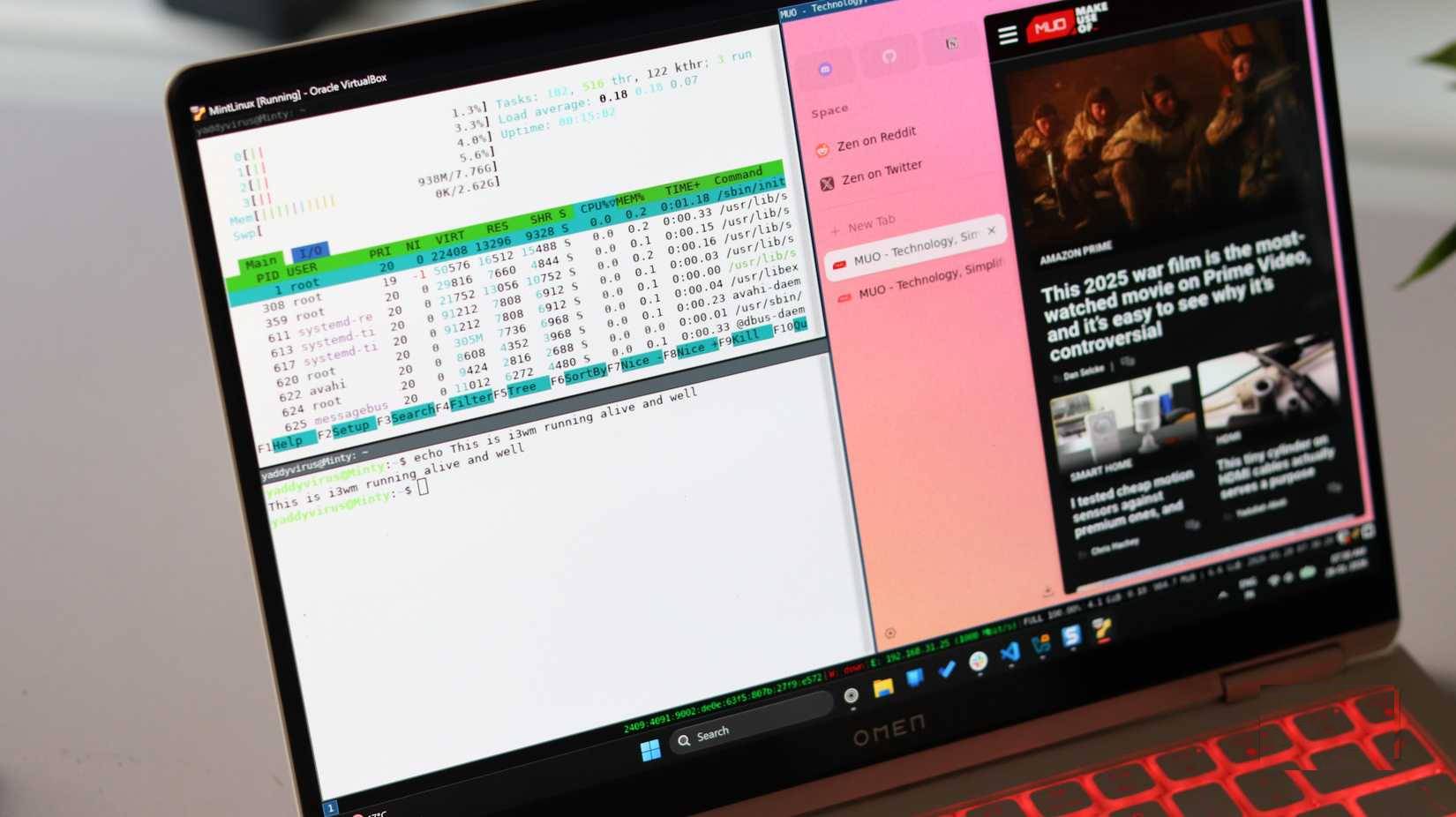
Additionally, you'll also see a significant reduction in system resource usage. Linux Mint 's Cinnamon environment is quite comfortable, but not lightweight. Cinnamon, the file manager, system settings, the control panel, and many other applications all run simultaneously. In contrast, the i3 is extremely minimalist.
A typical i3 session consumes around 150 to 200 MB of RAM in idle mode. This might not seem like much on modern systems, but the difference is noticeable on older laptops or hardware. Everything runs faster, applications launch slightly quicker, and the entire system operates more smoothly, as if it doesn't have to struggle to keep up with you.
Once you get used to it, managing windows using the keyboard can be quite addictive
After a few commands, typical desktops become annoyingly slow
i3 isn't absolutely better than Cinnamon. It's better for specific workflows—multiple windows, command line, keyboard priority. But for the average user who just wants to open Firefox and browse the web, it creates unnecessary inconvenience. While many love the Linux terminal, a graphical interface is still recommended for anyone who doesn't want to use commands or is switching from Windows or macOS.
The magic of the i3 happens when muscle memory kicks in and keyboard navigation no longer requires thought. If you can overcome that hurdle, chances are you'll find a desktop environment that's unobtrusive and allows you to work efficiently.
But that requires deliberate effort. And that's the real difference between Cinnamon and i3wm, not performance or raw features. Cinnamon will give you immediate rewards, while i3 will give you rewards later, if you persevere with use.
Final Thoughts
Understanding i3wm -- a tiled window manager designed for x11 makes it easier to evaluate the information and apply the most relevant recommendations. Focus on the key points above and verify details that may change over time.
FAQ
What is i3wm -- a tiled window manager designed for x11?
Explore i3wm -- a tiled window manager designed for x11, including the key concepts, practical examples, important considerations, and useful guidance.
What key points does this article cover?
The article focuses on What is i3wm?, Why do traditional Linux desktop environments waste so much space?, Floating windows, constantly resizing, and excessive mouse clicks, with practical explanations and examples.
How can you use this information in practice?
Use the explanations to compare options, verify important details, and make a more informed decision. Apply the recommendations that best match your goals and situation.
Related Articles
 9 Important Things to Do After Installing I3wm10 minutes read
 Desktop Window Manager on Windows 10 Crashes Due to DirectX Error4 minutes read
 Warning of Zero-day Vulnerabilities in Window Manager on PC3 minutes read
 Please Download More Than 90 Beautiful Windows Wallpapers for3 minutes read
 How to Open Device Manager in Windows2 minutes read
 All Problems About Using Task Manager6 minutes read
Reader Comments 0
Sign in with email or Google to join the discussion.