Table of Contents
To find the End Portal in a normal survival world, look for an underground stronghold in the Overworld. This is different from a Nether fortress. Eyes of Ender are the usual survival navigation tool; seed maps and commands are alternatives if your world’s rules allow them.
1. Follow Eyes of Ender
Bring food, armor, a weapon, torches, blocks, and a pickaxe. Carry spare Eyes of Ender: some break when thrown, and you will also need eyes for empty portal frames.
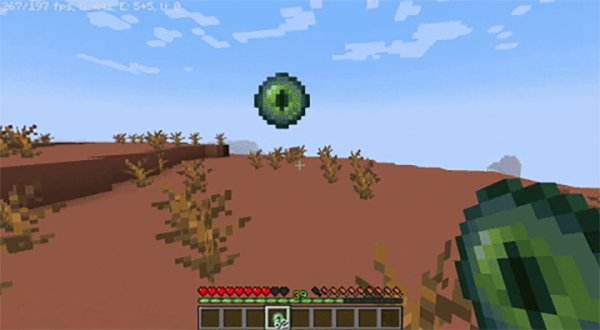
- Use an Eye of Ender while standing in the Overworld and watch its direction.
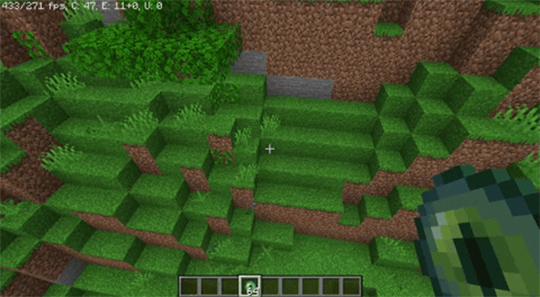
- Travel that way, picking up any eyes that drop. Throw again periodically to check your course.
- When the direction reverses over a short distance or the eye heads downward, narrow down the location.

Dig a staircase rather than digging straight down. The eye leads toward the stronghold, not directly to the portal room. There is no single depth that works for every world.
2. Use a seed map
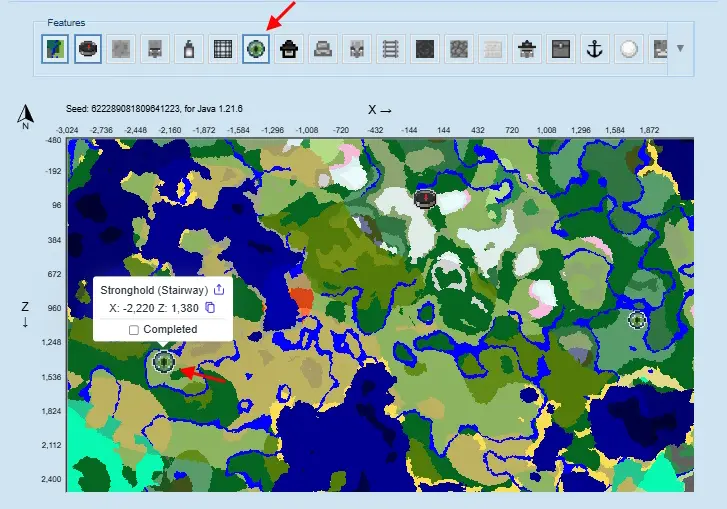
If you know the world seed, Chunk Base’s Stronghold Finder can help locate candidate coordinates.
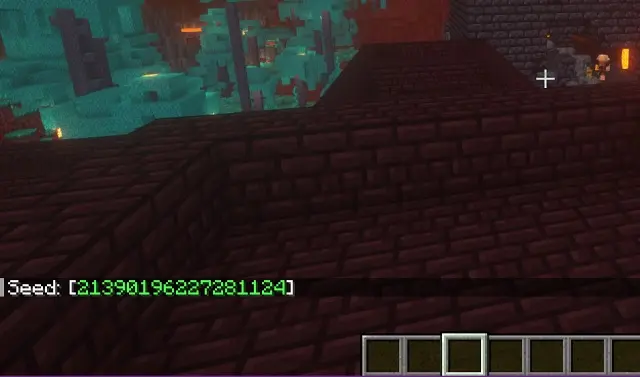
- Obtain the seed from your world settings, save, or an authorized command. On a server, ask the owner if you lack access.
- Enter it in the finder and select the correct edition and generation version.
- Read the stronghold’s X and Z coordinates, then travel there in the Overworld.
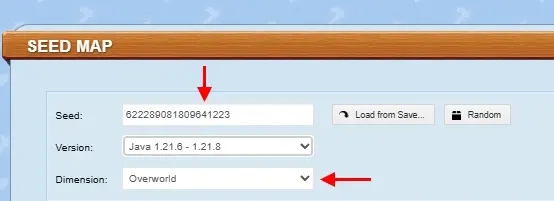
For worlds upgraded across versions, select the version that generated the area. Mods and custom generation can cause mismatches. A map coordinate may still require searching at different heights.
3. Use the locate command
With the required permissions, current editions support a command such as:
/locate structure strongholdUse chat autocomplete for the exact structure identifier accepted by your edition. See the Bedrock locate reference. Commands and cheat settings can affect achievement eligibility, so check your world settings before changing them.
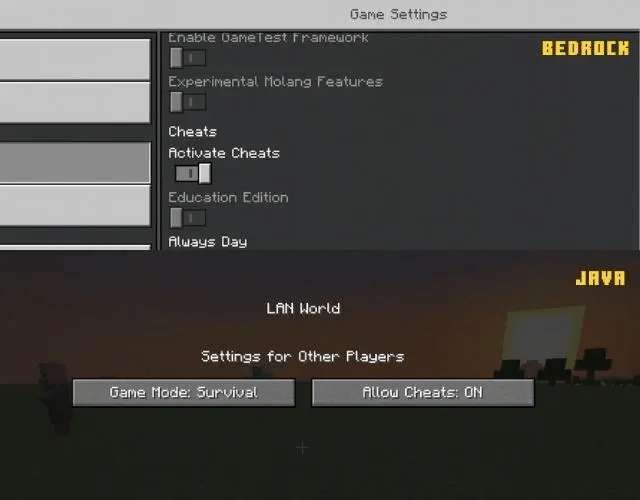
The returned location identifies the structure. You can travel there normally; teleporting is optional and requires separate permission.
Find and activate the portal room
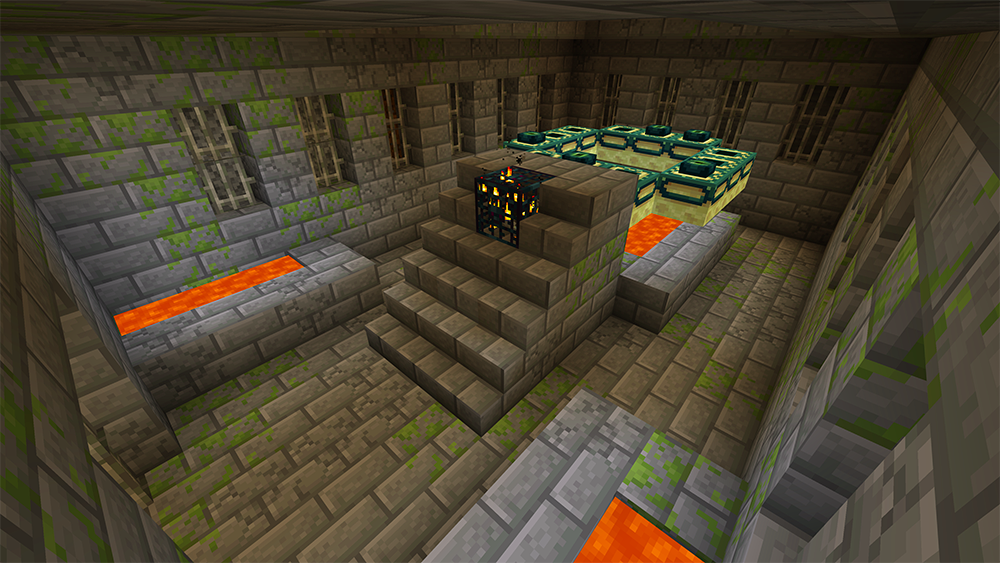
Explore corridors systematically, mark routes, and note useful coordinates. Libraries and chests can provide resources, but loot is not guaranteed. Watch for ordinary hostile mobs in dark areas, silverfish, and lava near the portal.
An End Portal has twelve frame blocks. Insert an Eye of Ender into each empty frame; some may already contain one. Do not jump in until you are ready for the End and have prepared for the dragon encounter.
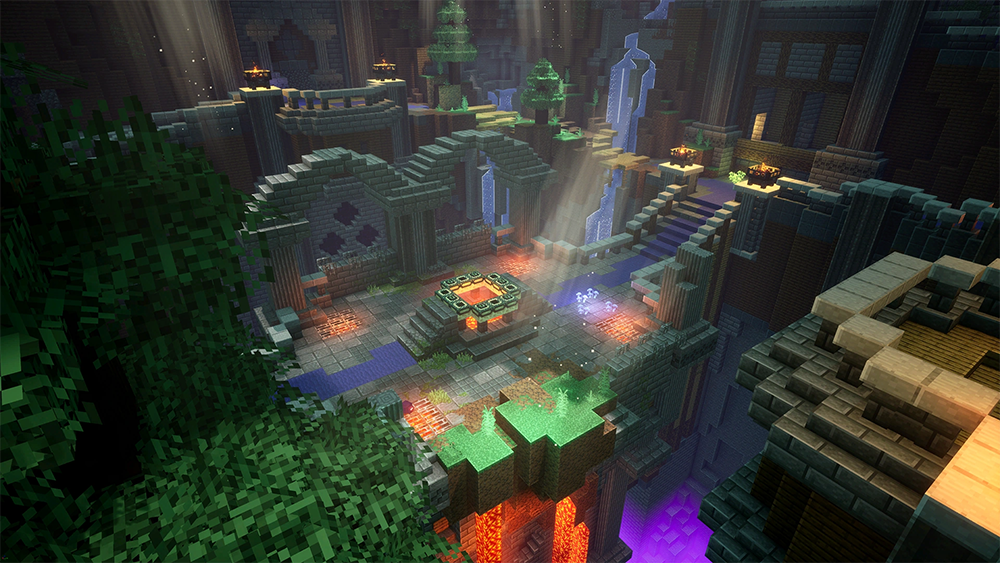
If you cannot find a portal room, search connecting passages carefully. World generation and edition differences can complicate layouts; an apparent dead end does not establish that every stronghold is identical. You can locate another stronghold rather than keep digging without a plan.
Related Articles
 How to find Nether in Minecraft
 Instructions to find ores in Minecraft 1.18 Caves and Cliffs
 Minecraft chicken variants: Where to find warm, cold, and temperate chickens
 How to Find Calcite in Minecraft
 Instructions on how to fly in Minecraft with Creative or Survival mode
 Scariest Minecraft Mods for a Horror Survival World
Reader Comments 0
Sign in with email or Google to join the discussion.