Table of Contents
Jan and LM Studio both make it easier to download and run language models on a personal computer. Jan is the clearer choice when an open-source desktop application is a requirement. LM Studio is a polished proprietary product with its own local runtime and a growing set of agent, server, and remote-device features. Neither is automatically better for every user.
The useful question is not whether everyone should leave LM Studio. It is whether Jan's source availability and workflow outweigh LM Studio's interface, model management, and current feature set for the way you work.
Jan and LM Studio at a glance
| Consideration | Jan | LM Studio |
|---|---|---|
| Desktop app license | Open-source project; verify the license in its repository | Proprietary application with some separately licensed components |
| Local use | Runs supported models on your machine | Runs supported models on your machine |
| Cloud providers | Can connect to configured remote providers | Local-first features plus optional cloud or remote capabilities |
| Best fit | Users who value inspectable source and open development | Users who prefer LM Studio's workflow and integrated feature set |
Capabilities change quickly, so confirm the latest requirements in the Jan repository and LM Studio documentation before installing. TipsMake also compares Ollama and LM Studio if a command-line-oriented option is acceptable.
Why Jan is a credible alternative
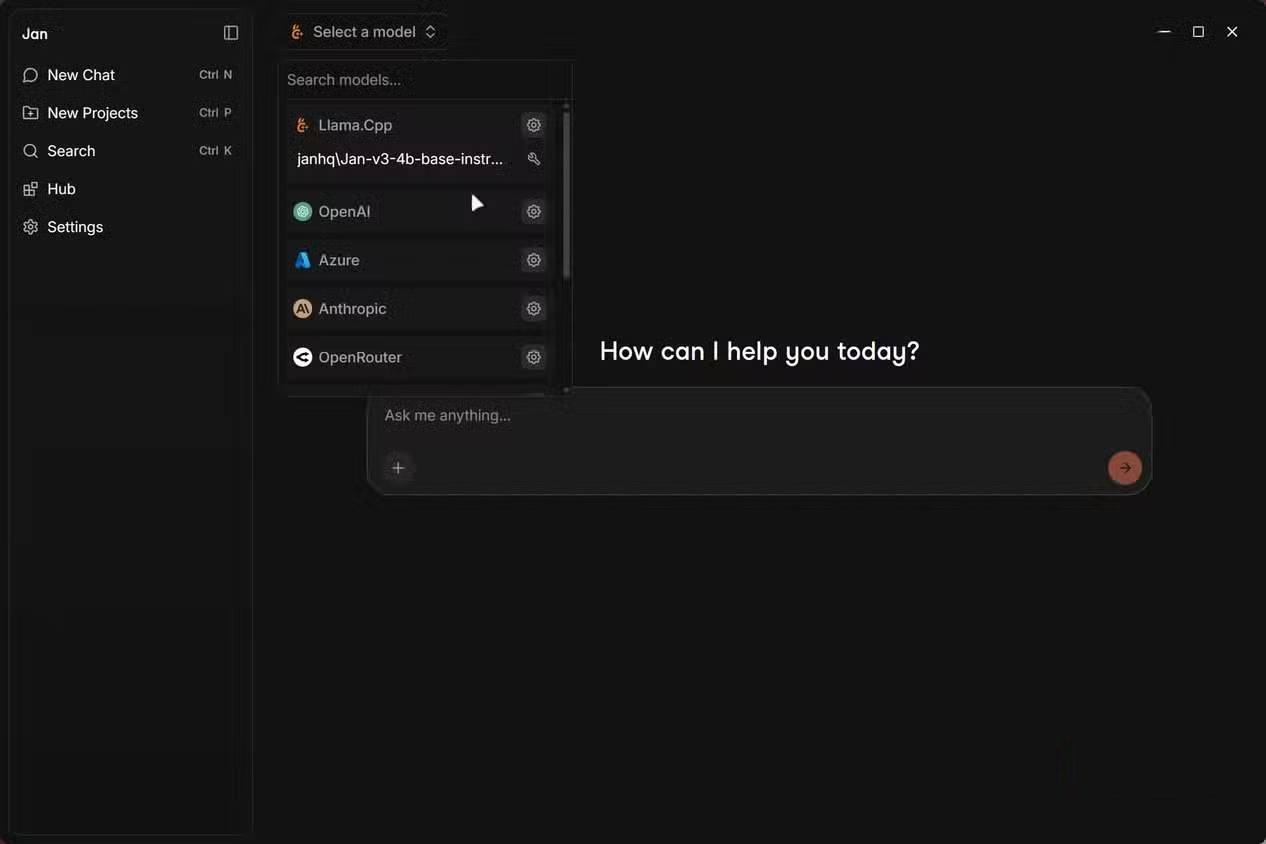
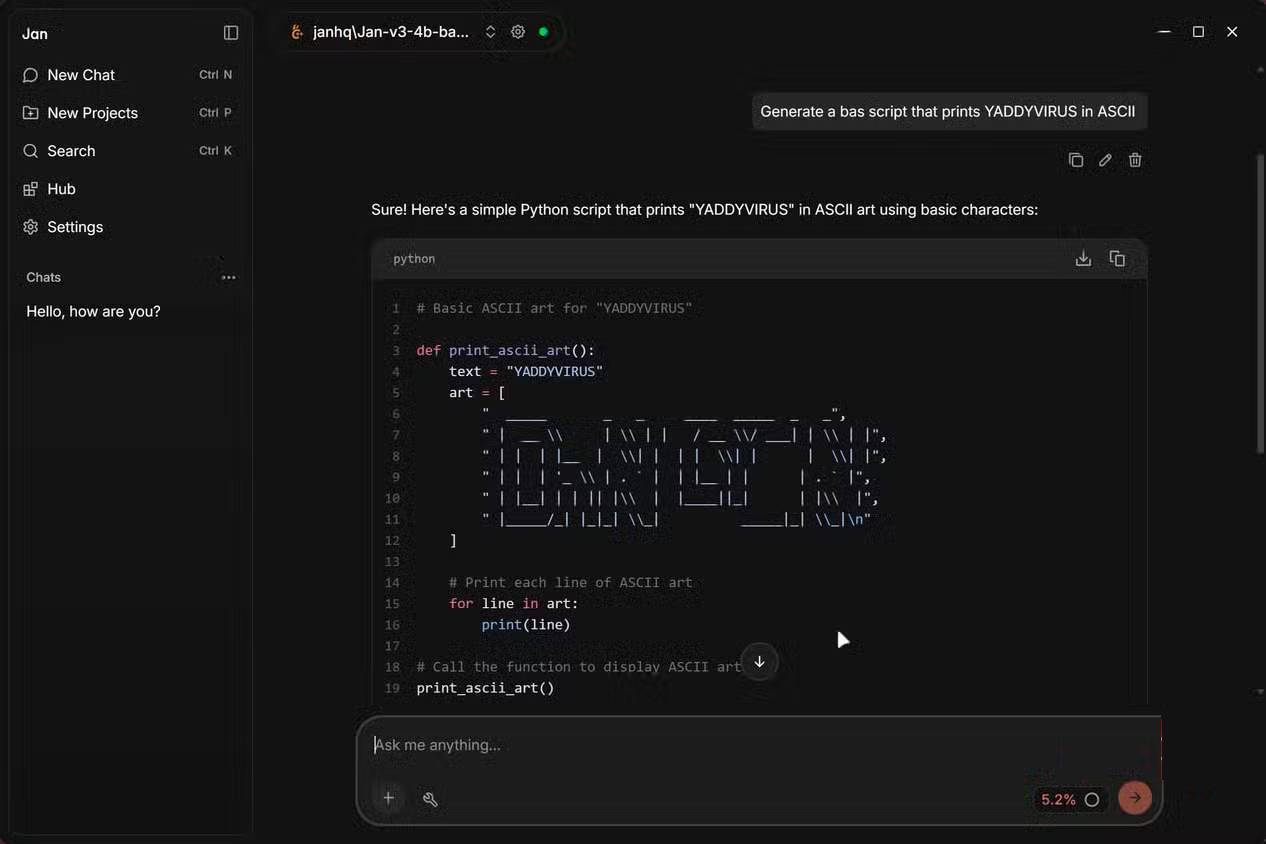
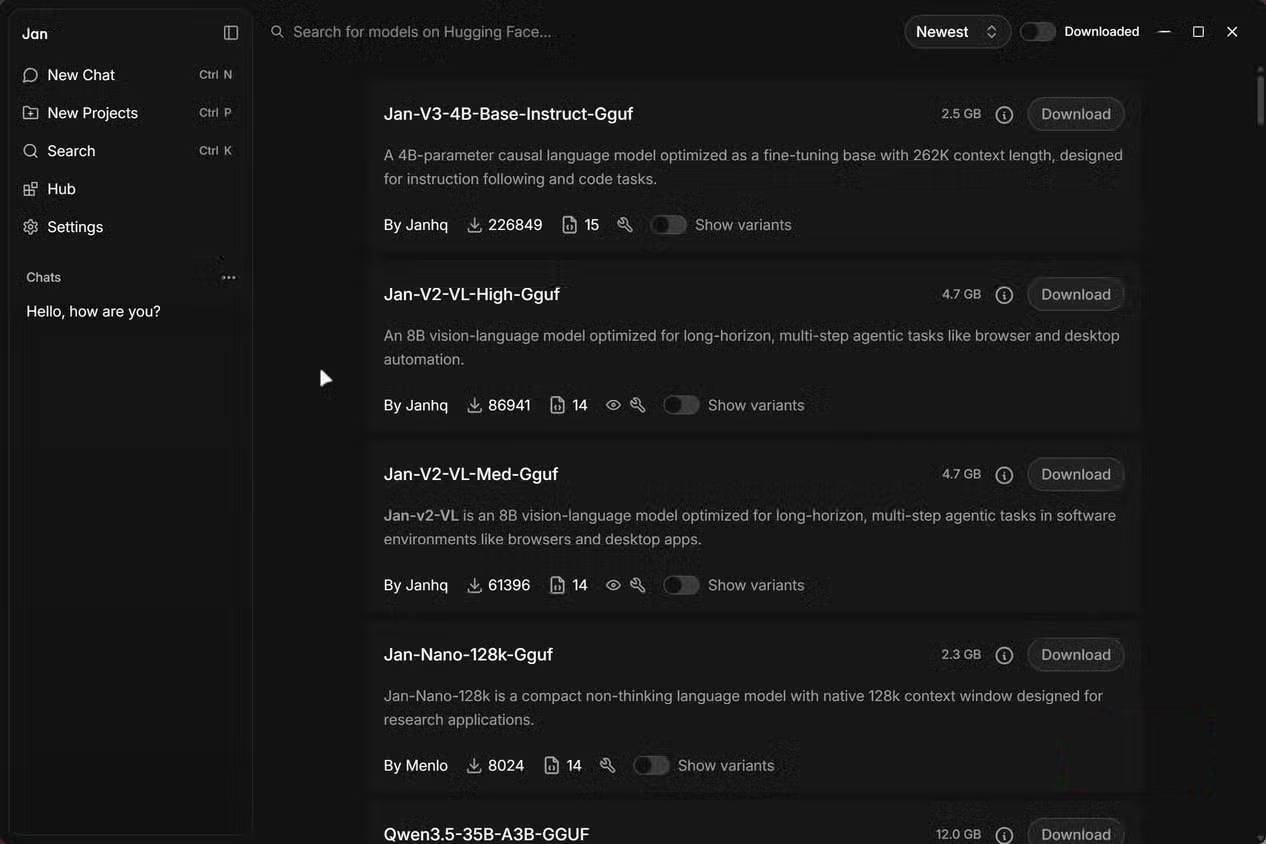
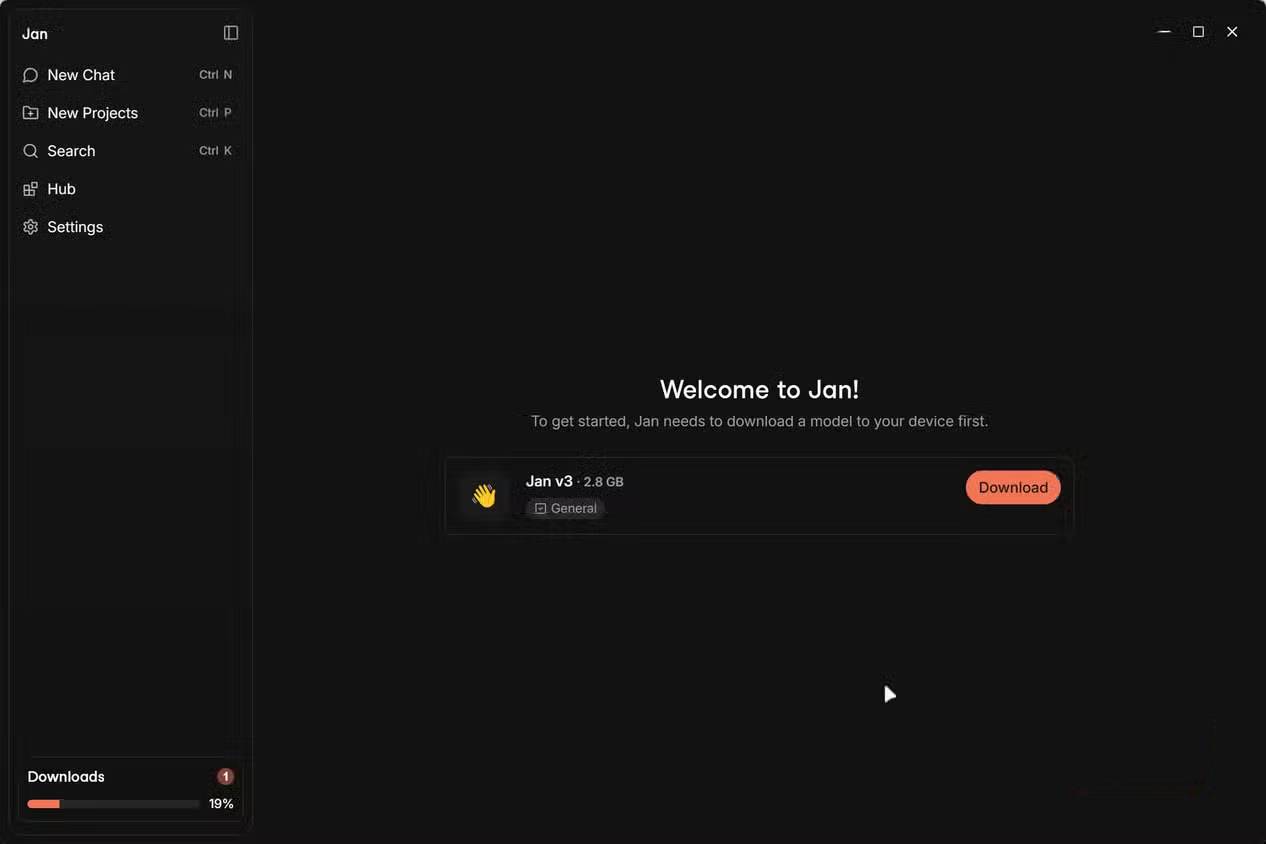
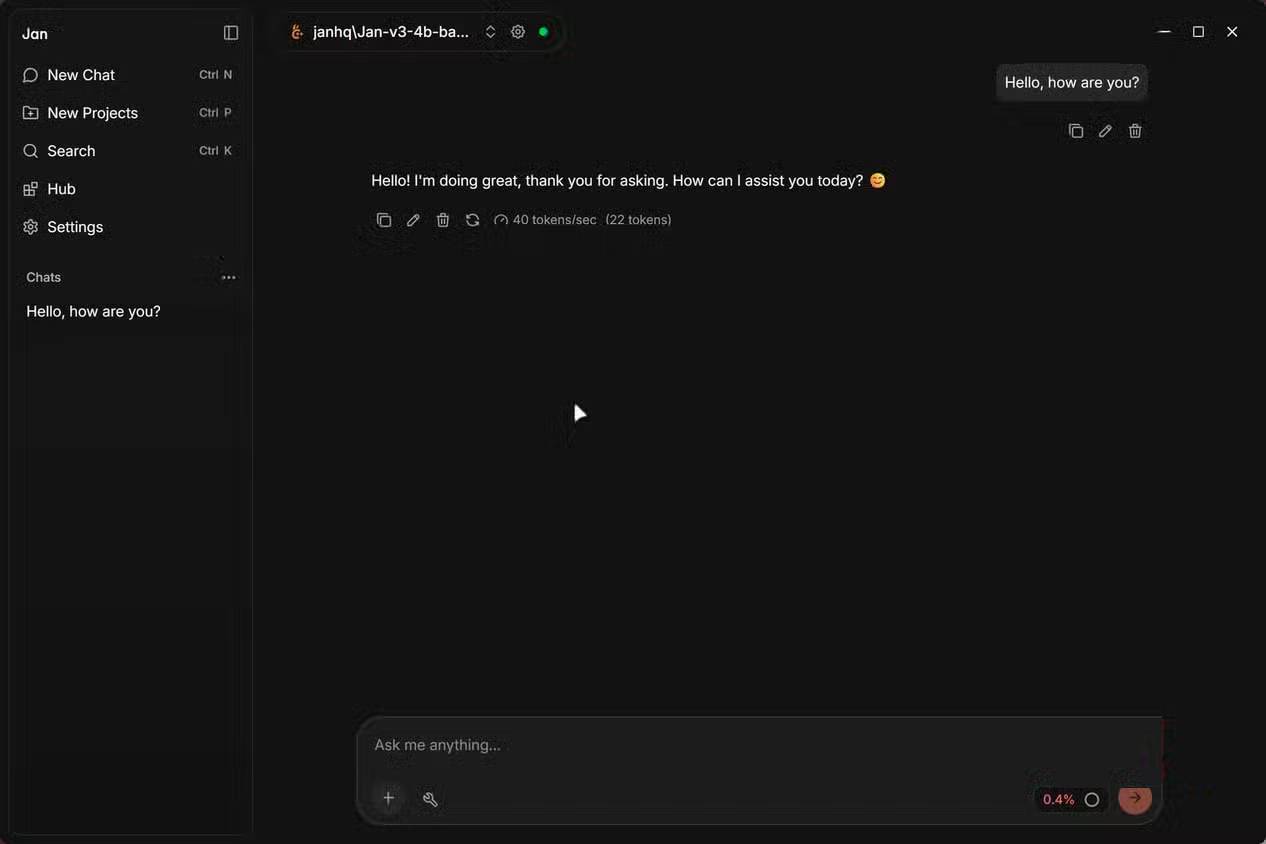
Jan provides a familiar chat interface, model management, and local inference without requiring users to assemble a command-line stack. Its source code is public, which allows technically capable users and organizations to inspect the project, follow changes, and contribute fixes.
That transparency is valuable, but open source is not a guarantee of security or stability. Review release notes, download from the official project, keep the app updated, and evaluate extensions before granting file or network access.
Model choice and performance
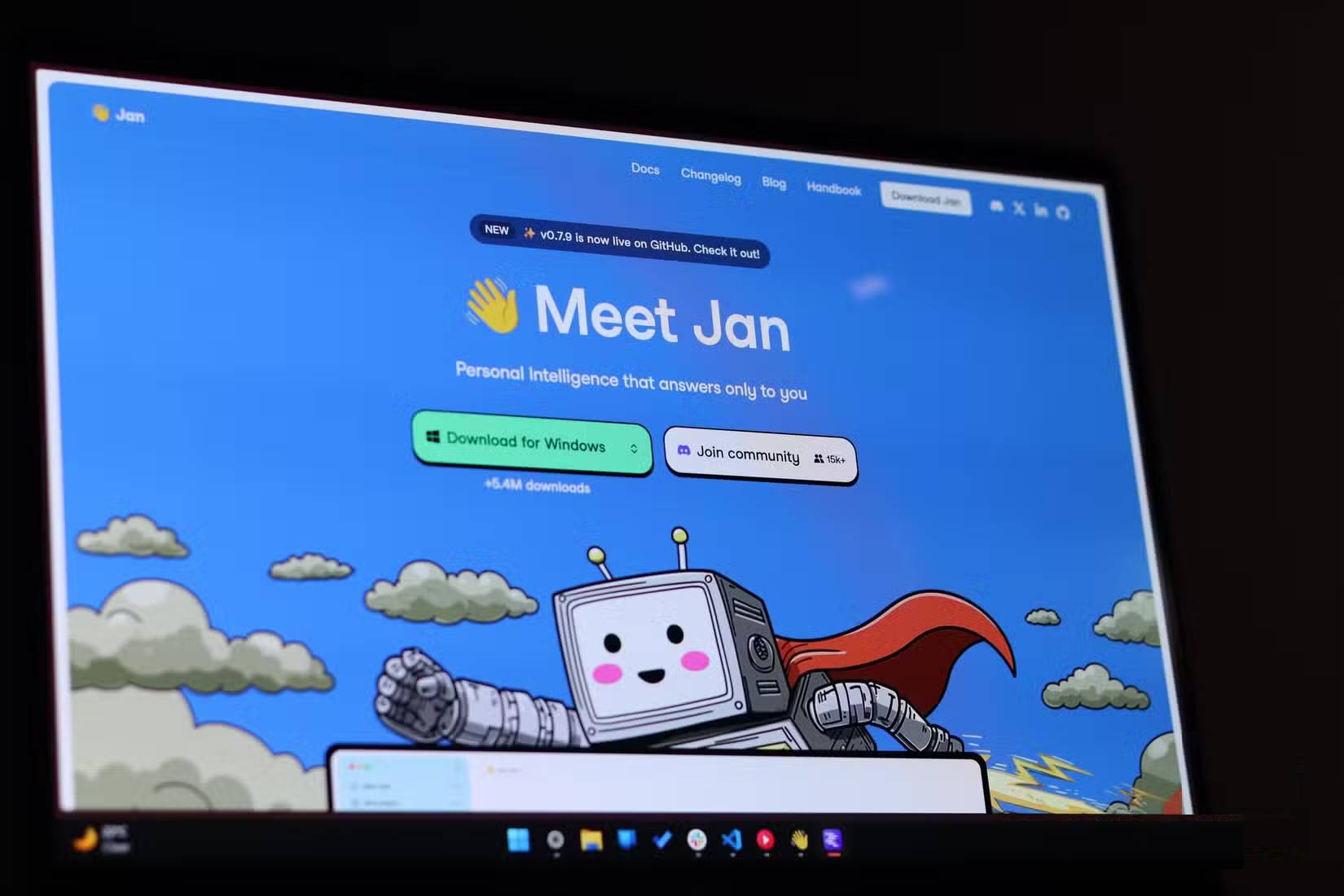
Both applications can run popular open-weight model families when a compatible build is available. The model's format, quantization, context size, and your hardware matter more than the app name. A model that fits comfortably in memory can respond well; one that exceeds available RAM or VRAM may be slow or fail to load.
Do not assume the same model will perform identically in both programs. Runtime version, acceleration backend, context settings, and sampling controls can change speed and output. Test with the same model file, prompt, and context length if performance is central to your decision.
Privacy: local does not mean risk-free
A local model can keep prompts and generated text on your device during inference. That benefit disappears for a conversation routed to a remote API, and other features may still make network requests for model downloads, updates, links, or optional services.
For sensitive work, verify which model is selected, disconnect optional providers, inspect application settings, and test network behavior if your risk level requires it. Protect the computer itself with encryption, updates, and account controls because local chat history is only as secure as the device storing it.
Should you switch?
- Choose Jan if an open-source desktop client is a firm requirement, you want to follow development publicly, or its interface and provider support fit your workflow.
- Keep LM Studio if it already runs your models reliably and its current tools are useful. A hypothetical future license change alone is not proof that your present setup is unsafe.
- Test both if model speed, memory use, or API compatibility matters. Use a non-sensitive prompt set and compare the exact tasks you perform.
Migration may not be automatic. Back up prompts or chats you need, record model filenames and settings, and expect to reconfigure providers or API keys. You can also explore TipsMake's list of open-source AI applications before deciding.
Related Articles
 OmniVoice Studio: an Open-Source AI Voice Solution Worth Trying9 minutes read
 Open-Source Activepieces7 minutes read
 4 Great Benefits of Using Open Source Software6 minutes read
 Stop Struggling with LM Studio's Mock-Up UI! Switch to Ollama!6 minutes read
 Try Switching Everything to Open Source for a Week, You'll Be Amazed!6 minutes read
 Open Design: Free Open-Source Claude Design Alternative11 minutes read
Reader Comments 0
Sign in with email or Google to join the discussion.