Table of Contents
Gemma 4 can run locally on some modern phones, but it is not automatically the best chatbot for every user or task. The main advantages are offline access and greater control over prompts; the trade-offs are a large download, substantial memory use, battery consumption, slower generation on weaker hardware, and no built-in access to current web information.
For mobile use, the relevant Gemma 4 variants are E2B and E4B. Google describes these as its mobile and edge models. The larger 12B, 26B A4B, and 31B variants target laptops, workstations, or servers rather than phones.
What Gemma 4 can do locally
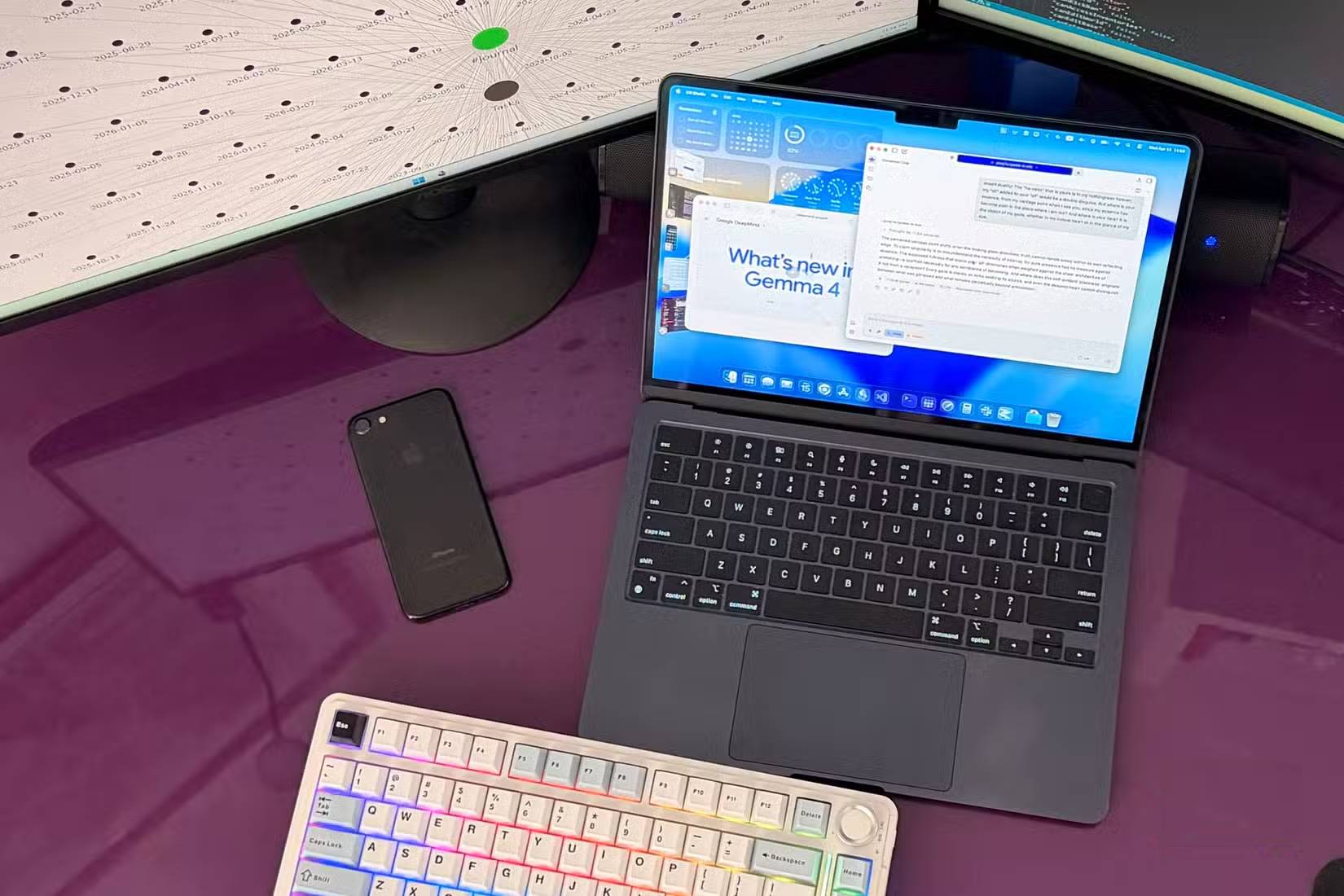
Once the model files and a compatible runtime are installed, prompts can be processed on the device. This makes a local model useful when you have no connection or do not want routine text sent to a hosted chatbot.
Reasonable phone-sized tasks include:
- rewriting an email, note, or paragraph;
- summarizing text you provide;
- brainstorming names, outlines, or questions;
- explaining a stable concept in simpler language;
- drafting or reviewing a small code snippet;
- working with an image or short audio input when the chosen model and app support it.
Gemma 4 is still a generative model, so a fluent response can be incomplete or wrong. Check calculations, code, quotations, health guidance, legal information, and other consequential answers against reliable sources.
Which Gemma 4 size fits a phone?
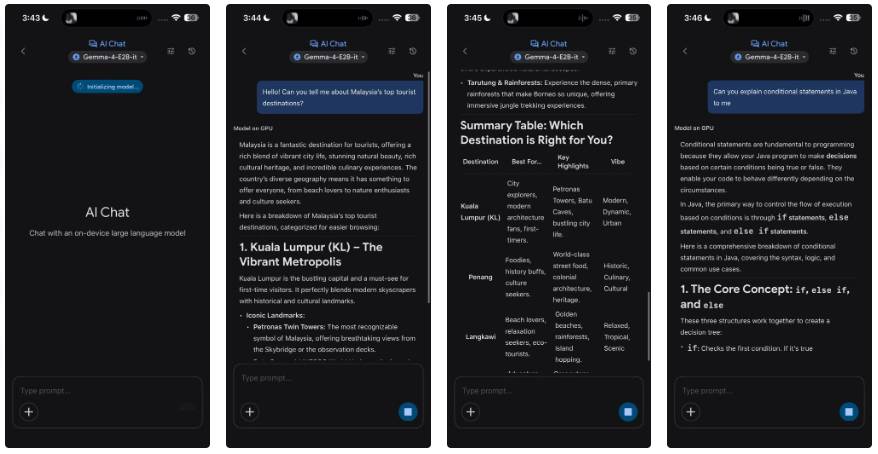
Google lists two mobile configurations. Its estimates include overhead and may differ by runtime and device:
| Model | Approximate mobile memory | Approximate text-only memory | Best fit |
|---|---|---|---|
| Gemma 4 E2B | 1.1 GB | 0.84 GB | The lighter starting point for phones |
| Gemma 4 E4B | 2.5 GB | 2.2 GB | More capability when the device has sufficient resources |
Those figures describe memory needed for inference, not the total free storage, operating-system headroom, or download size you may need. A phone can technically load a model and still deliver an unpleasant experience because of thermal throttling, slow generation, or aggressive app eviction. Test the smaller model first.
For the current model list and requirements, consult Google's Gemma 4 model overview rather than relying on a device list that can quickly become outdated.
Why local chat can be useful without a connection
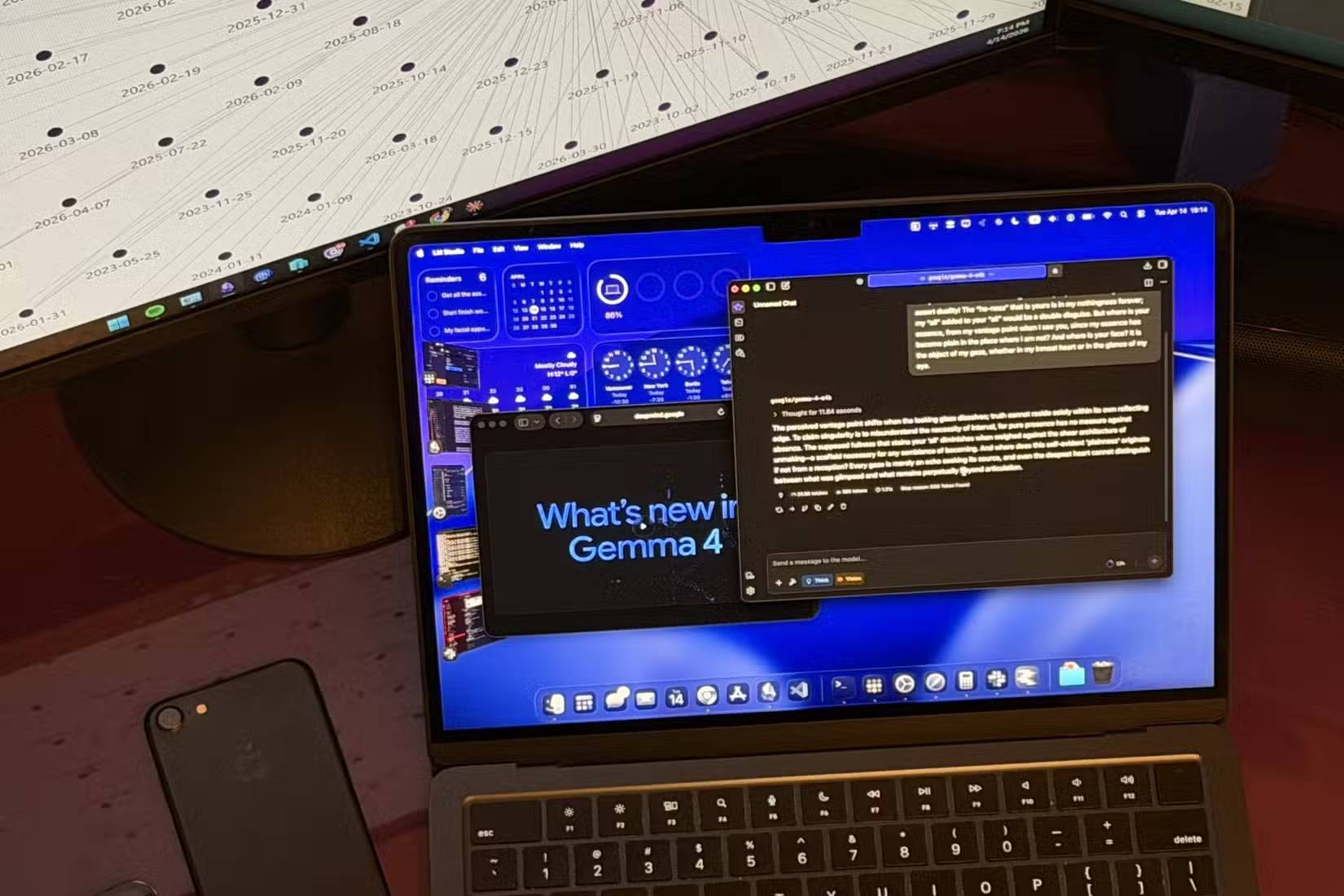
A cloud chatbot sends a request to remote infrastructure and returns the generated response. A local runtime performs inference on the phone, so basic generation can continue in airplane mode after the required model is downloaded.
This removes network latency and avoids failed requests on a weak connection, but it does not guarantee faster answers. Speed depends on the phone, model size, context length, temperature, and runtime optimization. A well-provisioned cloud service may respond faster than an older phone.
Local models also do not automatically know what happened today. Unless the app deliberately connects the model to search or another live data source, it can only work from its training and the material included in the prompt. Use a browser or another current source for news, prices, schedules, software changes, and other time-sensitive questions.
Privacy is better only when the whole workflow stays local
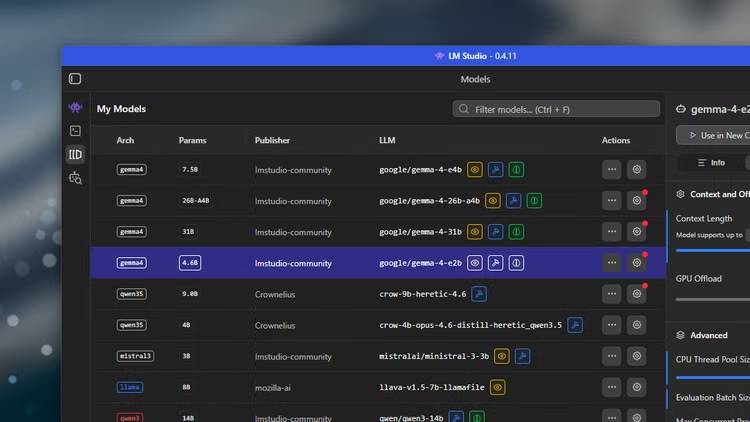
On-device inference can keep prompt content off a model provider's server. That is valuable for drafts and personal notes, but the model alone does not guarantee privacy. The hosting app may keep chat history, use analytics, back up files, or connect to online tools. The phone itself may also synchronize data to a cloud account.
Before entering sensitive text, check the app's network behavior, permissions, storage location, backup settings, and deletion controls. Keep the device encrypted and updated. Do not give a local model passwords, authentication tokens, or information that the selected app is not authorized to store.
How to try Gemma 4 safely
- Use a reputable runtime that explicitly supports the required Gemma 4 mobile package. Google documents the Google AI Edge Gallery and mobile inference options.
- Confirm available storage and memory, then start with E2B rather than assuming E4B will perform well.
- Download the model over a trusted connection and verify that it comes from the runtime's official source.
- Disable network access temporarily to confirm which features actually work offline.
- Test with non-sensitive prompts and compare a sample of answers with authoritative sources.
- Monitor heat, battery drain, and response time before deciding whether local chat is practical for daily use.
When a cloud chatbot is the better choice
Use a cloud service when you need current web results, large or complex files, longer context, faster output than your device can provide, or integrations that are unavailable locally. A local model is a complement, not a universal replacement: it is strongest for bounded tasks where offline operation and data control matter more than access to the newest information.
Related Articles
 Which Is the Best Free AI Model for Excel Formulas: Gemma 411 minutes read
 3 Local Llms That Can Run on a Phone8 minutes read
 Gemma AI and Gpt-4: Which Language Model Is Superior?10 minutes read
 5 Tasks Where Local Gemma 4 Can Beat Paid AI Services9 minutes read
 What Is Google Gemma 4? Everything You Need to Know About Google's New7 minutes read
 Gemma 4 Vs. Gemini: Which Google AI Suite Is Right for Your Workflow?15 minutes read
Reader Comments 0
Sign in with email or Google to join the discussion.