Table of Contents
Try LibreOffice Writer if you want a full-featured desktop word processor and work with both ODT and Word files. Start with ONLYOFFICE Desktop Editors if most of the files you exchange are DOCX. For important documents, test a copy in the app you plan to use before switching.
LibreOffice Writer: An ODT editor that can also save DOCX
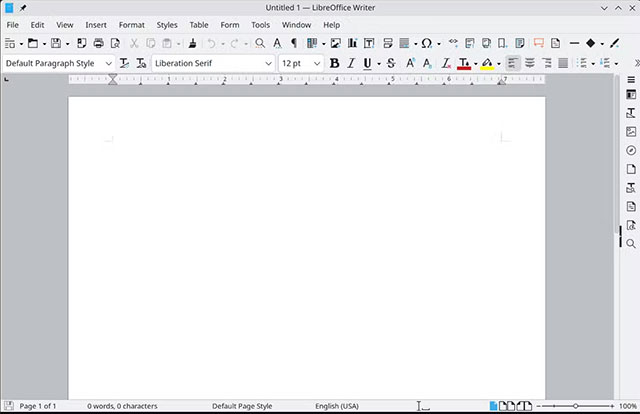
Writer supports styles, tables, long documents, and PDF export. Its default editable format is ODT, and it can open and save DOCX. It’s a good starting point if you want an offline suite with spreadsheet and presentation apps alongside your word processor. The LibreOffice Writer guide covers its file formats.
ONLYOFFICE Desktop Editors: A familiar choice for DOCX
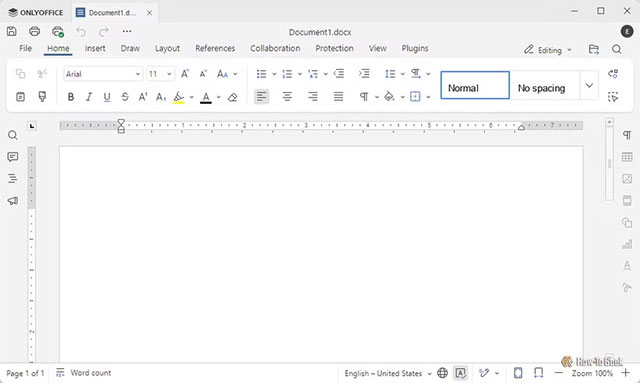
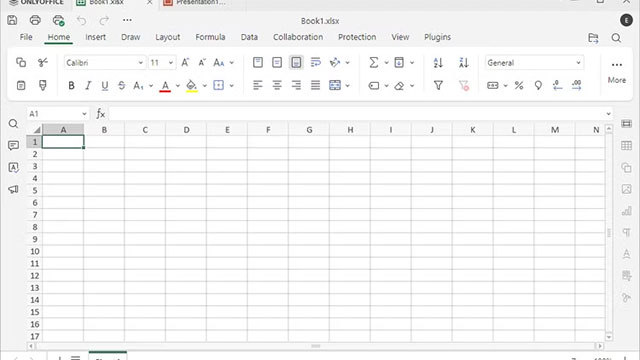
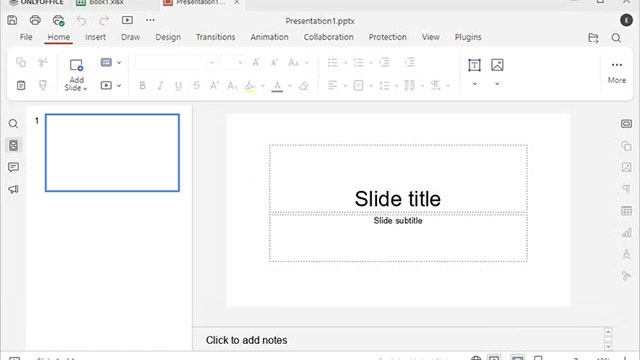
ONLYOFFICE uses a ribbon-style interface and supports local DOCX editing on Windows, macOS, and Linux. It can also connect to supported online workspaces for collaboration. Check that everyone has access to that workspace if you need simultaneous editing. See the desktop editor documentation for available formats and platforms.
Apache OpenOffice Writer: An option for ODT and older Word documents
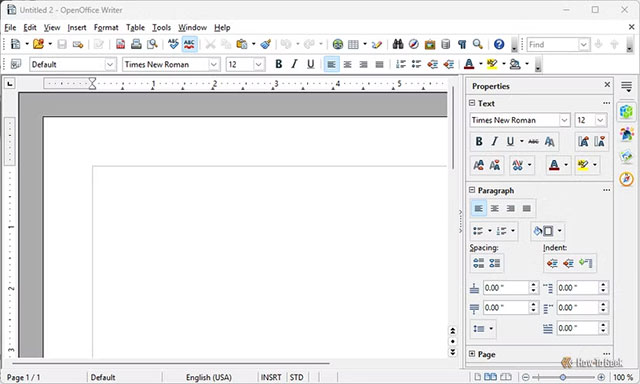
OpenOffice Writer has familiar menus and a sidebar for formatting. It works with ODT and can open DOCX, but Apache’s file-format guide says it cannot save back to DOCX. Choose another editor if recipients require that format.
Calligra Words: A Linux option for ODT
Calligra Words places many layout controls in a sidebar. It can open DOC and DOCX files and save edited documents in OpenDocument format. Consider it if you’re on Linux and your workflow already uses ODT. See the Calligra Words documentation for compatibility.

Test a copy of a document you actually use
Pick a file with the features that matter to you, such as comments, tracked changes, a table of contents, or custom fonts. Open it, edit a copy, save it in the format your recipient needs, and reopen it in their editor. Check page breaks, numbering, and the review markup. Consistent document styles and templates make formatting easier to maintain. If the recipient only needs to read a final copy, export and inspect a PDF while retaining the editable file.
Related Articles
 Word 2016 Complete Guide (Part 3): Get familiar with basic text manipulation
 Multiple choice questions about Microsoft Word 2010 have a P2 answer
 Multiple choice questions about Microsoft Word 2010 have P3 answers
 Great tips for Word 2010's text test tool
 How to Redact in Word
 5 Ways to find and replace words and phrases in Word 2019
Reader Comments 0
Sign in with email or Google to join the discussion.