Table of Contents
Windows users can install several capable AI applications, but “installed on your PC” does not always mean “runs locally.” LM Studio, Ollama, Jan, and ComfyUI can process compatible models on your own hardware. Perplexity Comet and GitHub Copilot install on Windows but use online services for their core AI features.
The right choice depends on what you want to do, how powerful your PC is, and whether offline use or data privacy matters.
Quick comparison
| App | Best for | Where AI processing happens | Internet needed? |
|---|---|---|---|
| LM Studio | Chatting with and testing local language models | Local PC | Only to download models and updates |
| Ollama | Running local models from the command line or an API | Local PC | Only to download models and updates |
| Jan | A desktop chat interface for local models | Local PC for local models | Not after setup for local use |
| ComfyUI | Node-based AI image workflows | Local PC | Only for setup, models, and updates |
| Topaz Photo | Photo denoising, sharpening, and upscaling | Primarily the desktop app; some features may use cloud services | Depends on the feature and licensing |
| Perplexity Comet | AI-assisted browsing and web research | Cloud service | Yes |
| GitHub Copilot for VS Code | AI coding assistance inside an editor | Cloud service | Yes |
1. LM Studio
LM Studio provides a graphical interface for discovering, downloading, and running compatible large language models. It is a good starting point if you want a ChatGPT-style desktop experience without sending each prompt to a hosted chatbot.
You can compare models, change generation settings, chat with local files through supported workflows, and expose a local API for other applications. Model performance depends heavily on available RAM, GPU memory, and model size. The official system requirements recommend 16GB of RAM and at least 4GB of dedicated VRAM for a practical starting point on Windows.
2. Ollama
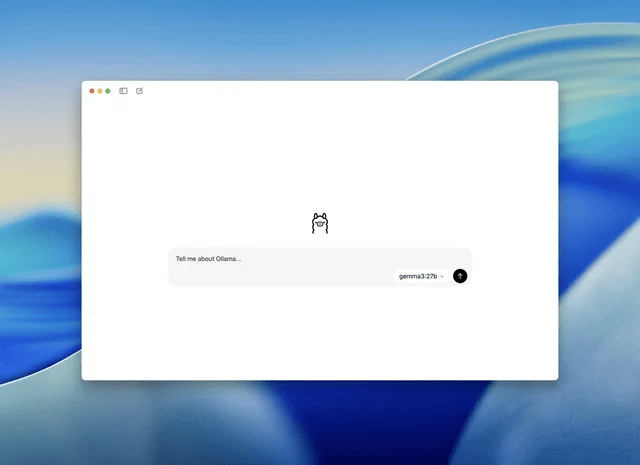
Ollama for Windows is designed for people who are comfortable with a terminal or want to connect local models to other software. After installation, you can pull a supported model, run it from the command line, or call Ollama through its local API.
Ollama is particularly useful for developers building prototypes, local assistants, or document-processing tools. Its interface is less visual than LM Studio, so beginners may prefer pairing it with a compatible front end. Local processing keeps prompts on the PC, but any application connected to Ollama may have its own privacy behavior.
3. Jan
Jan is an open-source desktop chat application for Windows. It can run compatible models locally and provides a conventional conversation interface, making it easier to use than a command-line tool.
Jan is a useful alternative when you want local chat, model management, and a desktop interface in one application. Check the model’s memory requirements before downloading it; a model that fits on disk may still be too large to run comfortably in available RAM or VRAM.
4. ComfyUI
ComfyUI Desktop is a local, node-based environment for building AI image-generation workflows. Instead of hiding the process behind a single prompt box, it lets you connect model loaders, text encoders, samplers, upscalers, and output nodes.
This flexibility is valuable for repeatable or advanced workflows, but the node graph has a steeper learning curve than a simple image generator. A dedicated GPU is strongly recommended for reasonable generation speed. Download checkpoints and custom nodes only from sources you trust, and check each model’s license before commercial use.
5. Topaz Photo
Topaz Photo is a Windows desktop application focused on practical image improvement rather than prompt-based generation. Its tools can reduce noise, sharpen soft details, recover faces, and upscale images. This makes it relevant to photographers and designers who need to improve existing files.
Topaz’s desktop apps require substantially more graphics power than ordinary photo editors, especially for large images or video. Review the current official requirements and trial the software on your hardware before buying. Some current features or licensing checks may require an internet connection, so do not assume every workflow is permanently offline.
6. Perplexity Comet
Perplexity Comet is an installable browser for Windows with AI-assisted search and page interaction. It can summarize open pages, answer questions using web sources, and help with browser tasks.
Comet belongs in a Windows app list, but not in a list of fully local AI tools: its central research and assistant functions depend on Perplexity’s online service. Treat prompts, uploaded information, and browser context as data handled under the service’s current privacy terms.
7. GitHub Copilot for Visual Studio Code
GitHub Copilot installs as an extension in Visual Studio Code and provides code completions, chat, explanations, and other programming assistance. It is a sensible option for developers who already work in VS Code and want suggestions within their editor.
Copilot is not a standalone offline model. It requires a GitHub account, an eligible plan or access tier, and an internet connection for its AI features. Always review generated code for correctness, security issues, licensing concerns, and project-specific requirements before using it.
Why “Runway ML Desktop” is not on this list
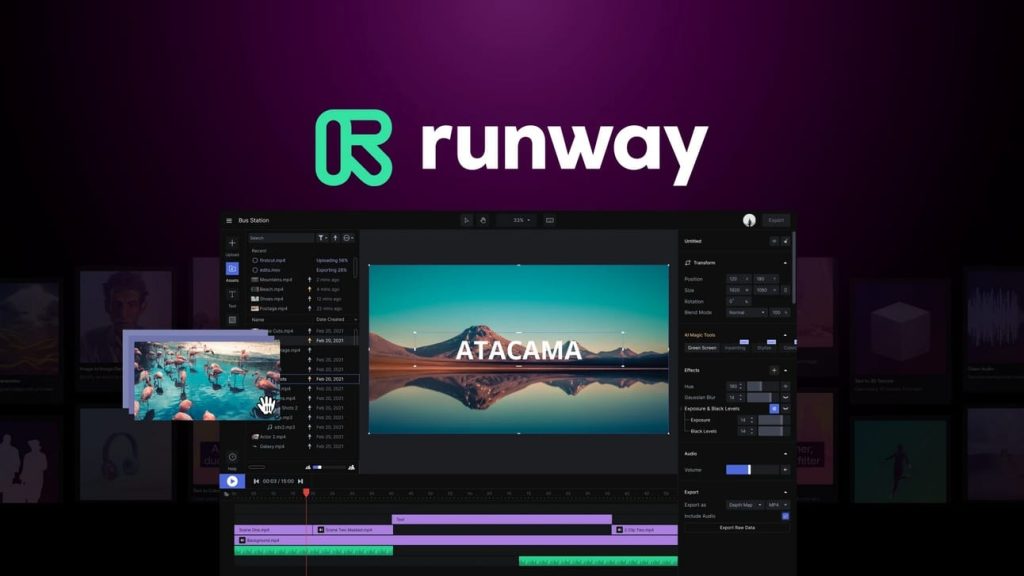
Some older roundups describe a “Runway ML Desktop” download as if it were a current local Windows editor. Runway’s primary creative service is browser-based, so it should not be presented as a local Windows AI program. Avoid unofficial installers that use the Runway name; access the service from its official website if it suits your needs.
What your PC needs
- Memory: Local language models must fit within available system RAM, GPU memory, or a combination of both. Larger models generally need more memory and run more slowly.
- Graphics hardware: Image generation and enhancement benefit greatly from a supported dedicated GPU. Integrated graphics may work for some tasks but can be much slower.
- Storage: Model files can occupy several gigabytes each. Leave room for multiple models, application caches, and generated output.
- Windows version and drivers: Check the current official requirements for each app. Update GPU drivers before troubleshooting performance or compatibility problems.
How to choose safely
Choose LM Studio or Jan for an approachable local chat interface, Ollama for terminal and API workflows, and ComfyUI for configurable image generation. Topaz Photo is better when the goal is improving existing photographs. Comet and Copilot are useful installed tools, but they should be evaluated as cloud services rather than offline software.
Download installers only from official sites, confirm that the model license permits your intended use, and test with non-sensitive data first. Local processing can improve privacy, but plugins, connected applications, telemetry settings, and cloud-backed features may still transmit information.
Related Articles
 Stop Installing These Applications and Programs on Windows 108 minutes read
 How to Create a List of Installed Programs on Windows14 minutes read
 How to Remove Software and Programs on Windows 73 minutes read
 The Best Software Should Be Installed When Purchasing a New PC6 minutes read
 Remove 'Root' Programs That Haven't Been Uninstalled Completely2 minutes read
 How to Remove Programs on Windows 10, 8.1/8, 7, Vista, XP8 minutes read
Reader Comments 0
Sign in with email or Google to join the discussion.