Table of Contents
Open Design is an Apache-2.0, local-first design workspace from nexu-io. It uses a supported coding agent—such as Claude Code, Codex, Cursor, Gemini CLI or OpenCode—as the generation engine, then previews and exports the resulting design files.
It is best described as an open-source alternative to Claude Design, not a free copy of the Anthropic product. The interface, model behavior, exports and reliability differ, and generation can still consume a paid agent subscription or API credits.
What Open Design does
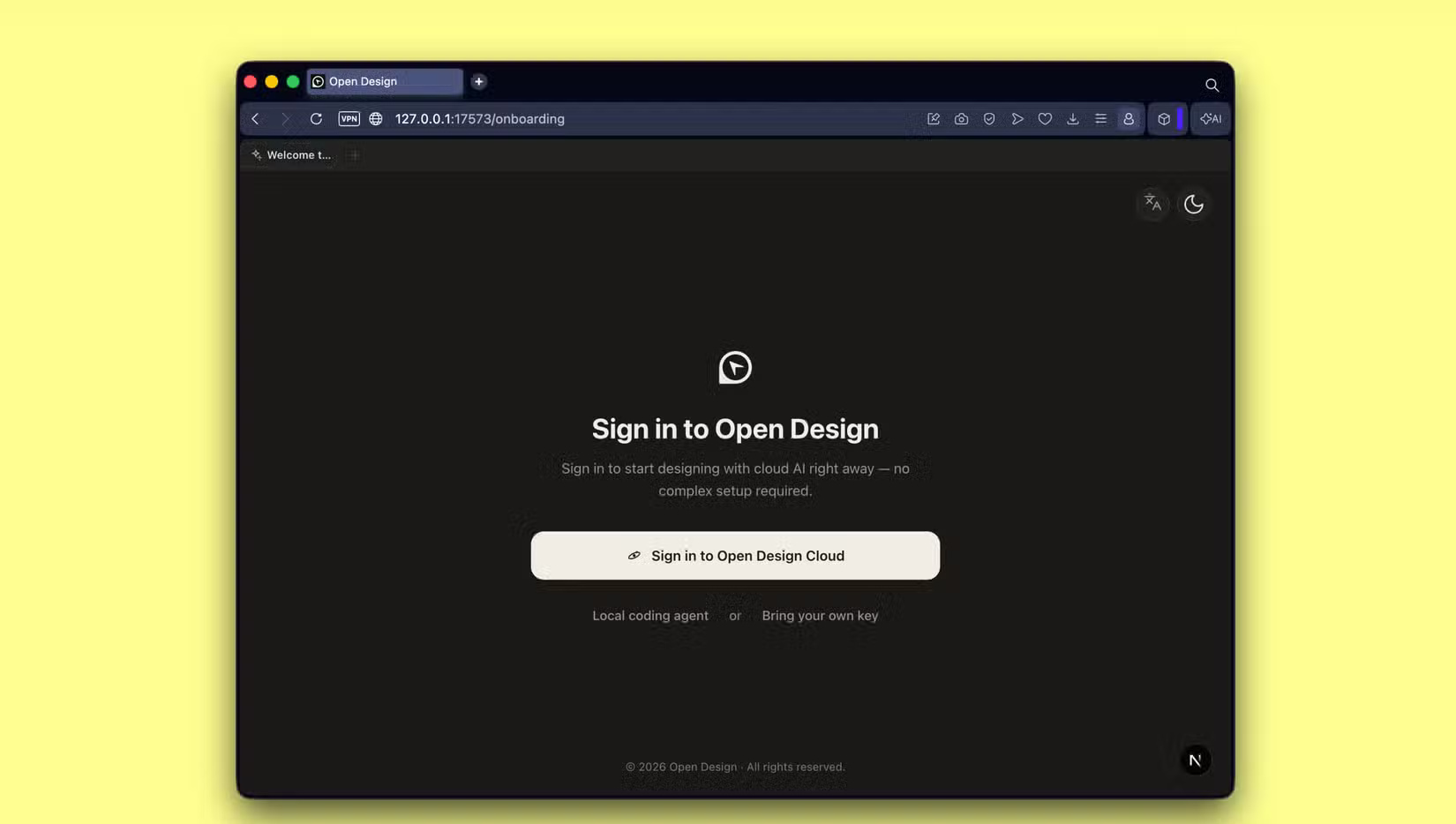
The workflow is artifact-first: describe a landing page, dashboard, prototype, presentation or other supported output; choose an agent and visual system; review the generated artifact; then refine the whole project or selected elements through chat and direct editing.
- Runs the desktop app and local daemon on your computer
- Supports multiple coding-agent CLIs and BYOK API runtimes
- Stores generated artifacts as project files
- Provides sandboxed previews and several export formats
- Includes a large catalog of functional skills and design systems
- Can also be exposed to supported coding agents as a skill, plugin or MCP server
The canonical source and installation instructions are in the nexu-io/open-design repository. Feature counts change frequently, so use the repository rather than an old article for the current list.
Local-first does not mean no data leaves the machine
The Open Design application and generated files can remain local, but the selected AI provider may still receive prompts, design context, images or files required for generation. Review the data policy of the connected agent or API provider and avoid sending confidential brand assets until you understand that path.
Likewise, an existing Claude Code, Codex or other CLI login does not make AI usage free. Requests can count against that product's subscription limits or usage billing. BYOK connections charge the account behind the key.
Ways to run Open Design
- Desktop app: simplest option for most users; it can detect supported agent CLIs available to the daemon.
- From source: useful for developers who want to inspect, modify or self-host the code. Follow the repository's current Node and package-manager requirements.
- Inside a coding agent: install the Open Design integration as a skill, plugin or MCP server and generate without opening the full GUI.
- Container or web deployment: suited to teams that can manage networking, storage, updates and authentication themselves.
Download releases only from the project's official website or GitHub repository. Review release signatures or checksums where provided, inspect requested permissions and keep the application updated.
Design systems and skills
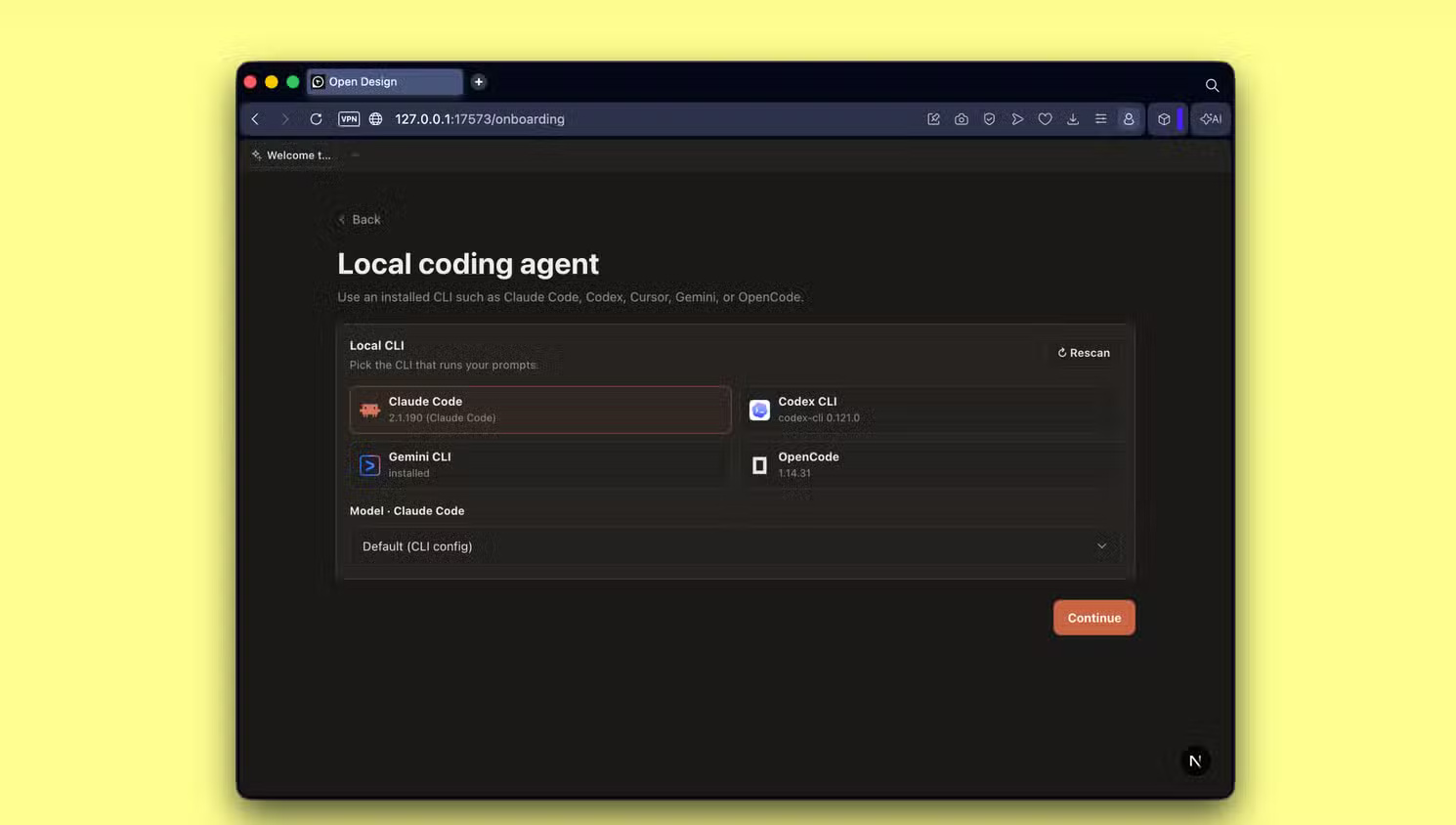
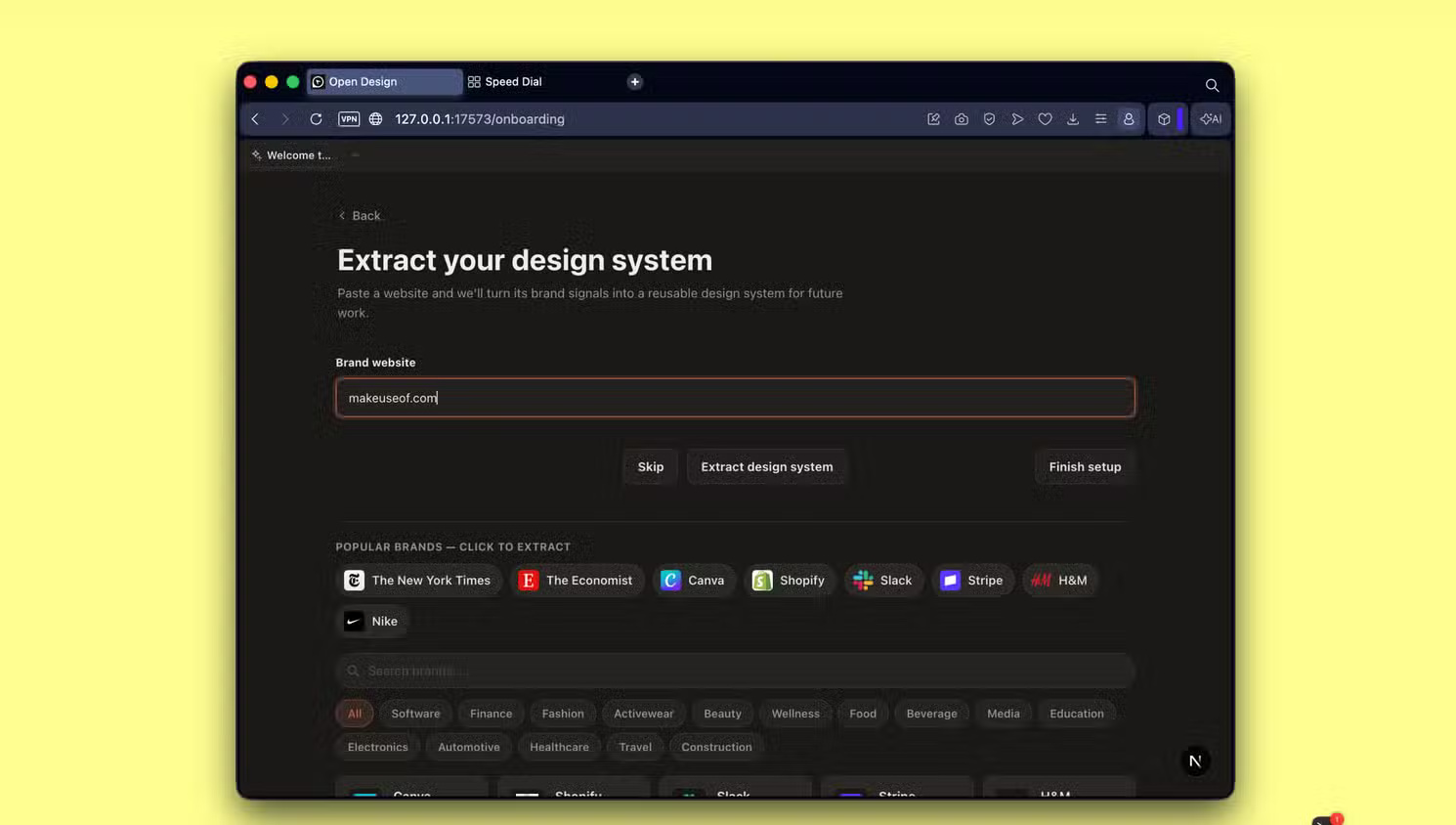
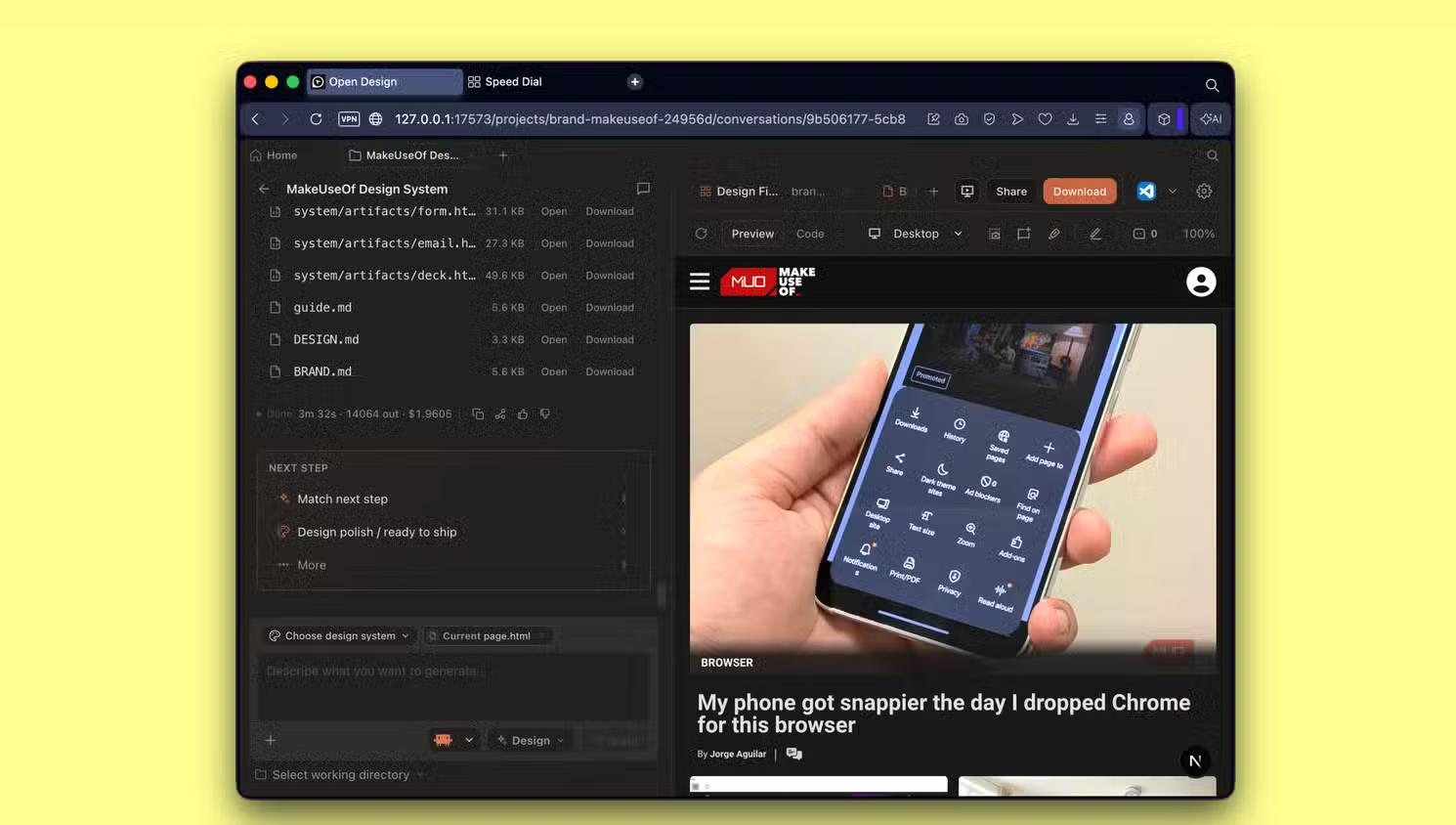
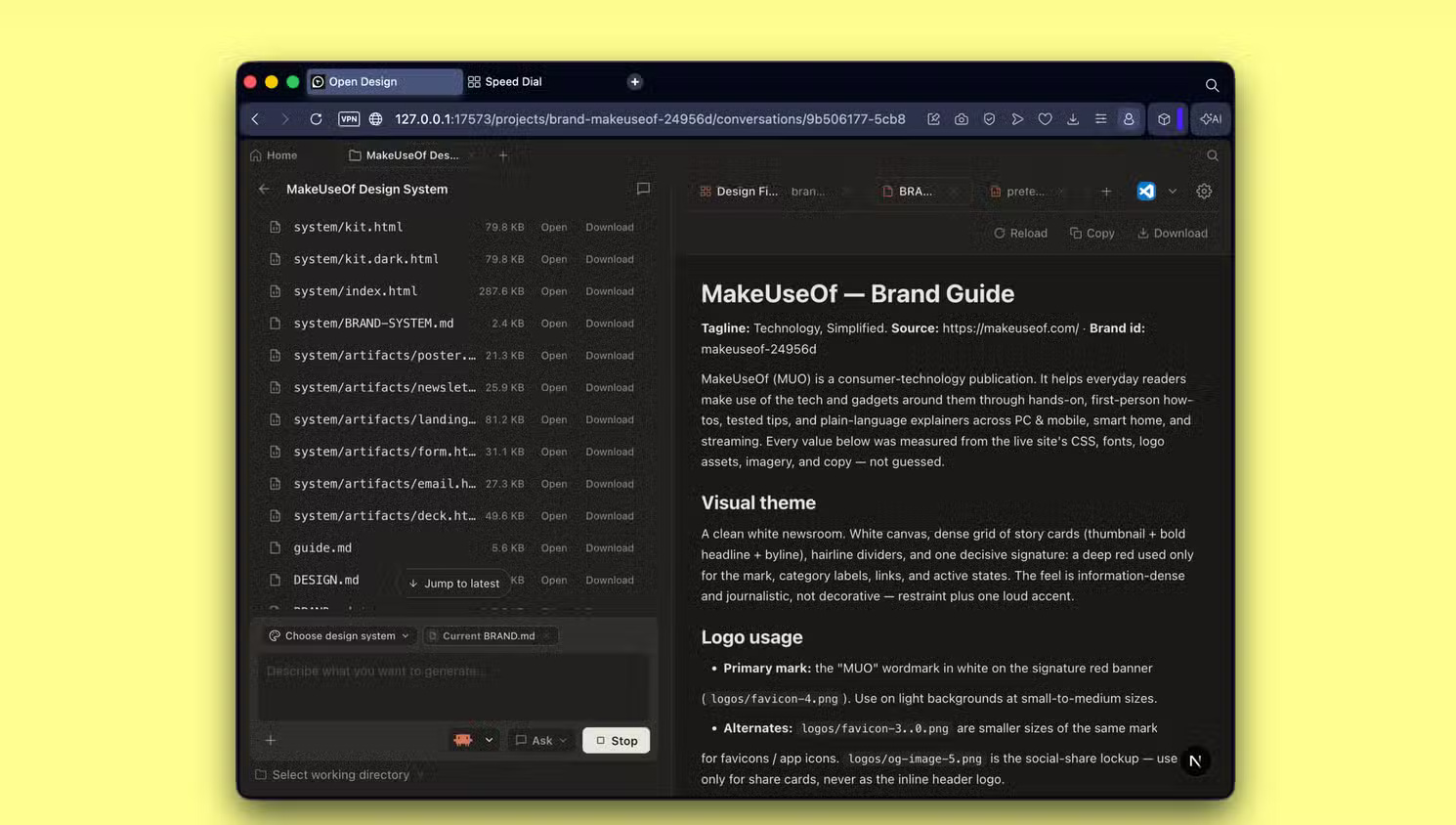
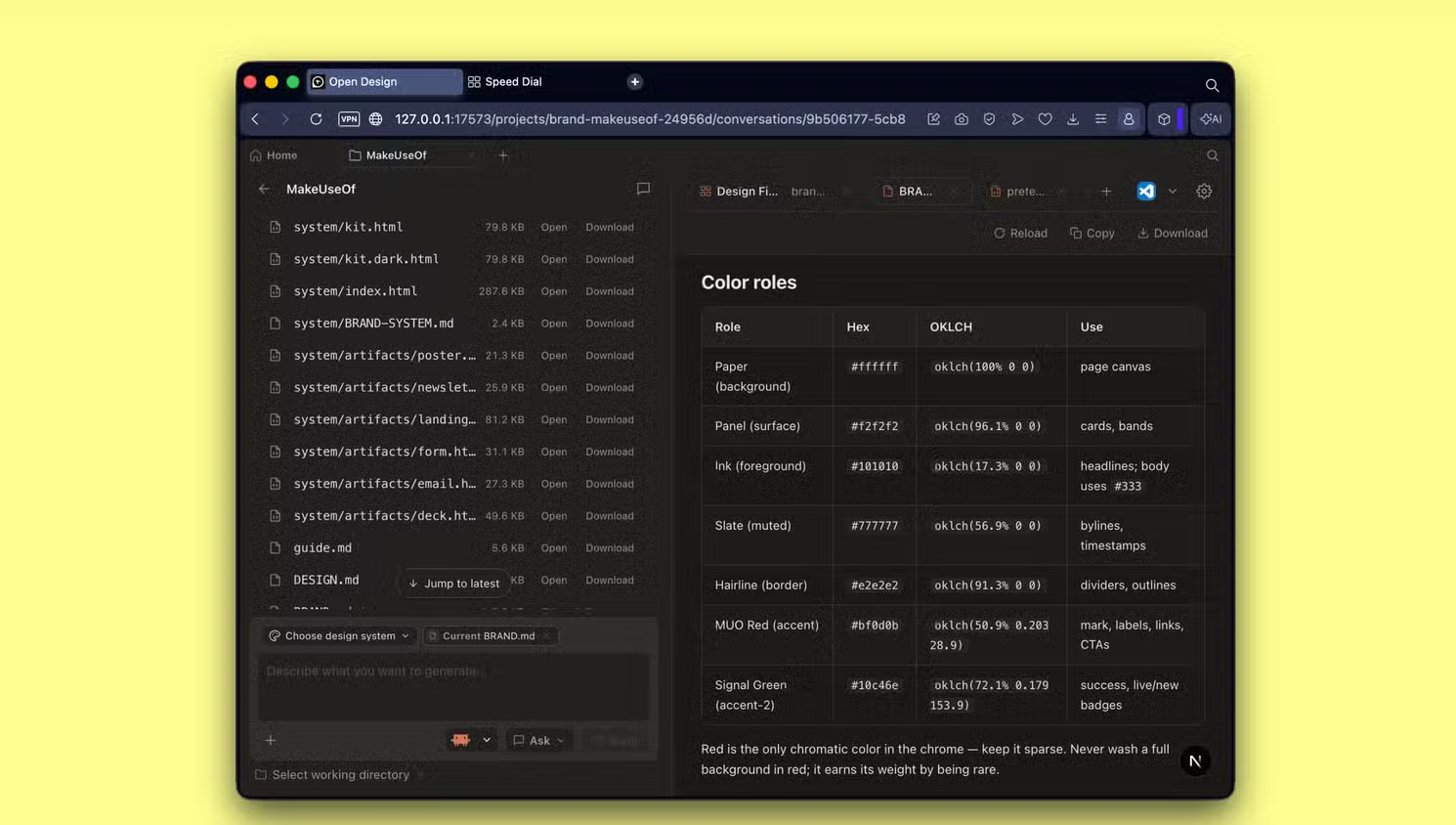
Open Design separates visual direction from the type of artifact being created:
- A design system describes visual rules such as color, typography, spacing, components, motion and tone.
- A skill describes the workflow and quality checks for an artifact such as a deck, dashboard, landing page or mobile prototype.
This separation is useful because the same brand system can be applied to several outputs, while the presentation skill and the landing-page skill can enforce different structures. It also makes project instructions inspectable as files instead of hiding every rule in a hosted prompt.
Built-in systems named after recognizable companies should be treated as references, not permission to copy protected branding or imply affiliation. For commercial work, create a system from assets you own or are licensed to use.
Using your own brand system
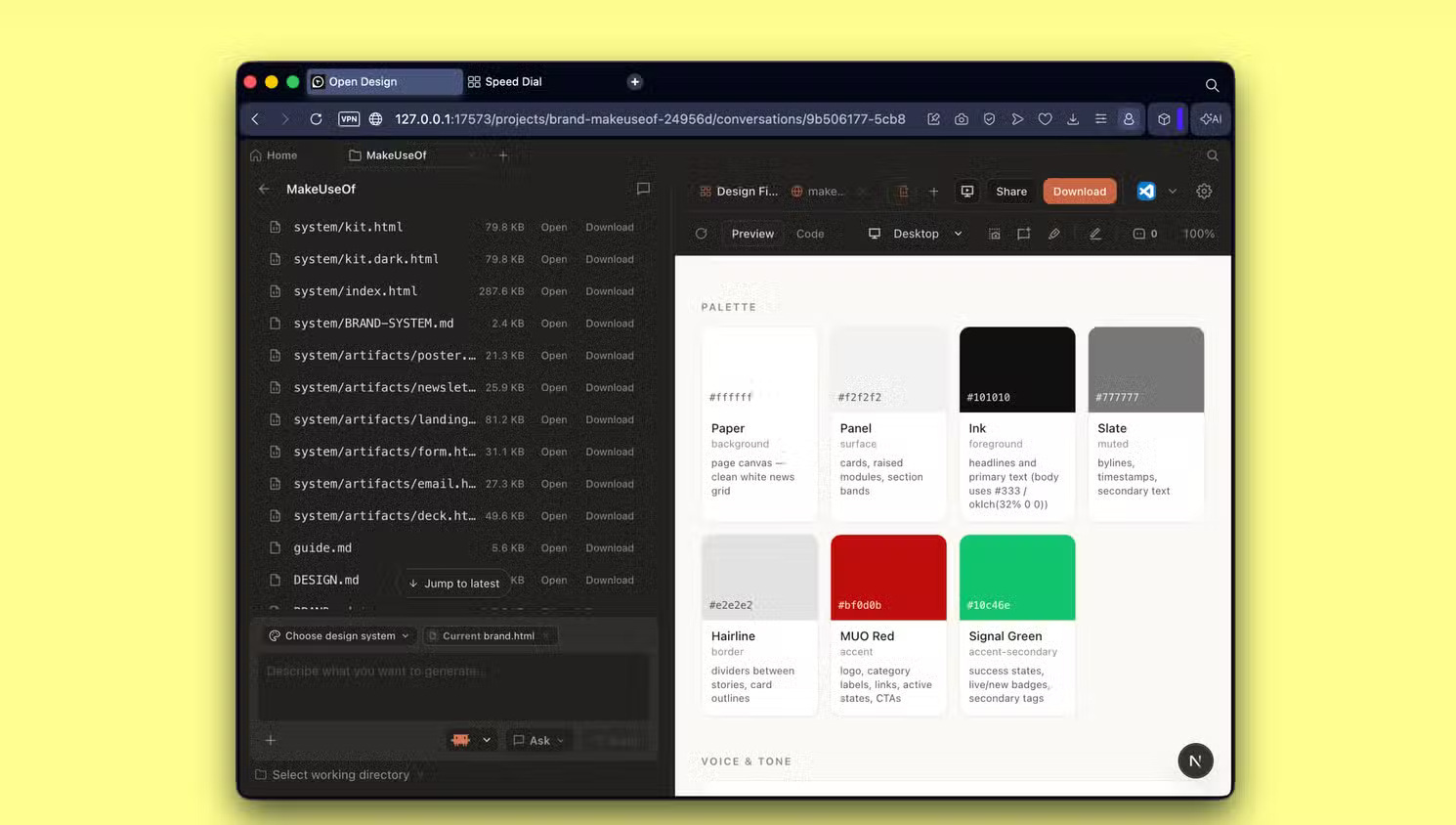
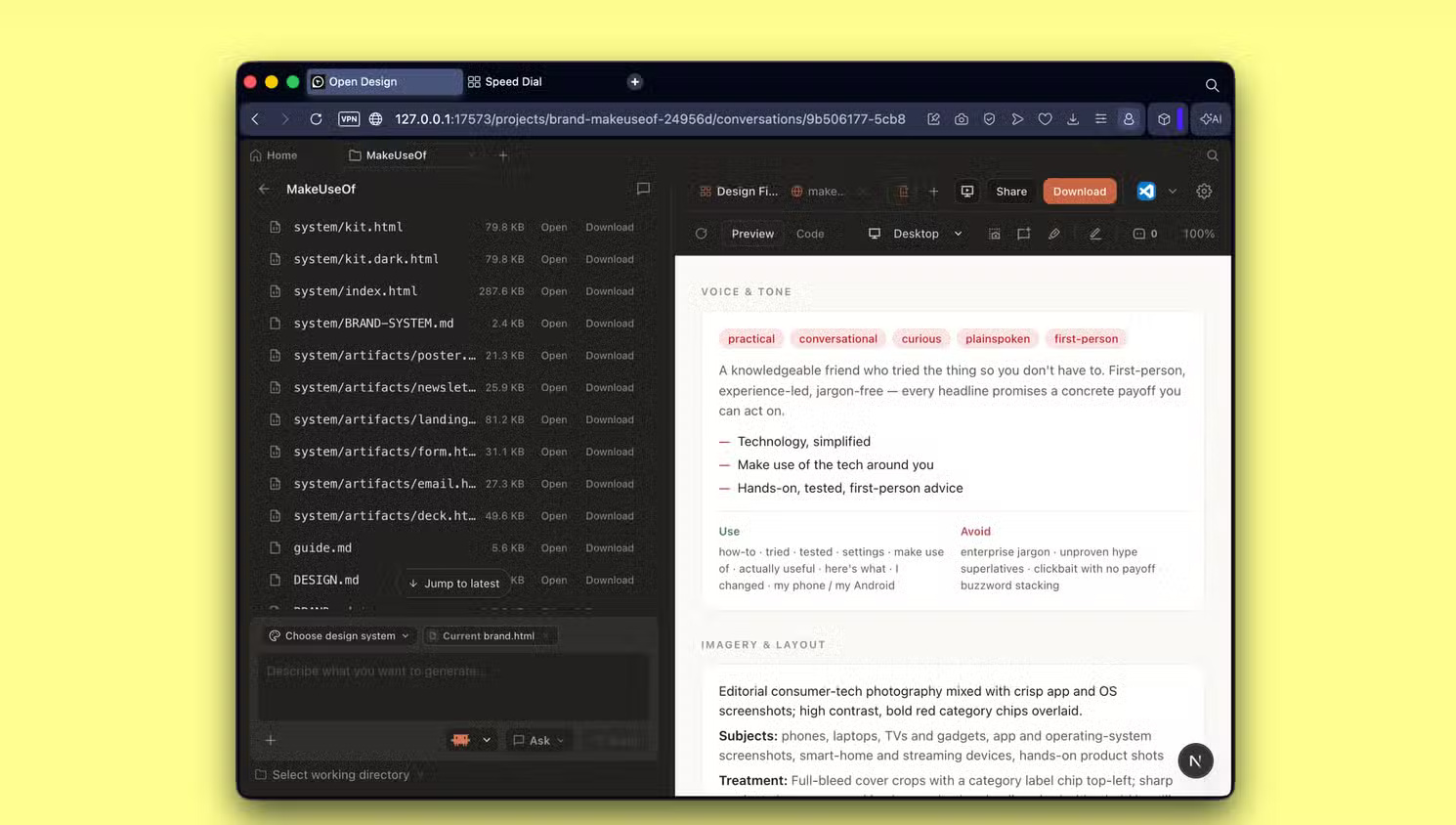
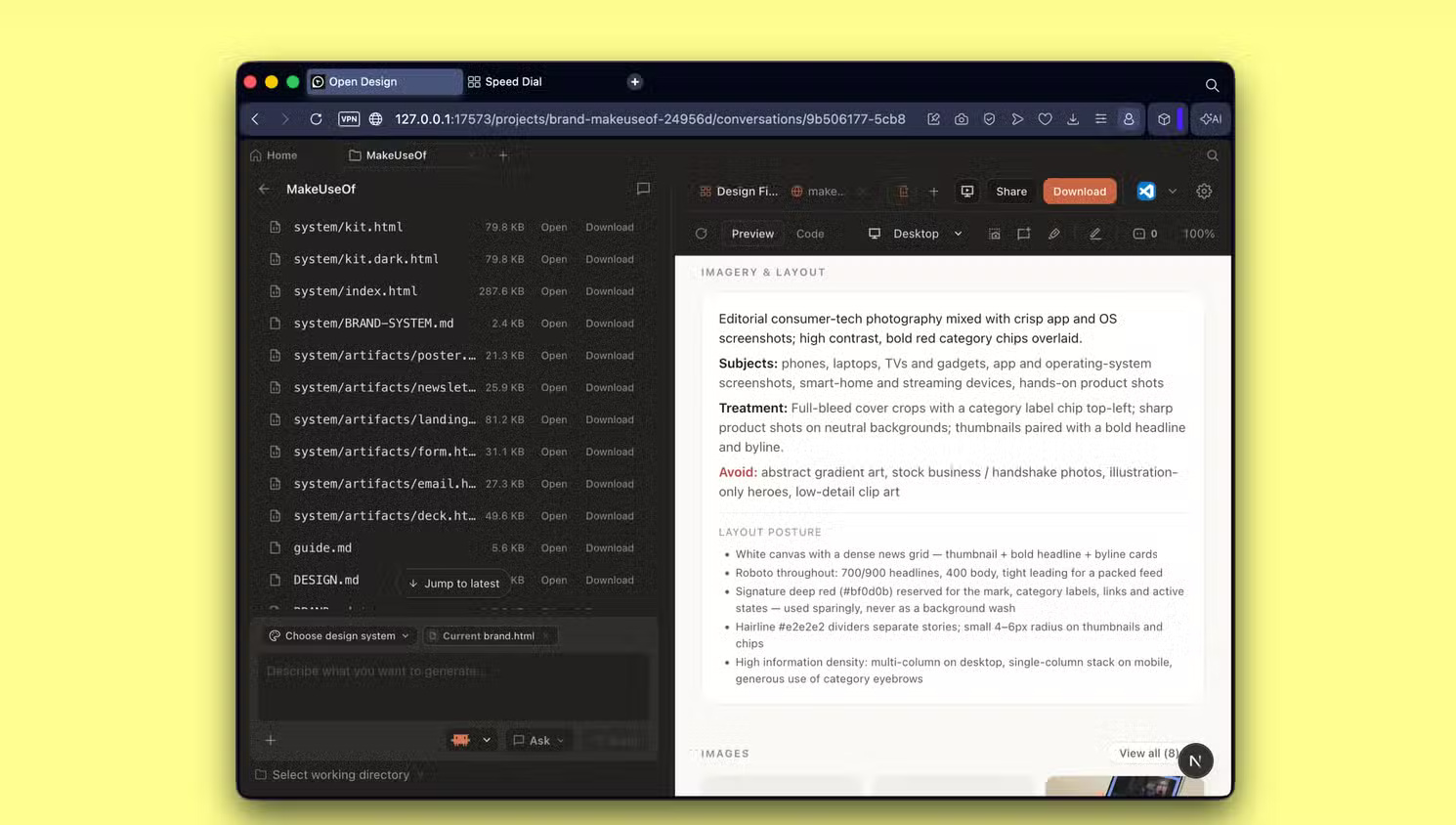
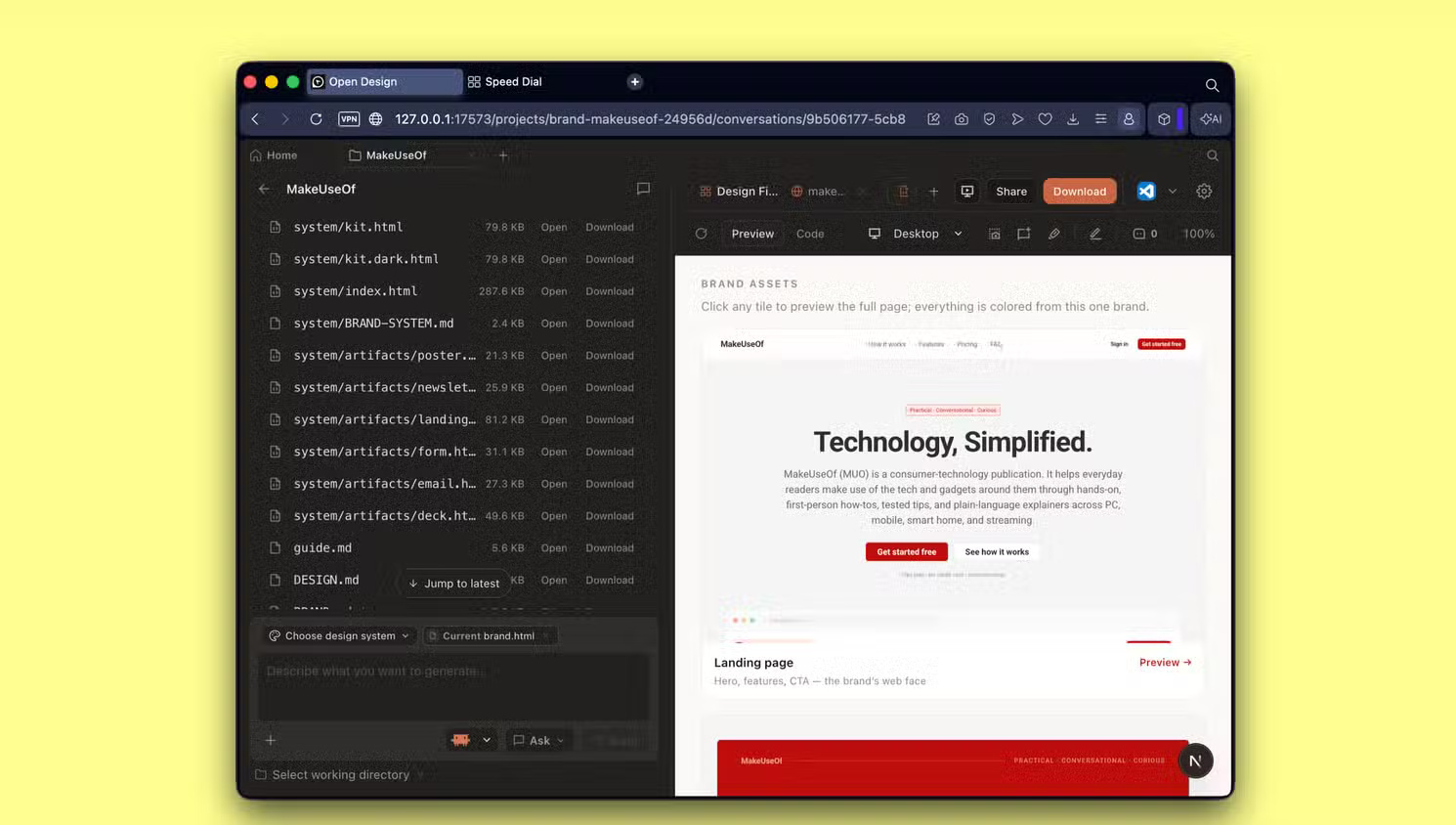
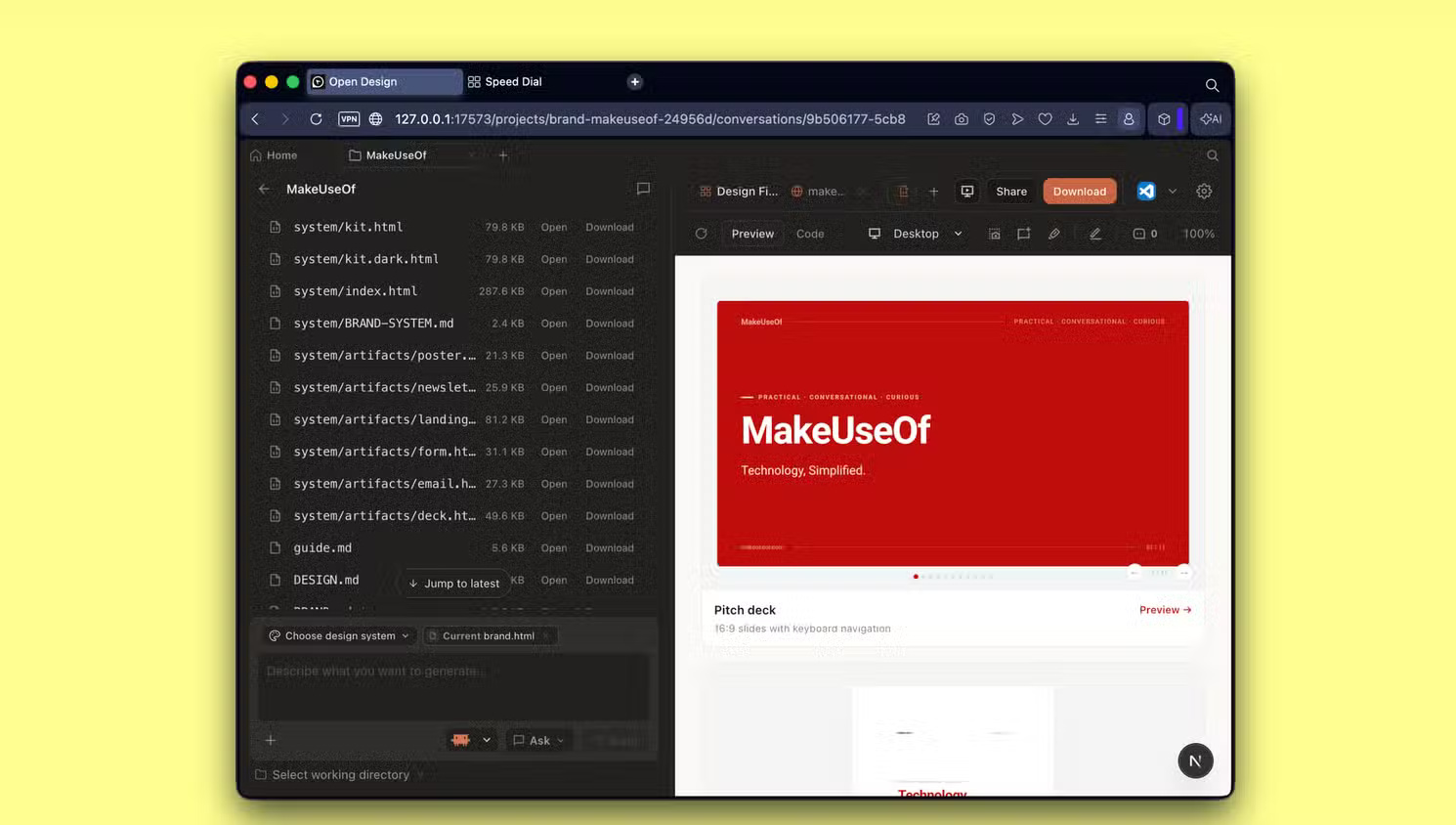
Open Design can derive a reusable visual system from supplied materials, but extraction is not a substitute for a real brand specification. Check:
- official logo files and clear-space rules
- licensed font families and fallback fonts
- accessible foreground/background color contrast
- component states, not just static screenshots
- image, icon and illustration rights
- tone, terminology and legal disclaimers
A webpage can reveal colors and layout patterns, but it may not contain the source tokens, print rules or accessibility exceptions needed for other formats. Correct the generated DESIGN.md before reusing it widely.
Presentation output: useful first draft, not automatic approval
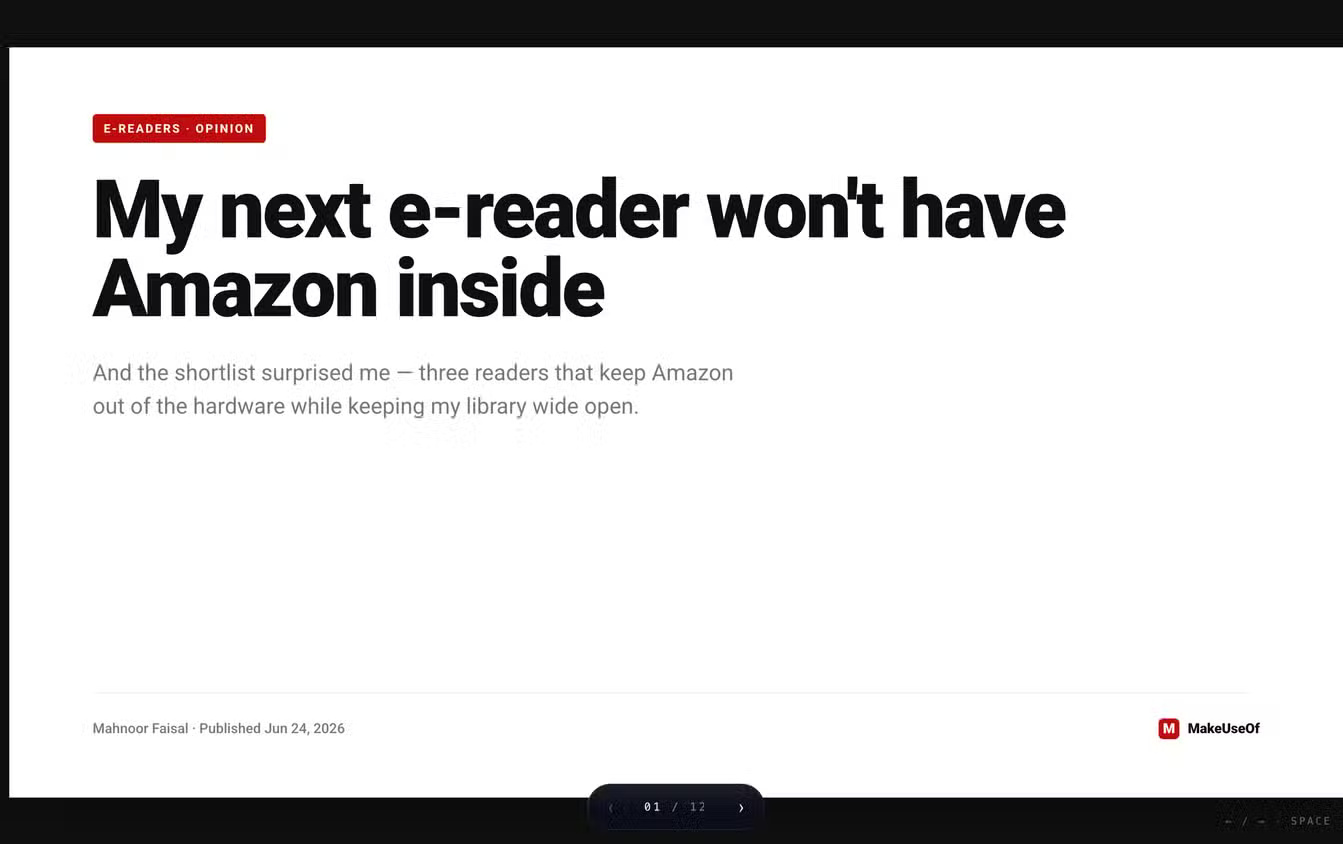
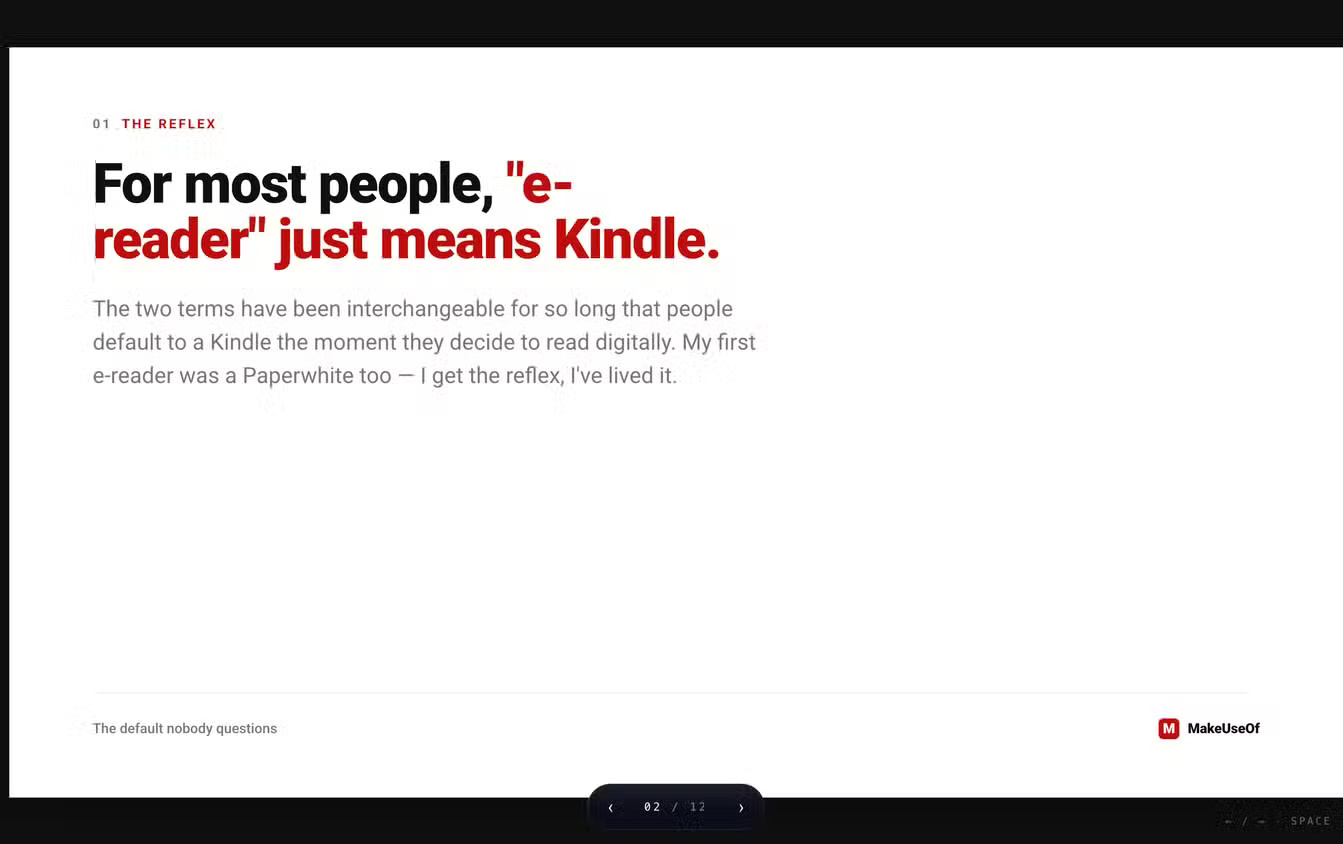
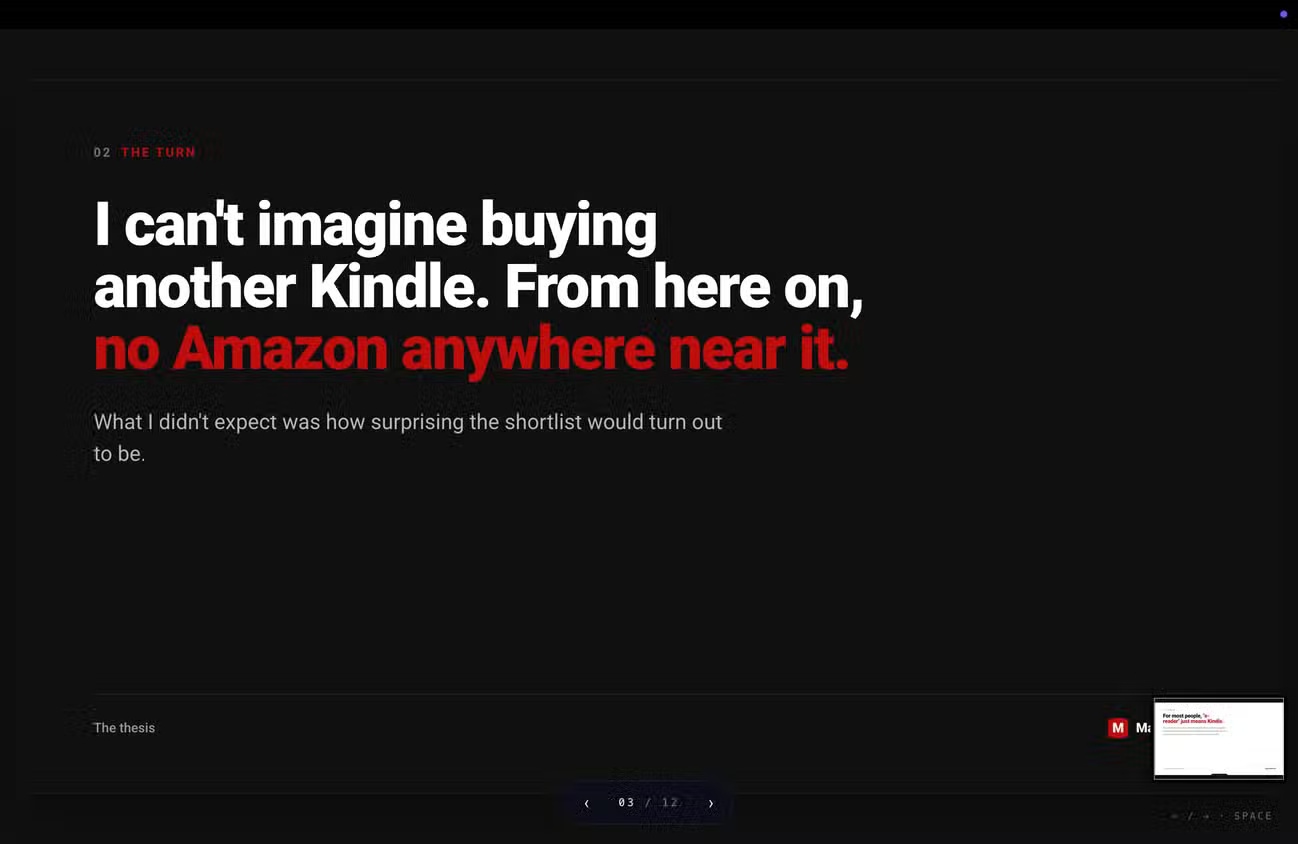
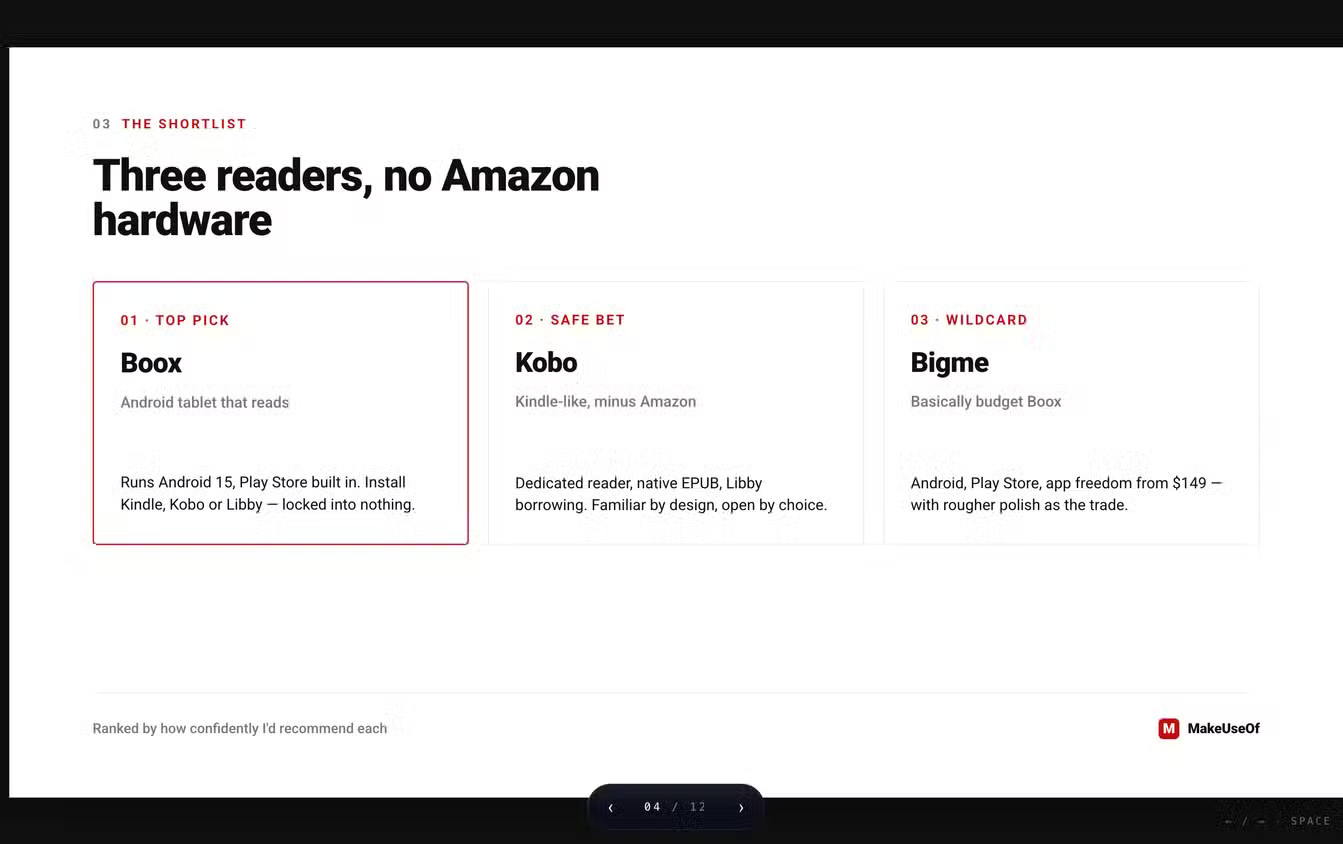
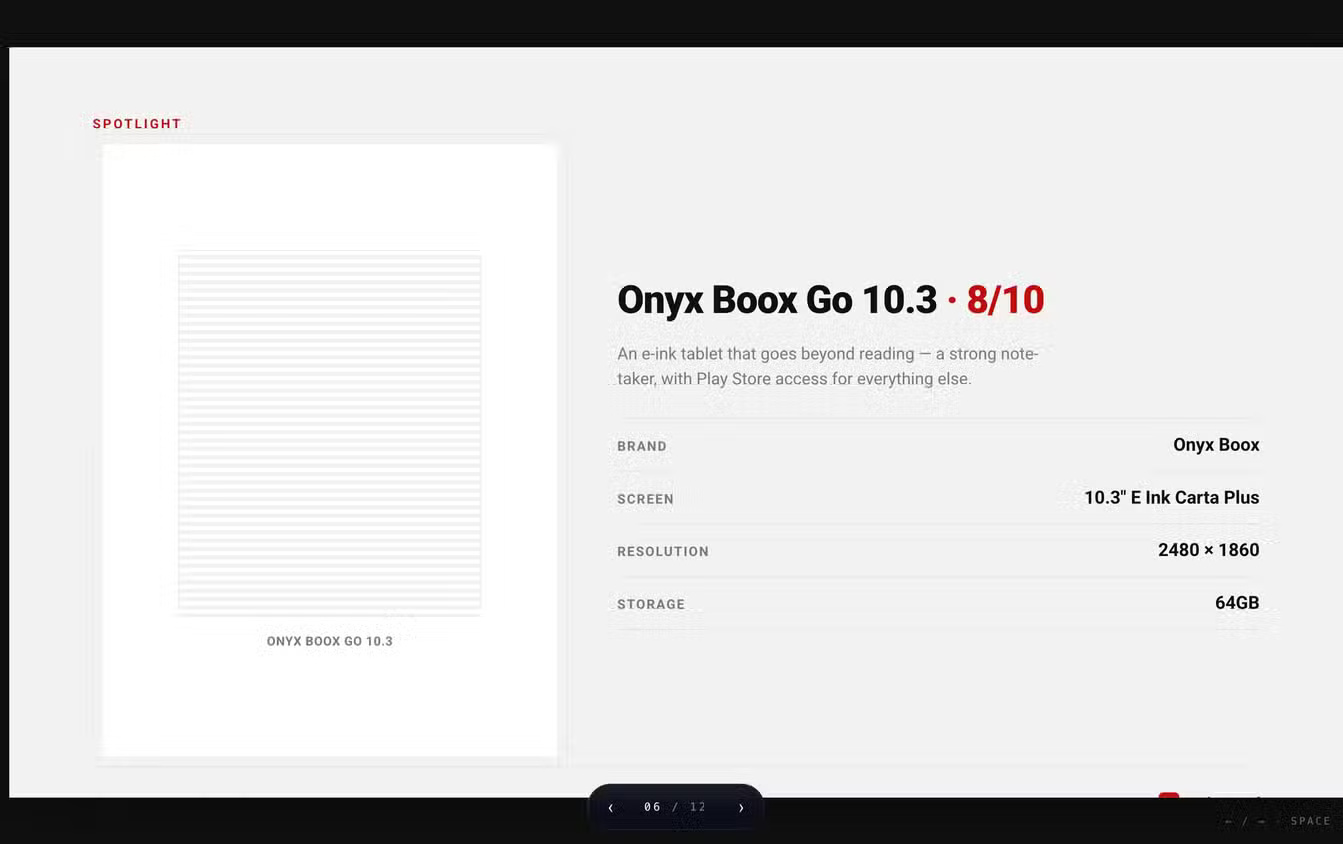
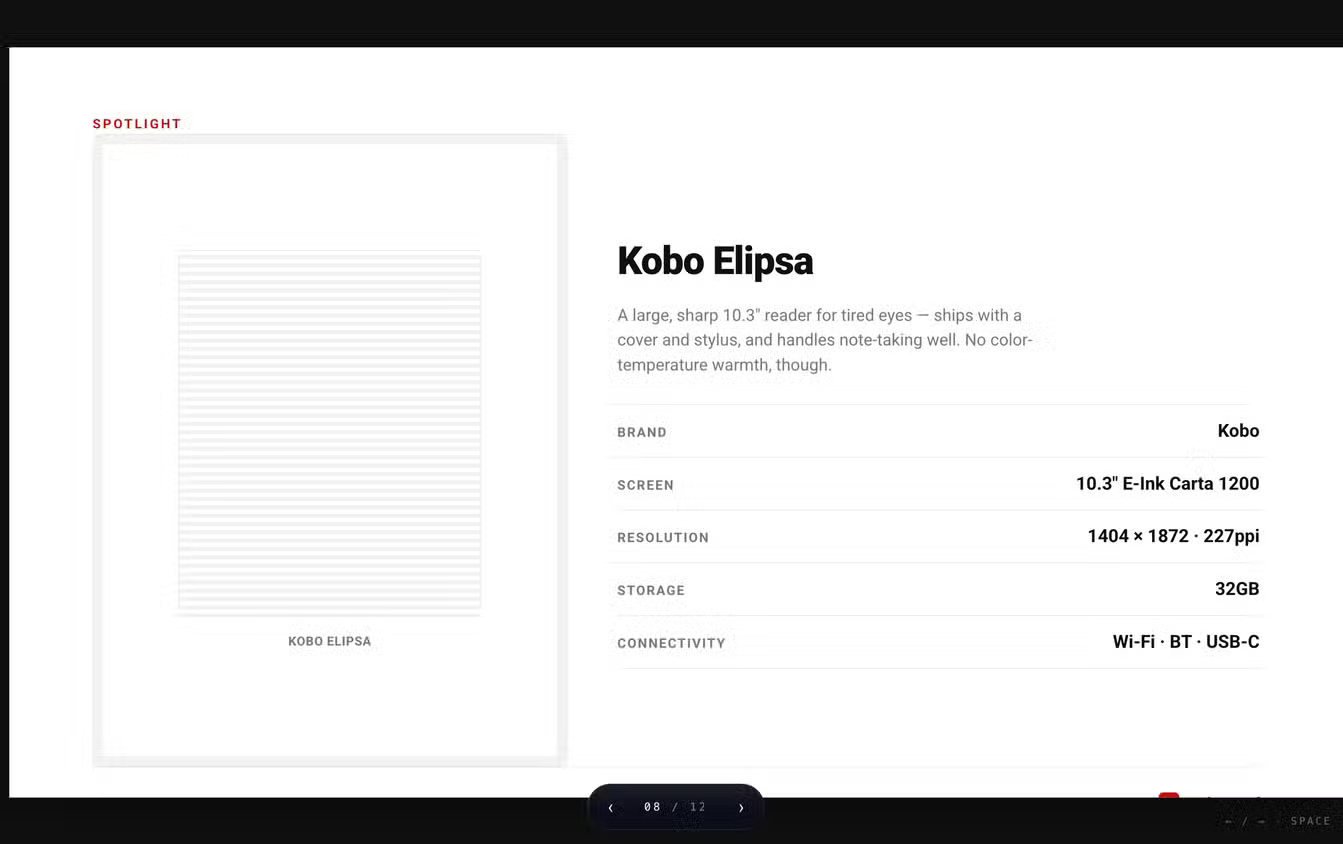
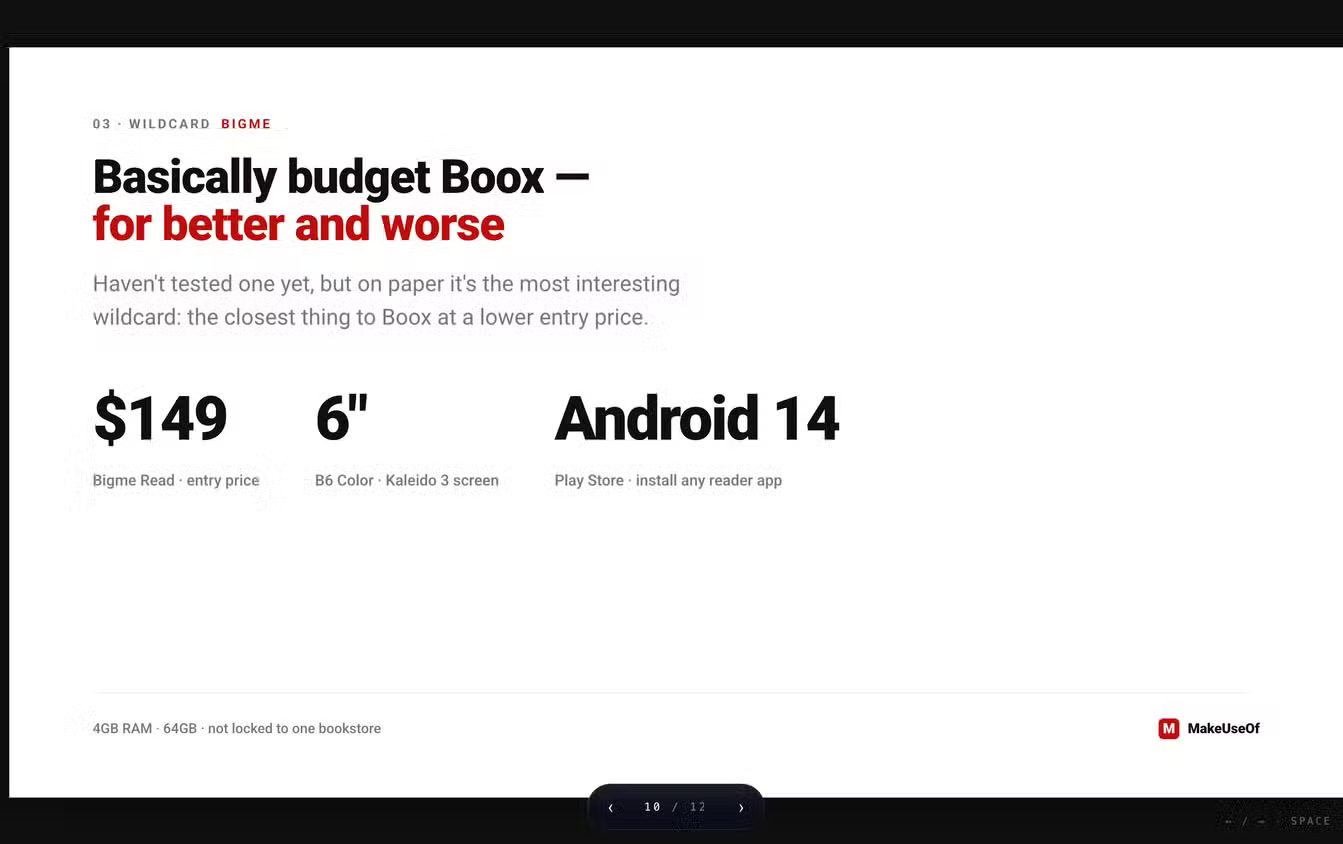
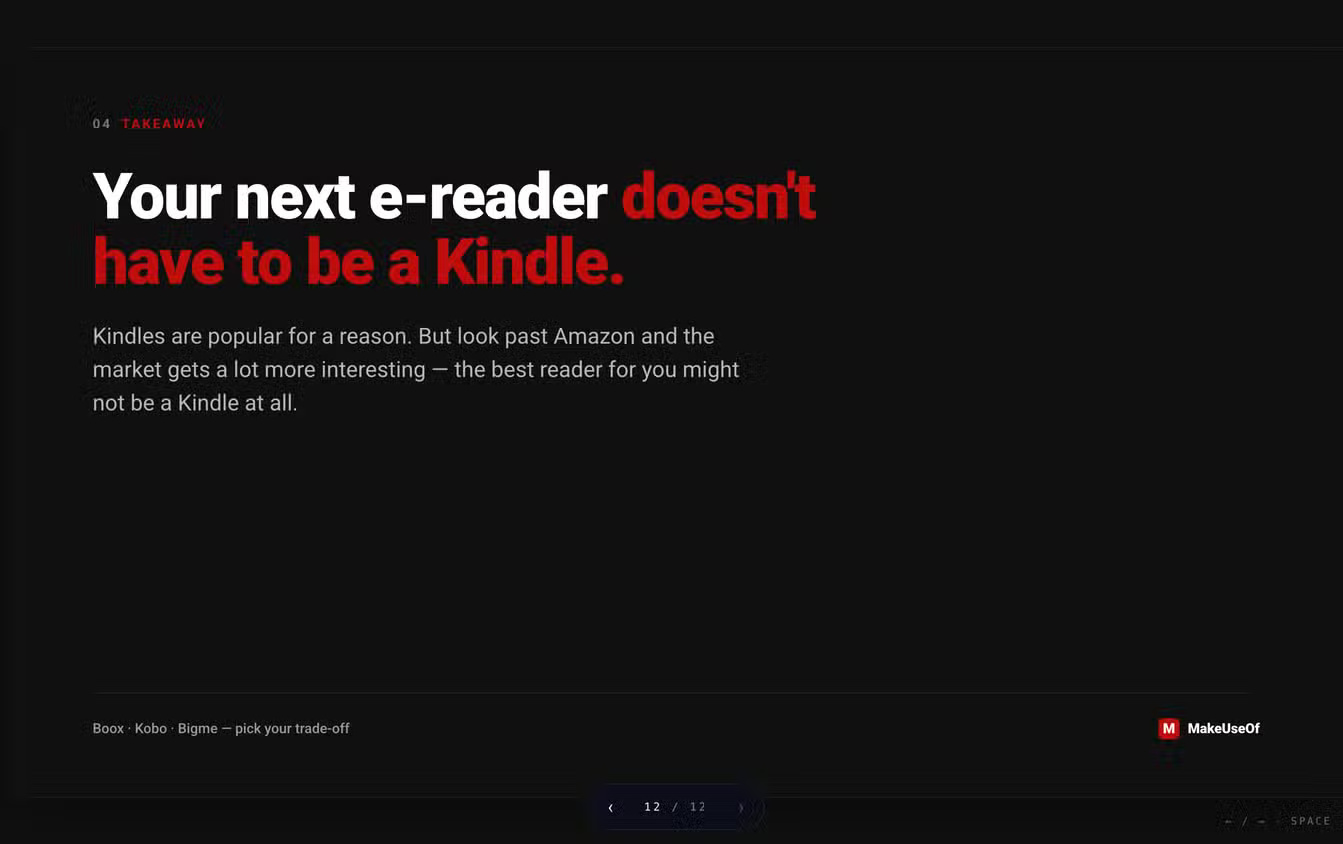
The example screens show a branded multi-slide presentation with recurring color, typography, section numbers and footers. This demonstrates the value of a consistent design system, but it does not prove that every generated deck is accurate or ready to present.
Before export, review:
- every factual claim, number, date and source
- text overflow and alignment at the final aspect ratio
- chart scales, labels and accessible color choices
- reading order and meaningful alt text
- font substitution in PDF and PPTX
- speaker notes, hidden objects and export fidelity
AI-generated layouts can look polished while containing unsupported content. Separate visual approval from editorial and factual approval.
Editing and iteration
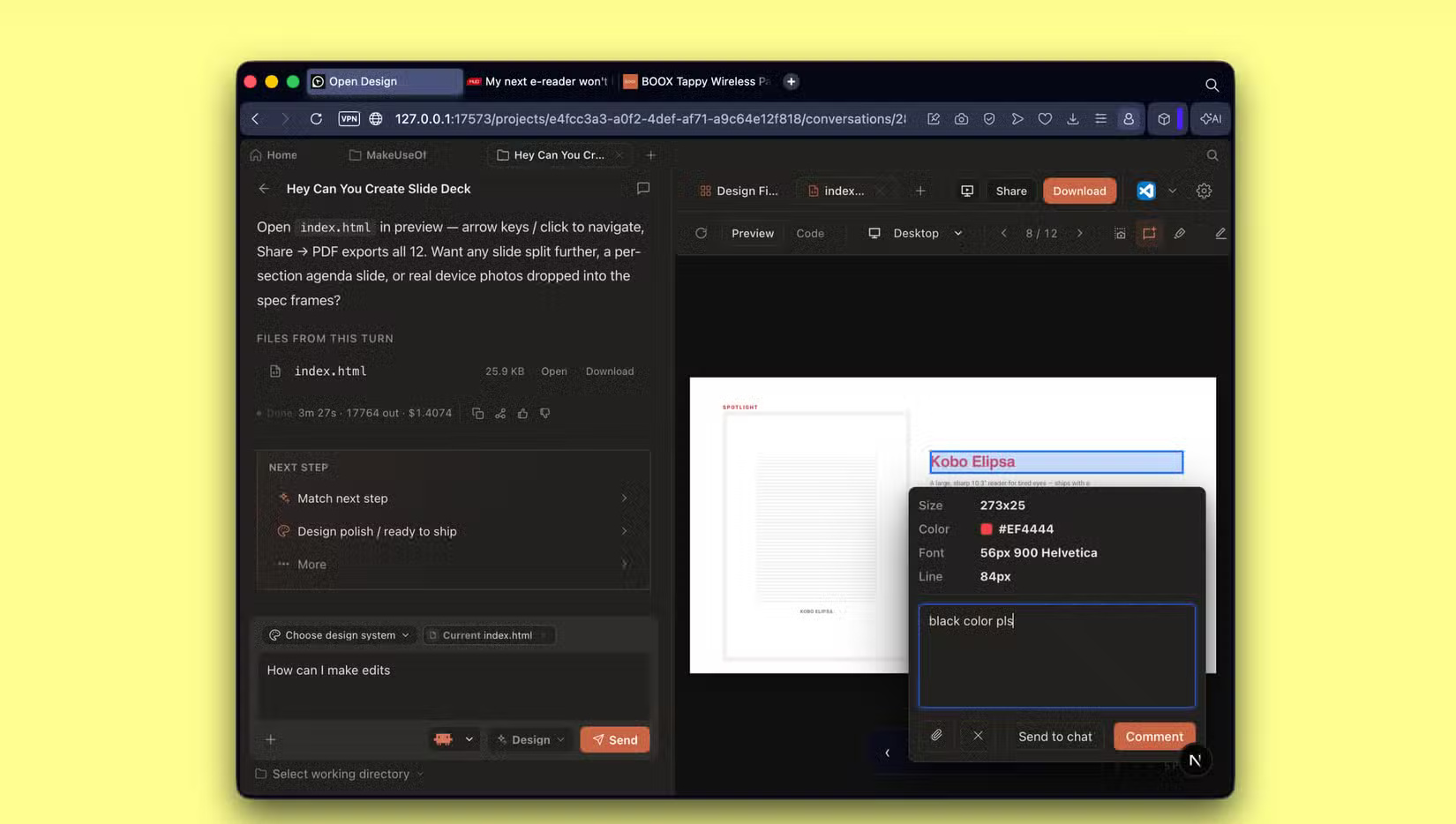
Open Design supports broad chat revisions, edits to selected elements and direct changes to artifact files. The safest workflow is incremental:
- Save or commit the initial artifact.
- Request one coherent change at a time.
- Review the generated diff or output.
- Check other pages or slides for regressions.
- Commit an accepted milestone before the next major revision.
Agentic edits can fix one component while breaking another. Version control and small reviewable steps are more reliable than repeatedly asking for large visual rewrites.
Open Design strengths
- Open source under a permissive license
- Choice of agent and model provider
- Local project files and inspectable design instructions
- Reusable skills and visual systems
- Multiple artifact types and export options
Limitations and risks
- The connected model or agent may still be paid and cloud-hosted.
- Quality varies by model, skill, prompt and source material.
- Local setup, updates and troubleshooting require more effort than a hosted tool.
- Third-party skills, plugins and dependencies add supply-chain risk.
- Brand extraction can reproduce elements you do not have permission to use.
- Exported files require factual, accessibility and layout review.
Who should use it?
Open Design is a strong fit for developers and designers who want inspectable project files, agent choice and a reusable design-system workflow. Claude Design may be preferable when a managed hosted experience and tight integration with Anthropic's ecosystem matter more than self-hosting or model choice.
Evaluate both with the same small, representative project. Compare editing reliability, export fidelity, provider cost, data handling and the amount of manual review—not only the first generated screenshot.
Related Articles
 What Is Claude Design?10 minutes read
 Why Do Developers Always Choose Claude Over Other AIs?11 minutes read
 How to Run OpenClaw with an Open-Source Model6 minutes read
 What Is the Claude Code: Clear Explanation7 minutes read
 Can Open Source Technology Make Money?5 minutes read
 OpenCode Vs Claude Code: Which AI Programming Tool Should You Choose in 20268 minutes read
Reader Comments 0
Sign in with email or Google to join the discussion.