Table of Contents
You can cover many everyday AI tasks without paying for several subscriptions. The eight tools below have offered a free plan, free tier, or limited free use, but allowances and features can change. Check the current plan before building a workflow around any one service.
Choose by task rather than by brand: proofreading, general chat, image generation, automation, language practice, study support, and background removal each need a different kind of tool. Do not upload confidential work, personal records, or copyrighted material unless you have reviewed the service's data and usage terms.
1. Grammarly: proofreading where you write
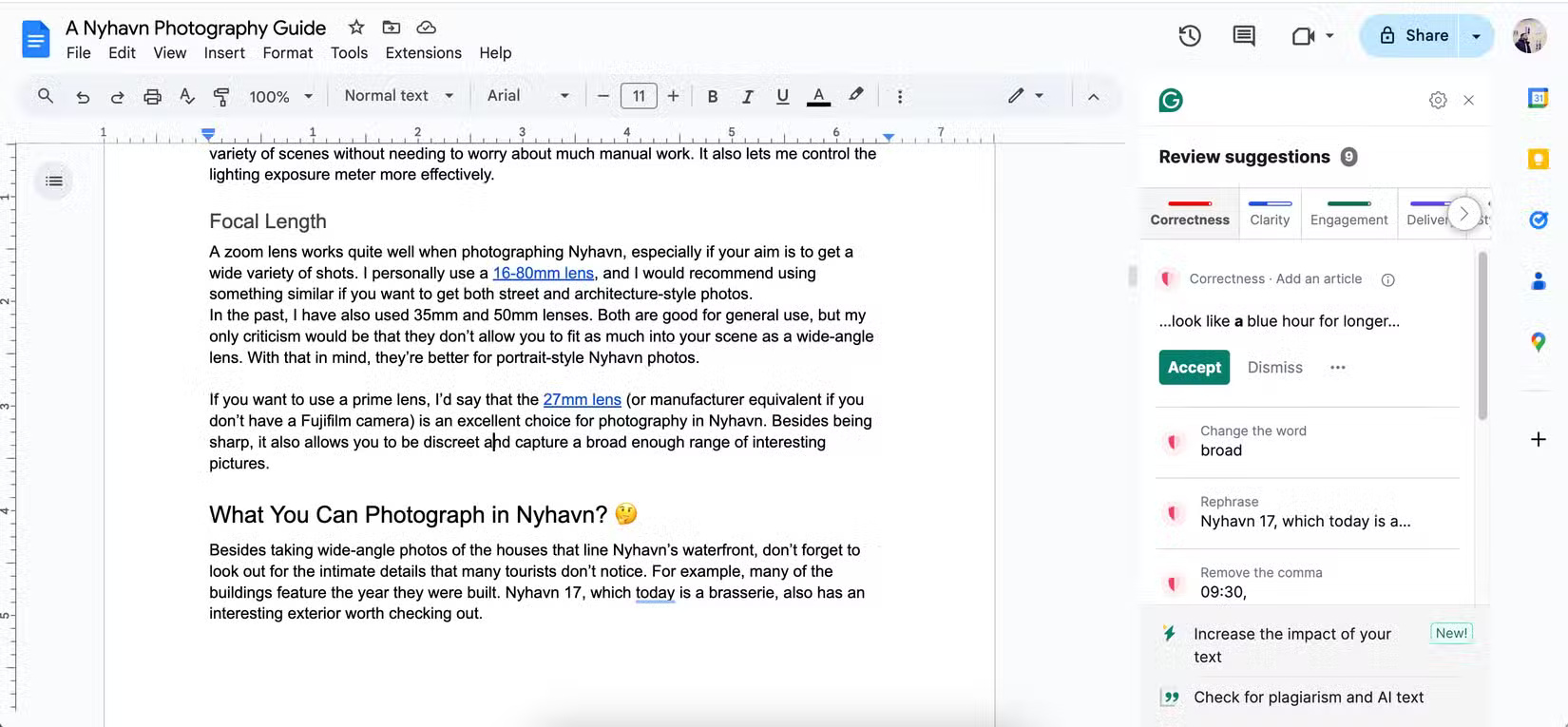
Grammarly is useful for catching spelling, punctuation, and grammar problems in emails, documents, and web forms. Its browser and desktop integrations can provide suggestions without repeatedly copying text into a separate editor.
Best for: polishing your own draft. Check carefully: a suggested rewrite can alter tone or meaning, so review every change in technical, legal, academic, or sensitive writing.
2. Claude: general-purpose analysis and drafting
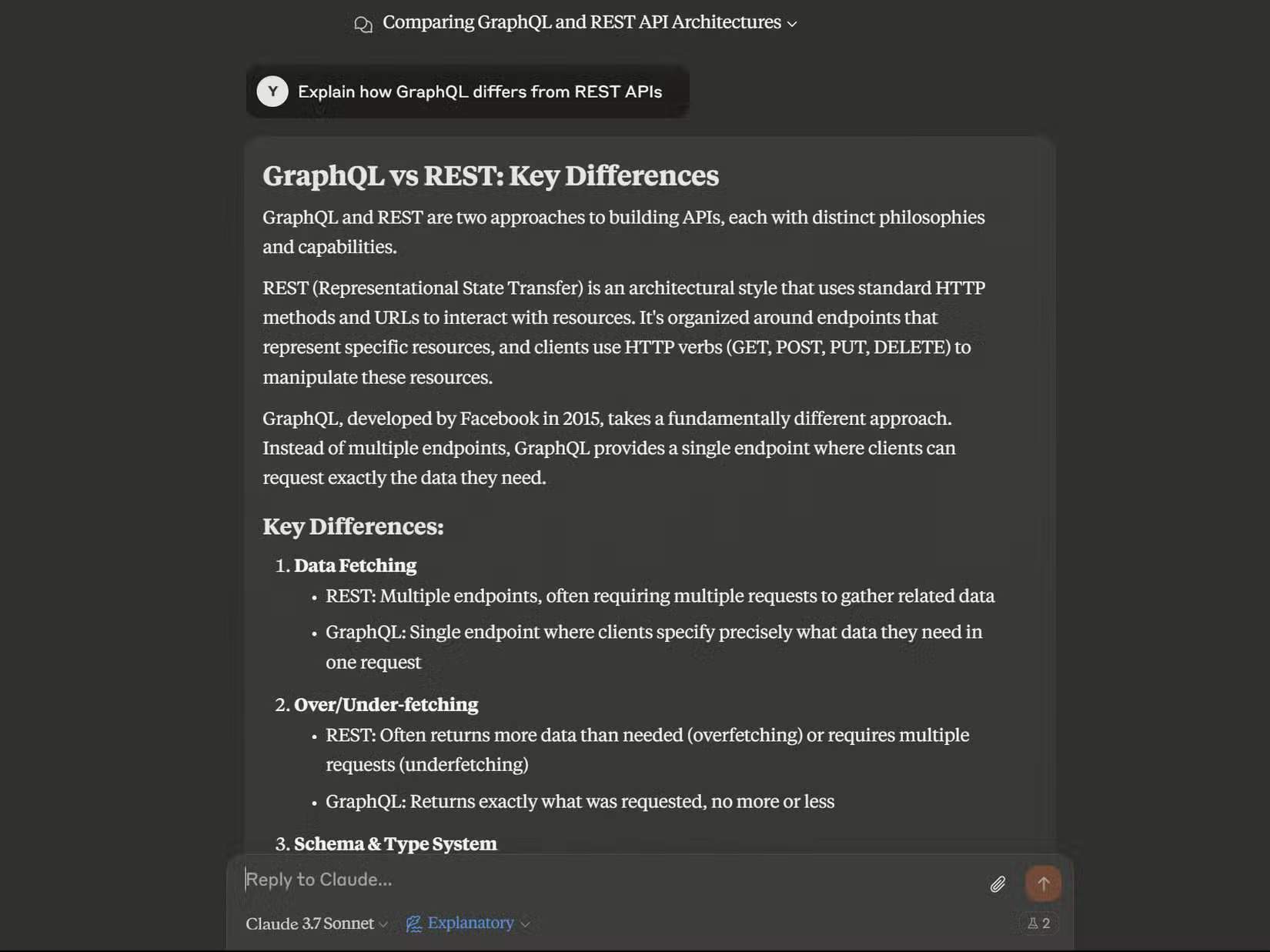
Claude can explain concepts, summarize material, help plan a document, analyze uploaded content, and assist with code. Model access and usage limits on free accounts change over time, so treat any named model in an old guide as temporary.
Best for: working through a problem in conversation. Check carefully: citations, calculations, code, and factual claims. TipsMake's Claude, ChatGPT, and Gemini comparison can help you choose a general assistant.
3. Adobe Firefly: generating and editing images
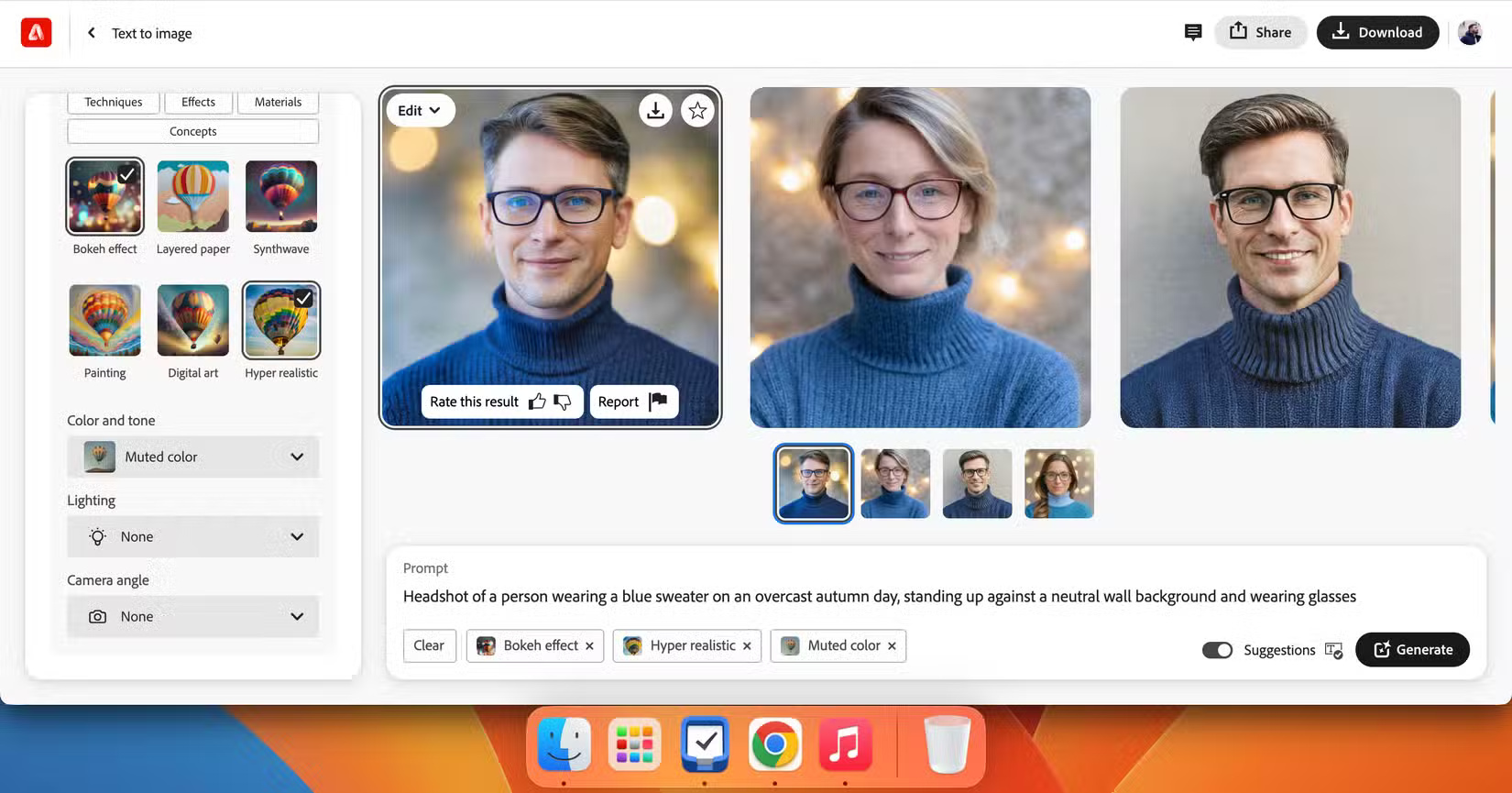
Adobe Firefly supports prompt-based image creation and generative edits. It is a practical option when you want to explore concepts, replace parts of an image, or create variations without learning a full desktop editor first.
Best for: visual ideation and targeted edits. Check carefully: free-generation credits, output resolution, watermarking, and commercial-use terms for the feature you select.
4. Zapier: connecting apps and automating routine work
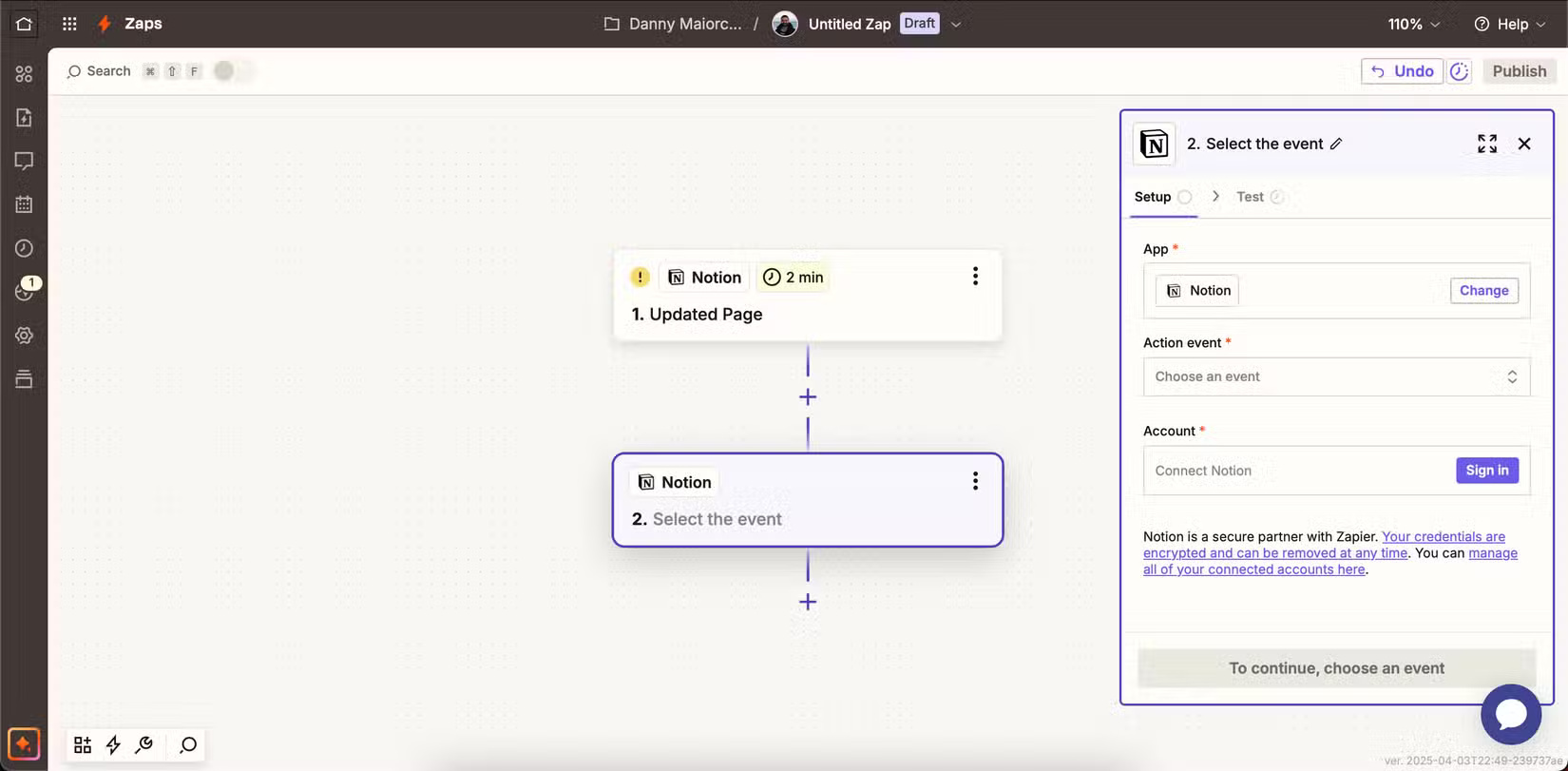
Zapier connects supported services so an event in one app can trigger an action in another. AI can help describe or build a workflow, but the value comes from a reliable trigger, clear field mapping, and tests with realistic data.
Best for: repetitive handoffs such as copying form responses or sending notifications. Check carefully: task limits, premium connectors, permissions, and what happens when a step fails. For alternatives, see TipsMake's guide to AI workflow automation tools.
5. LanguaTalk: guided language conversation
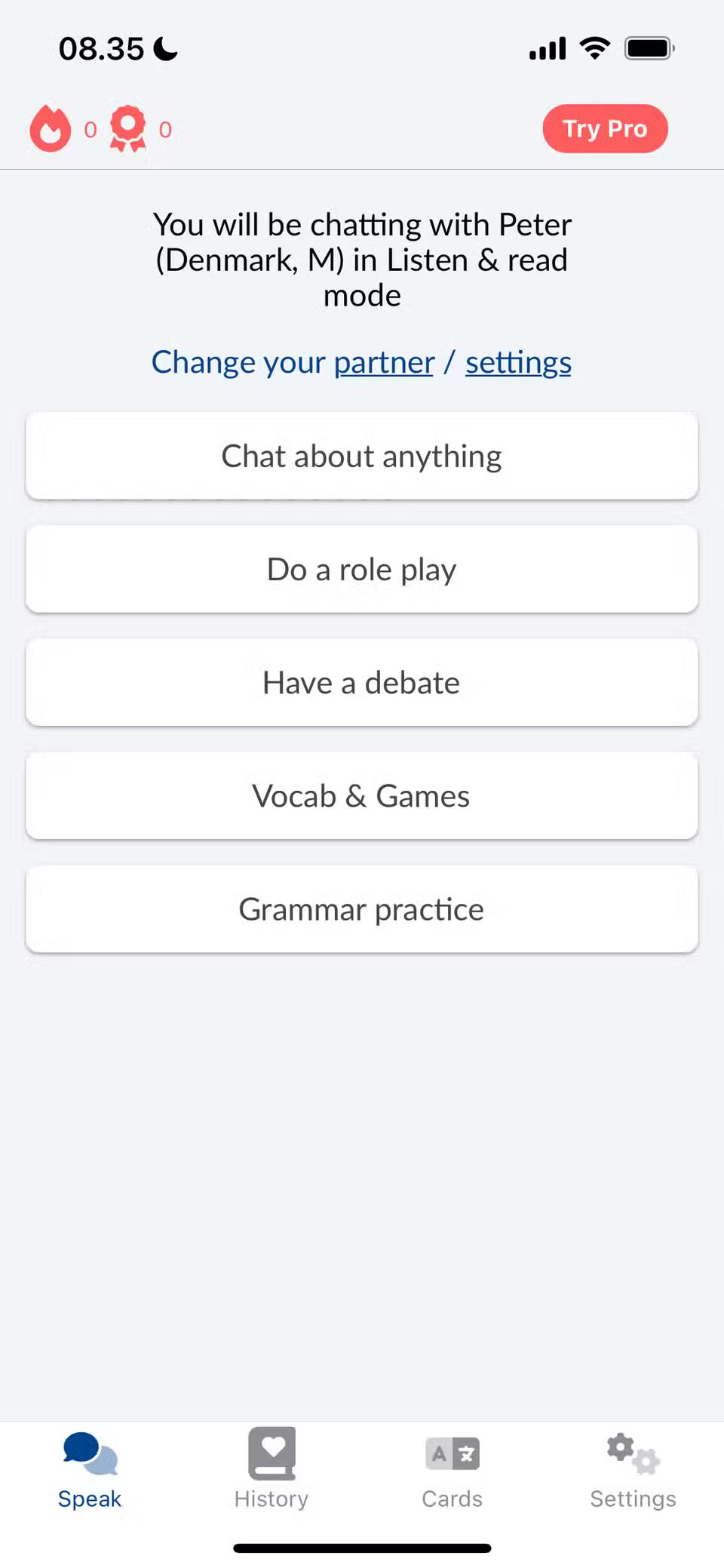


LanguaTalk on iOS
LanguaTalk provides AI conversation practice with adjustable topics and difficulty. It can be helpful when you need more speaking or writing repetitions than a scheduled lesson allows.
Best for: low-pressure practice. Check carefully: pronunciation, idioms, and cultural nuance with a teacher or trusted reference; an AI partner can sound confident while teaching an unnatural phrase.
6. Nerd AI: homework and study support
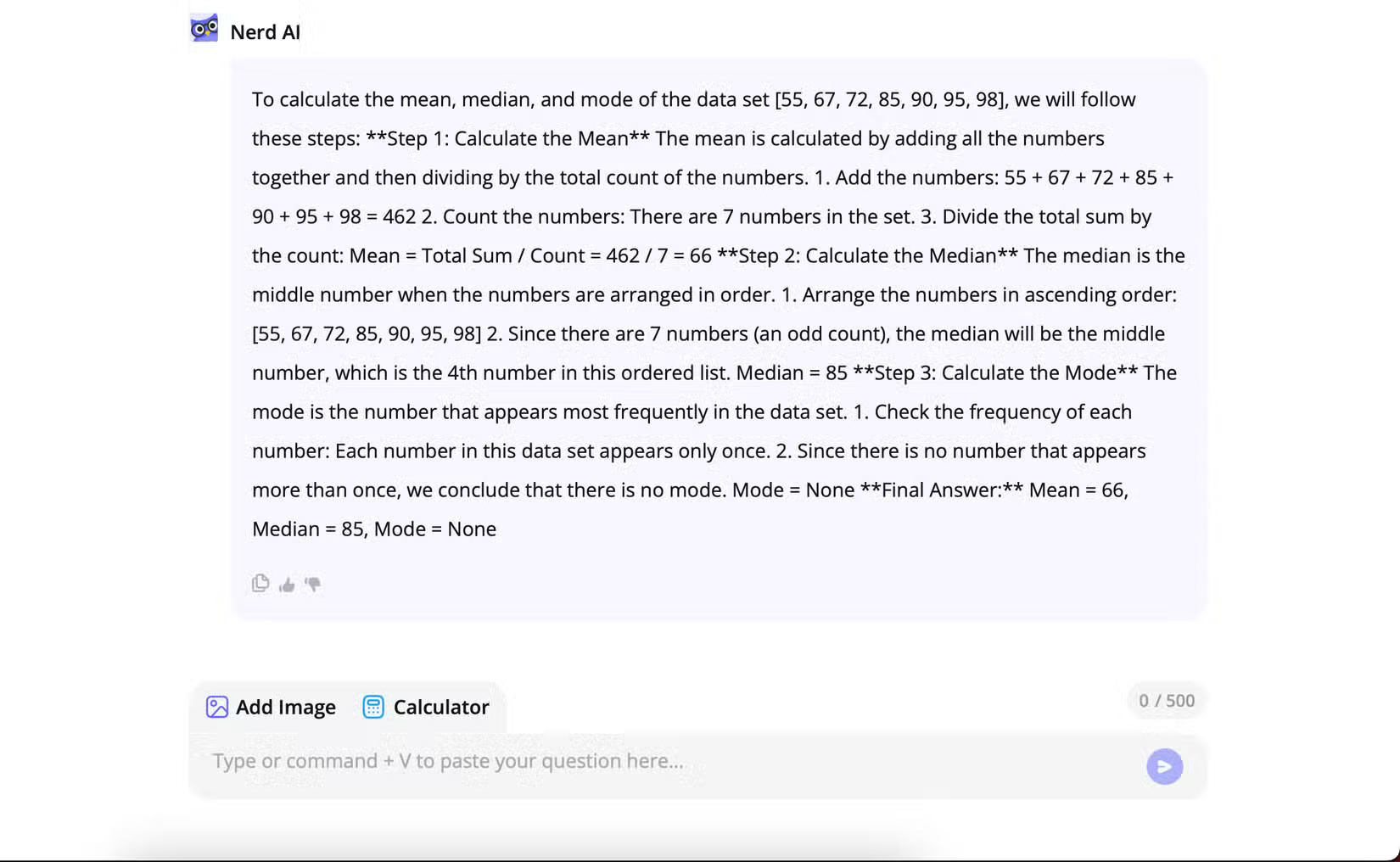
Nerd AI combines question answering with tools for subjects such as mathematics and languages. Use it to request a worked explanation, generate practice questions, or identify the step where your own solution went wrong.
Best for: guided practice. Check carefully: the method and final answer. Do not submit generated work as your own, and follow your school or course rules.
7. Remove.bg: quick background removal

Remove.bg isolates the main subject of a photo and creates a transparent background. It is fast for product shots, profile images, and simple composites, especially when the subject has a clear outline.
Best for: one-purpose image cleanup. Check carefully: hair, fur, glass, shadows, and edges with colors similar to the background. Free downloads may have resolution restrictions. TipsMake also lists other useful free tools.
8. Leonardo AI: image generation and style exploration

Leonardo AI generates images from text prompts and offers controls for format and visual style. It can be useful for mood boards, game concepts, illustration experiments, and early creative drafts.
Best for: trying several visual directions. Check carefully: the current token allowance, model availability, image rights, and whether the output is suitable for publication. For a broader comparison, see nine text-to-image tools.
How to choose without collecting eight accounts
- Pick one task you repeat often.
- Test two tools with the same non-sensitive example.
- Compare result quality, editing effort, privacy controls, and free-plan limits.
- Keep the tool only if it saves time after review and correction.
A free tier is useful for evaluation, but it is not a promise that the same limits will remain. Export important work and keep the original files outside the service.
Related Articles
 8 Apps Cost VND 550,000 Being Free for iOS6 minutes read
 Top iOS Apps That Are Currently Free or Discounted (April 22, 2026)11 minutes read
 Top Android Apps Are Free and Discounted (May 24, 2019)6 minutes read
 10 Apps That Cost $ 26 Are Being Free for iOS in a Short Time8 minutes read
 Top Free and Discounted Android Apps (October 8, 2019)4 minutes read
 8 Free Microsoft Store Apps That Make Windows Better: Practical Guide6 minutes read
Reader Comments 0
Sign in with email or Google to join the discussion.