Table of Contents
TeraBox advertises up to 1 TB of free cloud storage. That makes it worth considering for extra copies of large collections. Before moving a whole library, test whether the free plan can upload and restore your files at a speed and quality you can live with.
What the free plan may cost you in time
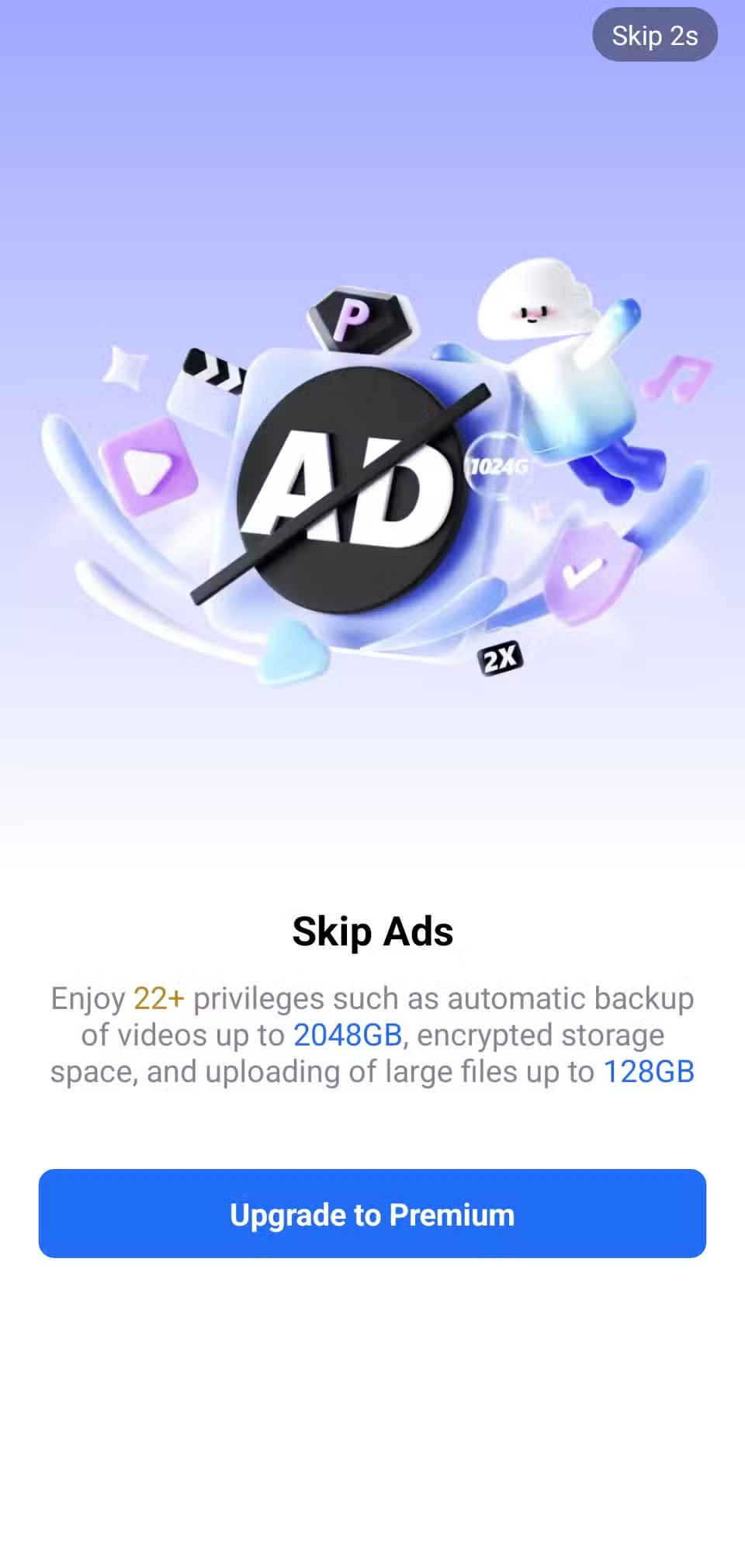
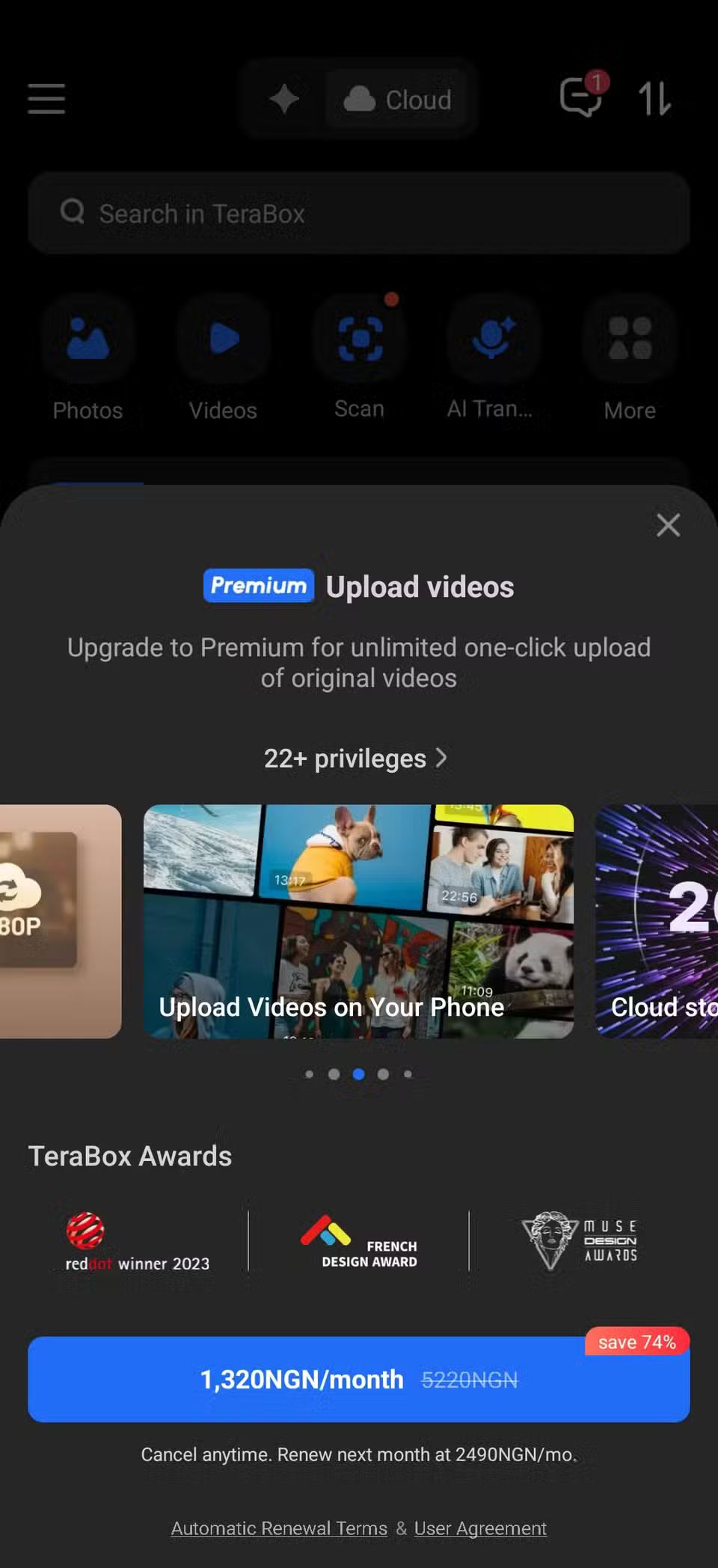
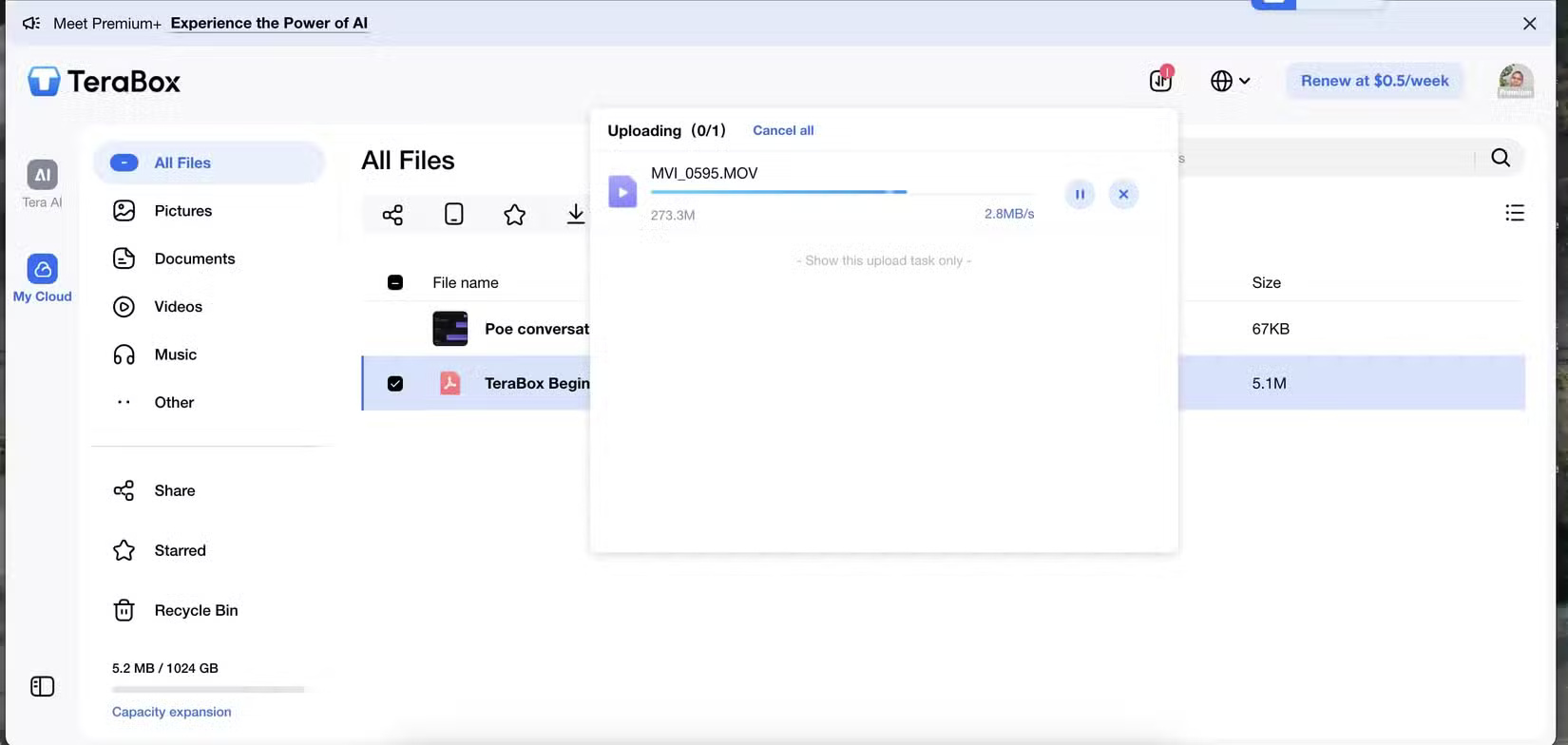
The free app experience includes ads. Video backup, transfer speeds and other features can differ by plan and by platform. Compare the options shown in your app with the provider’s Premium feature list. Check manual video upload separately from automatic camera-roll backup. They are different workflows and may have different limits.
Test a sample before uploading everything
- Pick several representative files, such as a large video, a photo folder and a document. Keep the originals.
- Upload the sample from the device you expect to use. Check file-size limits, whether uploads resume after interruption and whether you can select several files at once.
- Download the sample to a different folder. Open the restored files and compare their sizes and quality with the originals. Time a larger download if you expect to restore whole folders.
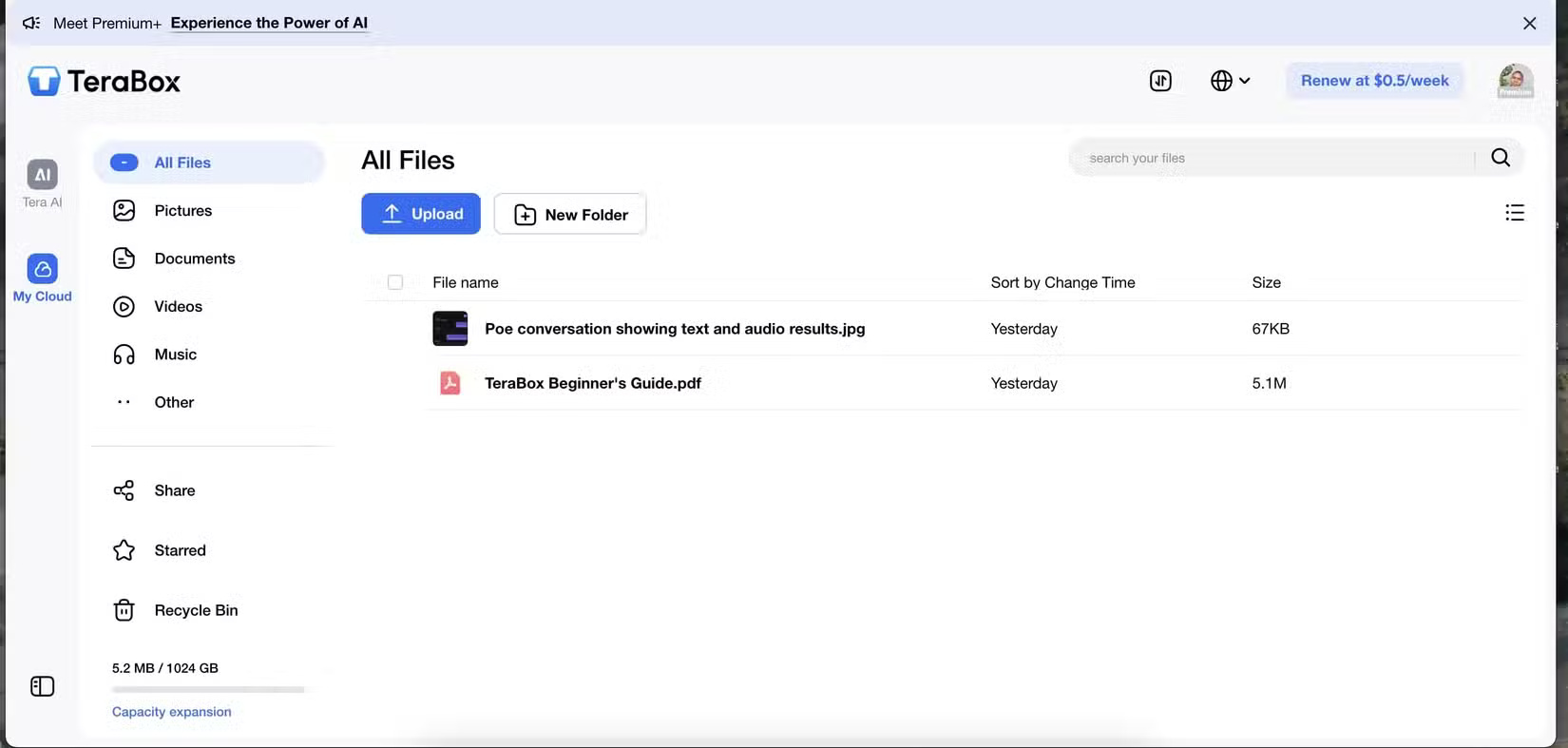
Try the web and desktop clients if you dislike the mobile interface. Choose the client whose documented features meet your needs. See the TeraBox setup walkthrough for the basic upload workflow.
Use it as a secondary copy
Keep another independent copy of anything irreplaceable and test restoring it periodically. Review the provider’s privacy, account recovery and retention terms before uploading sensitive material. Automatic sync also deserves a separate check: learn how sync differs from backup and how to create a resilient backup.
Related Articles
 TeraBox - Cloud storage service with 1Terabyte of free storage
 How to use Terabox storage with 1TB for free
 How to use TeraBox, store Photos, Videos on your phone
 How to Use TeraBox AI Writing Tools
 How to Create and Edit AI Presentation Slides in TeraBox
 'Eight-person relationship' - 8 people should be connected and 9 types of people should not socialize
Reader Comments 0
Sign in with email or Google to join the discussion.