Create Parameter Queries in Access 2016
Access 2016 is the focus of this article. Parameter queries are one of the simplest and most useful queries you can create.
Fix Windows problems, troubleshoot devices, understand AI, secure your accounts and get more from your technology with tested step-by-step guides.

Access 2016 is the focus of this article. Parameter queries are one of the simplest and most useful queries you can create.

Duplicate search queries allow you to search and identify duplicate records in a table or multiple tables.
Autocorrect Word is the focus of this article. Auto capitalization on Word is included in the AutoCorrect feature.

PowerPoint 2016 is the focus of this article. A presentation to the crowd, conference, seminar. Review the key facts and practical impact.
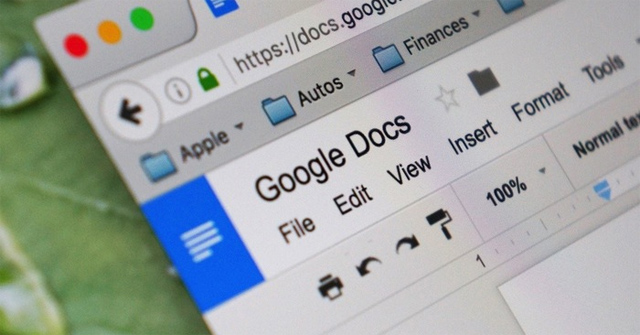
The dark background interface on Google Docs will help users limit the effect of screen light on the user's eyes.
Draw Shapes in Words is the focus of this article. When working with shapes or textboxes on Word, we can group shapes into one group for easy work.
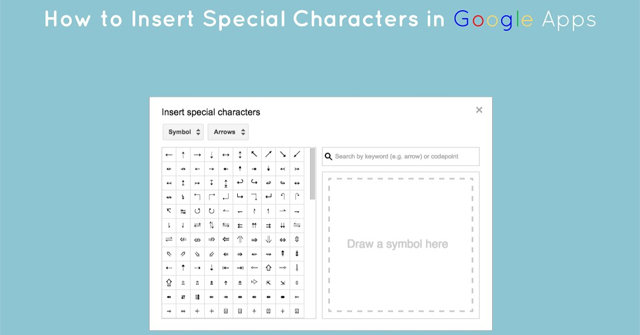
Insert the Google Docs Character is the focus of this article. When inserting characters into Google Docs, the content will be much more vivid.
In this lesson, you'll learn how you work in a PowerPoint environment, with tools including Ribbon, Quick Access Toolbar, and Backstage view.
PowerPoint 2016 is the focus of this article. PowerPoint files are called presentations. Review the key facts and practical impact.
Whenever you create a new presentation in PowerPoint, you'll need to know how to save it for later access and editing.

Normally when entering 0 on Google Sheets, it will automatically disappear if that 0 is in front of the number LINE.
How to quickly delete the format on the Excel table, to bring the data table back to the normal data area?
Min and Max functions on Excel will use to find the maximum value, the smallest value in the table, or the selected data area.
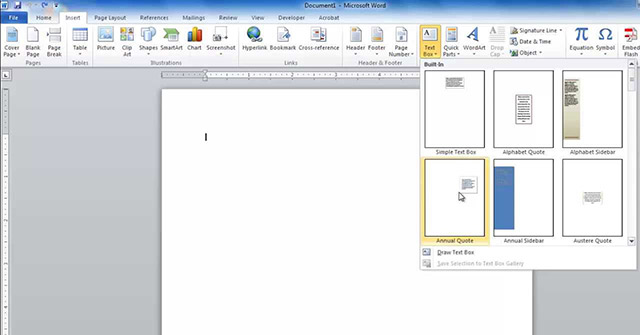
You may want to insert a text box into your document to draw attention to a specific piece of text or allow you to easily move around the text in a document.
You can insert different types of illustrations into your documents to make them more attractive in terms of form.
You can add different shapes to your Word 2007 document, including arrows, captions, squares, asterisks and flow charts.
Word 2007 is the focus of this article. Templates are pre-designed documents that you can use to create new documents of the same format.
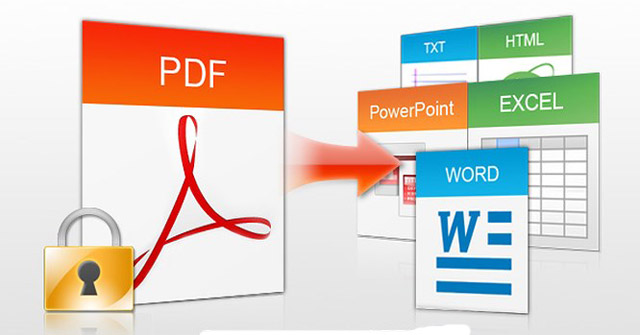
Not easy to find a free PDF editing software that allows you to not only edit text in PDF but also add text, change images or add your own graphics, sign and.
On Excel users can draw lines, arrows with drawing tools are available to represent in diagrams in Excel.

Show Bar Ruler Excel is the focus of this article. Excel's Ruler bar was accidentally hidden, making it difficult for you to adjust the table size.