10 Best Free Google Fonts for Professional Presentations
You can spend hours choosing templates and colors, but if you use inappropriate fonts, the presentation will not produce the expected results.
Fix Windows problems, troubleshoot devices, understand AI, secure your accounts and get more from your technology with tested step-by-step guides.

You can spend hours choosing templates and colors, but if you use inappropriate fonts, the presentation will not produce the expected results.
Instead of displaying the slideshow as usual, you can choose to present it as a video or even online so that others can view it remotely.

Word is the focus of this article. Some jobs require creating letters, forms or other documents on a regular schedule.
The REPT function in Excel will repeat non-alphanumeric characters, from numbers to characters without manually entering.
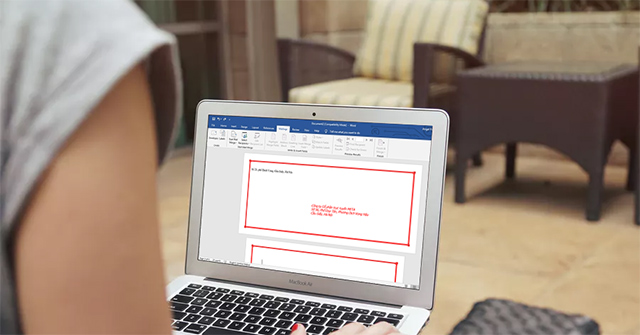
Create a Word Cover is the focus of this article. Word cover design in Word is very simple and you can print the cover letter to send as soon as you need.

To quickly remove the dot in the numeric sequence in Excel, we can use the search or use function in Excel.
How to Use Excel VBA Macro is the focus of this article. To separate each Excel sheet into separate Excel files, simply use the VBA macro code to finish.

To be able to merge and merge multiple PDF files into a single PDF file, we can choose software that supports installation on a computer, or use online.
Draw an Excel Chart is the focus of this article. The combination of 2 charts on the same Excel image helps users easily show the data.
PowerPoint 2016 is the focus of this article. PowerPoint provides a number of tools that can help you rehearse your presentation.

Plagiarism Testing Tools is the focus of this article. Plagiarism checking software will help users to know the same content between text documents.
PowerPoint is the focus of this article. The underlined part of the hyperlink can distract the audience and ignore the main message of the slide.

Record Slide Show is the focus of this article. On PowerPoint 2019 there is the option to record, record presentation slides, record presenter voices.

The operation of checking the version of Excel in use on the computer helps users choose to upgrade or use the current version.
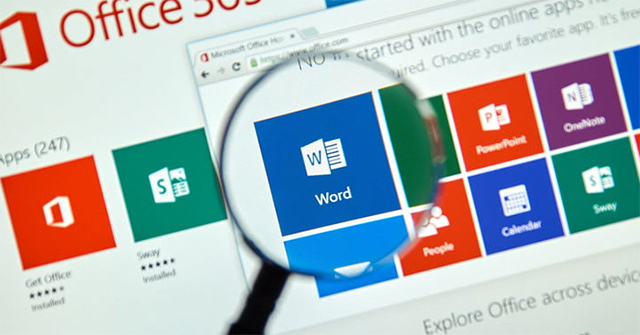
Each version of Office 2003, 2007, 2010, 2013, 2016 will have the number of Word versions respectively 11, 12, 13, 14, 15, 16.
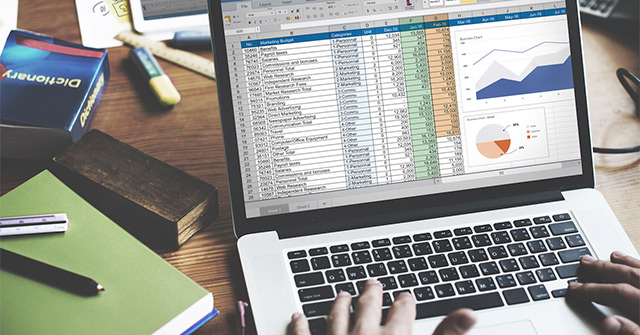
Calculating Excel is the focus of this article. Injury in Excel has many ways of doing it, can be used manually or using the calculation function.
How to Insert Excel Shapes is the focus of this article. Inserting Shape shapes into Excel is very simple.

How to Use PowerPoint is the focus of this article. Creating PowerPoint slides for making reports, presentations or lectures is very simple.
Dashed Dashed Word is the focus of this article. Instead of the underlined style under regular text, users can underline the broken character on Word.

The fact that the text is in the middle of the box on PowerPoint makes the presentation much more professional.