5 NotebookLM Settings for Better Chats, Sources, and Study Tools
These five settings take less than five minutes to complete. This can make the difference between using a smart document reader or a dedicated research assistant.
Fix Windows problems, troubleshoot devices, understand AI, secure your accounts and get more from your technology with tested step-by-step guides.
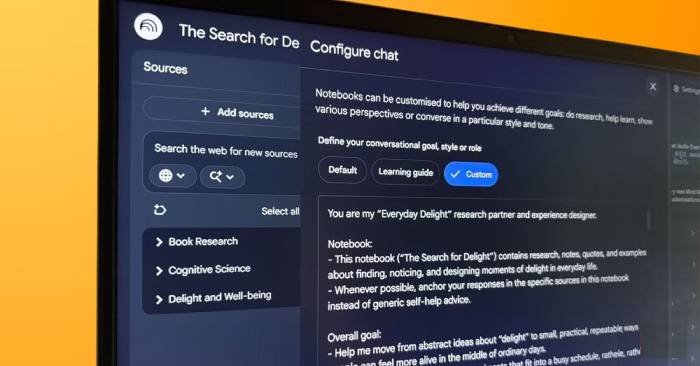
These five settings take less than five minutes to complete. This can make the difference between using a smart document reader or a dedicated research assistant.
This guide will show you how it can make research and learning more dynamic, practical, and enjoyable.

Discover the top 10 AI tools for research in 2026, including ChatGPT, Deep Research, Consensus, Scite, SciSpace, and Perplexity, to help you find documents.

What is PCIe? Explore the PC connection standard, from its operating principles and speed generations to its importance for GPUs and SSDs. Optimize your PC.

Recover access to a Windows laptop by checking PIN and keyboard settings, resetting a Microsoft or local account, using an authorized administrator, and protecting BitLocker data.

See total, used, and free storage on Windows or macOS, understand the difference between disks and volumes, and free space without deleting important system files.

Create desktop shortcuts on Windows and aliases on macOS without moving or deleting the installed app, with alternatives for the taskbar, Start menu, and Dock.

Choose a safe way to prevent accidental input, disable a built-in keyboard while using an external one, or restore input without relying on false keyboard-lock shortcuts.

Choose trustworthy app sources, match installers to Windows or macOS, verify publishers and security warnings, and fix common download or installation problems.

Remove Windows and Mac applications with the correct system or vendor tools, protect app data, handle stubborn uninstallers, and avoid deleting drivers or shared files.
Set a supported iPhone app to a different language without changing the rest of iOS, and fix missing language options or confusion with keyboards and App Store regions.

Compare five local AI model options for code work by task fit, memory demands, multimodal input, runtime support, licensing, and real repository testing.
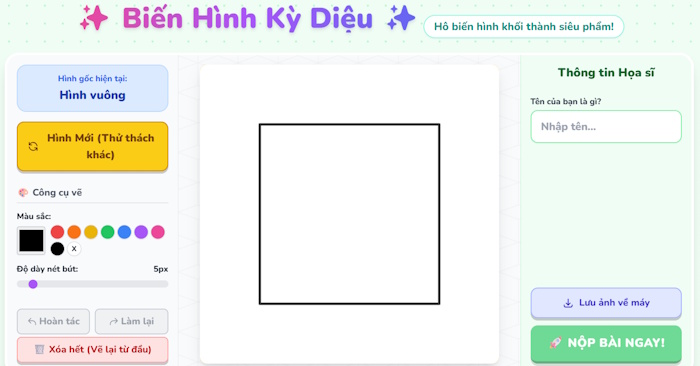
Use Gemini Canvas to generate a one-file drawing game, test touch and undo behavior, label simulated scoring honestly, protect student privacy, and export valid HTML.

Turn a permitted portrait into an editorial collage, refine identity and composition in ChatGPT Images, then add exact, editable typography for reliable brand artwork.
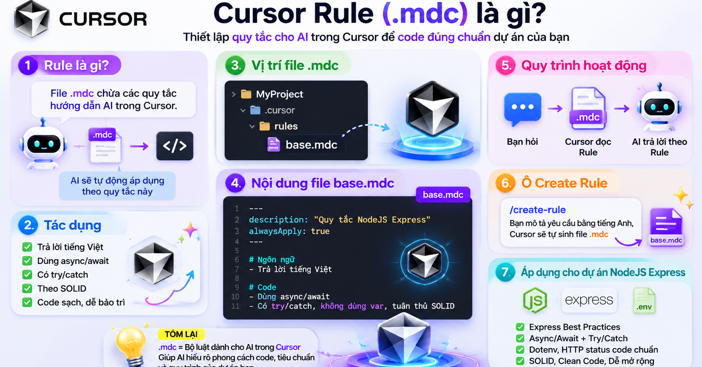
Create scoped Cursor Project Rules in .cursor/rules, configure all four activation modes, write valid frontmatter, troubleshoot matching, and share rules safely.
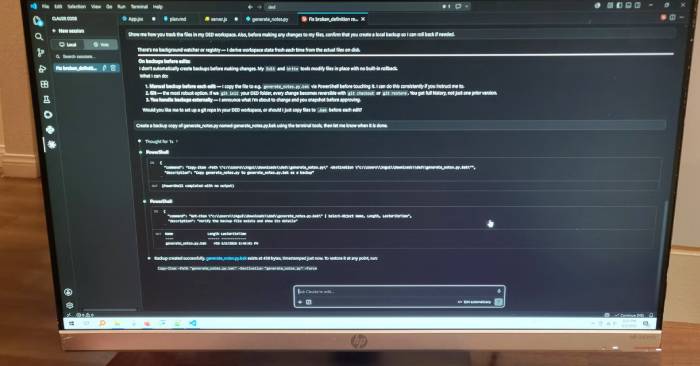
Compare the Claude Code VS Code extension with its CLI for planning, multi-file diffs, terminal work, Git safety, permissions, and a reviewable daily workflow.
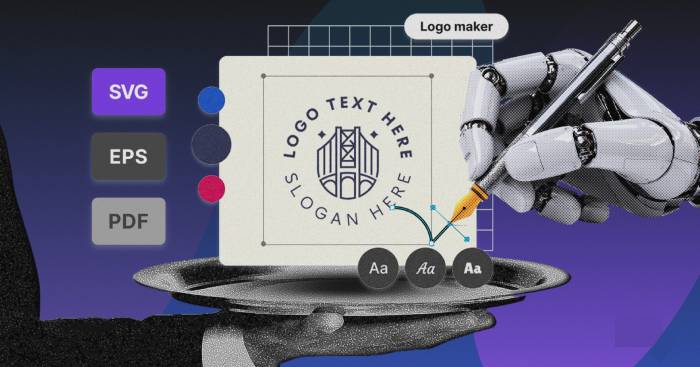
Compare eight logo tools by vector exports, customization, licensing, payment model, brand-kit assets, and the checks needed before using a mark commercially.
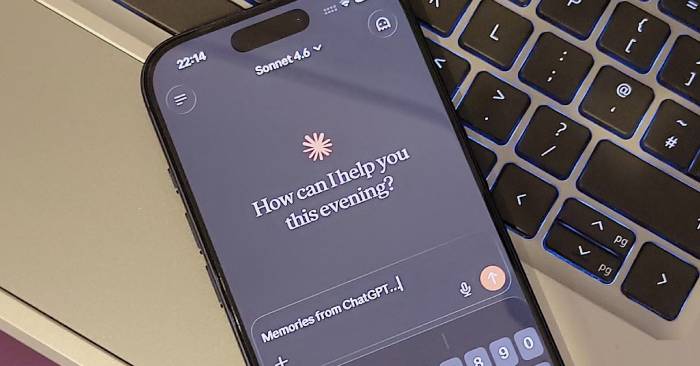
Compare Claude and ChatGPT on headline writing, source analysis, and safe automation with repeatable prompts, blind scoring, citations, and documented product settings.

Check which OpenAI coding models are available in Cursor, select the right option in Agent, manage usage, and troubleshoot missing legacy model names.
Use Claude for structural editing, PDF analysis, project knowledge, saved-reading notes, and research synthesis—while knowing when a specialist app is still necessary.