Table of Contents
A large language model is most useful when it helps turn an unclear starting point into something you can inspect: a prototype, a study plan, a structured brief, a reusable template, or a testable code change. The output is a draft, not evidence that the task is complete.
The five workflows below include an input, an expected result, and a way to check quality. Use a service approved for the data involved, and remove secrets or personal information before submitting material.
1. Turn an idea into a design prototype
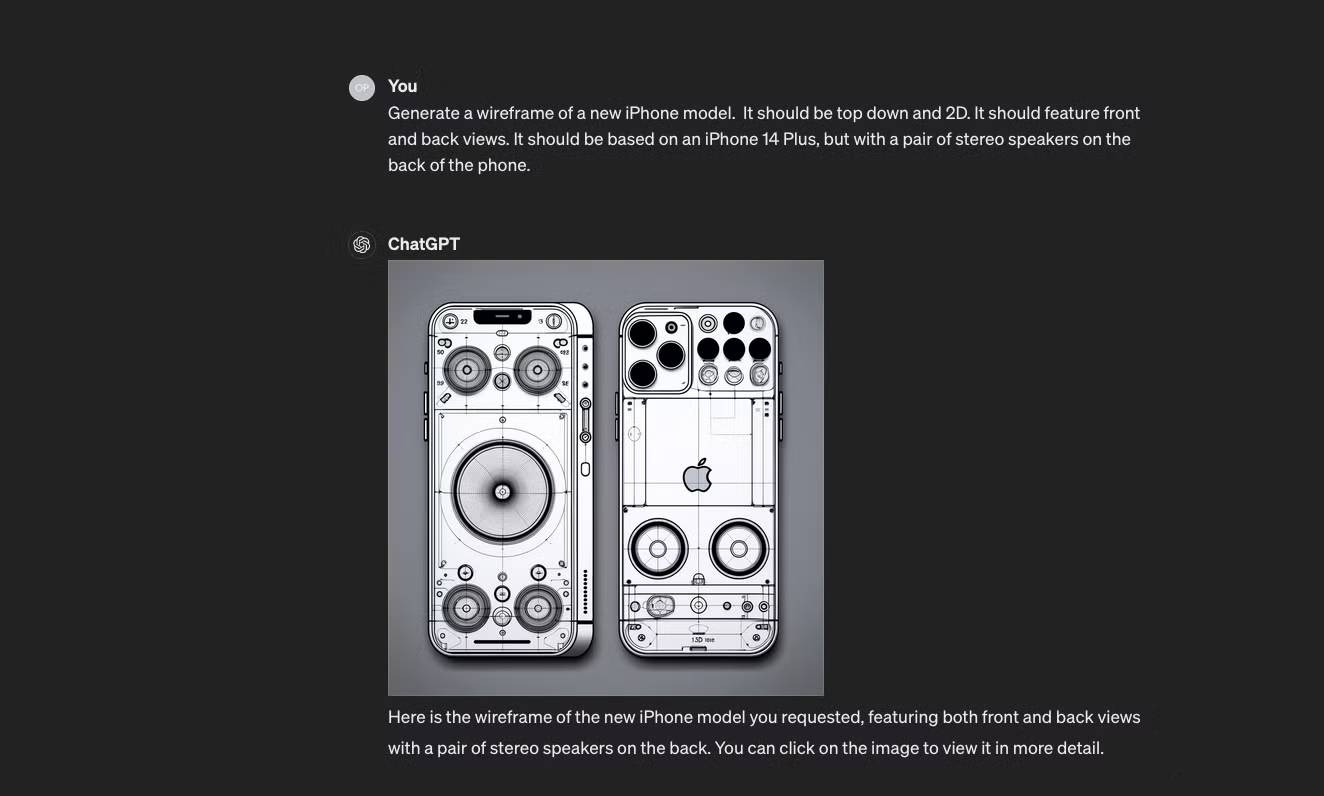
An LLM can convert product notes into a user flow, interface copy, component inventory, acceptance criteria, or a small HTML prototype. That makes it useful before a designer or developer spends time polishing the wrong concept.
Start with the problem and constraints:
Create a mobile-first wireframe specification for a library room-booking page. Users need to compare capacity, equipment, and availability, then reserve with a university account. Include empty, loading, validation, conflict, and success states. Meet WCAG-oriented keyboard, label, and contrast requirements. Do not choose a visual style yet.
The first output should define structure, not decorative detail. Ask a second pass to identify missing states, confusing decisions, and accessibility risks.
Separate text and image generation
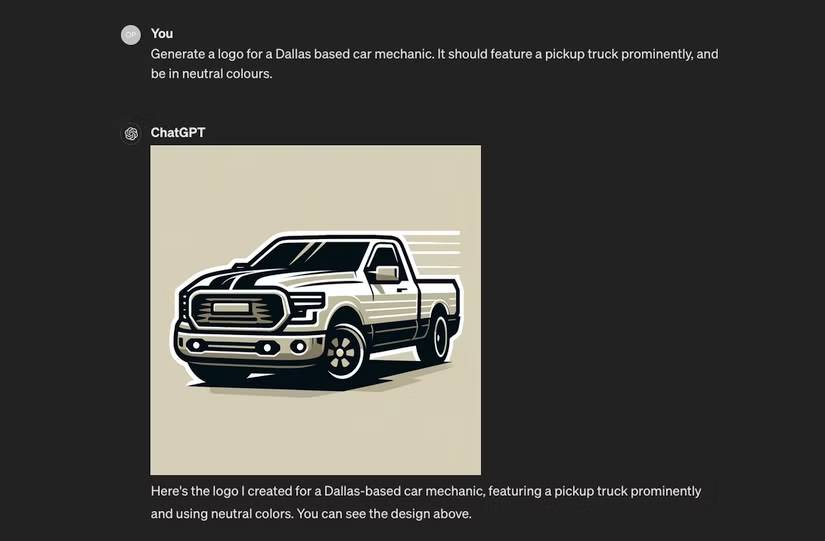
An LLM produces language or code. Some products pair it with an image model, but the image is generated by a separate capability. Use image generation for mood boards, composition studies, or placeholder illustrations—not for exact diagrams, small interface text, a final logo, or assets that must follow a precise brand system.
Prototype review checklist
- Can a user complete the primary task without guessing?
- Are errors, permissions, empty states, and slow network states included?
- Does every control have a clear label and keyboard behavior?
- Does the prototype use realistic content rather than idealized placeholders?
- Which product assumptions still need user research?
2. Build an active-learning tutor
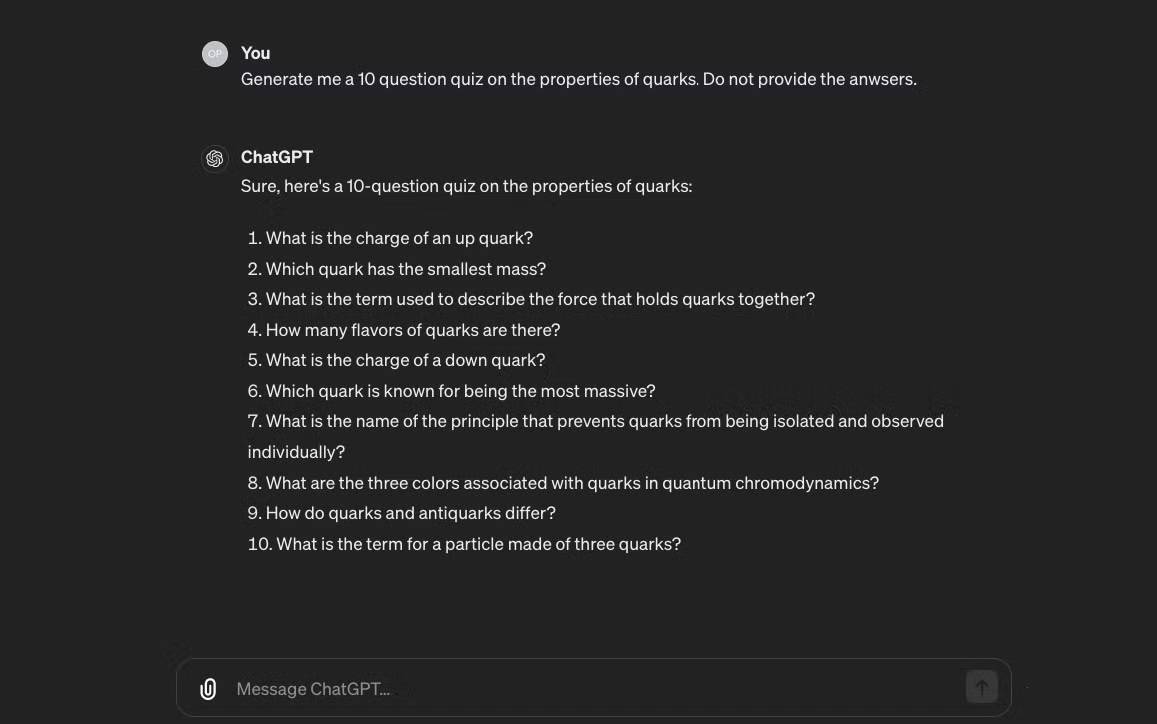
LLMs can explain a concept at several levels, generate practice questions, simulate an oral exam, and give feedback on a learner's reasoning. Passive summaries are less effective than retrieval practice and correction.
Provide the source material when accuracy matters:
Use only the attached chapter. Ask me one question at a time about TCP congestion control, beginning with definitions and moving to scenario analysis. Do not reveal the answer until I attempt it. After each response, identify the exact misconception, cite the relevant section, and ask a shorter follow-up that tests the same concept.
Check every factual explanation against the textbook, course notes, standards document, or another authoritative source. An LLM can confidently grade a correct answer as wrong or invent a citation. It should not replace a qualified instructor for high-stakes medical, legal, safety, or professional training.
Useful learning modes
| Goal | Prompt pattern |
|---|---|
| Find a knowledge gap | Ask diagnostic questions before explaining |
| Practice recall | One question at a time; no answer until an attempt |
| Improve reasoning | Request feedback on each step, not only the final result |
| Transfer knowledge | Generate a new scenario that uses the same principle |
| Review mistakes | Turn verified errors into a short spaced-repetition set |
3. Explore a brand direction before commissioning final assets
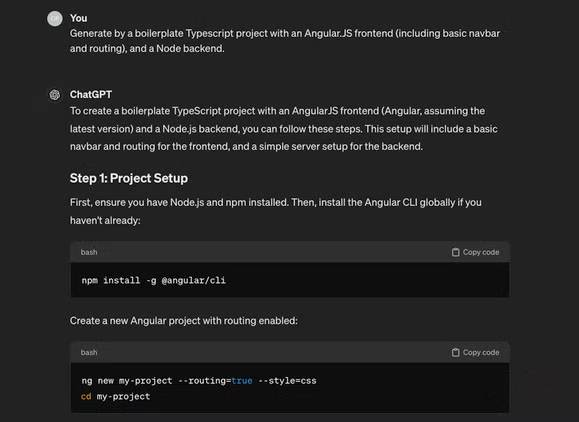
An LLM can help organize brand attributes, generate naming criteria, write a creative brief, and compare several positioning directions. A paired image model can create visual references. Neither should be trusted to produce a legally safe, technically complete brand identity without professional review.
Give the model information that changes the design:
- audience and market;
- product promise and evidence;
- personality attributes and attributes to avoid;
- competitors and visual conventions that should not be copied;
- where the identity must work, from favicon to signage;
- language, accessibility, and cultural constraints.
Example:
Develop three creative directions for a neighborhood tool-lending cooperative. The brand should feel practical, trustworthy, and communal, but not rustic or childish. For each direction, provide a positioning sentence, tone words, color roles, typography qualities, icon approach, risks, and a test with prospective members. Do not create a final name or logo.
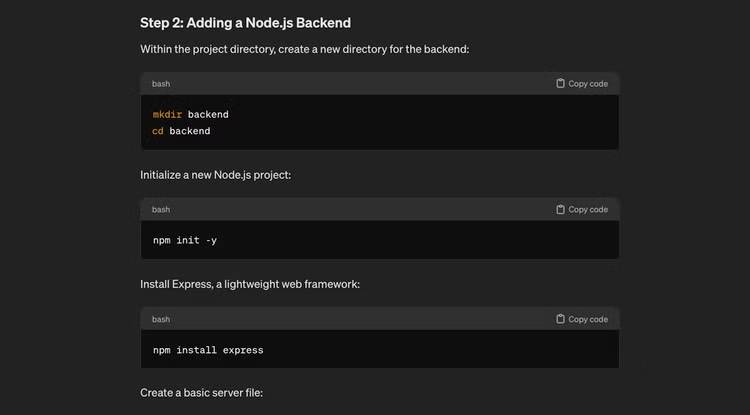
Before adopting a name or logo
- Run trademark and company-name checks in the relevant jurisdictions.
- Check domain and social availability without treating availability as legal clearance.
- Test color contrast and one-color reproduction.
- Inspect the mark at small sizes and in print.
- Confirm that typefaces and generated assets have appropriate licenses.
- Ask people from the target audience about unintended meanings or associations.
4. Create reusable templates and schemas
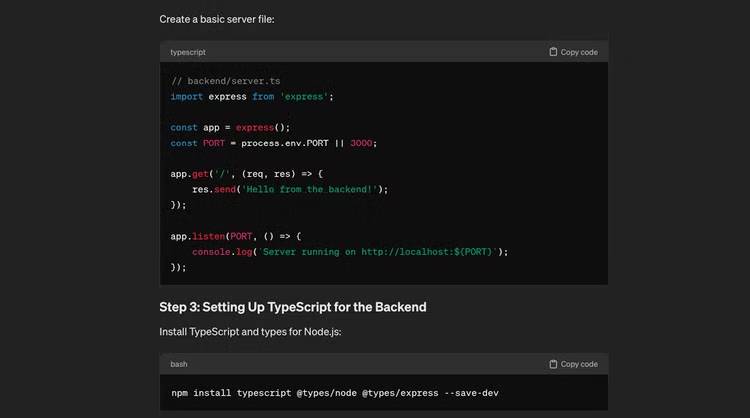
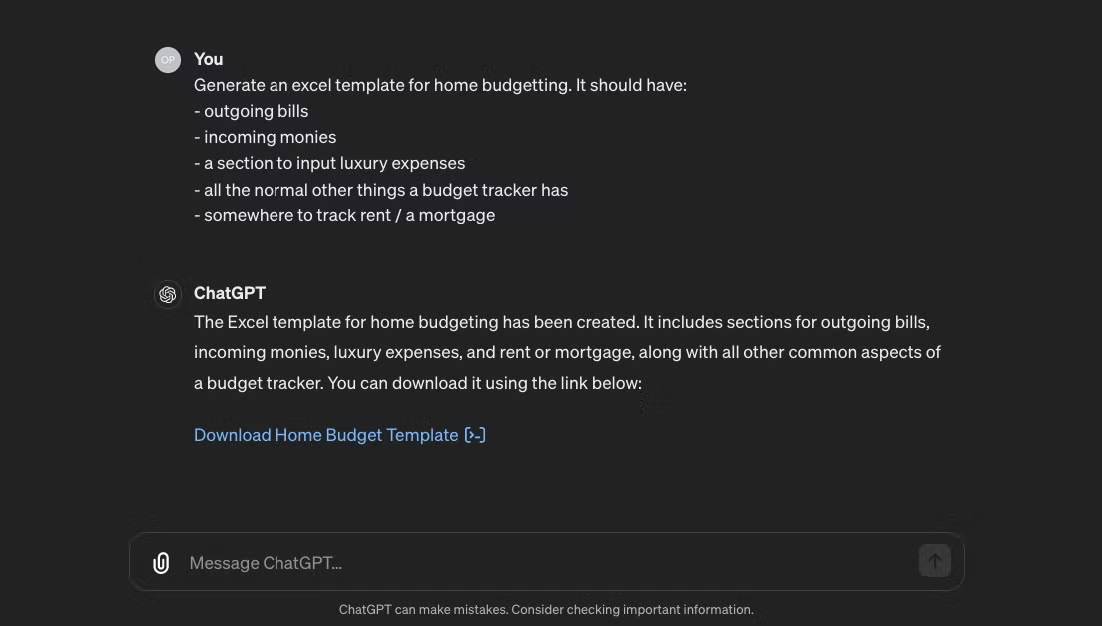
LLMs are good at turning a repeated process into a structured starting point: a spreadsheet layout, project brief, interview guide, checklist, JSON schema, email sequence, or slide outline. The value comes from encoding required fields and checks, not from adding decorative sections.
Describe the users and rules:
Design a monthly cash-flow workbook for a three-person consulting business. Separate actual and forecast amounts, include invoice due date and payment status, avoid macros, and provide formulas for opening cash, closing cash, and overdue receivables. Add a data-validation list for status. Include a test dataset and explain how to verify each formula.
If the tool can create files, open the result in the target application and test it. Check formulas after inserting rows, sort and filter behavior, date and currency formats, print layout, accessibility, and whether blank or invalid inputs break the model.
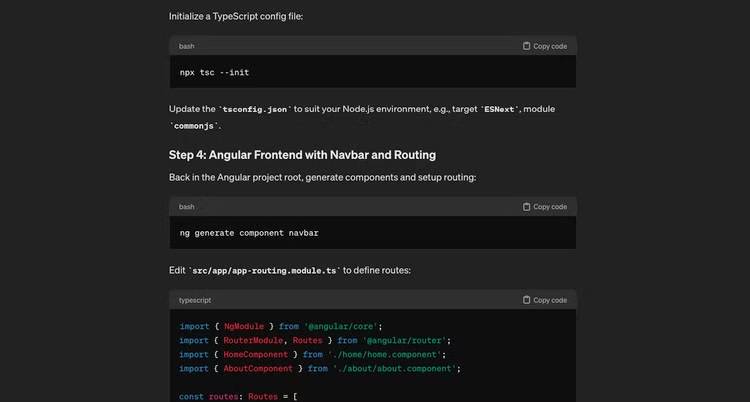
Do not assume that an LLM can generate every proprietary file type correctly. Some products create a file through code or a document tool; others return only text. A valid-looking download may still contain broken formulas or unsupported formatting.
5. Understand and debug code
For debugging, provide the smallest reproducible example, exact error, runtime versions, expected behavior, and what has already been tried. Ask for hypotheses and tests before requesting a patch.
This Python 3.12 function intermittently duplicates records when two workers process the same job. First identify the shared state and list three plausible race conditions. Then propose a deterministic test for each. Do not change the code until the failing behavior is reproduced. Preserve the public API and database schema.
A safer debugging loop
- Reproduce the bug in a clean environment.
- Ask the model to explain the observed path through the code.
- Rank hypotheses by evidence.
- Add a focused failing test.
- Apply the smallest change that makes the test pass.
- Run the full test, lint, type, and security checks.
- Review the diff for unrelated changes and new dependencies.
Generated code can call nonexistent APIs, mishandle edge cases, weaken security, or copy a pattern inappropriate for the installed library version. Never paste credentials, private keys, customer data, or proprietary code into a service that is not approved for it. Data retention and training policies differ by product and plan; check the actual terms rather than assuming all prompts are stored or all prompts are private.
How to get better results from any LLM
| Include | Why |
|---|---|
| Goal | Defines the outcome rather than a broad topic |
| Context | Supplies facts the model cannot infer safely |
| Constraints | Protects scope, format, tools, and sensitive boundaries |
| Example input and output | Shows the required level of detail and structure |
| Failure conditions | States what would make the answer unusable |
| Verification method | Turns a plausible draft into a checked result |
The creative advantage of an LLM is speed across many rough alternatives. Use that speed to explore, compare, and test—then rely on authoritative sources, deterministic tools, and human judgment for the final decision.
Related Articles
 70 Simple Ways to Help You Be More Creative at the Office6 minutes read
 7 Simple Ways to Train Creative Thinking Skills6 minutes read
 10 Tools to Help You Promote Your Creative Ability Effectively10 minutes read
 11 Creative Ways to Use Microsoft Word8 minutes read
 Ways to Help Your Child Become a Creative Child10 minutes read
 No One Is Too Busy to Be Creative: Ways to Be Creative12 minutes read
Reader Comments 0
Sign in with email or Google to join the discussion.