Table of Contents
AI improves productivity when it removes a specific bottleneck: repetitive formatting, a crowded inbox, poor meeting follow-up, or the difficulty of turning rough notes into a first draft. It is less useful when the task has no clear input, no definition of success, or no one responsible for checking the result.
Start with one low-risk workflow you repeat every week. Measure the time and corrections it requires before and after adding AI, then keep the change only if it reduces total effort.
1. Automate repetitive, rule-based work
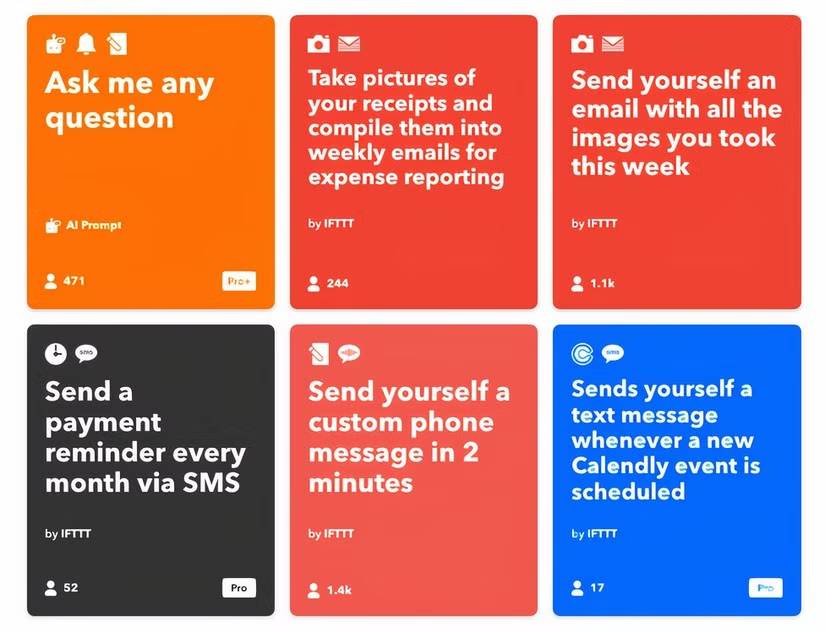
Good automation candidates have a stable trigger, predictable inputs, and a reviewable output. Examples include classifying support requests, extracting fields from standard forms, converting notes into a template, or drafting a weekly status update from completed tasks.
Do not begin by asking an agent to “run the department.” Write the workflow in plain language:
| Part | Example |
|---|---|
| Trigger | A new request arrives in the shared inbox |
| Input | Sender, subject, body, account ID, and approved category list |
| AI step | Suggest a category and a one-sentence summary |
| Deterministic step | Look up the account and route by the approved category |
| Review | A person checks low-confidence or high-impact requests |
| Record | Store the original request, suggestion, final category, and reviewer |
Keep calculations, permissions, payments, and final database updates in conventional software wherever possible. Use AI for interpretation, not for work that a formula or validation rule can perform exactly.
Safe rollout
- Run the workflow on historical examples without taking real actions.
- Compare the suggestions with the correct outcomes.
- Define which cases require human review.
- Allow drafts before allowing external or irreversible actions.
- Monitor error patterns after launch and keep a way to disable the automation.
2. Triage and draft email
AI can summarize long threads, identify questions, propose priority labels, and draft replies. The benefit comes from reducing reading and composition time—not from automatically sending everything.
A useful prompt includes the desired output and the limits:
Summarize this thread in five bullets. List decisions, unanswered questions, owners, and deadlines stated explicitly in the messages. Do not infer commitments. Then draft a reply that answers only the questions assigned to me and marks missing information with brackets.
Check names, dates, attachments, quoted promises, and tone before sending. Never paste confidential correspondence into a consumer AI tool unless the organization's policy and the tool's data controls permit it. An approved enterprise integration may have different retention and access rules.
Inbox workflow that stays manageable
- Use existing sender and project rules before asking AI to classify.
- Have AI produce a short daily queue instead of another stream of notifications.
- Separate “needs a reply” from “needs an action elsewhere.”
- Do not let AI unsubscribe, delete, forward, or send without an explicit review policy.
- Keep phishing detection and security controls independent from generative summaries.
3. Prepare and protect focus time
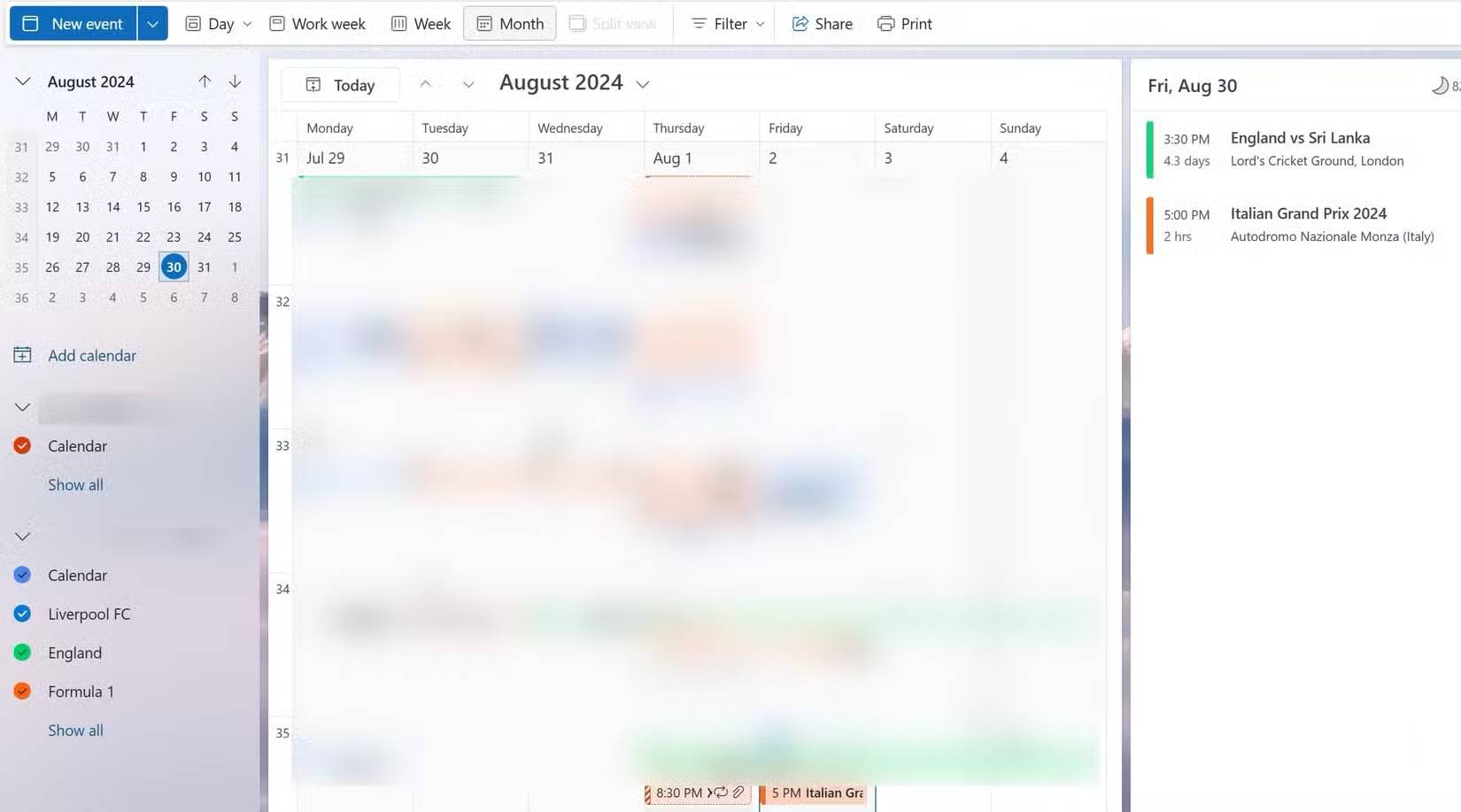
A calendar assistant can propose meeting times, group shallow tasks, identify conflicts, and reserve focus blocks. It should work from explicit constraints rather than assuming every open hour is available.
Provide:
- working hours and time zone;
- fixed meetings and deadlines;
- minimum focus-block length;
- travel or transition time;
- participants whose attendance is required;
- events that must never be moved automatically.
Ask for a proposed schedule first. Review it for lunch, caregiving, accessibility, travel, and preparation time before changing calendars. A mathematically dense schedule can be less productive if it leaves no buffer for interruptions.
AI is also useful before a meeting: turn an agenda, prior notes, and open actions into a briefing sheet. Require links to the original material so important context can be checked quickly.
4. Capture meetings and improve follow-up

Meeting tools can transcribe speech, separate speakers, summarize discussion, and suggest action items. Transcripts are drafts. Names, technical terms, numbers, and decisions are common failure points, especially with poor audio or overlapping speakers.
Before recording
- Confirm recording and transcription are allowed by company policy and applicable law.
- Notify participants and obtain any required consent.
- Decide who can access the recording, transcript, and summary.
- Avoid recording sensitive segments that do not need to be retained.
After the meeting
- Compare the summary with the transcript and agenda.
- Verify each decision and action item with the responsible person.
- Include an owner and due date only when the meeting established them.
- Correct the record before sharing or creating project tasks.
- Apply a retention policy to the audio and transcript.
A concise verified decision log is usually more valuable than a verbatim transcript no one reads.
5. Brainstorm, challenge, and shape first drafts

AI is effective at generating variations, reorganizing rough notes, identifying assumptions, and showing alternative structures. It cannot determine whether an idea is original, desirable, legally safe, or supported by real market evidence.
Use several passes with different roles:
- Diverge: generate options under stated constraints.
- Group: cluster similar ideas and name the underlying approaches.
- Challenge: list assumptions, failure modes, affected users, and missing evidence.
- Develop: turn the best two or three options into small experiments.
- Verify: research claims and speak with actual users or stakeholders.
Example prompt:
Propose eight ways to reduce support response time without reducing review quality. We have three agents, no budget for a new platform, and must keep customer data in approved systems. For each idea, list the expected benefit, operational risk, first test, and evidence needed. Do not invent customer research.
AI-generated “market trends” or predicted success rates are not evidence. Verify any current fact with authoritative sources and label assumptions clearly.
How to decide whether the AI workflow is productive
Measure the whole process, including review and correction:
| Metric | What it reveals |
|---|---|
| Cycle time | Whether work reaches a verified result sooner |
| Correction rate | How often the first output needs material repair |
| Escalation rate | Whether risky or ambiguous cases reach the right person |
| Rework | Whether downstream teams must fix hidden errors |
| Adoption | Whether people use the workflow without creating parallel processes |
| Security and privacy incidents | Whether convenience is expanding data exposure |
| Cost per verified result | Whether subscriptions, API usage, and review time are justified |
A simple weekly experiment
- Choose one task that occurs at least several times per week.
- Collect five to ten representative examples.
- Write the required output and the conditions that make it unacceptable.
- Use AI in draft-only mode.
- Record time, corrections, and any risky output for one week.
- Keep, revise, or stop the workflow based on the results.
The most productive use of AI is often modest: a better first draft, a shorter review queue, or a clearer record of the next action. Reliable gains come from narrow scope, good inputs, explicit checks, and a human owner—not from adding AI to every task.
Related Articles
 10 Tips to Increase Productivity on Windows 1012 minutes read
 11 Ways to Increase Productivity for Your Life: Work Productivity9 minutes read
 7 Simple Tips to Increase Productivity in the Afternoon9 minutes read
 Why Only 2 Monitors Are Needed to Increase Work Productivity: Explained7 minutes read
 6 Tips to Work Effectively from Talented Ceos: Work Efficiency8 minutes read
 5 Types of Music Help Increase Productivity so Listen Every Day6 minutes read
Reader Comments 0
Sign in with email or Google to join the discussion.