Table of Contents
F-Droid is the strongest Google Play alternative for open-source Android apps, while Aurora Store provides an unofficial way to browse the Google Play catalog. APKMirror is useful for obtaining a specific APK, and TapTap or Itch.io are better suited to games. No third-party store is risk-free: use the developer's official site, verify the source, and grant permission to install unknown apps only to the browser or store you intentionally use.
Android blocks installation from unapproved sources until the user opts in. Keep that protection enabled for every app that does not need it, and turn off the permission again after a one-time installation.
Google Play alternatives at a glance
Option | Best for | Main limitation |
F-Droid | Free and open-source apps | Much smaller catalog than Google Play |
Aurora Store | Accessing the Google Play catalog through an unofficial client | Login availability and Play-dependent apps can be unreliable |
APKMirror | Downloading a known app version | Manual installation and split-package formats |
Uptodown | Broad third-party catalog and version history | Requires trust in an additional distributor |
Aptoide | Multiple community and publisher stores | Quality and trust can vary by store |
TapTap | Android games and game discovery | Region and edition differences |
Itch.io | Independent Android games | Many downloads are installed manually |
Obtainium | Following releases from developer-controlled sources | You must choose and trust each source URL |
F-Droid: best for open-source Android apps
F-Droid distributes free and open-source Android software. Its catalog is smaller than Google Play, but app pages expose licensing information and label relevant “anti-features,” such as advertising, tracking, or reliance on non-free services. Read those labels instead of assuming that every listed app has identical privacy characteristics.
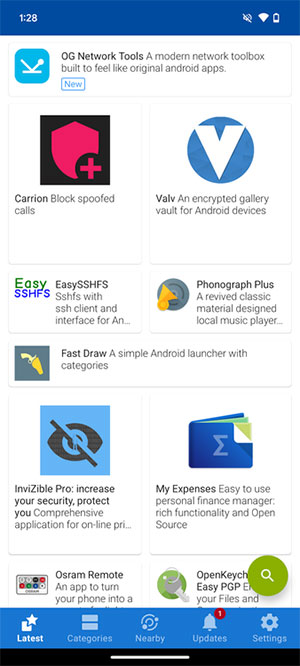
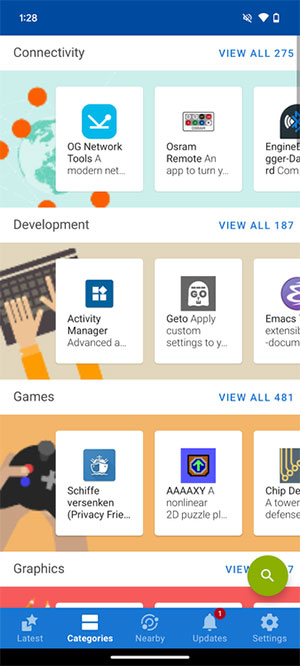
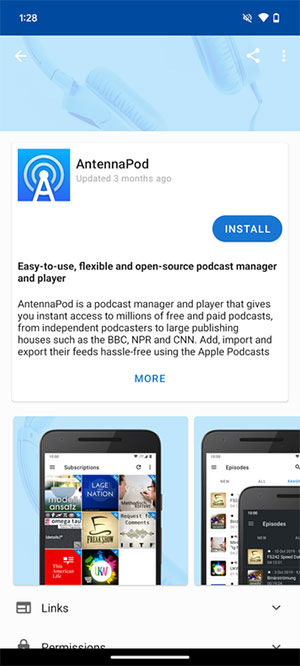
F-Droid is a good starting point for utilities, privacy tools, and replacements for proprietary apps. Updates may arrive later than the developer's own release because repository builds and reviews take time.
Aurora Store: an unofficial Google Play client
Aurora Store is an open-source, unofficial client for Google's Play Store. It can search and download apps from the Play catalog, but it is not a separate source of those apps. Login methods and anonymous access can change or temporarily fail, and signing in with a personal Google account introduces account and terms-related considerations.
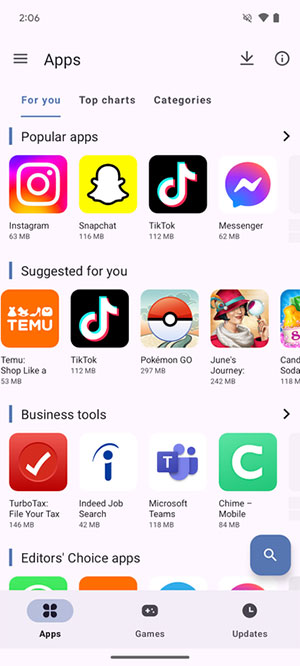
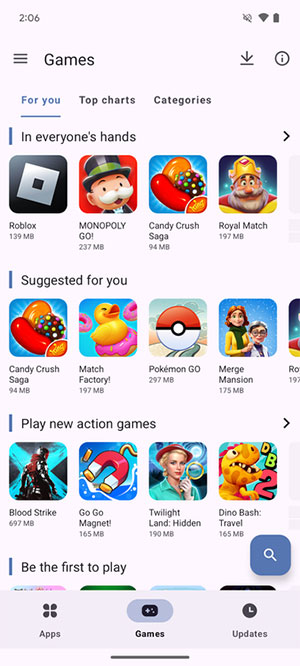
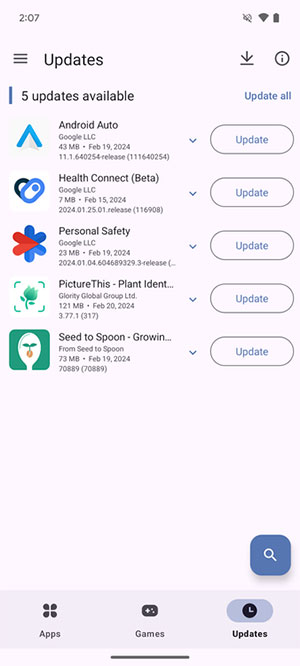
Apps that require Play services, Play Integrity, paid licensing, or Google account features may not work fully on a de-Googled device even if the APK installs.
APKMirror: useful for a specific APK or older version
APKMirror is a download site rather than a conventional store client. It is helpful when you need a known release of an app, but you must choose the correct architecture, Android version, and package variant.
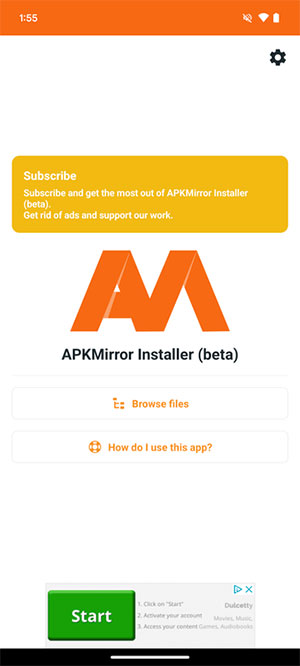
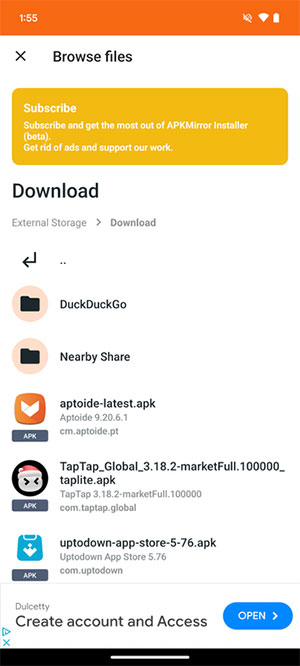
A standard APK can usually be opened from the Downloads folder after installation permission is granted. Split packages such as APKM or APKS need a compatible installer. Do not install a file merely because its name matches an app; confirm the package, developer, signature information, and requested permissions.
Uptodown: broad catalog with release history
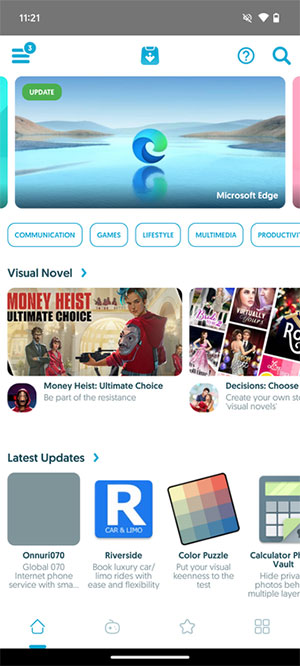
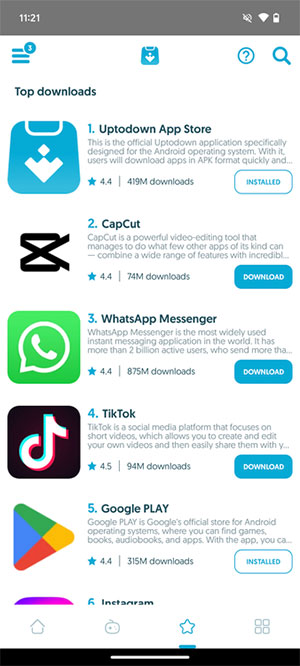
Uptodown provides Android downloads and records of prior versions. That can help when a current release is incompatible with a device, but running an old build may reintroduce fixed security problems. Use an earlier version only when necessary and update again as soon as a compatible safe release is available.
Aptoide: decentralized stores with extra trust decisions
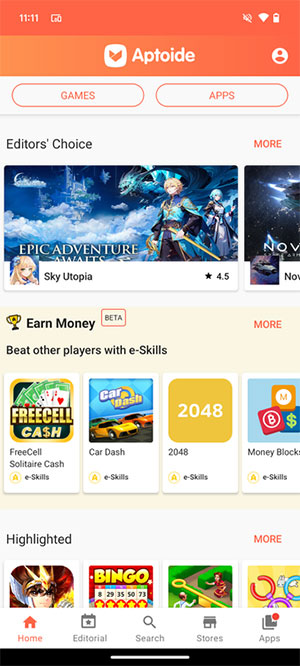
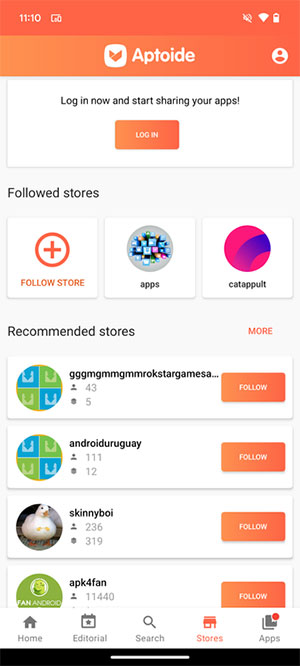
Aptoide provides access to multiple stores rather than one centrally curated catalog. That variety is its advantage and its main risk: the publisher and trust level can differ between listings. Prefer verified publisher channels, compare the package identity with the official developer's release, and avoid unofficial paid-app copies.
TapTap: focused on Android games
TapTap combines game discovery, community features, pre-registration, and downloads. Availability differs by region and by the TapTap edition being used. Check whether a listing is the global or regional release and whether the game needs a separate publisher account.
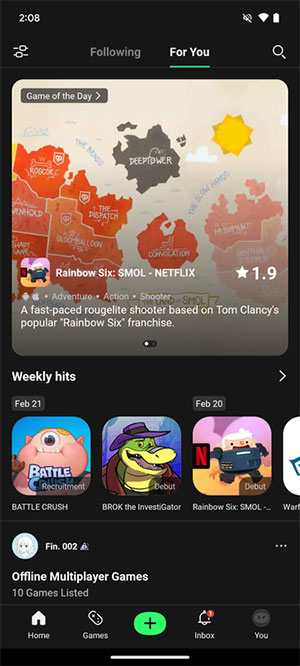
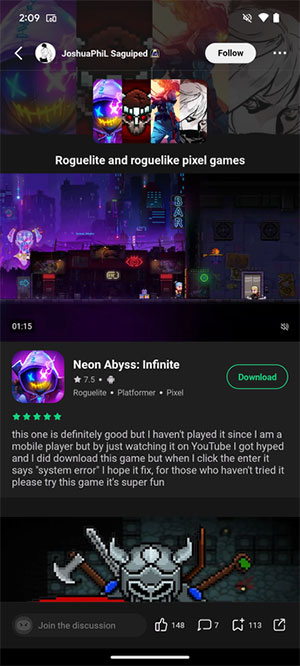
A Play Store edition of the TapTap client may direct downloads back to Google Play, while an edition obtained from TapTap may support direct packages. Verify the source before installation.
Itch.io: independent Android games
Itch.io hosts independent games for several platforms, including Android. Many creators distribute APK files directly through their project pages, so there may be no centralized Android client handling updates.
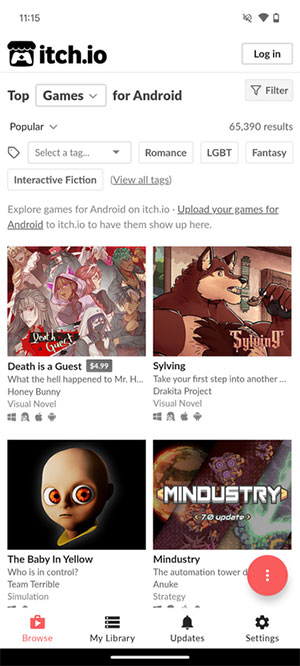
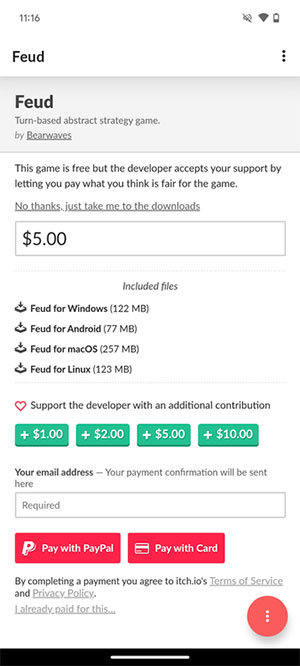
Review the creator's page, update history, permissions, and community feedback. Back up game saves before replacing a manually installed build.
Obtainium: updates directly from project release pages
Obtainium is an open-source update manager, not a conventional app store. You add a project's release source—such as its developer-controlled repository—and Obtainium watches for new versions. This reduces reliance on a central catalog but makes source selection the user's responsibility.
Use only a URL confirmed by the developer. A convincing imitation repository can still deliver a malicious package.
Amazon Appstore now applies to Fire devices
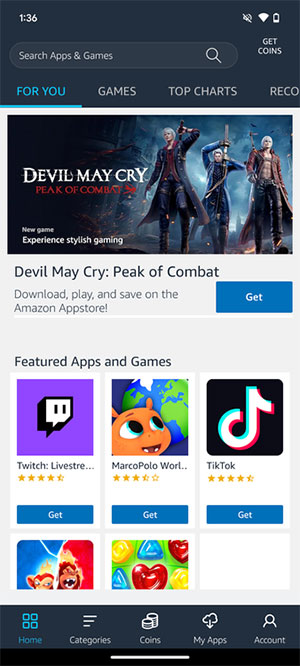
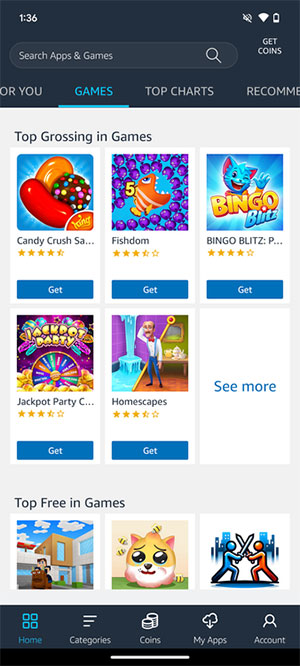
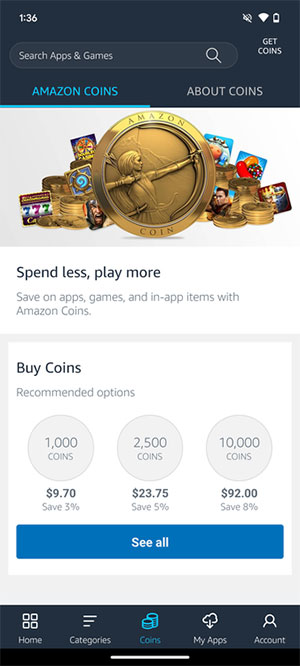
Amazon discontinued support for the Amazon Appstore on general Android mobile devices in August 2025. It continues on compatible Fire tablets and Fire TV devices, so it remains relevant inside Amazon's ecosystem but should no longer be presented as a current Play Store replacement for an ordinary Android phone.
How to sideload an Android app more safely
- Start from the app developer's official website and follow its published download link.
- Check the package name, release date, required Android version, and signing or checksum information when provided.
- Download only the format you know how to install; avoid repacked “mod” or unlocked APKs.
- Allow unknown-app installation only for the browser, file manager, or store you are using.
- Review requested permissions before opening the app.
- Disable the unknown-app permission again when the installation is complete.
- Keep the app updated from the same trusted signing source.
Do not install an APK that asks you to disable device security, accessibility protections, or Play Protect as a condition of use. Also avoid duplicate listings of paid apps offered for free. For most people, Google Play remains the simplest default; an alternative is most useful when it solves a specific need such as open-source software, direct developer releases, or access on a device without Google services.
Related Articles
 The Top Google Play Store Alternatives: Expert Selection Guide11 minutes read
 8 Top Alternatives to Google Play Store to Download Android Apps: Top Picks and8 minutes read
 7 Best Android Apps Are Not Available on Google Play Store7 minutes read
 How to Add a Device to the Google Play App Store: Practical Guide8 minutes read
 How to Identify and Avoid Fake Android Apps in Play Store13 minutes read
 5 Alternatives to Google Play Store Can Be Installed on Android5 minutes read
Reader Comments 0
Sign in with email or Google to join the discussion.