Table of Contents
Google renamed NotebookLM to Gemini Notebook in July 2026. Several features that users once requested—mobile apps, PowerPoint support, better source organization, and richer source tools—now exist. Other gaps, especially top-level notebook folders and a built-in transcript for generated Audio Overviews, are not documented as complete features.
This article revisits four common requests and separates what is available now from what still needs improvement. Google is rolling out features across personal, Workspace, and paid plans, so an option may not appear on every account immediately.
1. Better organization: partly addressed
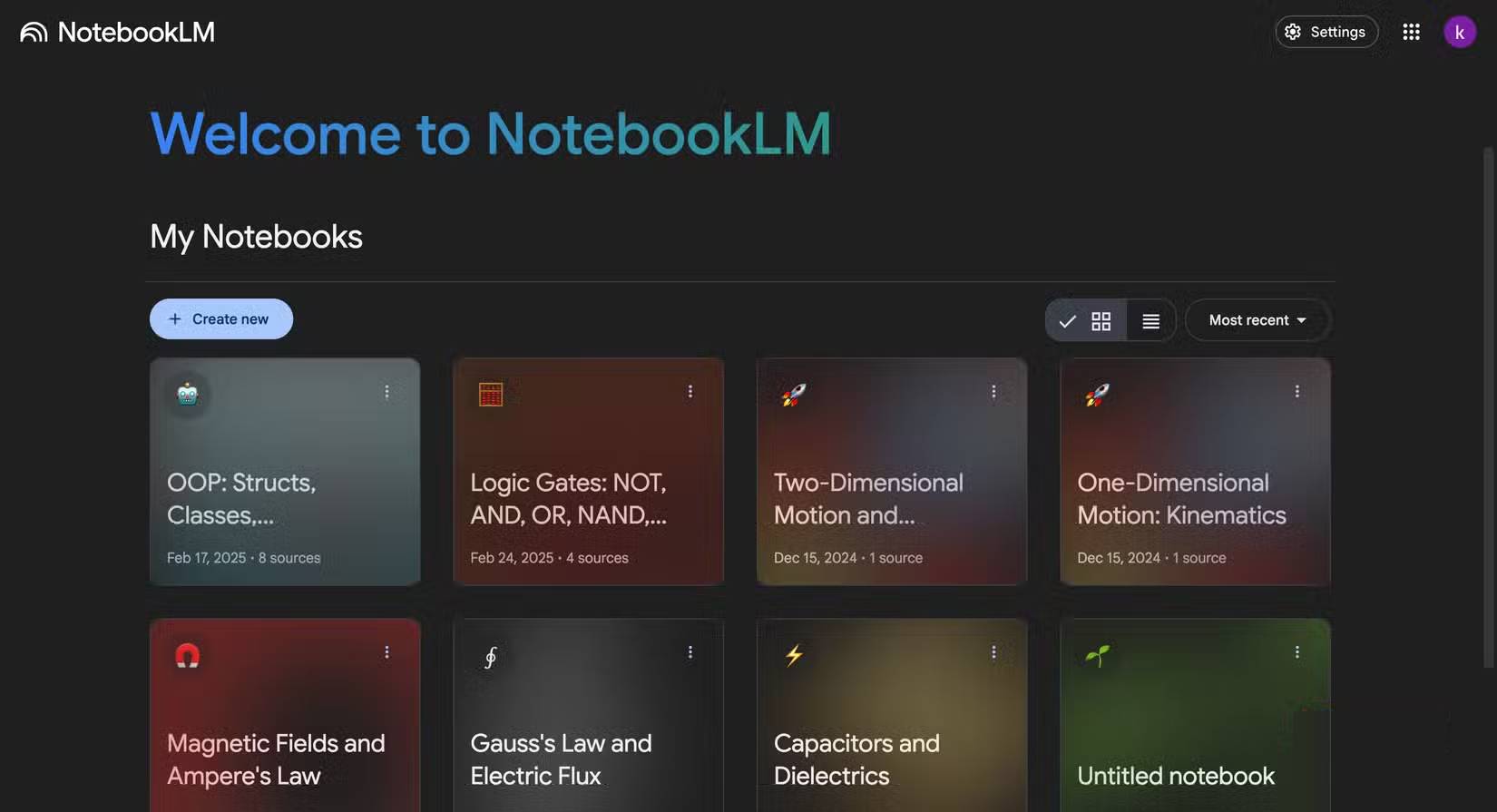
Individual notebooks remain the main project boundary. Inside a notebook, source management has improved: when a notebook contains at least five sources, Gemini Notebook can automatically label and sort those sources by topic. Users can also create, rename, and delete labels and move sources between them.
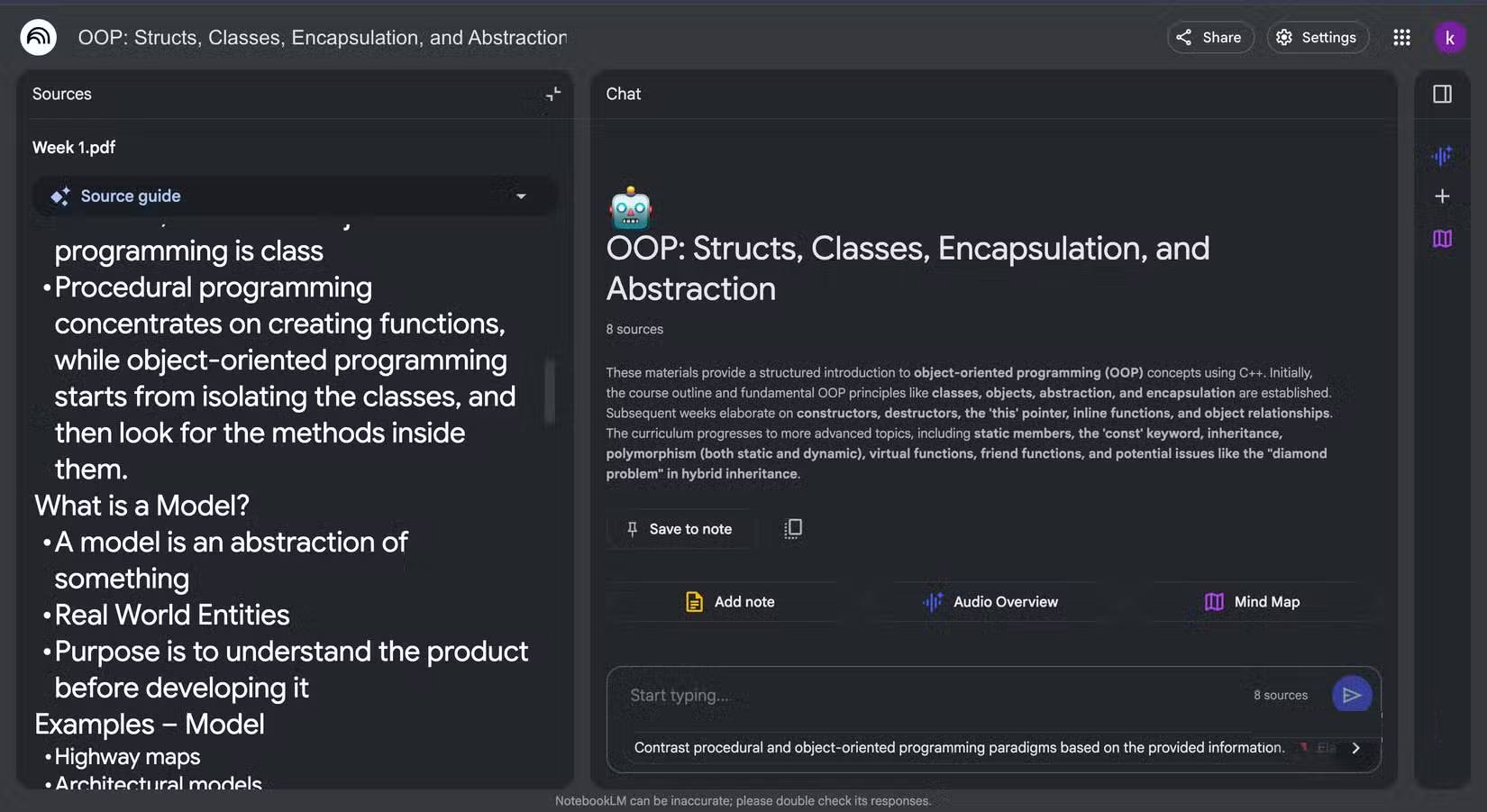
This helps with a large research collection, but it is not the same as a documented system of folders and nested subfolders for the notebook library itself. A student who wants Semester → Course → Assignment organization may still need a naming convention.
Practical naming system
2026-FALL — BIO201 — Cell metabolism
2026-FALL — BIO201 — Exam 1 review
2026-FALL — HIST110 — Primary sources
CLIENT-ACME — Discovery — Interviews
CLIENT-ACME — Delivery — Approved research
Put the stable grouping first so alphabetical search keeps related notebooks together. Add an owner or status only when it improves retrieval. Do not put confidential names in titles if notebook metadata is visible to a broader workspace audience.
2. View and import original source formats: substantially improved
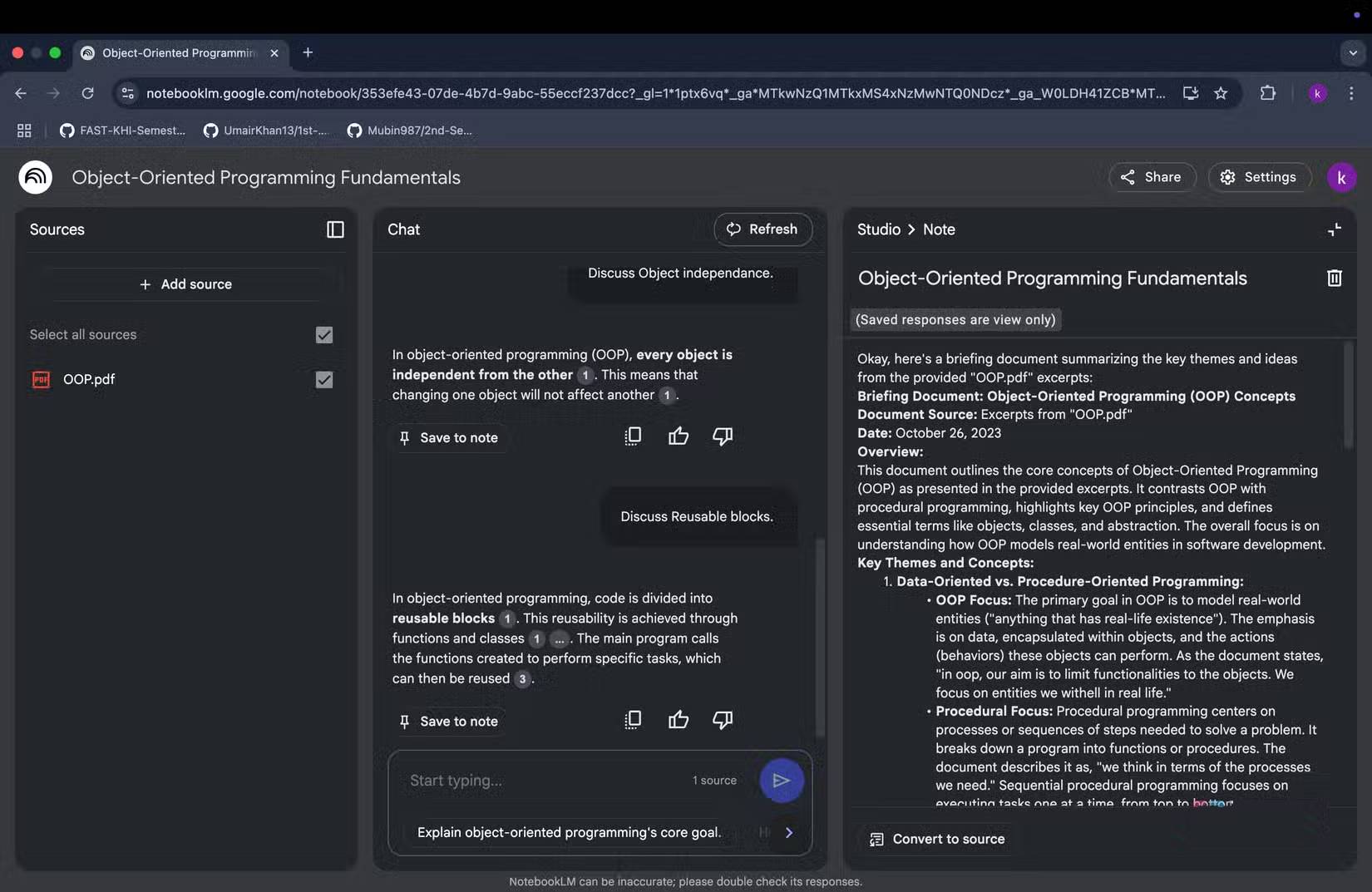
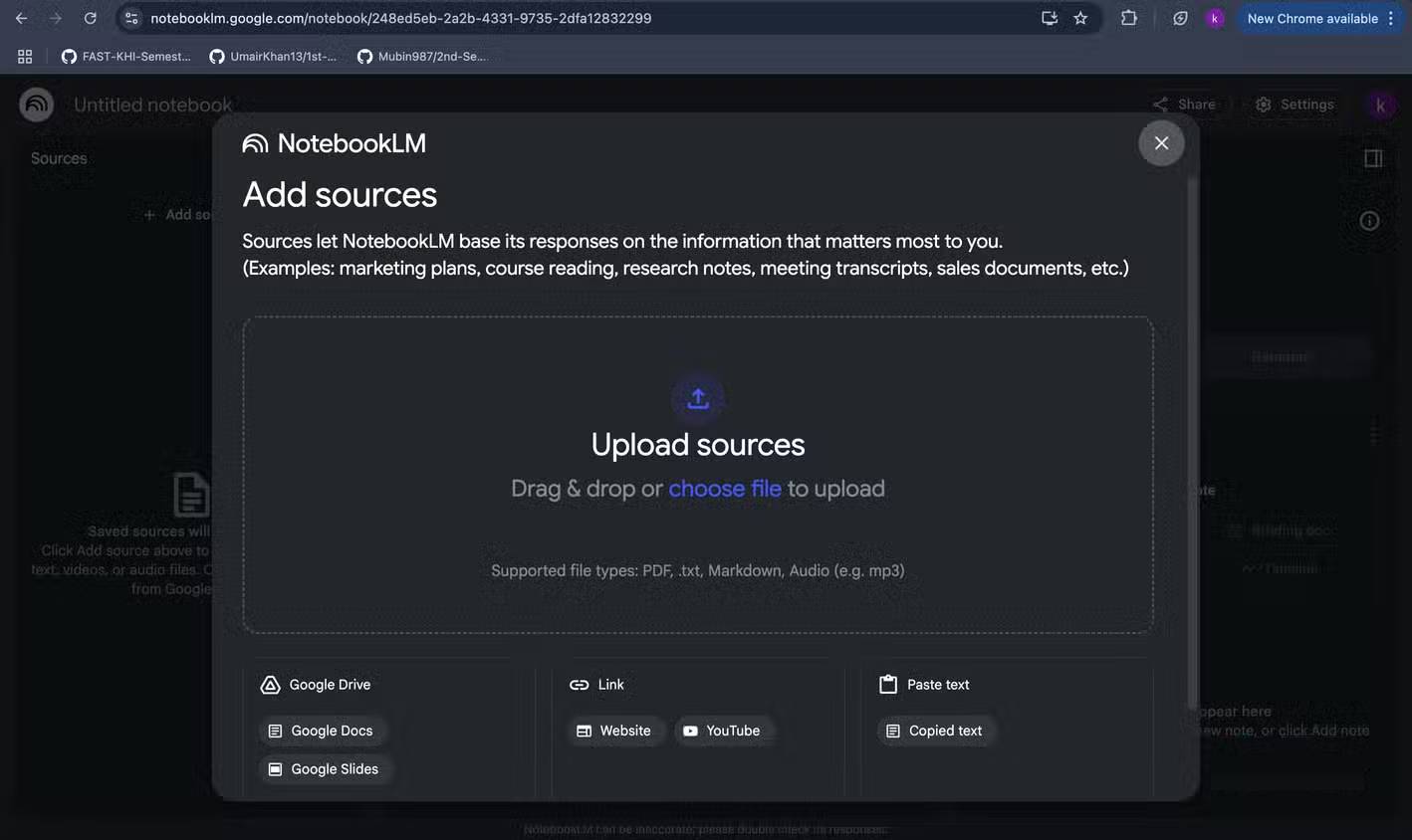
Gemini Notebook includes a source viewer and source guide, and users can open the original file or page where the source provides a link. The in-product viewer may normalize or extract content so the display can differ from the original formatting. That distinction matters for diagrams, page layout, footnotes, comments, equations, and code indentation.
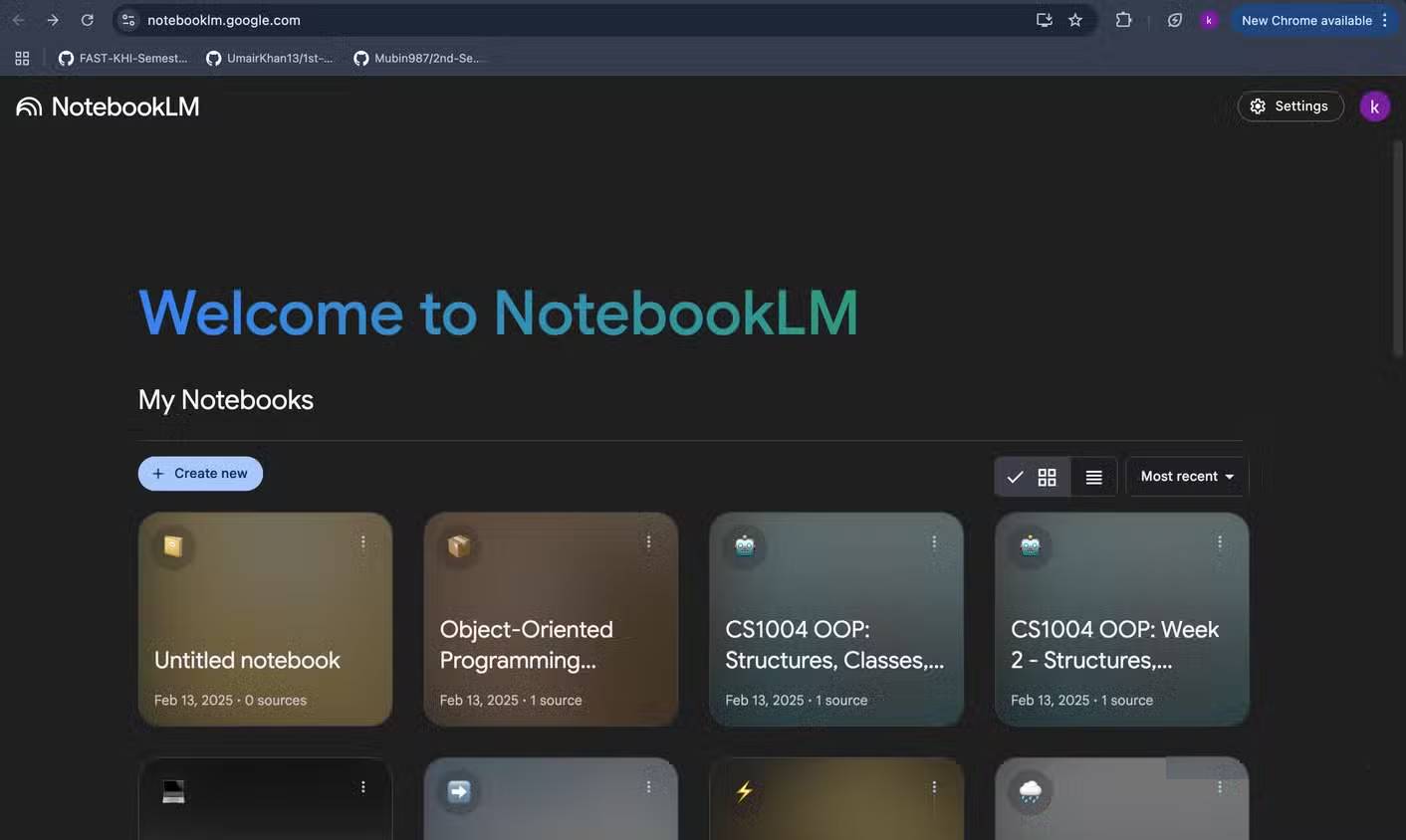
The supported source list is now much broader. Current Google documentation includes:
- PDF, TXT, Markdown, EPUB, CSV, DOCX, and PPTX files;
- Google Docs, Slides, and Sheets;
- image files;
- local audio files;
- web URLs and public YouTube videos with captions;
- copied text and supported Gemini conversations.
PowerPoint files no longer need to be converted to PDF merely because PPTX is unsupported. However, imports still have limits. Google files may omit comments and footnotes, web URLs import text rather than every embedded element, and YouTube sources use the available transcript rather than the video imagery.
Best practice for visual material
Keep the original slide deck, PDF, spreadsheet, or image open when visual evidence matters. Use Gemini Notebook to locate and discuss the relevant source, then verify charts, code, equations, and page context in the original file. A citation to extracted text does not prove that the model interpreted a diagram correctly.
3. A dedicated mobile app: delivered
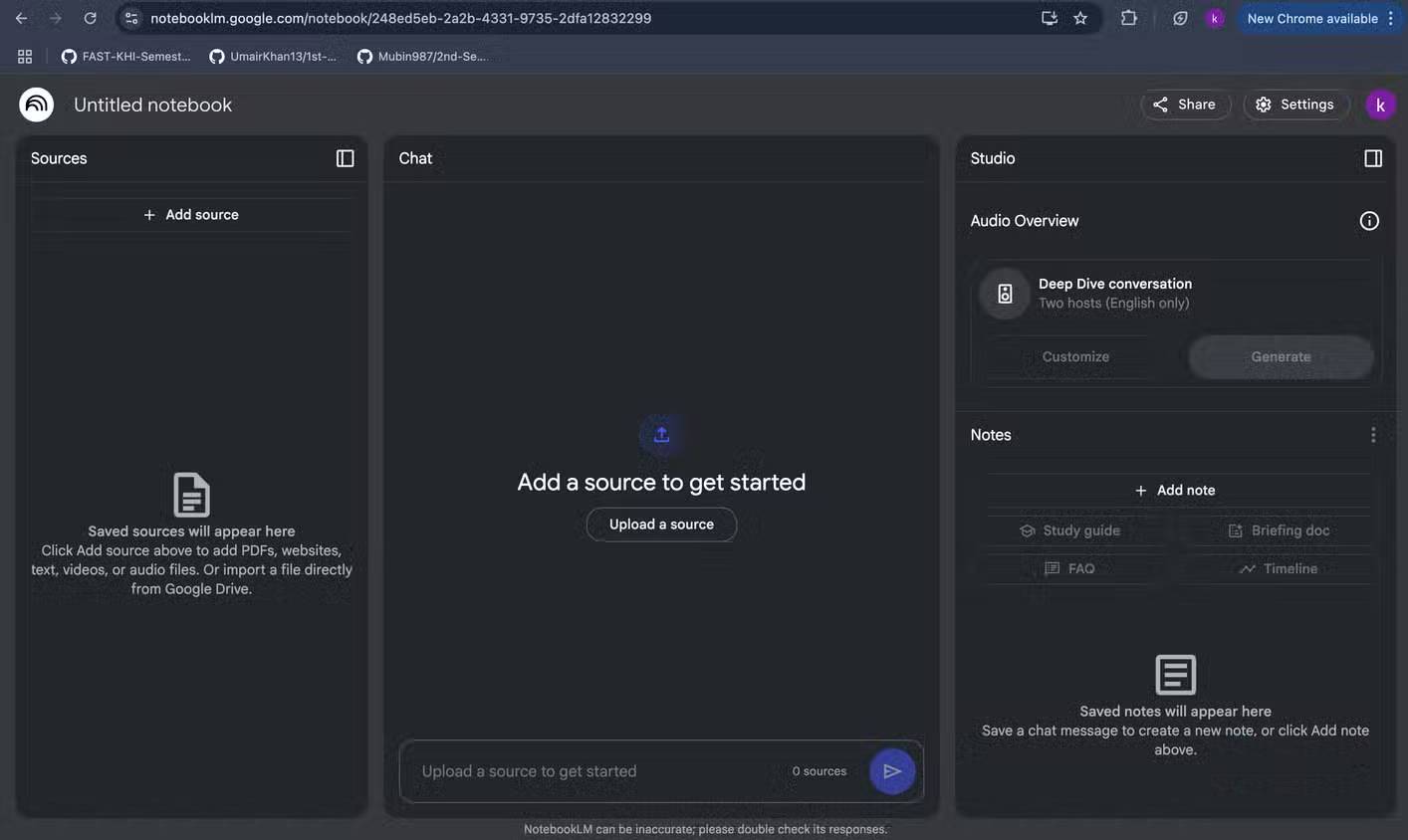
Google released official NotebookLM apps for Android and iOS in May 2025. The mobile experience supports core notebook work, sharing a website, PDF, or YouTube video into a notebook, and listening to downloaded Audio Overviews offline and in the background.
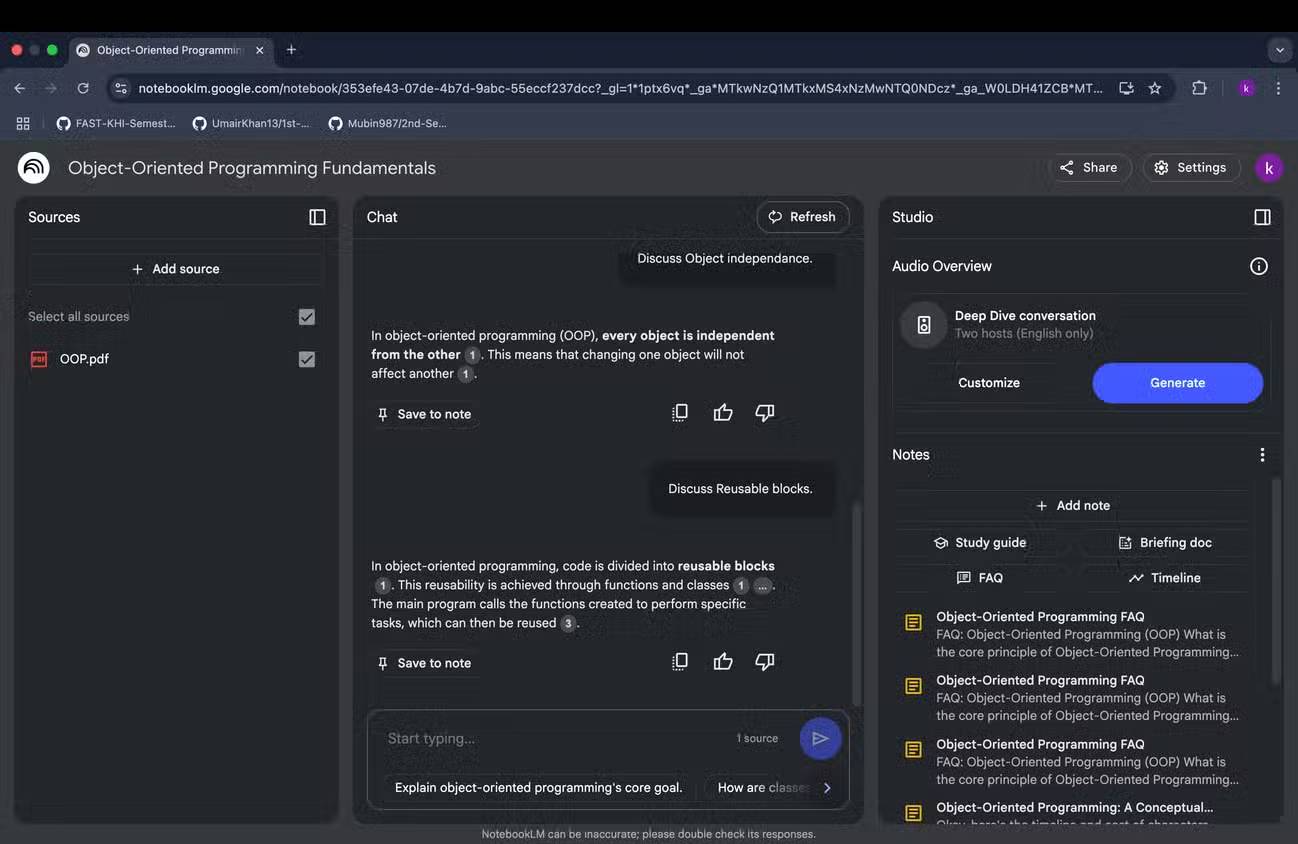
The app has continued to add features such as flashcards, quizzes, source selection, and improved chat. Google also says notebooks now sync between the standalone Gemini Notebook experience and notebooks inside the Gemini app.
Mobile and desktop are not always identical. Deep Research, complex source management, sharing controls, or newly launched outputs may arrive at different times. Use a desktop browser for the initial setup of a large notebook, then use mobile for reading, asking questions, study practice, and audio playback.
See Google's mobile app announcement for the original offline-audio and share-sheet capabilities.
4. A transcript for generated Audio Overviews: still a gap
Audio Overviews now offer several formats—including Deep Dive, Brief, Critique, and Debate—plus language, length, and focus controls. Users can change playback speed, download or share audio, and interact with the hosts in supported English sessions.
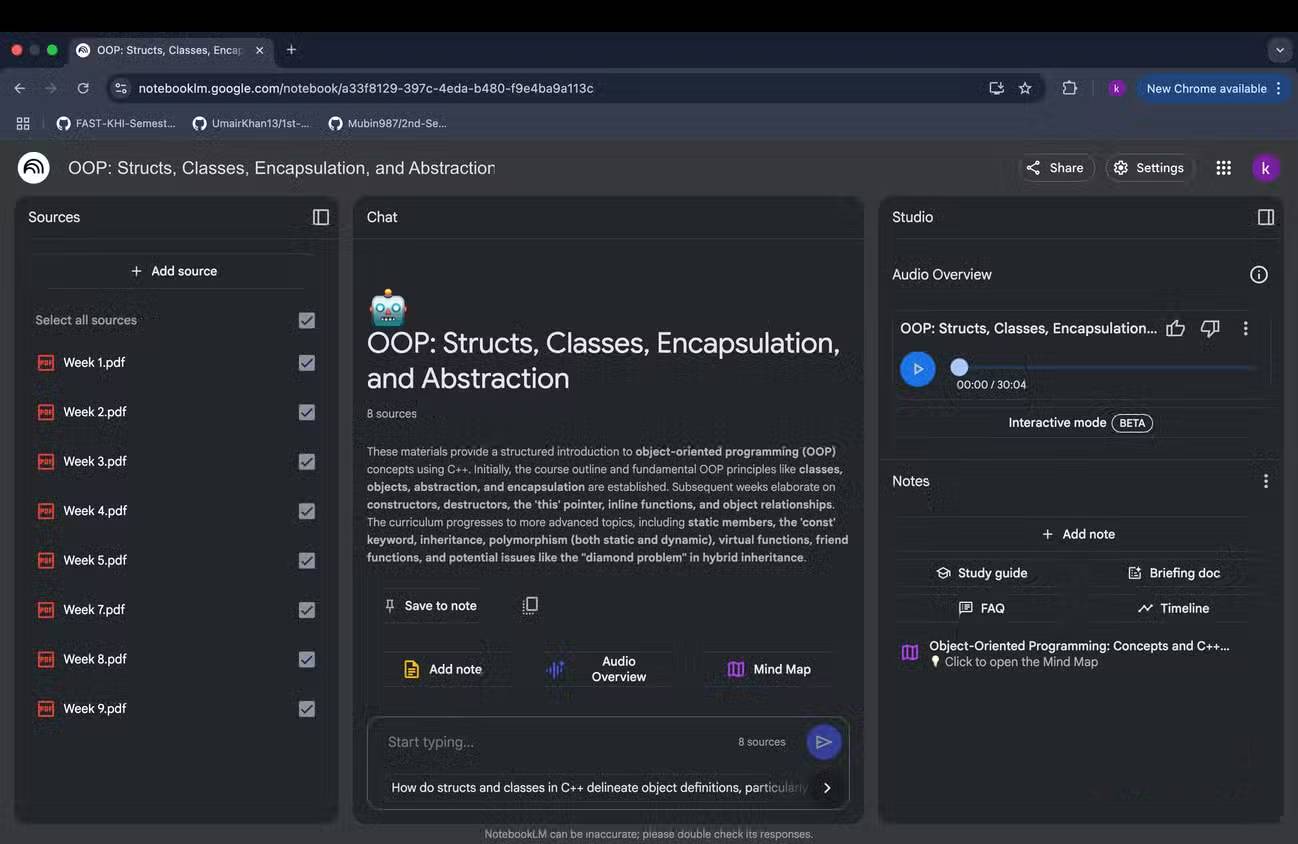
Google's current Audio Overview help page does not document a synchronized, searchable transcript for the generated conversation. Users can continue browsing sources, citations, and relevant quotes while audio plays, but that is not a word-for-word transcript.
Workaround: transcribe the downloaded audio
- Open the Audio Overview's menu and download the audio file.
- Create a separate notebook or add the file as a local audio source where appropriate.
- Gemini Notebook transcribes imported audio and stores the text as a source.
- Compare important names, numbers, and claims with the original source documents.
This produces a machine transcript of an AI-generated summary, not an authoritative version of the source. Errors can occur in both the Audio Overview and transcription. Keep the generated audio separate from primary research sources so it does not become circular evidence for future answers.
Google's current Audio Overview guide lists the supported formats and controls.
Other major changes since the original requests
| Feature | Current role |
|---|---|
| Video Overviews | Creates narrated visual summaries that can incorporate source images, quotes, and diagrams |
| Flashcards and quizzes | Supports active recall with customizable topic and difficulty |
| Learning Guide | Uses probing questions and step-by-step explanations |
| Deep Research | Finds web sources and creates a report that can be imported into the notebook |
| Public and featured notebooks | Allows supported personal accounts to share or explore curated notebooks |
| Source labels | Groups five or more sources automatically or manually by topic |
| Code execution | Rolling out through a secure cloud computer on eligible plans for data analysis |
What Google should improve next
- Notebook-library folders: top-level folders, nested groups, tags, archive status, and bulk actions.
- Native Audio Overview transcripts: synchronized text with speaker labels, search, and links back to supporting source passages.
- Clear source fidelity indicators: show when visual, comment, footnote, or formatting information was omitted during import.
- Mobile parity: make limits and unavailable desktop-only features visible before a user starts a task.
- Artifact provenance: distinguish primary sources, imported research reports, and AI-generated outputs so summaries do not cite summaries.
Accuracy still requires source checks
Gemini Notebook is designed to ground answers in selected sources, but that does not mean it never makes mistakes. Audio and Video Overviews are AI-generated, can omit context, and may contain inaccuracies. Citations help users inspect the evidence; they do not remove the need to read the relevant passage or original visual.
Google's Gemini Notebook announcement explains the 2026 rename and new ecosystem direction. The product has addressed many early requests, but organization across large notebook libraries and direct Audio Overview transcripts remain meaningful usability opportunities.
Related Articles
 NotebookLM's New Features Will Amaze You8 minutes read
 The 3 Biggest Updates for NotebookLM7 minutes read
 How to Study with NotebookLM Audio and Video Overviews7 minutes read
 NotebookLM's Latest Feature Allows Creating Videos from Notes5 minutes read
 Why Auto-Label Is an Indispensable Feature in NotebookLM Research8 minutes read
 Temporary Solutions When NotebookLM Fails to Export Files Correctly8 minutes read
Reader Comments 0
Sign in with email or Google to join the discussion.