Table of Contents
“Free AI tool” can mean a permanent basic plan, a small recurring quota, or a one-time trial. The distinction matters: limits change frequently, and some of the most capable features require payment even when the product is advertised as free. The tools below all offer a useful way to start without paying, but check the current plan page before committing your workflow.
Quick comparison
| Tool | Best for | Free access |
|---|---|---|
| Gemini image generation | Generating and editing images | Limited free use; dynamic limits |
| ChatGPT Images | Conversational image creation and edits | Limited on the Free plan |
| Seedream | High-resolution image generation and editing | Demo or trial access varies by platform |
| Meta AI | Casual image generation and remixing | Free where available |
| Perplexity | Web research with links | Ongoing Standard plan |
| Consensus | Searching research literature | Ongoing plan with limited advanced searches |
| Sudowrite | Fiction brainstorming and revision | Free trial only |
| Rytr | Short marketing and business copy | Ongoing monthly allowance |
| Semantic Scholar | Finding academic papers | Free |
| Gemini Notebook | Studying your own sources | Ongoing standard access |
| ThetaWise | Step-by-step math tutoring | Limited free plan |
| AskCodi | AI-assisted software development | Seven-day trial |
| Kickresume | Building a basic resume | Free templates; AI varies by plan |
AI image tools
1. Gemini image generation
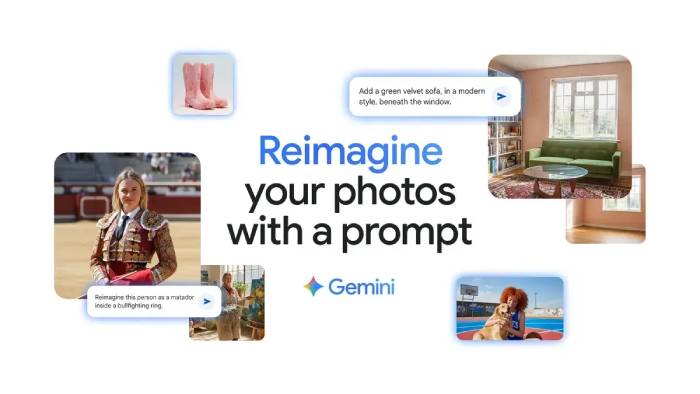
Google's Gemini apps can generate and edit images with models in the Nano Banana family. They are useful for changing backgrounds, combining references, creating illustrations, and iterating through conversational instructions. Free users receive limited access; there is no permanent unlimited quota, and the available model can change after a limit is reached.
Try it when: you want to upload a reference image and refine the result through follow-up prompts. Inspect faces, text, logos, and small details before publishing.
2. ChatGPT Images
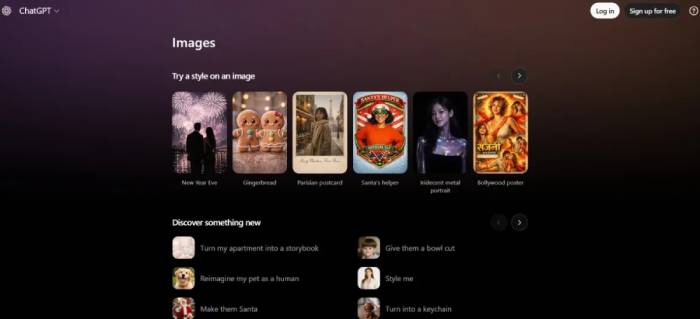
ChatGPT's current image system can create a new image or edit an upload from natural-language instructions. The Free plan includes image creation with limits that are shown in the product and can vary with demand. OpenAI is retiring the separate official DALL·E GPT on August 30, 2026; image creation continues through ChatGPT Images.
Try it when: a design needs several conversational revisions or legible short text. Do not assume generated text, product details, or real people are accurate.
3. Seedream
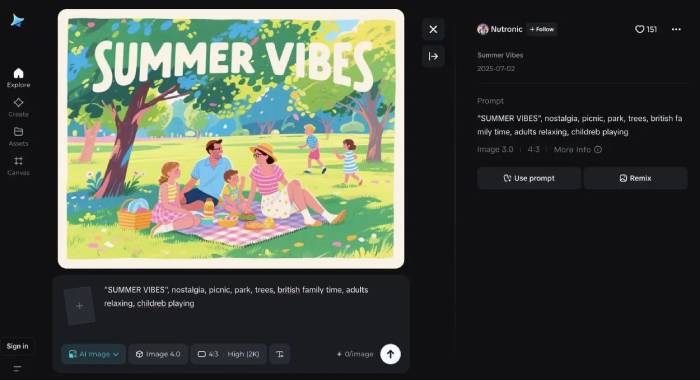
Seedream is ByteDance's image-generation and editing model family. Current versions support reference-based editing and high-resolution output, but access is provided through ByteDance demos, APIs, and third-party products with different quotas. It is better described as free to try than universally free.
Try it when: you need reference consistency, poster-style compositions, or high-resolution experiments. Confirm the host service's pricing and commercial-use terms.
4. Meta AI
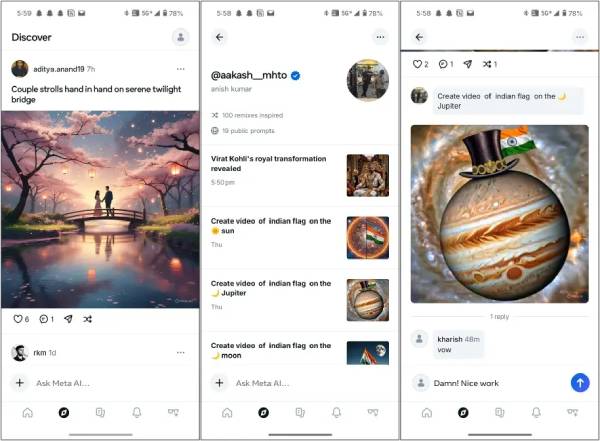
Meta AI offers free image generation and editing in supported countries. You can begin with text, upload a photo, combine references, or describe changes. Availability and limits differ by region and account.
Try it when: you want quick social graphics, invitations, memes, or exploratory edits. Review sharing and community settings before uploading a private photo.
Research and writing tools
5. Perplexity
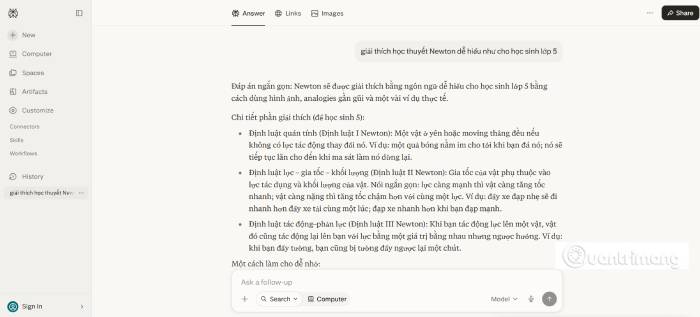
Perplexity's Standard plan provides practically unlimited basic searches, a small allowance of Pro searches, search history, and limited file uploads. Answers include source links, but a citation does not guarantee that the cited page supports every sentence.
Use it well: open the cited pages, prefer primary sources, and check dates. Free and paid consumer accounts have AI data retention enabled by default; the training-related control is available under account preferences.
6. Consensus
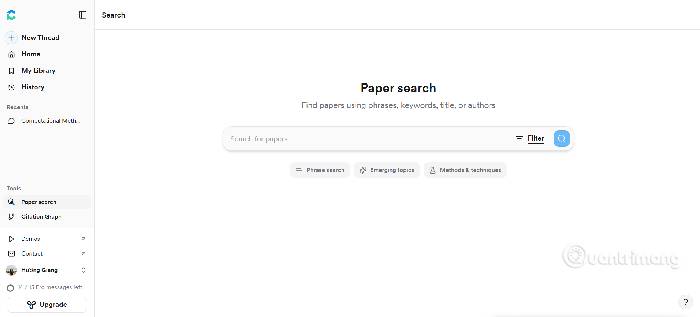
Consensus searches a large index of peer-reviewed research and summarizes relevant findings. The free plan supports regular searching and limited access to deeper analysis. Features such as the Consensus Meter are useful for orientation, not a substitute for reading methods, sample characteristics, limitations, and the full paper.
Try it when: you have a focused research question. Use the publication filters and verify whether the evidence is causal, observational, recent, and applicable to your population.
7. Sudowrite
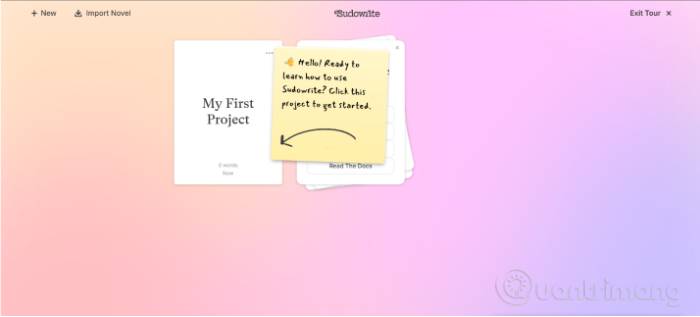
Sudowrite is designed for fiction, with tools for brainstorming, expanding scenes, describing sensory details, and revising prose. It offers a no-card free trial, not a permanent free plan; continued use requires a subscription.
Try it when: you want to test plot or scene alternatives. Keep your own voice and check the service terms before uploading an unpublished manuscript.
8. Rytr
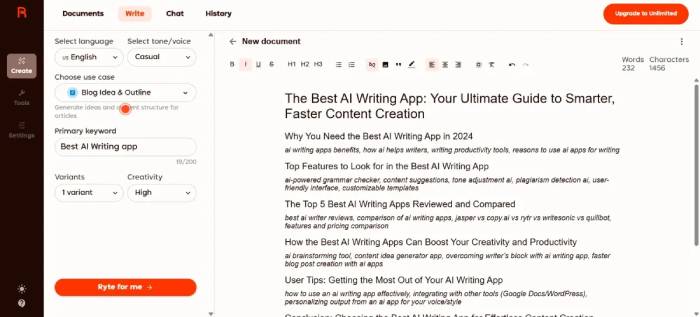
Rytr's ongoing Free plan includes up to 10,000 generated characters per month and templates for emails, descriptions, social posts, and other short copy. Custom tone matching and higher-volume features are restricted by plan.
Try it when: you need a first draft of short, repetitive material. Check claims and rewrite the result; generic AI copy is not automatically accurate, original, or search-friendly.
9. Semantic Scholar
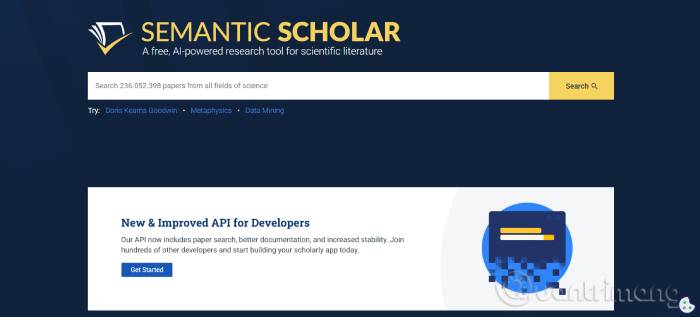
Semantic Scholar is a free AI-assisted search and discovery service from Ai2. It indexes more than 200 million academic papers and supports paper search, citations, reading lists, and related-work discovery.
Try it when: you know the topic, author, or seed paper and want to follow citations. Access to a record does not mean the full text is free, and AI-generated paper summaries can omit important caveats.
Study, coding, and career tools
10. Gemini Notebook (formerly NotebookLM)
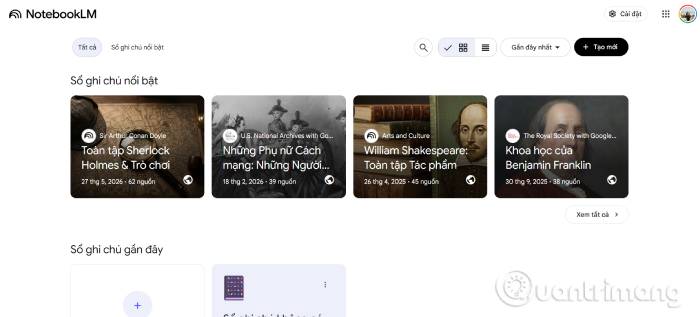
Google renamed NotebookLM to Gemini Notebook in July 2026. It answers questions from sources you provide—such as PDFs, websites, videos, and notes—and shows inline citations. It can also generate study guides, flashcards, quizzes, reports, and audio or video overviews, subject to account limits.
Try it when: you need to compare a defined reading set rather than search the whole web. Generated overviews reflect the uploaded sources and can reproduce their omissions or errors.
11. ThetaWise
ThetaWise provides a free plan for math questions, step-by-step solutions, tutor-style hints, quizzes, and selected video lessons. The paid plan removes message limits and unlocks additional tools.
Try it when: you want an explanation after attempting a problem yourself. Verify symbolic steps and numerical results, especially for proofs, unusual notation, and advanced coursework.
12. AskCodi
AskCodi has evolved into a desktop AI engineering product that can map a project, plan tasks, and use specialist agents. Its current offer is a seven-day free trial followed by a paid annual plan, and model access may be billed separately or supplied through your own provider.
Try it when: you want to evaluate repository-aware assistance. Review every diff, run tests, and never let generated code handle secrets or production changes without human inspection.
13. Kickresume
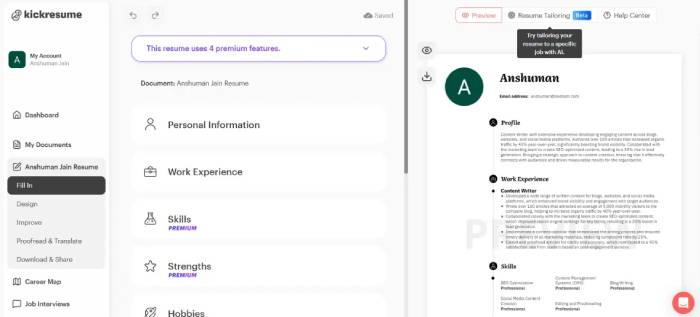
Kickresume's Free plan includes basic resume and cover-letter templates, a basic personal website, and unlimited downloads using free options. Advanced templates, its AI Writer, resume checks, and other AI features are generally Premium. Verified students and teachers may qualify for temporary free Premium access.
Try it when: you need a clean starting layout. Replace generated phrases with specific, truthful achievements; never invent employers, skills, dates, or metrics.
How to choose a free AI tool
- Check what “free” means: recurring quota, temporary trial, credits, or a restricted model.
- Match the tool to the source: use research databases for papers and source-grounded notebooks for your own documents.
- Review data controls: avoid uploading confidential work, student records, unpublished research, or identifiable client data without approval.
- Verify output: open citations, run generated code, recalculate math, and proofread public-facing text.
- Plan for limits: do not build an essential workflow around a free quota that can change without notice.
For most users, a small stack is more effective than one “best” tool: a sourced search tool for discovery, Gemini Notebook for a fixed set of materials, an image generator for visuals, and a specialist tutor or coding assistant only when the task calls for it.
Related Articles
 10 Quality Free AI Tools You Might Not Know About8 minutes read
 Top 5 Free Web Conferencing Tools7 minutes read
 The Top Free Tools for SEO People from Google6 minutes read
 Information: 6 Free Security Tools Needed5 minutes read
 5 Best Free Tools to Create Infographics5 minutes read
 Why Stop Using Free AI Tools? What to Use Instead?6 minutes read
Reader Comments 0
Sign in with email or Google to join the discussion.